Booking a party
Parents book a party on your website, paying a deposit while their time is held, or you book one for them at the desk. Either way, every room of its package and a host are held, in order, and nothing else can take them.
Online
On your website, each package has its page. A parent picks the day and sees only the starts when every room and a host are free for their children, then how many children are coming.
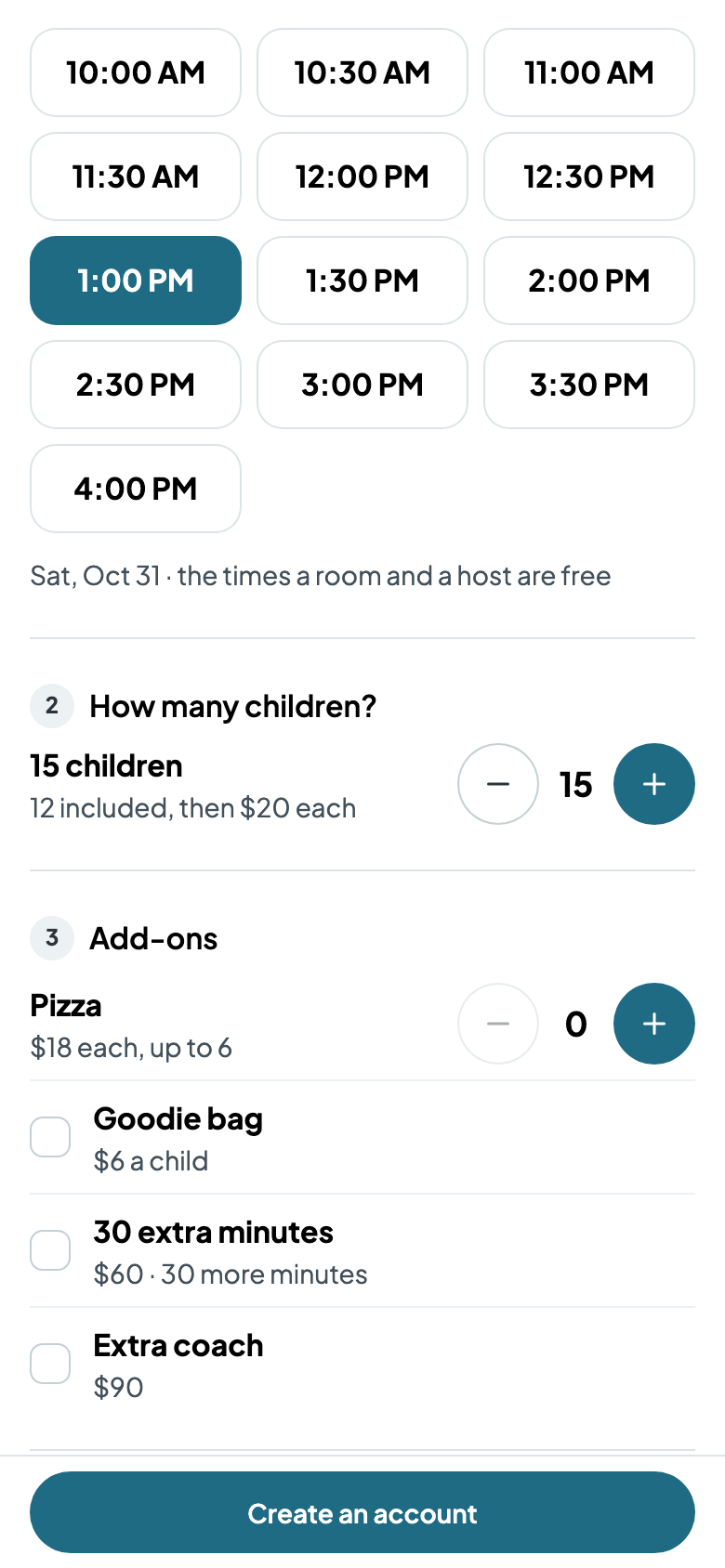
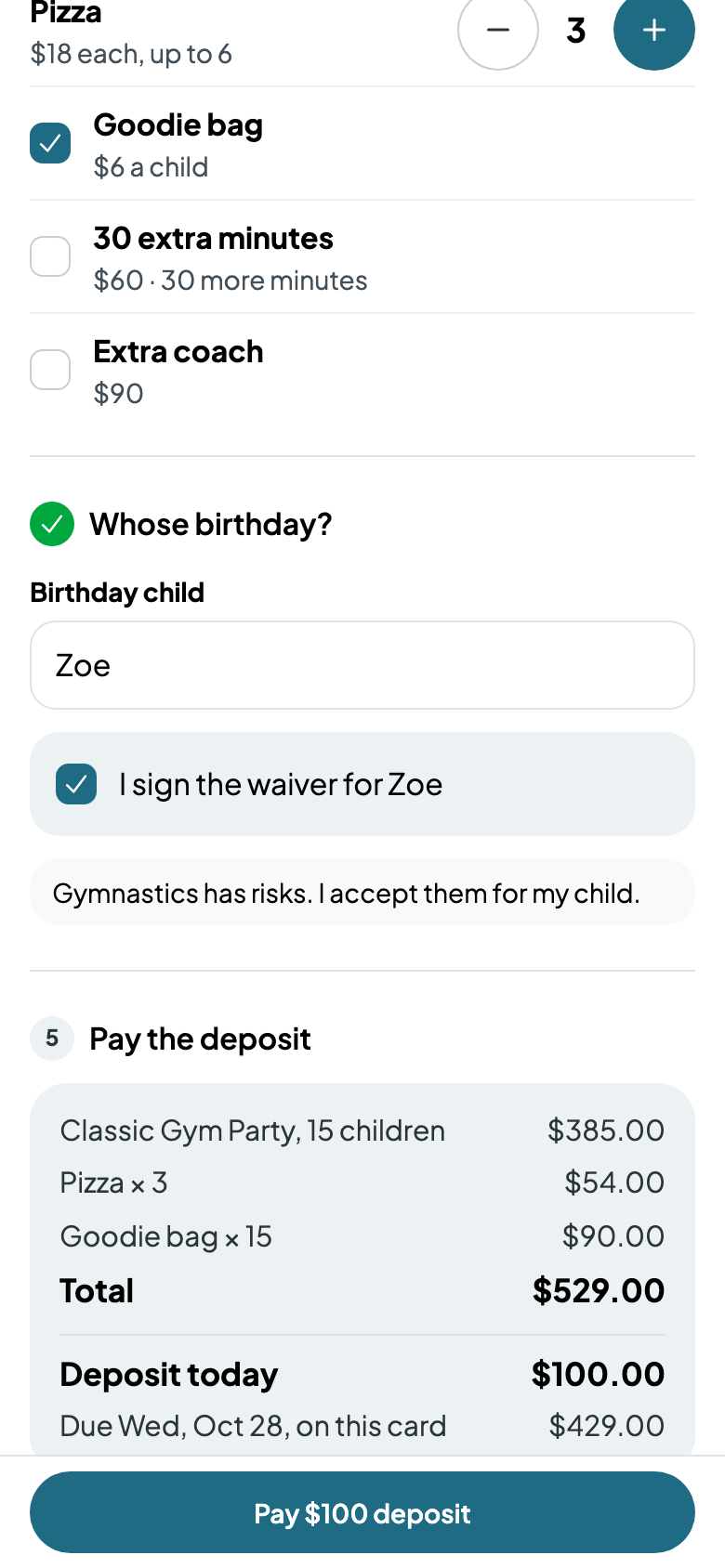
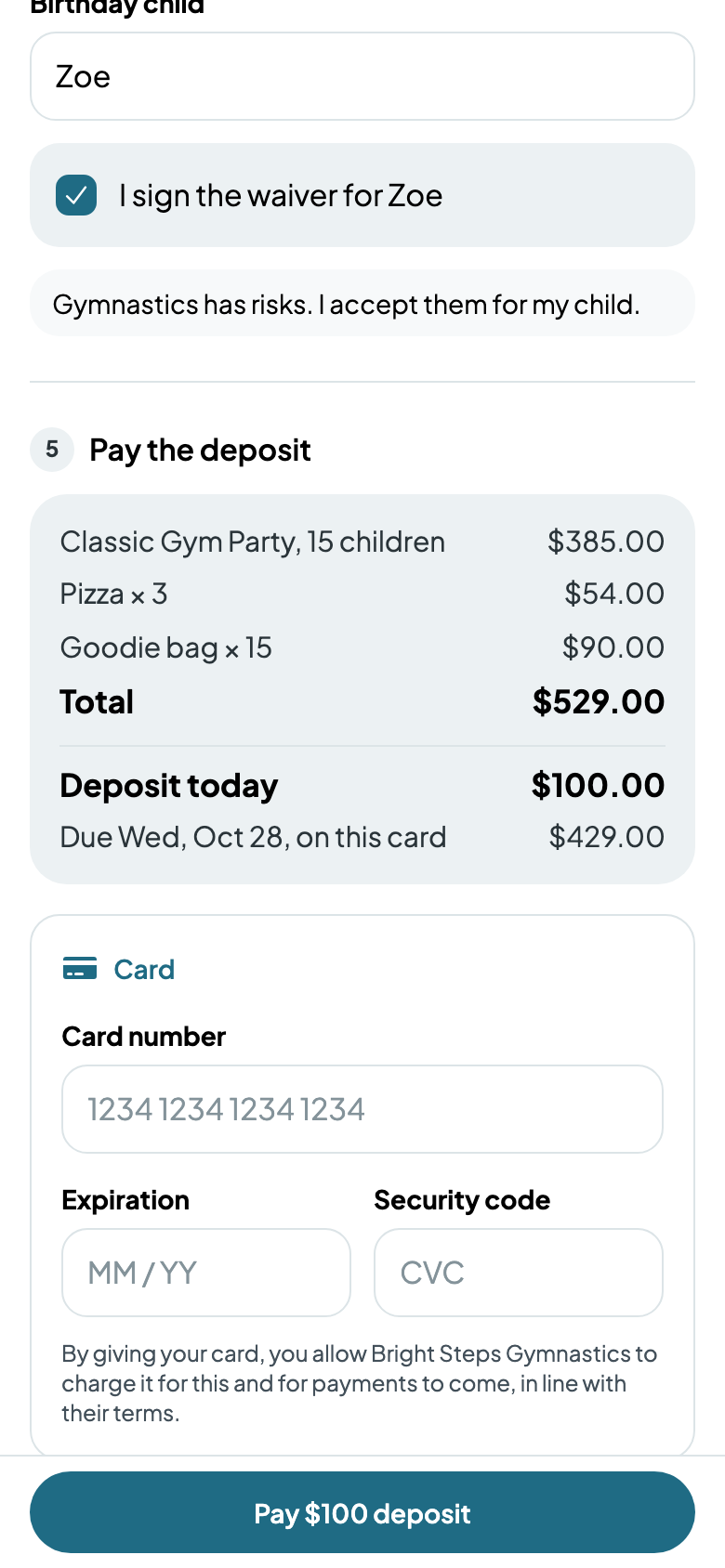
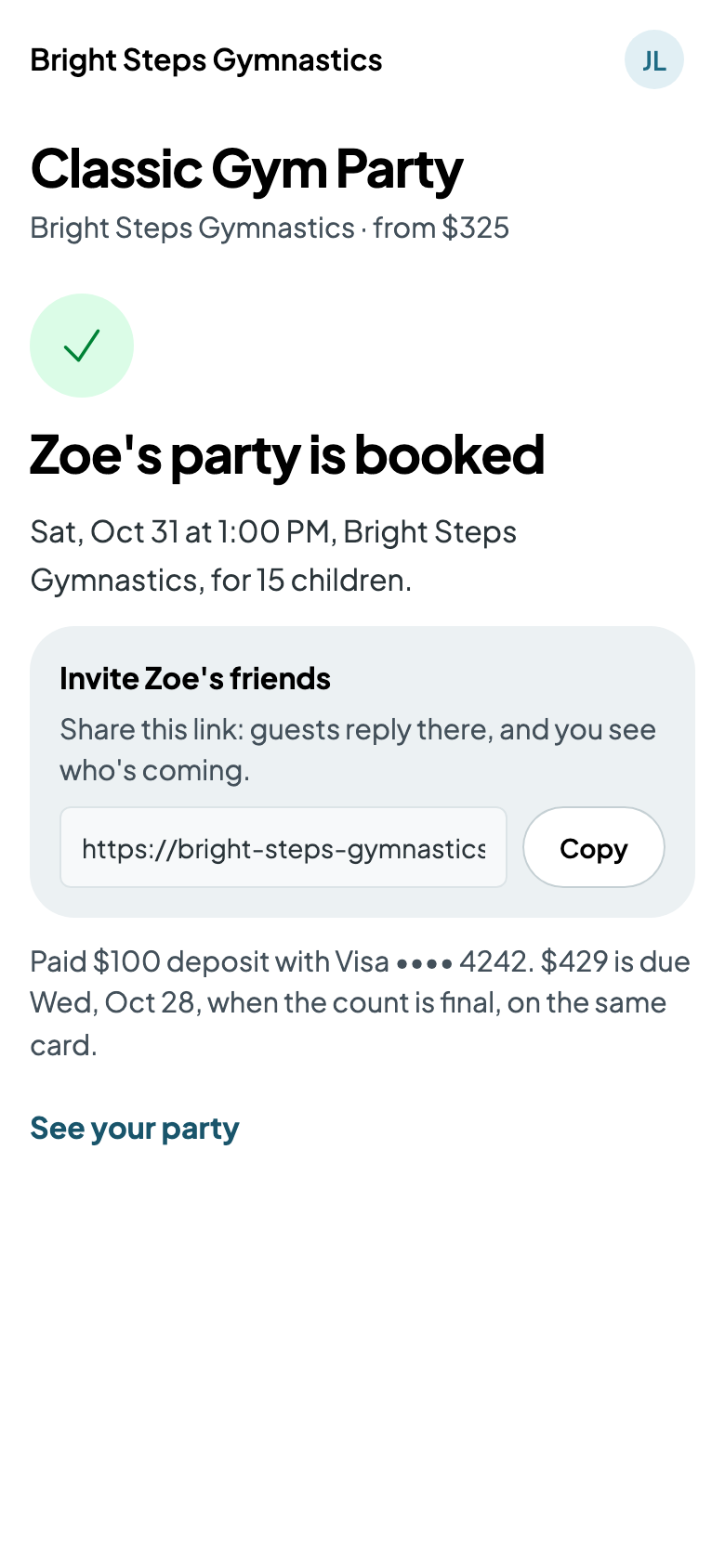
They make an account or sign in, tick their add-ons, say whose birthday it is and sign the waiver if the package asks for one. They pay the deposit while the time is held; the rest is due when the count locks, on the same card. Booked, they get the invitation link to share.
At the desk
- Go to Parties and tap Book a party.
- Choose the package, the date and a start. Another time books a start that isn't offered online.
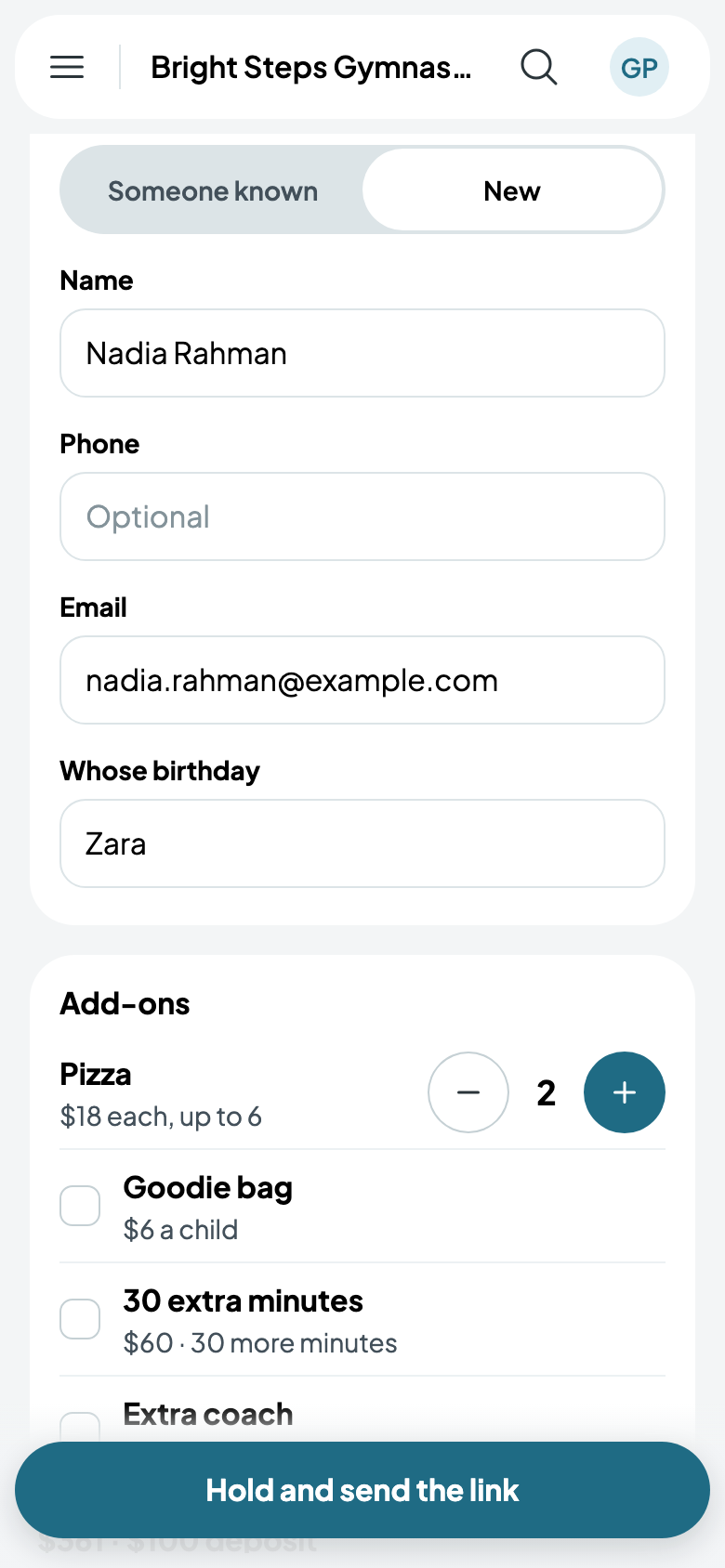
- Find the parent among Someone known, or add someone New, and say whose birthday it is.
- Add their add-ons, and choose how it's paid: a deposit link, named for the parent (Send Nadia a deposit link), held 48 hours until they pay it; Paid at the desk, the deposit or all of it now; or Booked, all due at the lock.
- Tap the button: Hold and send the link.
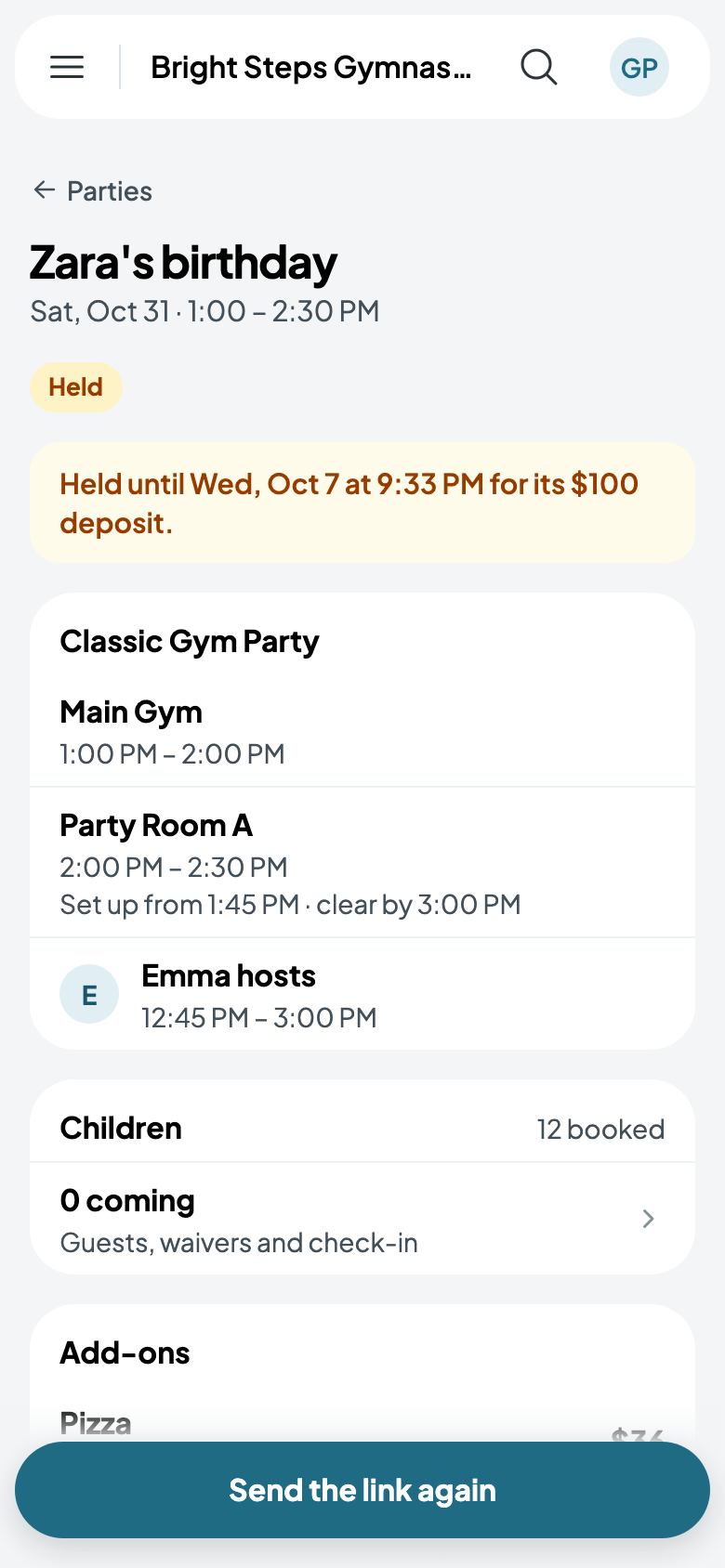
A held party shows when it's held until, and Send the link again if they need it.
Your parties
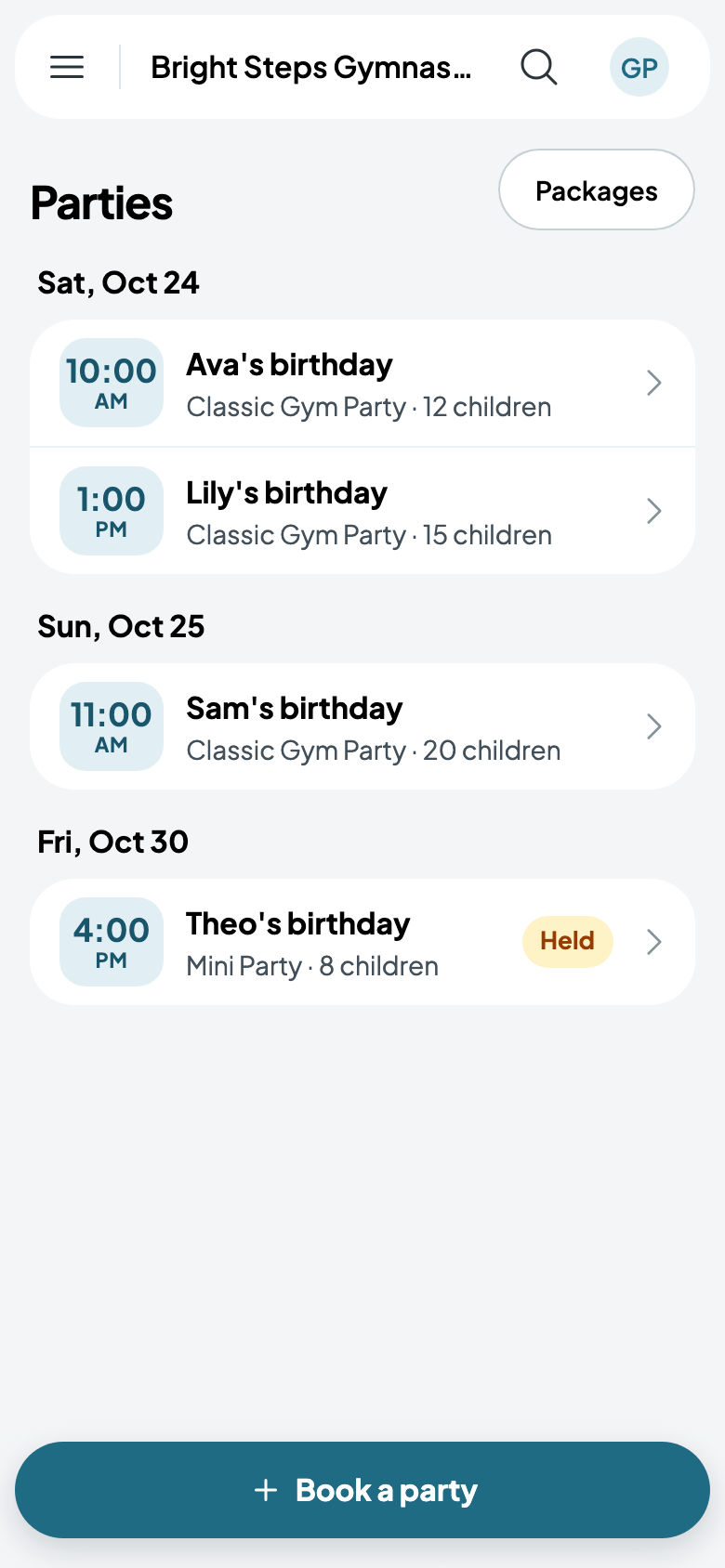
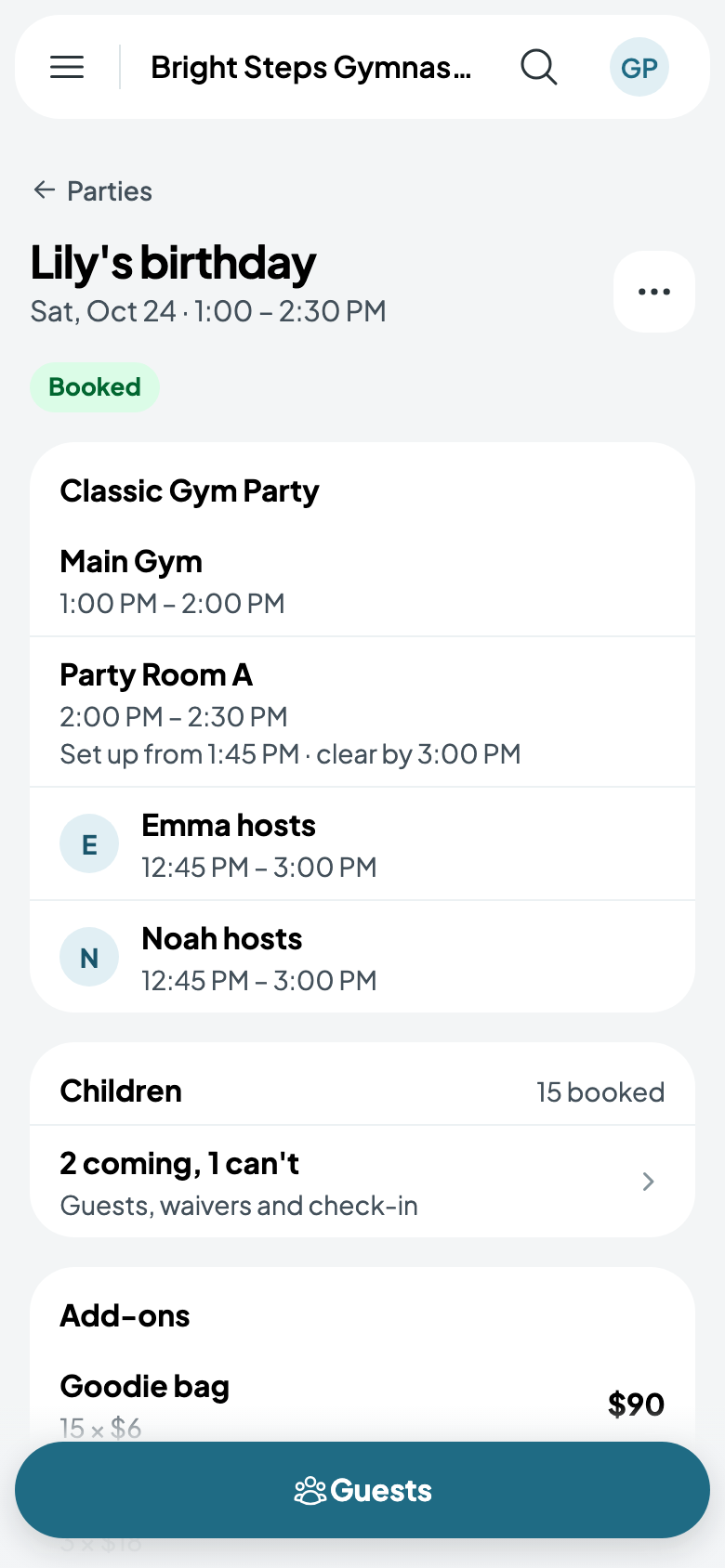
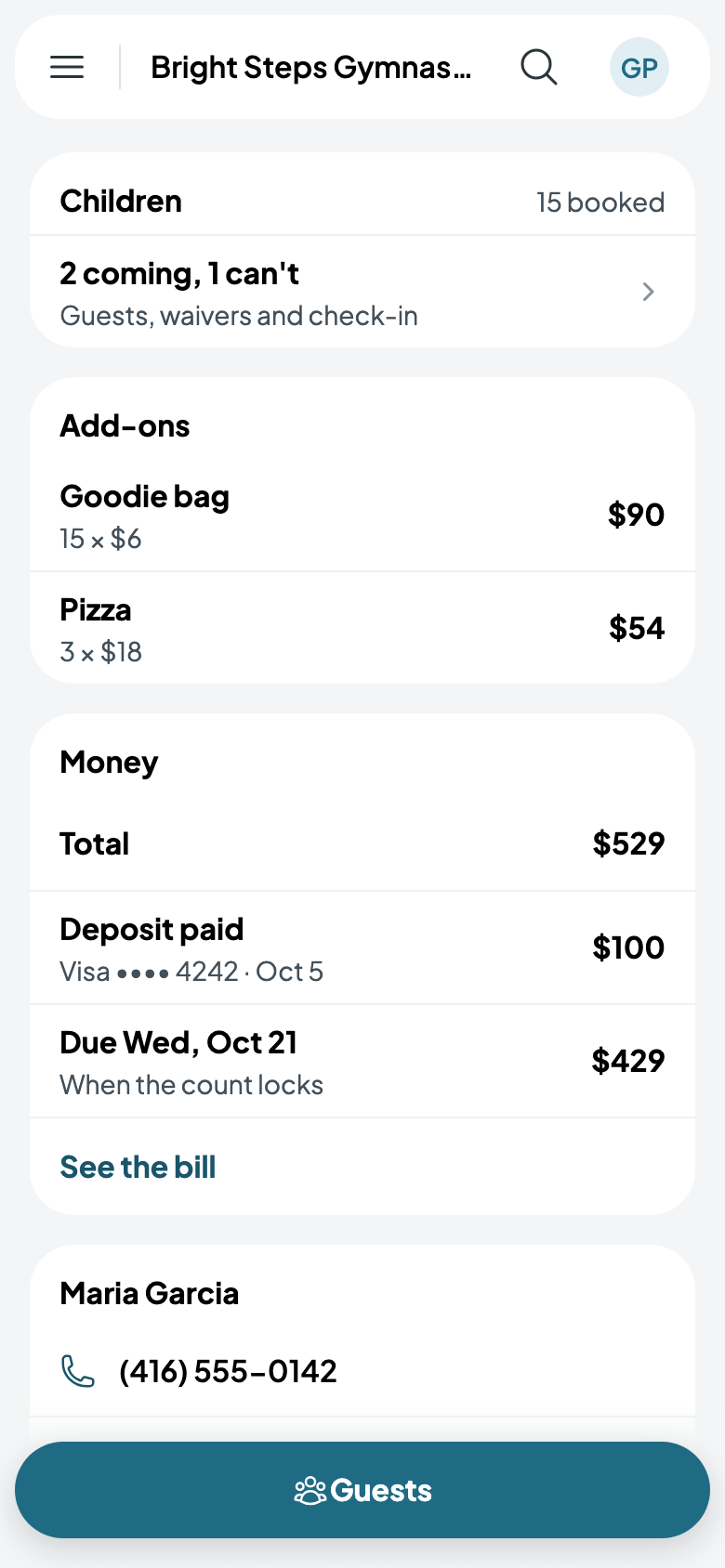
Parties lists what's coming, by day. Tap one for its rooms and times, its hosts, the children and replies, its add-ons and what's paid and due.