Packages and add-ons
A package is what parents book: its rooms in order, how long in each, its price for the children, who hosts, when it's offered, its deposit, and what parents can add.
Make a package
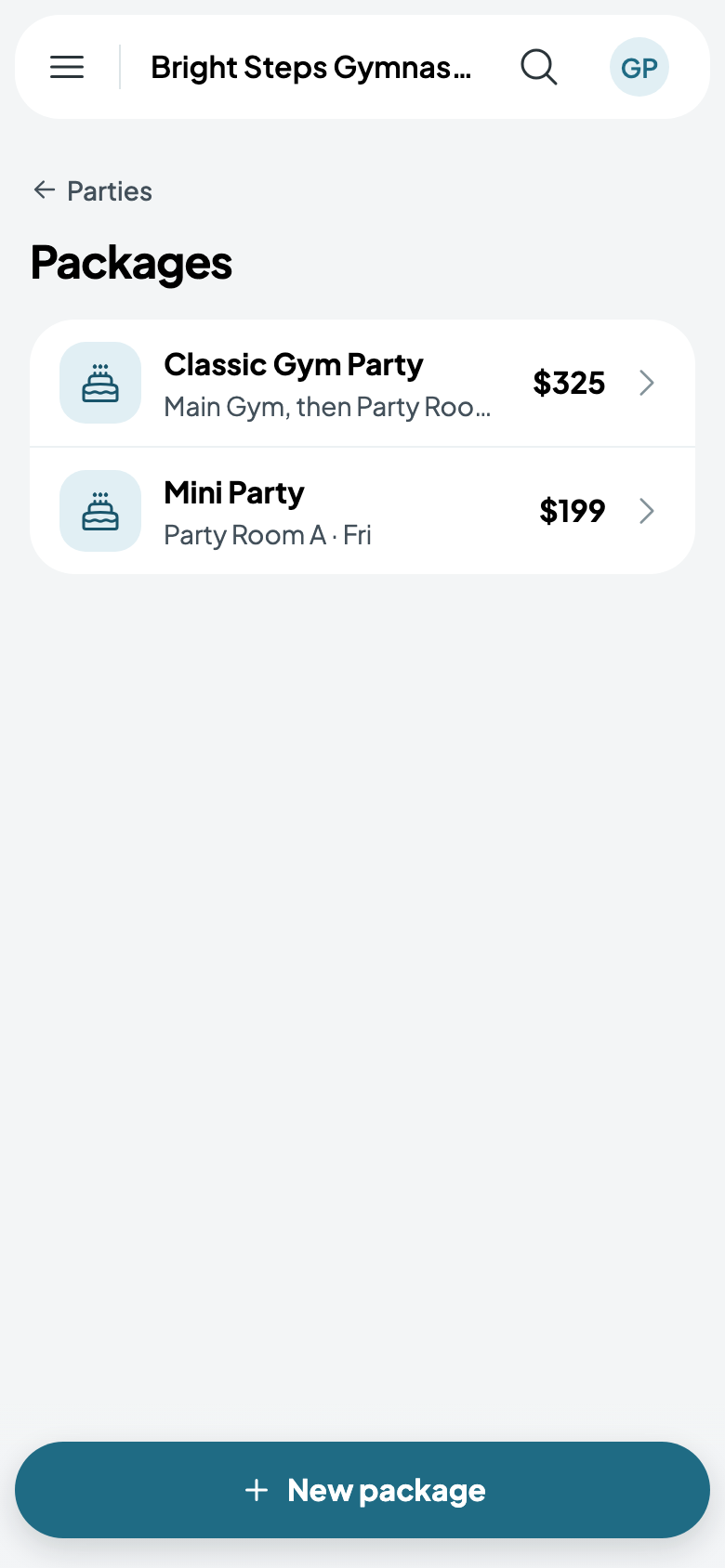
- Go to Parties, then Packages, and tap New package.
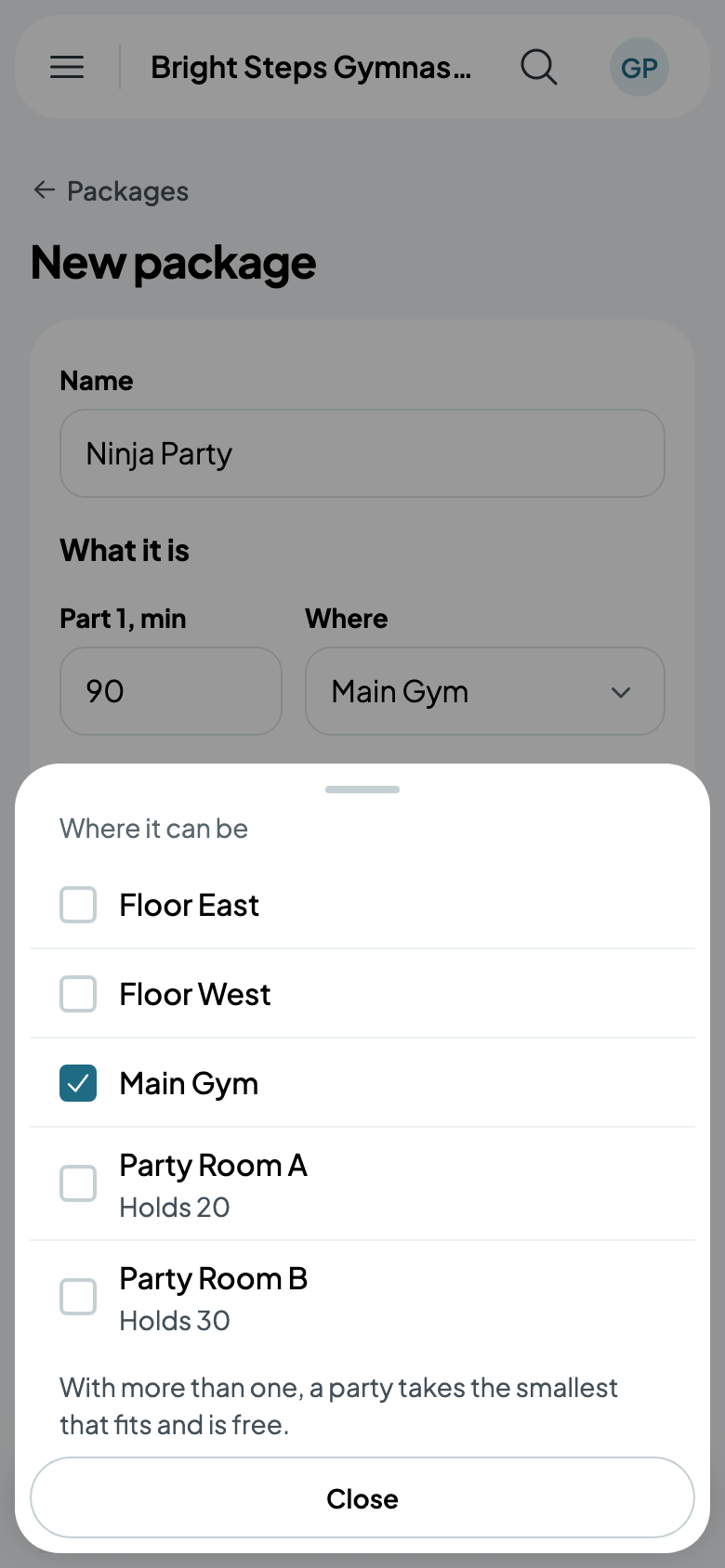
- Name it, then say What it is: each part's minutes and where it happens. 60 minutes in the Main Gym, then 30 in Party Room A or B. Add a part for the next room. A part with more than one room takes the smallest that fits and is free.
- Under Price, the package's price For up to so many children, Each extra child, and At most how many.
- Under Hosts, tick who can host, and One host for every so many children: 15 children with a host for every 12 get two.
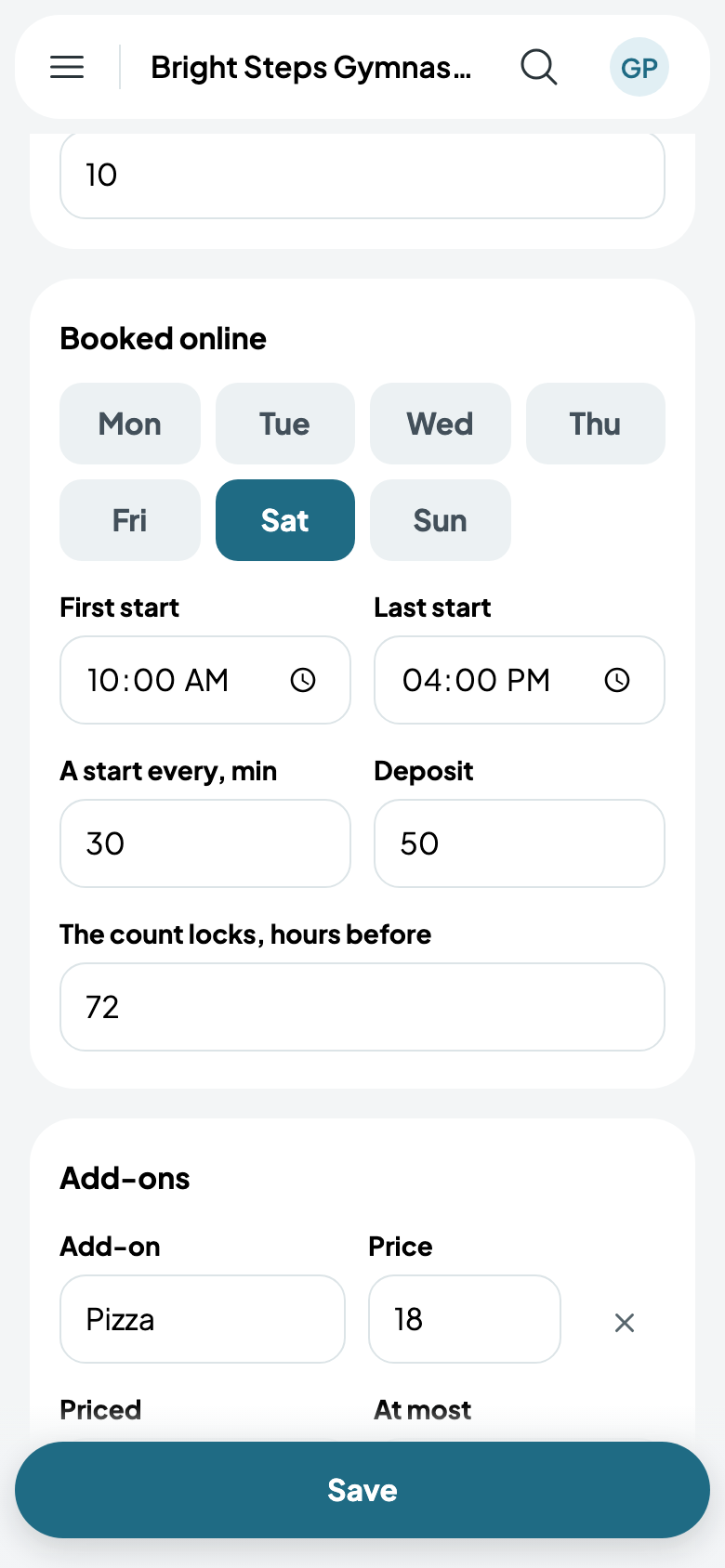
- Under Booked online, its days, its First start and Last start, A start every so many minutes, its Deposit, and when The count locks, in hours before the party.
- Tap Save.
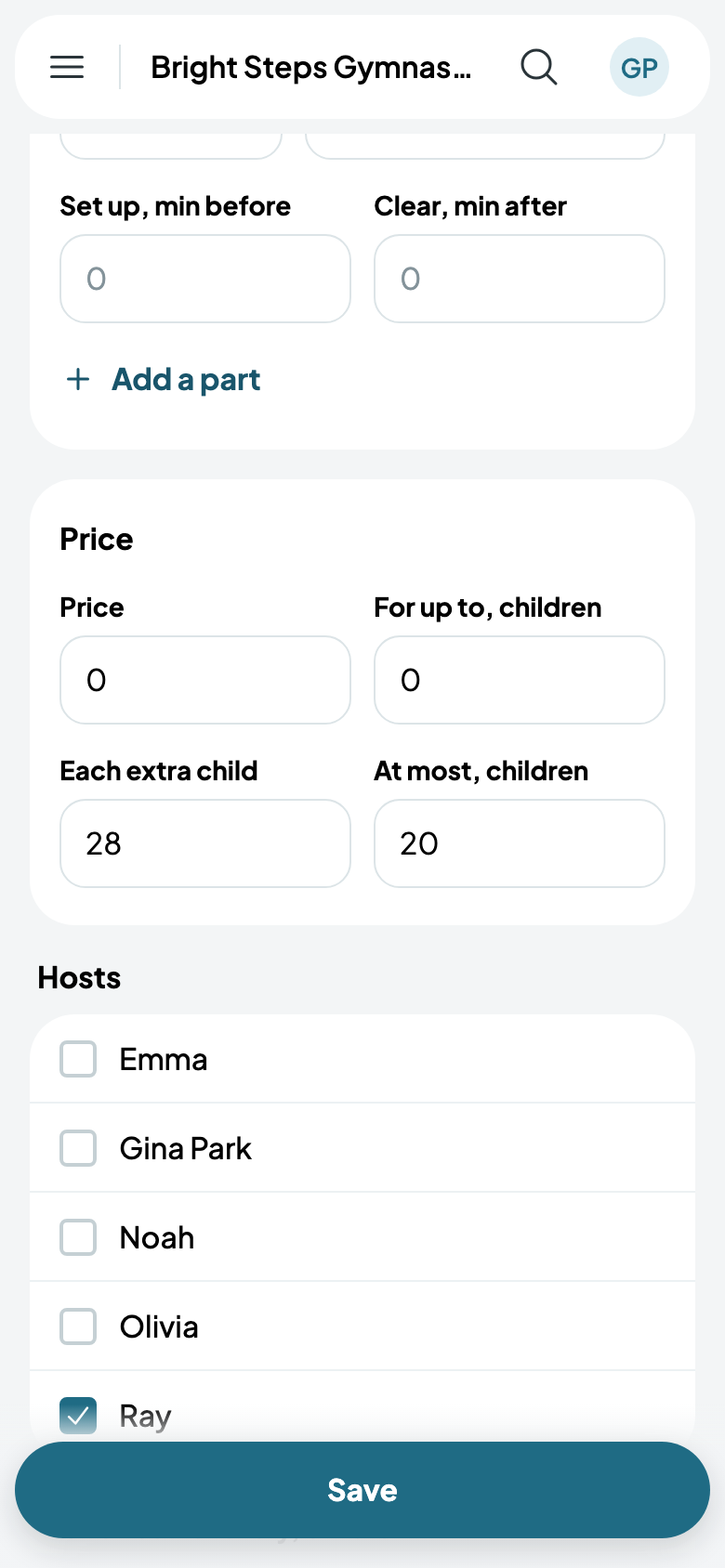
Each part can Set up before and Clear after, in minutes: the room is held for them, and the next party waits for it.
Add-ons
Pizza, goodie bags, more time: Add an add-on, give it a price, and choose how it's Priced:
- Each one, up to At most: Pizza, $18 each, up to 6.
- Each child: Goodie bags, $6 a child, for every child at the party.
- More time: minutes added to one of its parts, held on the calendar.
- Extra staff: someone more, for one of its parts.
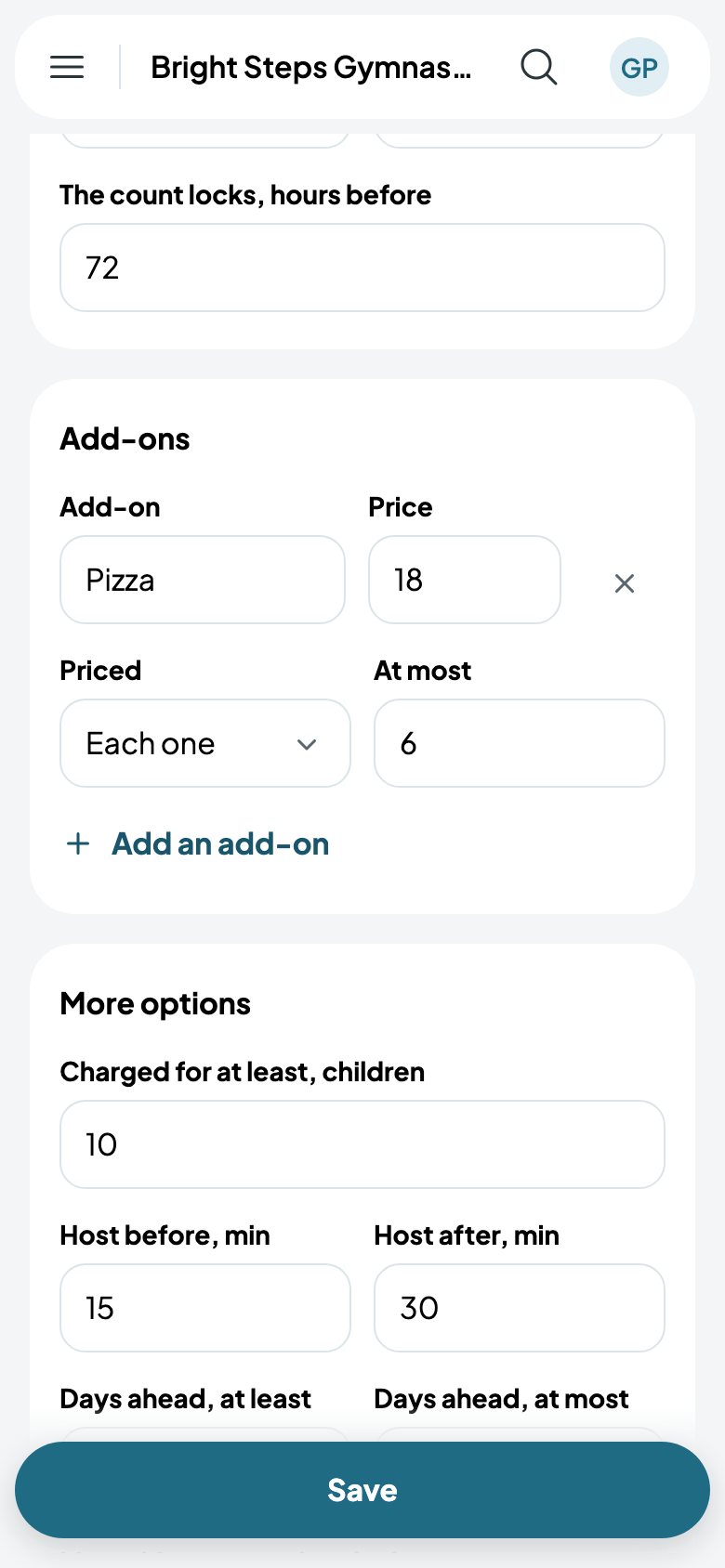
More options
Charged for at least so many children, a host's minutes before and after, how many Days ahead it can be booked, how long before it can be Moved free, a Waiver for each child, and whether to Charge tax.
Changing a package changes what's booked from then on. An add-on already on a party stays, and a package with parties can't be deleted.