Answering a request
A room booked on approval, or asked for inside its notice, comes to you as a request. Nothing's held until you answer: approve it, and the renter is billed and emailed a link to pay; decline it, and they're told why.
Where requests come from
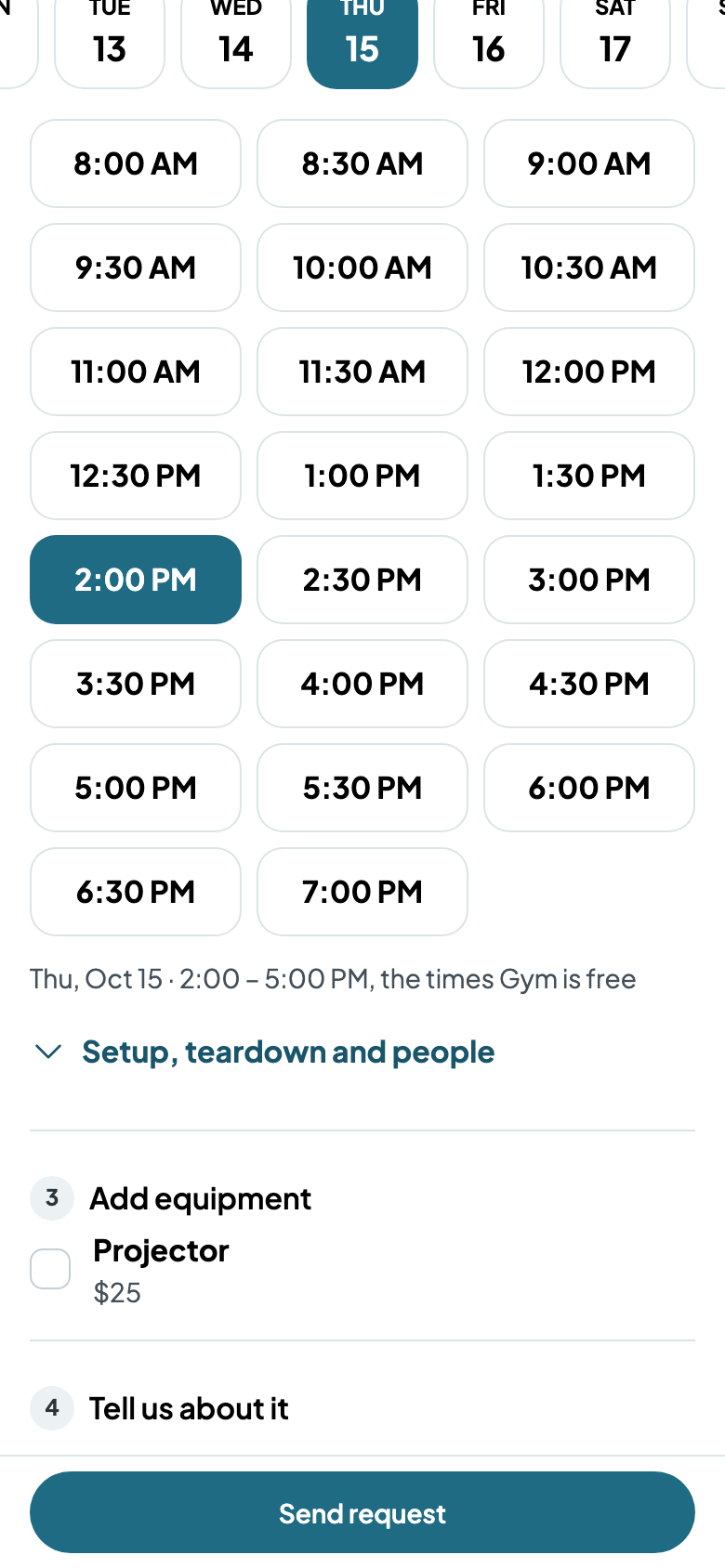
On your website, a renter picks the room, how long, the day and a start time, and tells you what it's for. Instead of paying, they tap Send request, and nothing's charged until you approve.
Find it
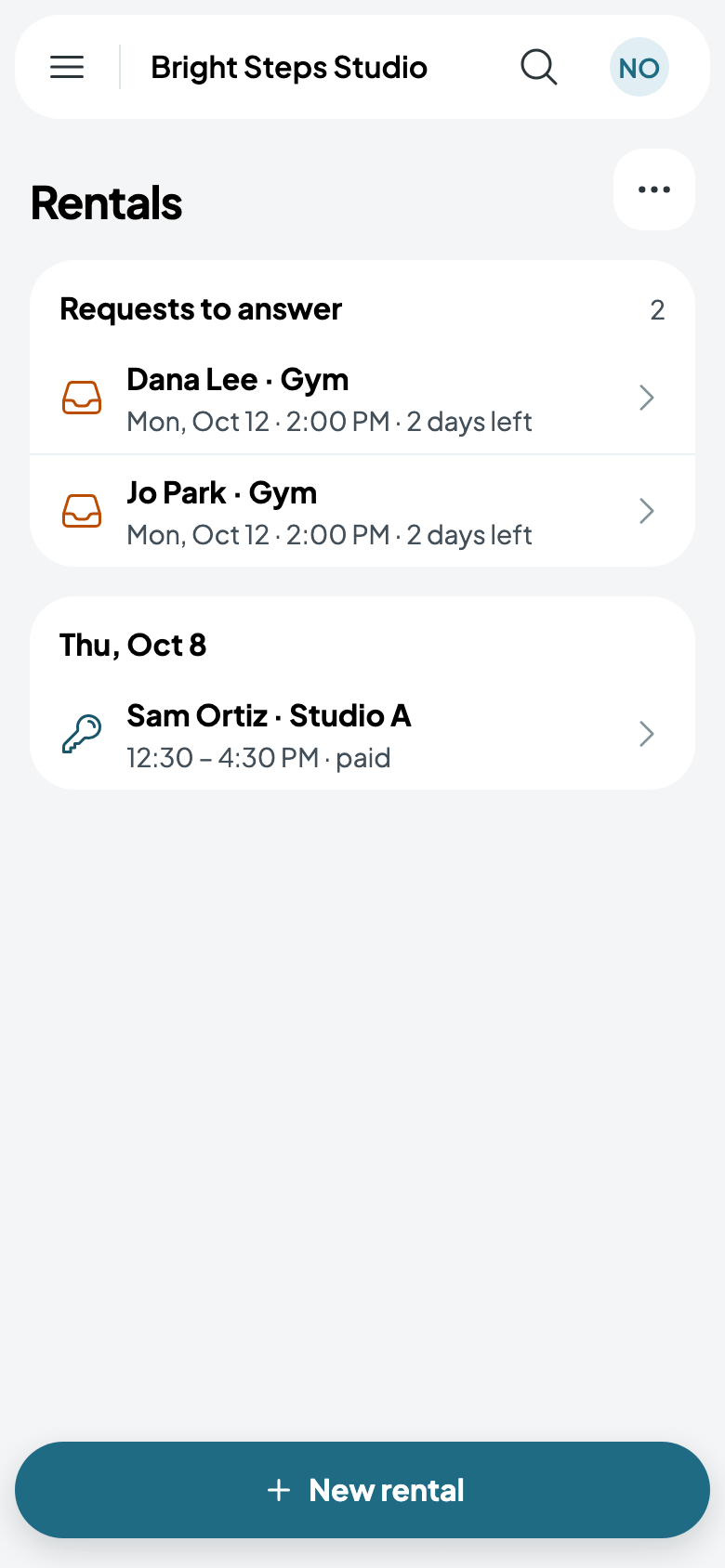
Requests wait at the top of Rentals, under Requests to answer, each with the room, the day, and how long you have left to answer.
Approve it
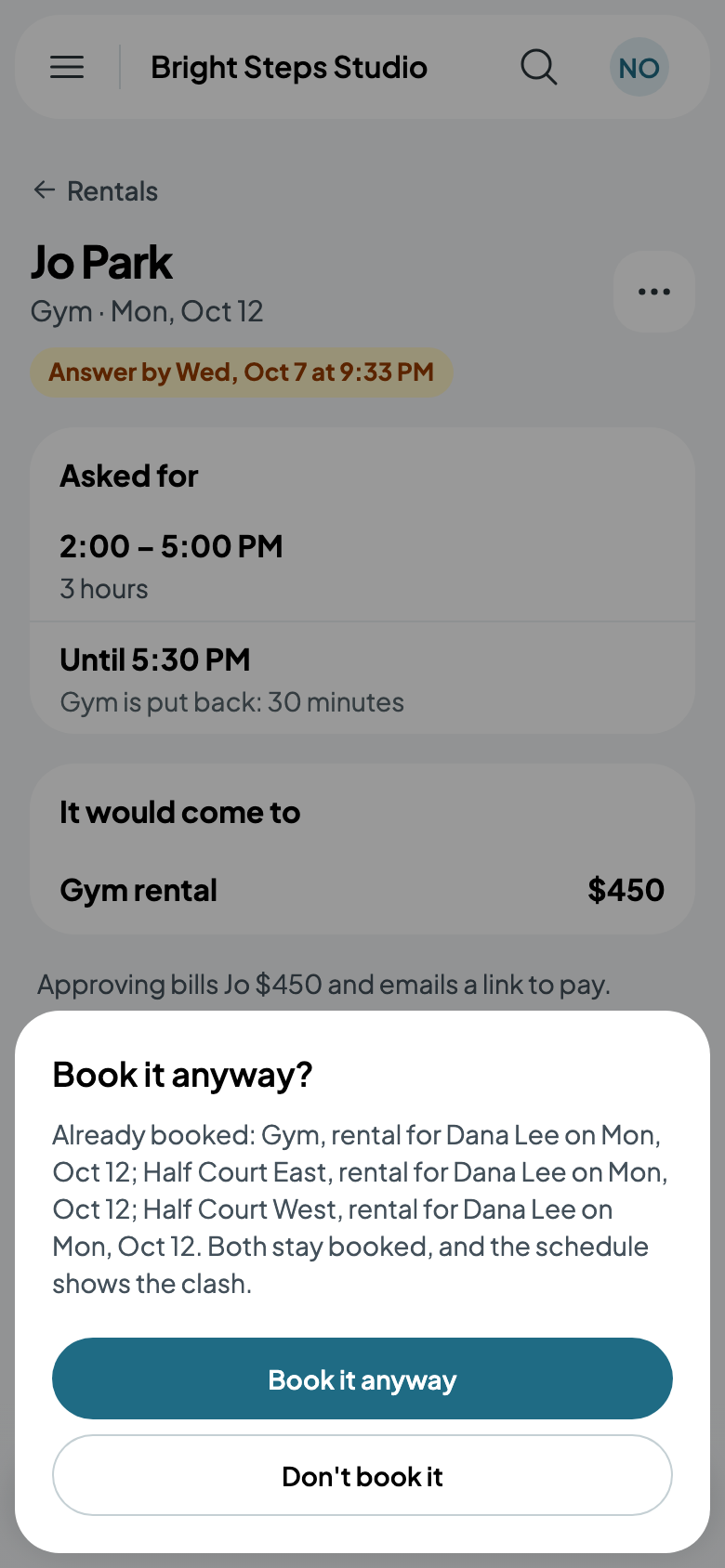
Tap the request. It shows the time they asked for, when the room is put back after, how many people are coming and what it would come to. Approve bills them and emails a link to pay, and the time is held while they pay.
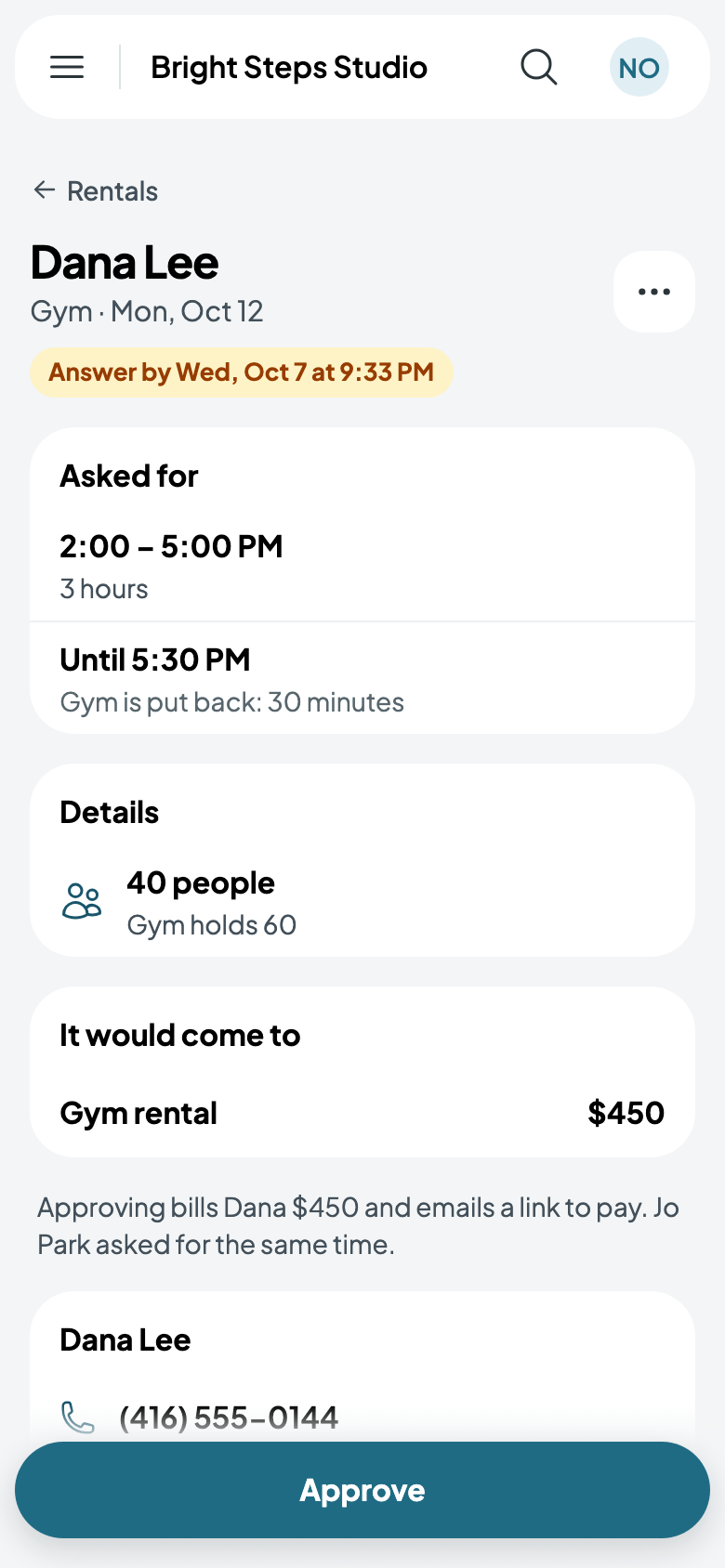
If someone else asked for the same time, the request says so. Approve one, and approving the other warns you the room is already booked: Don't book it leaves the request waiting, and Book it anyway books both, with the clash shown on the calendar.
Decline it
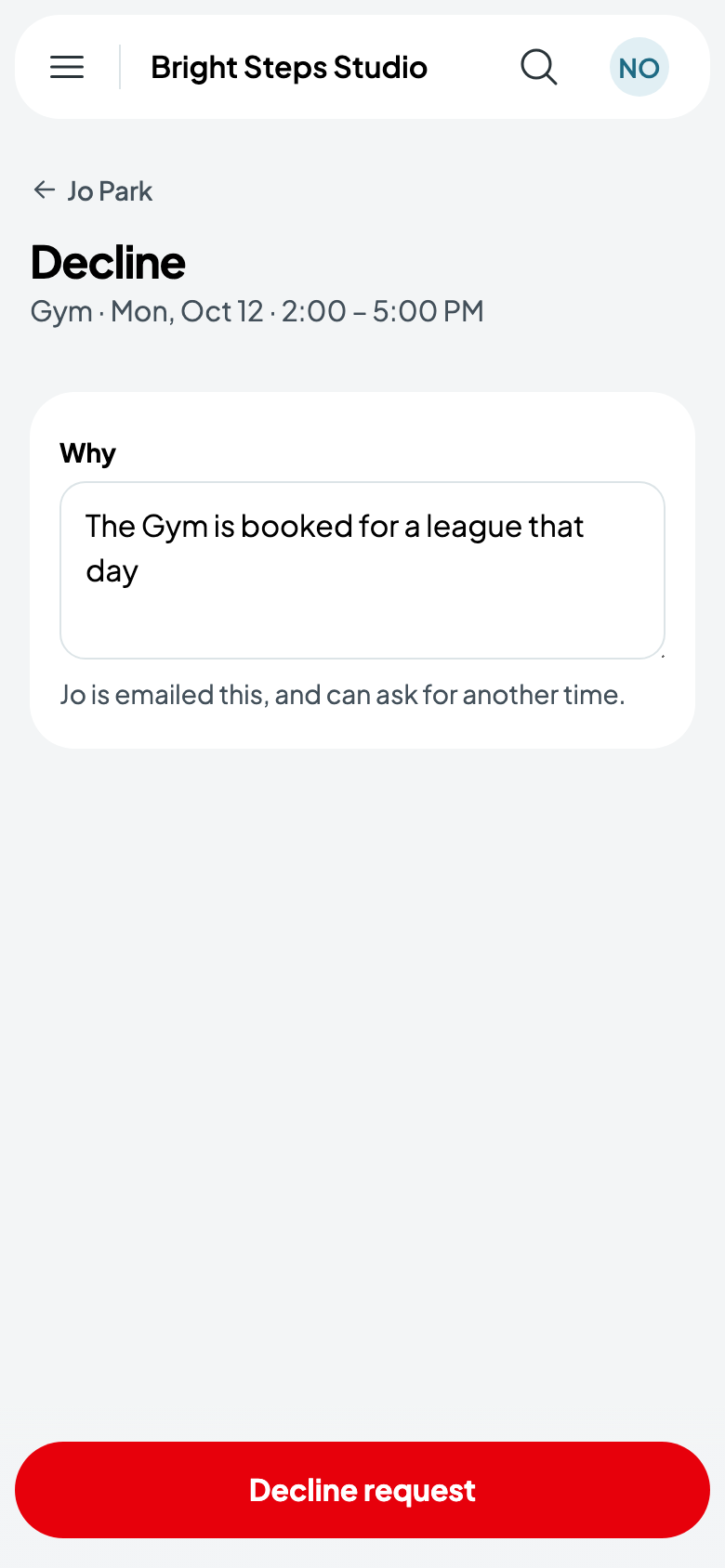
Tap More, then Decline, and say why. The renter is emailed your reason and can ask for another time.
If nobody answers
A request nobody answers within two days lapses, and the renter is told, so nobody waits on an answer that isn't coming.
A booked rental
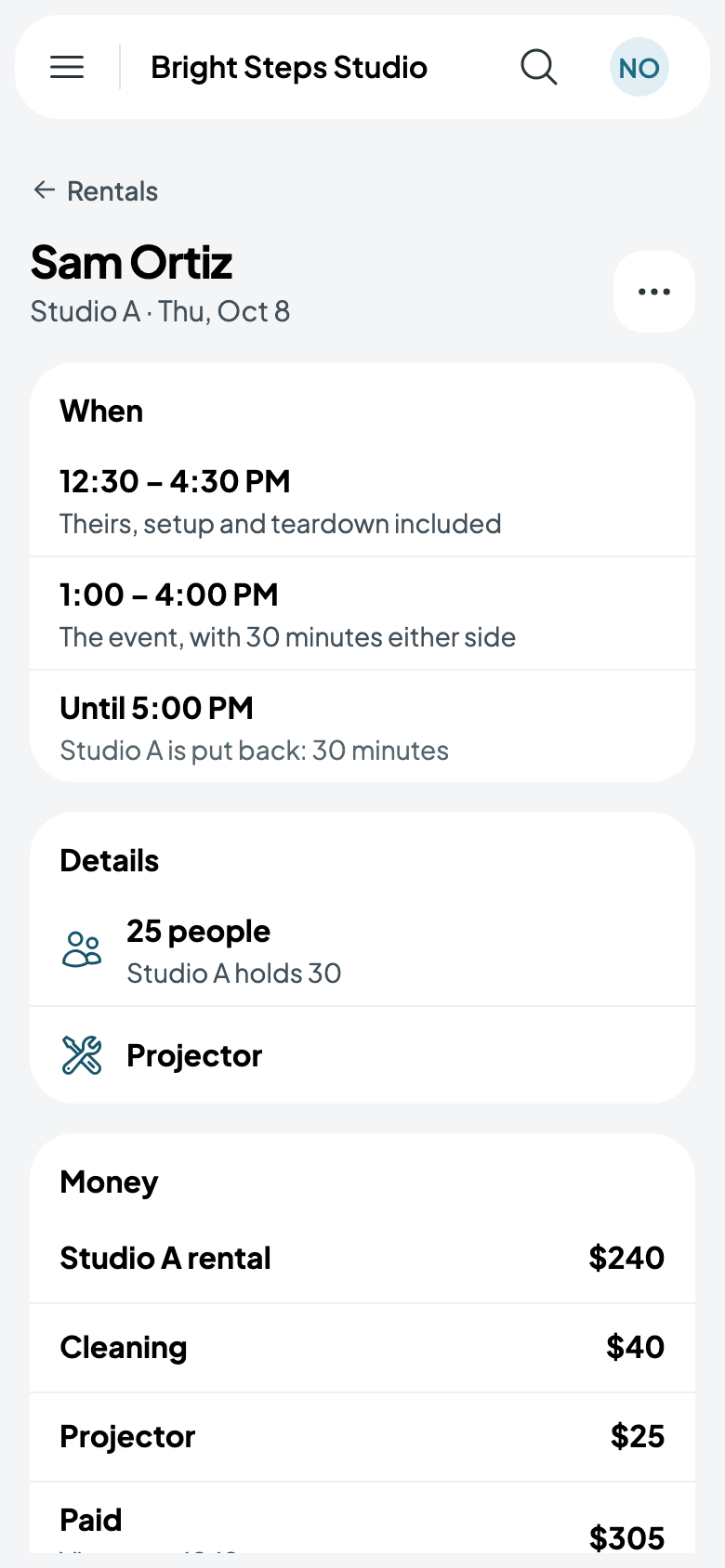
Tap a rental to see its times: theirs, setup and teardown included; the event itself; and when the room is put back. Below are the people, the equipment and what's paid.