What each role can do
A role is what someone can do in each part of Caletan: nothing, see it, or change it. Someone with two roles has whatever either gives them. The owner can do everything.
Caletan's roles
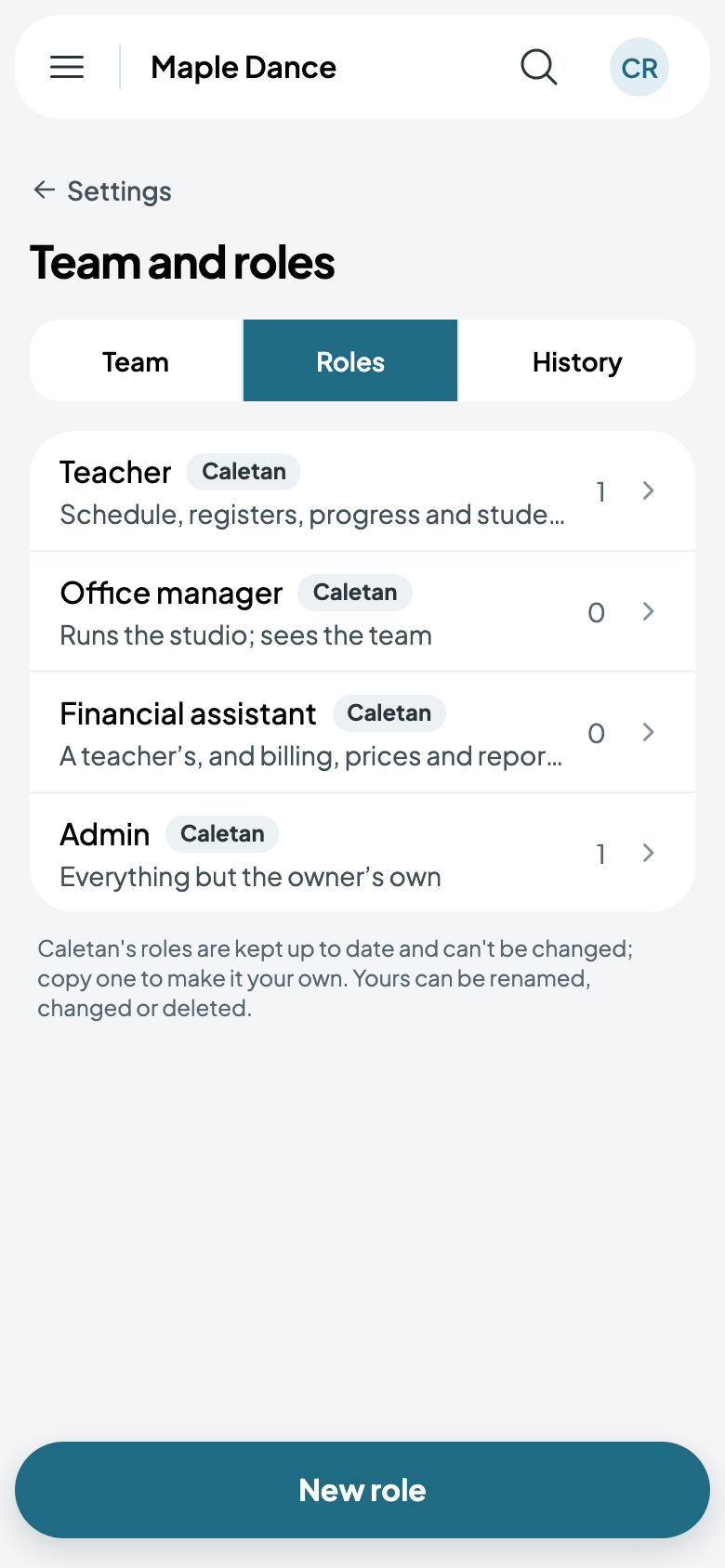
Team and roles, then Roles, lists them. Caletan's own are kept up to date for you:
- Teacher: the schedule, registers, progress and their students.
- Office manager: runs the studio, and sees the team.
- Financial assistant: a teacher's, and billing, prices and reports.
- Admin: everything but the owner's own.
Your own
New role starts from one of Caletan's. Name it, then set each part: None, View or Edit. Tap a part's name to see what each level lets someone do there.
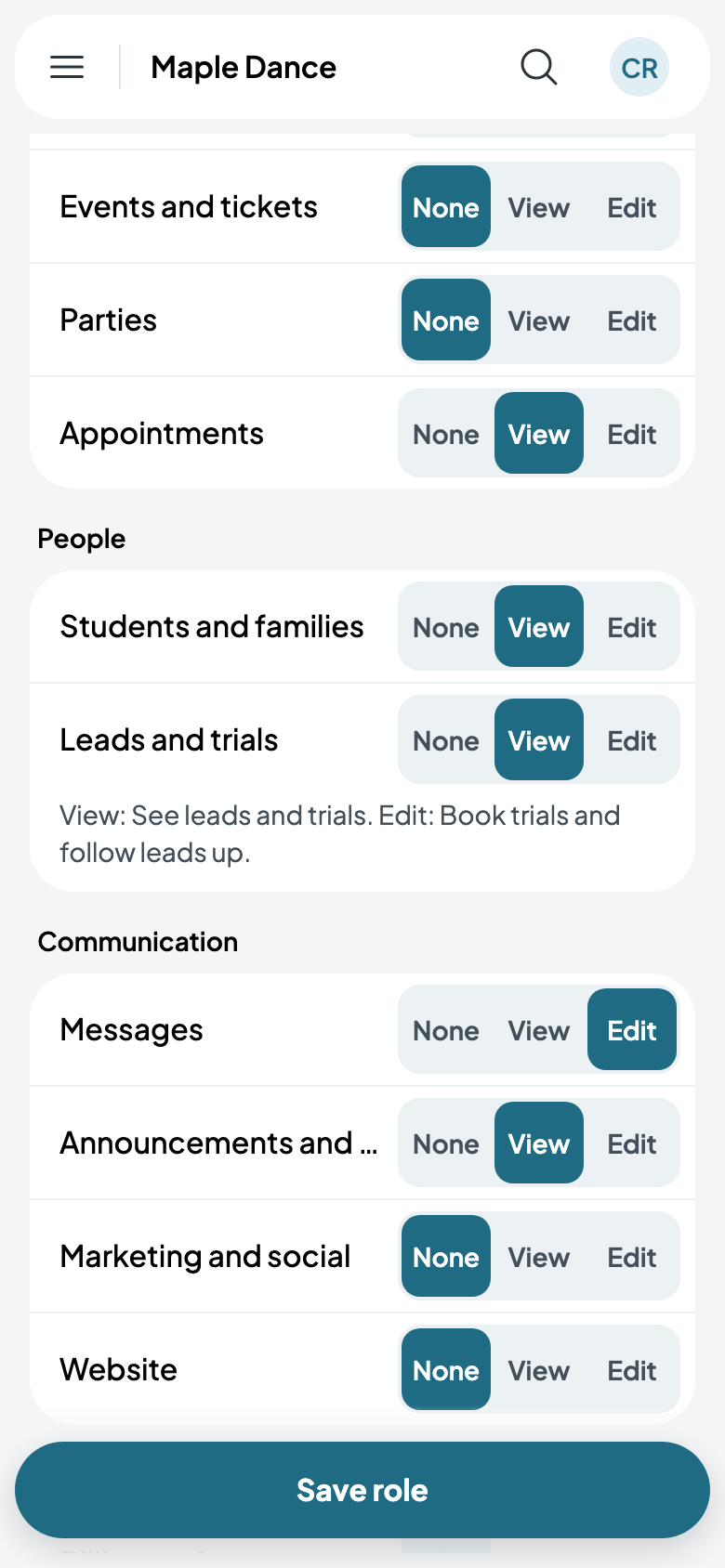
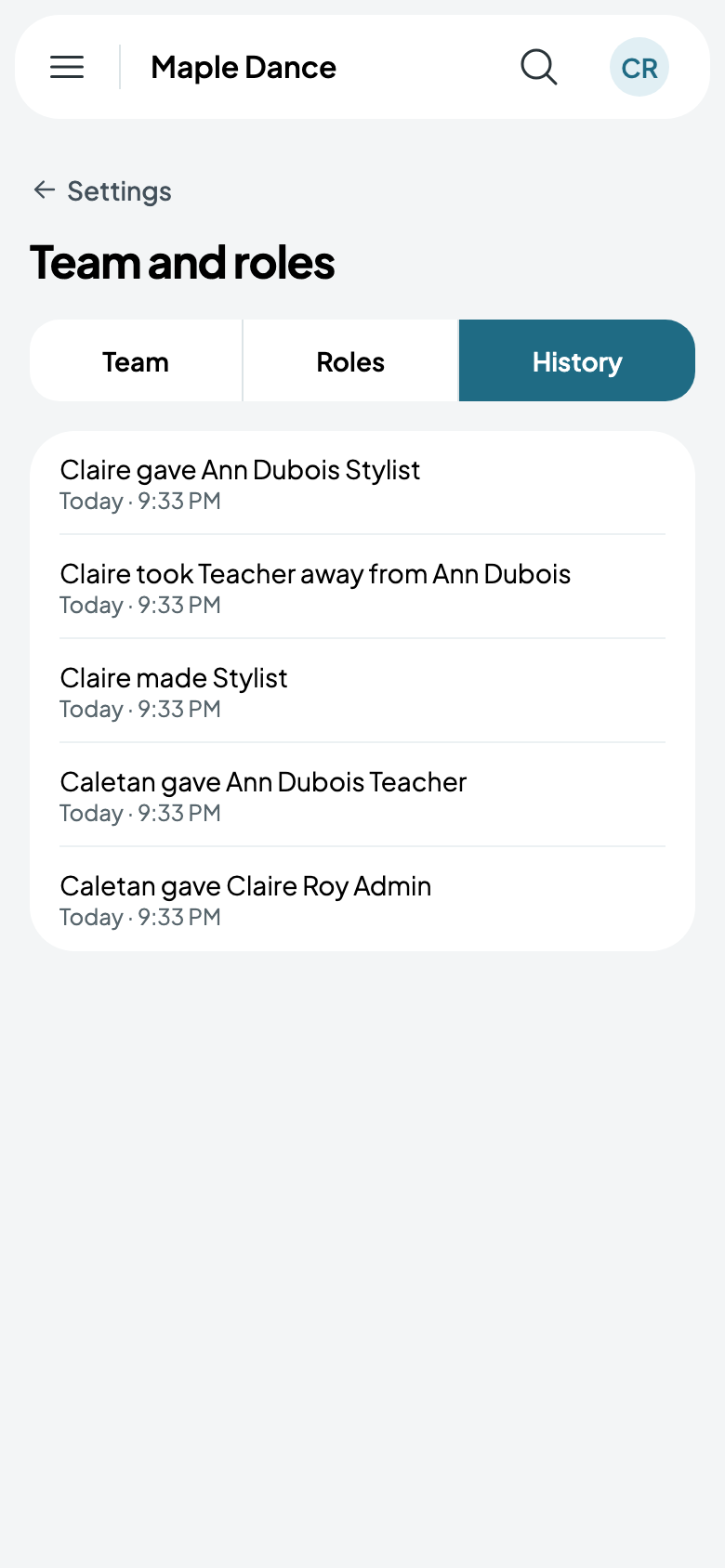
Caletan's roles can't be changed, but yours can be renamed, changed or deleted. History says who gave whom what, and when.
Asking for more
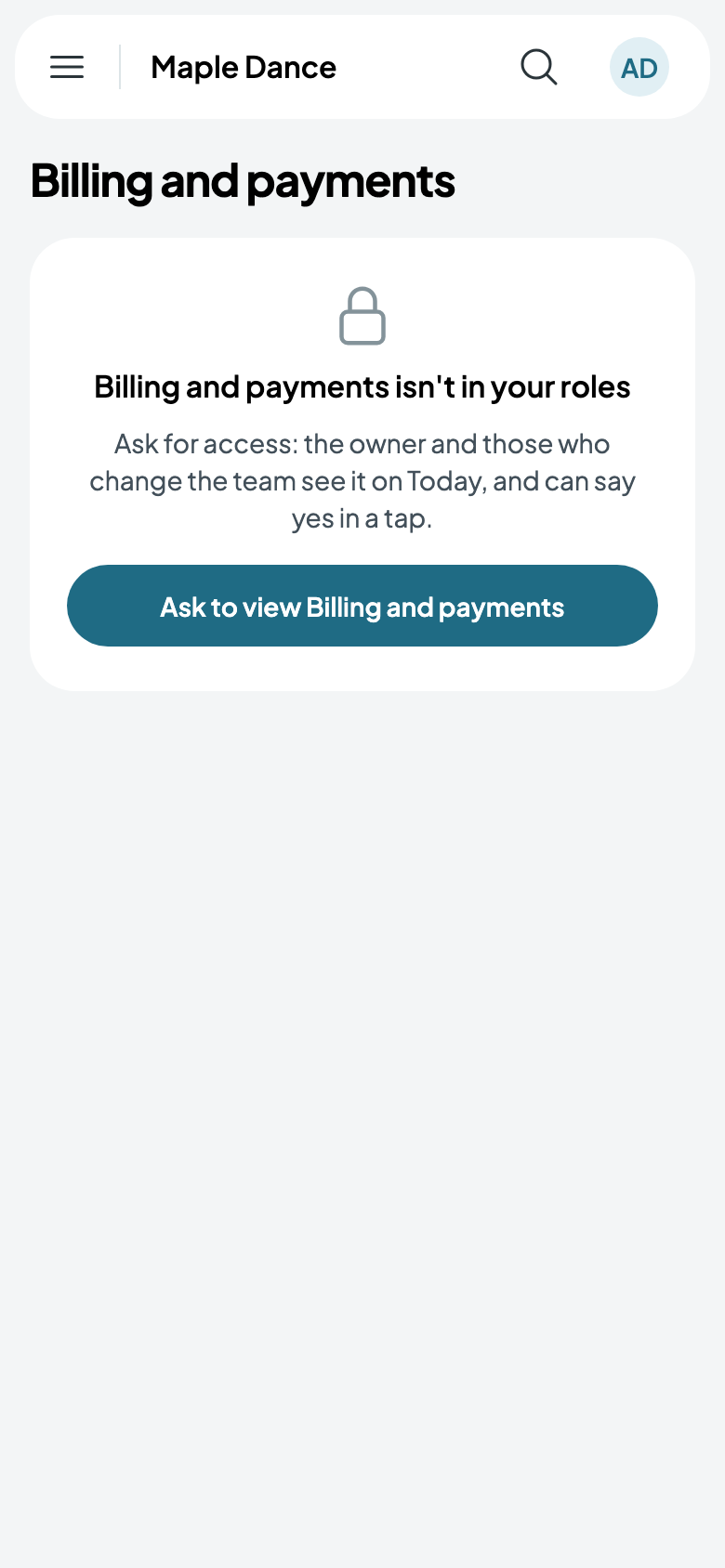
Someone who opens a part their roles don't reach is told so, and can ask for it. You see the request on Today, and say yes in a tap.