Inviting staff
Everyone who works with you gets their own sign-in, with roles that say what they can do.
Invite someone
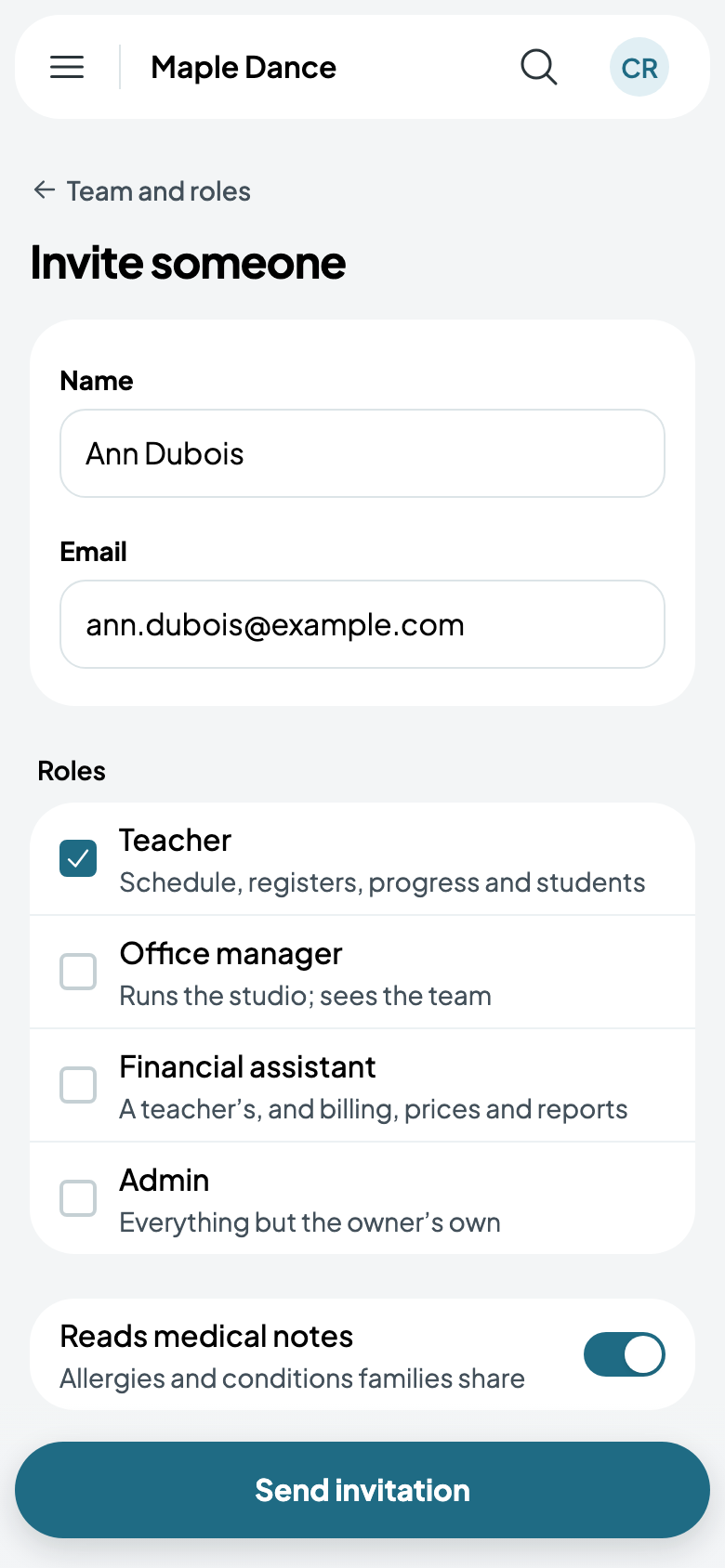
- Go to Settings, then Team and roles, and tap Invite someone.
- Give their name and email, and tick their roles: Teacher, Office manager, Financial assistant or Admin, each saying what it covers. Reads medical notes shows them the allergies and conditions families share.
- Tap Send invitation.
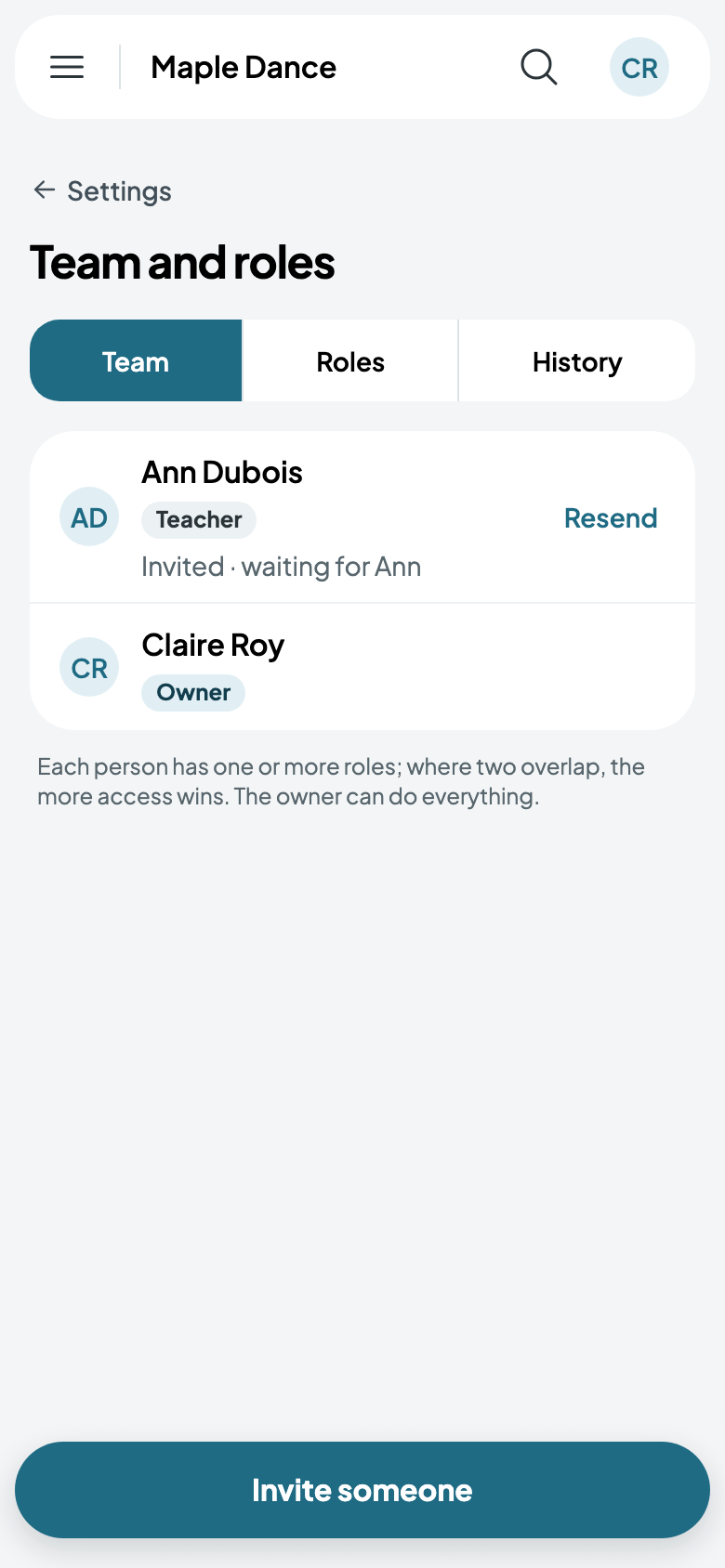
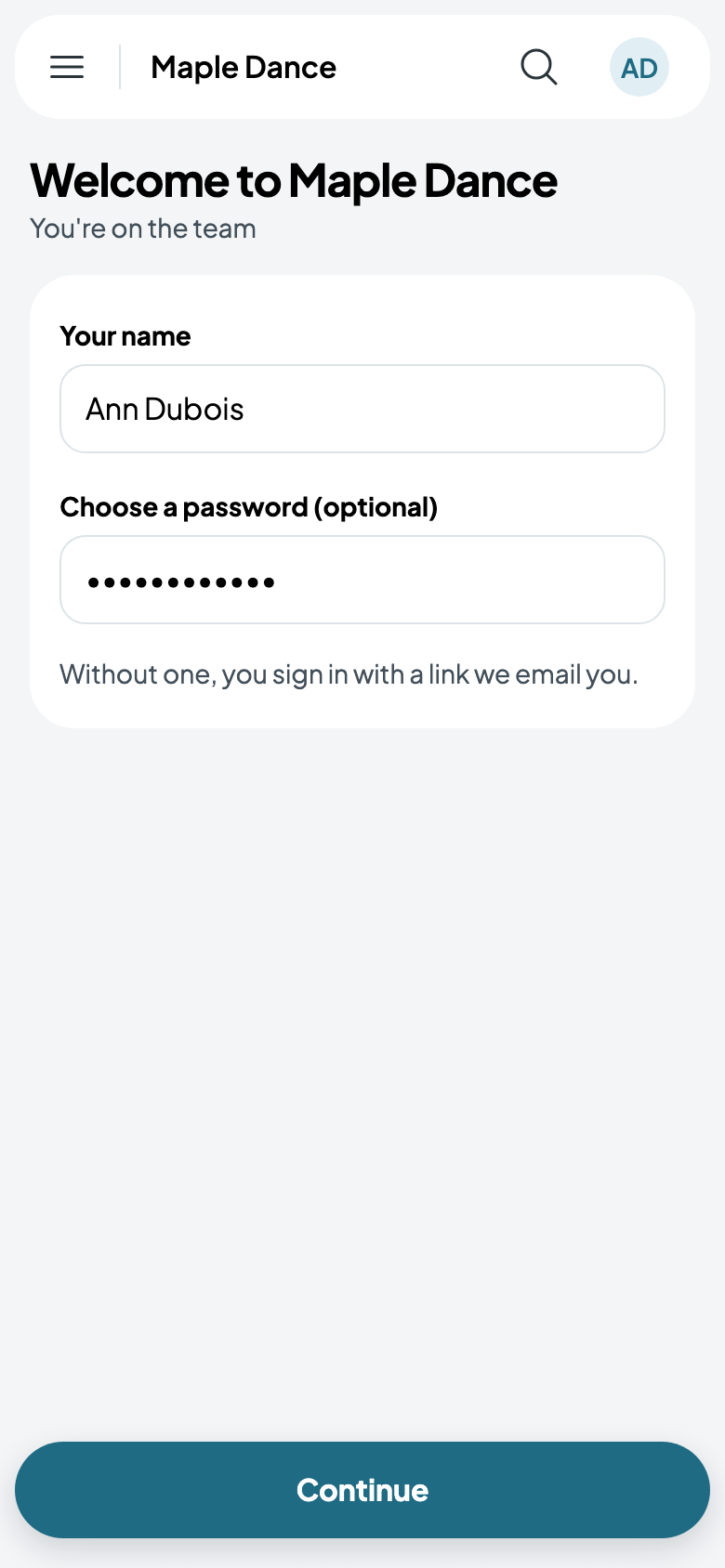
They're emailed a link. It opens their welcome: their name, and a password if they want one; without one, they sign in with a link emailed to them each time. Resend sends the invitation again.
Changing what someone does
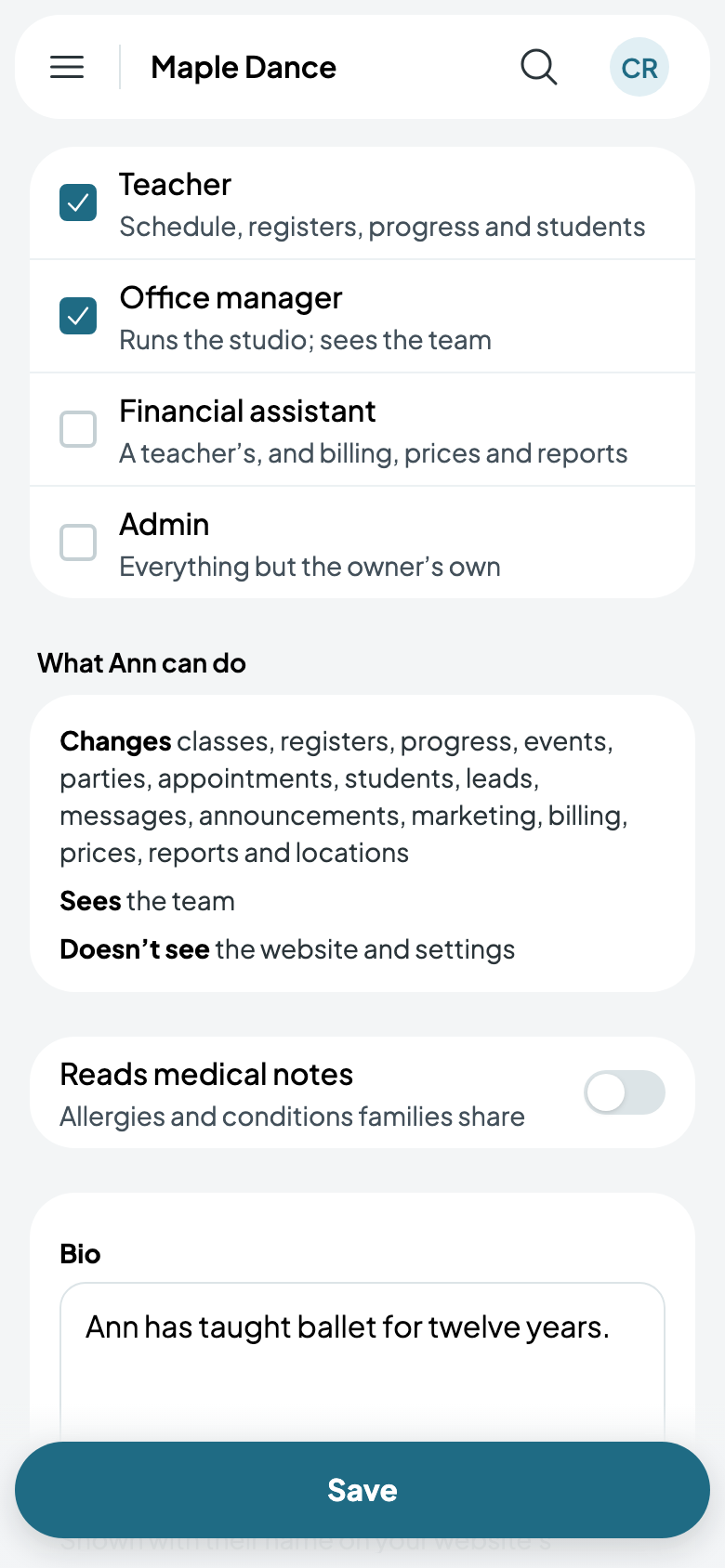
Tap someone on Team to change their roles. Below them, What Ann can do sums up what their roles add up to: what they change, what they see, and what they don't. Their bio is shown on your website's teachers.
From there too, Remove takes someone off your team. The owner can hand the business to someone else on the team, confirming with their own password; getting paid goes with it.