Covering a class
When a teacher can't take one session, give it to someone else, without changing the rest of the class.
Cover one session
- Open the session from the Schedule, or from the class's sessions.
- Tap More, then Teacher, room and notes.
- Choose its Teacher, and if you like another Room. Add another teacher is for two at once.
- Add Notes, which every teacher sees on its register.
- Tap Save.
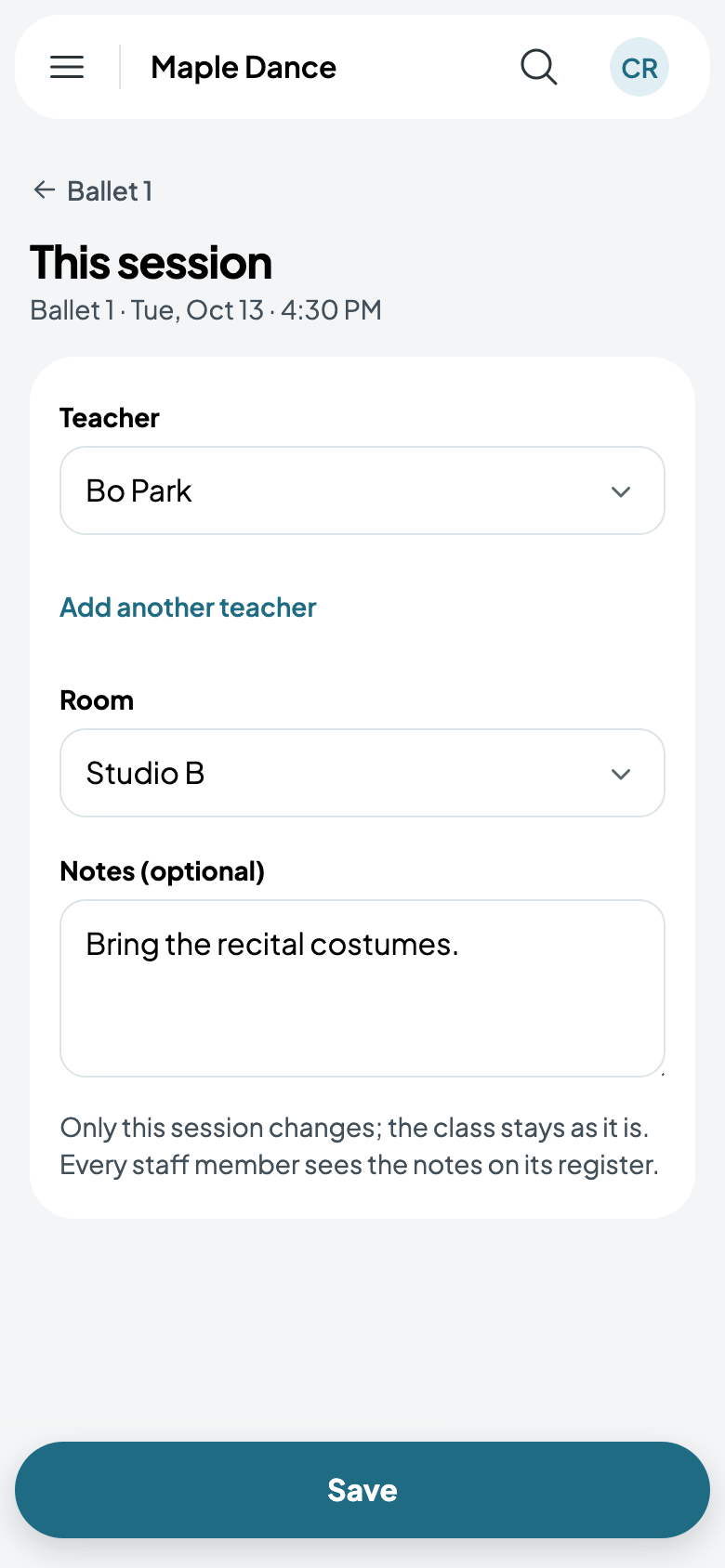
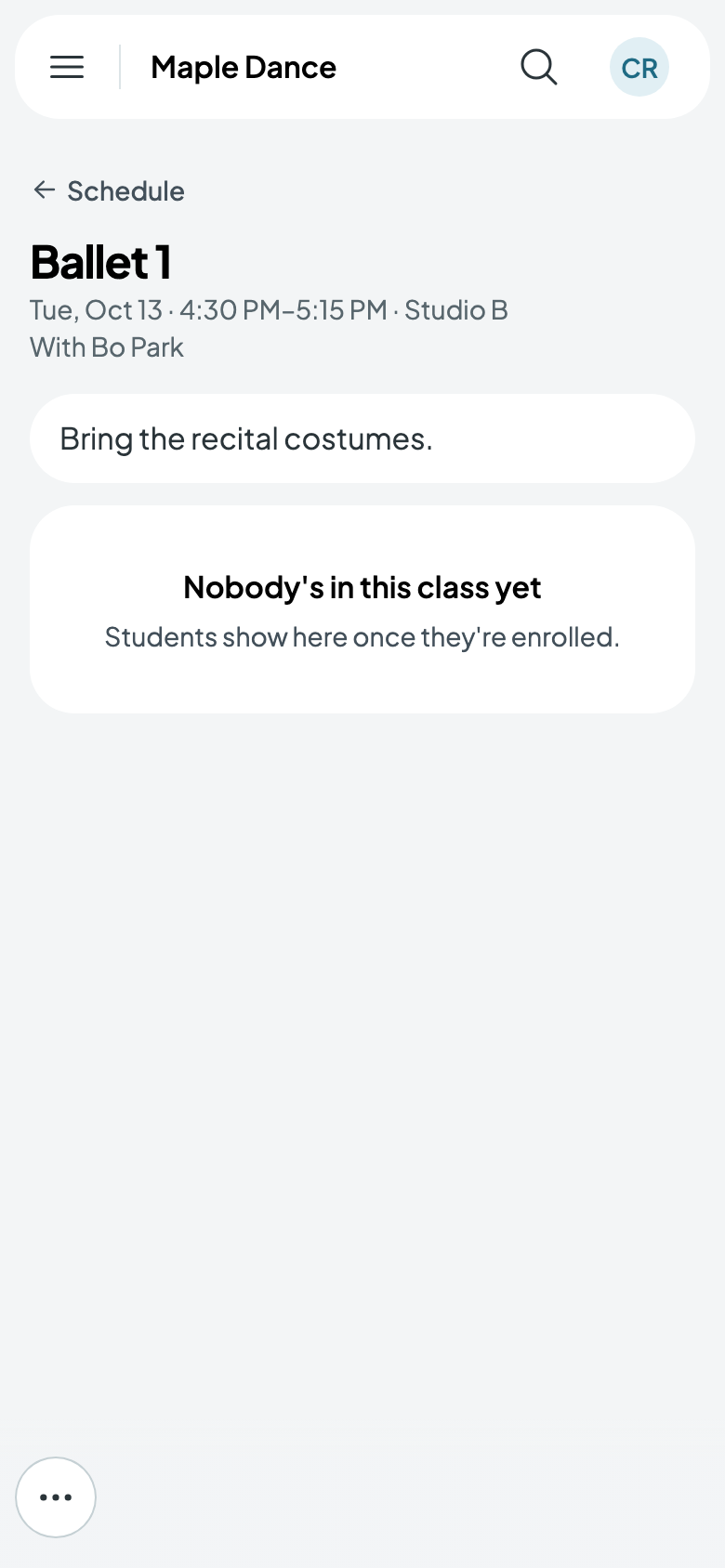
Only that session changes: the class keeps its own teacher and room.
If the session can't go ahead at all, cancel it instead (see Add a class and its schedule).