An event and its shows
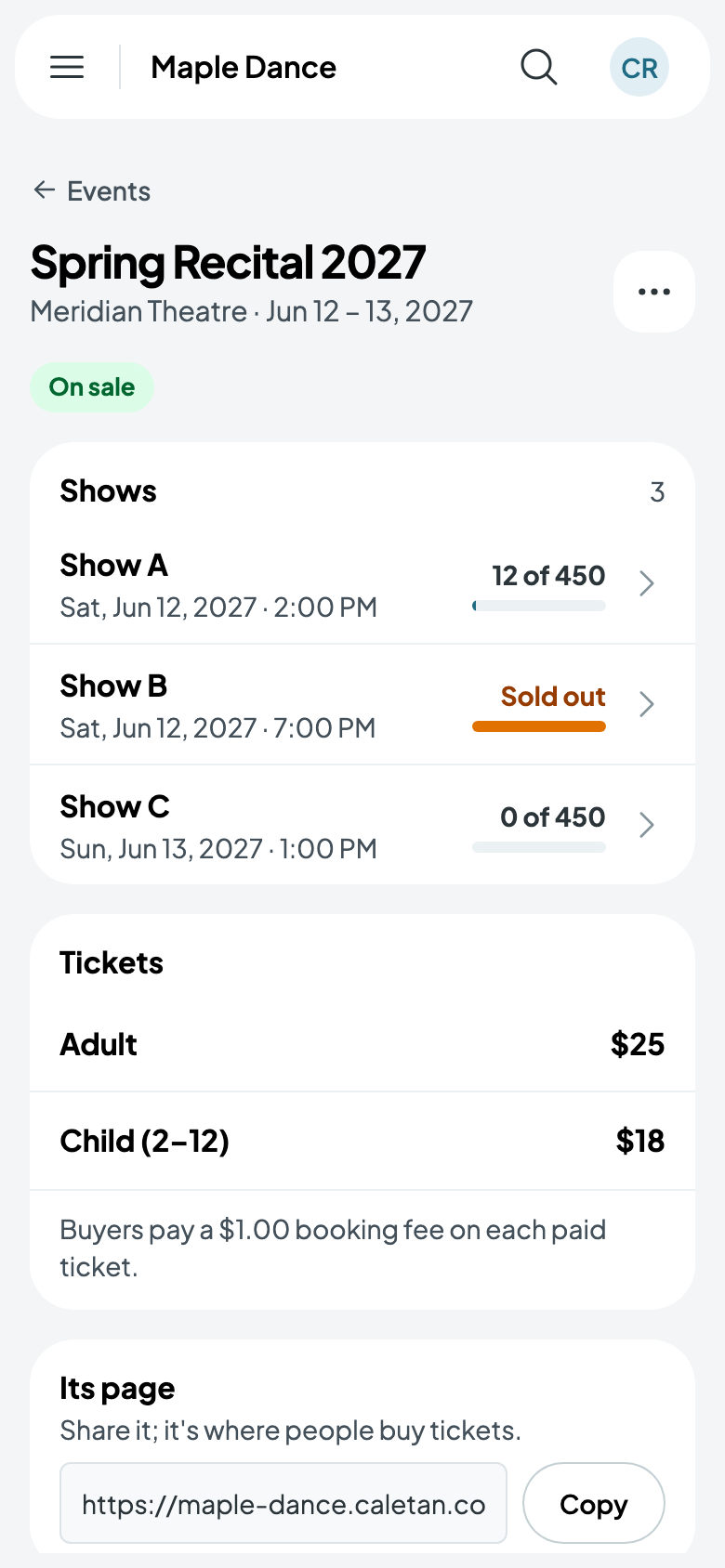
An event, such as a recital or a showcase, has one or more shows, each with its own date and how many it admits. Its tickets, such as Adult and Child, are sold for each show, and buyers need no account.
Your events
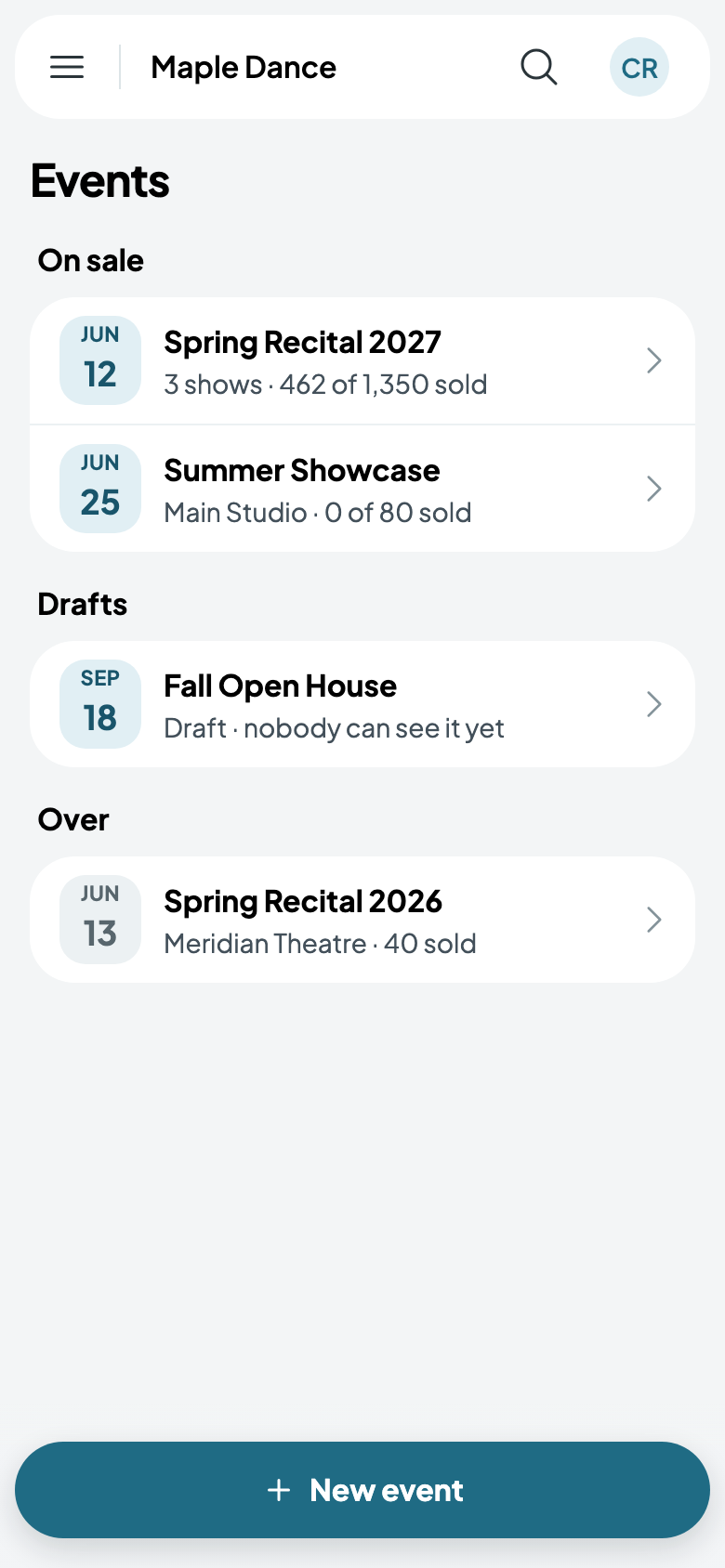
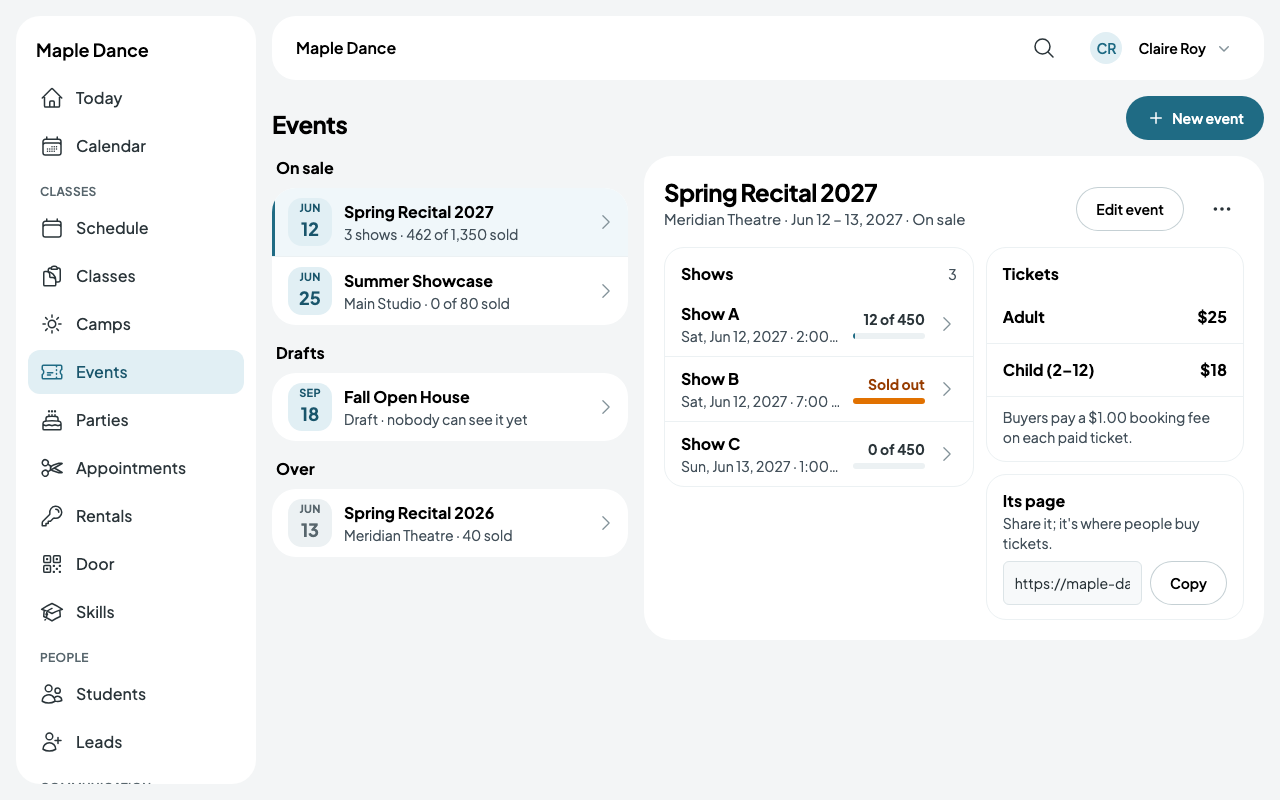
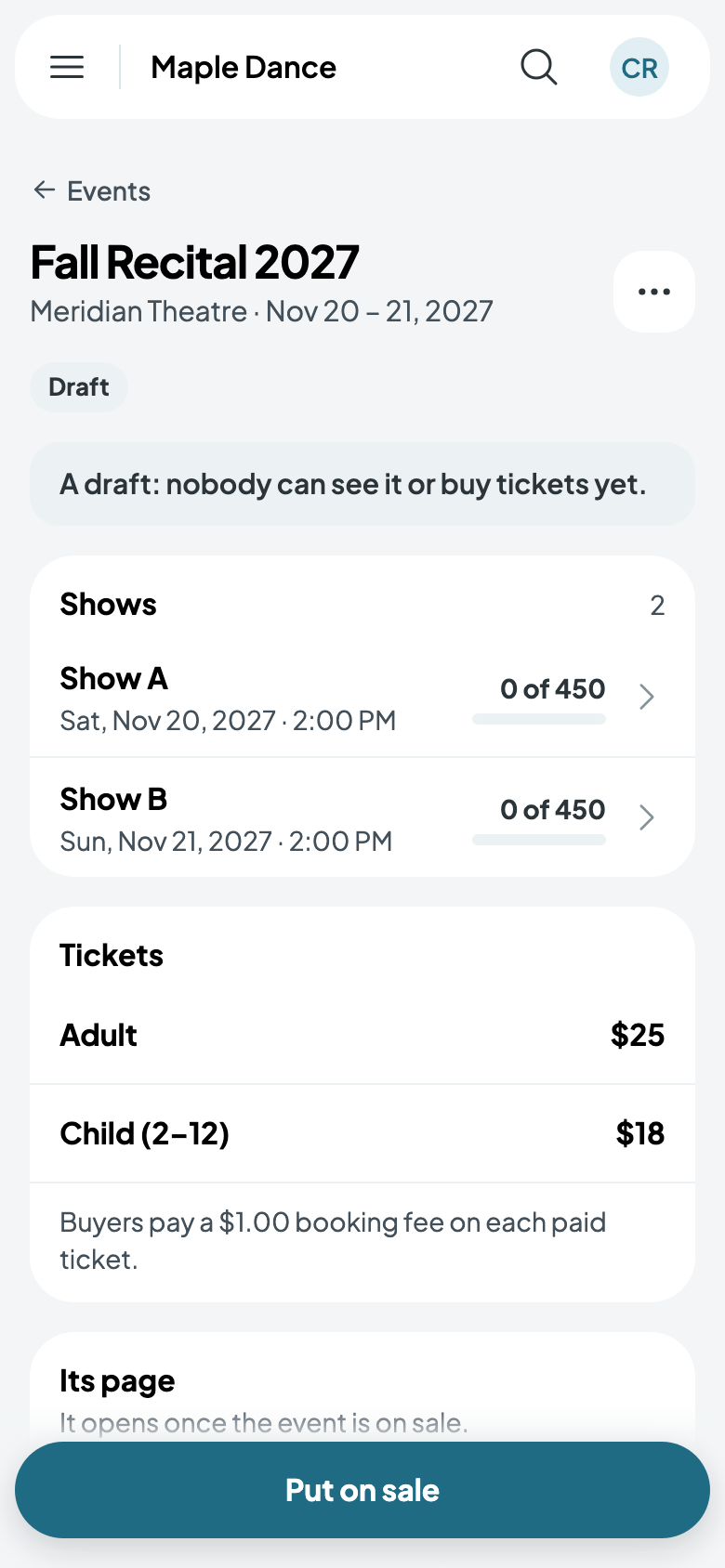
Events, in the menu, lists what's on sale, with how many tickets each has sold, then drafts, then what's over. Tap one for its shows, tickets and fees.
On a bigger screen, an event opens beside the list.
Make an event
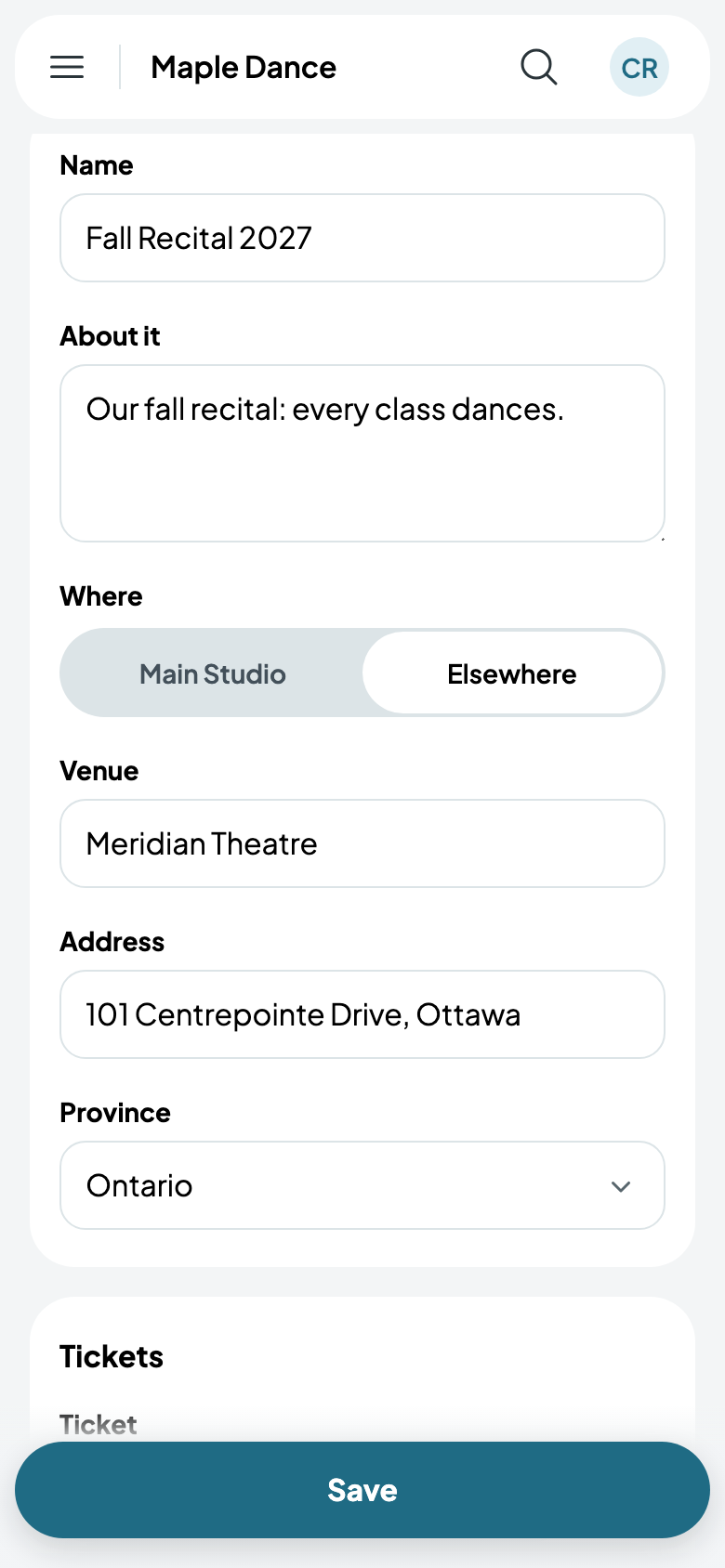
- Tap New event and give it a name and what its page says about it.
- Where: one of your locations and its room, or Elsewhere, with the venue and its address.
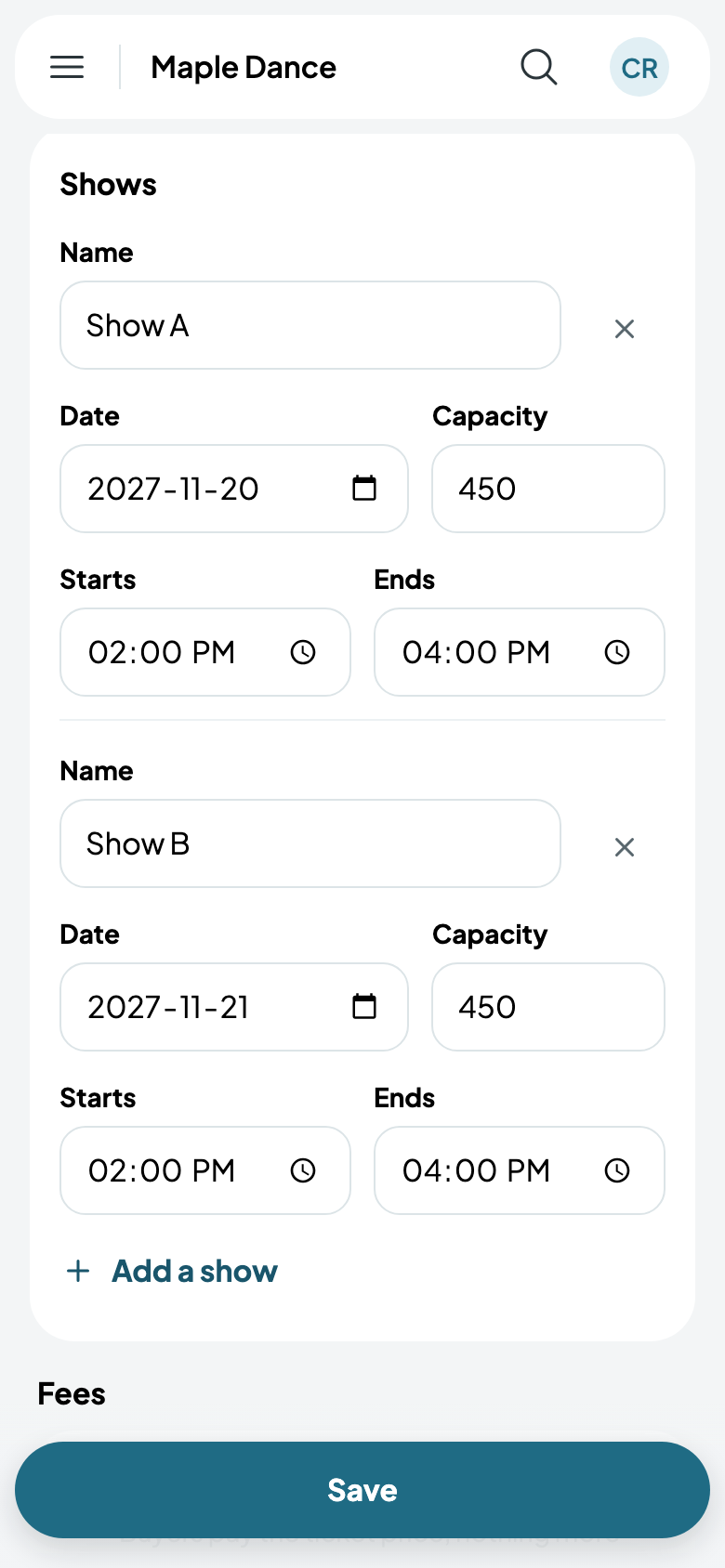
- Under Shows, each one's date, start, end and capacity, and a name if it has one. Add a show adds the next day's, named on from the last.
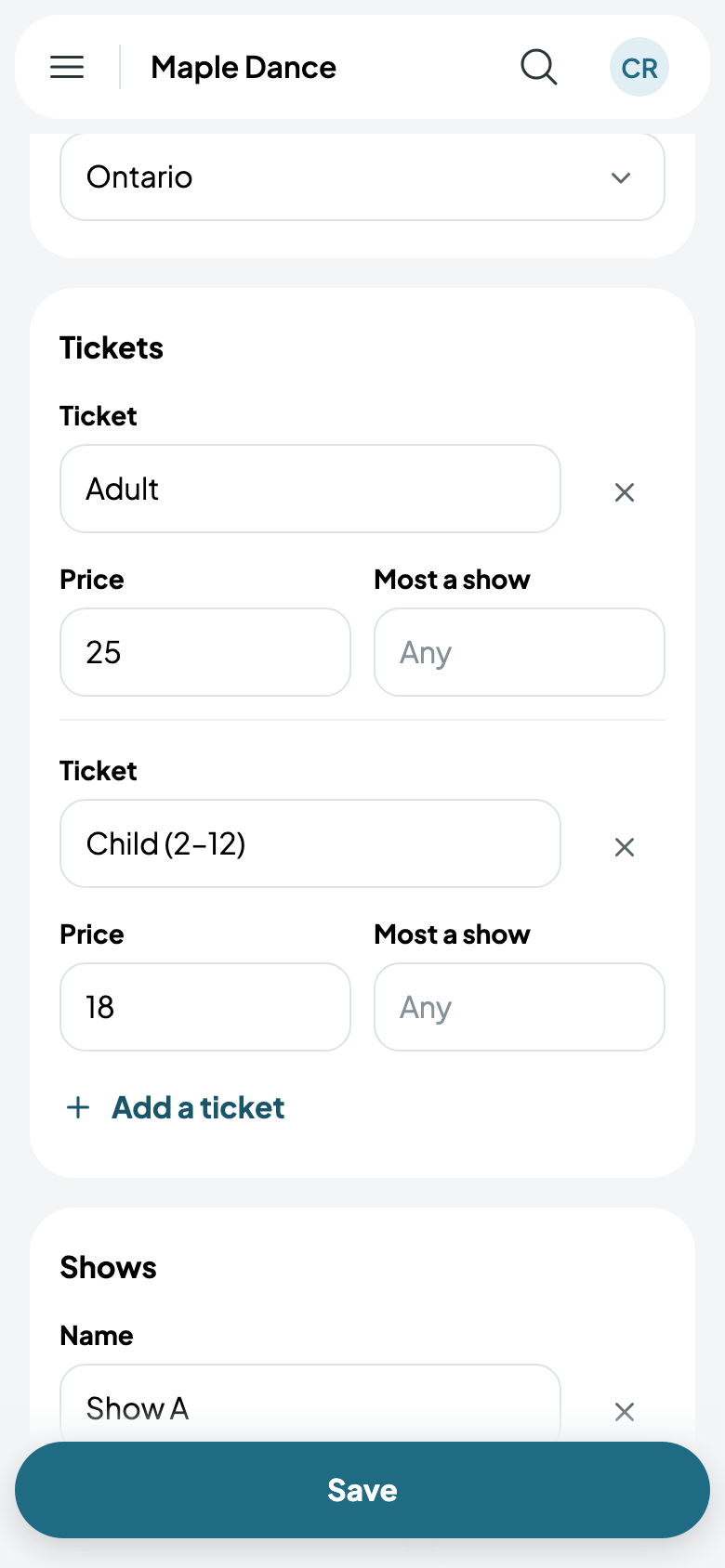
- Under Tickets, each kind and its price, empty for free. Most a show limits a kind.
- Under Fees, you pay them, or buyers pay a booking fee on each paid ticket.
- Tap Save. It's a draft until you Put on sale.
More options has how many tickets an order can take, how long the door sells after a show starts, tax, and when families and everyone else can buy (see Recitals and the family presale). The event's More has Stop selling, which takes its page down until you put it back on sale.
Buyers
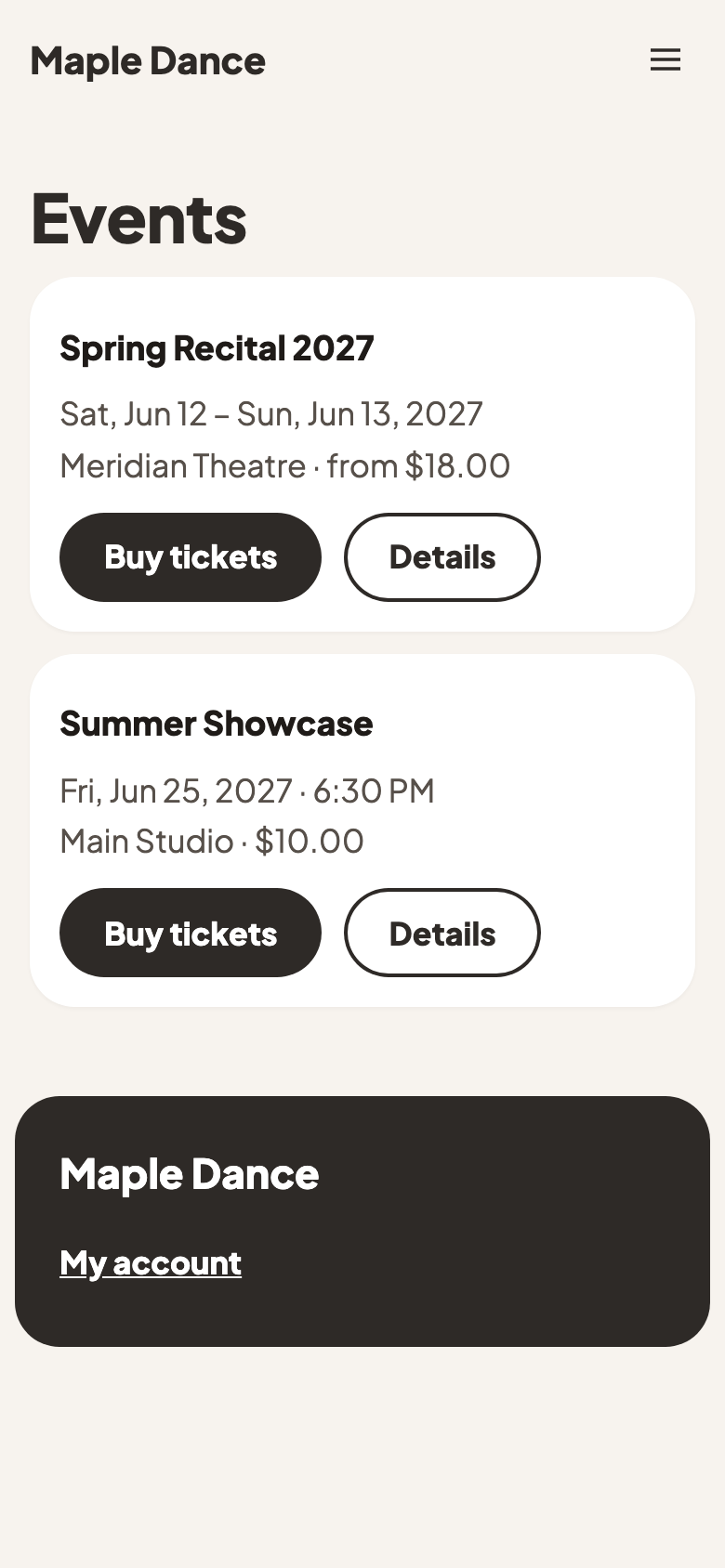
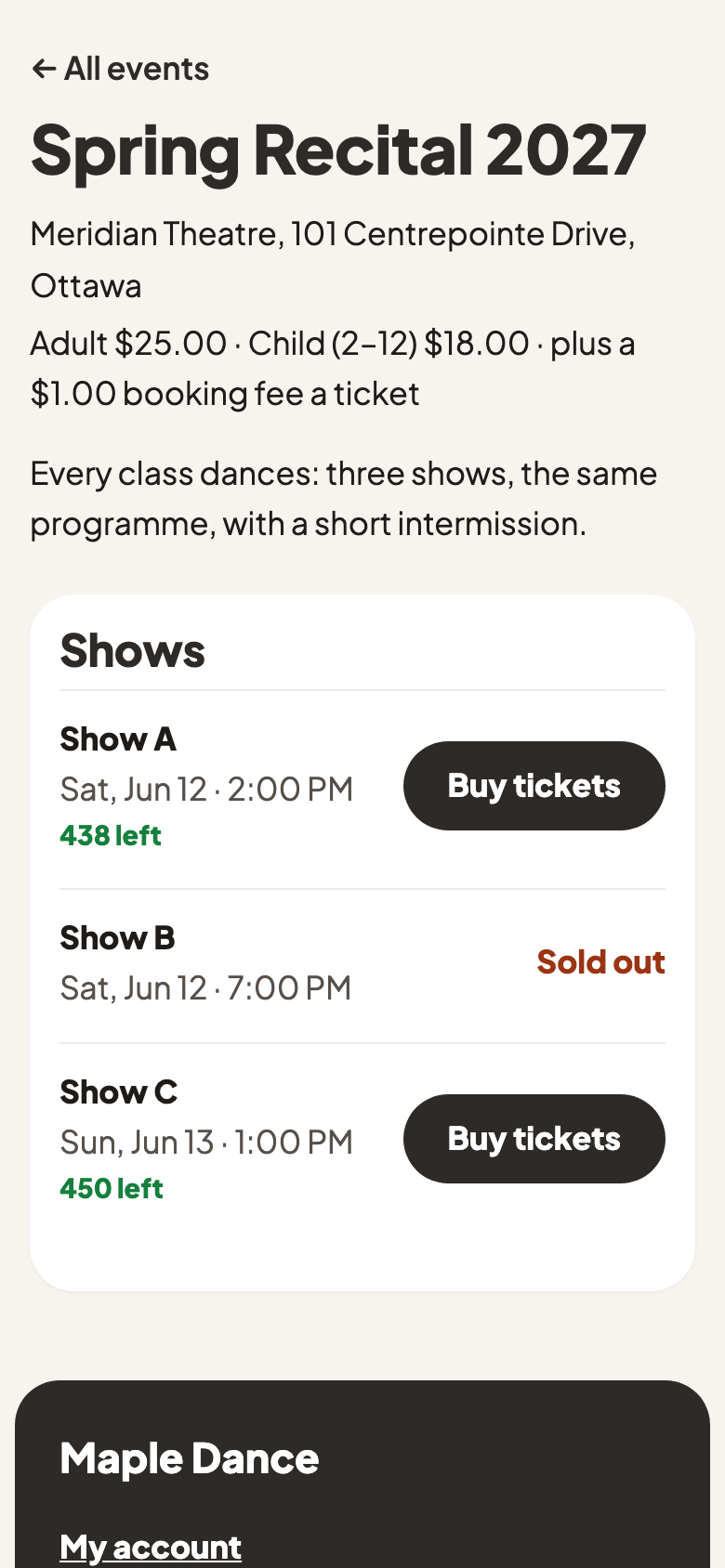
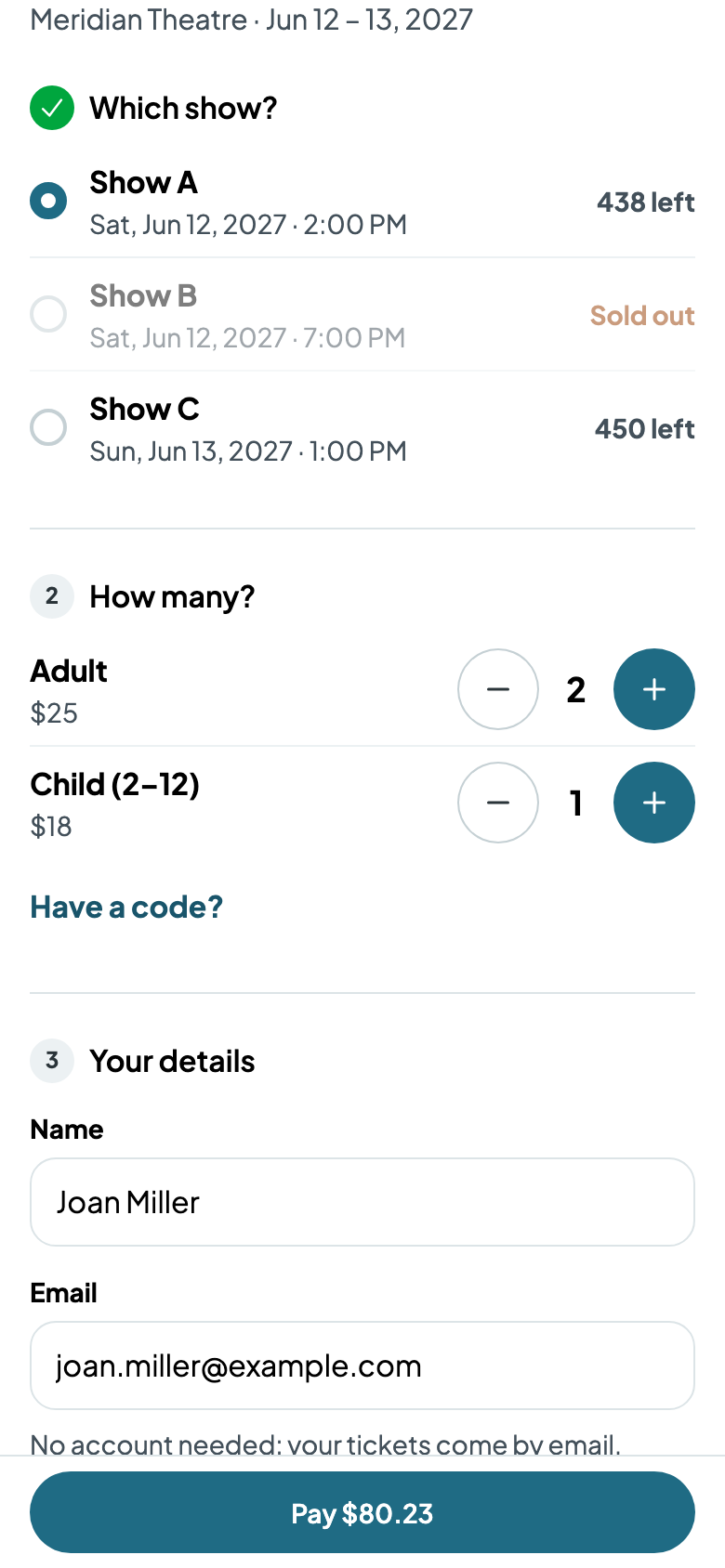
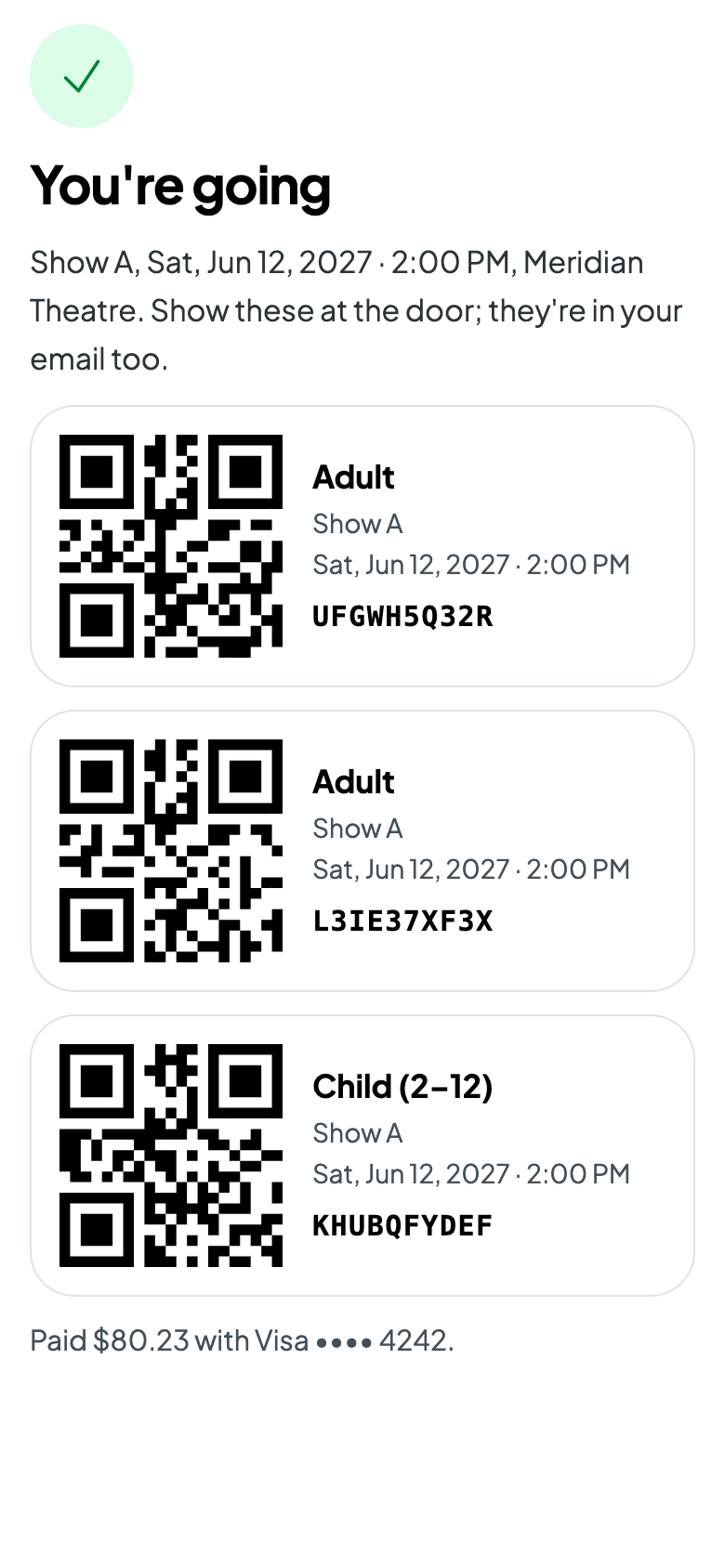
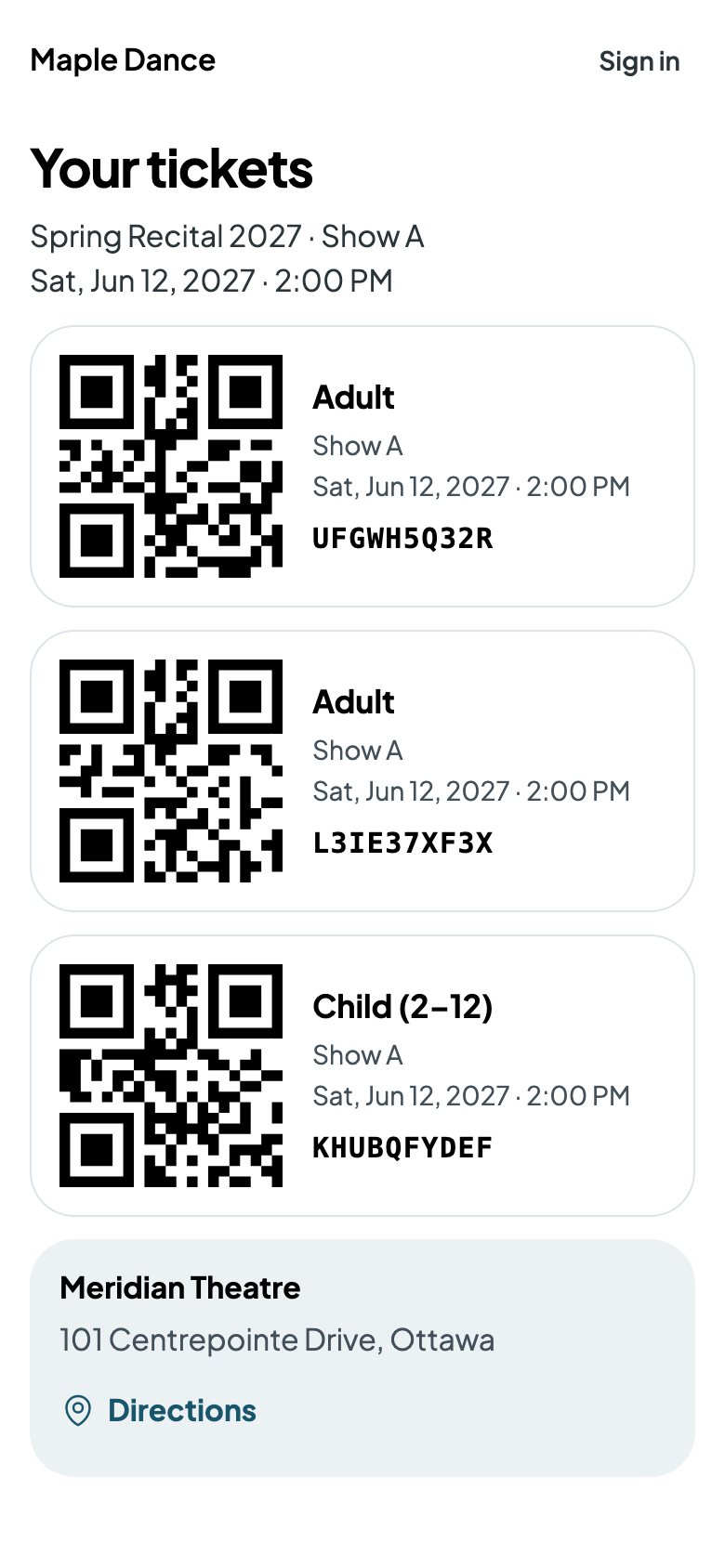
Add the Events page to your website, and every event on sale is there, soonest first. A buyer picks a show, how many of each ticket, gives their name and email, and pays. Their tickets come by email, each with its own code to show at the door.
A show's box office
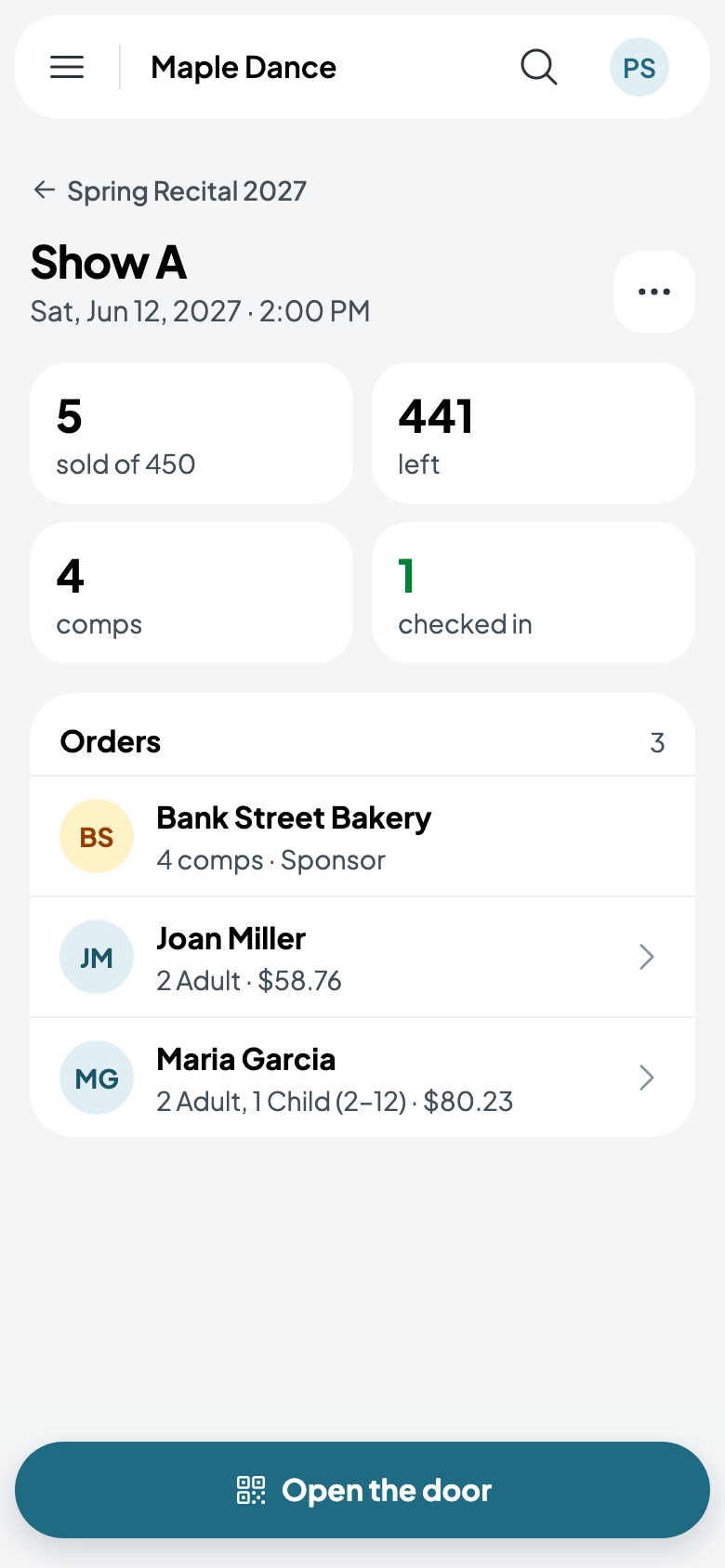
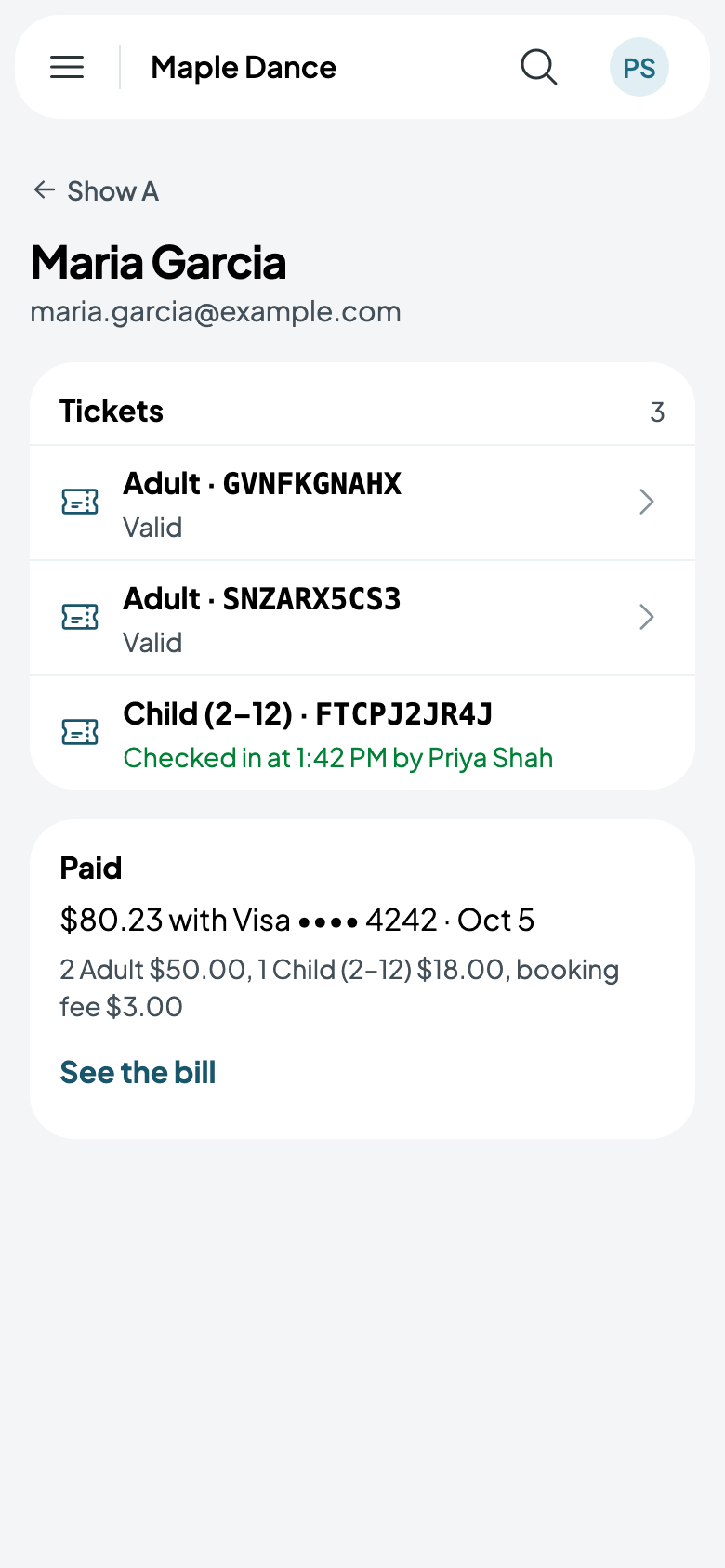
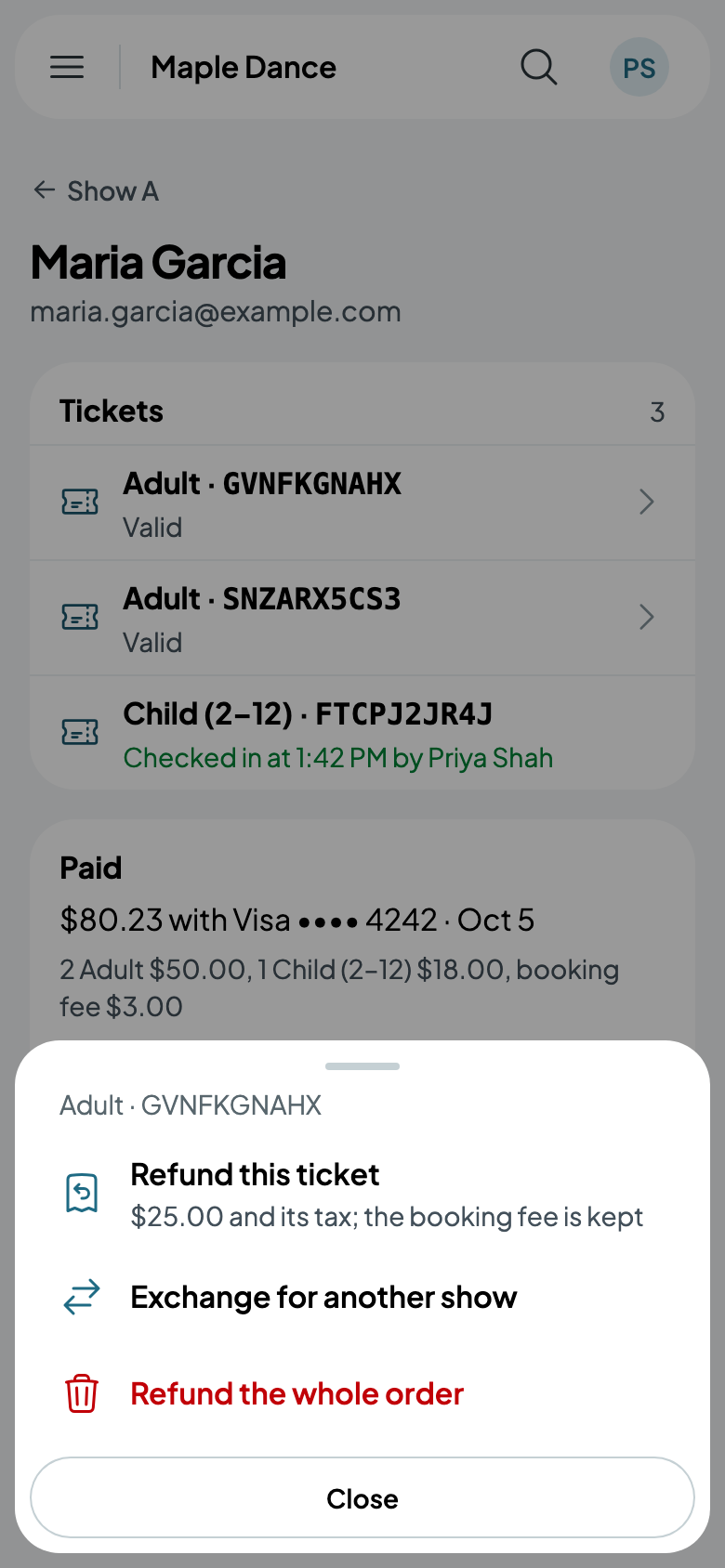
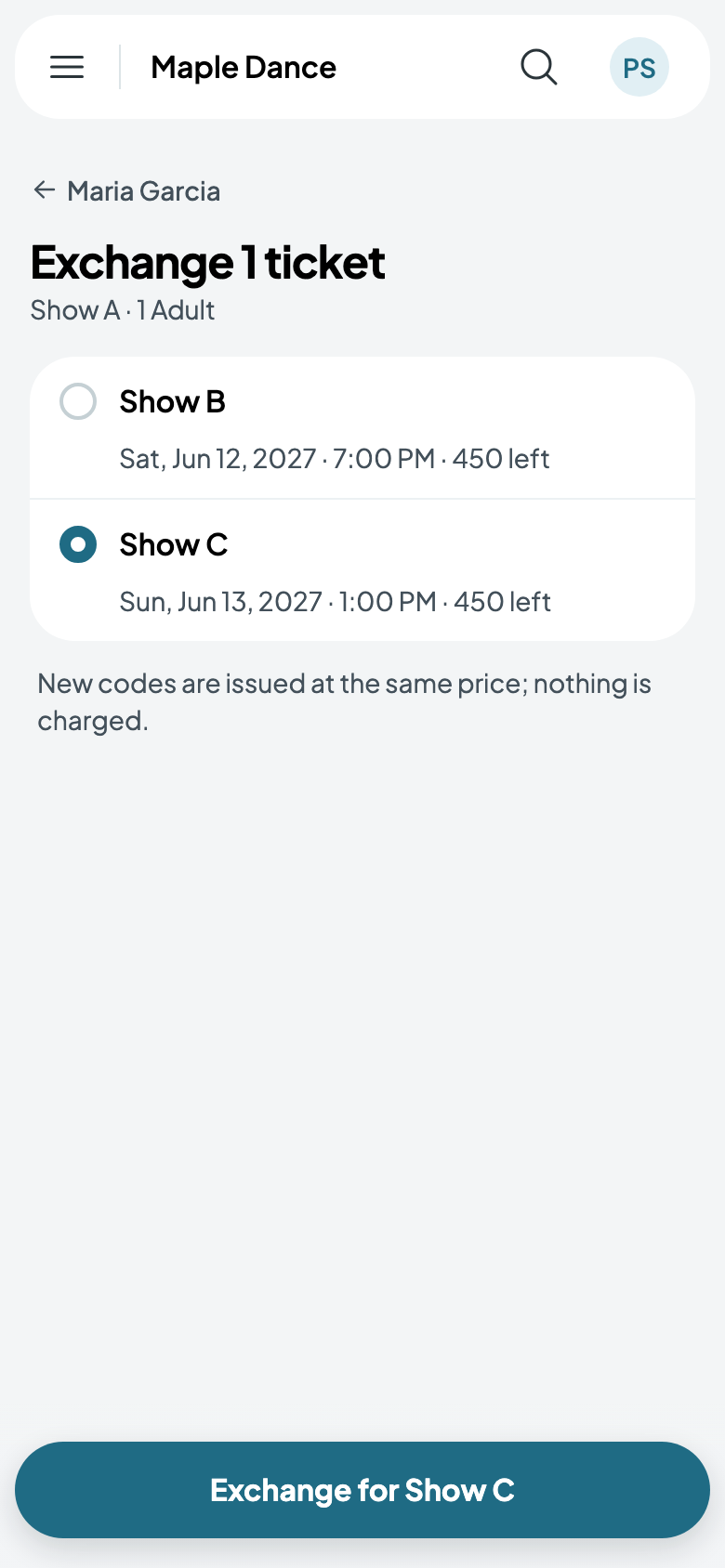
Tap a show for its box office: what's sold, left, given away and checked in, and its orders. Tap an order for its tickets and what was paid; tap a ticket to Refund this ticket, Exchange for another show, or Refund the whole order. An exchange issues new codes at the same price.
Moving or cancelling a show
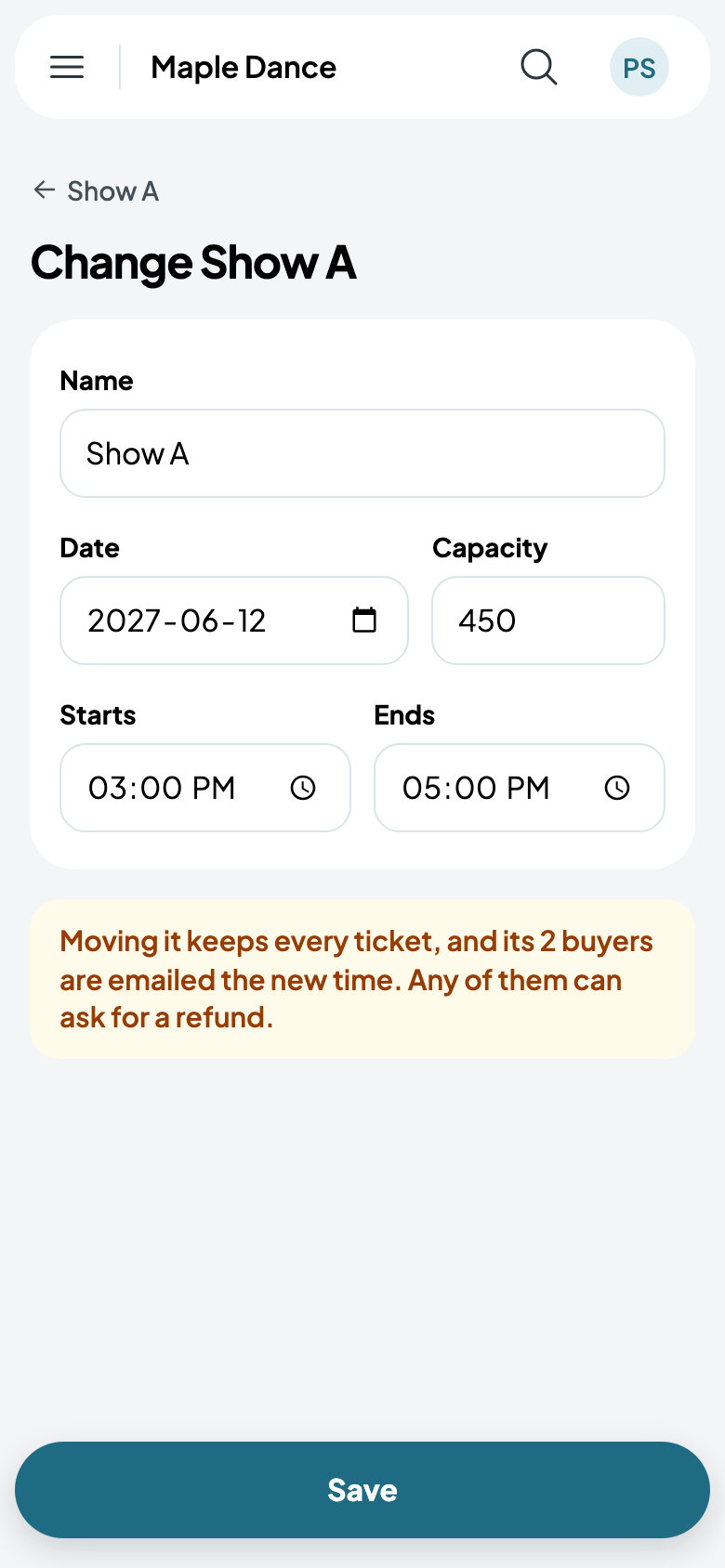
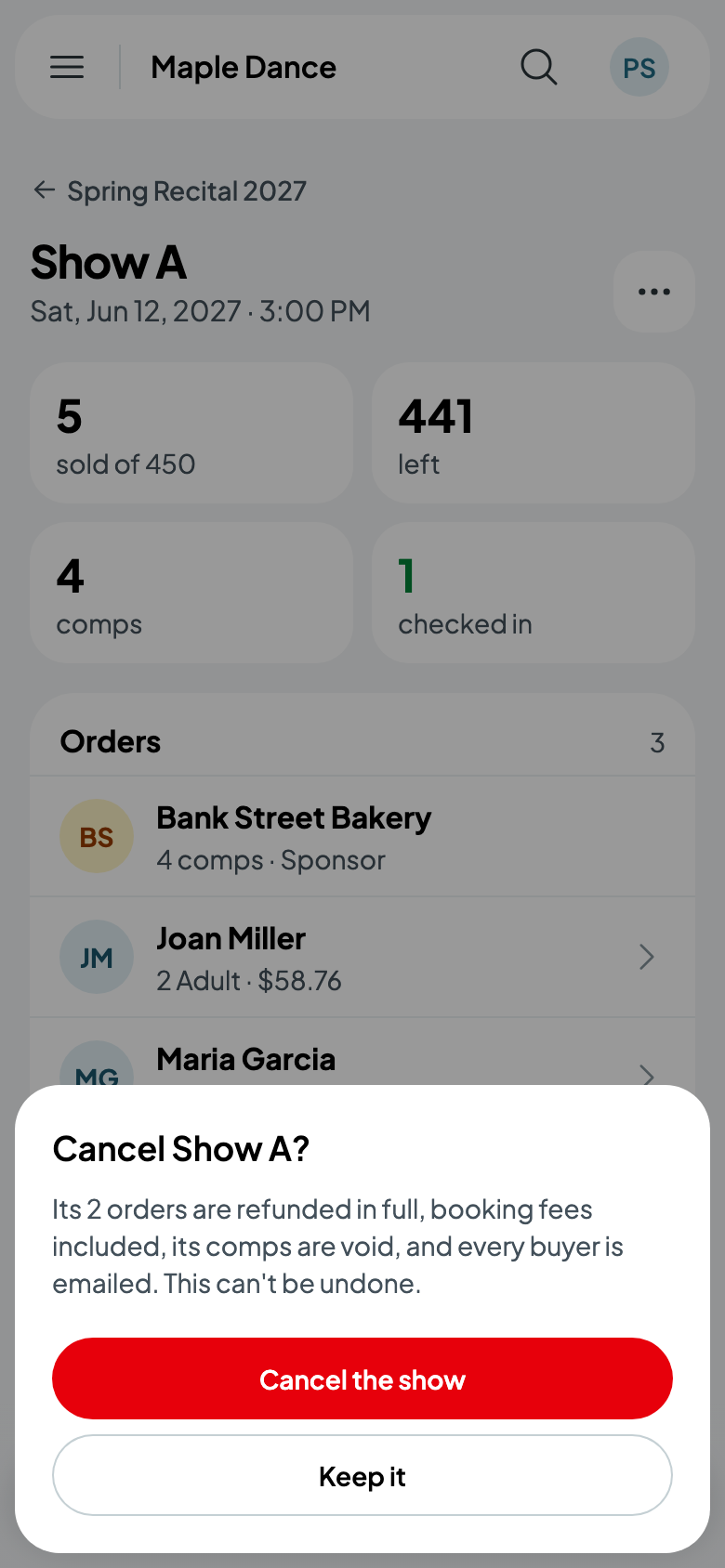
From the show's More, Change the show moves it, or changes how many it admits: every ticket stays, and its buyers are emailed the new time. Cancel the show refunds every order in full, booking fees included, and emails every buyer.