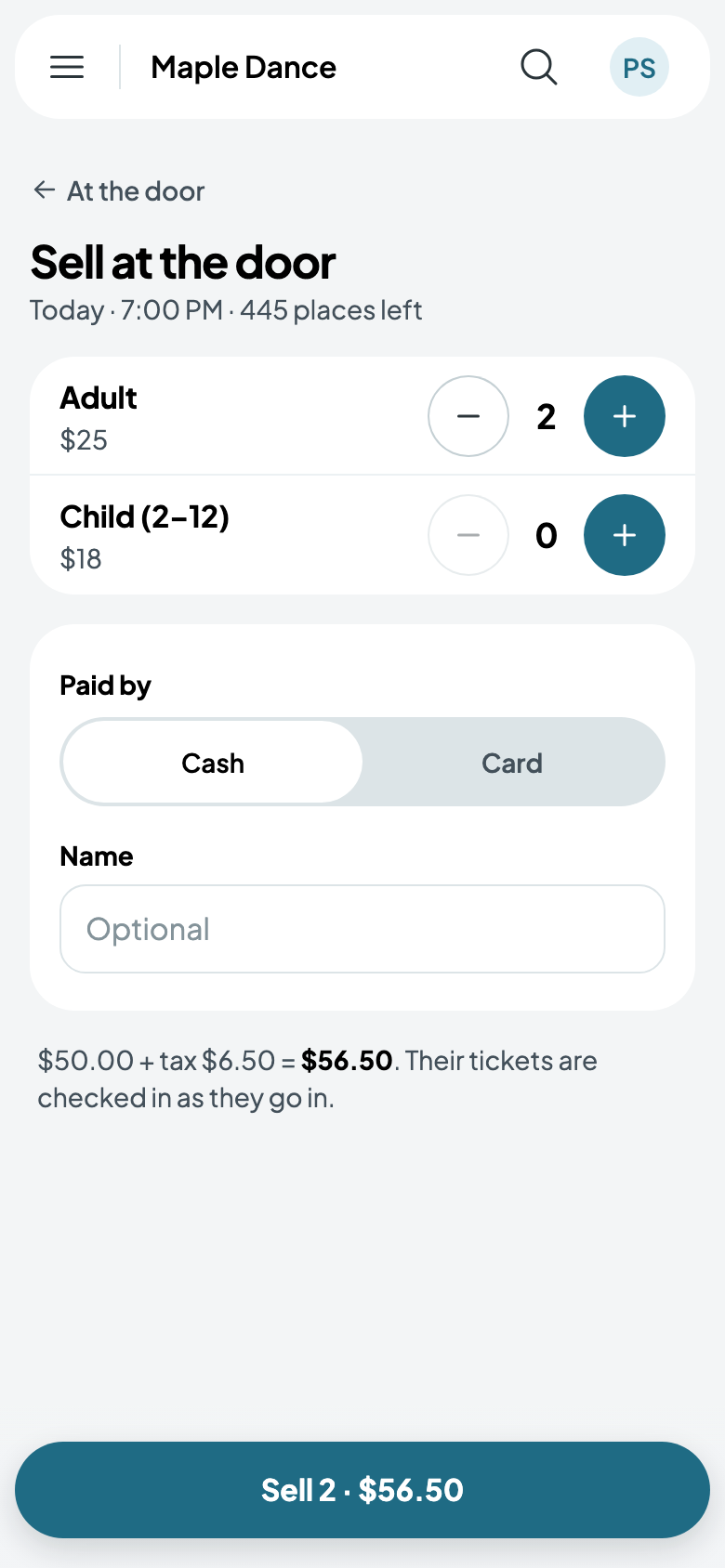
The door on a phone
At the door, any phone checks tickets in: hold up a buyer's code, find them by name, or sell tickets to walk-ups.
Open the door
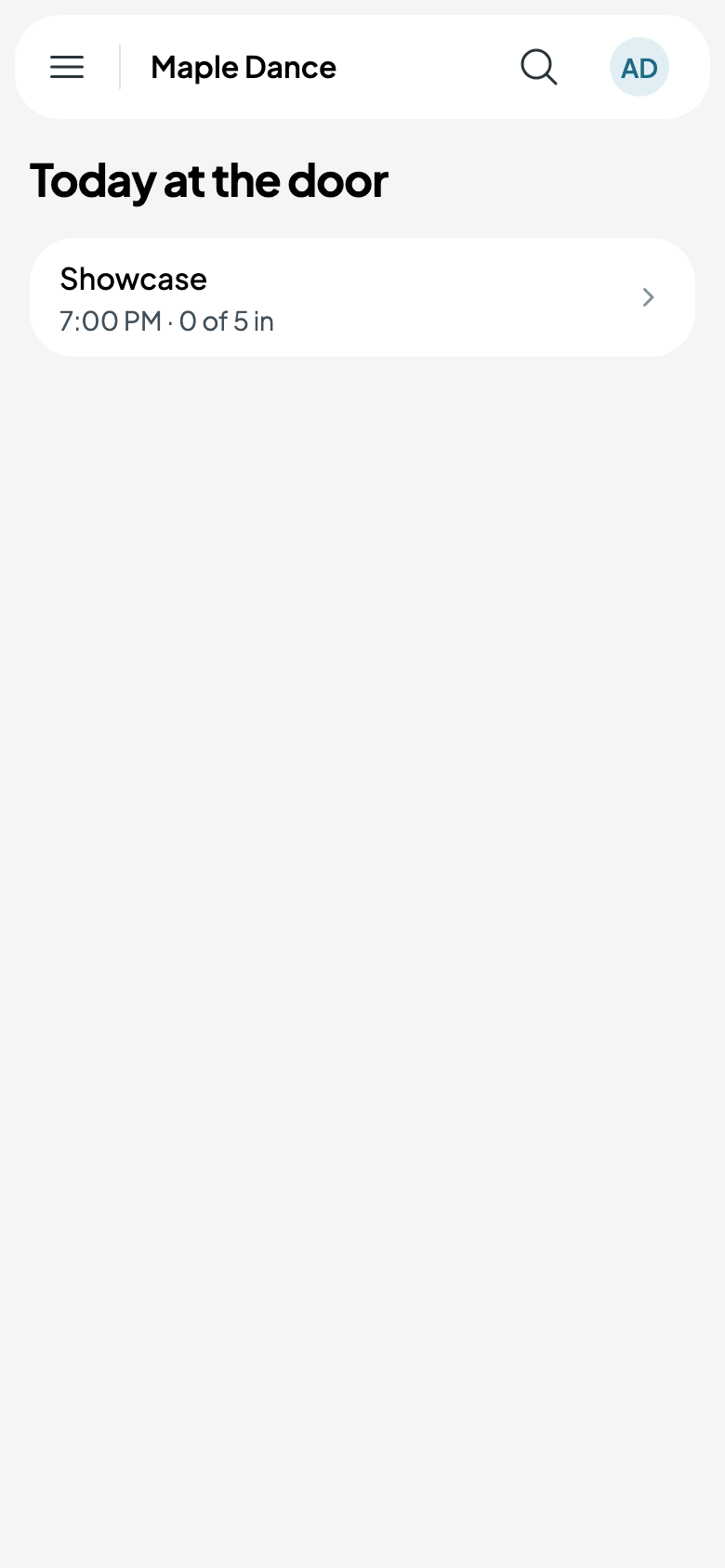
Open the show and tap Open the door. Staff working tonight's door find it under Door in the menu, with how many are in.
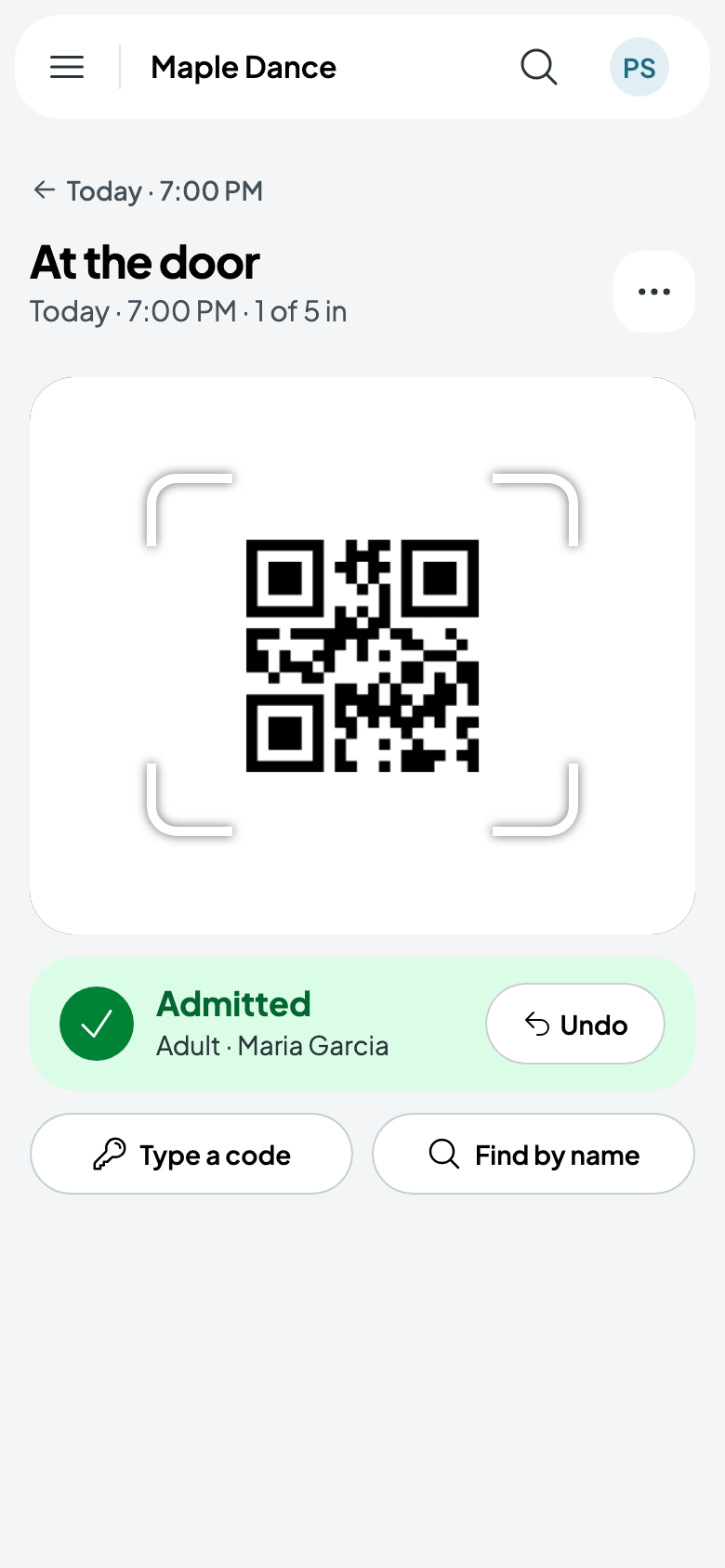
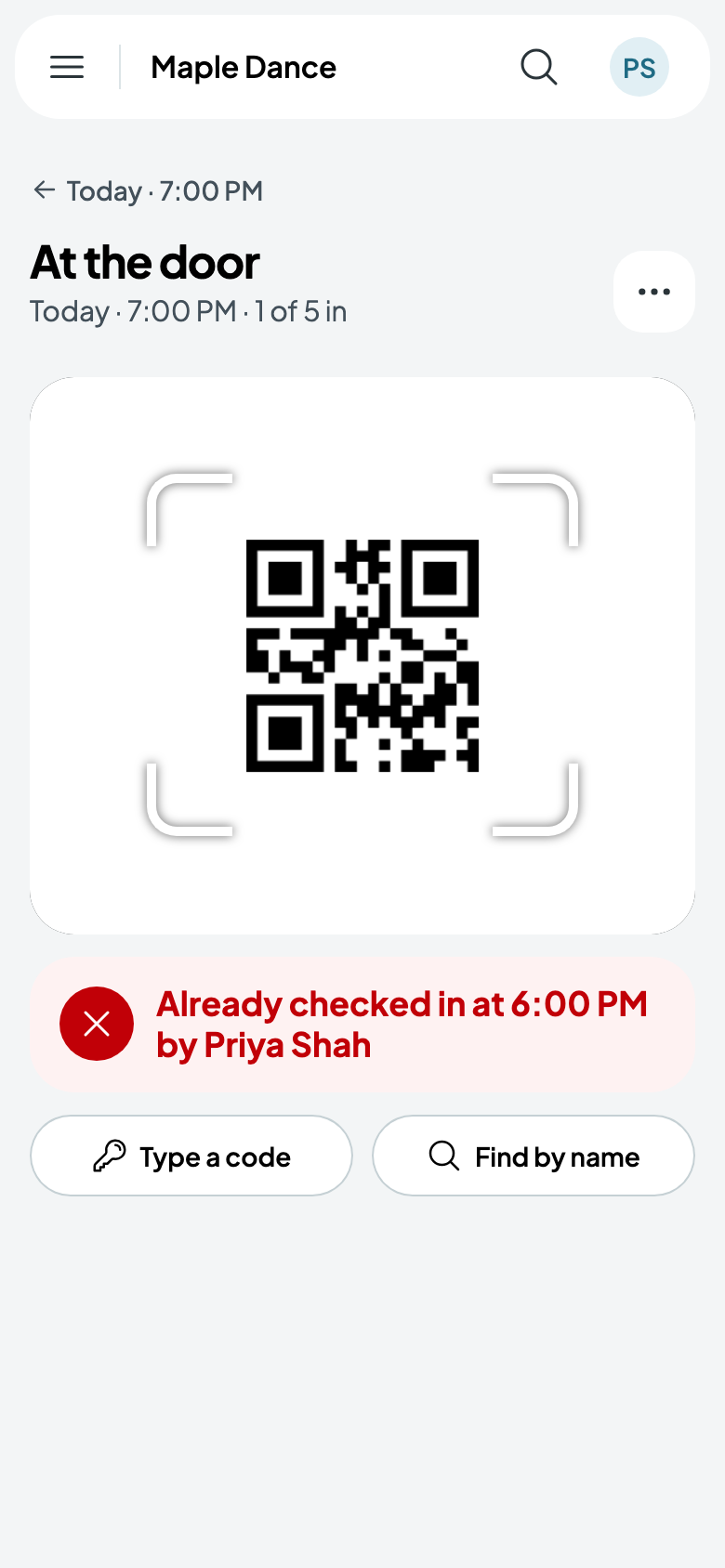
Hold each ticket's code up to the camera: it says Admitted, with the ticket and who bought it, and counts them in. Undo takes back a mistake. A ticket already in is refused, saying when and by whom.
Type a code is for a printed code that won't scan.
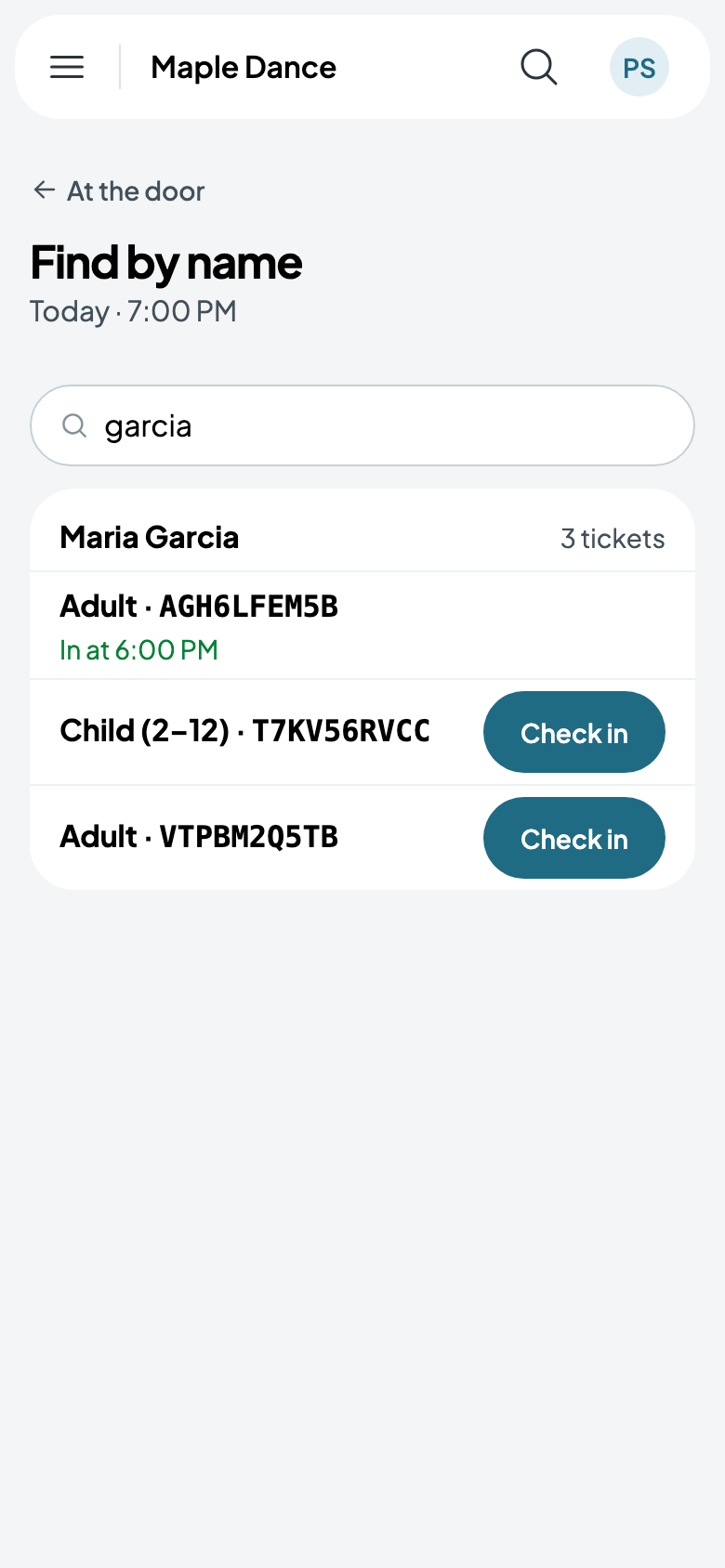
Without their phone
Find by name lists a buyer's tickets, each to check in on its own.
Selling at the door
From the door's More, Sell at the door: how many of each ticket, paid by cash or card, and their name if you like. They're checked in as they're sold.