Taking attendance
A teacher takes the register with one thumb, at the studio door. The front desk checks children in by name or by their code, and families can check themselves in at a tablet.
The register
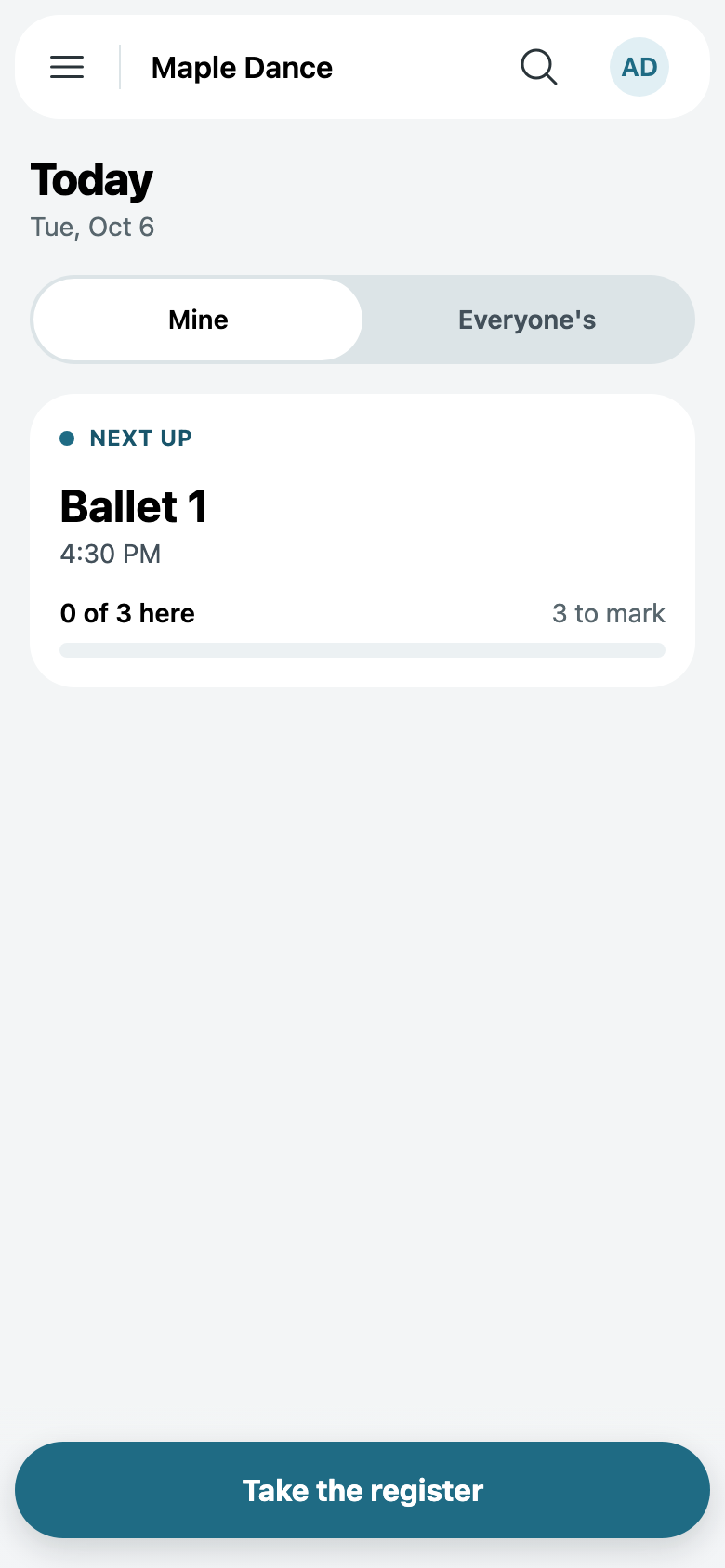
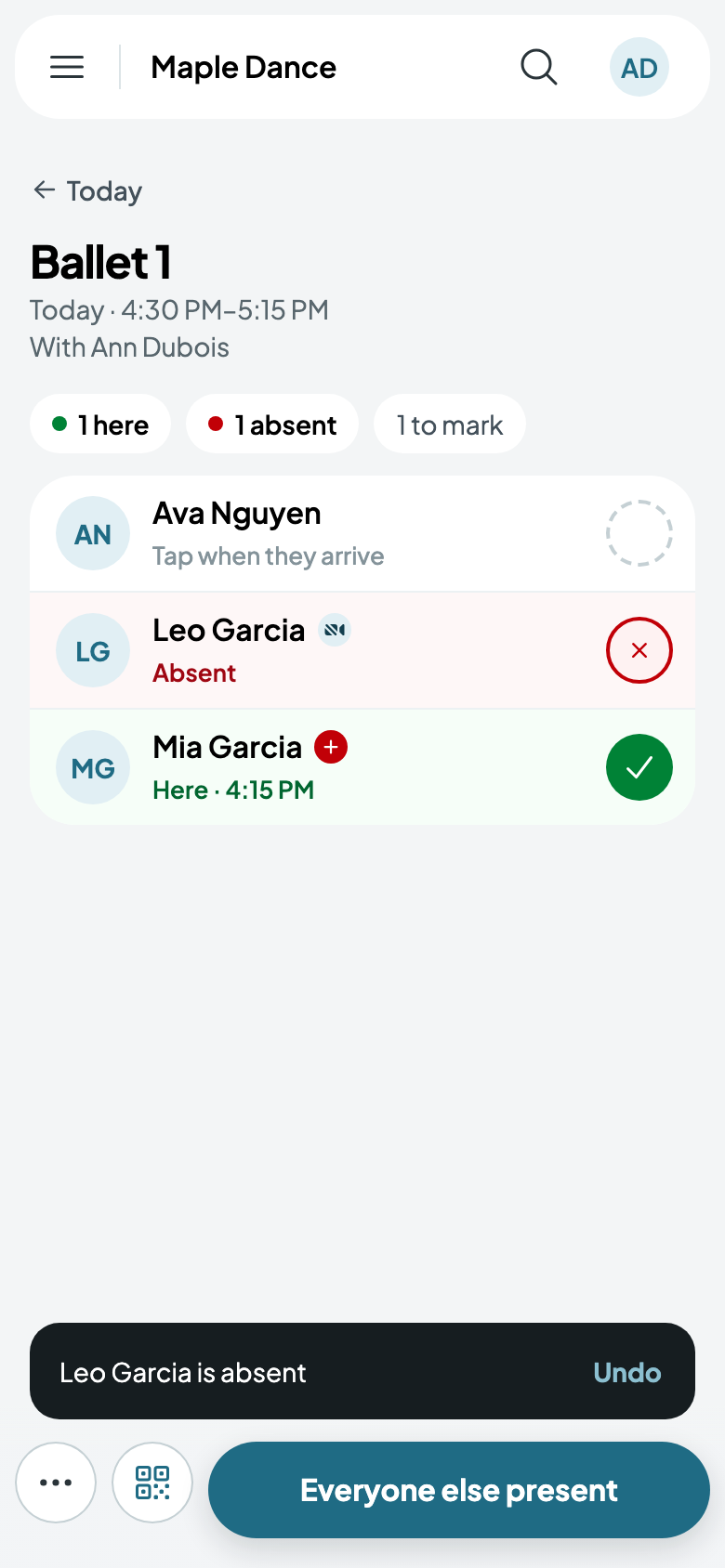
A teacher's Today opens on their next class. Tap Take the register.
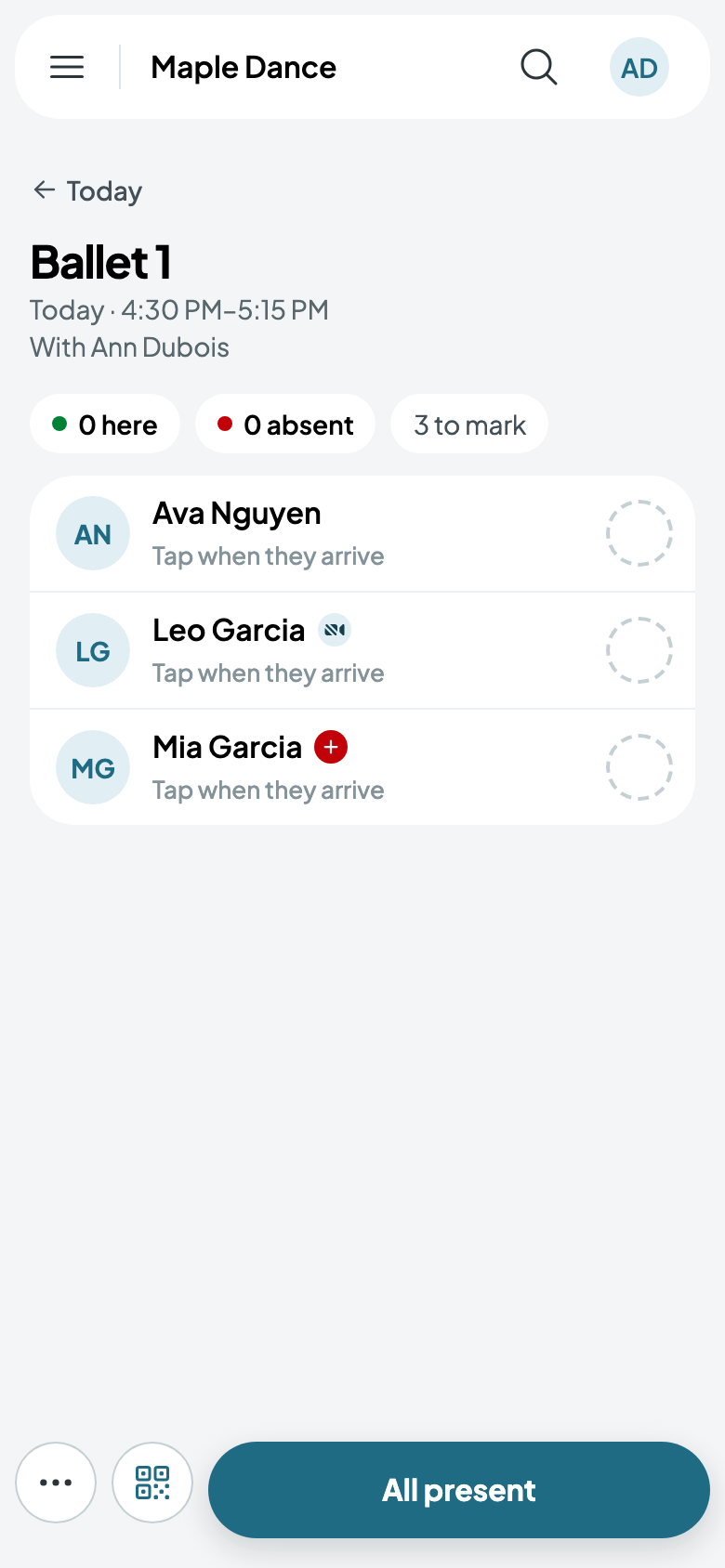
Tap a child as they arrive: they're here, with the time. Tap again for absent, and a third time to clear it. All present marks everyone at once, or Everyone else present once you've marked some. A mistake shows Undo.
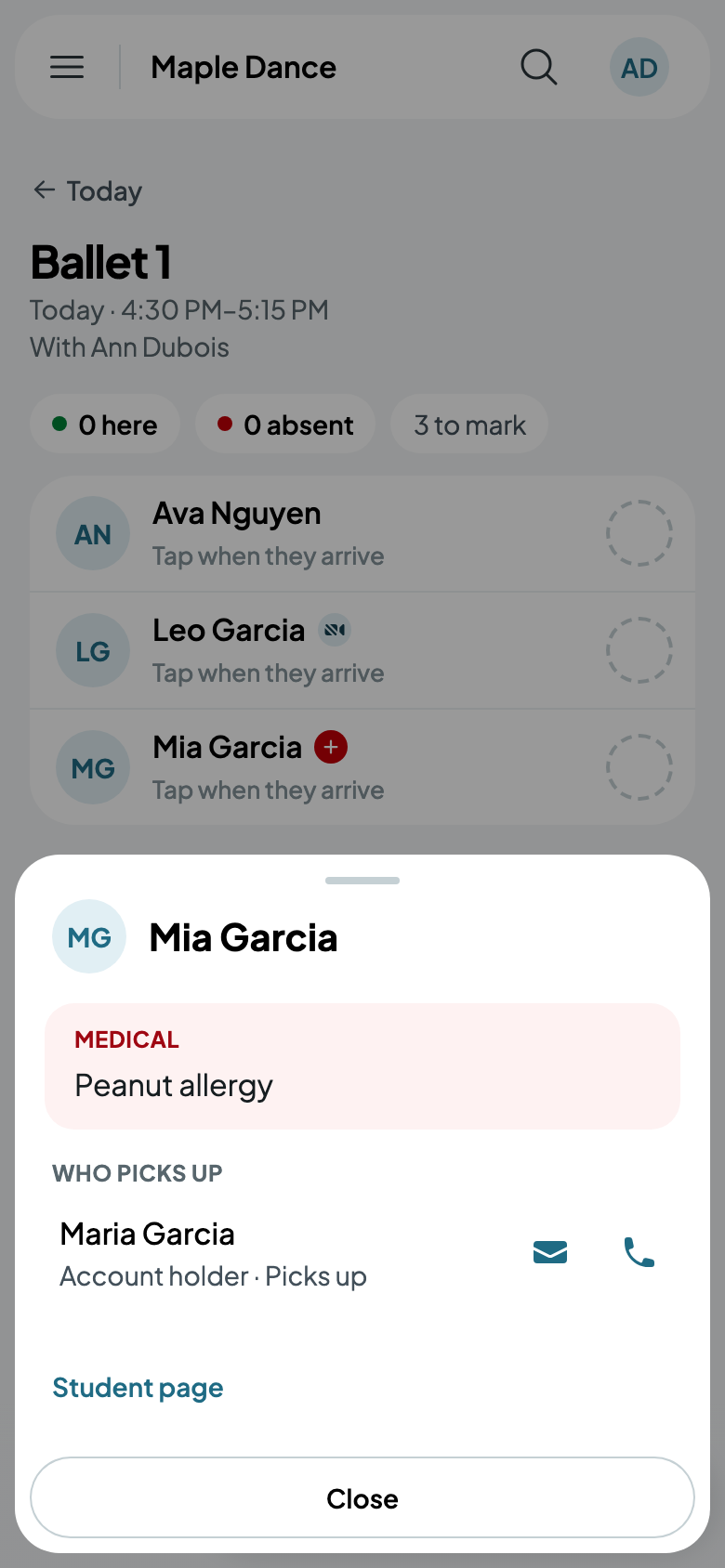
A child with something to know shows it beside their name, such as an allergy or no photos. Tap their initials for their card: what to know, who picks them up, and how to call them.
Scanning codes
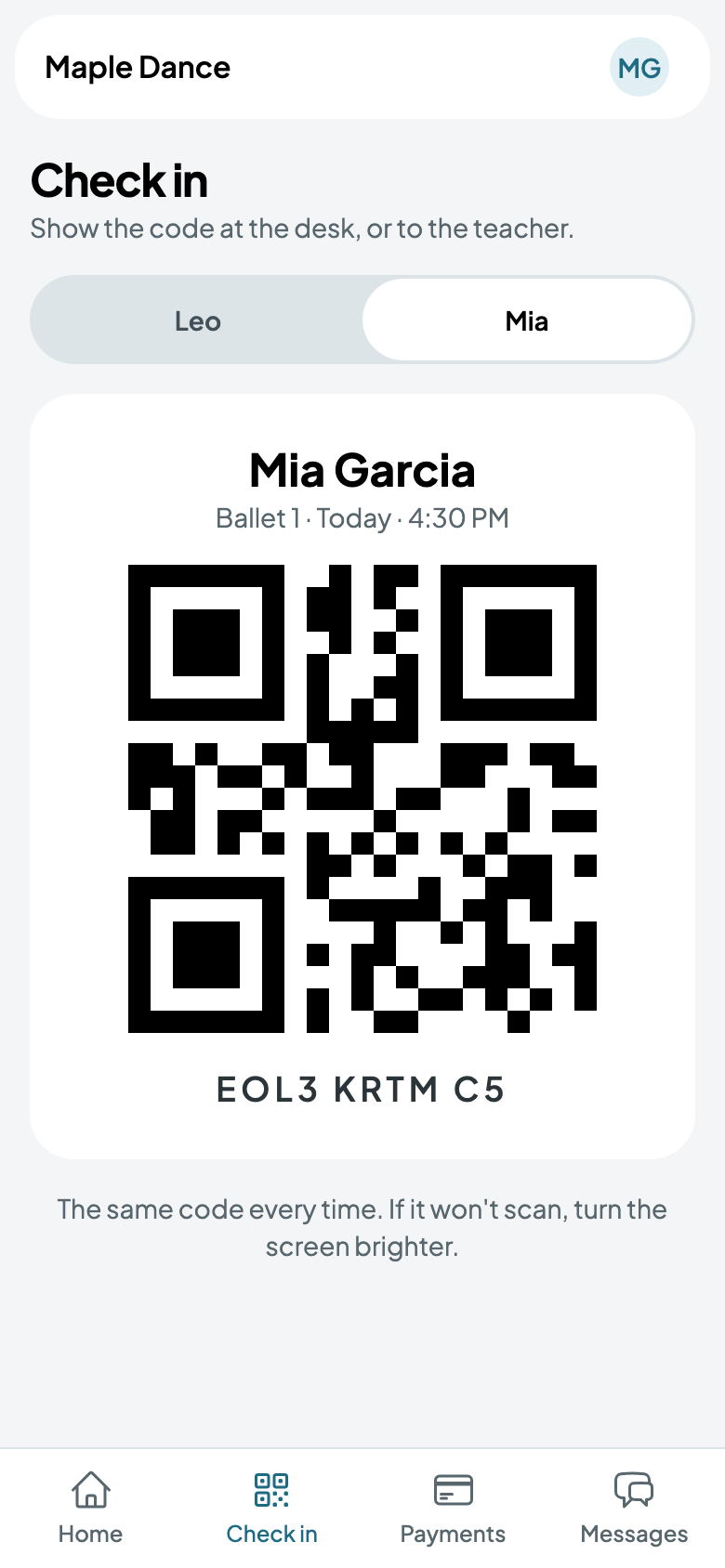
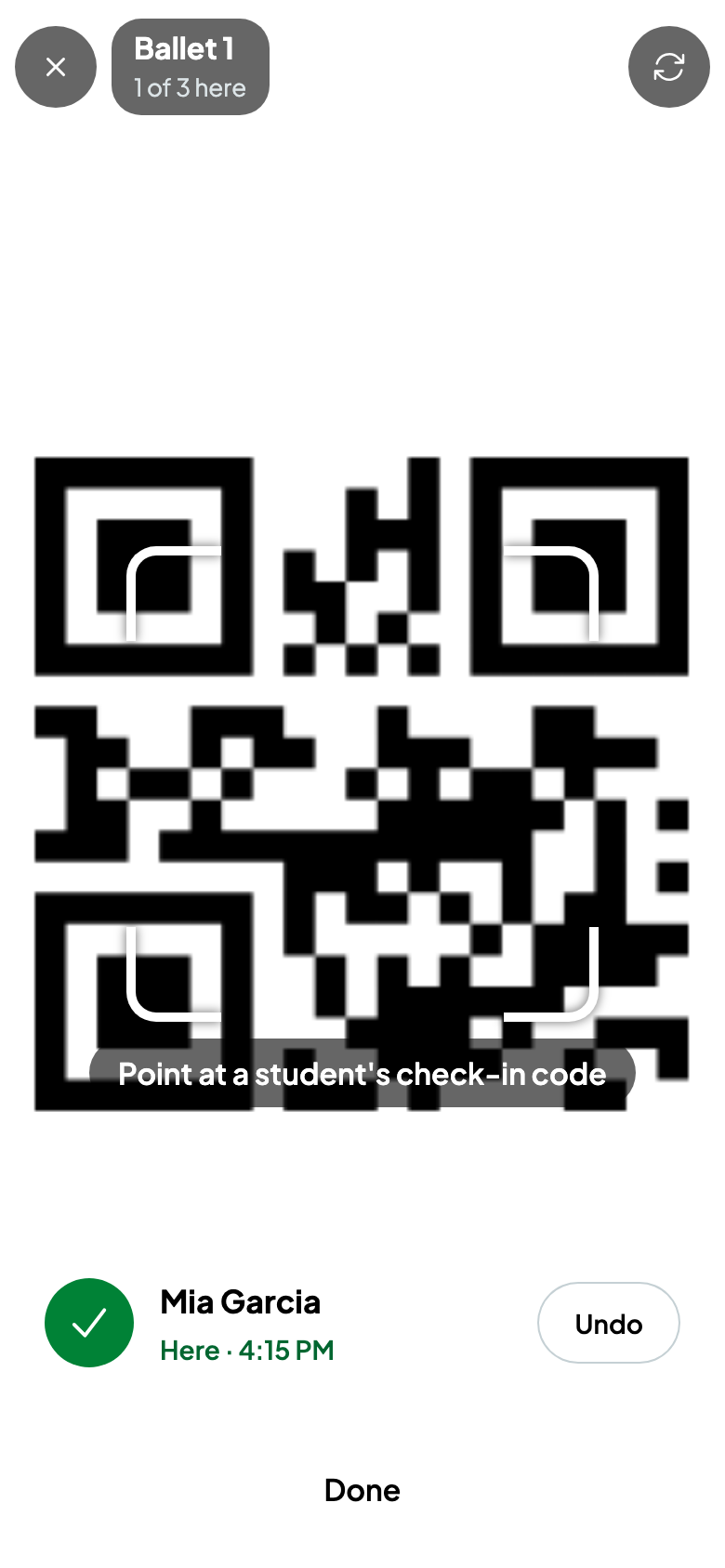
Every student has their own check-in code, on their family's phone or a printed card. On the register, the scan button opens the camera: hold up a code and they're here. Someone not in the class can walk in from there.
The front desk
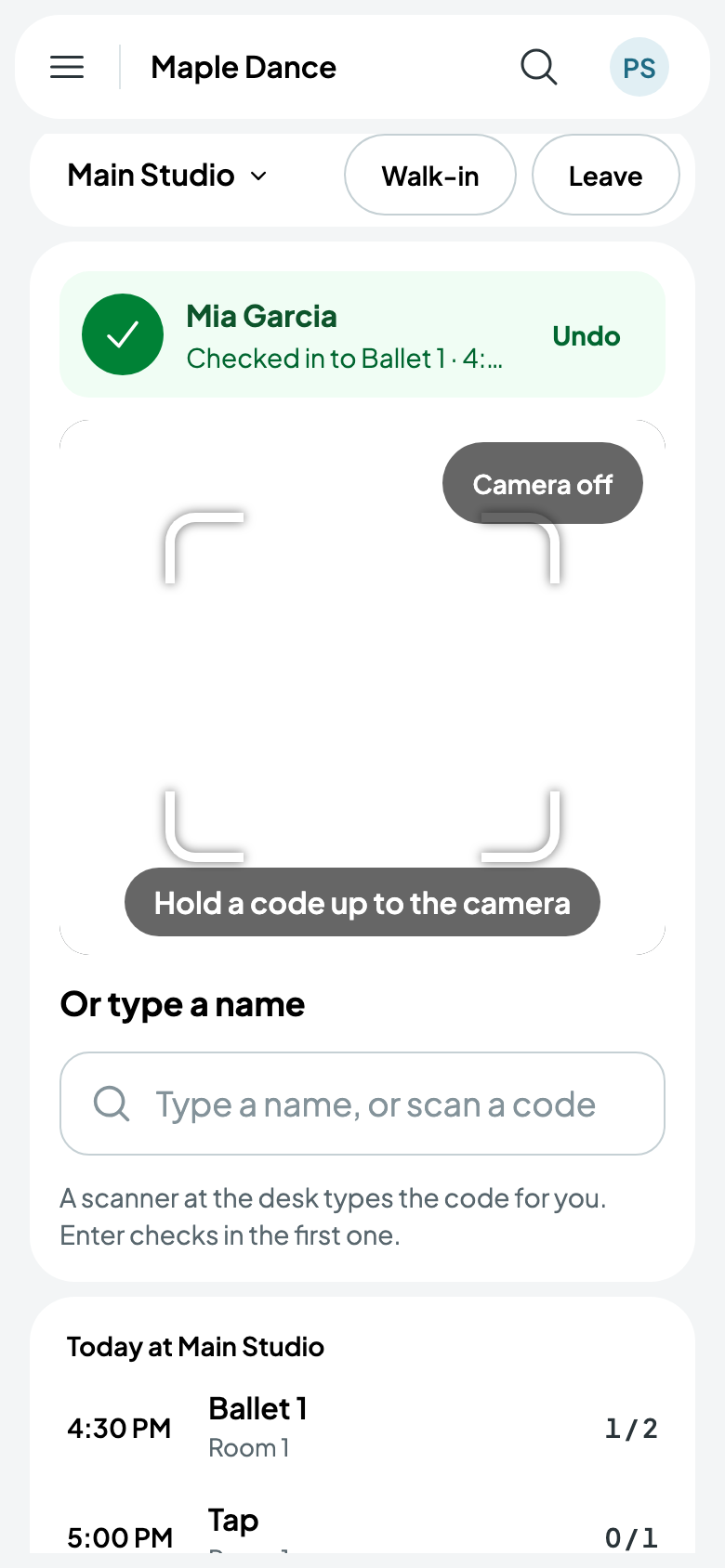
Desk, in the menu, is the day at one location: a box to type a name or a scanner's code, the camera, and who's come in. Enter checks in the first one found, and Undo takes it back.
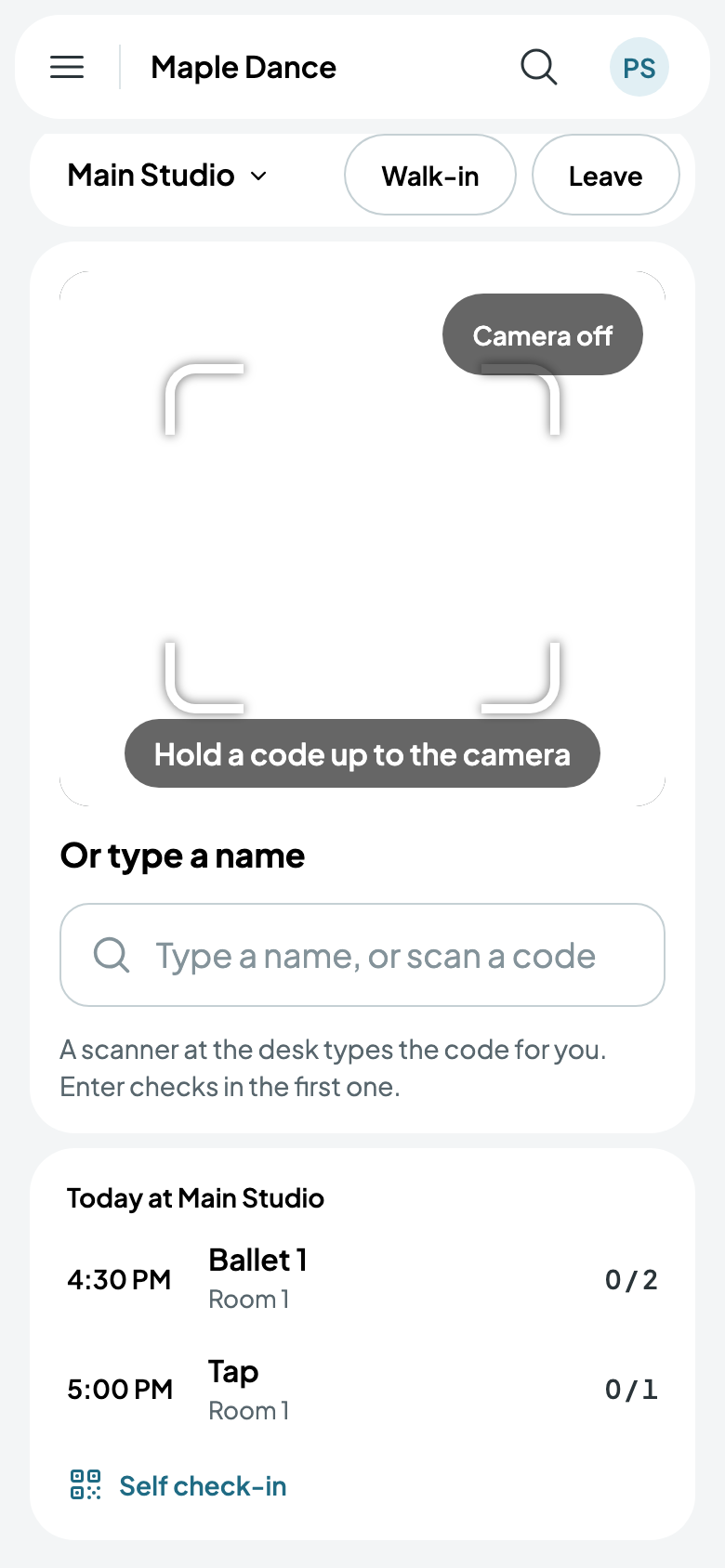
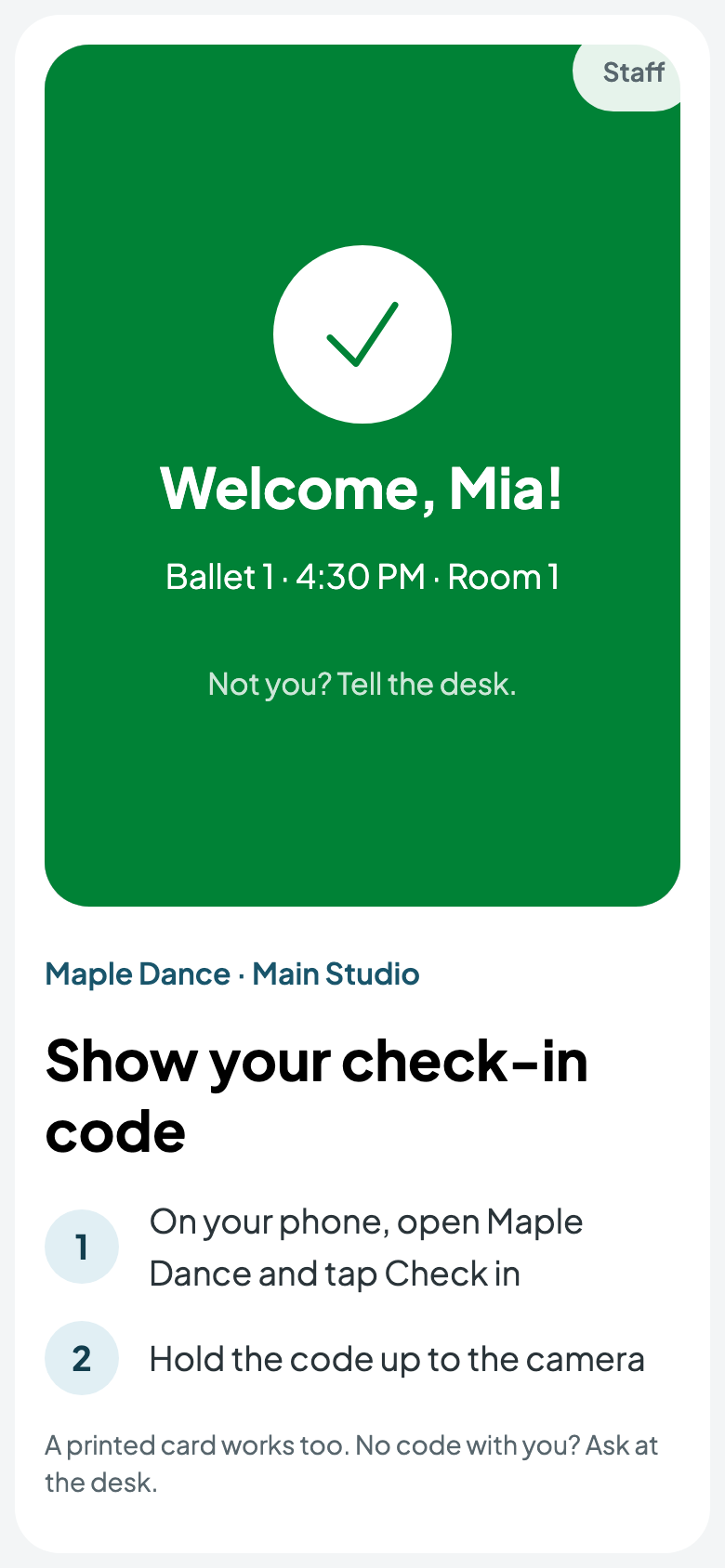
Self check-in turns a tablet by the door into a place families check themselves in, by holding up their code. Leaving it takes the password of whoever set it up.
Walk-ins and drop-ins
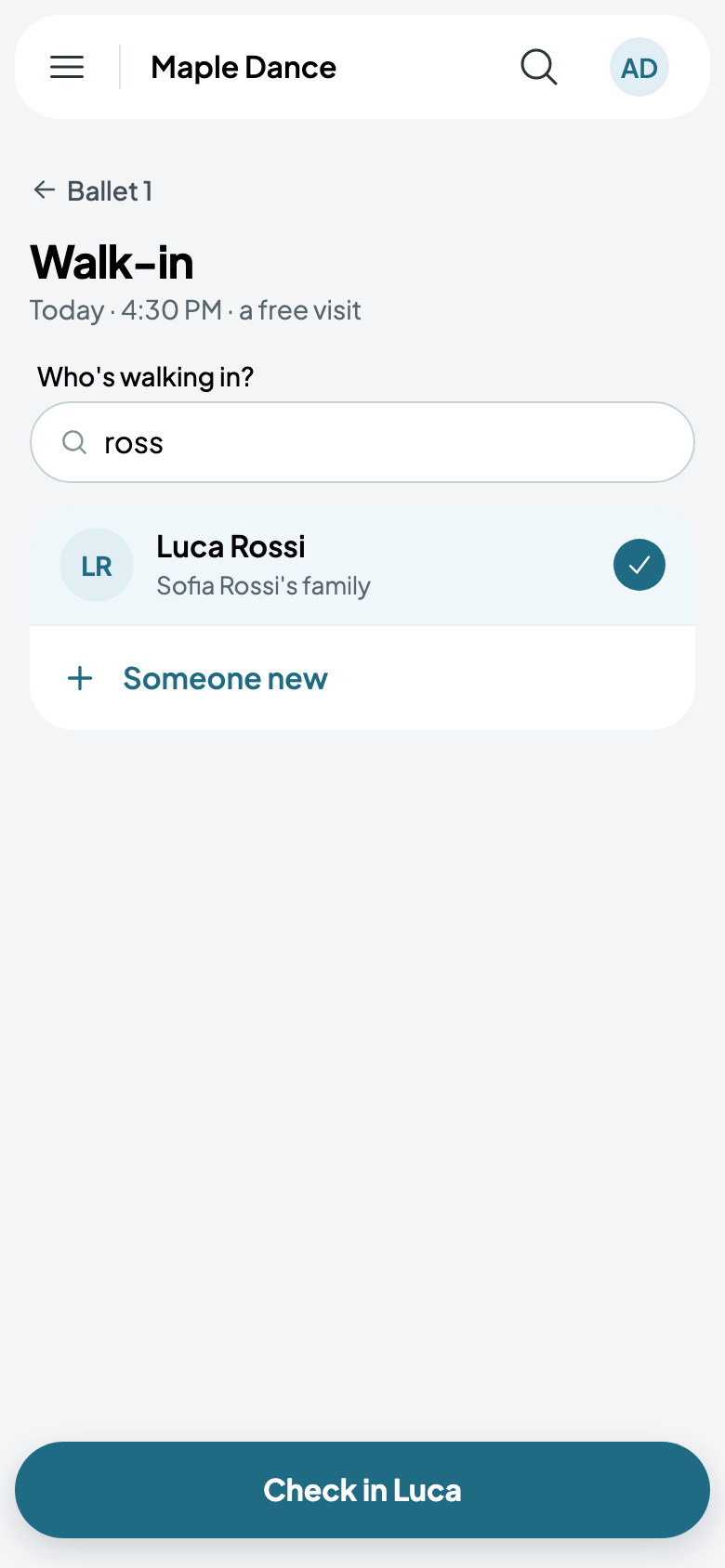
From a session's More, Add a walk-in: find someone you know, or add someone new with their parent or guardian. They come for free, or for the class's drop-in price, paid now in cash or by card, or left owing.
Check-in codes
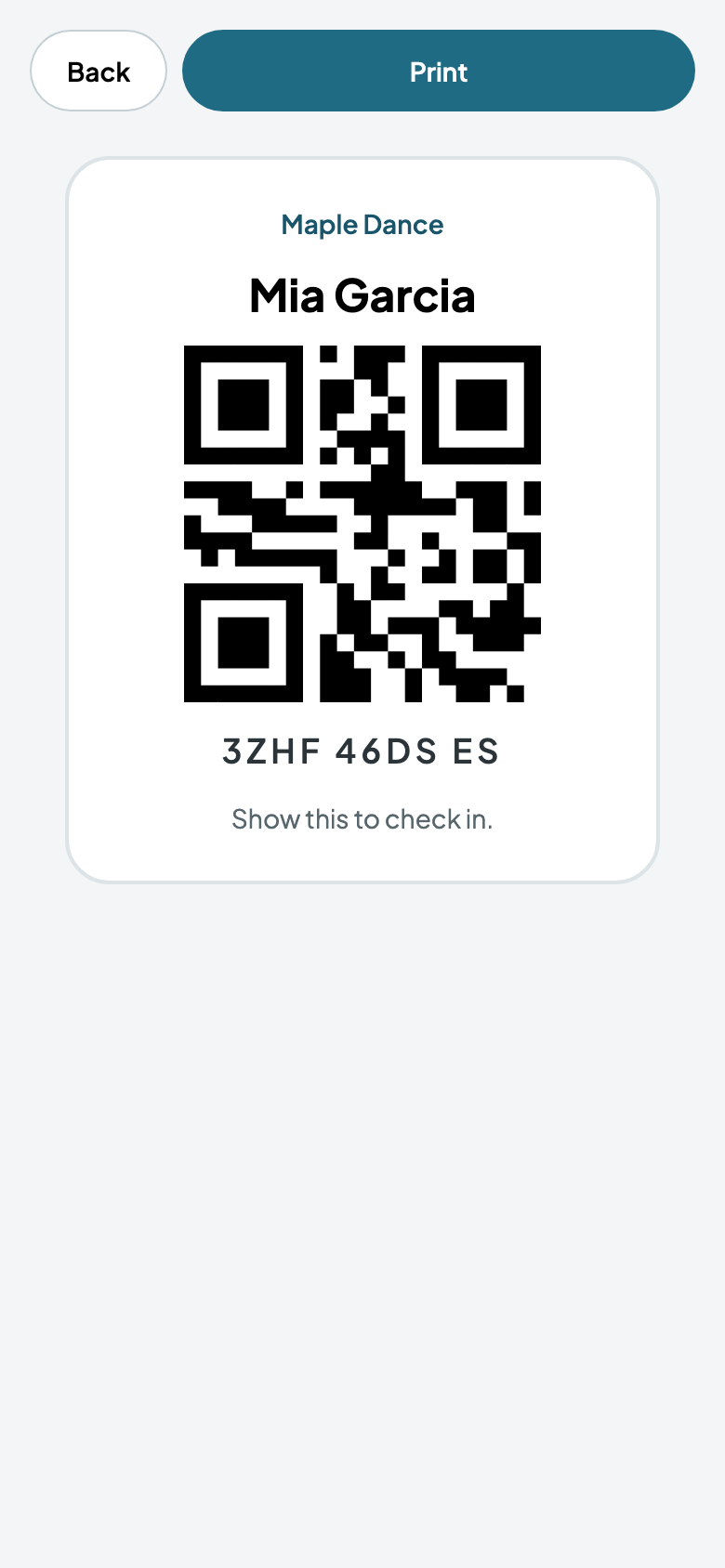
Families find each child's code under Check in on their phone. From a student's page, staff print a card with it, or make a new code if one's lost.