Add a class and its schedule
A class needs a name and when it meets; everything else can wait. Caletan makes its sessions from the schedule, holds its room for each, and gives it a link that families register through.
Add a class
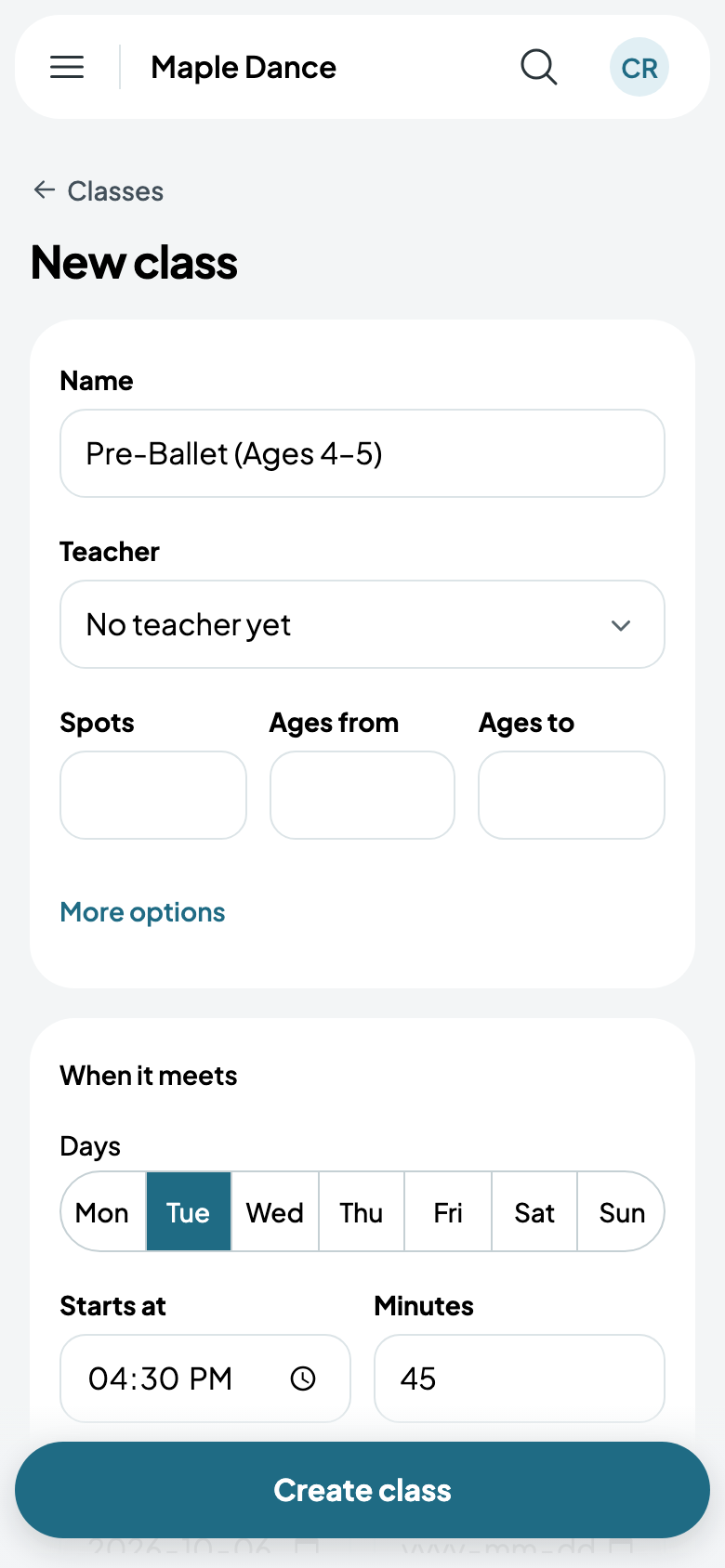
- Go to Classes and tap New class.
- Give it a name, and its teacher if you know who.
- Spots, Ages from and Ages to are for when they matter; empty, it never fills and takes any age. With spots, Waitlist when full is on.
- Under When it meets, tap its days, then its start, its minutes and its first day. A Last day is optional. Add another time is for a class that also meets at another time.
- Tap Create class.
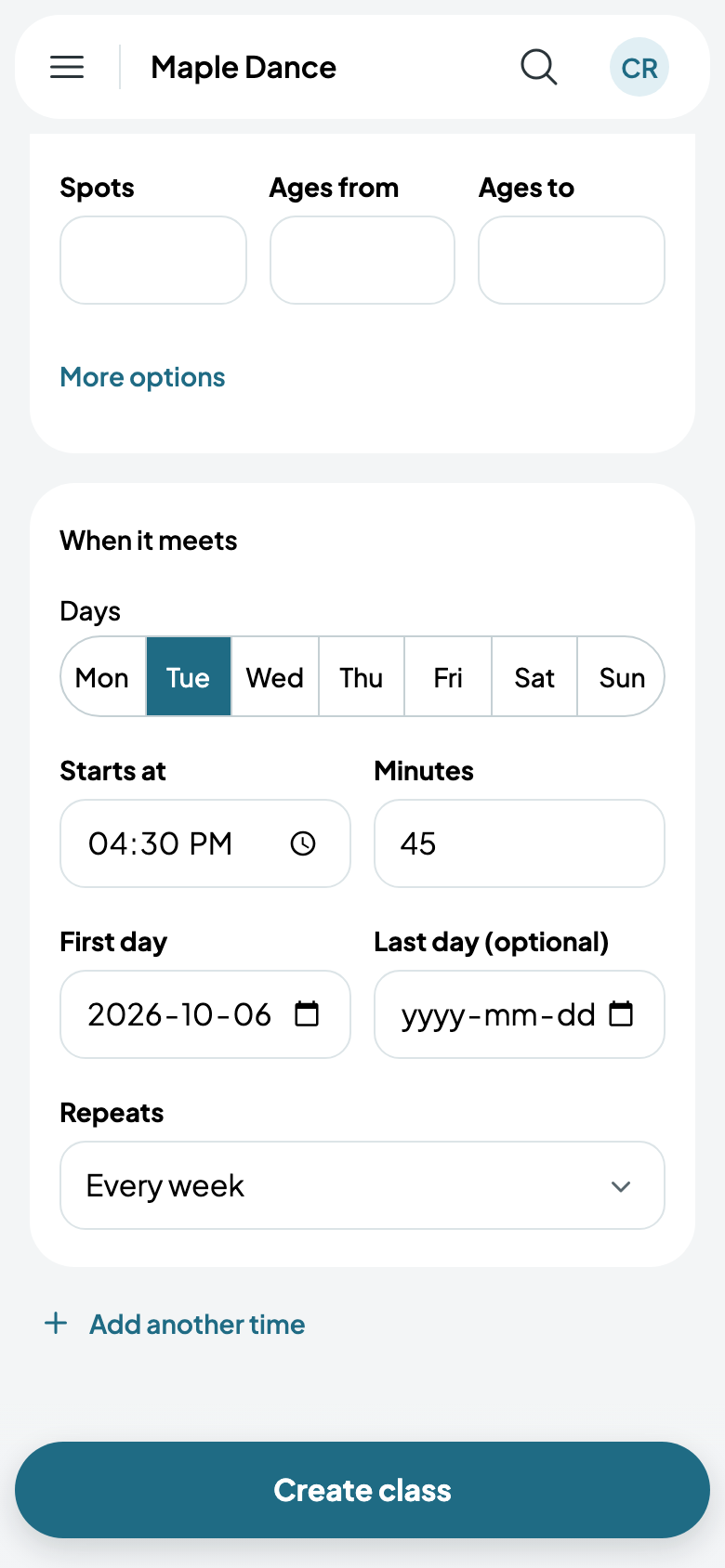
Once you have them, the form also asks for its season, program and level, and its location and room. More options has a description, who signs up (a child, chosen by their family, or adults for themselves), whether families register online, whether it's hidden from class lists, and its colour.
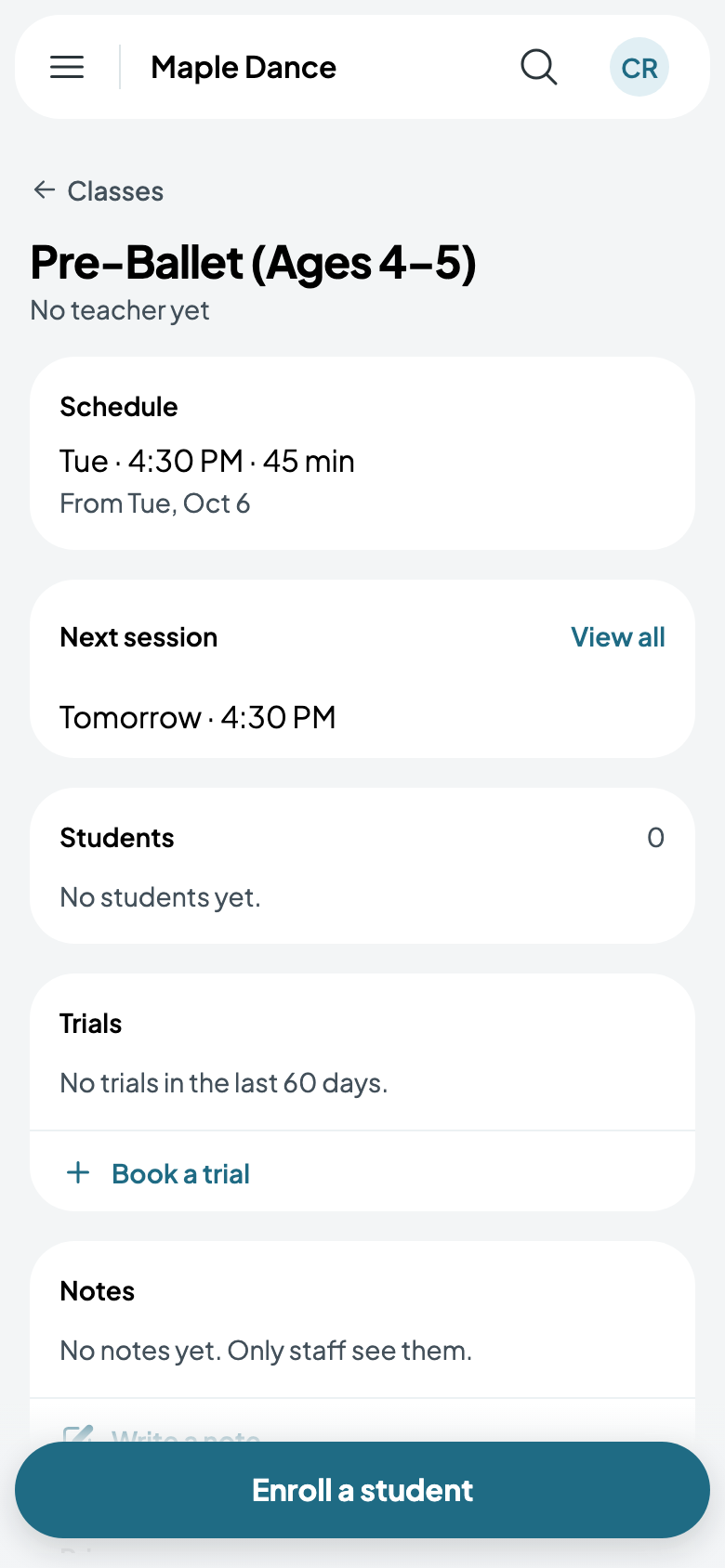
The class's page
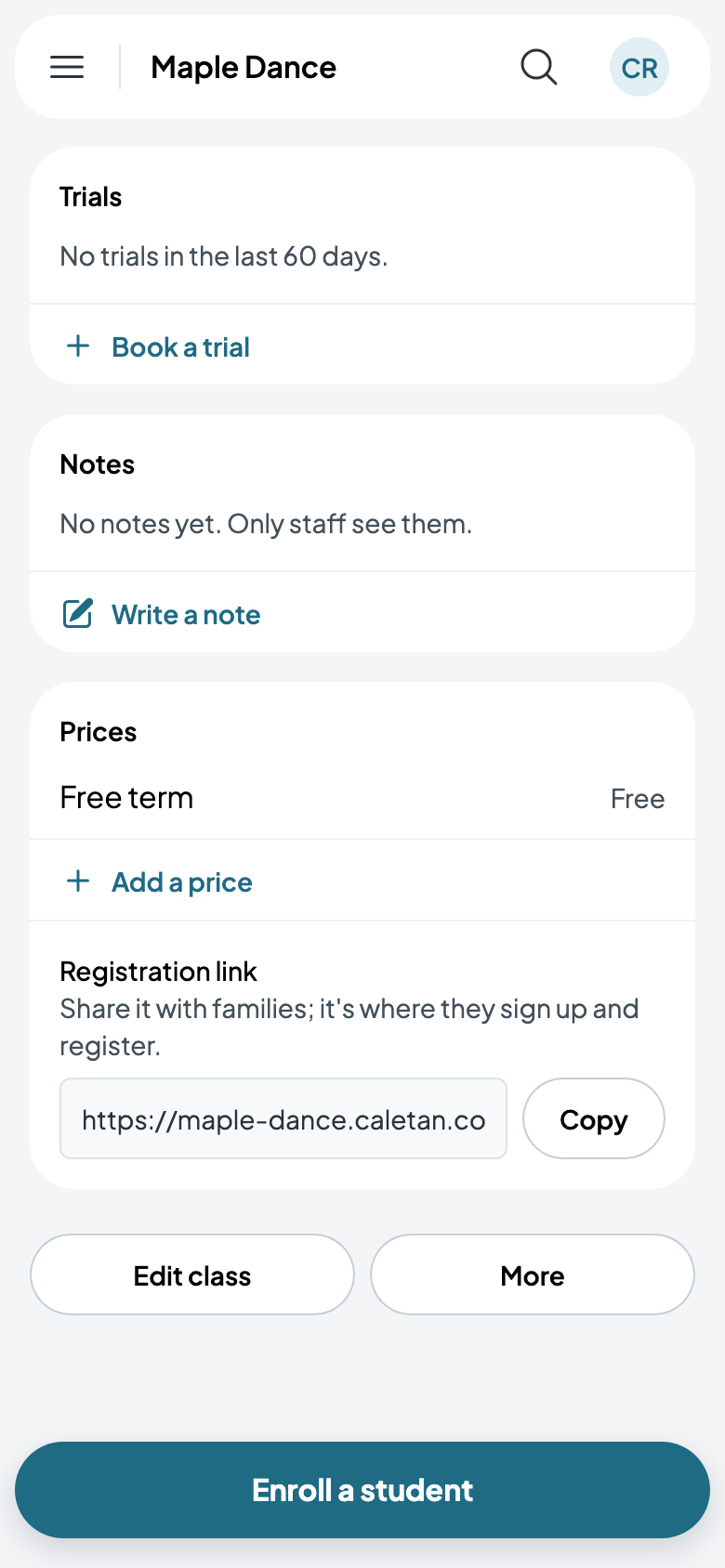
The class's page has its schedule, its next session, its students, trials and notes, its prices and its registration link. More has Duplicate, End the class today and Delete class.
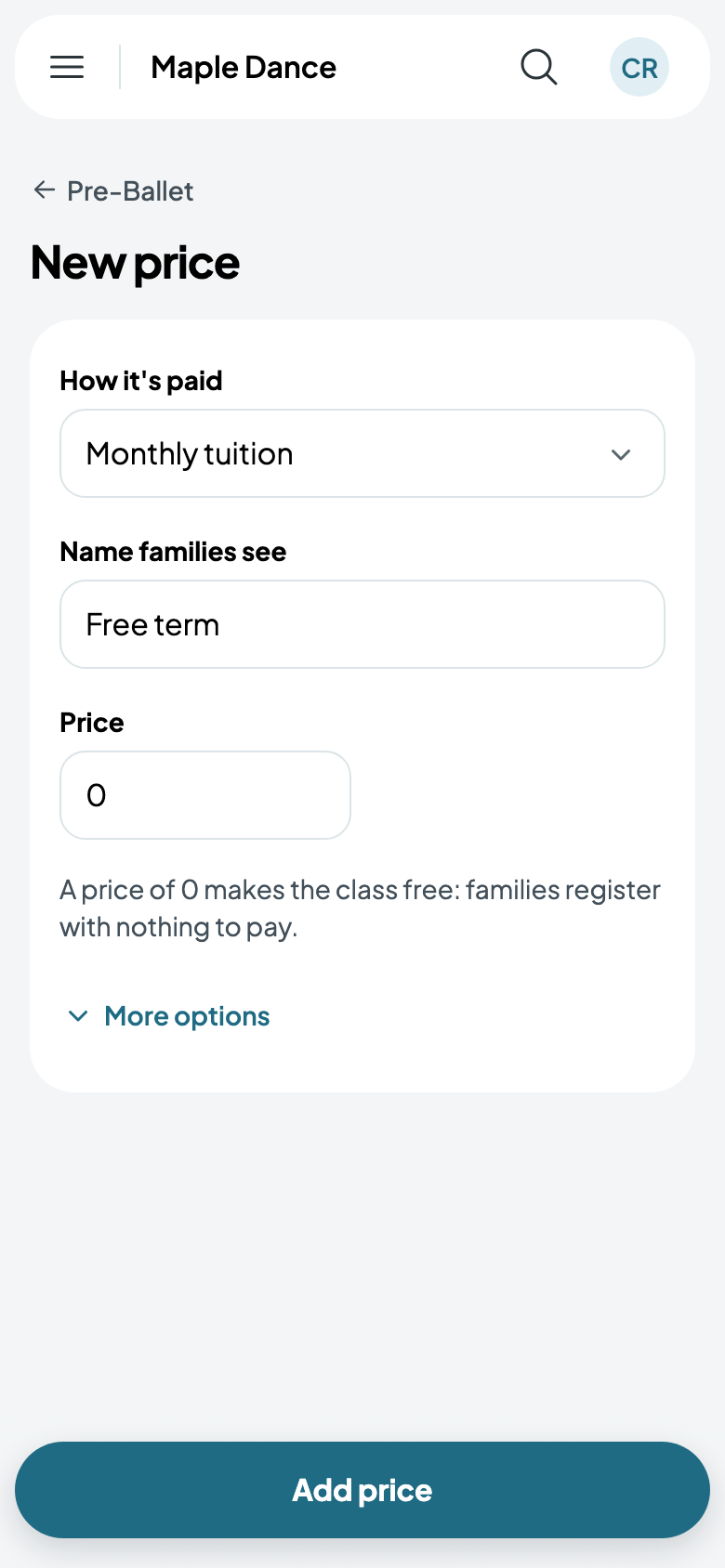
Its prices
Tap Add a price, choose how it's paid (monthly tuition, a monthly membership, per session, the full course, a drop-in, a class pack or a trial), and give the name families see and the price. A price of 0 makes the class free.
Once it has a price, the class has its Registration link: share it with families, and it's where they sign up.
Enrolling at the desk
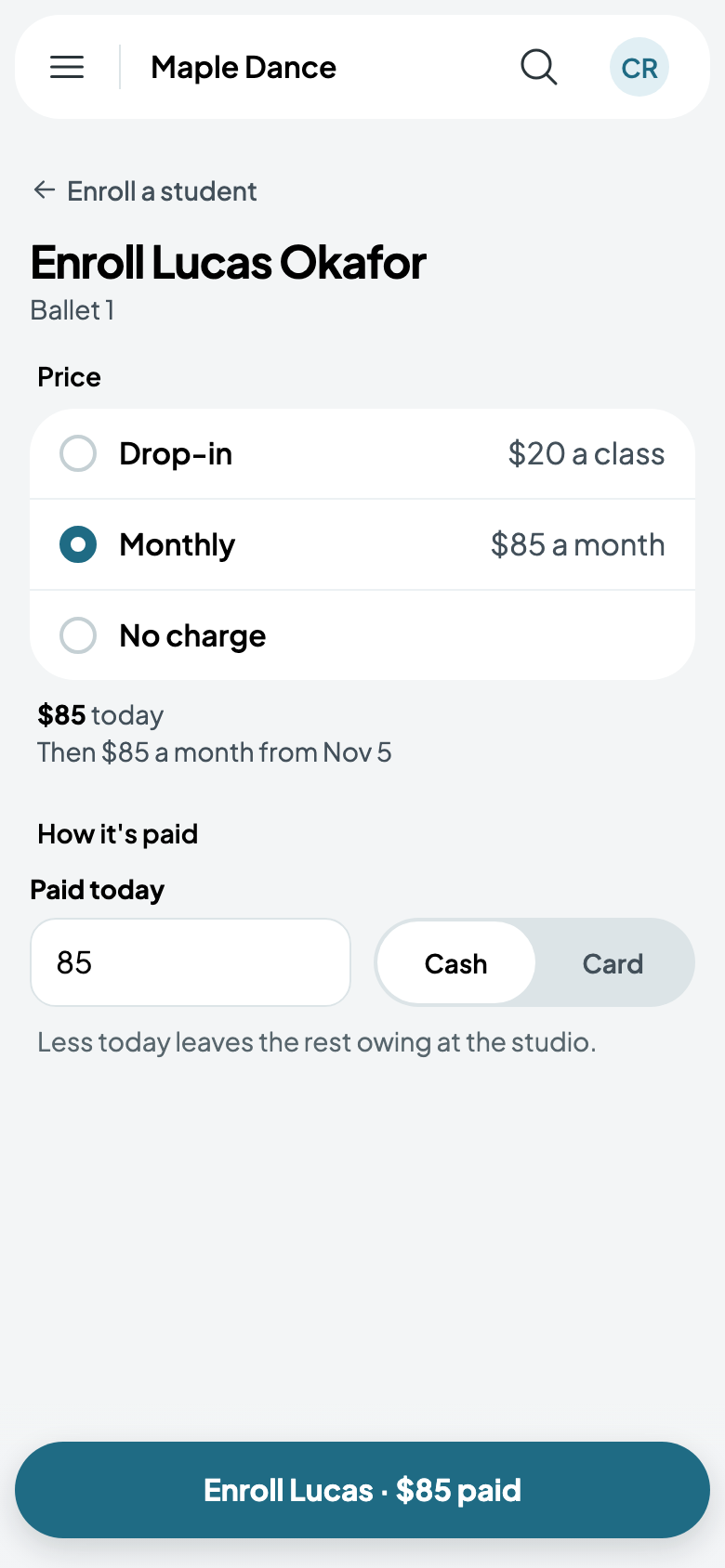
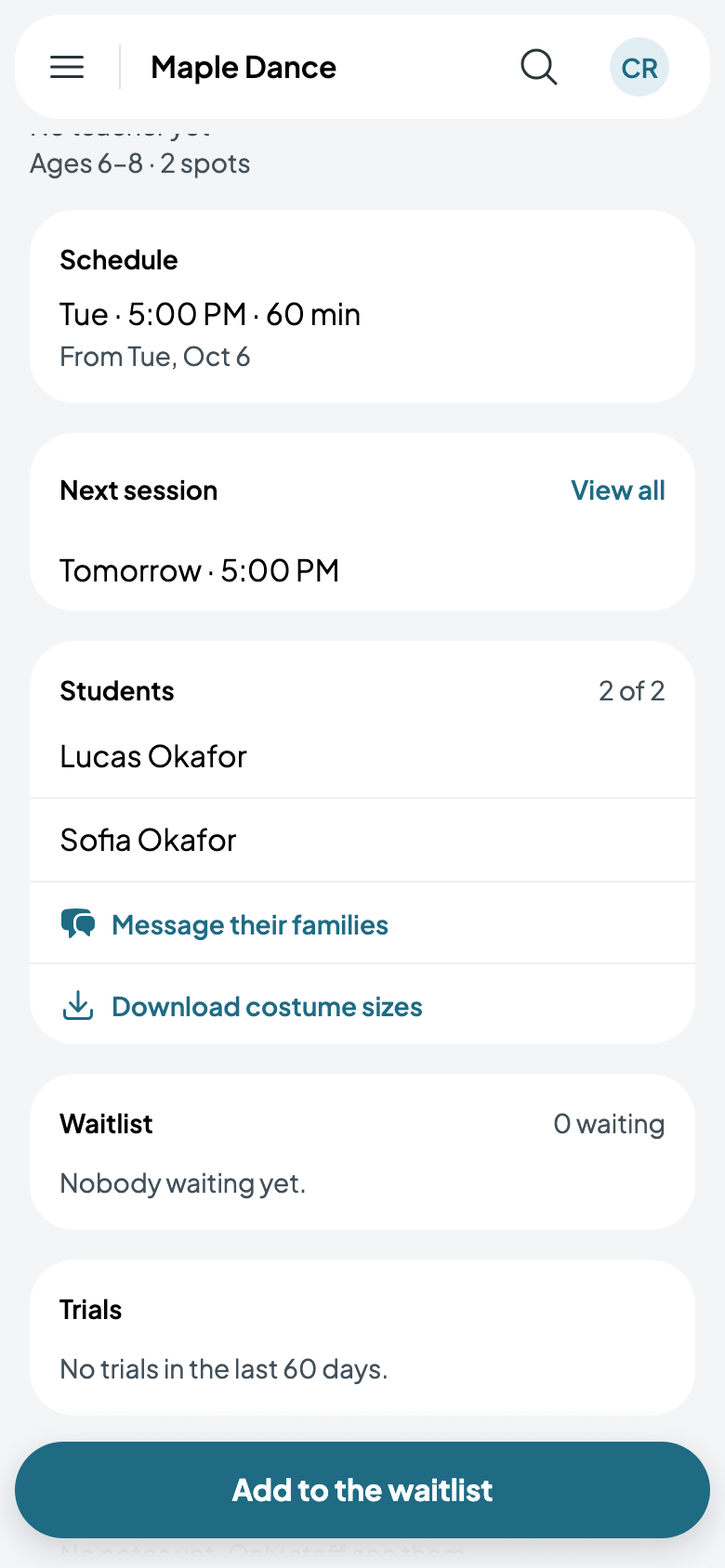
Enroll a student finds someone your studio knows, then asks which price and how it's paid: what's paid today, in cash or by card, or billed to their family. The class's page lists its students, and how many of its spots are taken.
The schedule
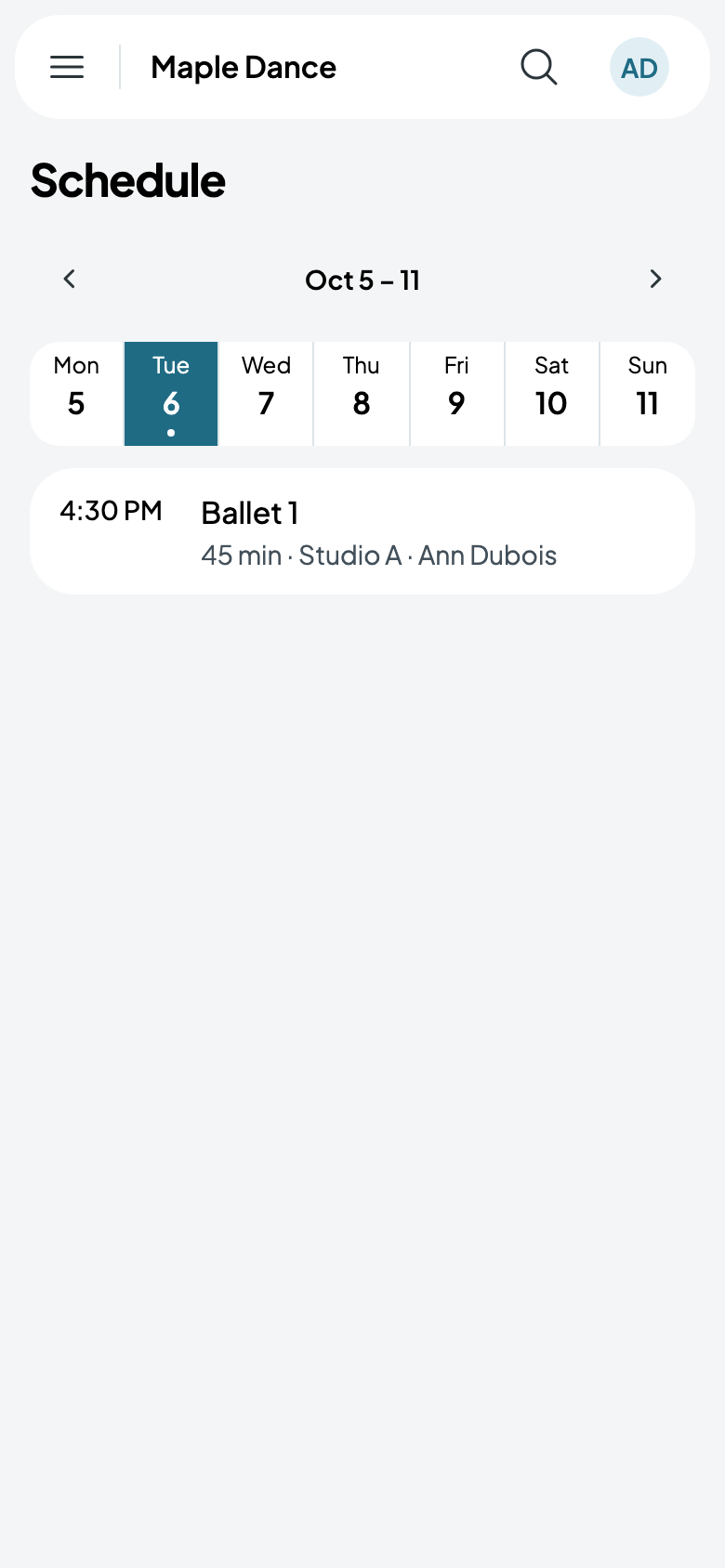
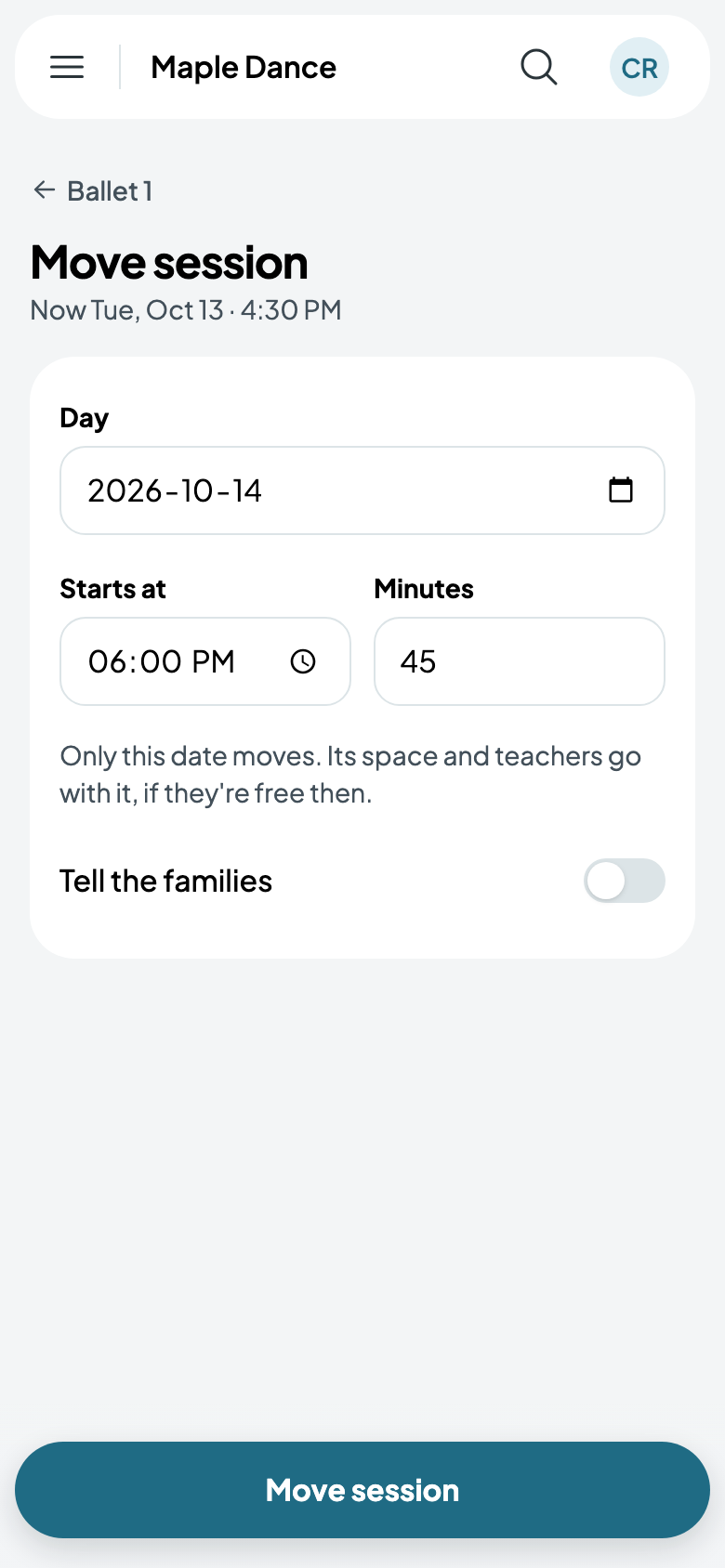
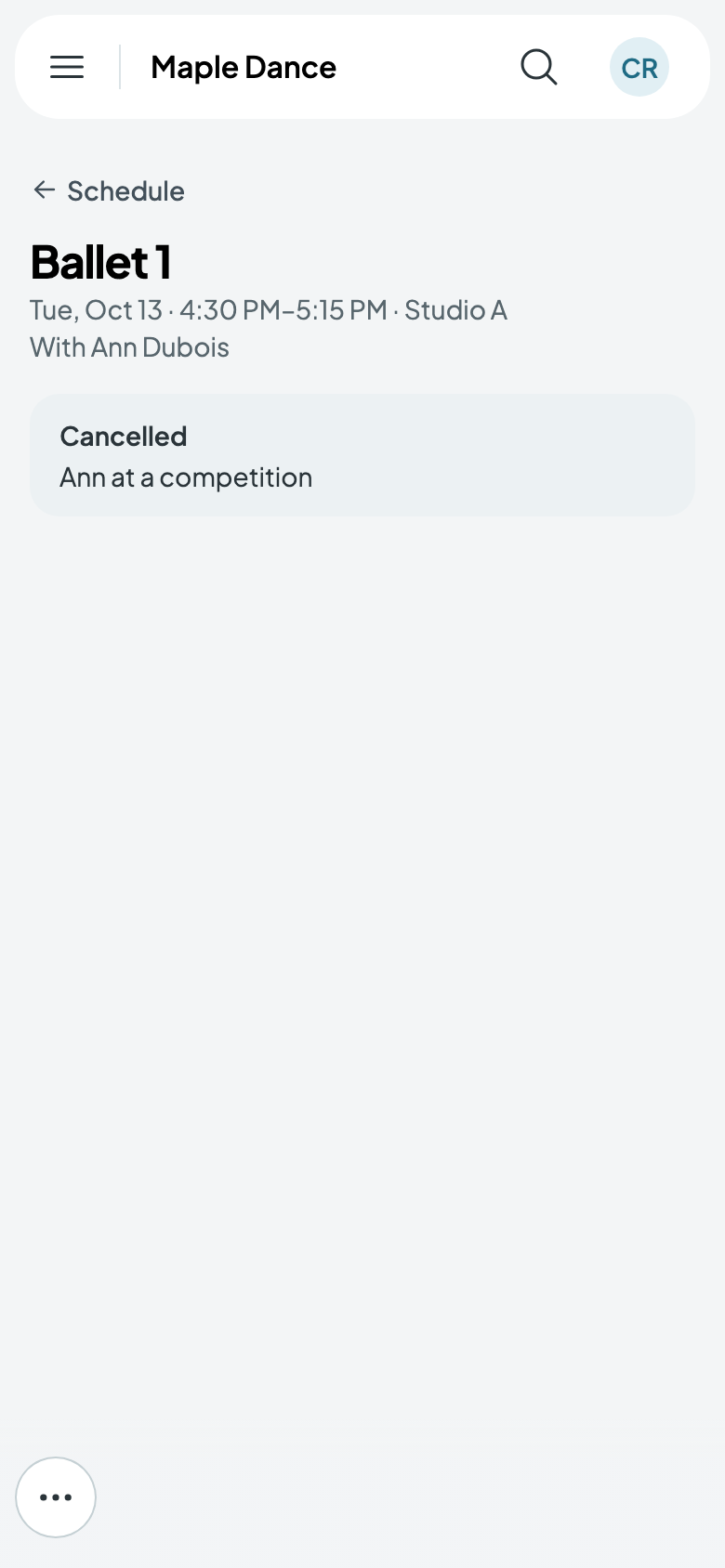
Schedule, in the menu, shows each day's classes. Tap one for that session: from its More, move it, cancel it, or give it a cover teacher or another room, without touching the rest of the class's sessions. Cancelling can tell the families.
How families register
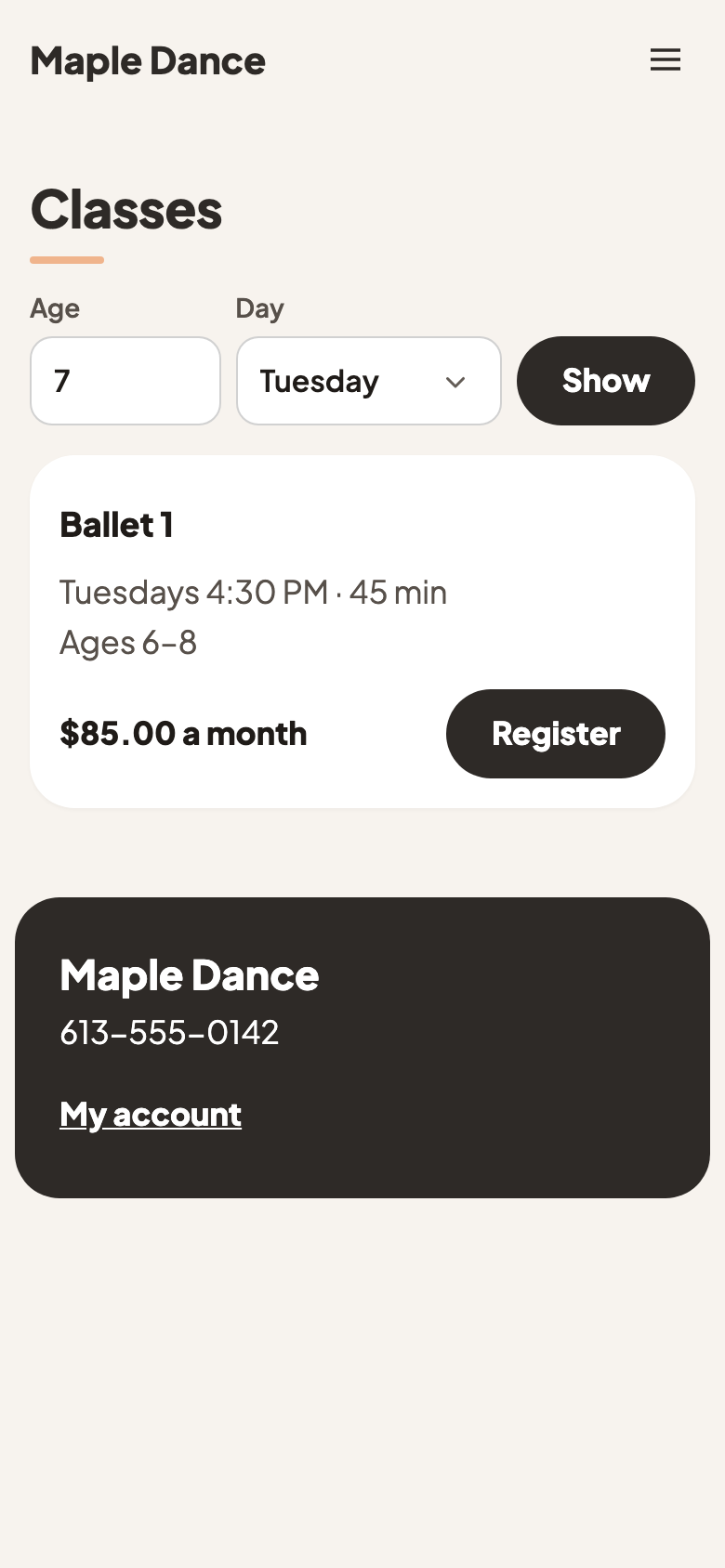
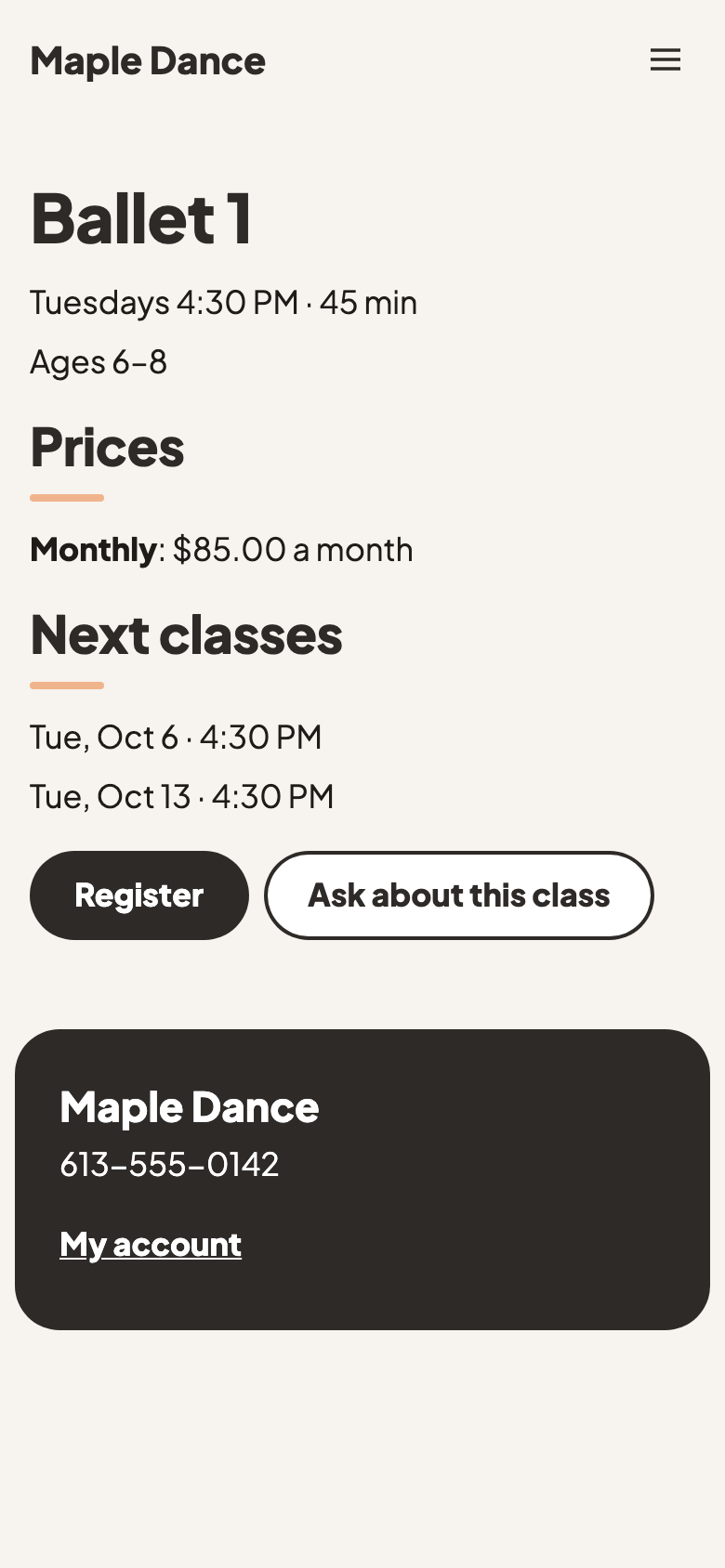
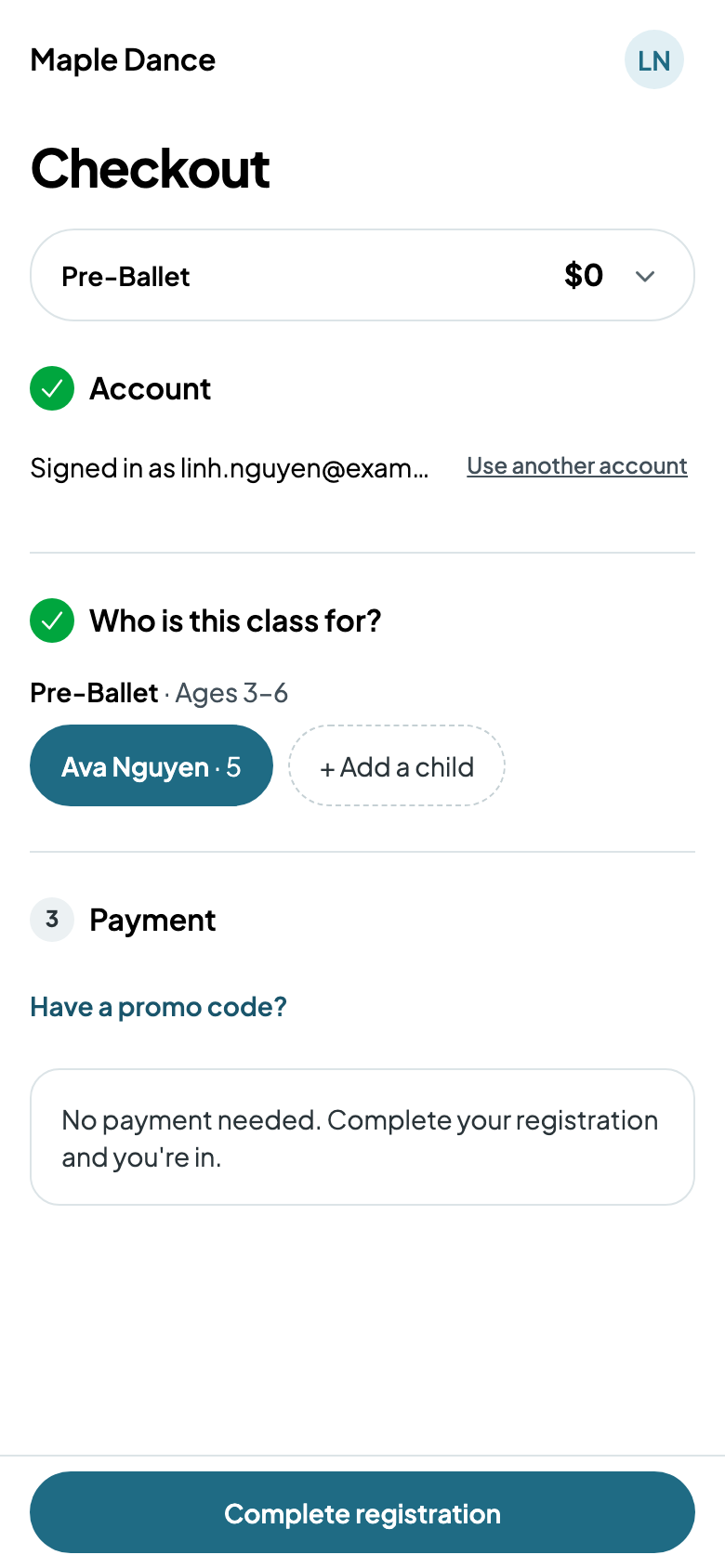
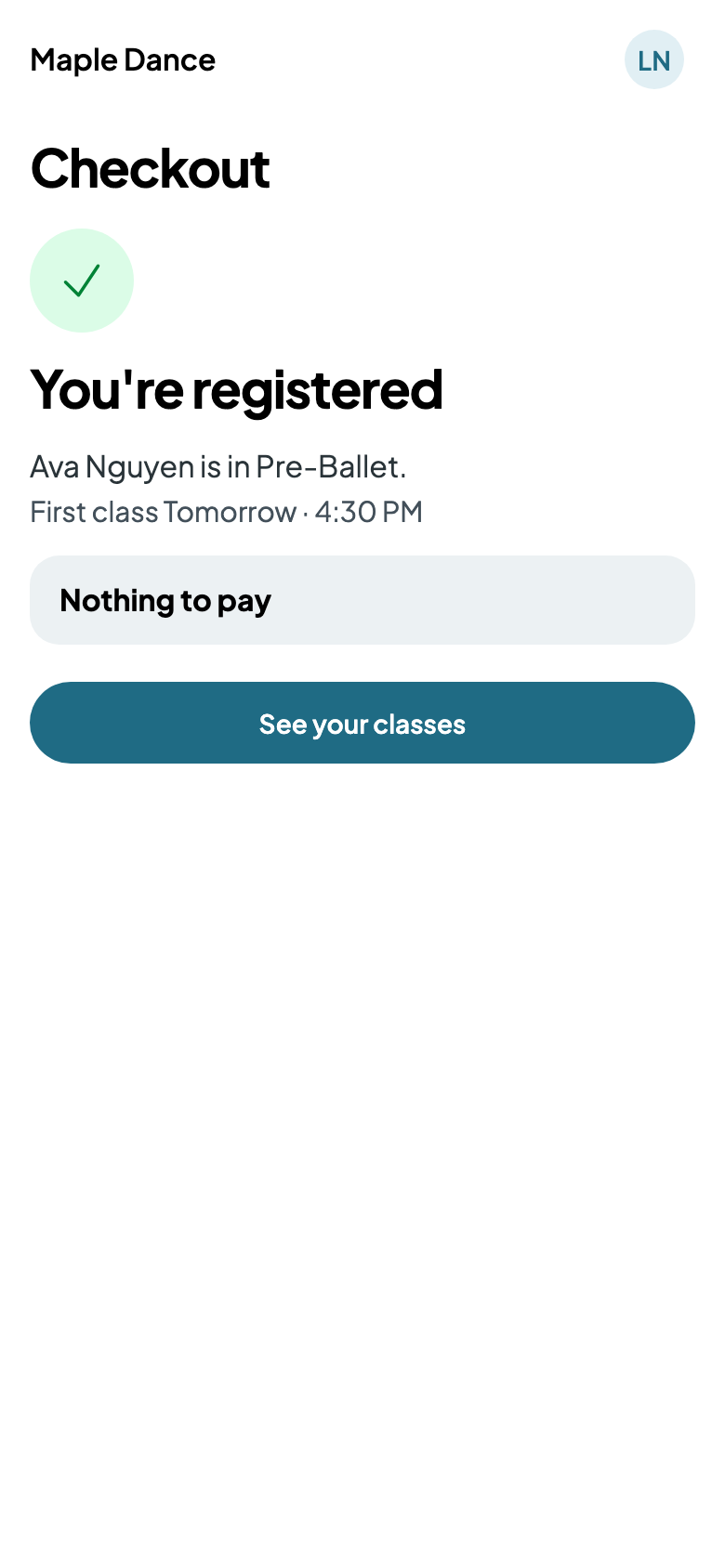
On your website, families find classes by their child's age and the day, open one for its times and prices, and tap Register. They make an account or sign in, choose or add the child, and pay what's due, or nothing for a free class.