Seasons and early registration
A season is a term, such as Fall or Winter: its dates, its days off, and when registration opens. Families already with you can register first, and a new season's classes can be copied from the last.
Add a season
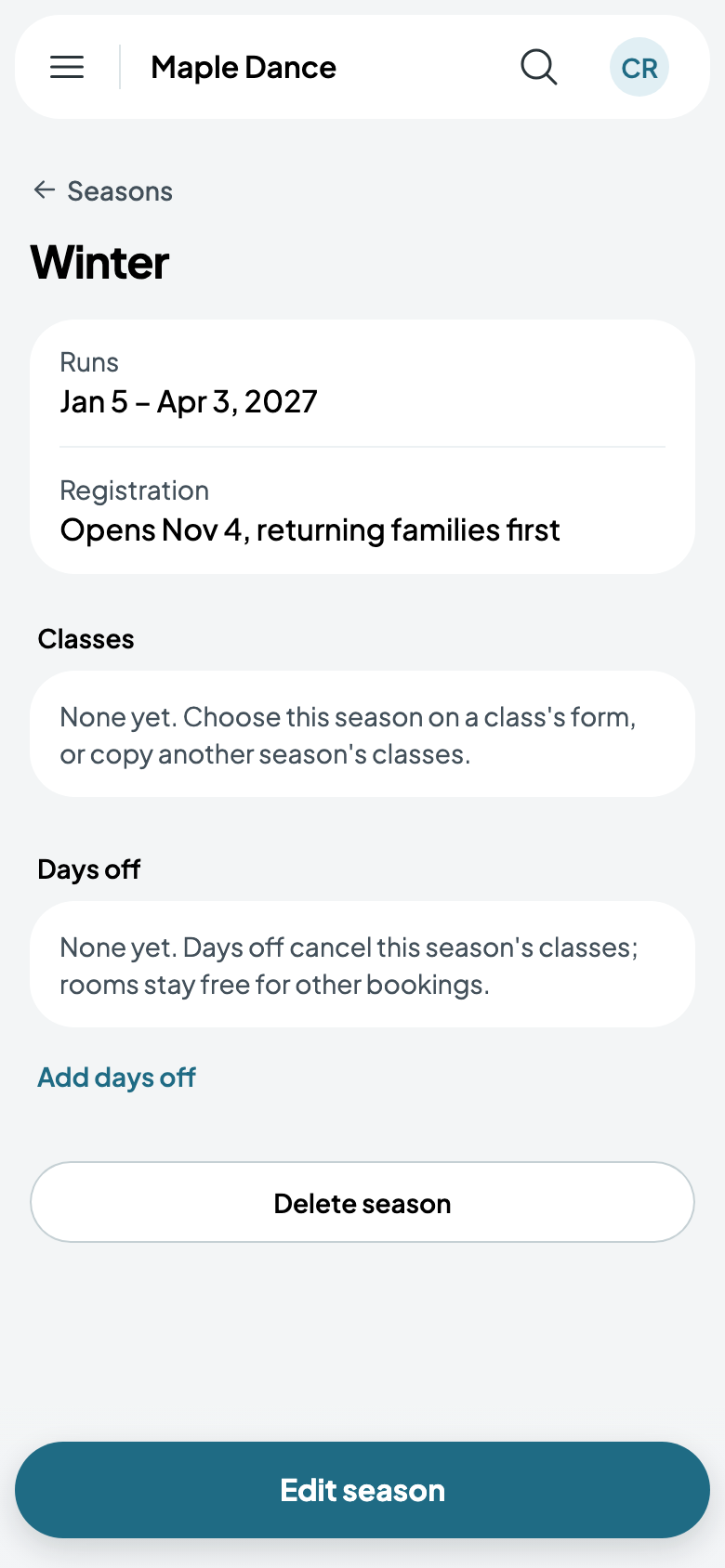
Go to Settings, then Seasons, and tap New season. Give it a name, when it starts and ends, and when registration opens. Until then, families returning from the season before can register; everyone else, once it opens.
Its classes
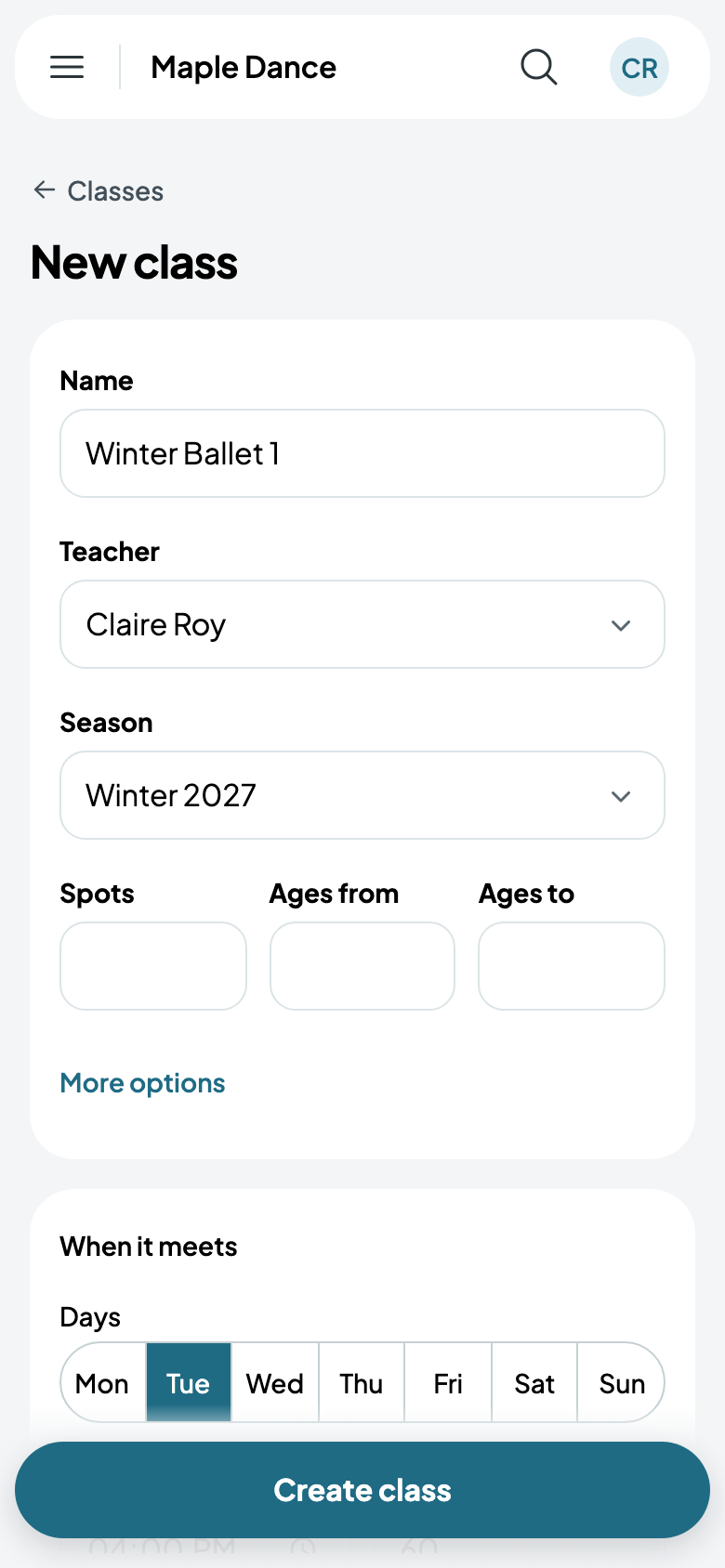
On a class's form, choose its Season, and the class takes the season's dates.
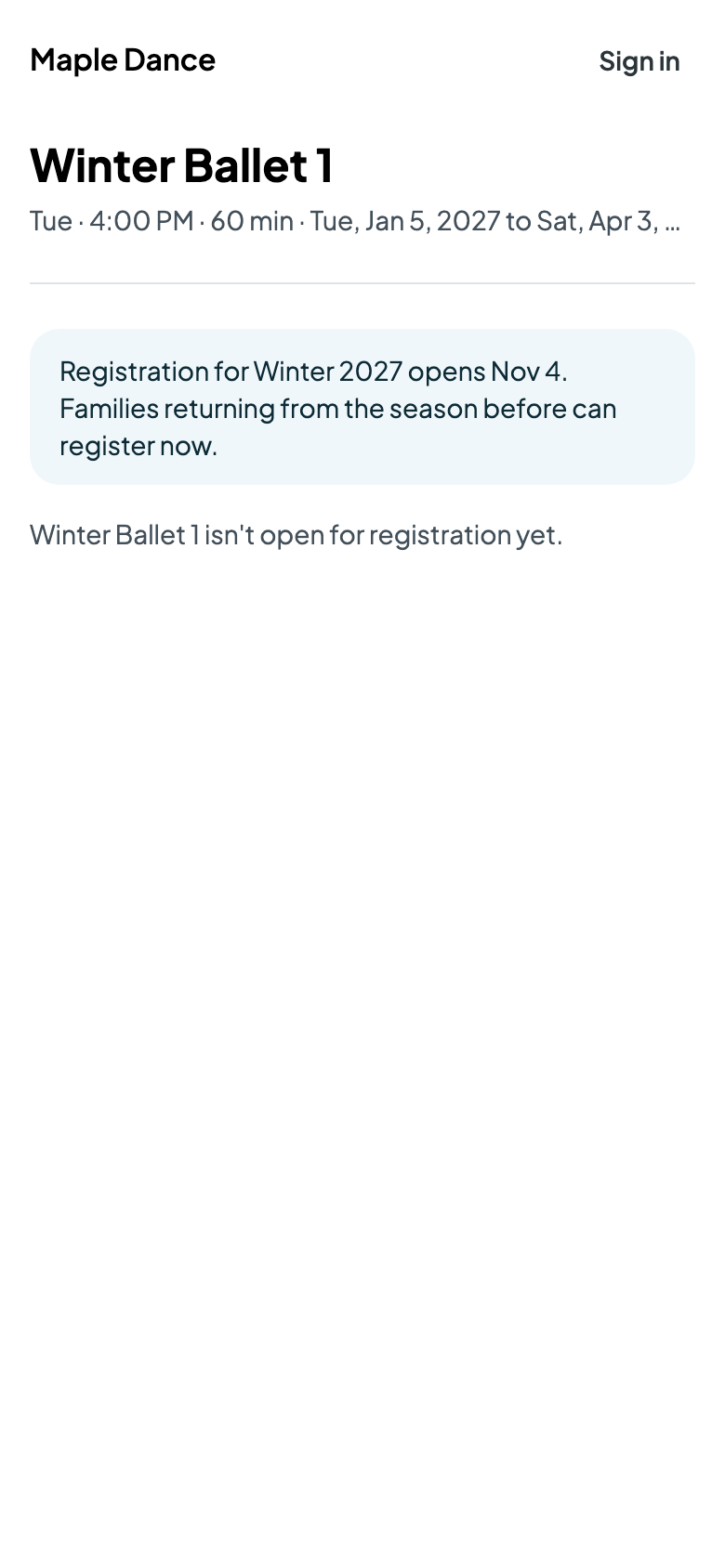
Before registration opens, the class's registration page says when it does, and lets returning families in early.
Days off
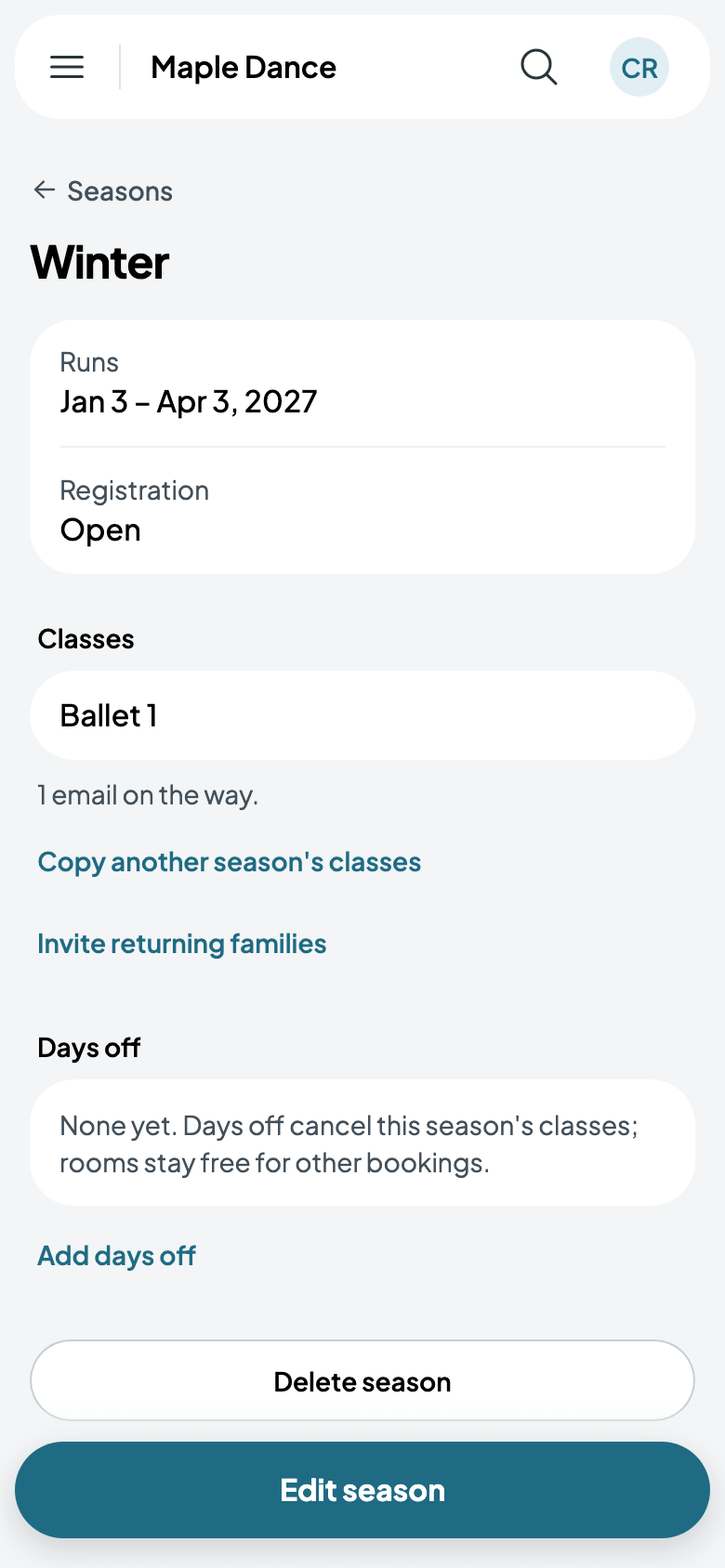
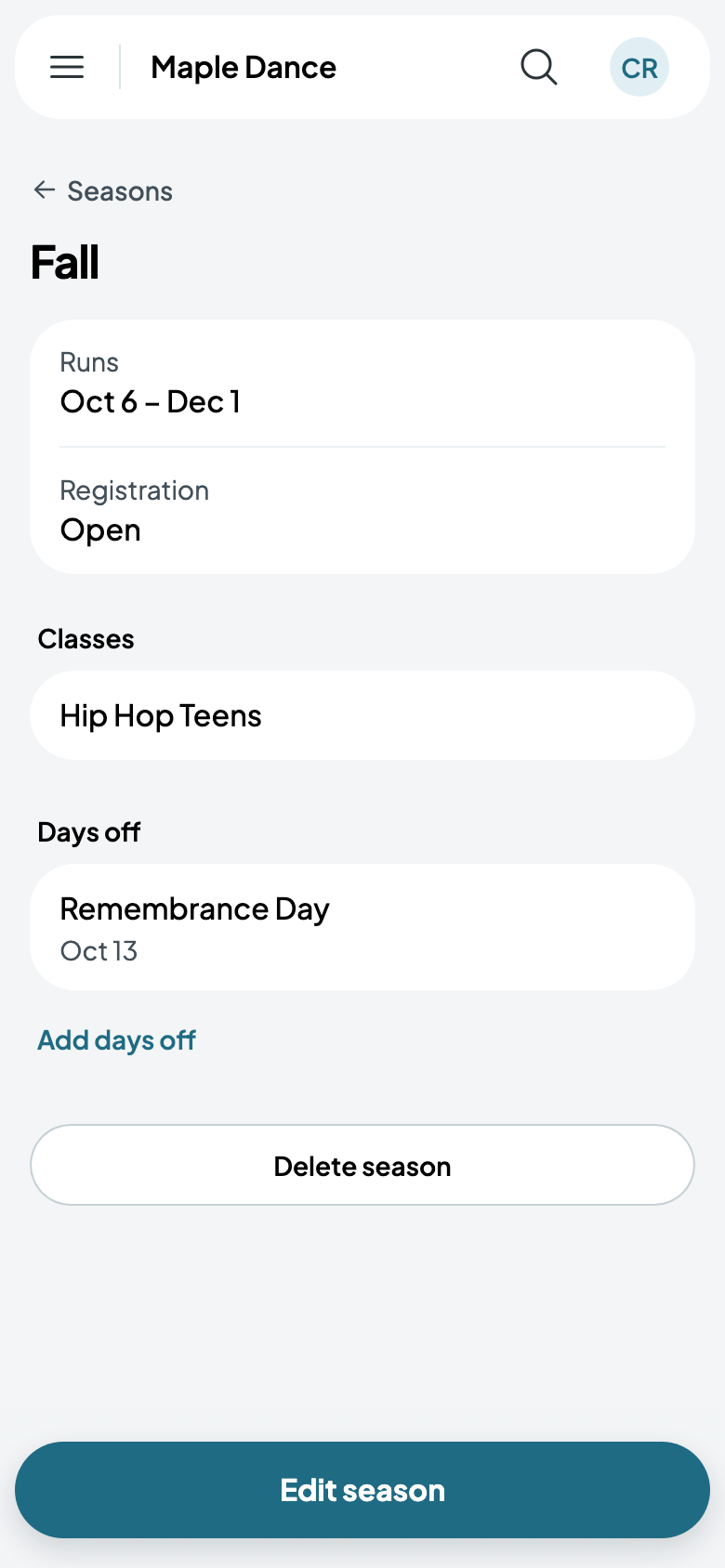
On the season's page, Add days off: a name, such as Remembrance Day, and the day or days. The season's classes are cancelled those days, and their rooms are free for other bookings. Remove the days off and the classes meet again.
The next season
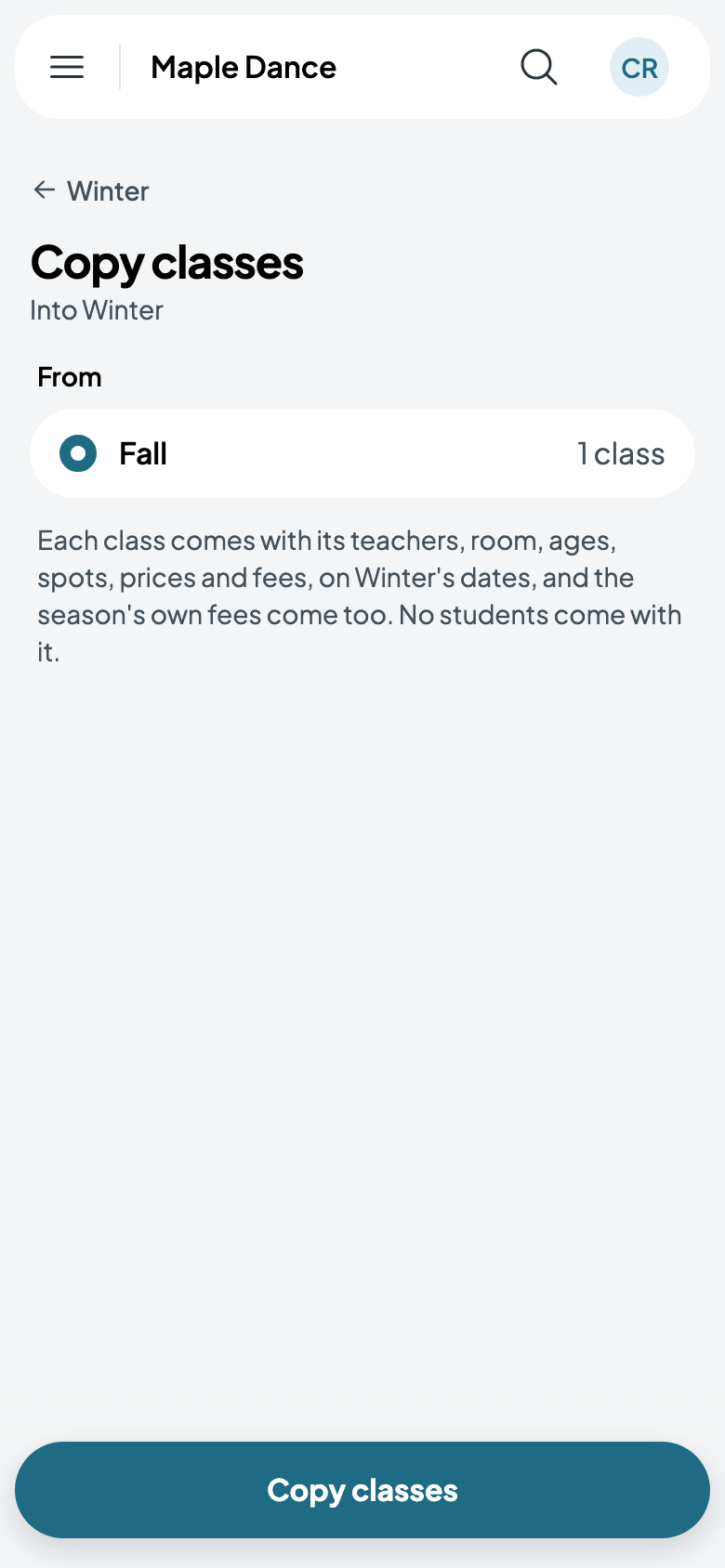
On the new season's page, Copy another season's classes: choose the season to copy, and each class comes with its teachers, room, ages, spots, prices and fees, on the new season's dates. No students come with it.
Then Invite returning families: each family from the season before is emailed the link to register again.