Waitlists, trials and make-ups
A full class keeps a waitlist, a new family can try a class before registering, and a missed class can be made up in another.
Waitlists
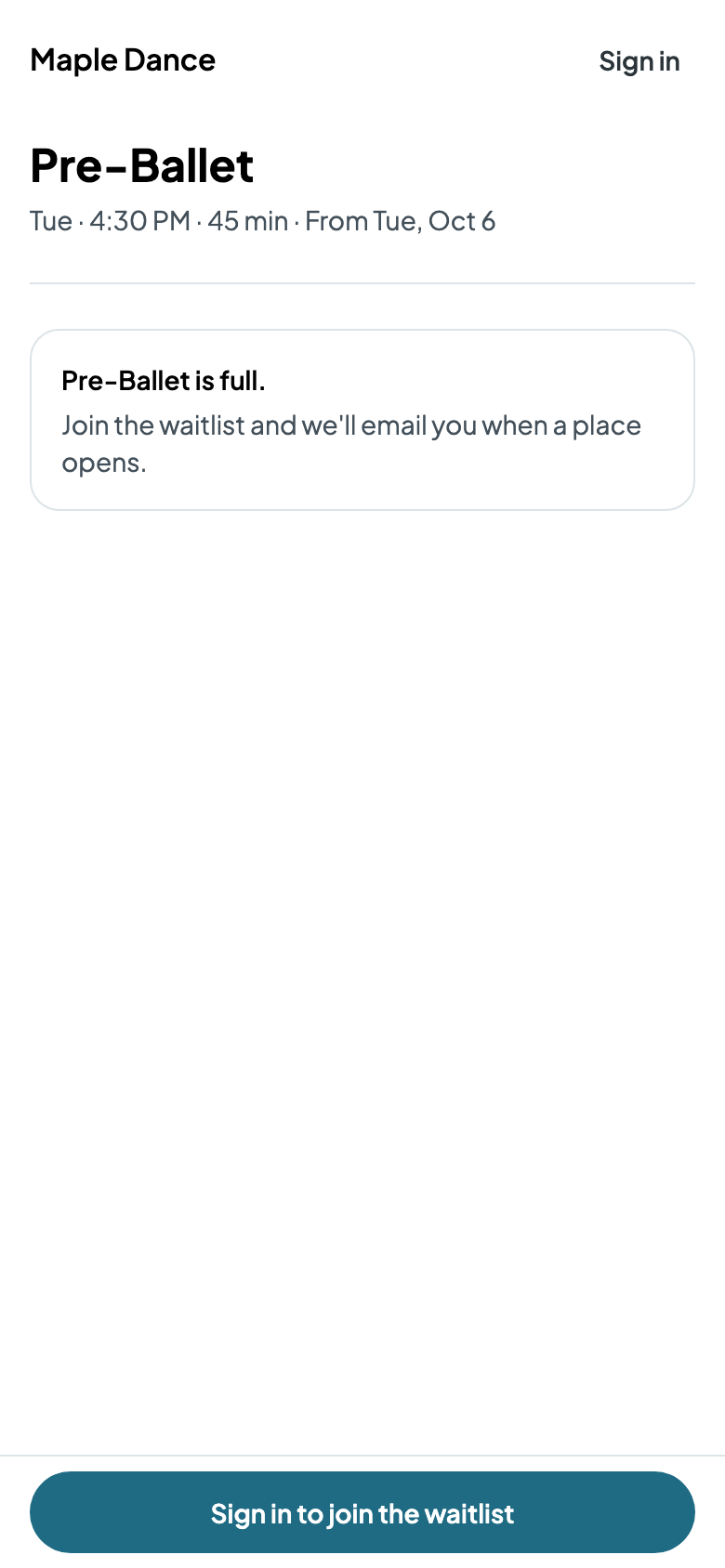
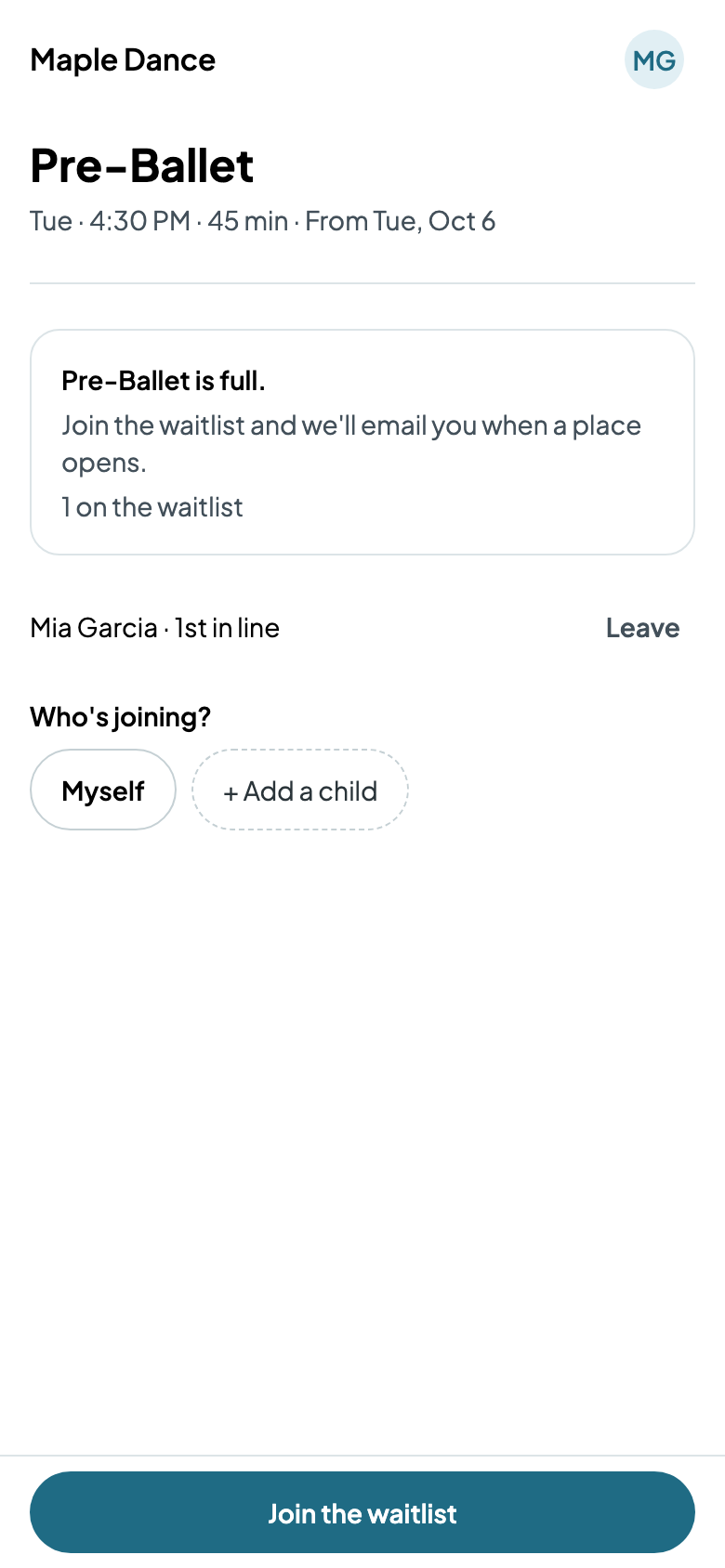
A class with spots keeps a waitlist when it's full (Waitlist when full, on its form). Families join from its registration page, choosing who's joining, and see where they are in line on Home.
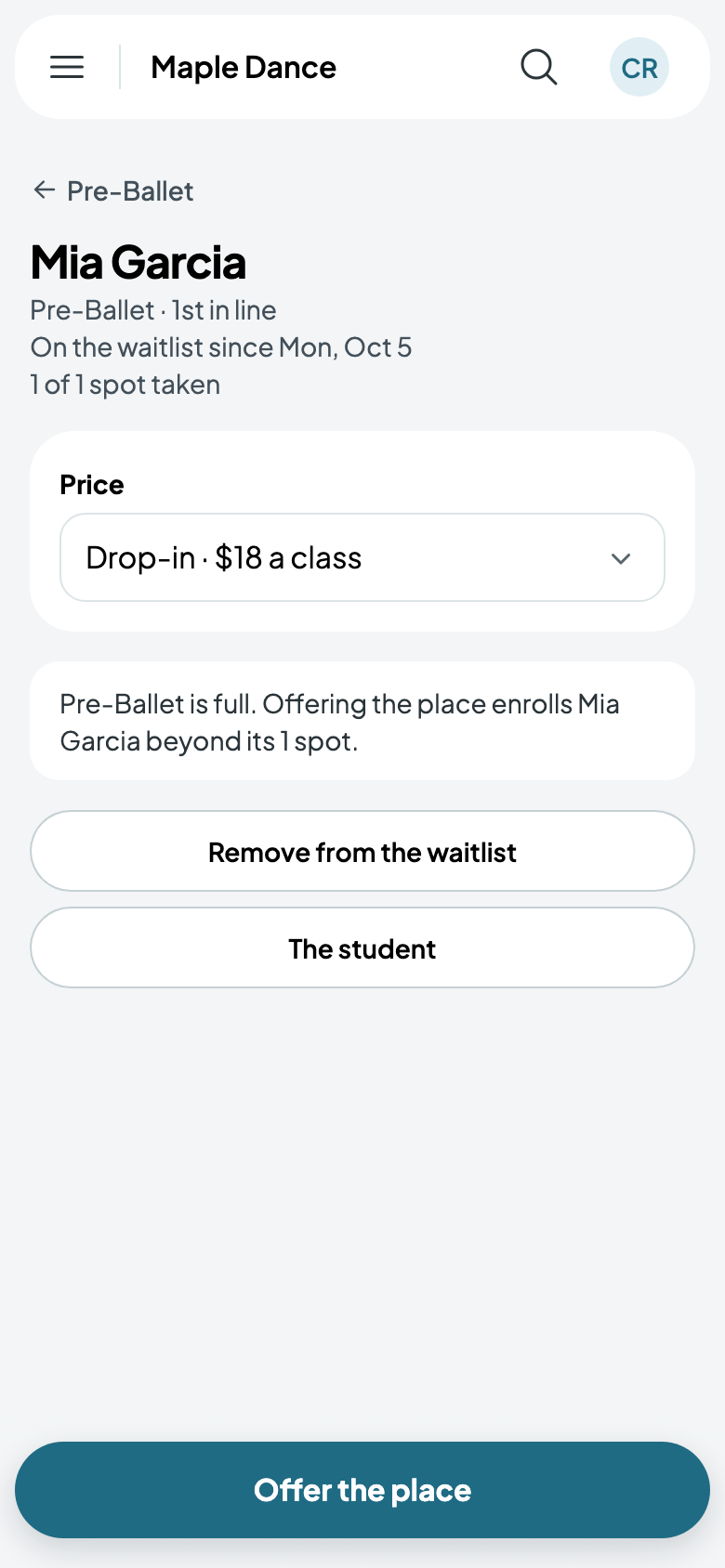
On the class's page, its waitlist is in order; Add to the waitlist adds someone yourself. Tap someone to give them a place: choose the price, and Offer the place enrolls them now, even beyond the class's spots. What's owed is due within 48 hours.
Trials
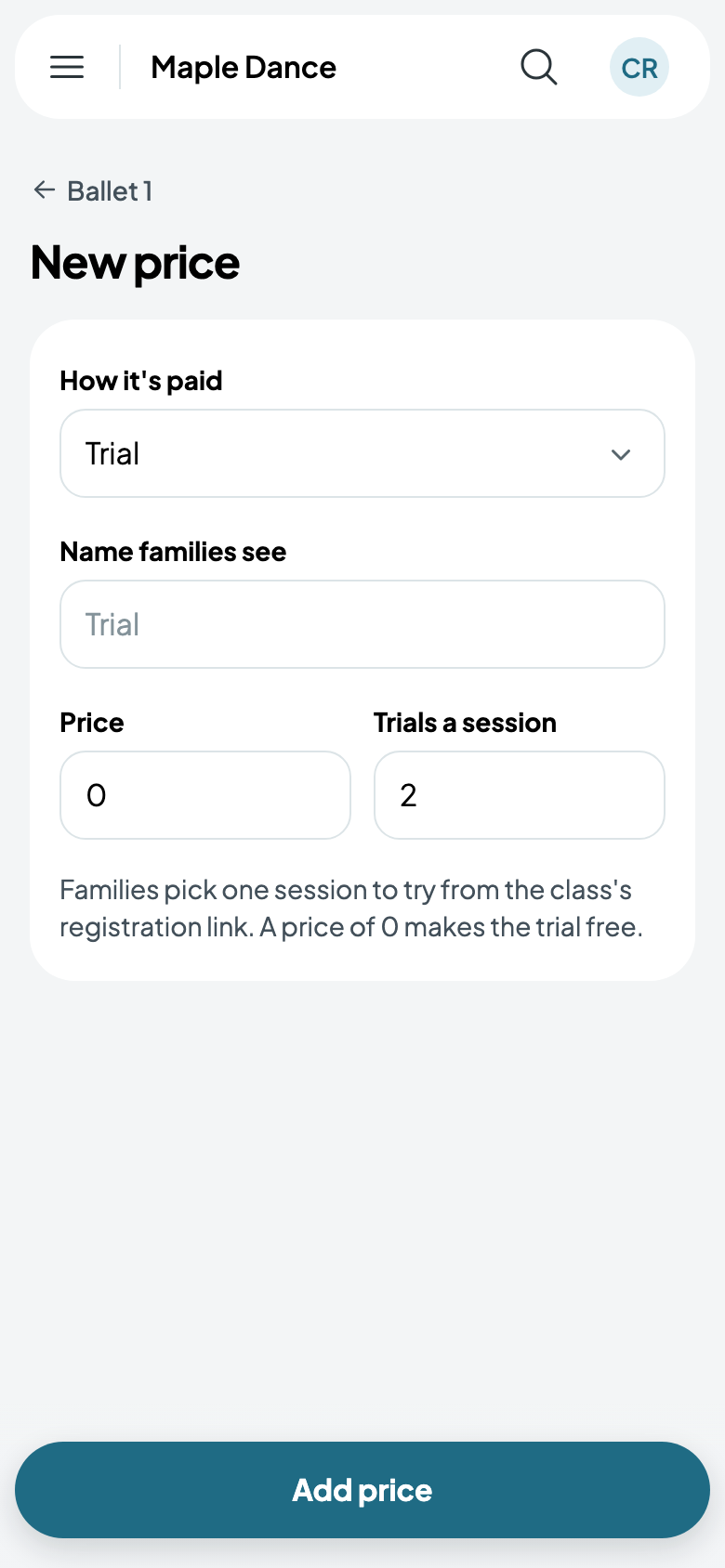
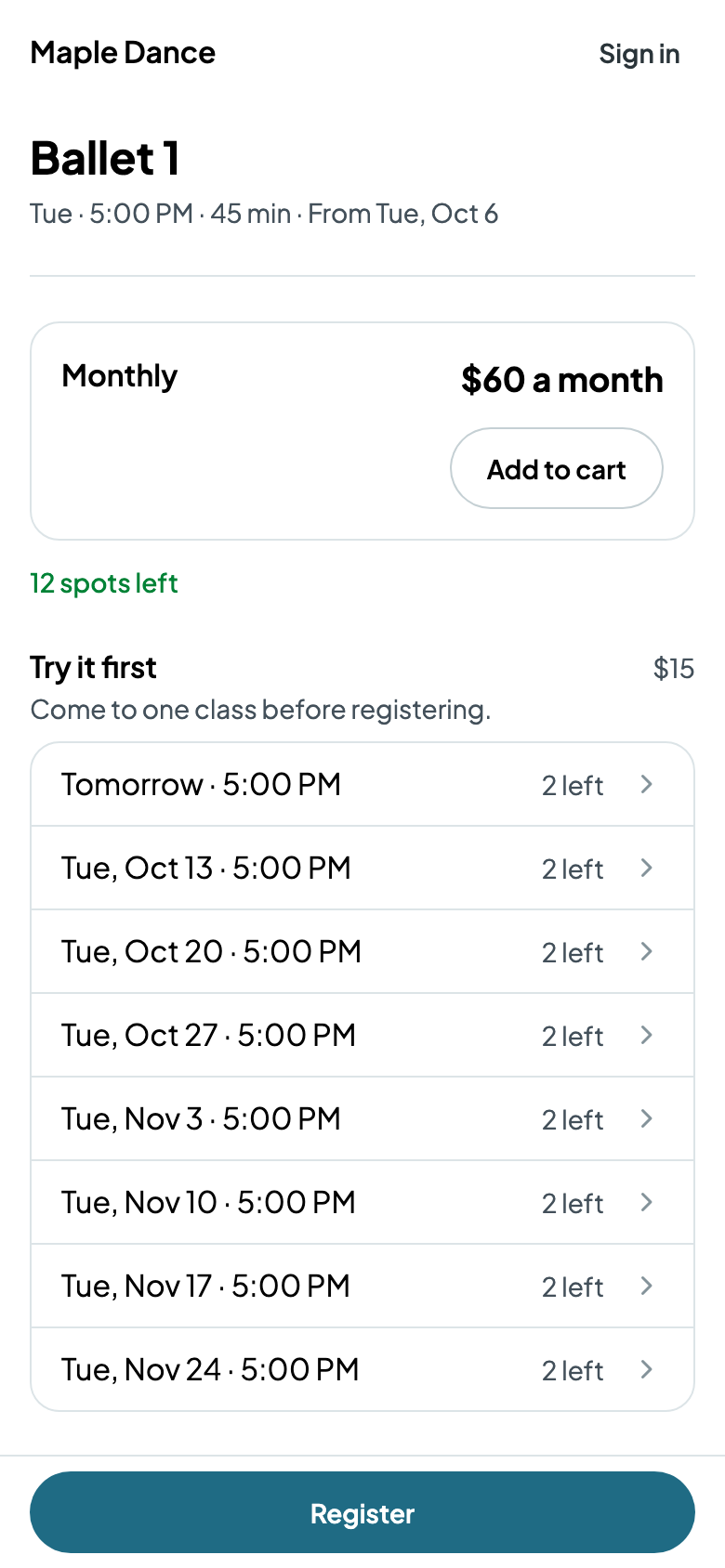
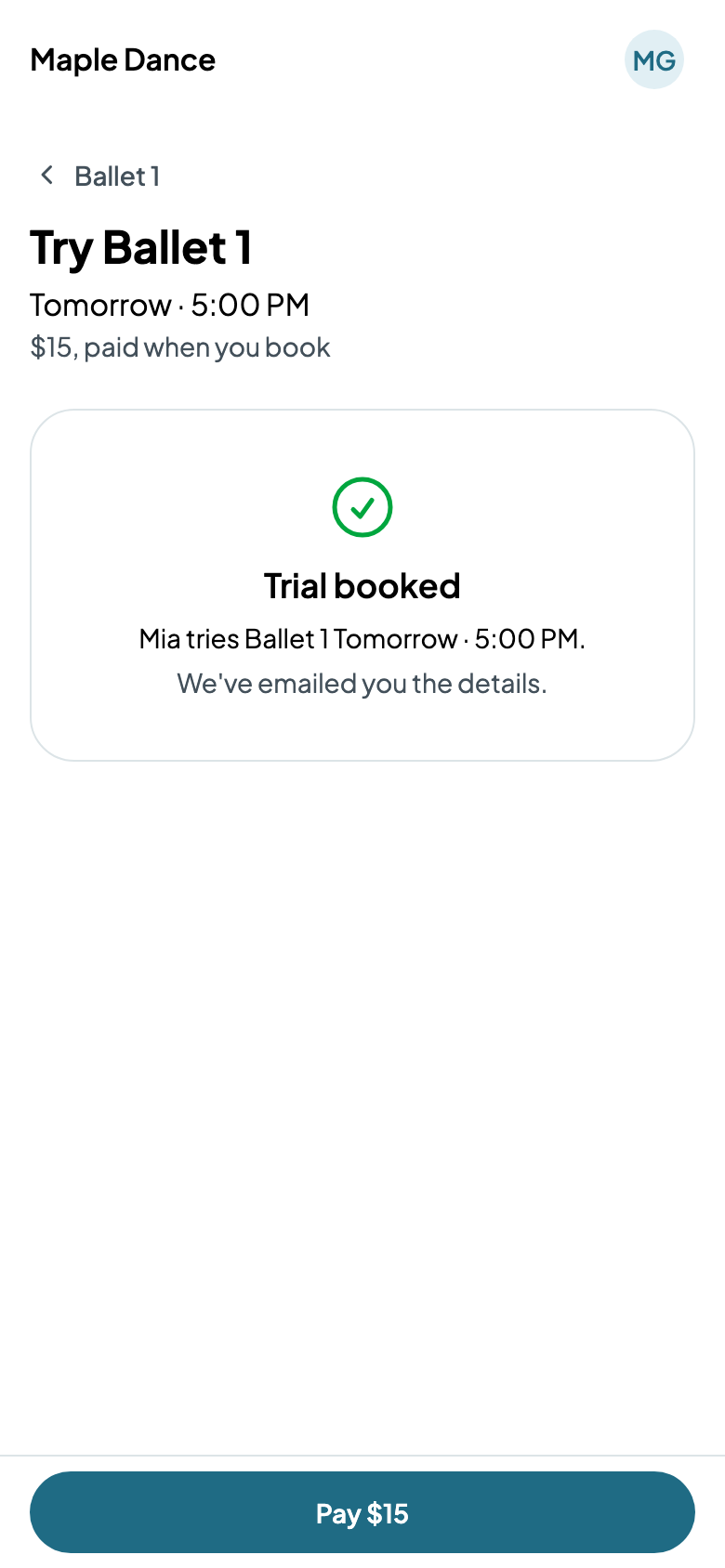
Add a price of the Trial kind: what a trial costs, free at 0, and how many trials a session takes. Families then pick one session to try from the class's registration link, and pay when they book.
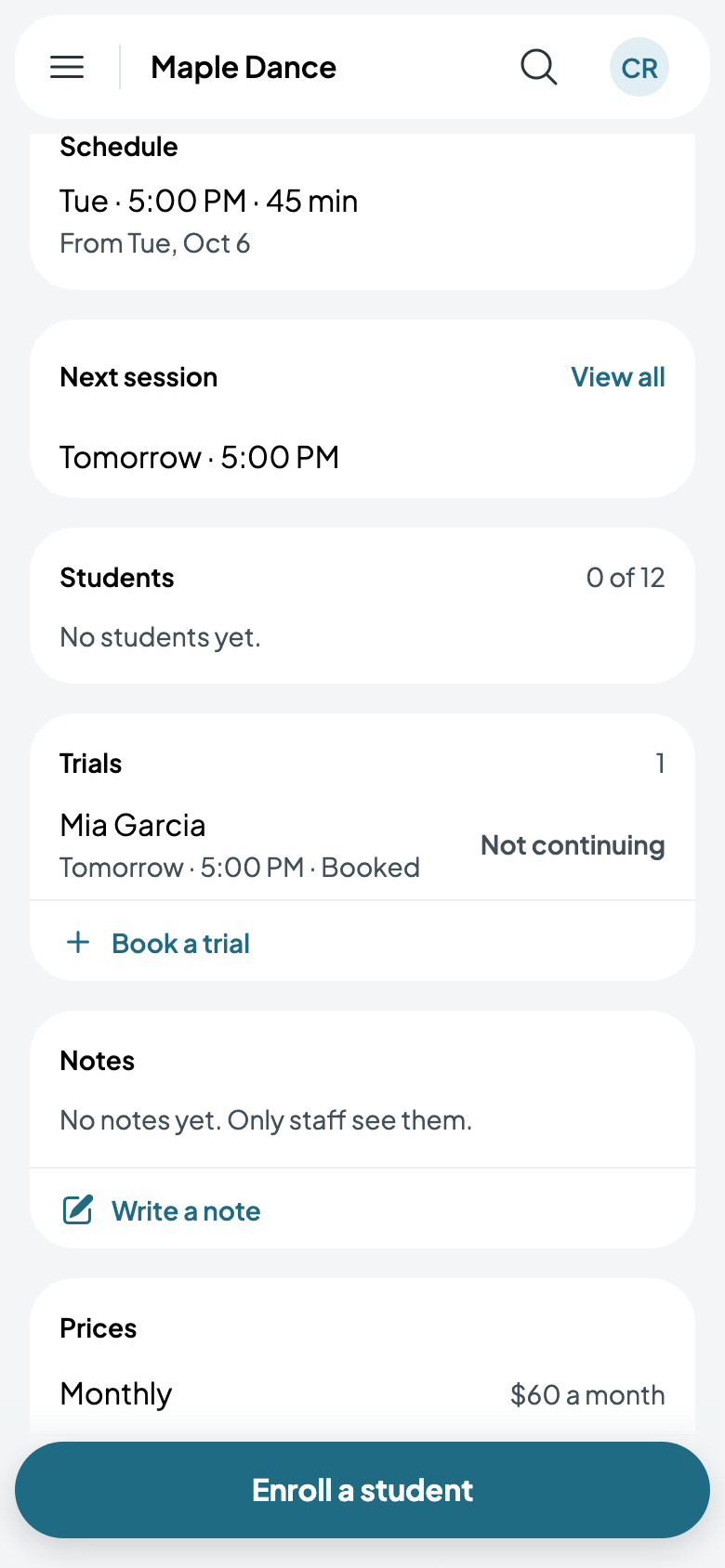
Book a trial, on the class's page, books one for someone you know, free if the class has no trial price. Mark anyone Not continuing and the family gets no more emails about it; before the day, they come off that day's register and the place is free again.
Make-ups
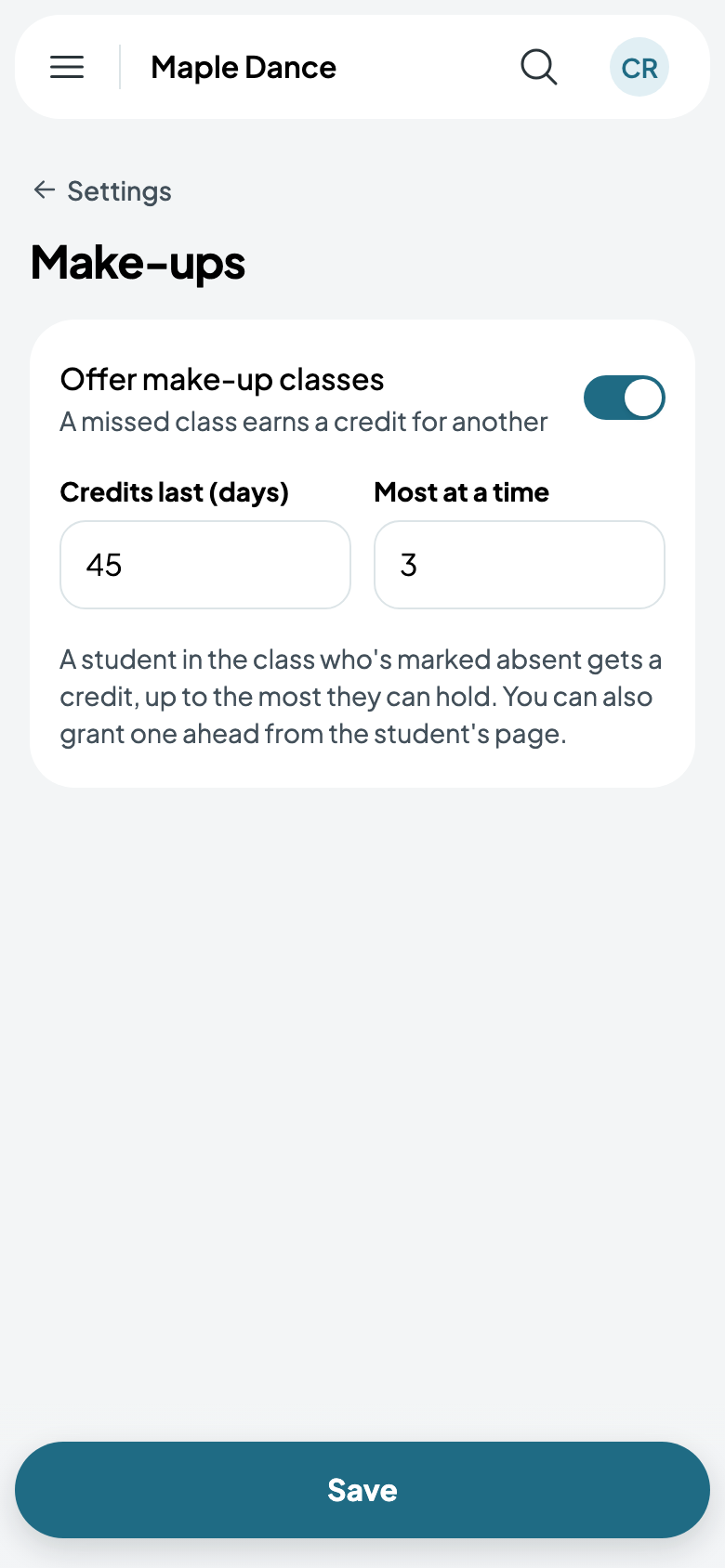
Go to Settings, then Make-ups, and turn on Offer make-up classes. A student marked absent gets a credit for another class, up to the most they can hold, for as many days as you choose.
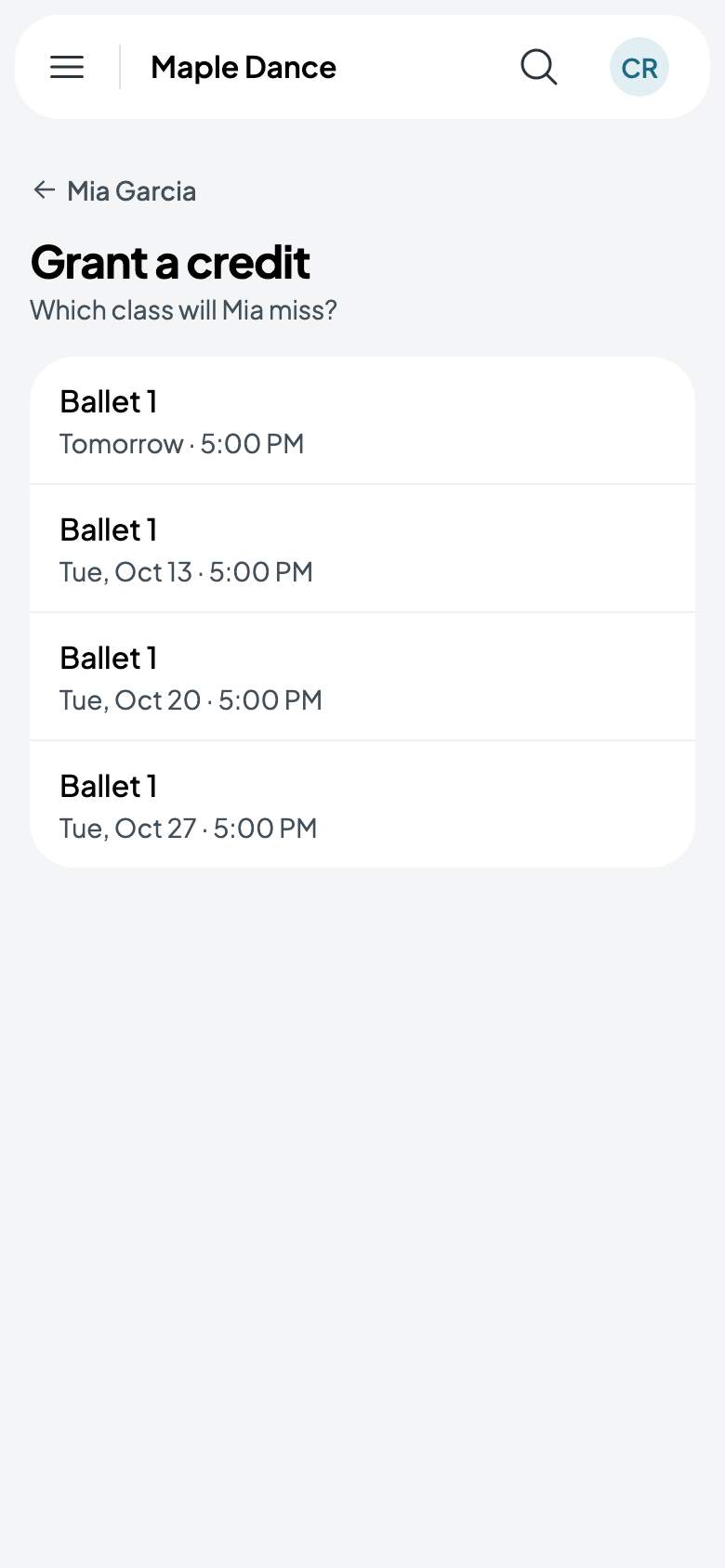
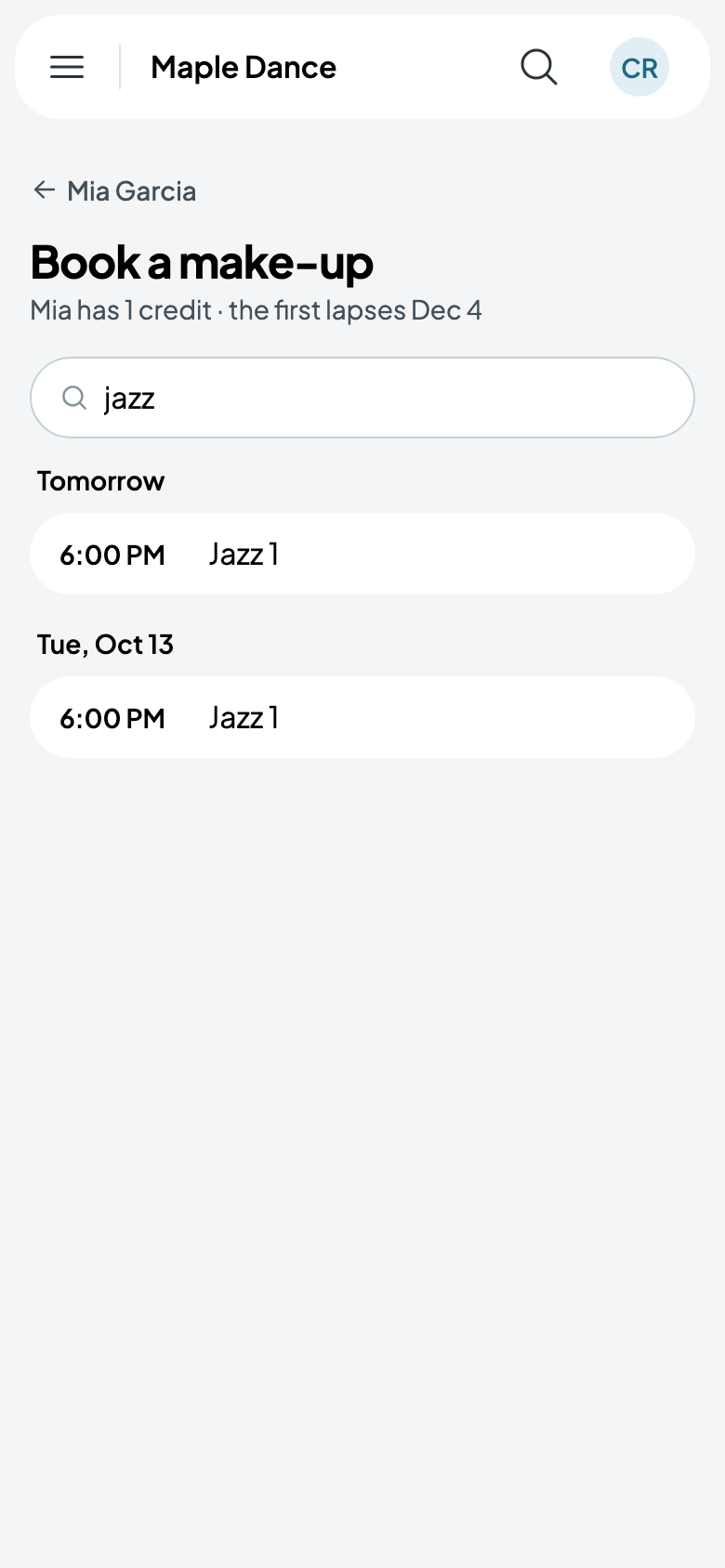
When a family says their child will miss a class, Grant a credit from the student's page. Book a make-up there finds another class to use it in.
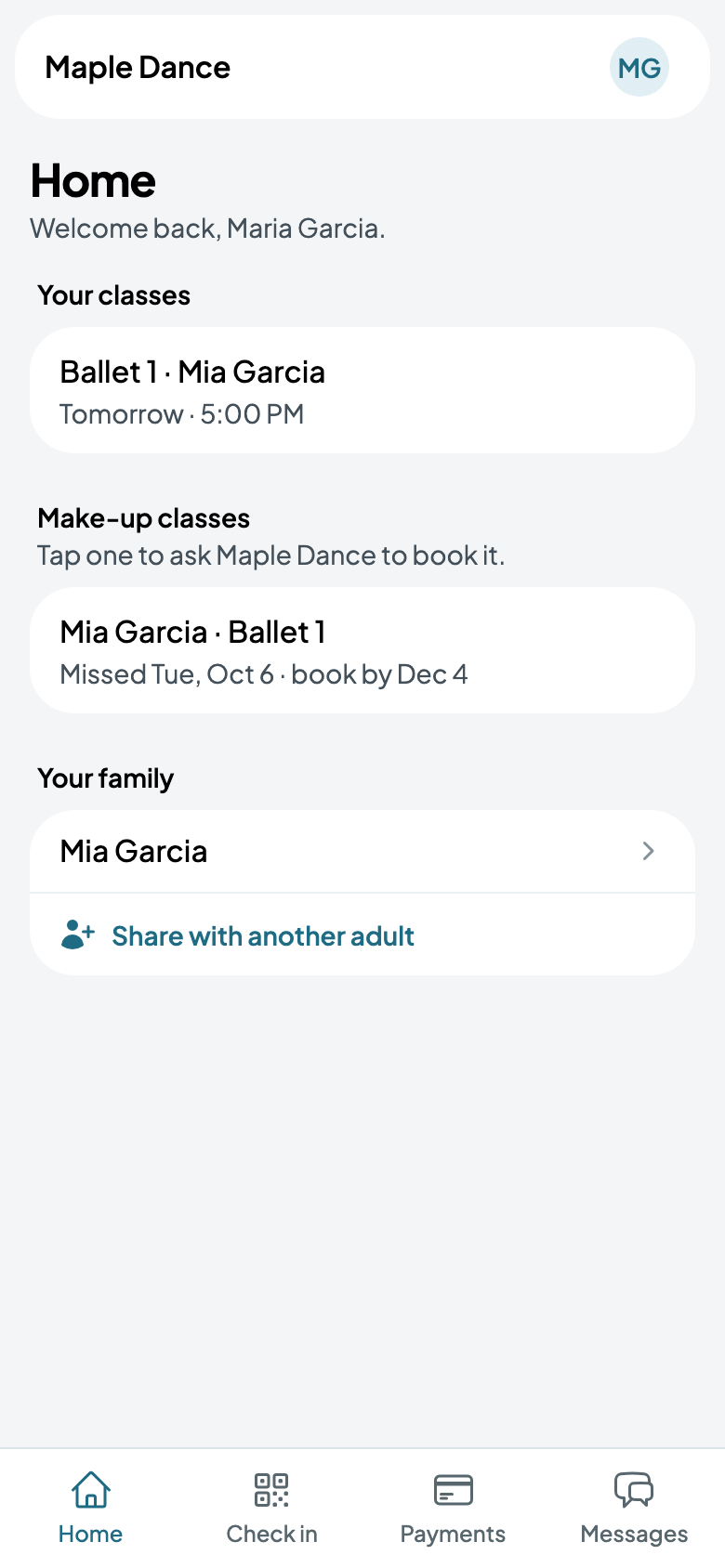
Families see their make-ups on Home, and tap one to ask you to book it.