Announcements and lists
Write to many families at once: everyone in a class, a list you make, or every family with an announcement on their home page.
A class
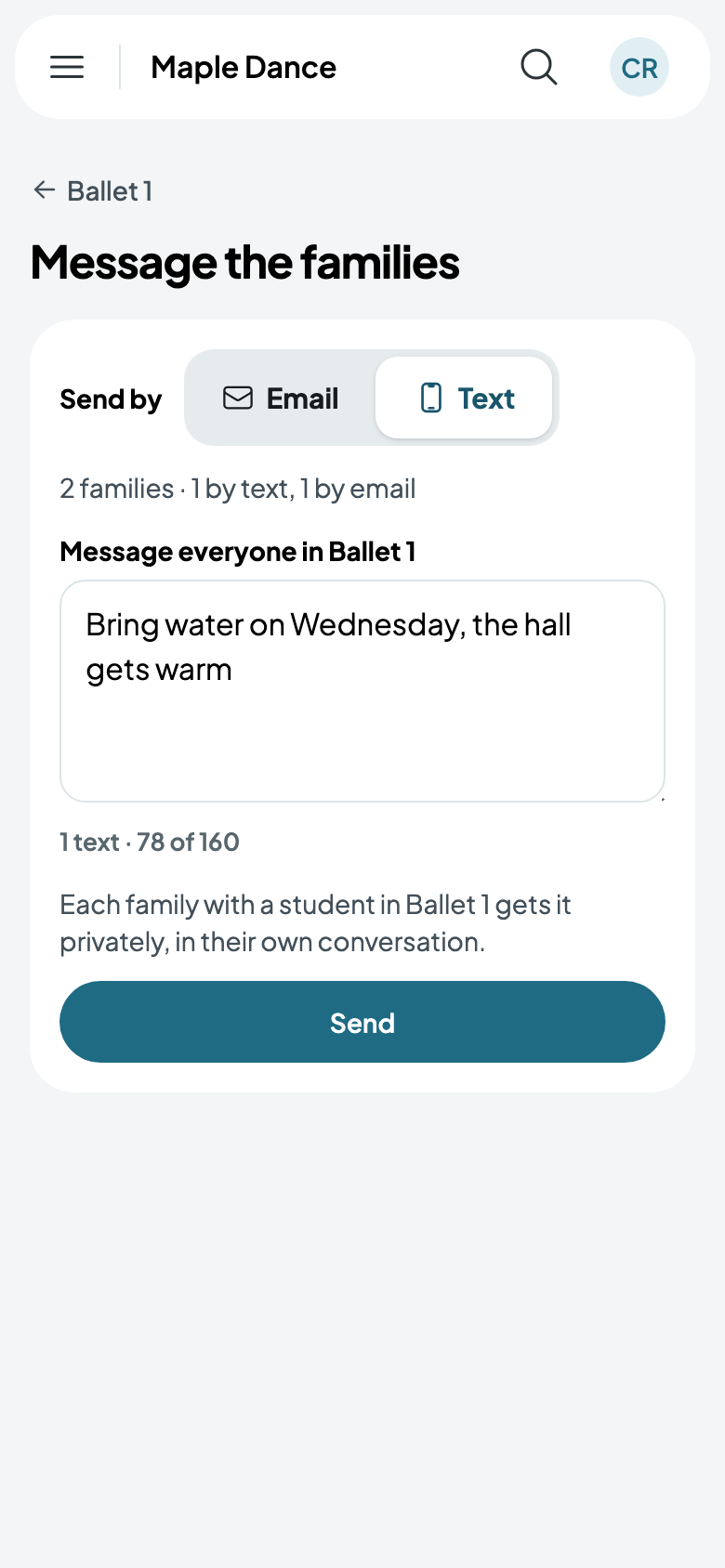
From a class's page, Message the families. Each family with a student in it gets it privately, in their own conversation and by email, or by text where they said yes to texts.
Lists
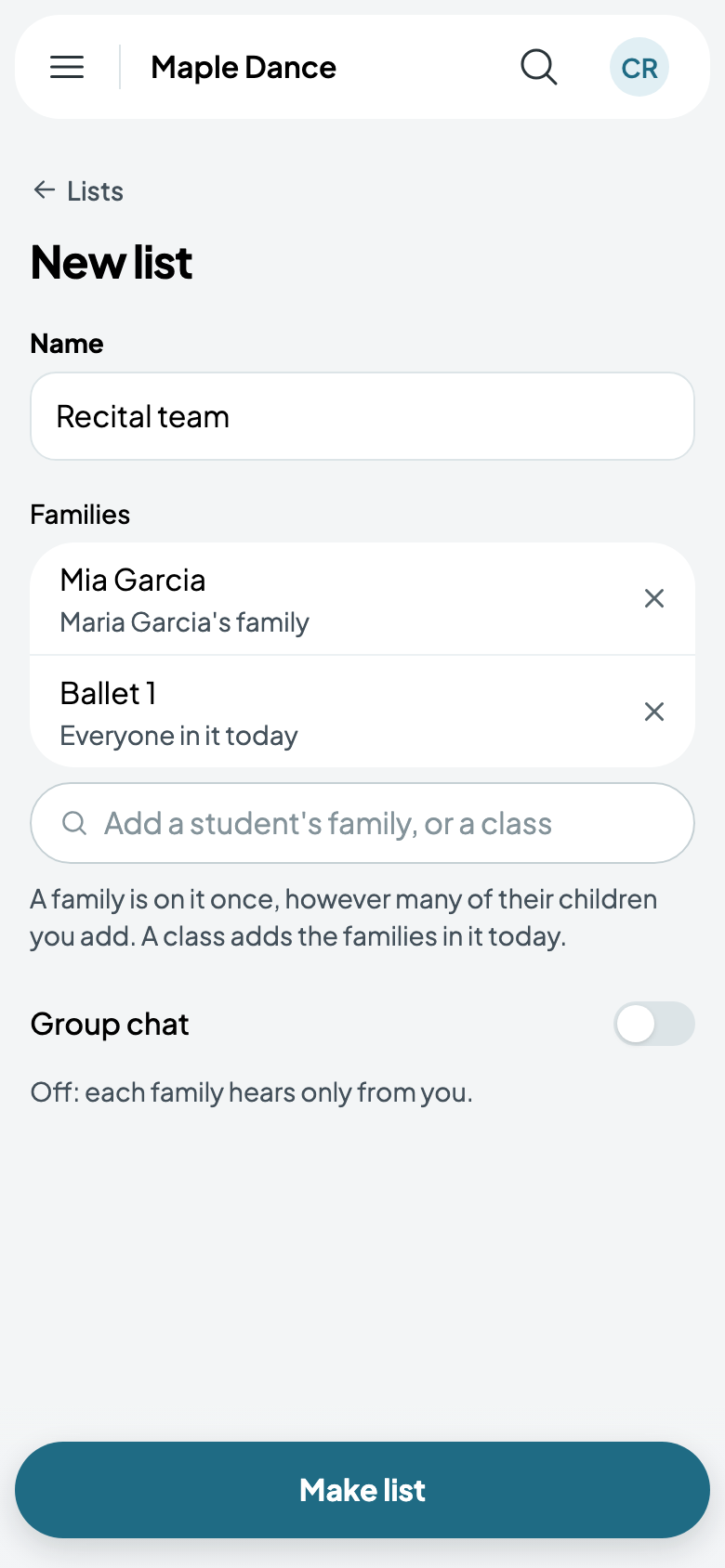
Messages, then Lists, then New list: give it a name, and add a student's family or a class. A class adds the families in it today. A family is on a list once, however many of its children you add.
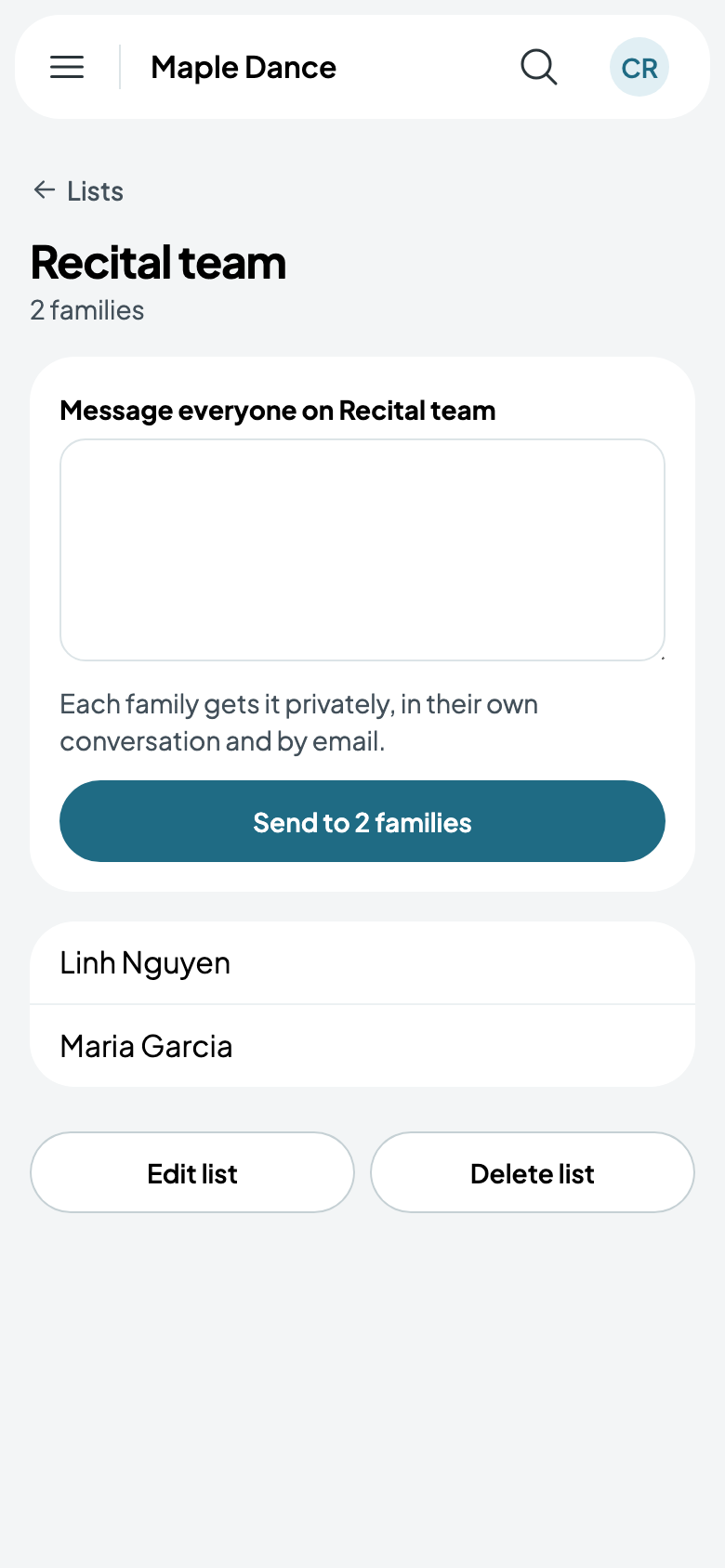
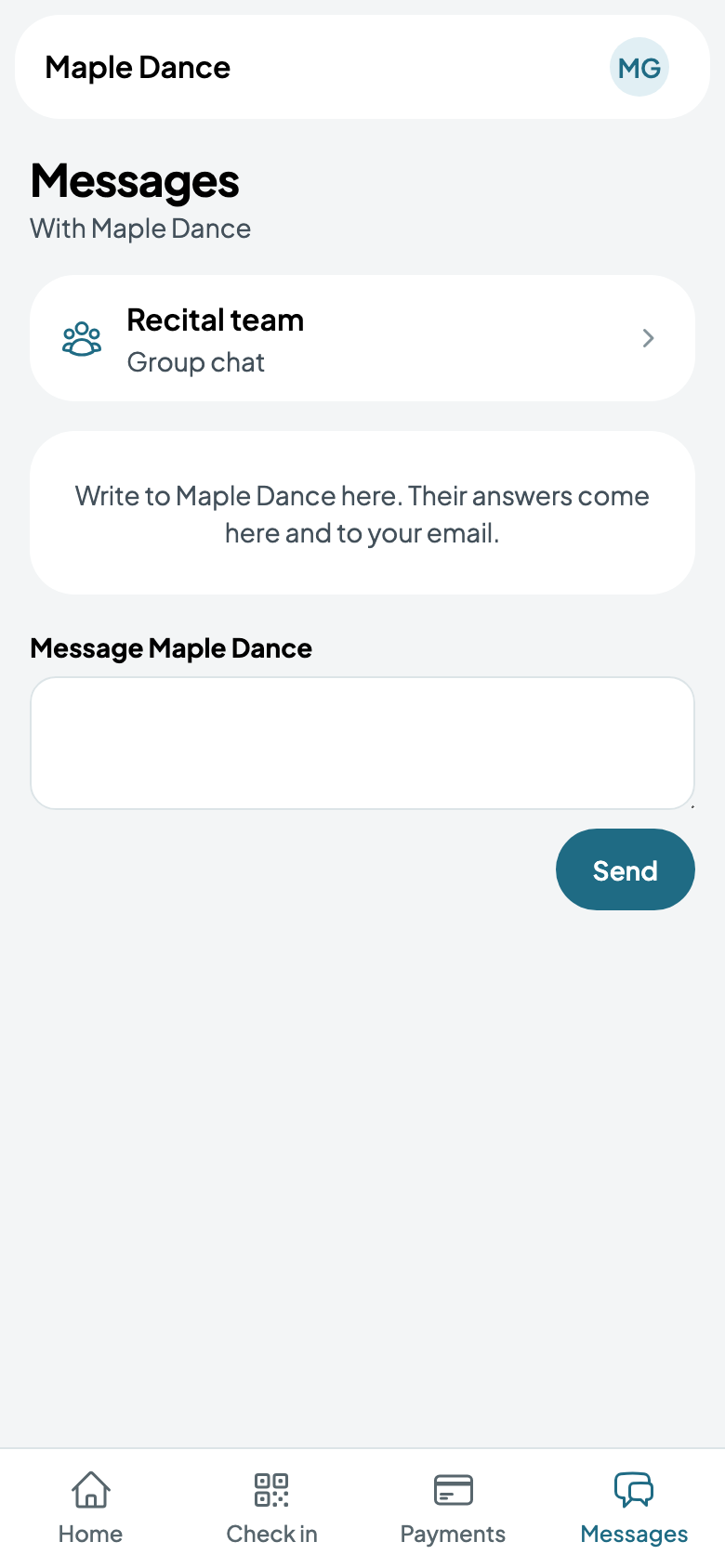
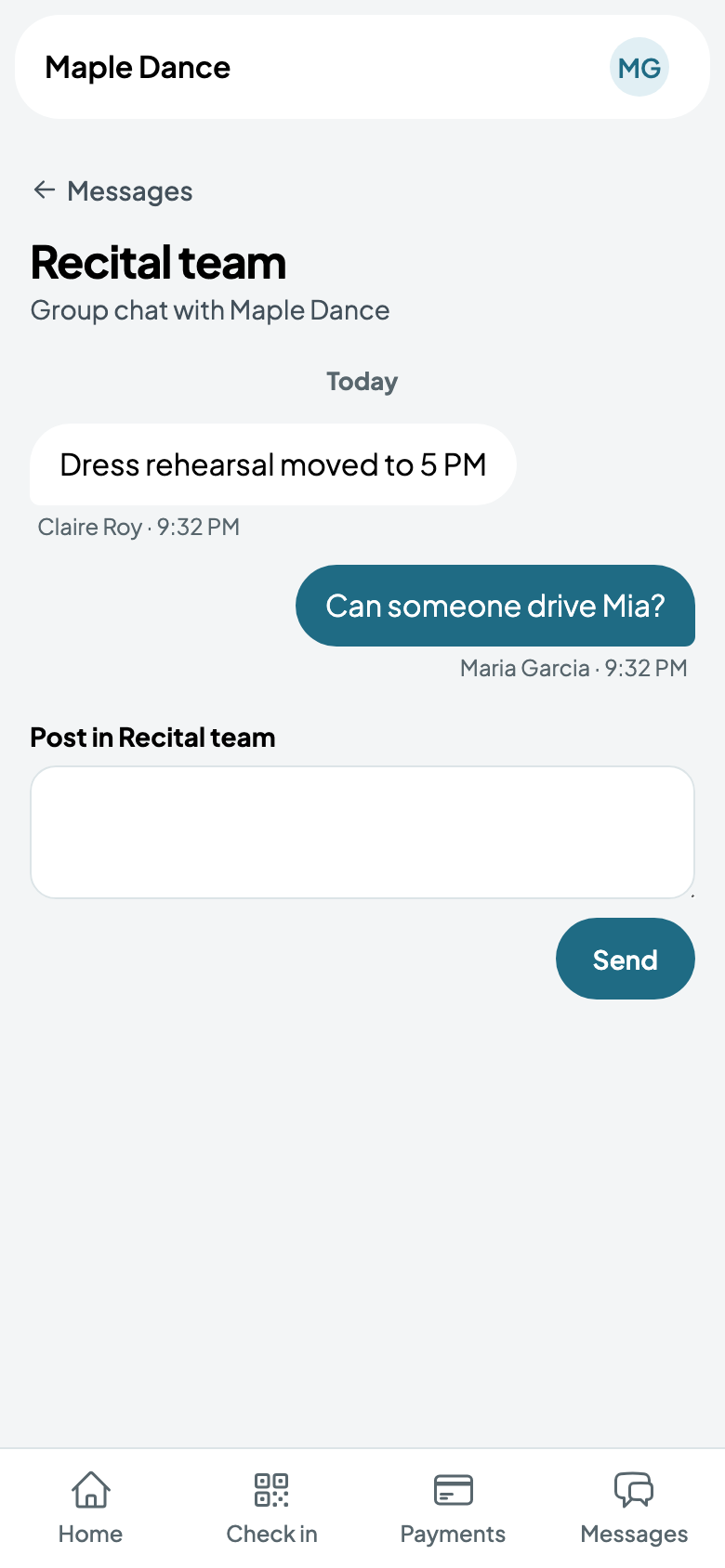
A list's message goes to each family privately, as from a class. Turn on Group chat and it's a conversation they all share: families find it under Messages in their portal, and everyone on the list sees what anyone posts.
Announcements
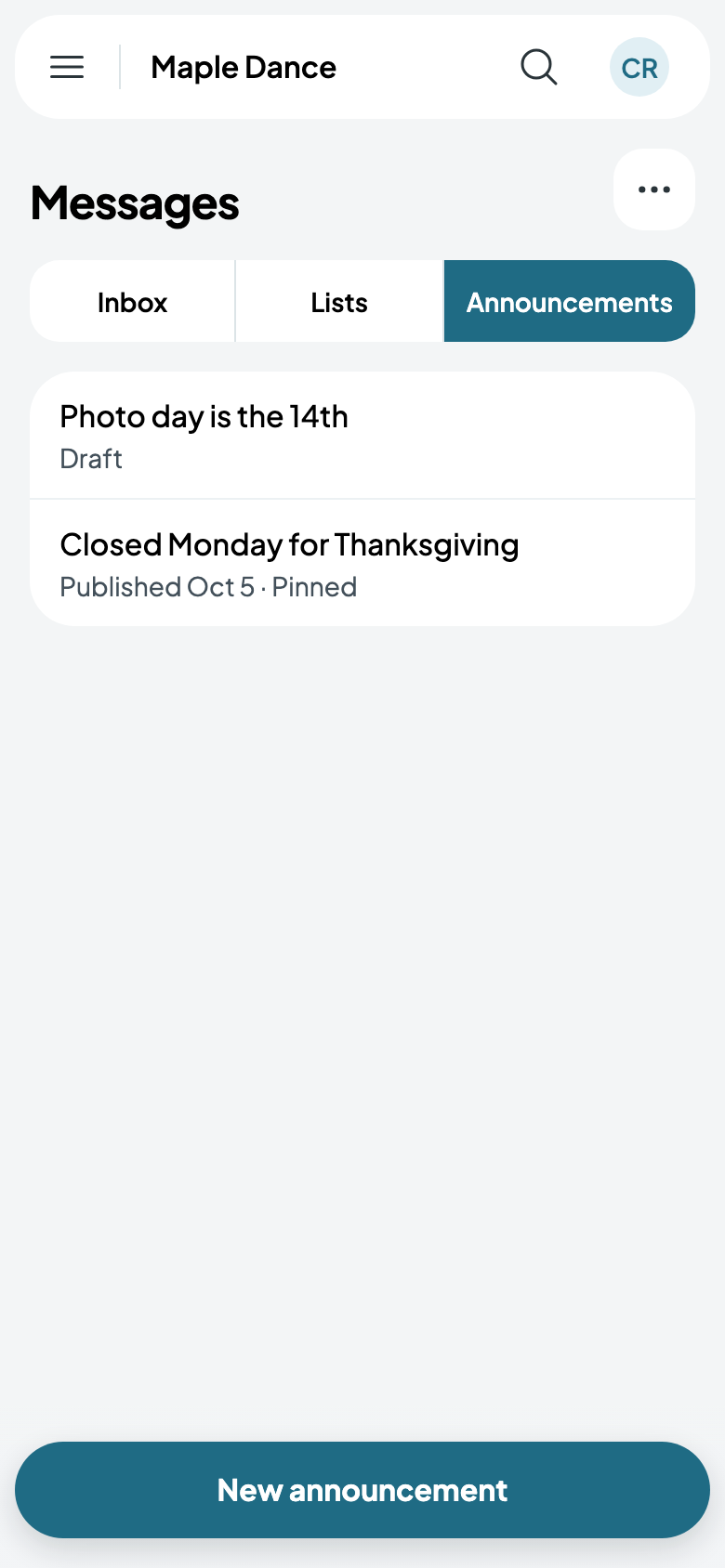
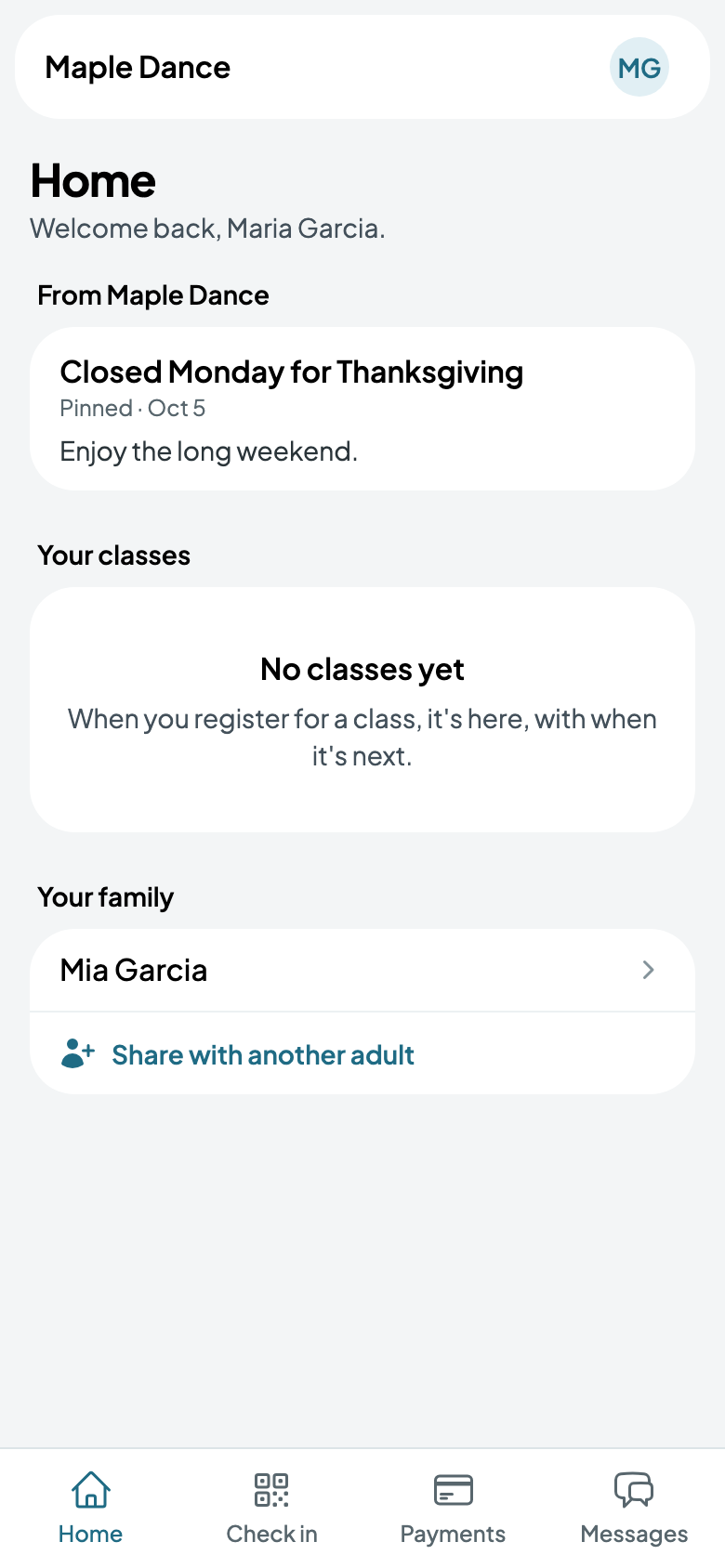
Messages, then Announcements, then New announcement: a title and the words. Pin it first on their home page keeps it at the top; Email every family too sends it once to each. Save draft keeps it for later, or Publish.
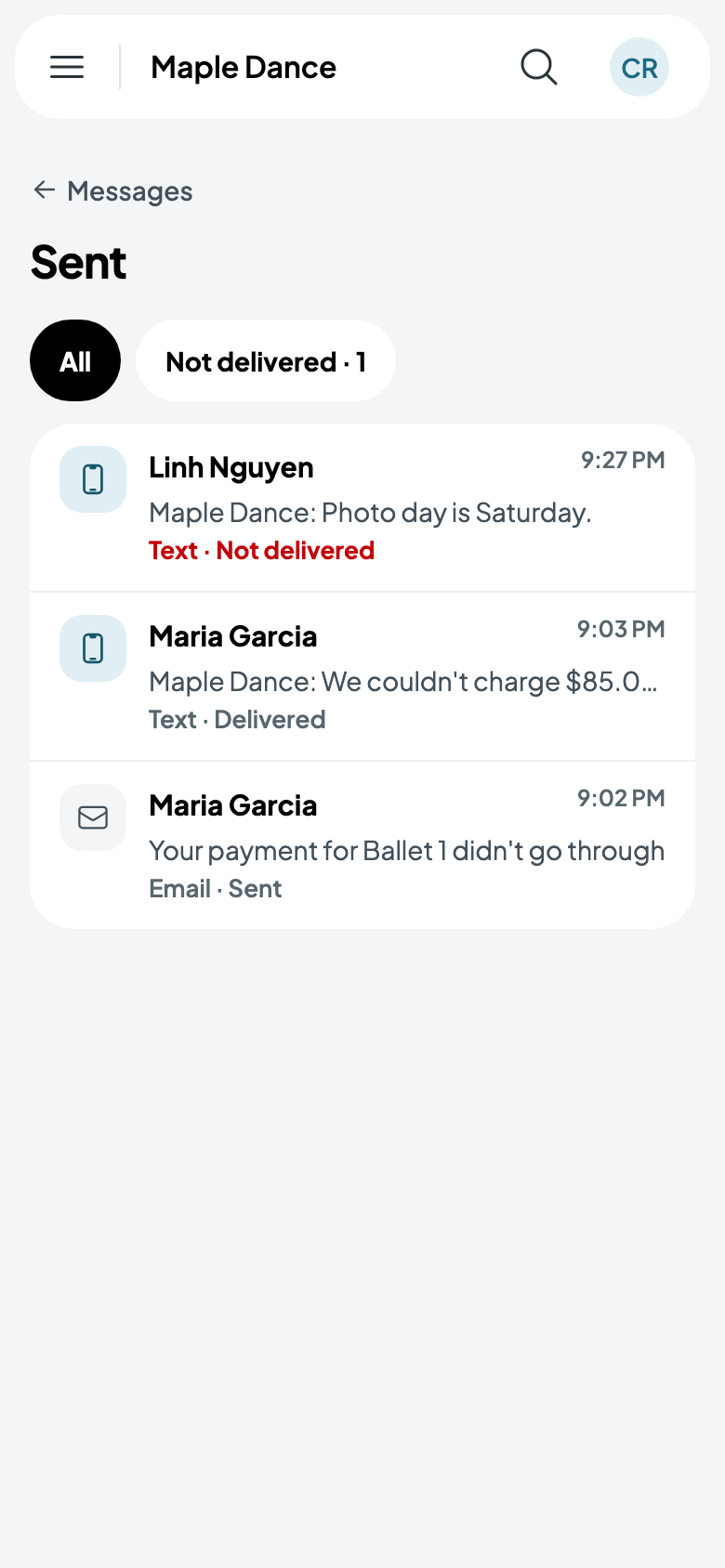
What was sent
From Messages, More, then Sent: everything that went out, to whom, by email or text, and whether it arrived. Not delivered shows only those that didn't.