Your texting number
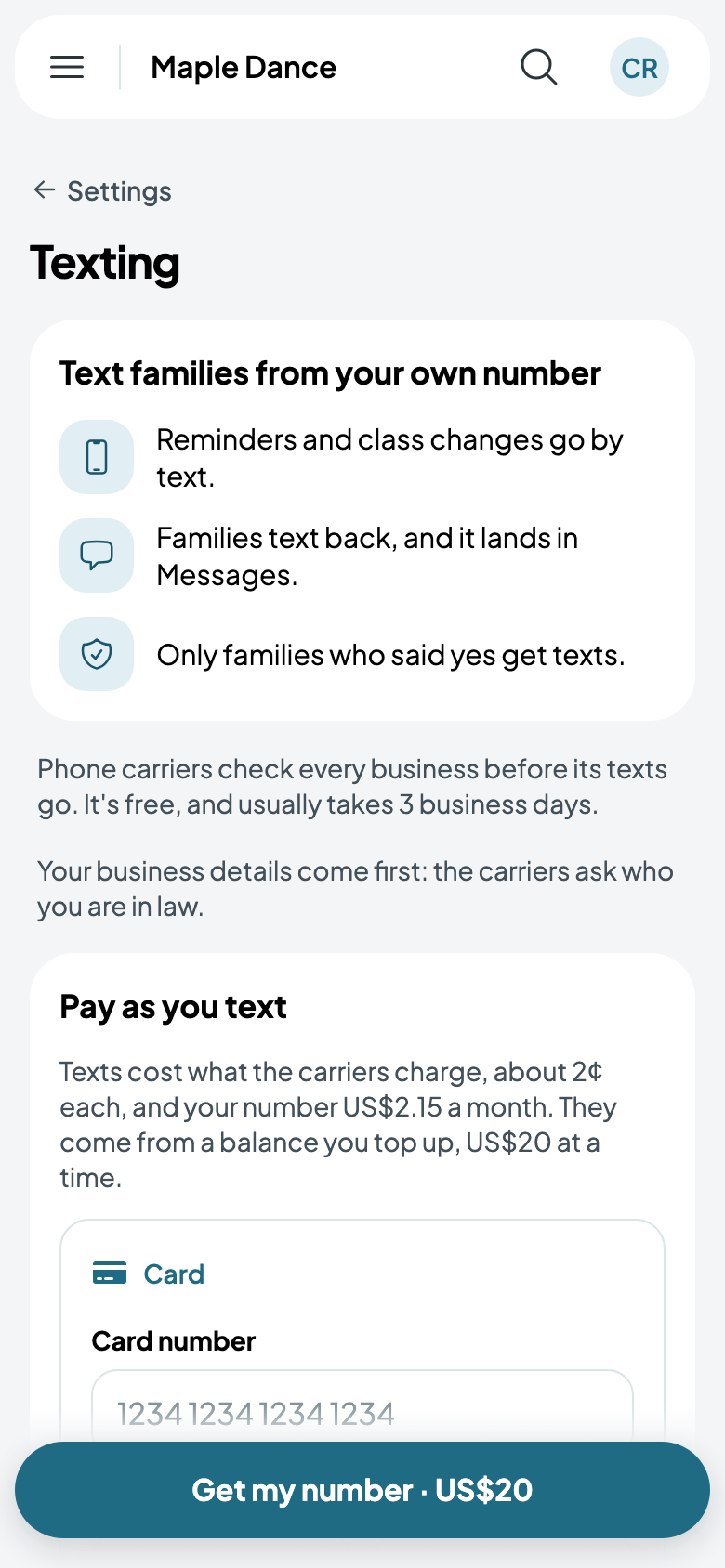
Text families from your business's own number: reminders and changes go out by text as well as email, and families text back into your inbox. Only families who said yes to texts get them.
Get your number
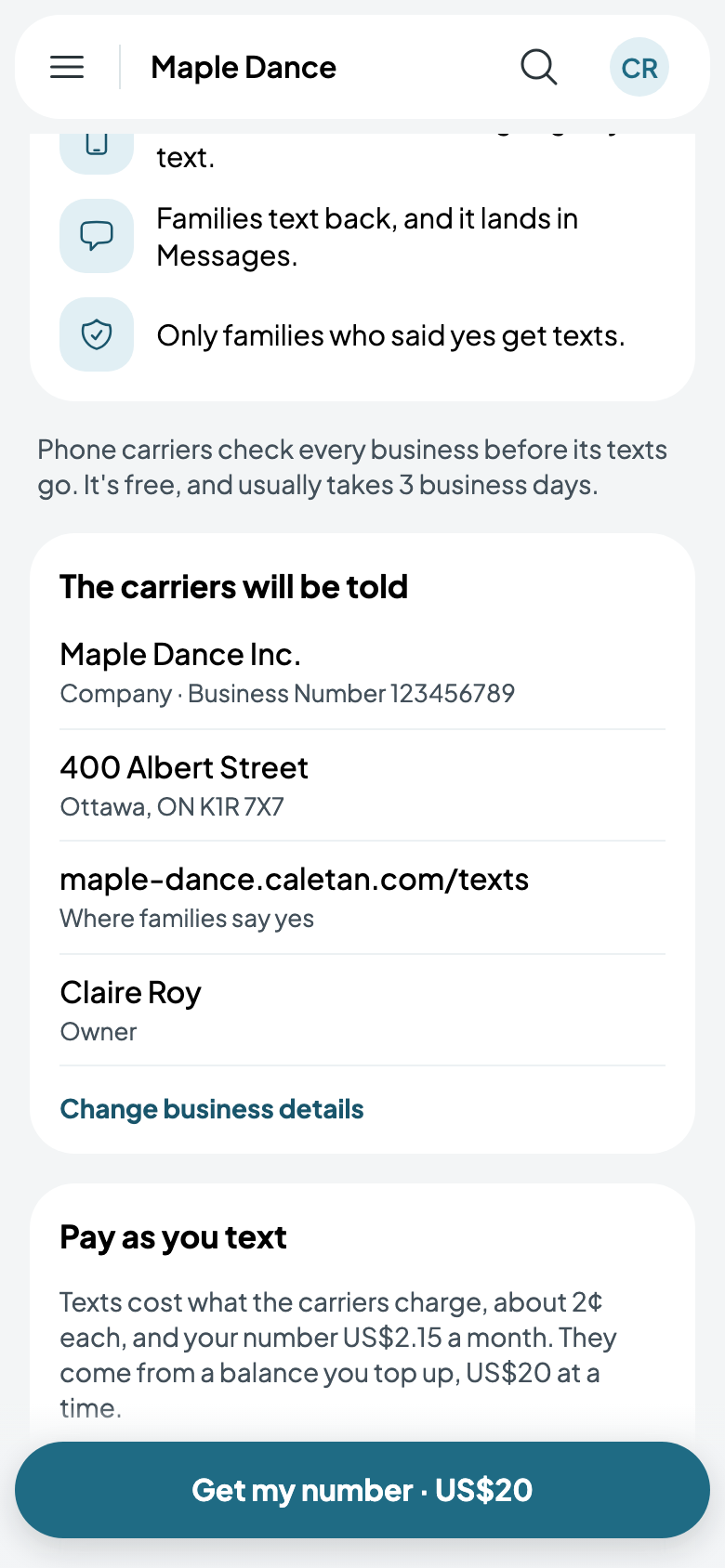
Go to Settings, then Texting. Phone carriers check every business before its texts go: it's free, and usually takes 3 business days. They're told your business details, which you give once, and the page on your website where families agree to texts.
You pay as you text: about 2¢ a text, and US$2.15 a month for the number, from a balance you top up US$20 at a time. Add your card and tap Get my number.
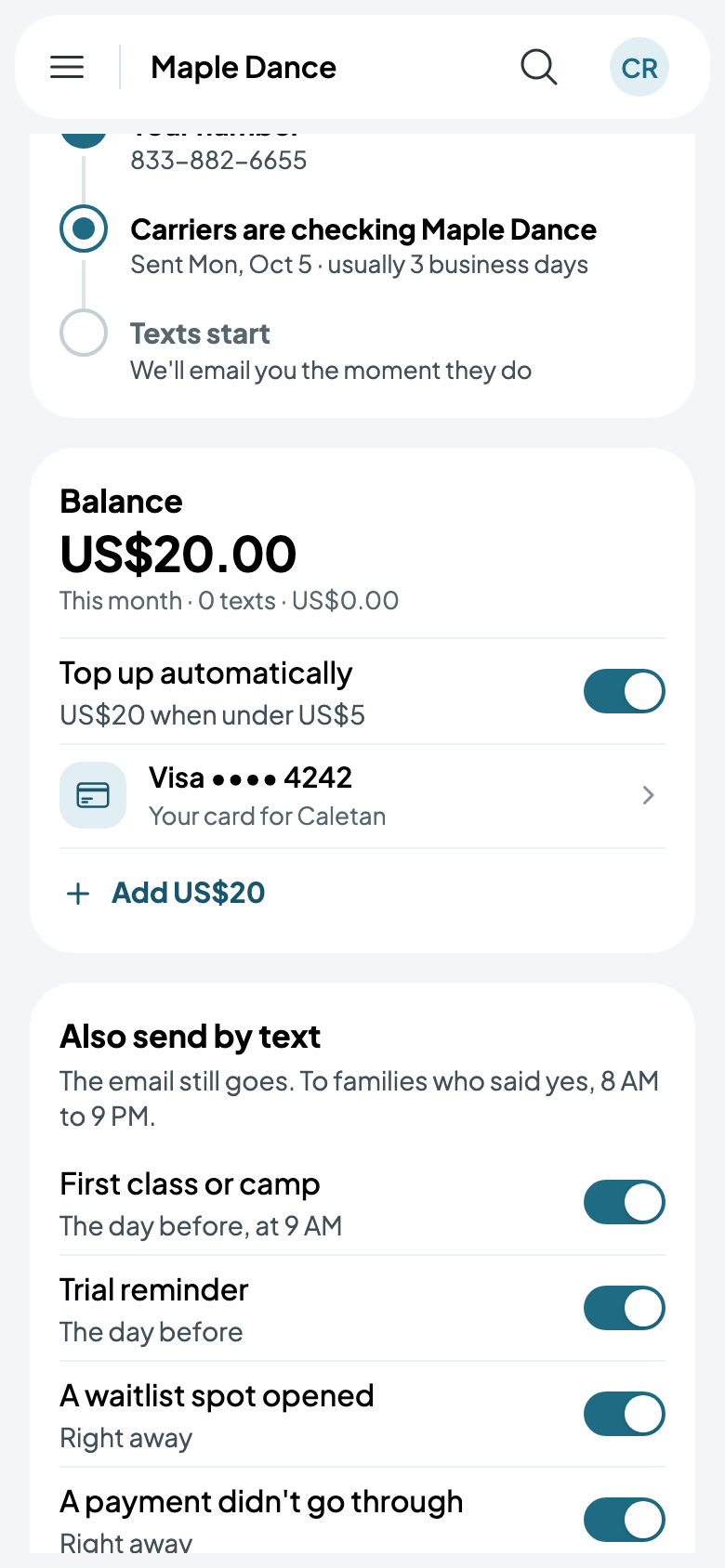
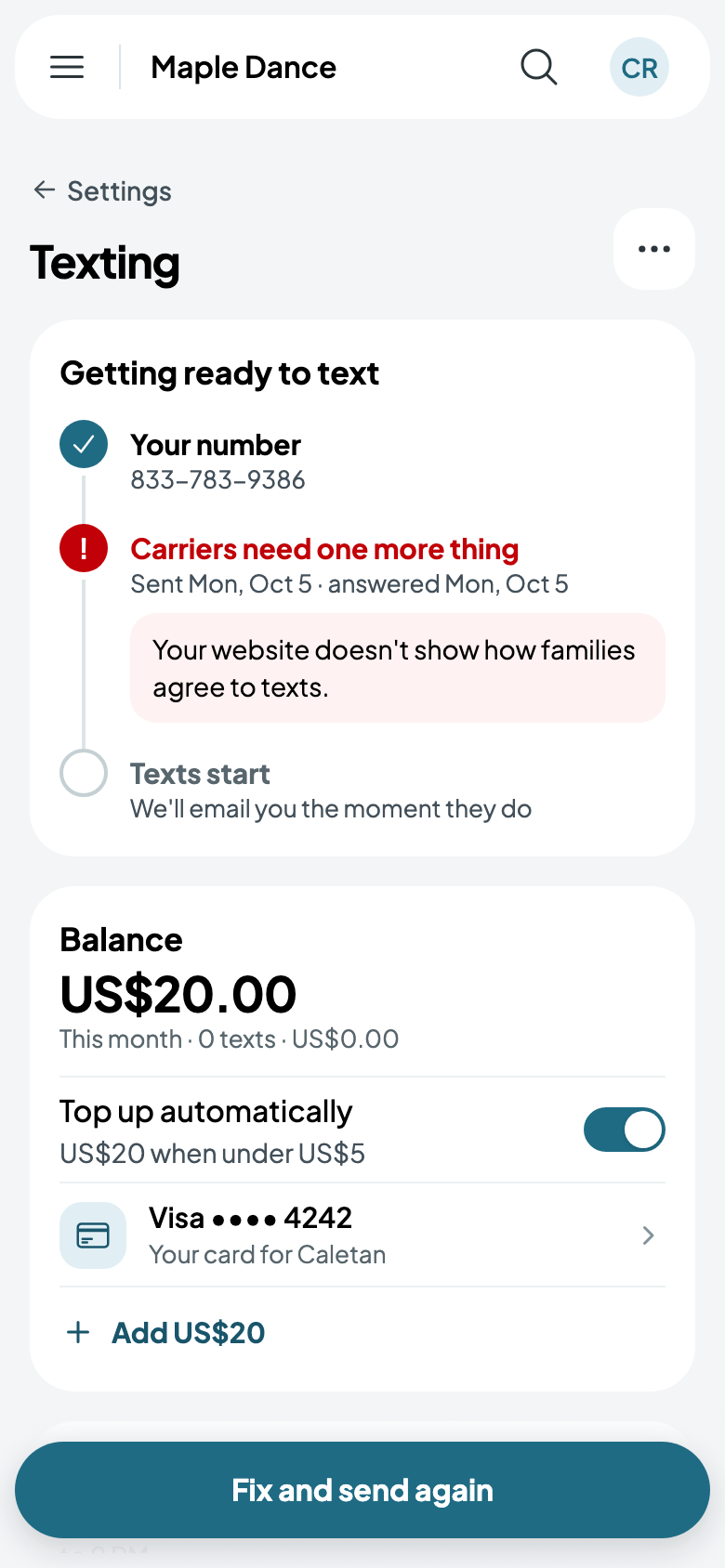
While the carriers check, the page shows where it's up to, and you're emailed when texts can start. If they need something more, it says what; fix it and tap Fix and send again.
Ready
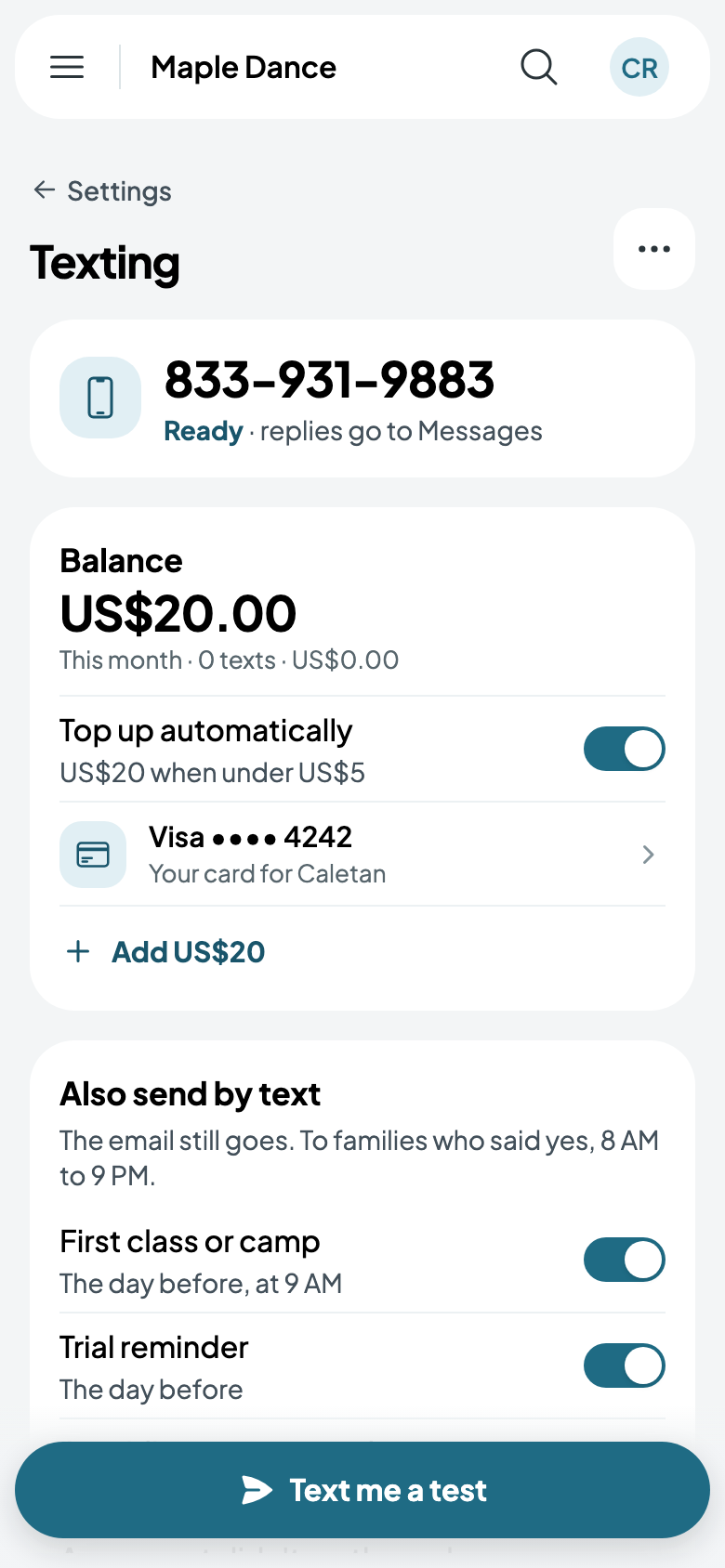
Once ready, your number shows, with your balance. It tops itself up when it runs low, unless you switch that off. Text me a test sends a text to your own phone.
Under Also send by text, choose what goes by text as well as email, such as the reminder the day before a first class, or a payment that didn't go through. The email still goes, and texts go only between 8 AM and 9 PM.
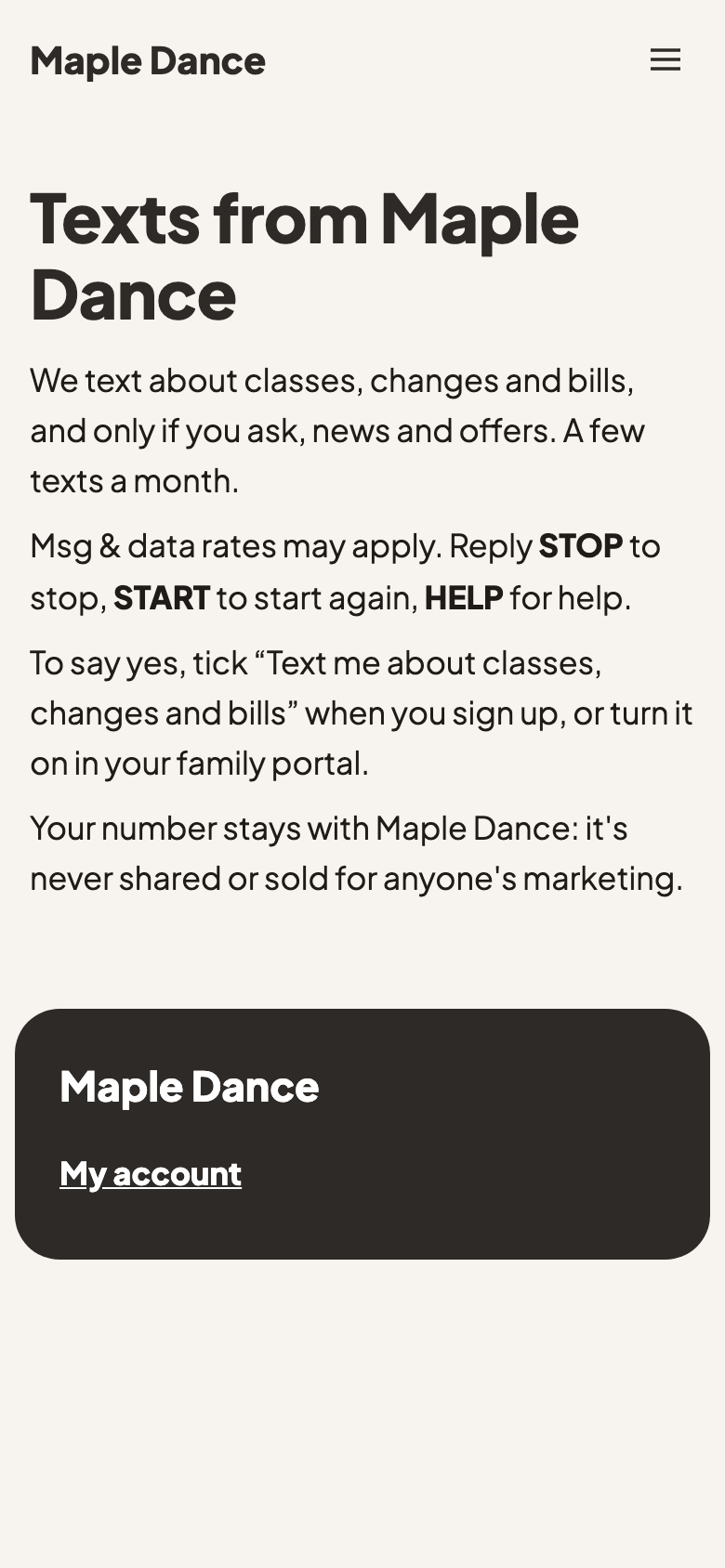
Your website has a page saying what families agree to, and that they can reply STOP at any time. From More, Who said yes lists them, and Turn off texting stops it, keeping your balance for next time.