Your inbox
Every family has one conversation with you, whatever they write with: from their portal, by replying to an email, or by text. Messages, in the menu, is your inbox.
Families write
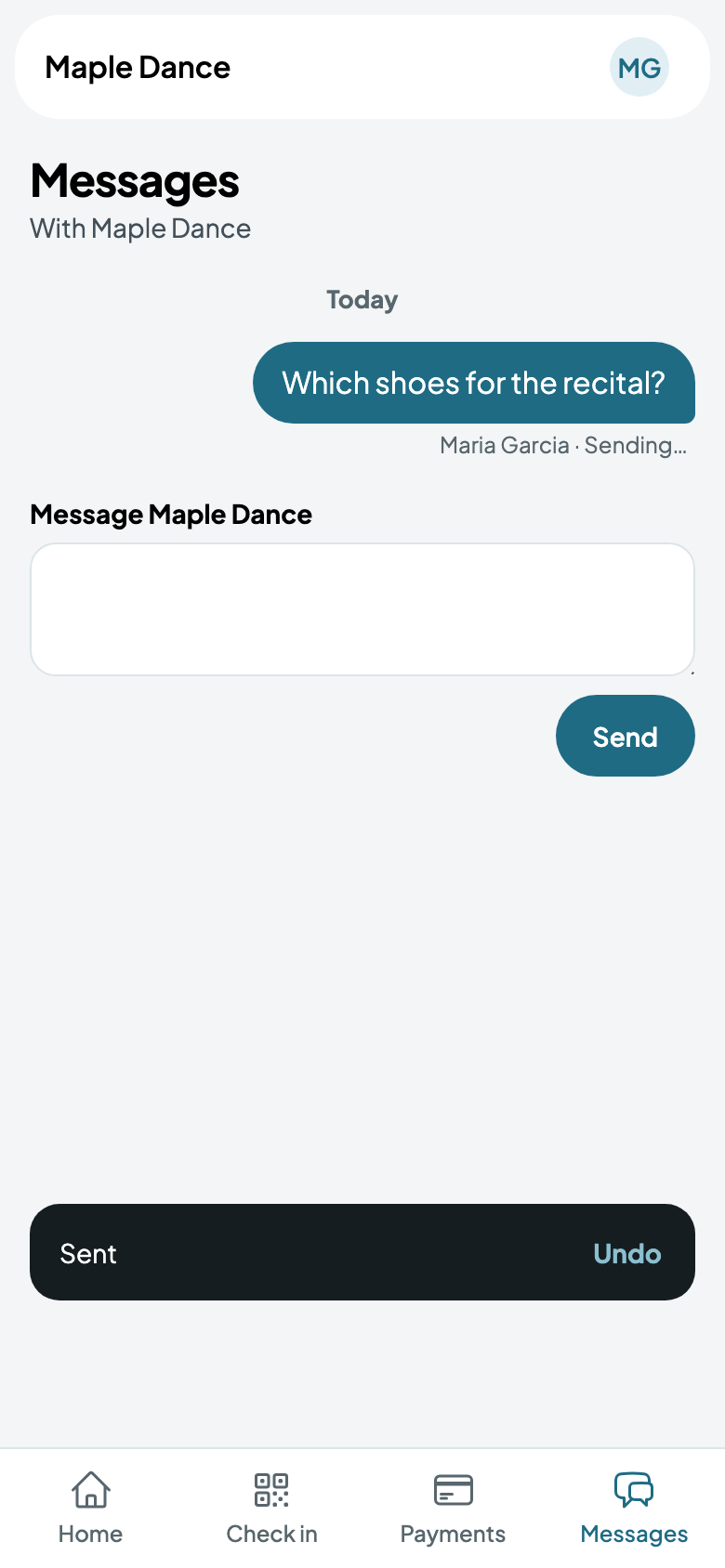
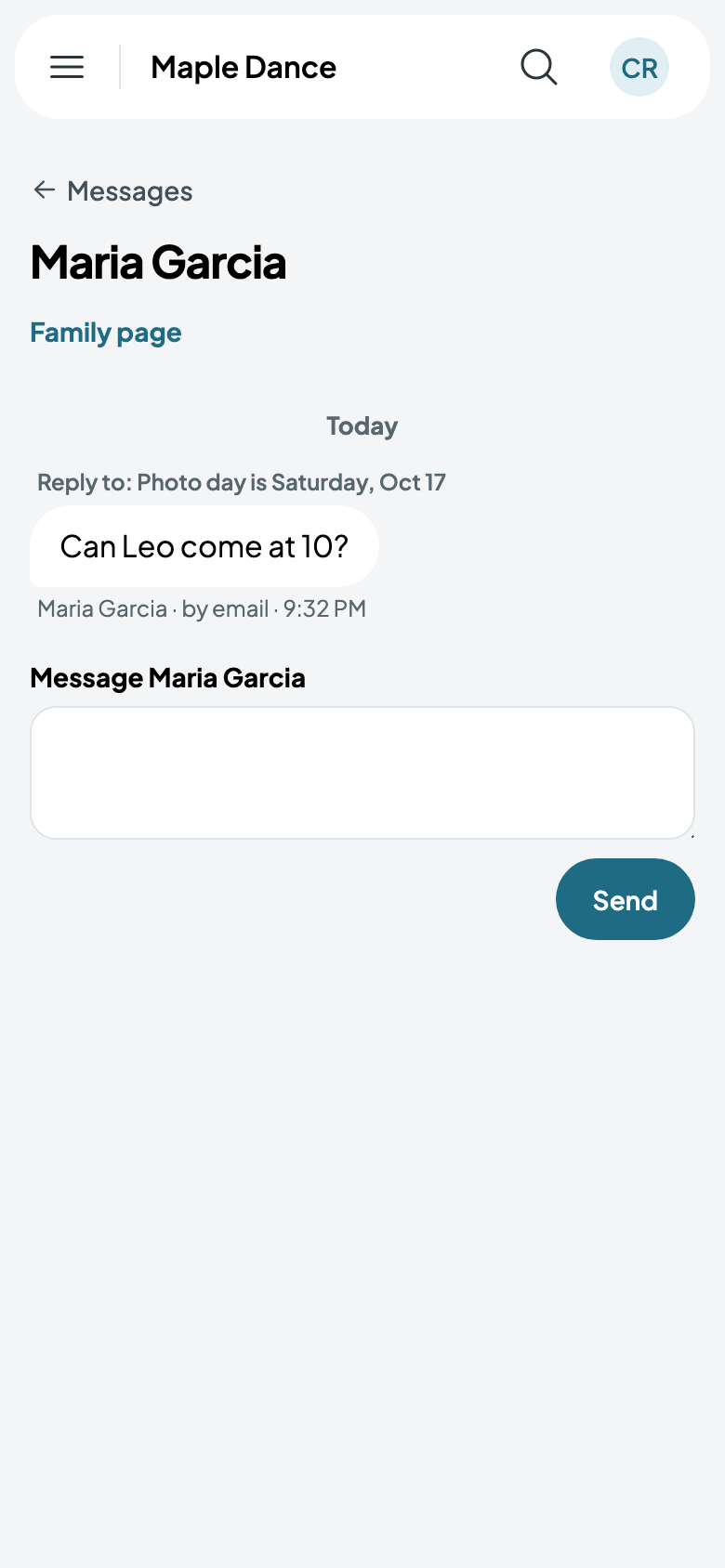
A family writes from Messages in their portal, or answers any email you send them. It lands in their conversation, saying how it came.
Answering
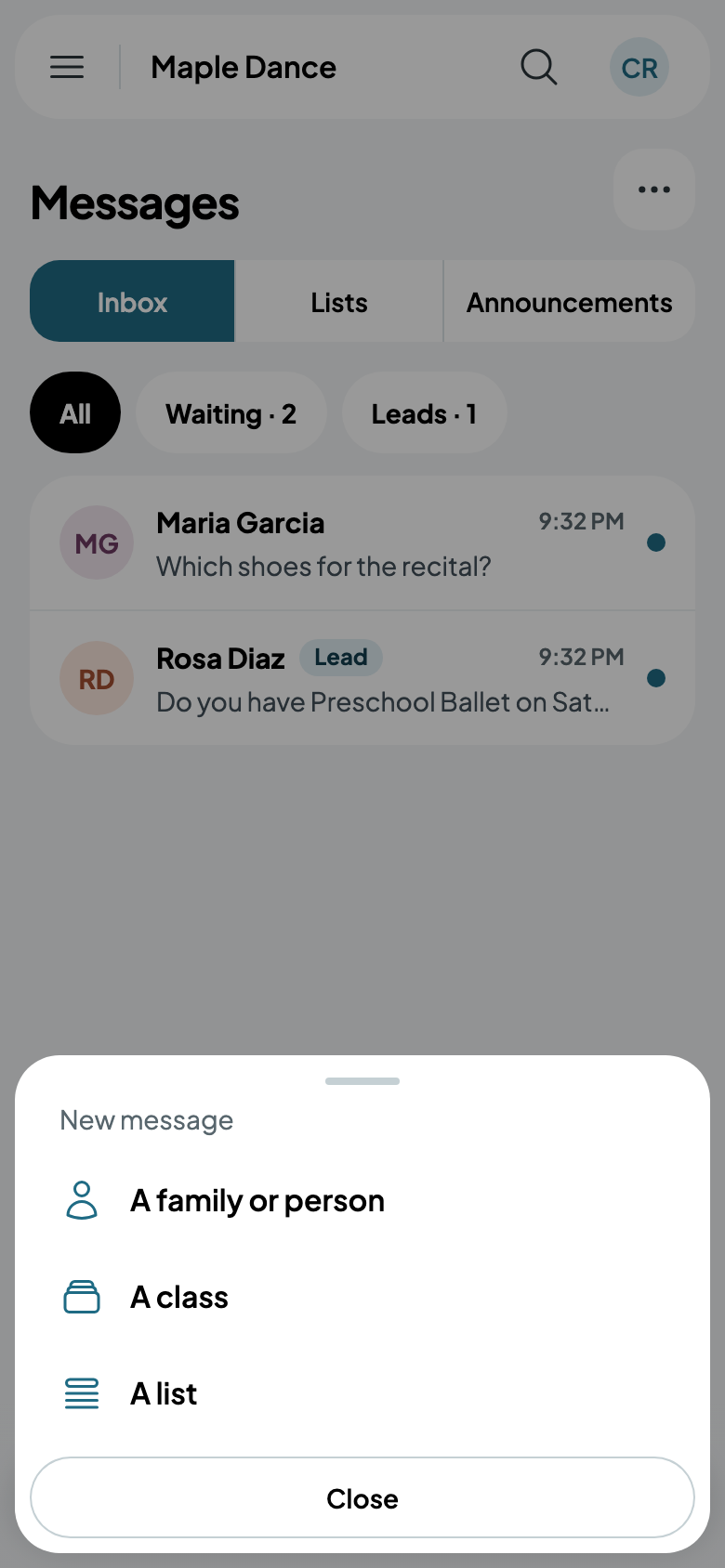
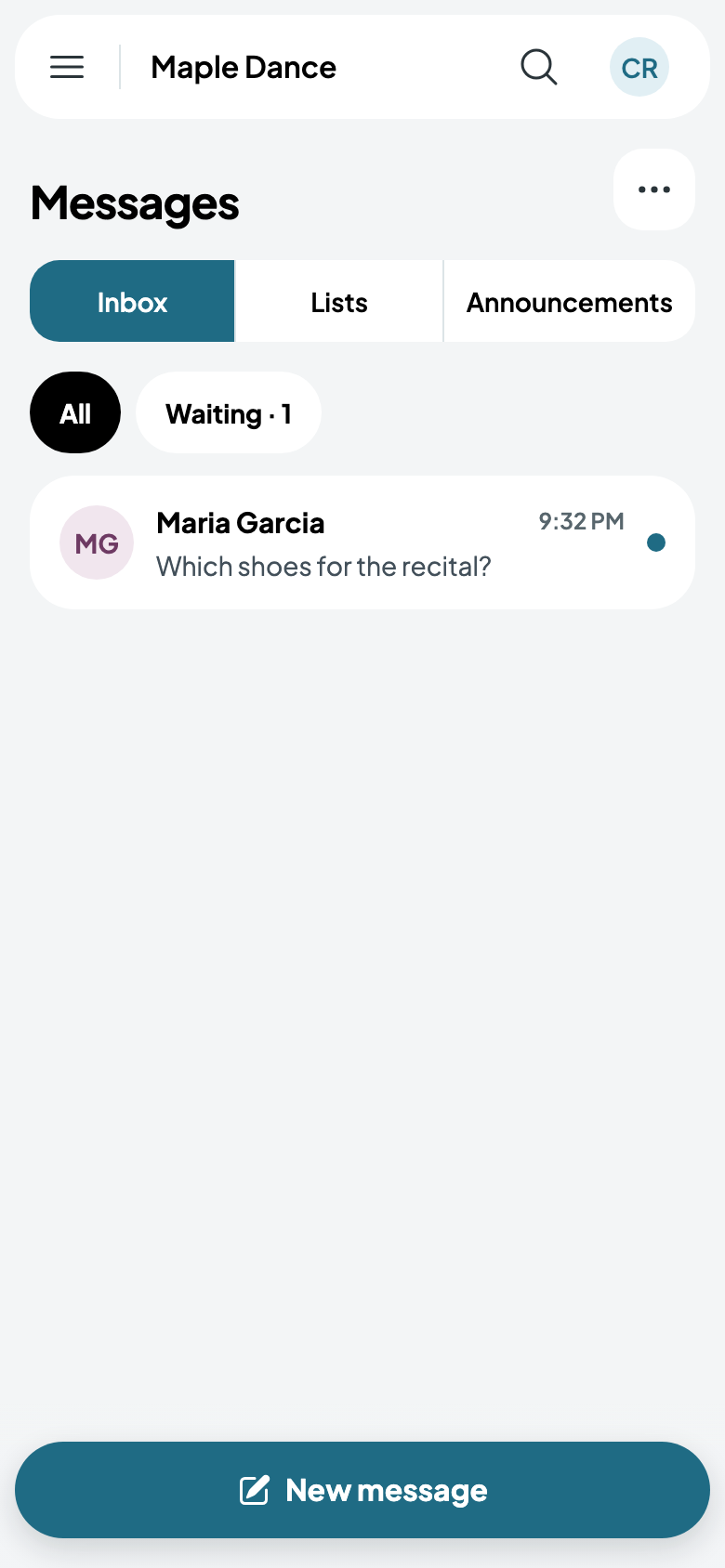
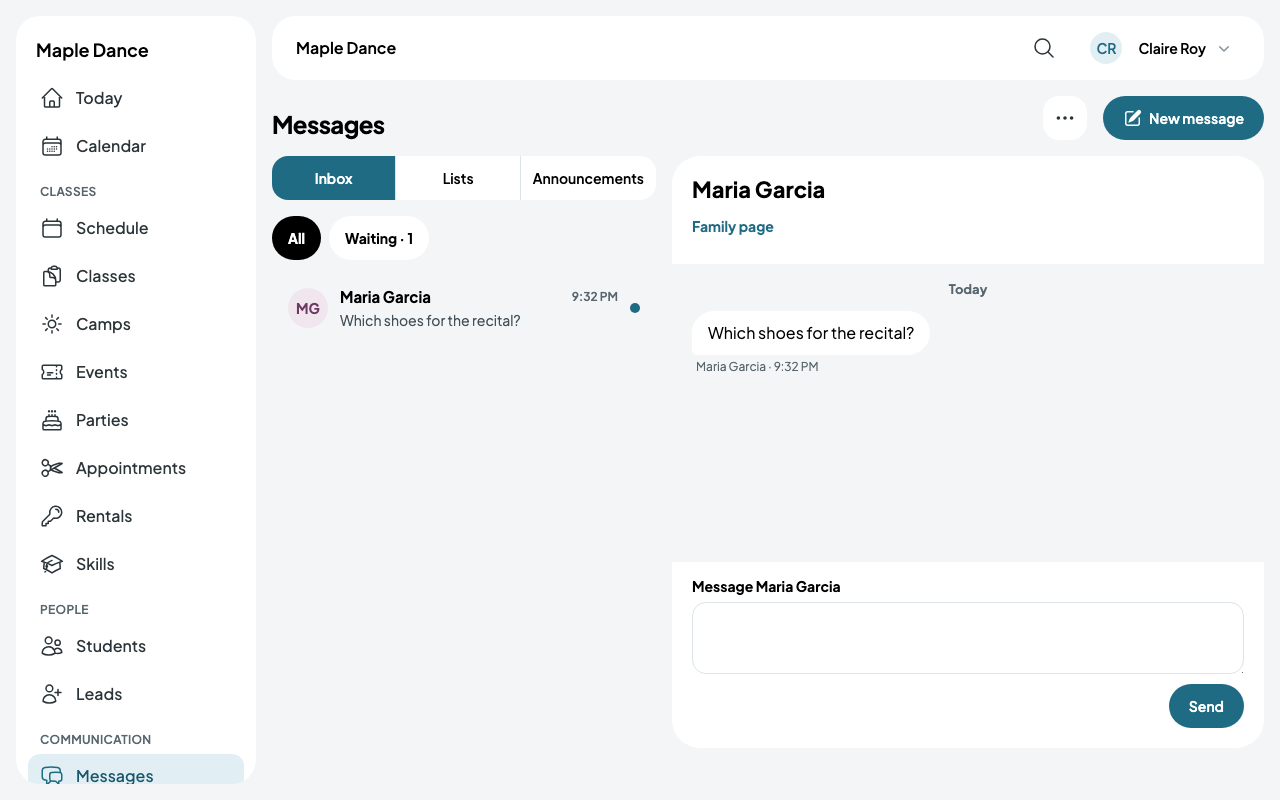
The inbox lists each conversation, newest first, with a dot on those waiting for an answer. Waiting shows only those, and Leads the people who aren't families yet.
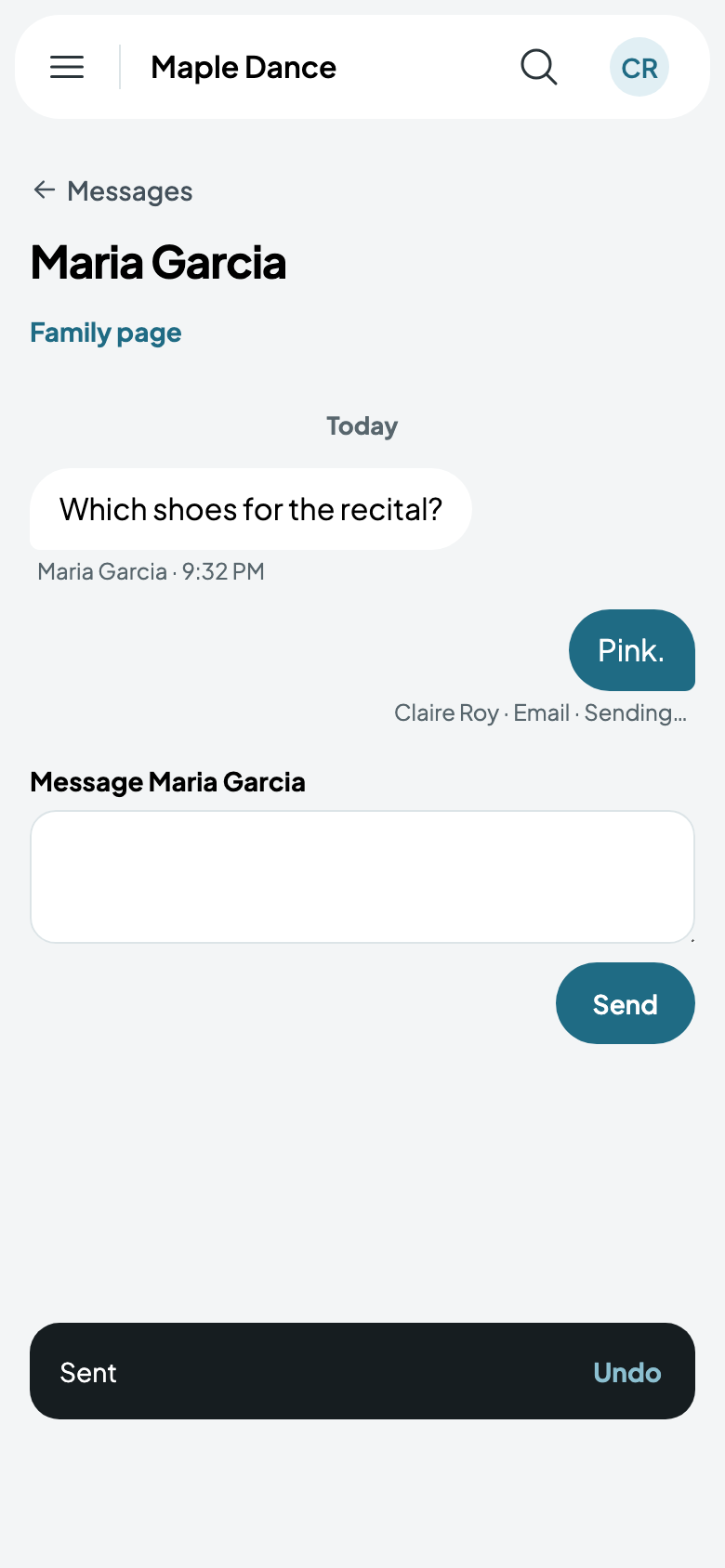
Tap a conversation and write. For a few seconds after you send, Undo takes it back to change.
On a bigger screen, a conversation opens beside the inbox.
By text
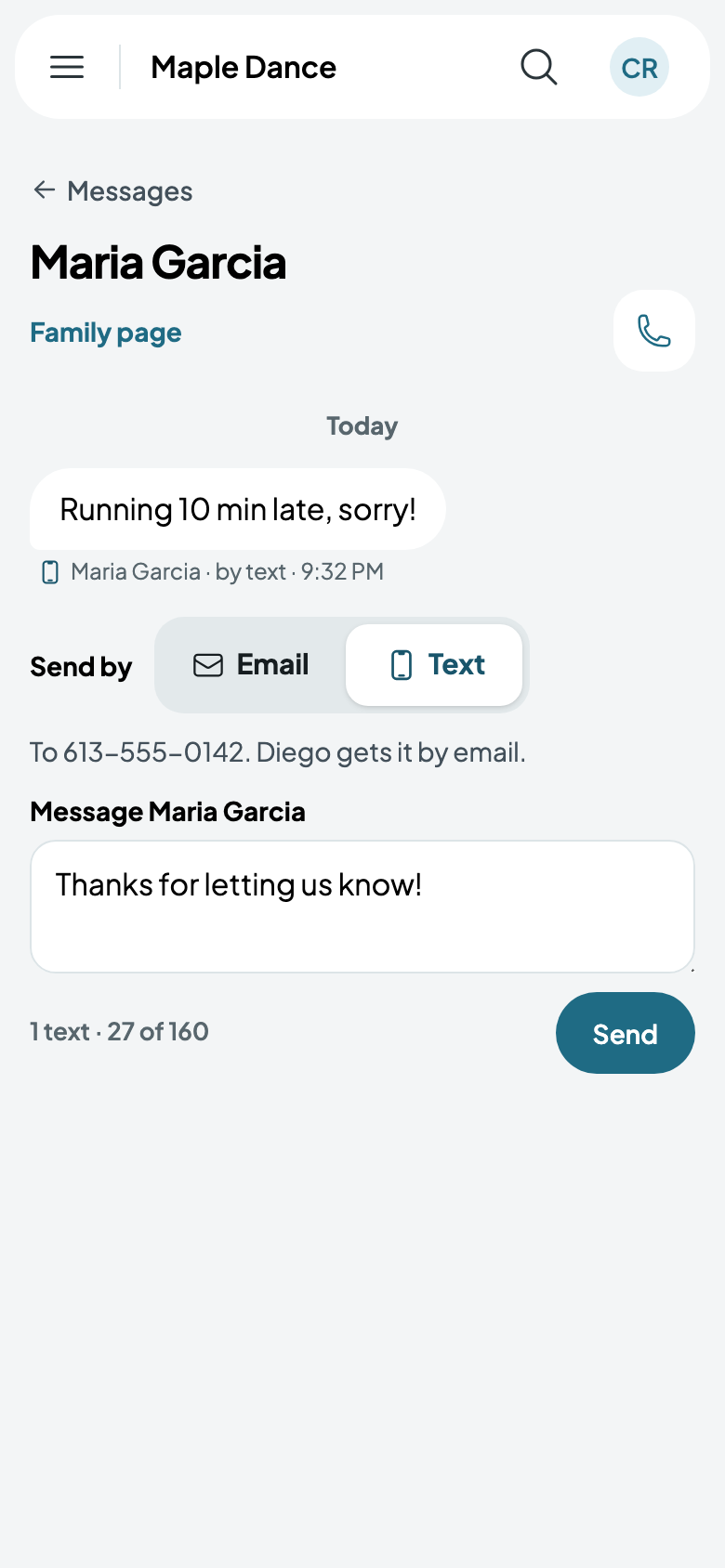
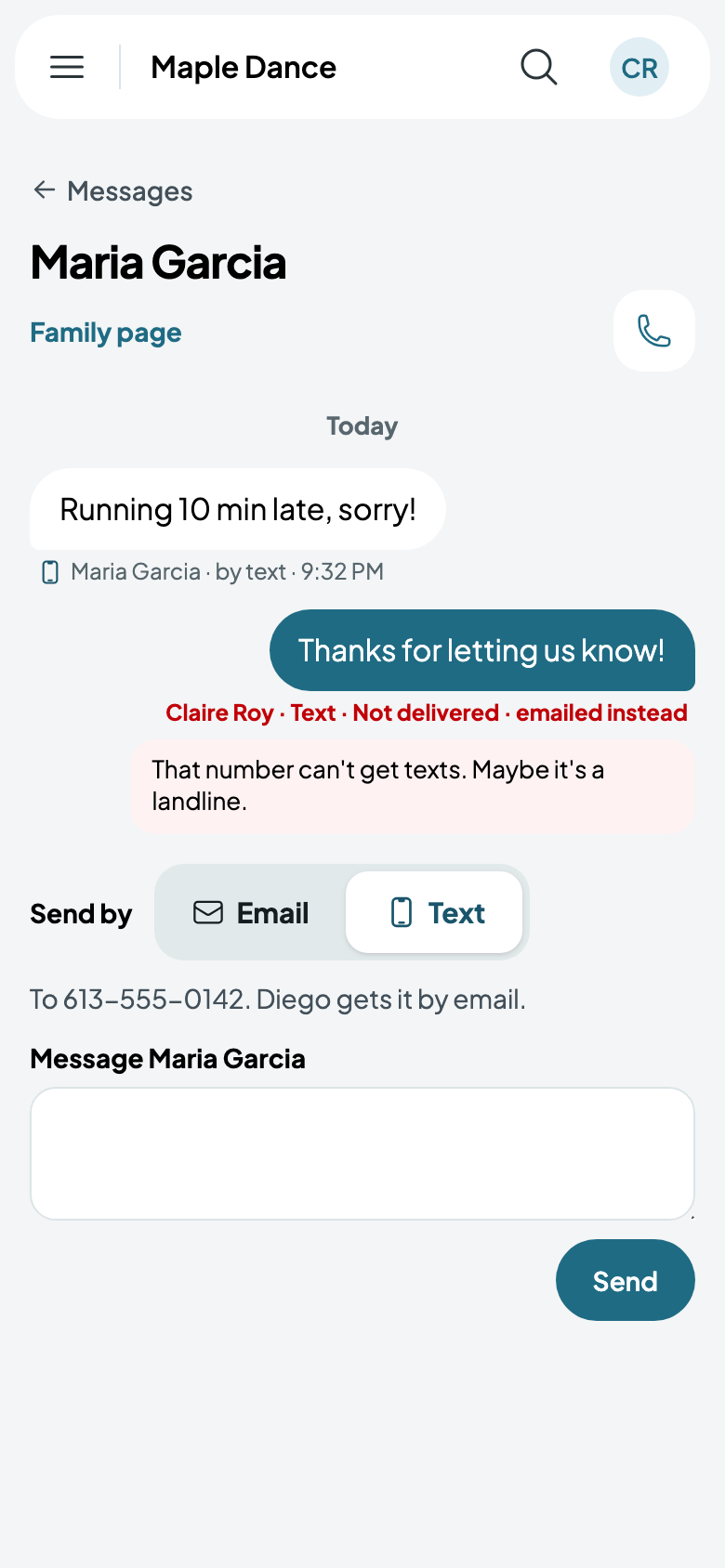
With your texting number, a family who said yes to texts can be answered by Text: it says who gets it, and how many texts it takes. Anyone else in the family who can't get texts gets it by email. If a text doesn't arrive, it says why, and it's emailed instead.
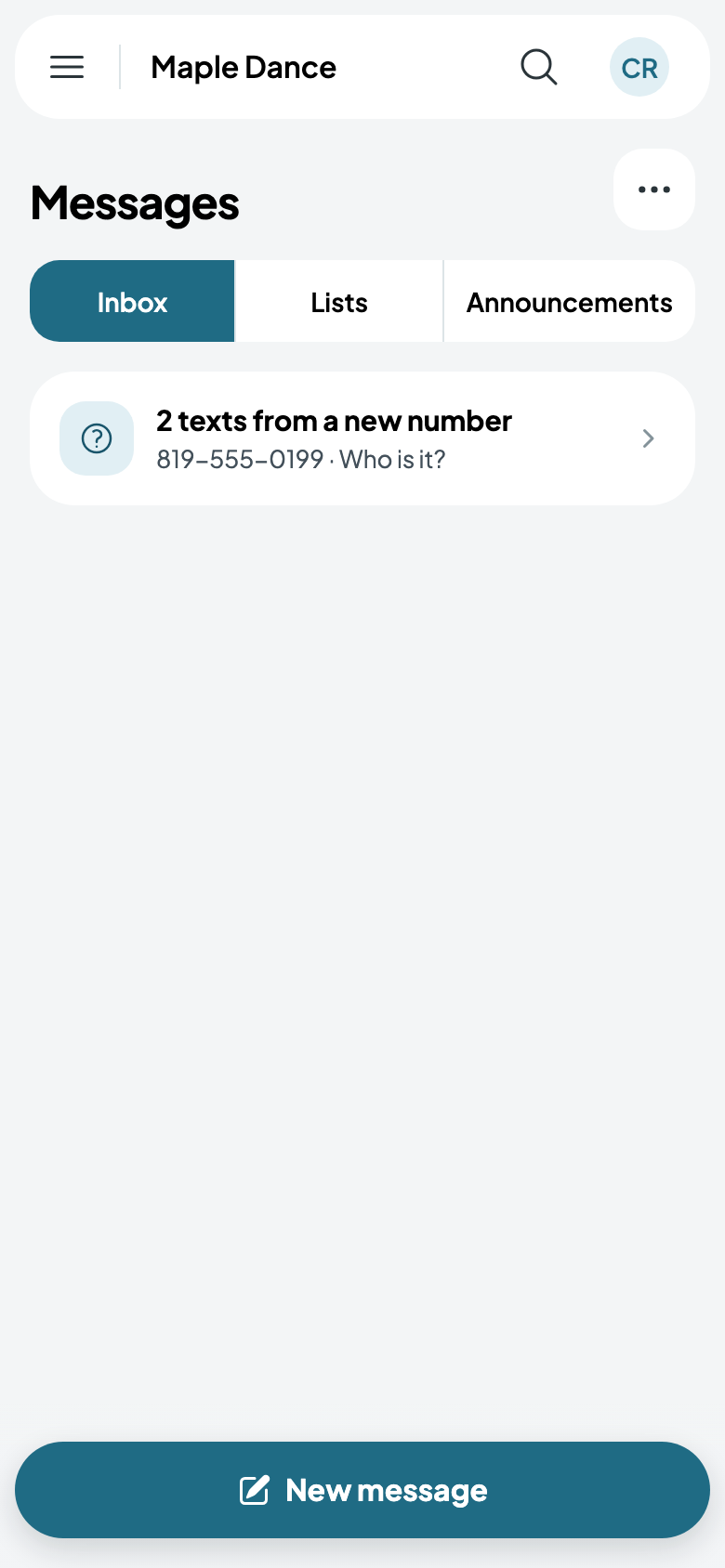
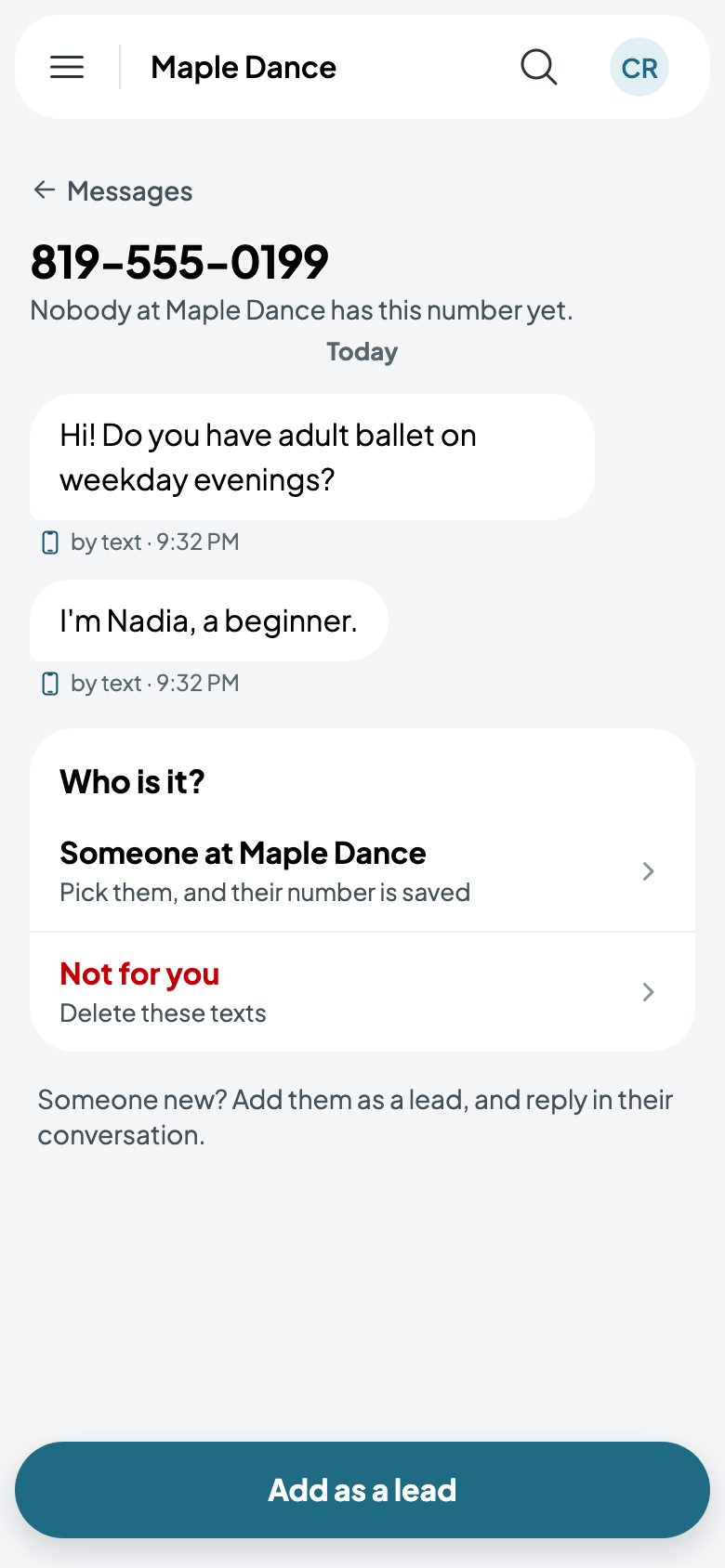
A text from a number nobody has shows as a new number: say who it is, add them as a lead, or delete it if it isn't for you.
Writing first
New message writes to a family or person, everyone in a class, or one of your lists (see Announcements and lists).