Automatic emails
Caletan emails families for you when something happens: a welcome when they sign up, a reminder before a first class, a payment that didn't go through. Each is written already, in your look, and you can reword any of them.
Your emails
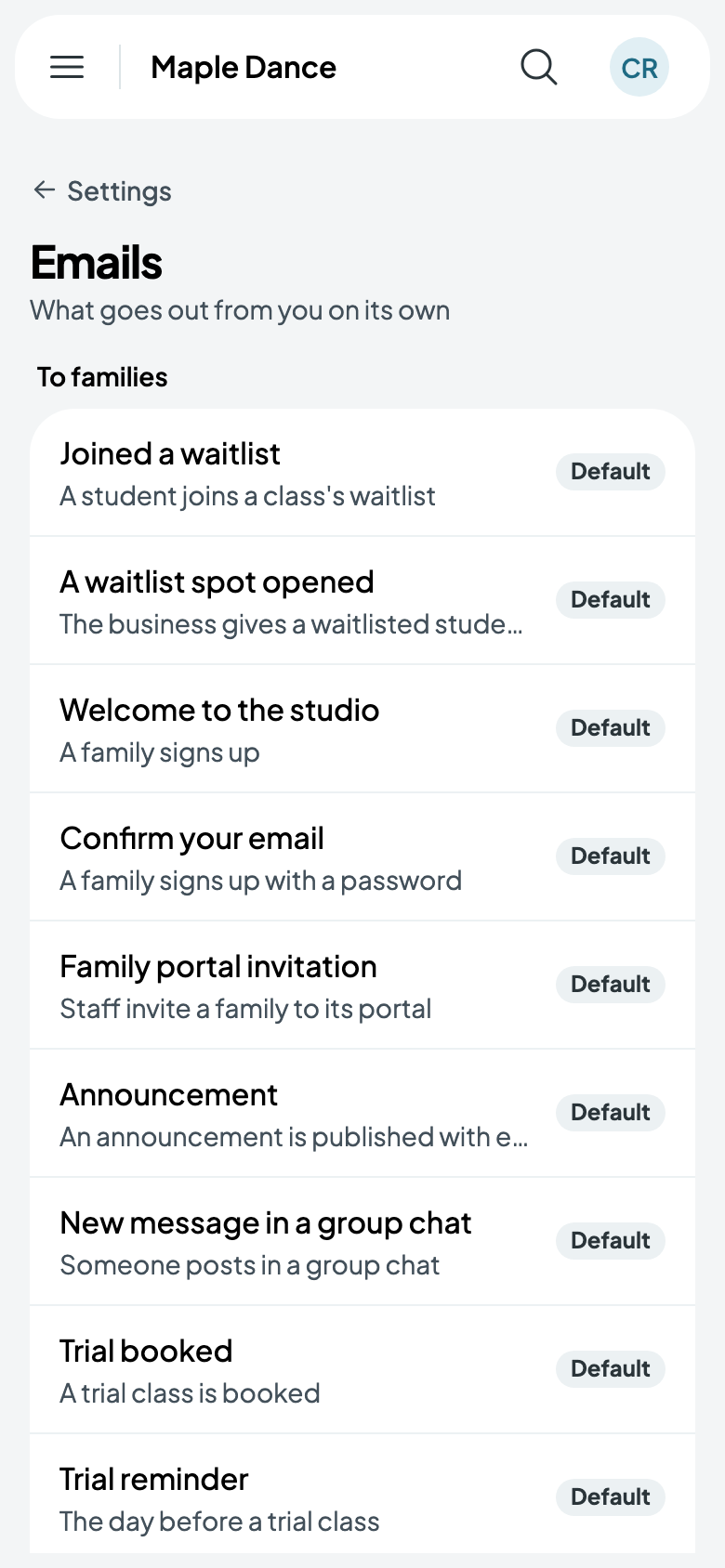
Go to Settings, then Emails. To families lists what goes out on its own, each saying when; Default means it's in Caletan's words.
Rewording one
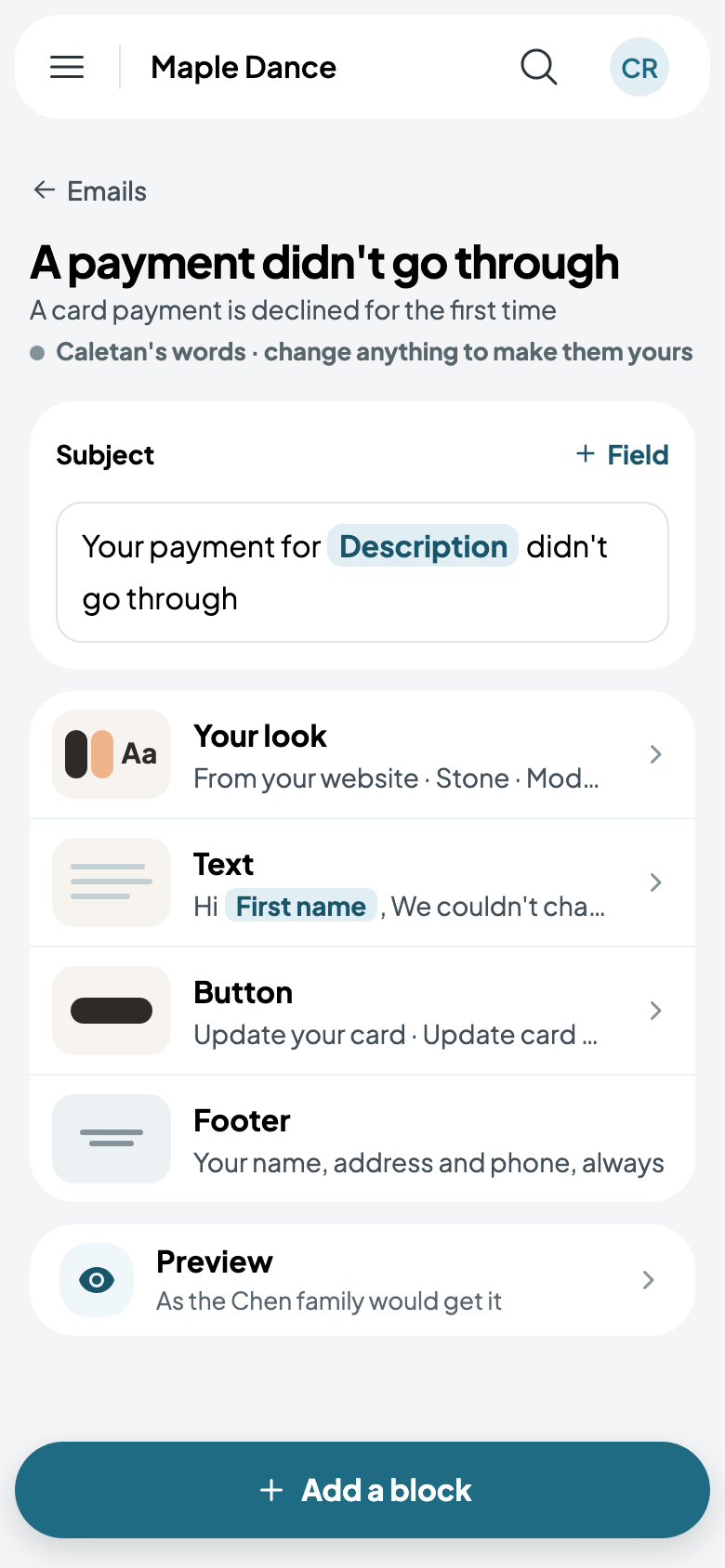
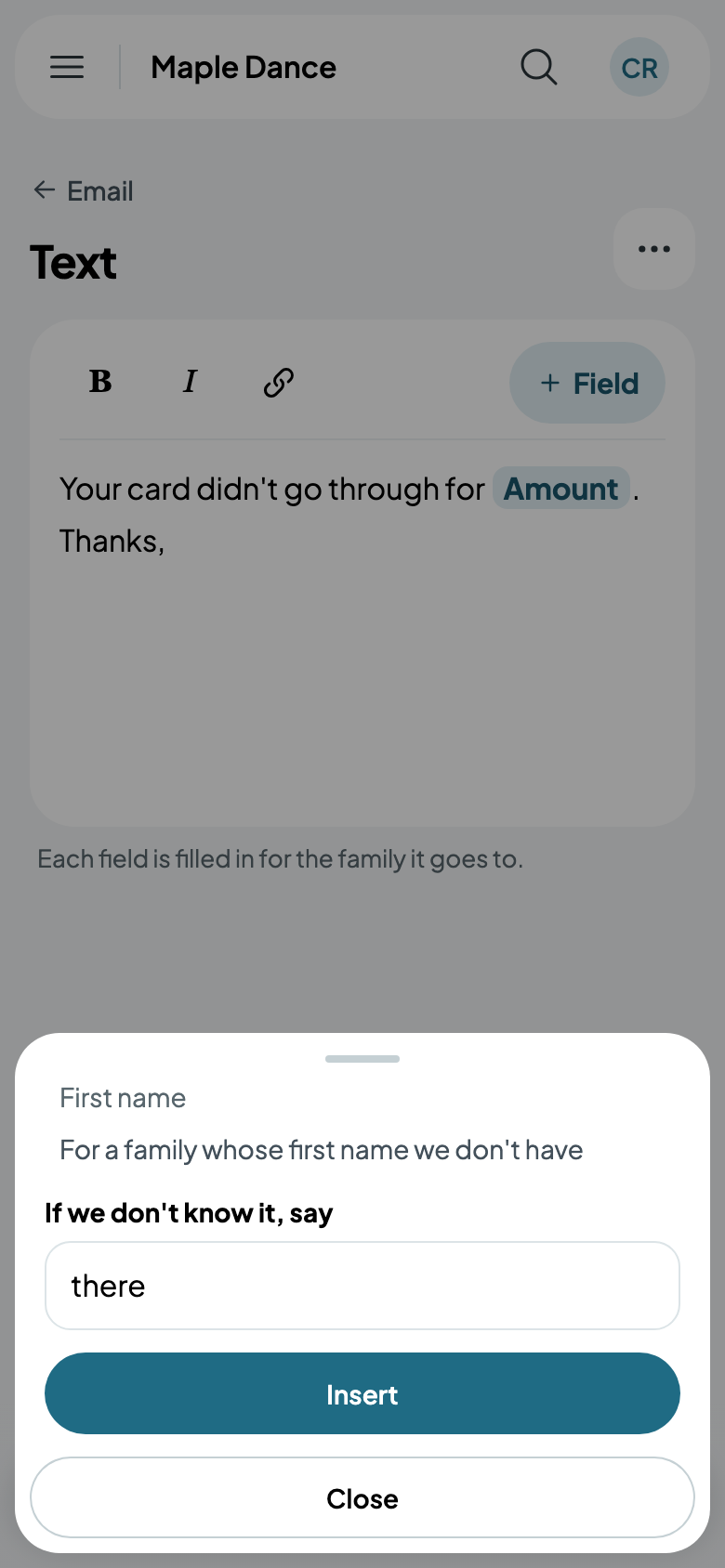
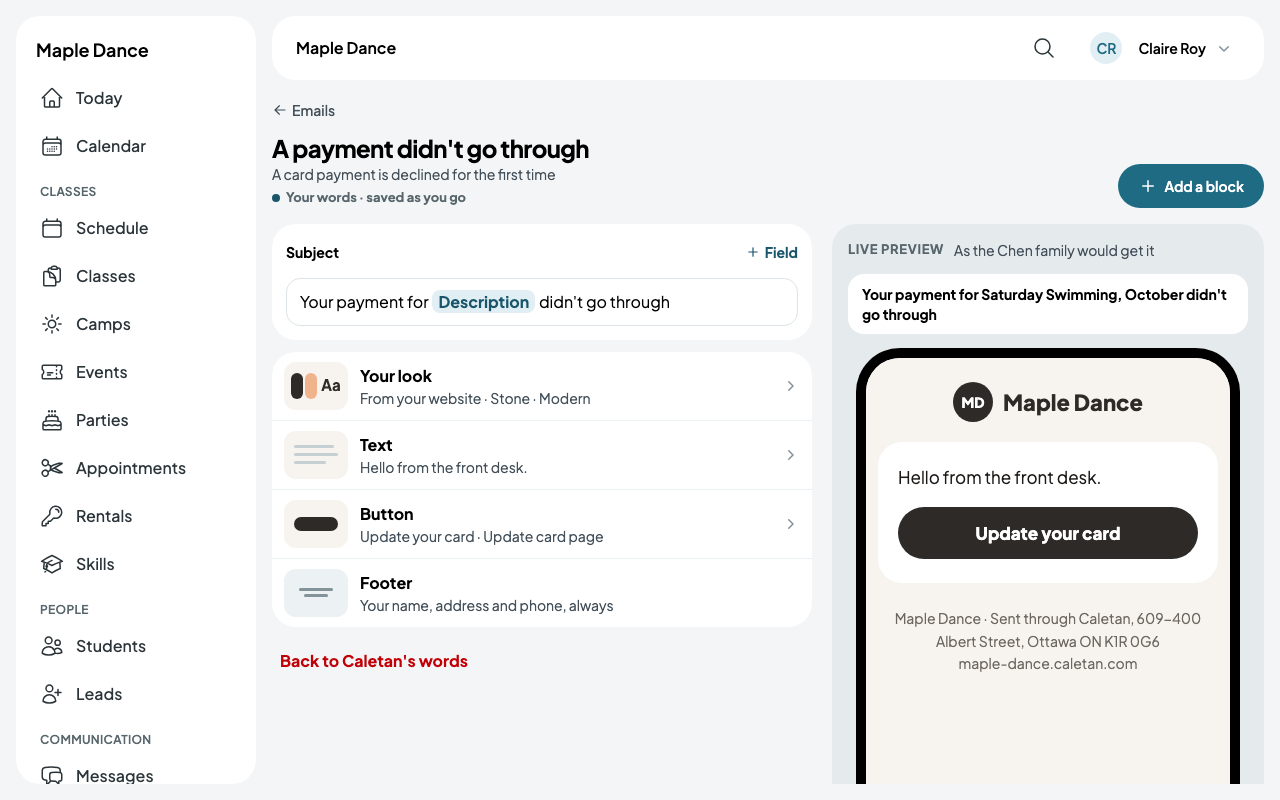
Tap an email to see its subject and its blocks: your look, the text, a button, and the footer with your name and address. Tap a block to change its words. Field puts in something filled in for each family, such as their first name, with what to say when it isn't known.
Add a block adds a heading, more text, a photo, a button, a divider, one of your classes with its day, time and price, your social links, or one of your posts; each block's More moves it up or down. It's saved as you go.
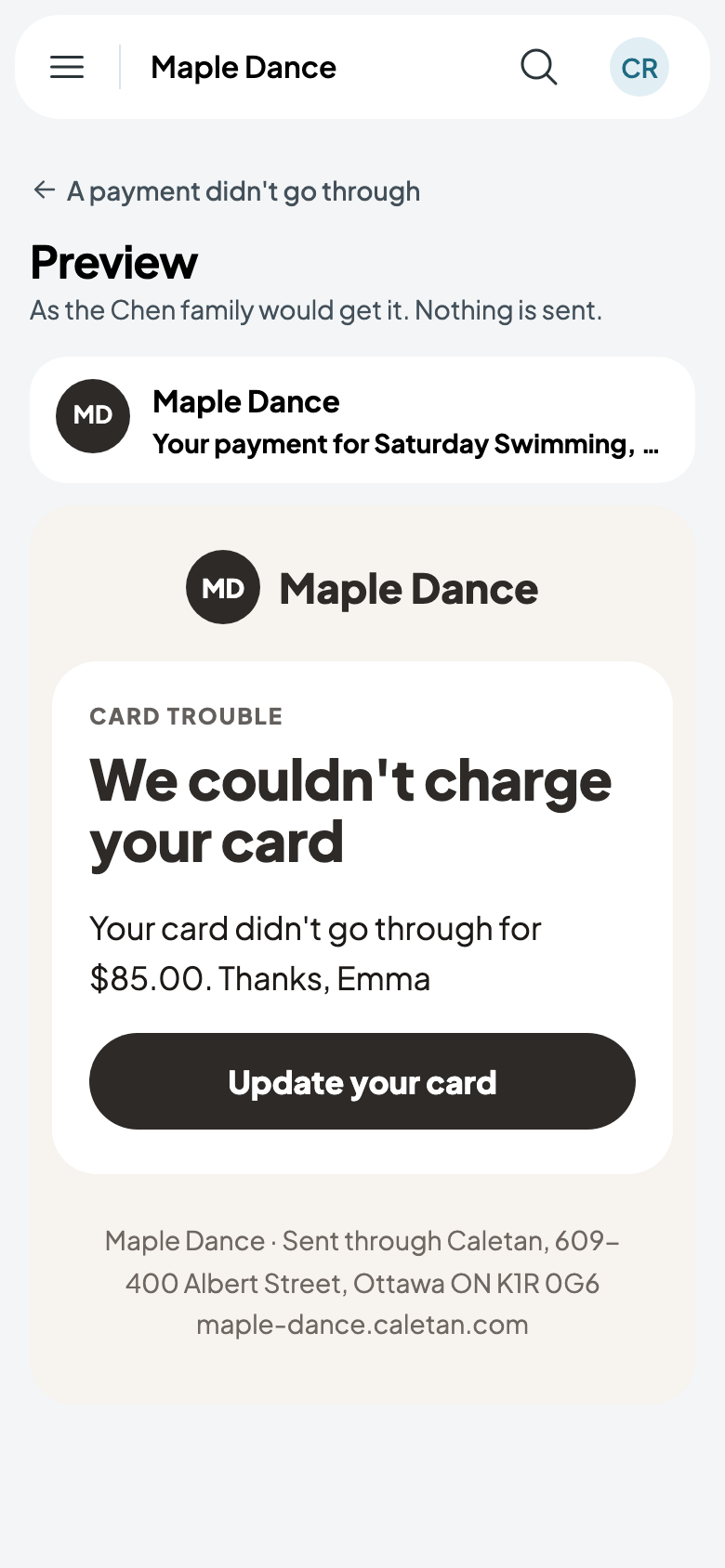
Preview shows it as a family would get it; nothing is sent. Back to Caletan's words undoes your changes. On a bigger screen, the preview sits beside the blocks and follows each change.
Emails to you
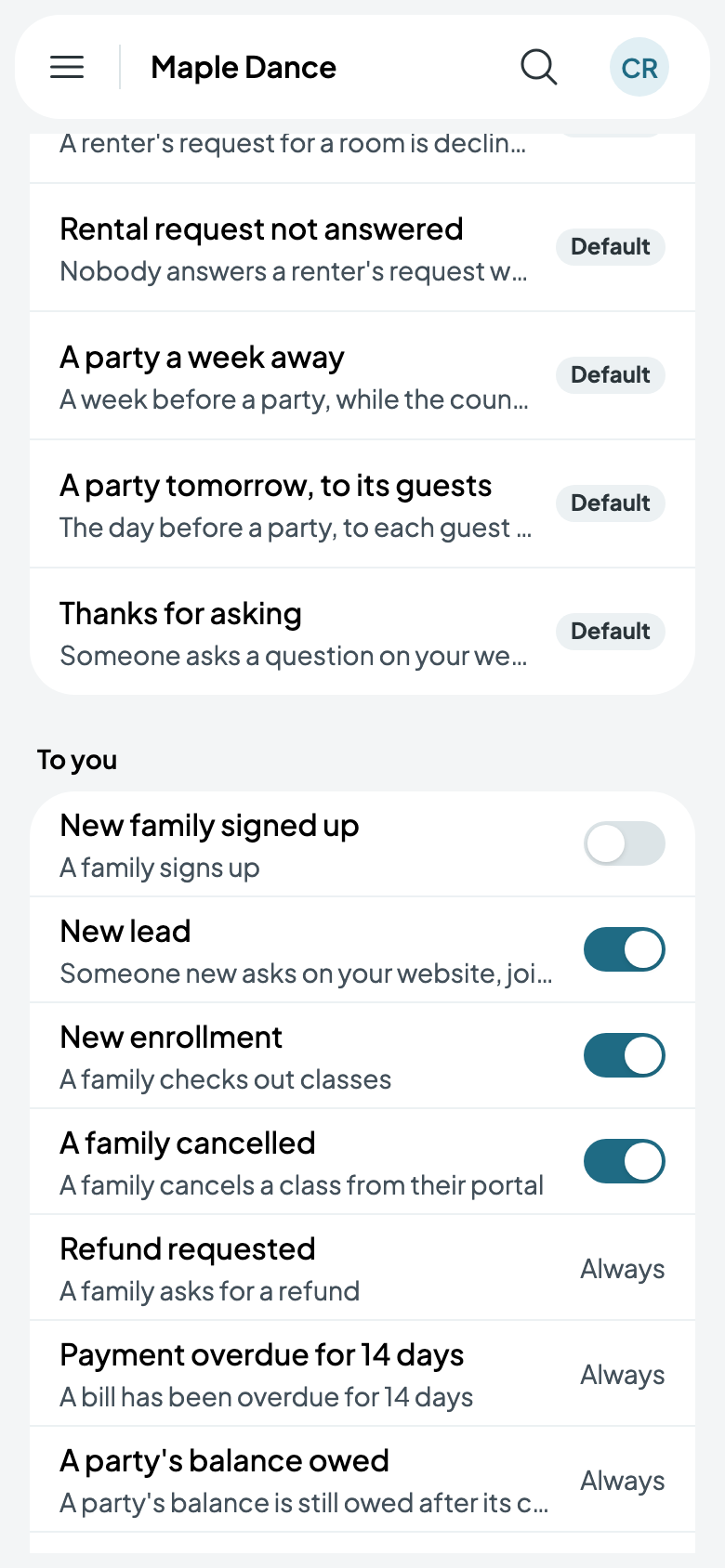
To you lists what you're told about: a new family, a new lead, a new enrollment, a family cancelling. Switch off any you don't want. Some always come, such as a refund someone asked for.