Blocks at a flat price
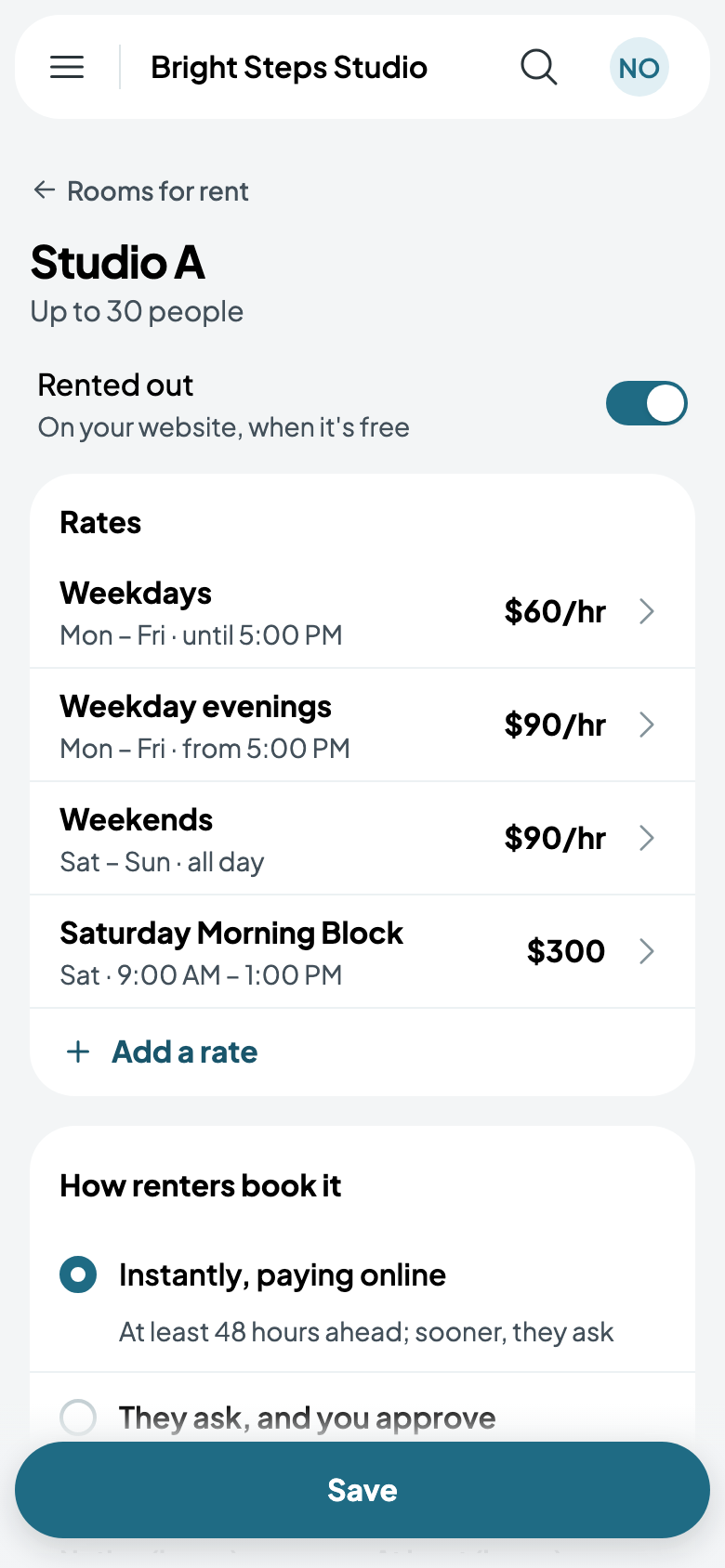
A block is a set stretch of a day at one price, such as Saturday from 9:00 AM to 1:00 PM for $300. A rental of exactly those hours costs the block's price; any other rental is priced by the hour, as usual.
Add a block
- Go to Rentals, tap More, then Rooms for rent, and tap the room.
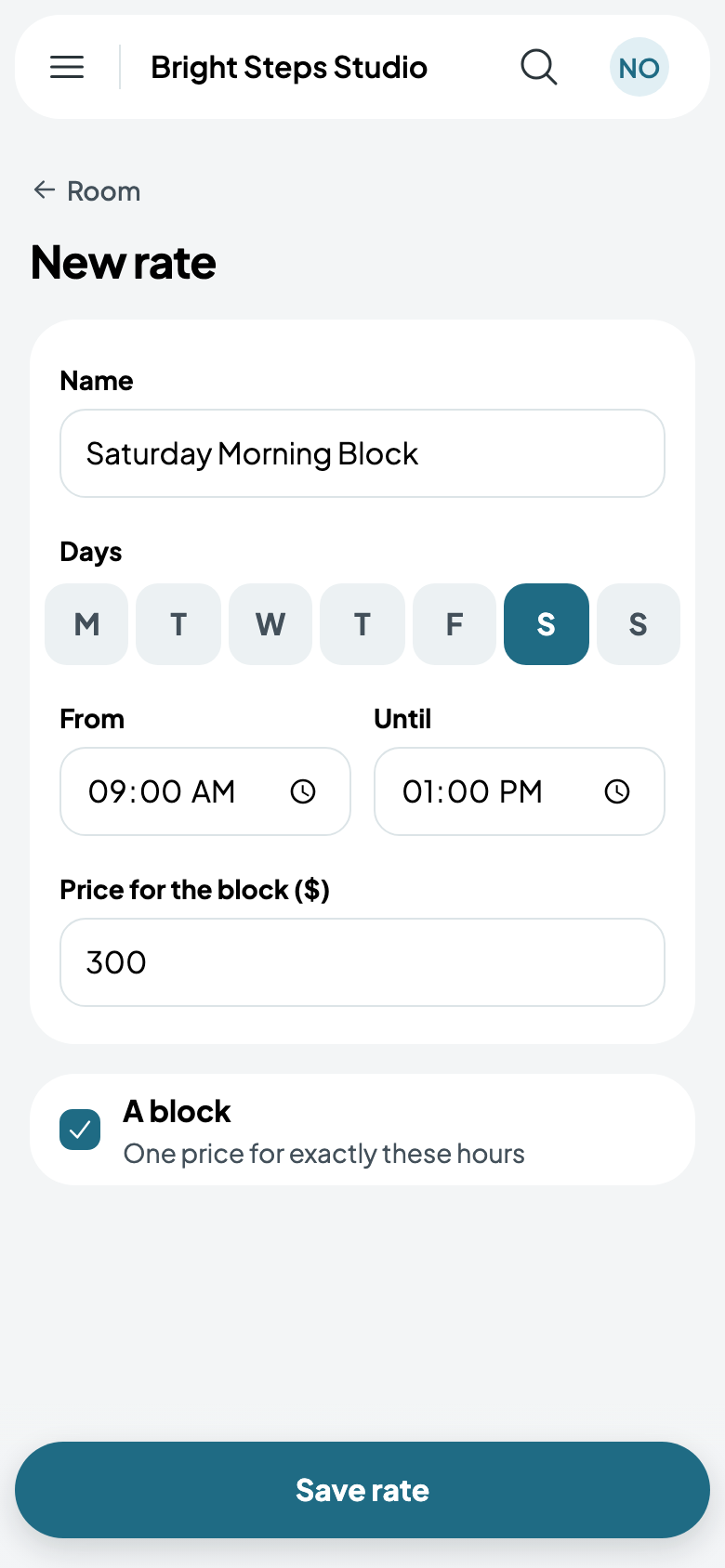
- Tap Add a rate, name it and pick its day: Saturday Morning Block, on Saturdays.
- Set From and Until to the block's hours: 9:00 AM to 1:00 PM.
- Tick A block, one price for exactly these hours, and the price becomes Price for the block: $300.
- Tap Save rate.
Blocks beside hourly rates
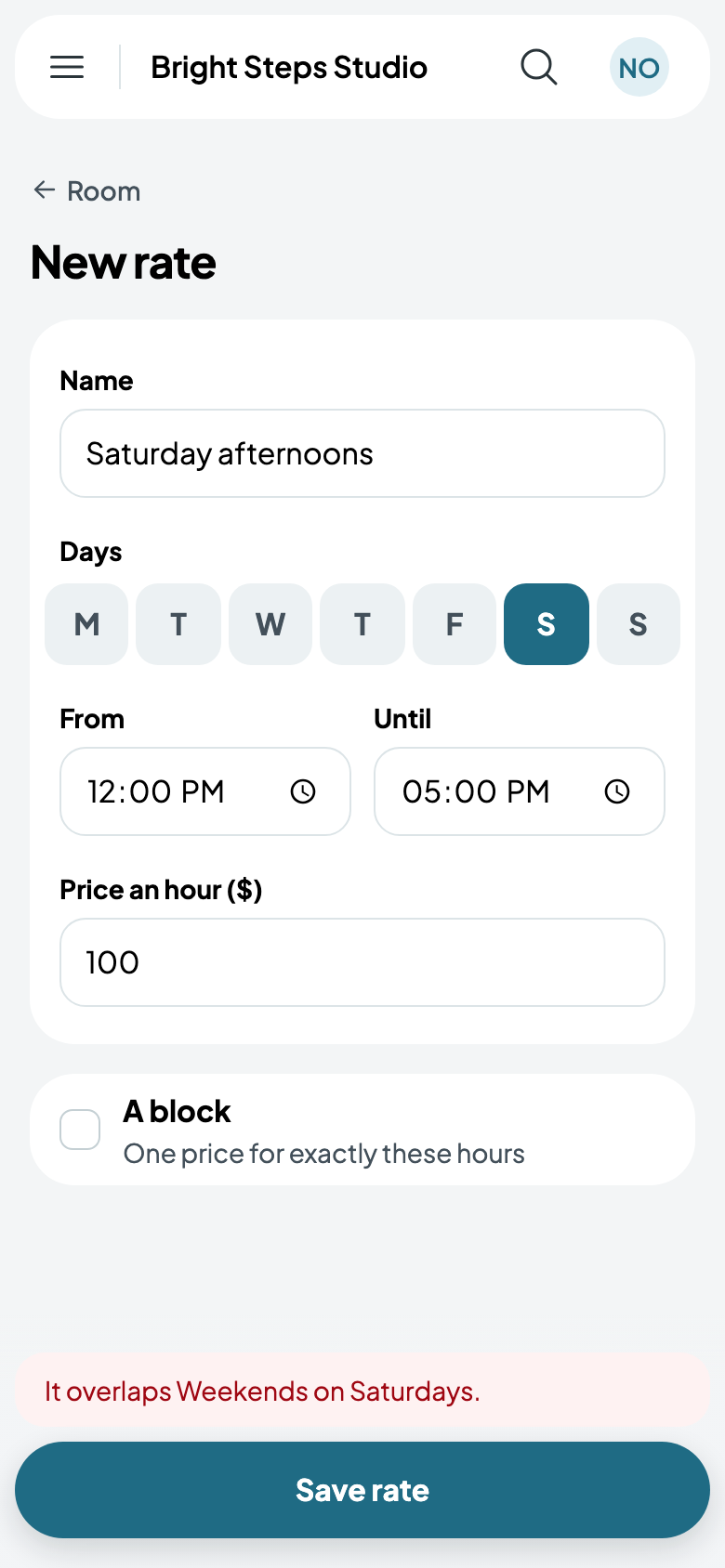
A block can sit over a room's hourly rates: Studio A's weekend rate still prices a Saturday afternoon, or a Saturday morning that isn't exactly the block. Hourly rates can't overlap each other, though. Add Saturday afternoons at $100 over the weekend rate, and Caletan says which one is in the way.