Equipment
Projectors, folding tables, mats or speakers: equipment renters add to a room, with how many you have and its price. Renters are only offered what's free for their time, so two rentals never count on the same projector.
Add equipment
- Go to Rentals, tap More, then Equipment.
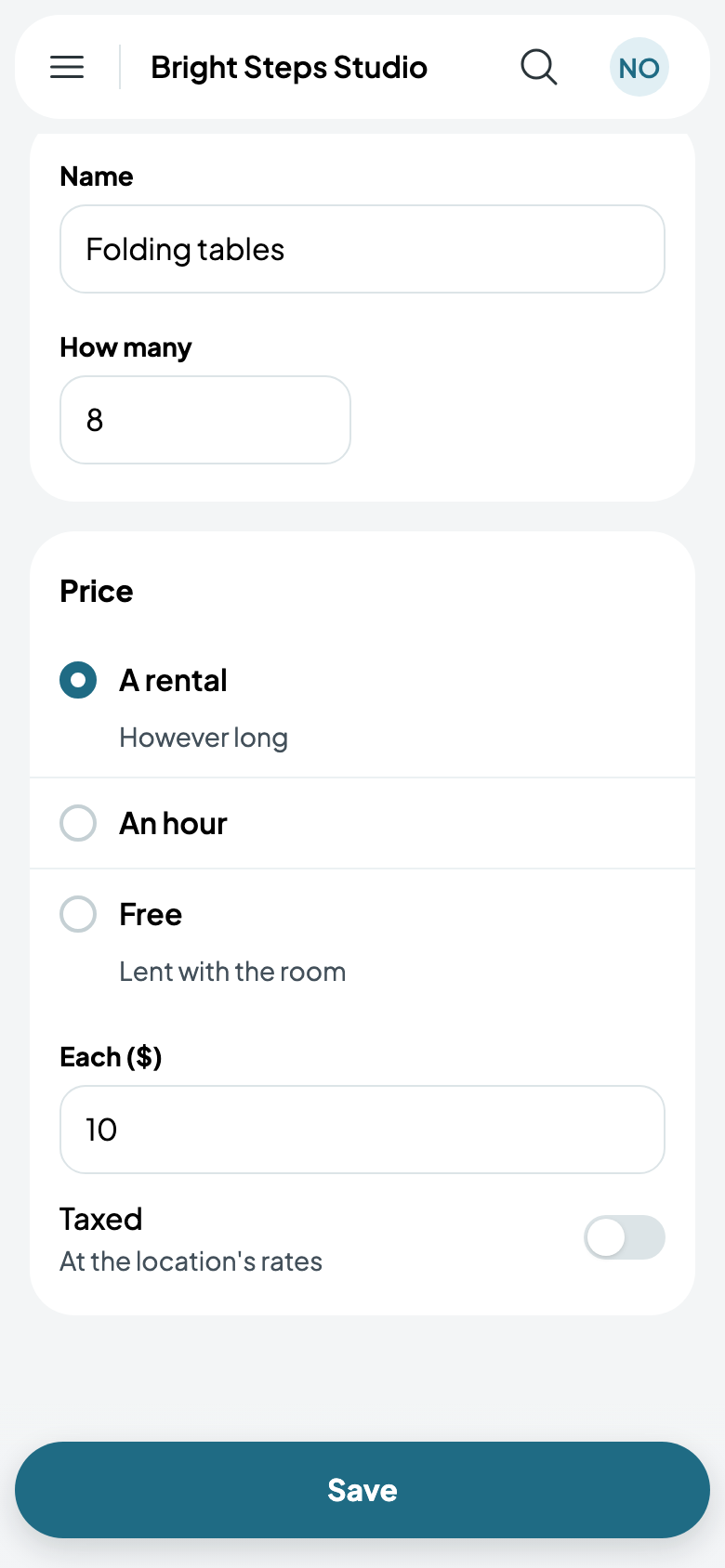
- Tap Add equipment, and give it a name and How many you have: Folding tables, 8.
- Choose its price: A rental, however long it's kept; An hour; or Free, lent with the room. Then its price Each: $10.
- Taxed charges tax at the location's rates; switch it off for equipment you don't tax. Tap Save.
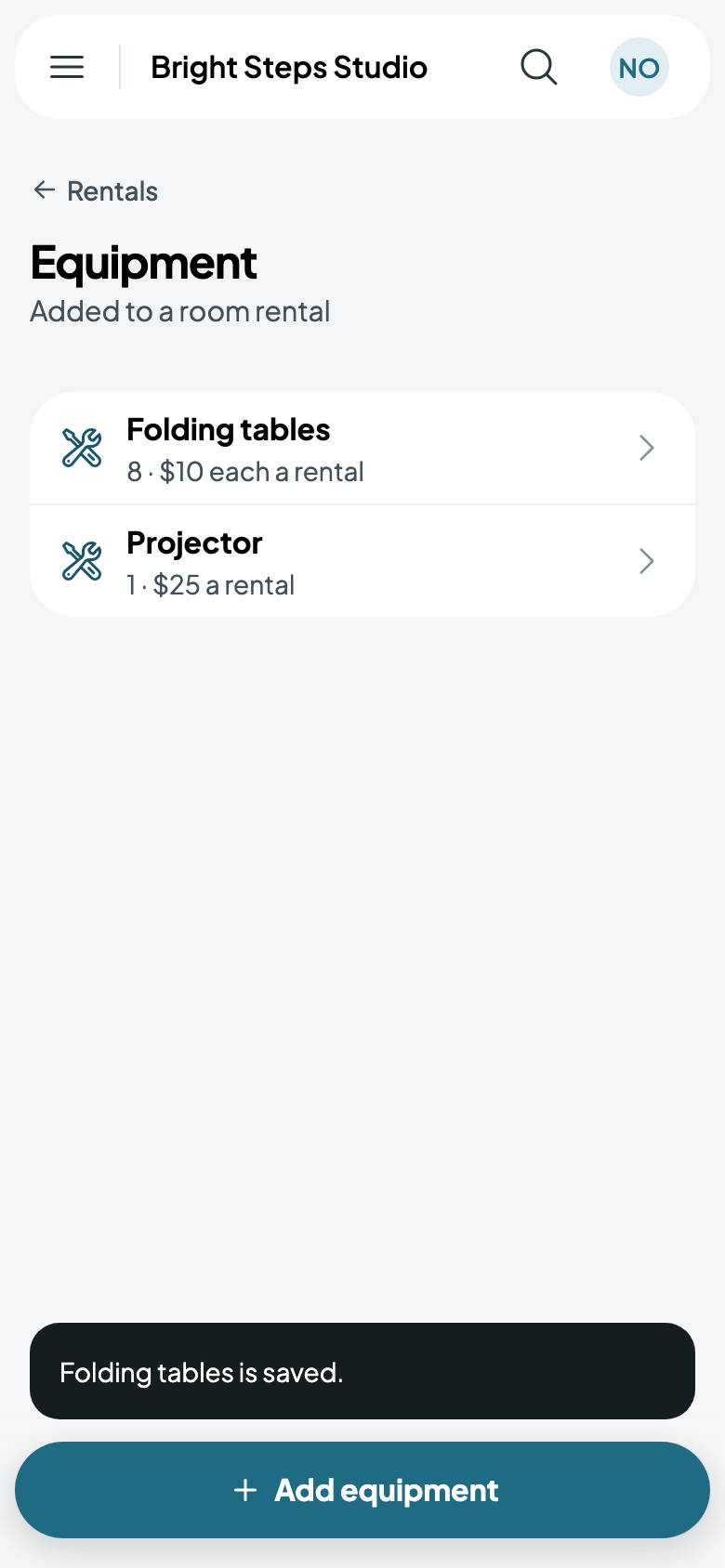
Bought more? Tap it, change How many, and save.
What renters see
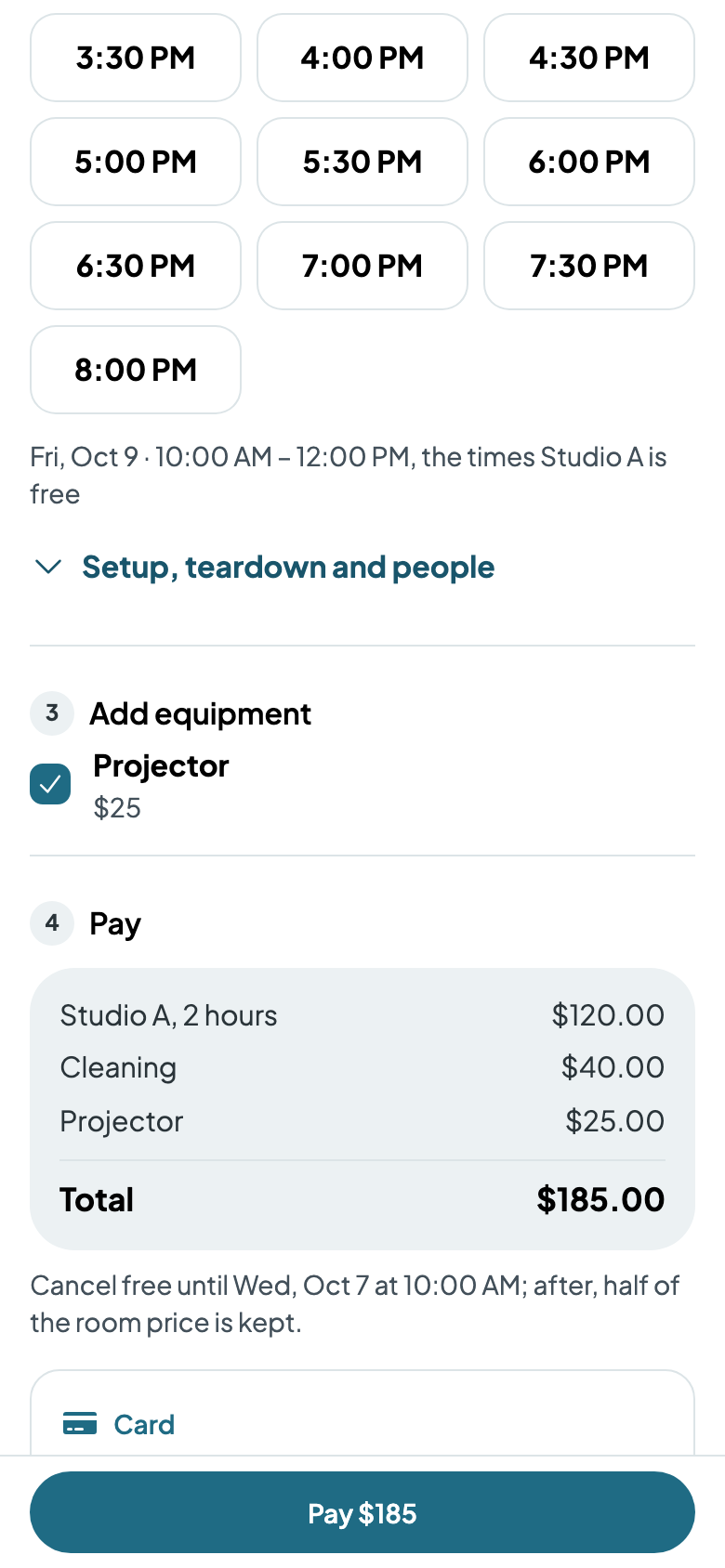
While booking, renters tick what they want under Add equipment, each with its price, and it's added to what they pay. Only what's free for their whole time, setup and teardown included, is offered.