Rent out a room by the hour
Put a room up for rent with its rates and how it's booked. Renters book it on your website, around everything else on your calendar, and nothing ever takes its time twice.
Add a rate
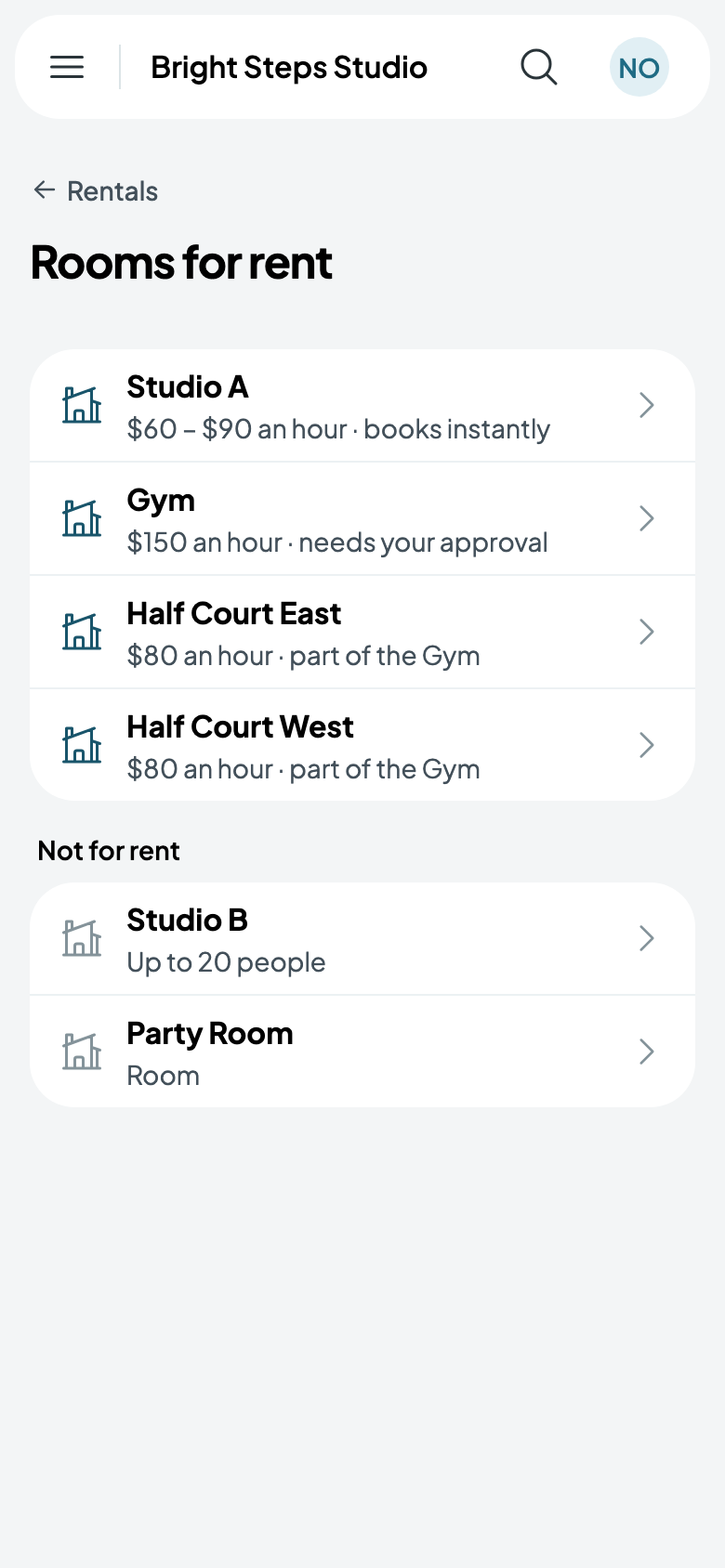
- Go to Rentals, tap More, then Rooms for rent. Rooms you haven't put up for rent yet are under Not for rent.
- Tap the room, then Add a rate.
- Name it, pick its days, and set its price an hour: Every day, $50. Leave From and Until empty for all day, opening to closing.
- Tap Save rate.
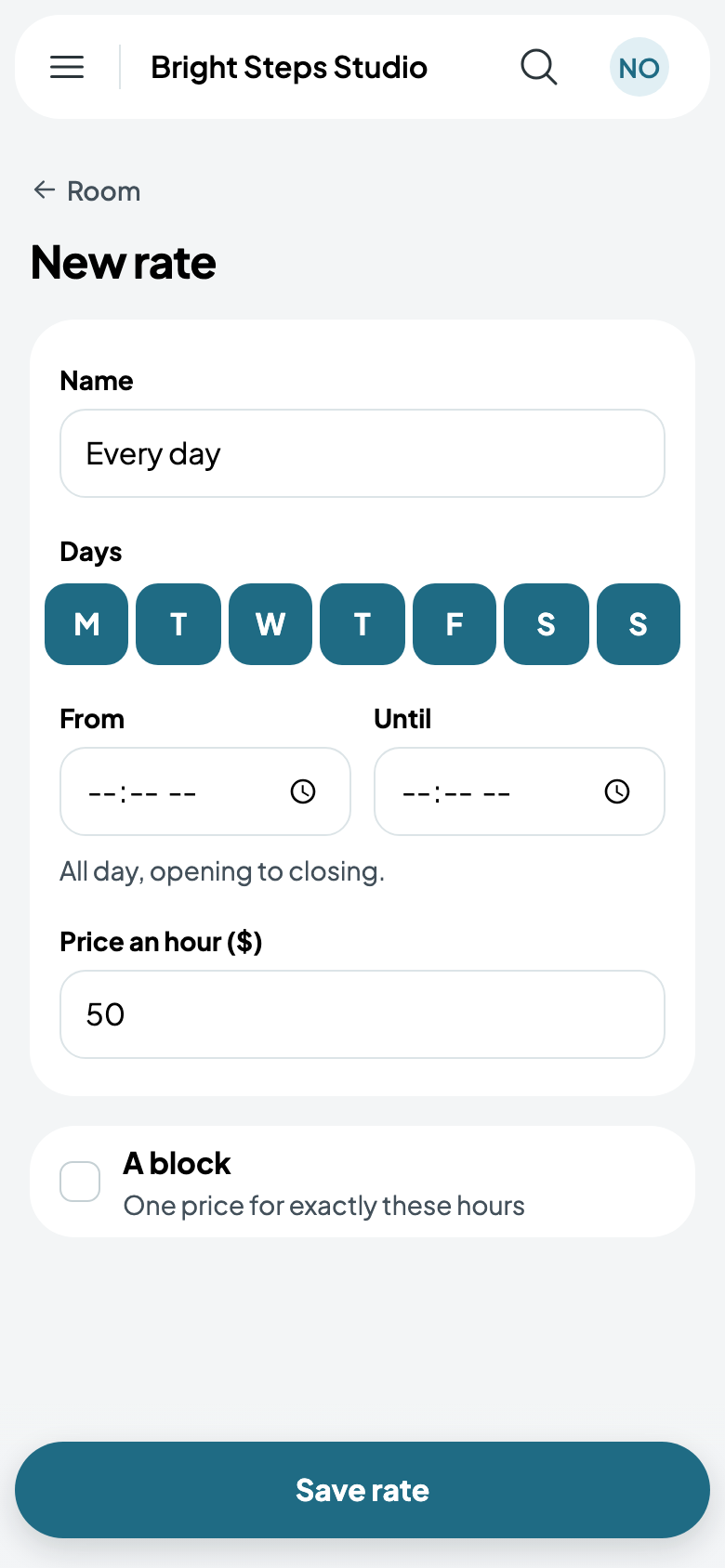
A room can have several rates, such as weekday evenings and weekends, as long as they don't overlap. If they do, Caletan says which one is in the way. A rental across two rates pays each part at its own rate. A block, such as Saturday from 9:00 AM to 1:00 PM, has one price for exactly its hours: see Blocks at a flat price.
Choose how it's booked
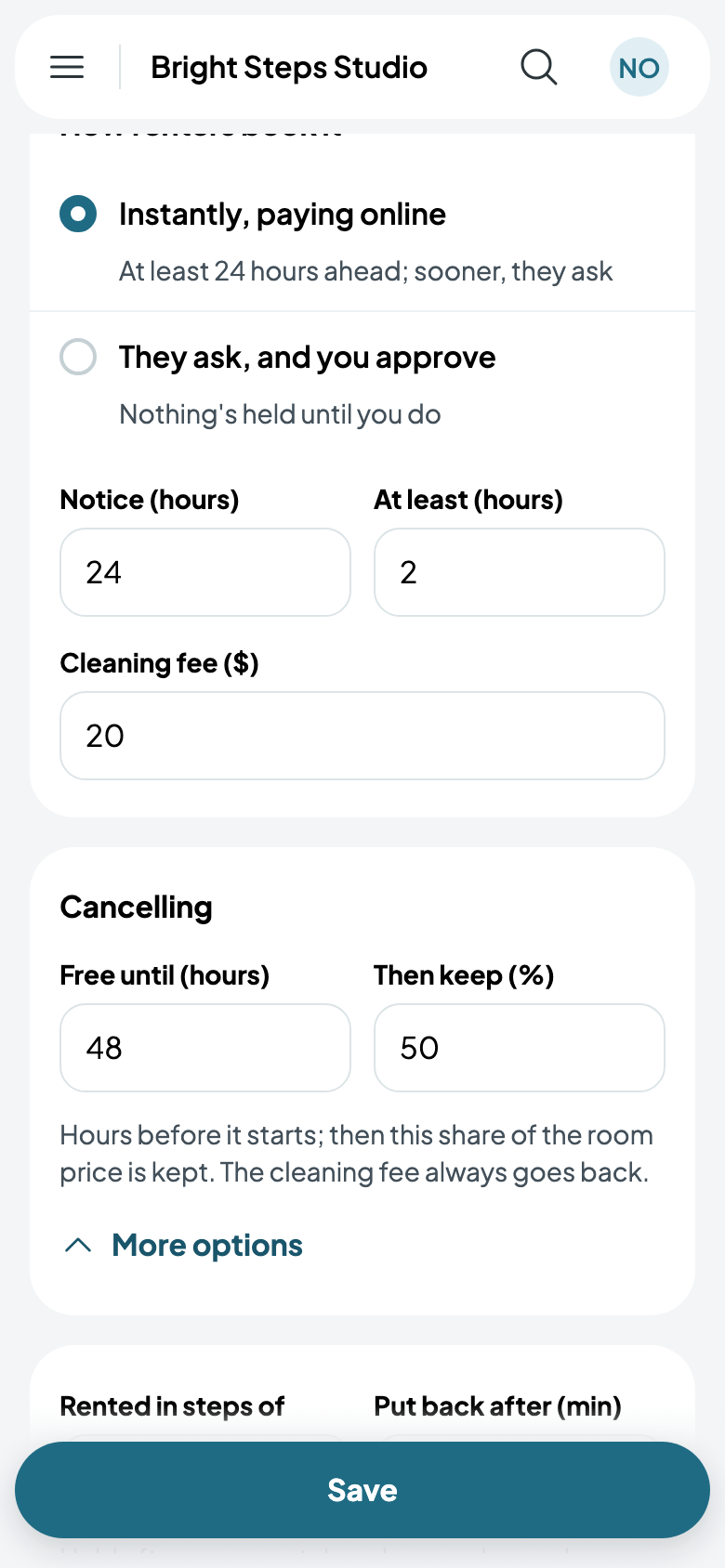
- Instantly, paying online: renters book and pay at once, at least the hours of notice you set ahead. Sooner than that, they ask.
- They ask, and you approve: nothing's held until you answer. Once you approve, the time is held while they pay. See Answering a request.
Set the rules
At least (hours) is the shortest rental, and Cleaning fee goes on every one. Free until (hours) is how long before the start a renter can cancel for free; after that, you keep the share you set in Then keep (%), and the cleaning fee always goes back. Under More options, Rented in steps of sets the lengths renters can pick, and Put back after (min) keeps the room free after each rental. Tap Save, and the room is on your website.
Rooms inside rooms. Half Court East is part of the Gym: when the Gym is booked it isn't offered, and when it's rented, the whole Gym isn't either.
What renters see
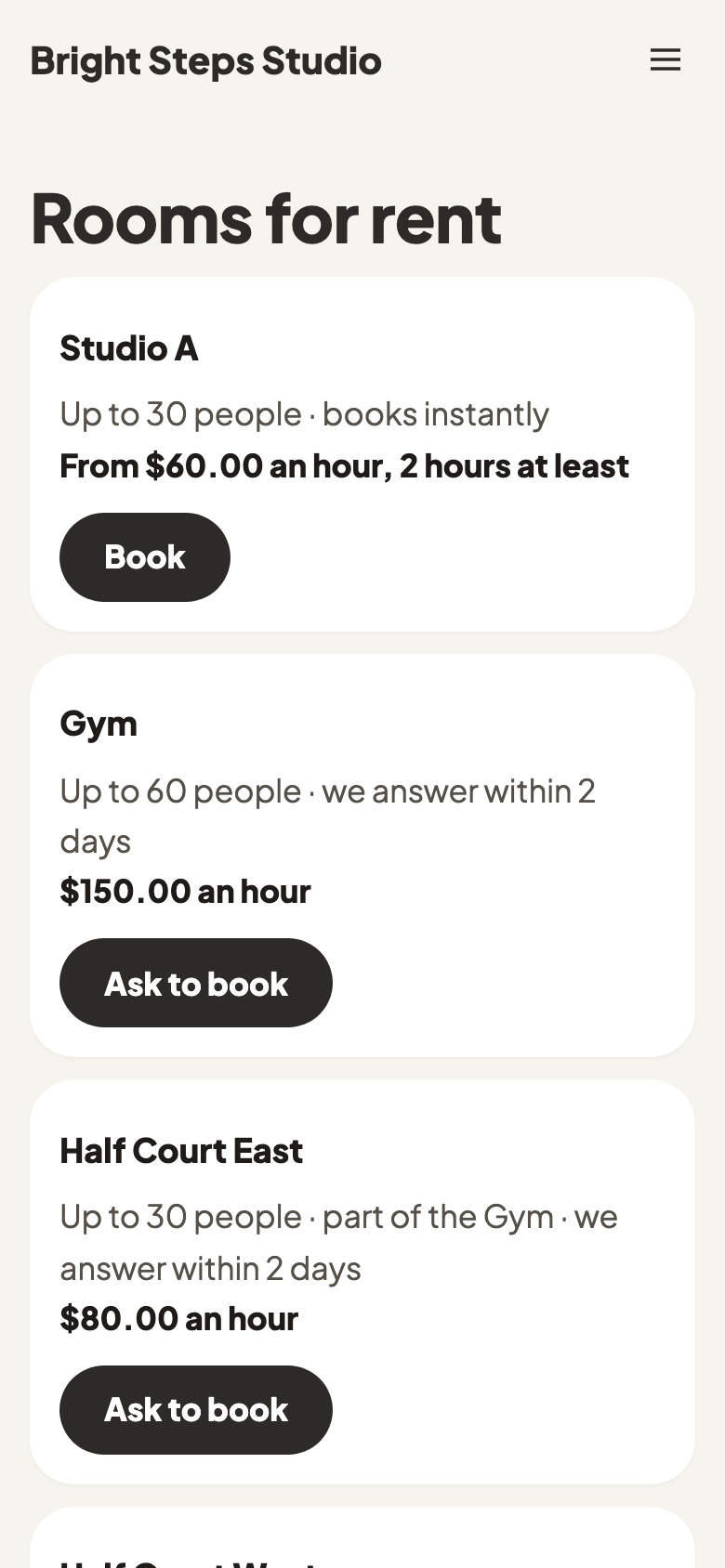
Add the Rooms for rent page to your website: Website, Add a page, Rooms for rent. Each room shows how many people it holds, its lowest rate, and whether it books instantly or you answer.
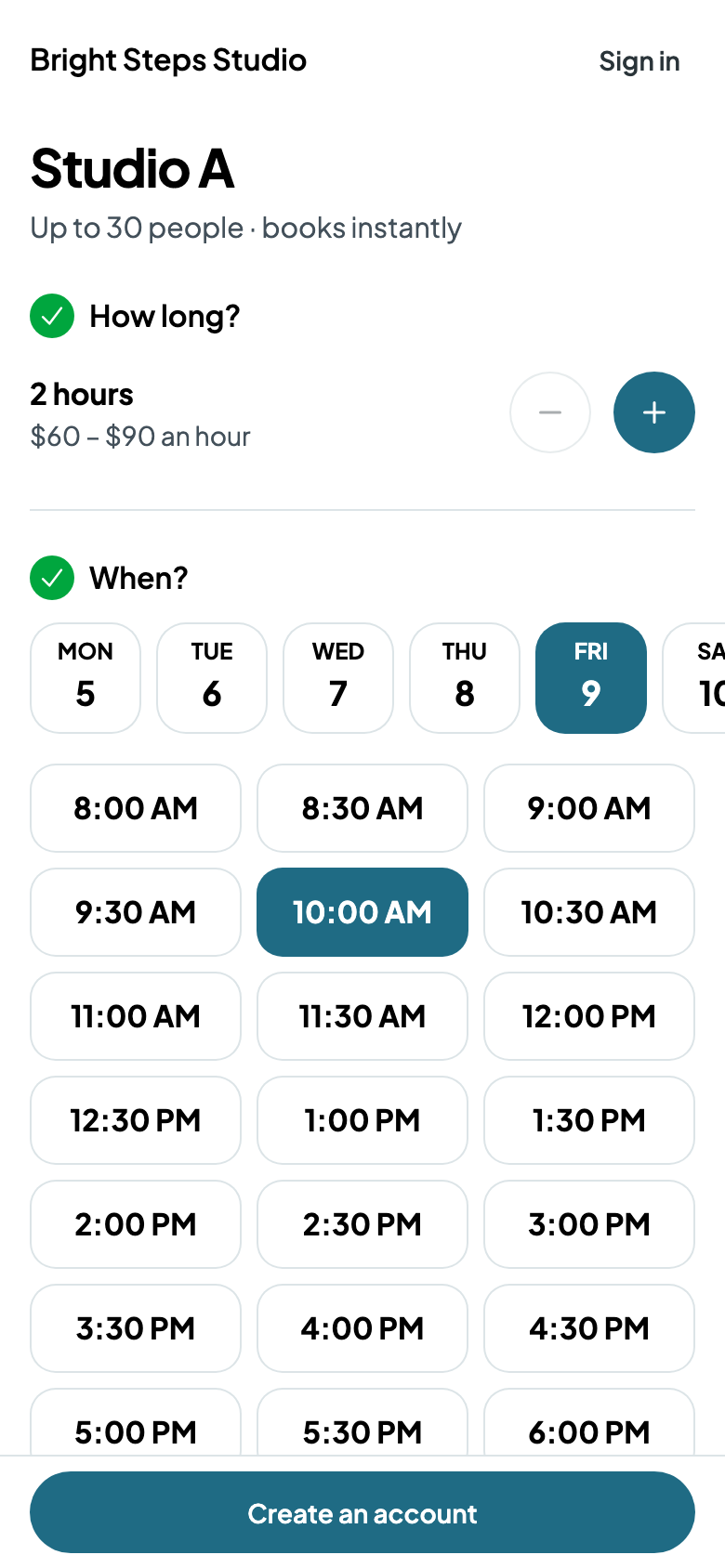
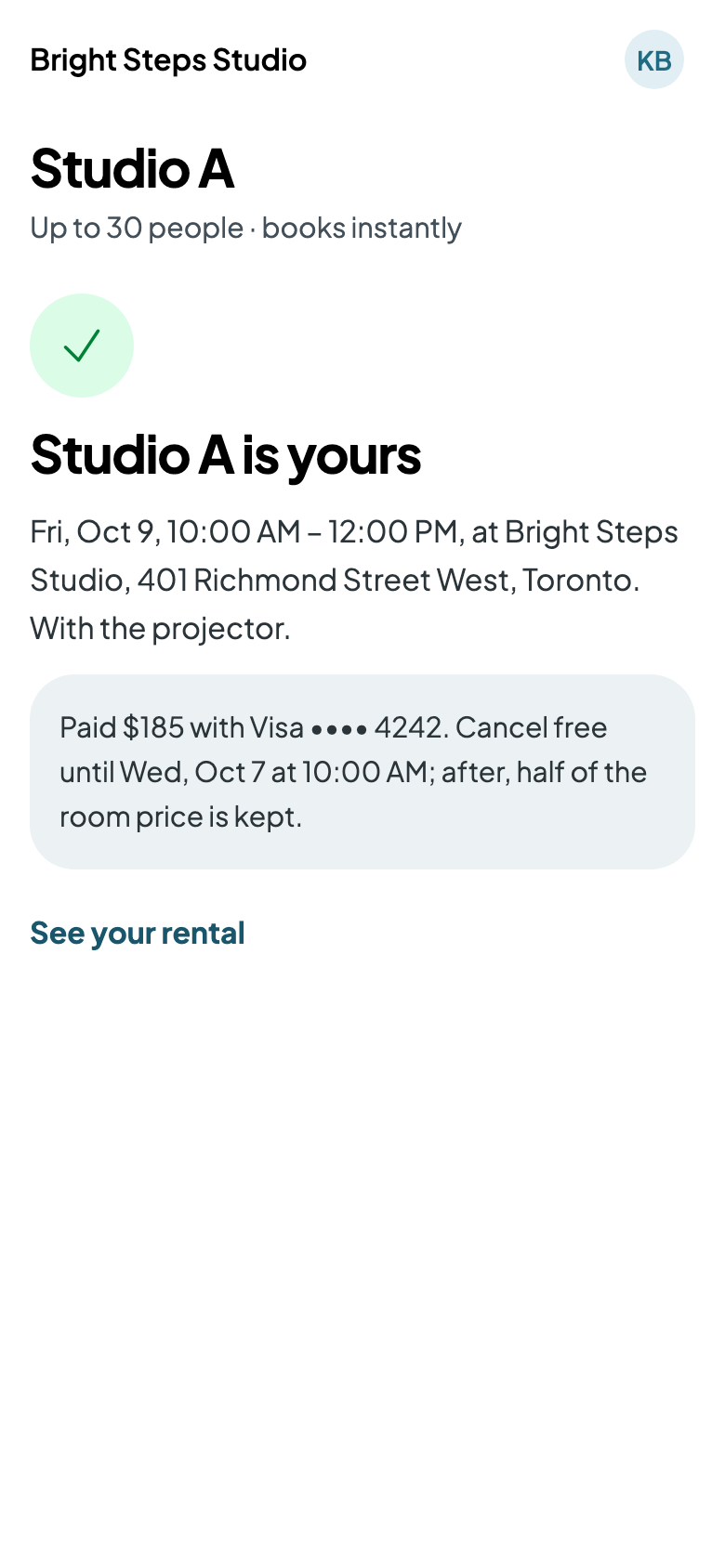
A renter picks how long and which day, and sees only the start times when the room is free, with their setup and teardown and your put-back time around it. They add equipment, make an account or sign in, and pay. The room is theirs, and the rental is on your calendar.