Cards, deposits and instalments
People pay by card when they register or book, and anything owed later shows on their Home with a button to pay it. You see every bill in Billing, and charge a card, mark a bill paid, or remind them from there.
What families see
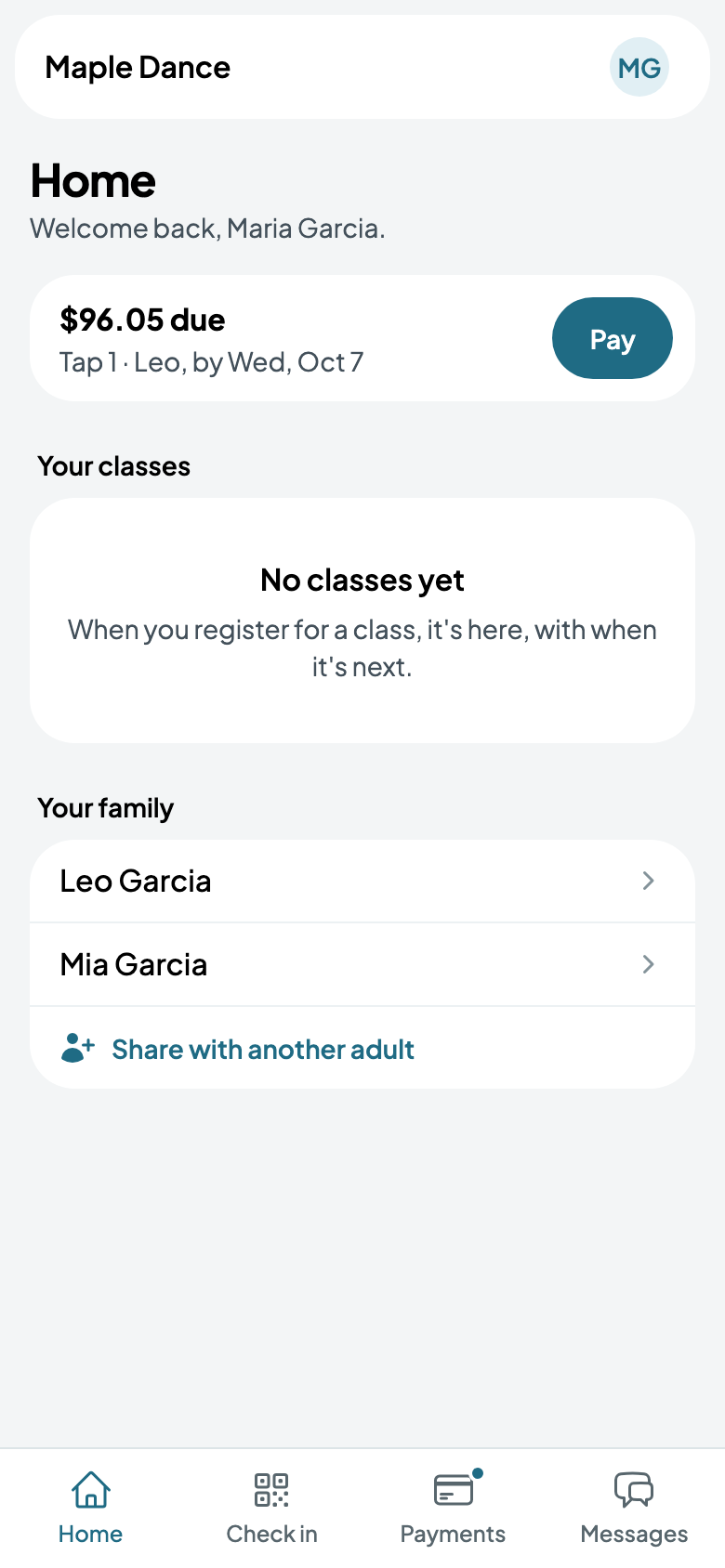
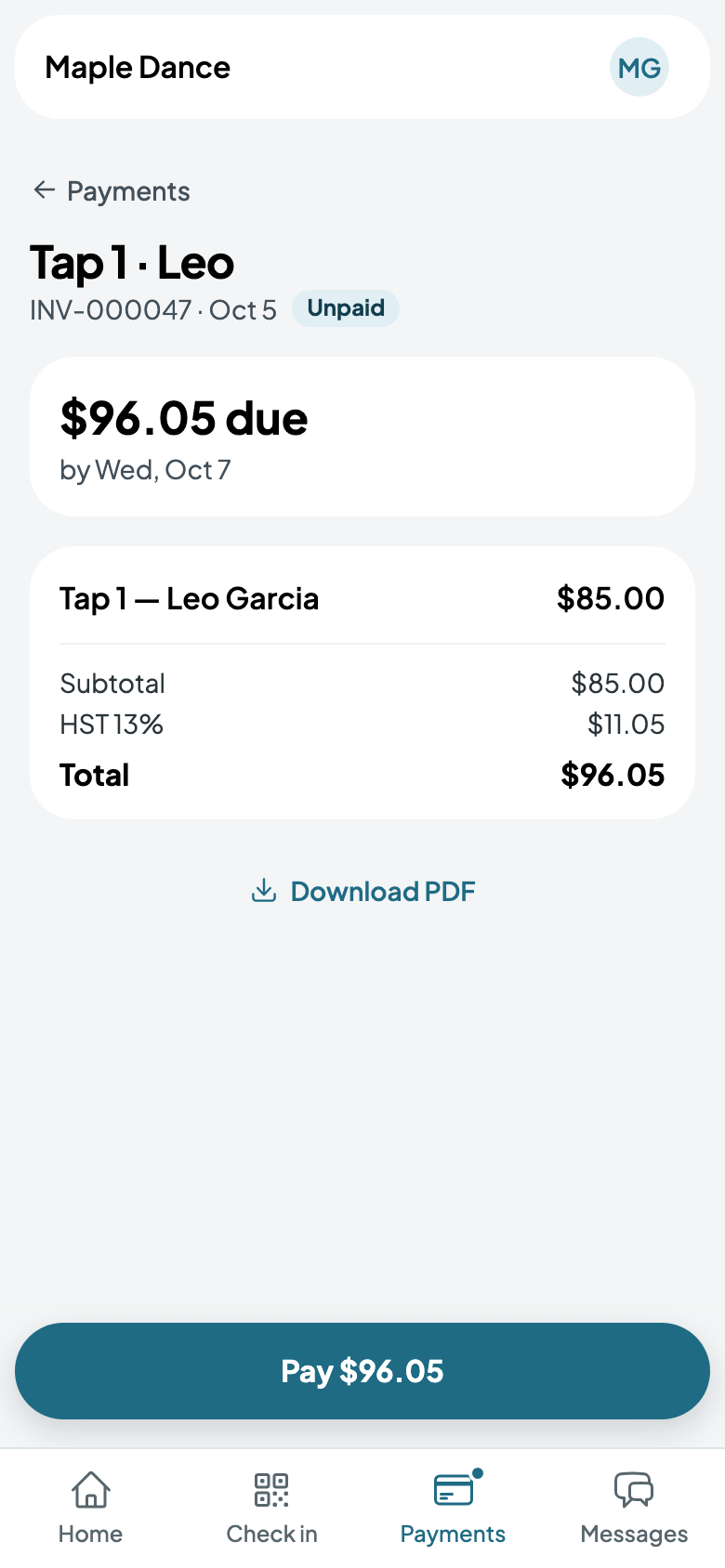
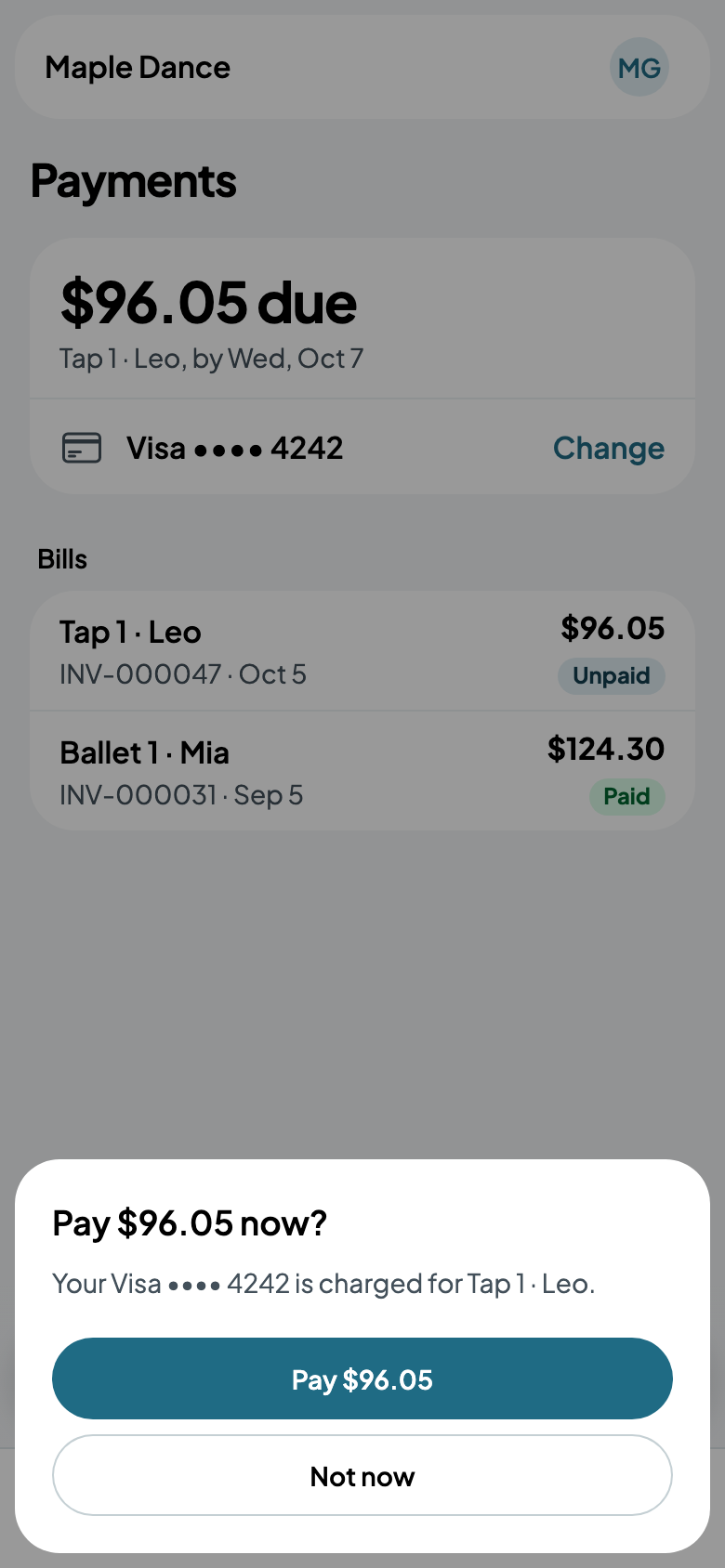
What's due shows at the top of their Home, and under Payments with each bill. The card they saved pays it with one more tap, or they change it.
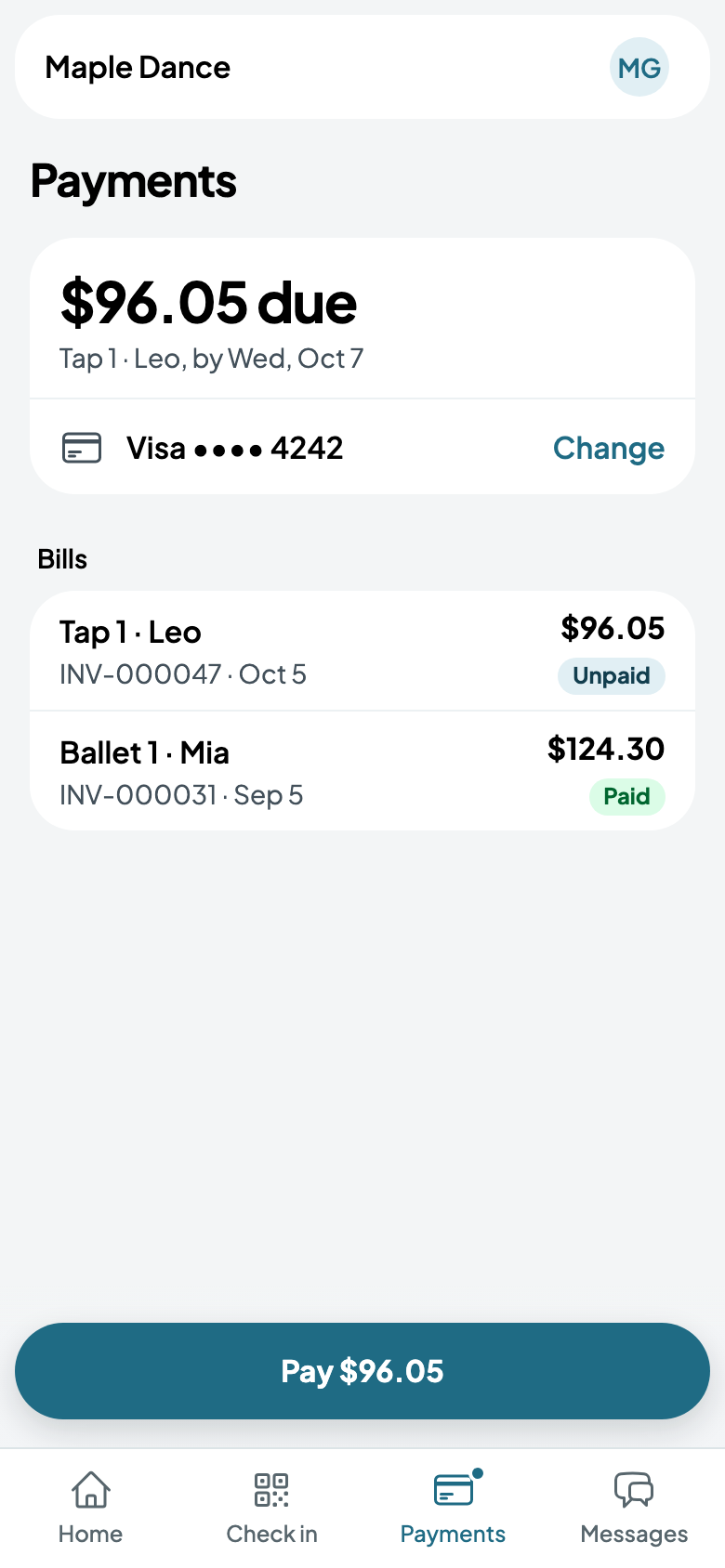
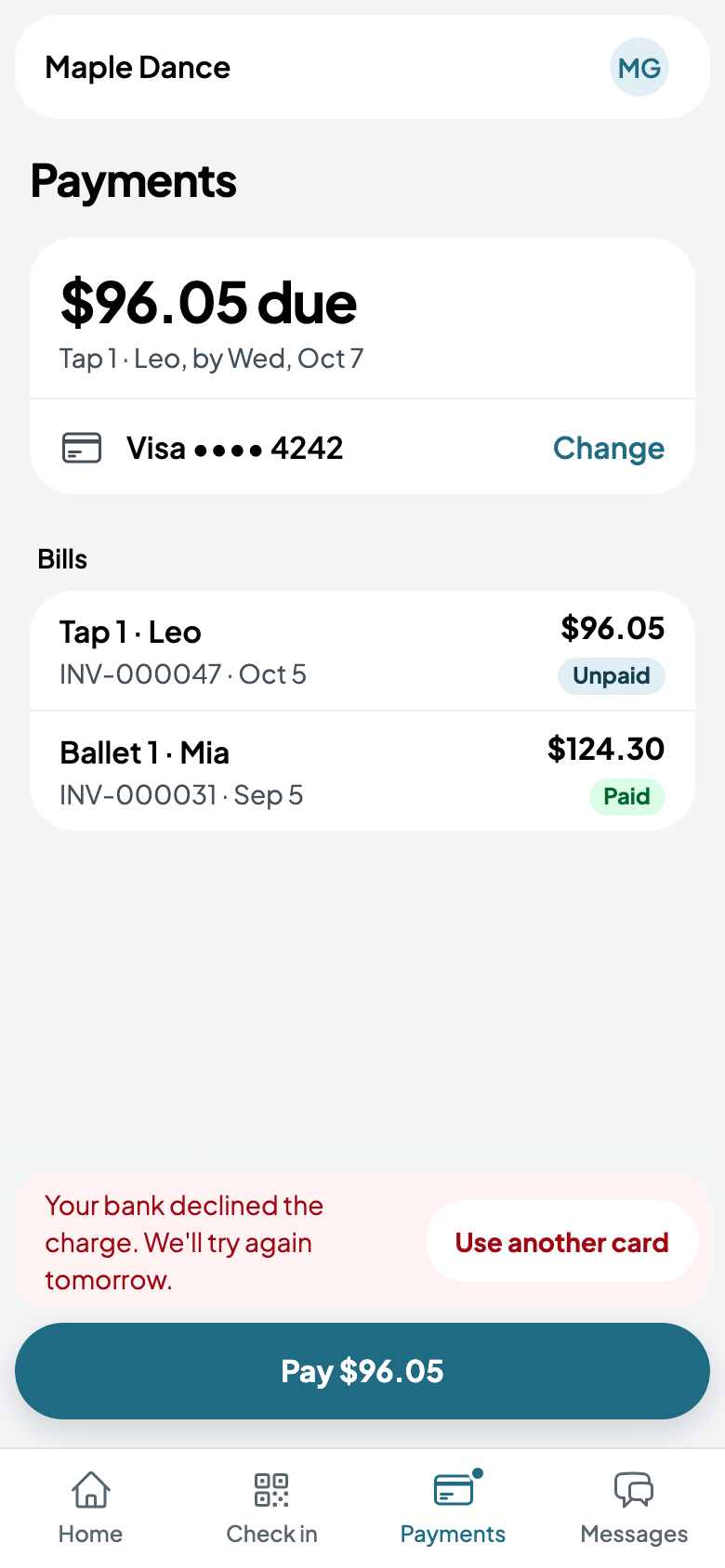
If their bank declines it, they're told so above the button, and it's tried again the next day; Use another card pays with a different one.
Your billing
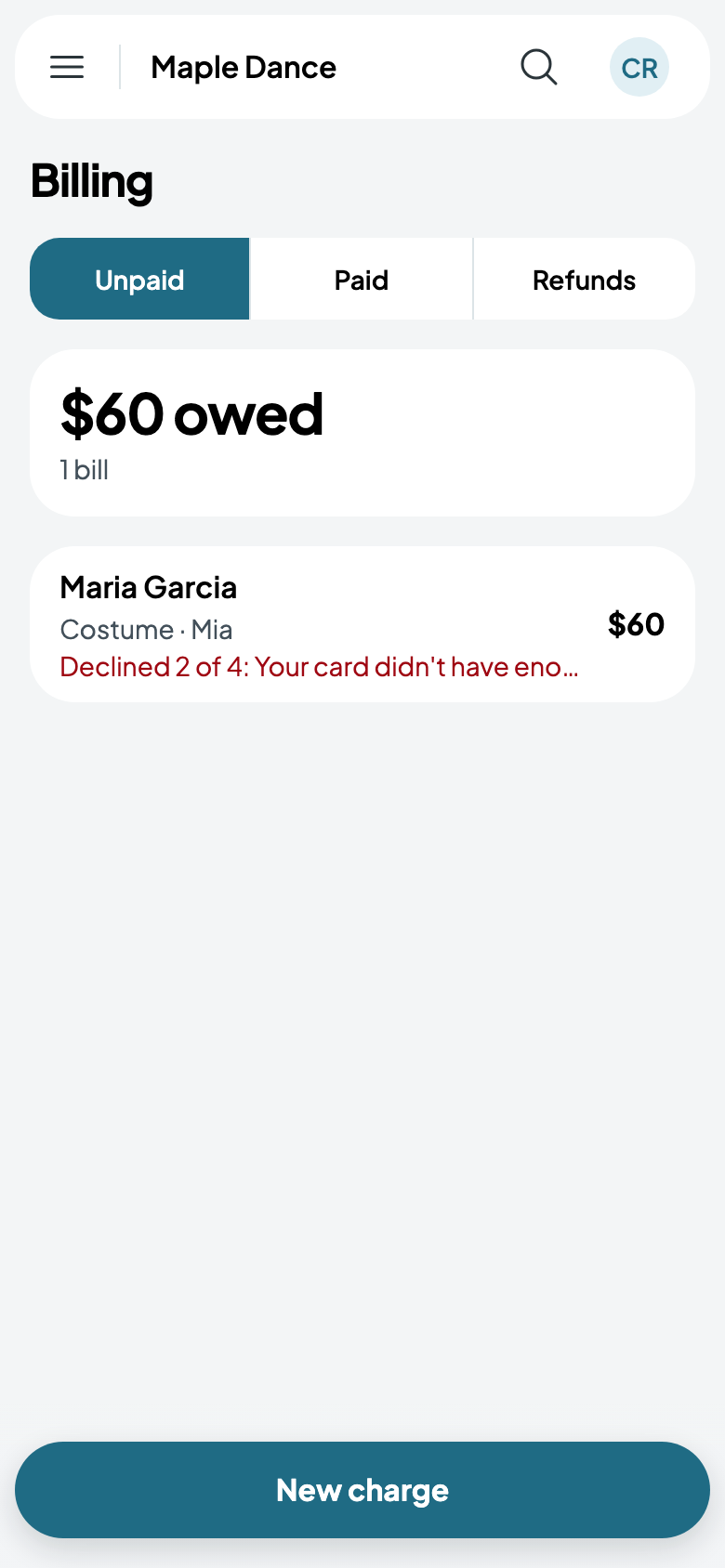
Billing, in the menu, has what's unpaid, what's paid, and what families have asked back. Each unpaid bill says where it stands, such as a declined card and when it's next tried.
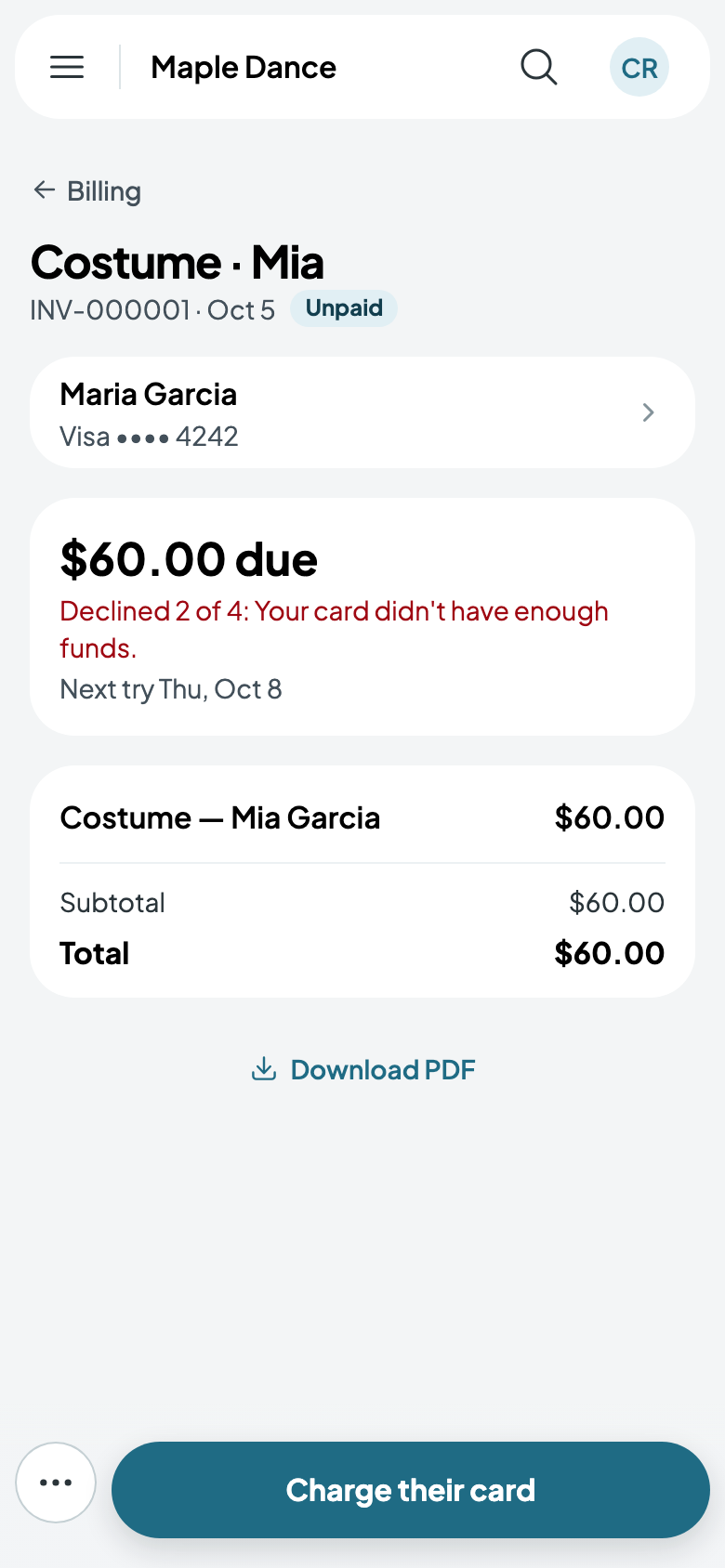
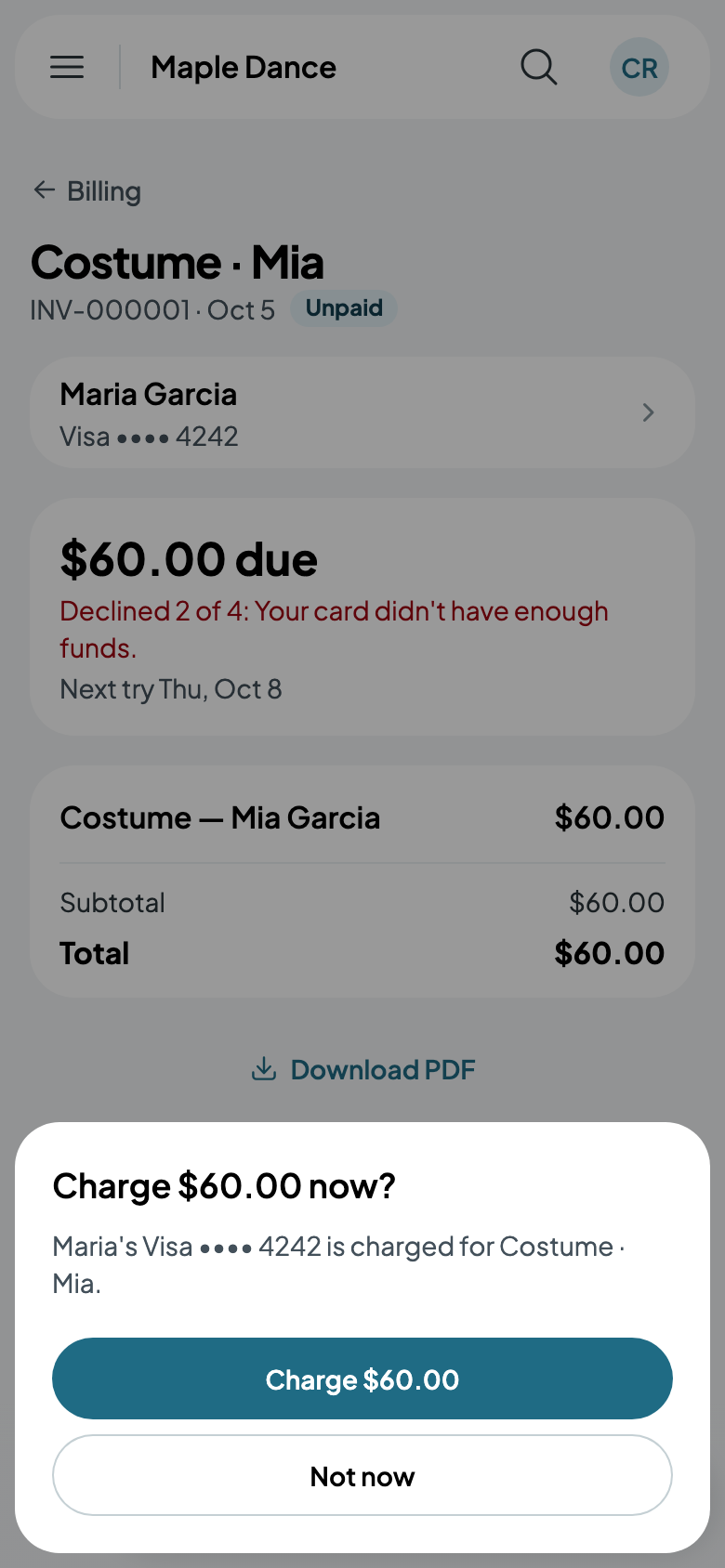
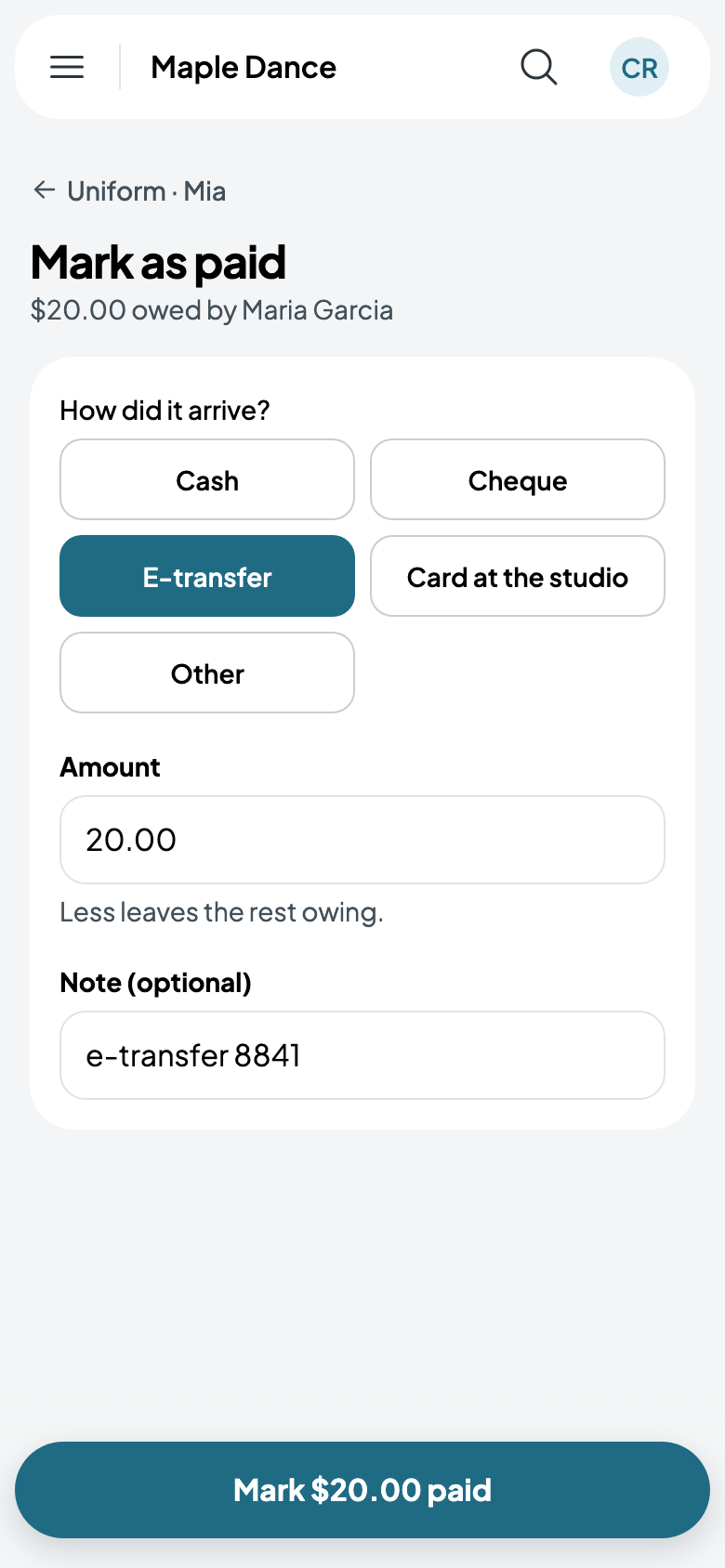
On a bill, Charge their card charges the card they saved. More has Mark as paid, for cash, a cheque, an e-transfer, a card at the studio or another way, with a note; Send a reminder; and Cancel charge, for one billed by mistake.
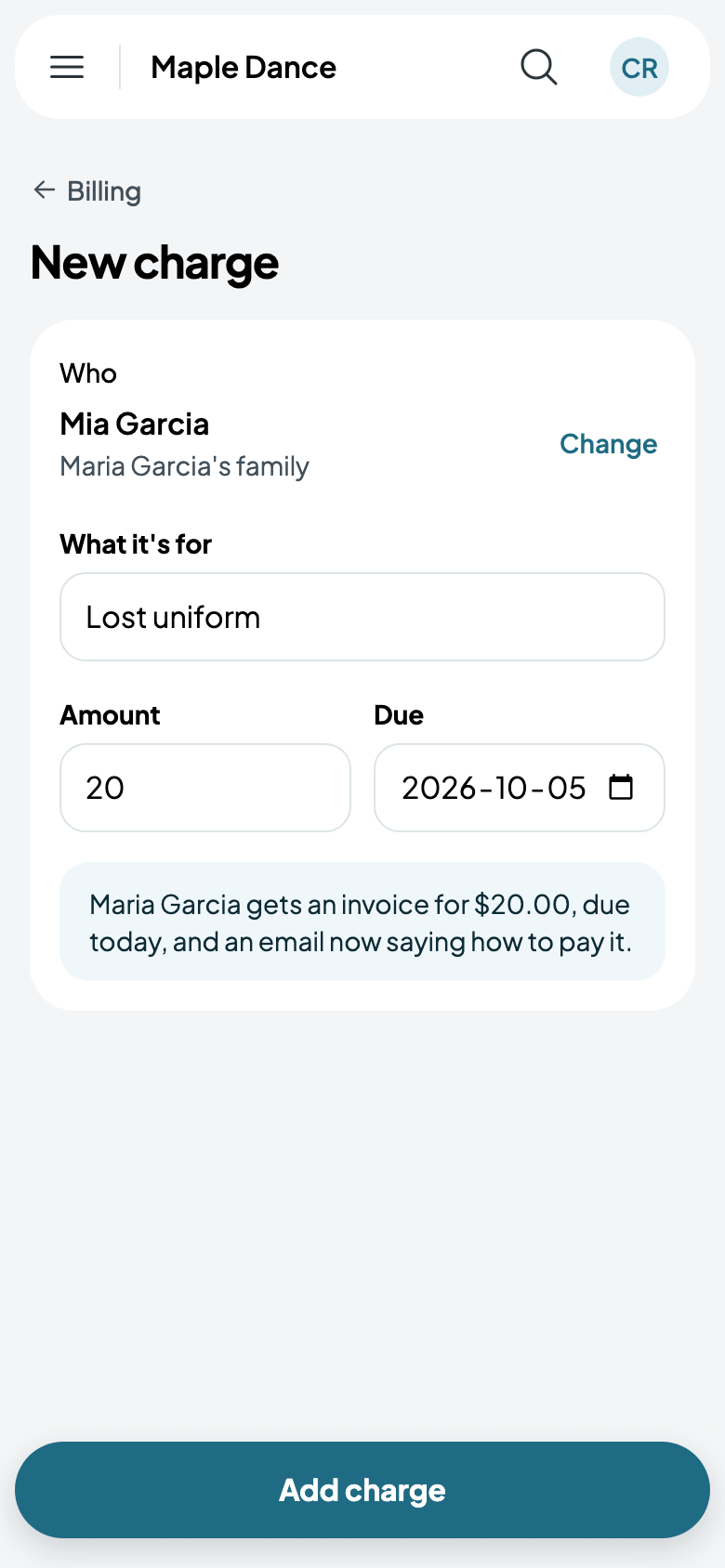
New charge bills something extra, such as a lost uniform for one student or a costume for everyone in a class. They get an invoice, and an email saying how to pay it.
If you take payment at your studio rather than by card, families are told so where they'd pay.
Deposits
Appointments and parties can take a deposit when they're booked online, with the rest due later: see Online booking and deposits and Booking a party. A room booked online is paid in full.
Instalments
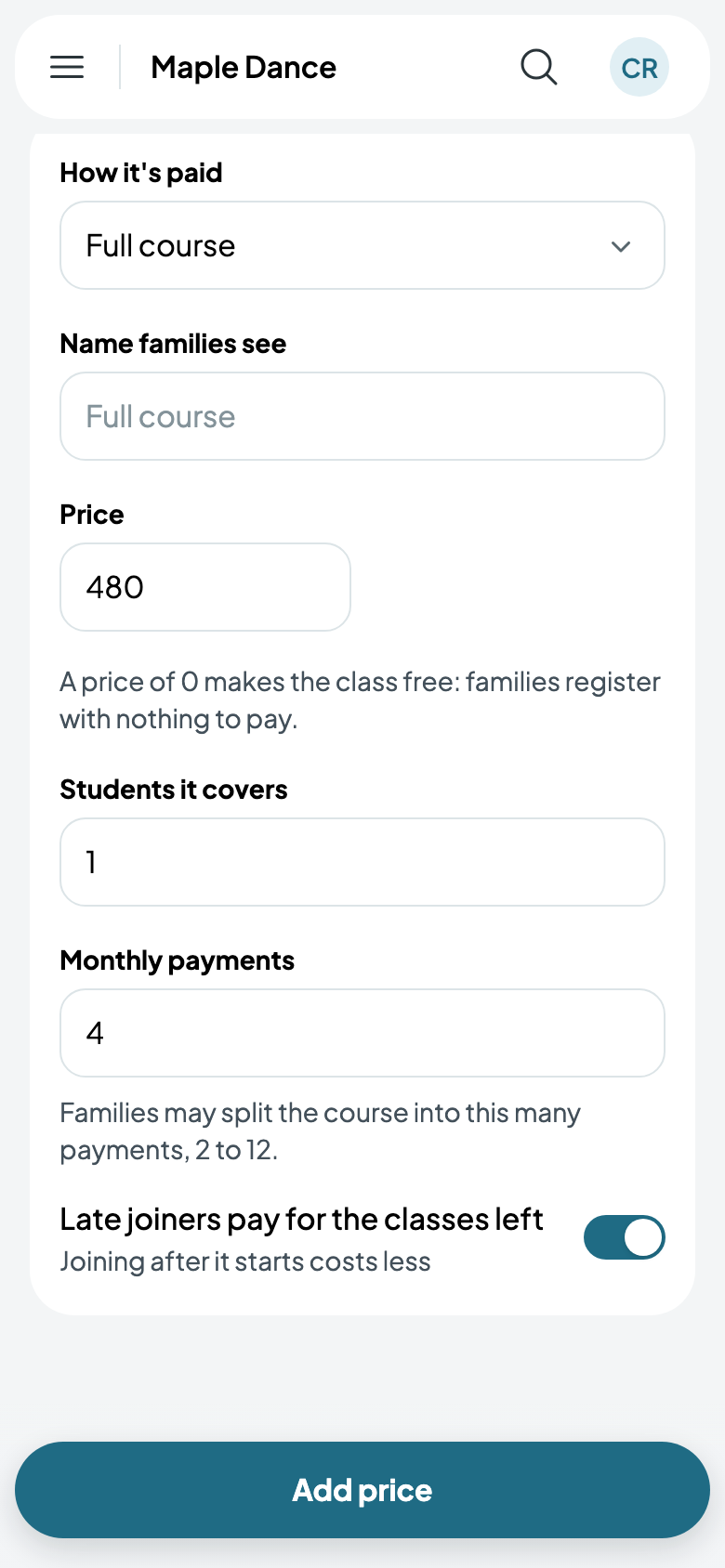
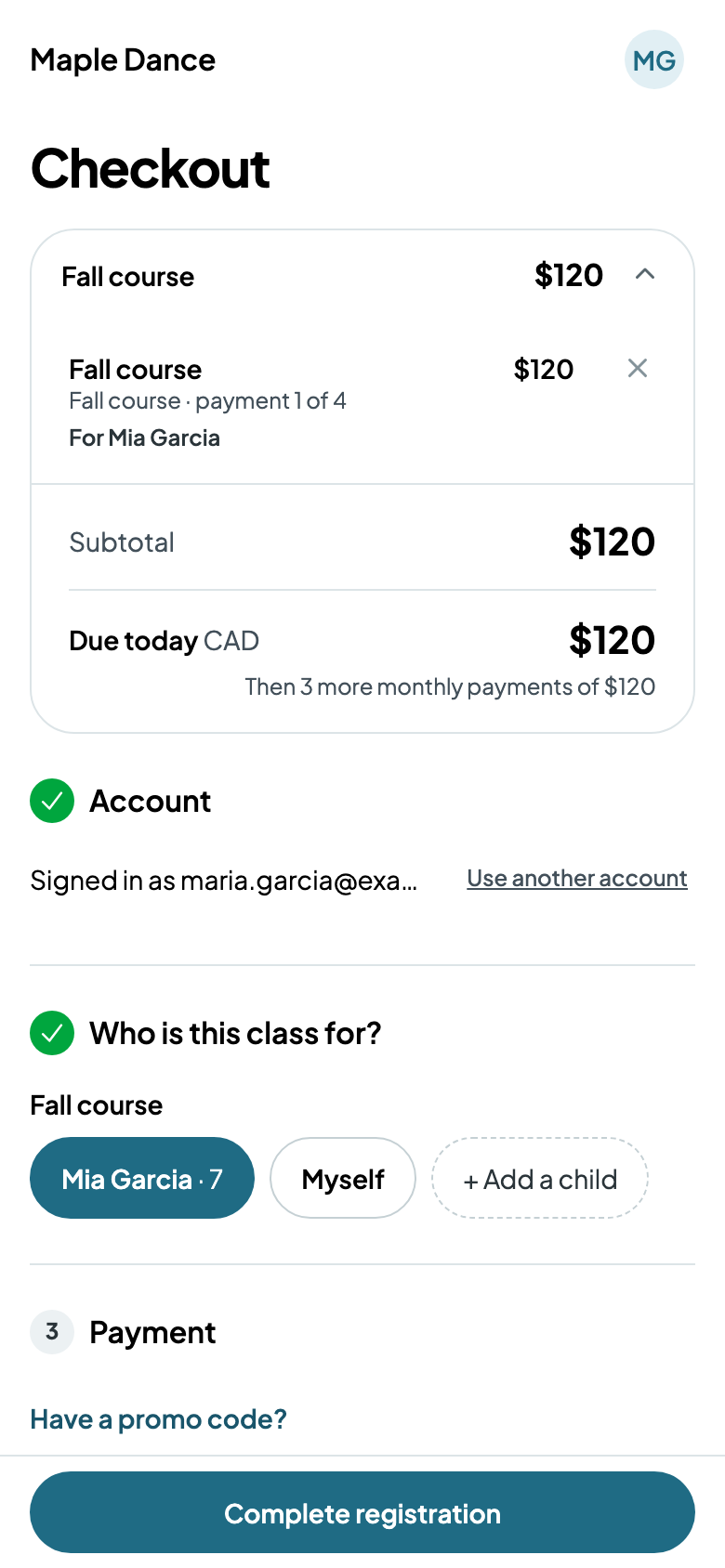
A class priced for the Full course can be paid in monthly payments: in its price's More options, give Monthly payments, from 2 to 12. Late joiners pay for the classes left charges someone joining after it starts less. At checkout, families choose to pay all at once or monthly: the first payment today, then the rest a month apart.