Closures and holidays
Close a location, or one of its rooms, for a holiday, repairs or a day off. Its classes then are cancelled, and nothing else can be booked there while it's closed.
Close for a day or more
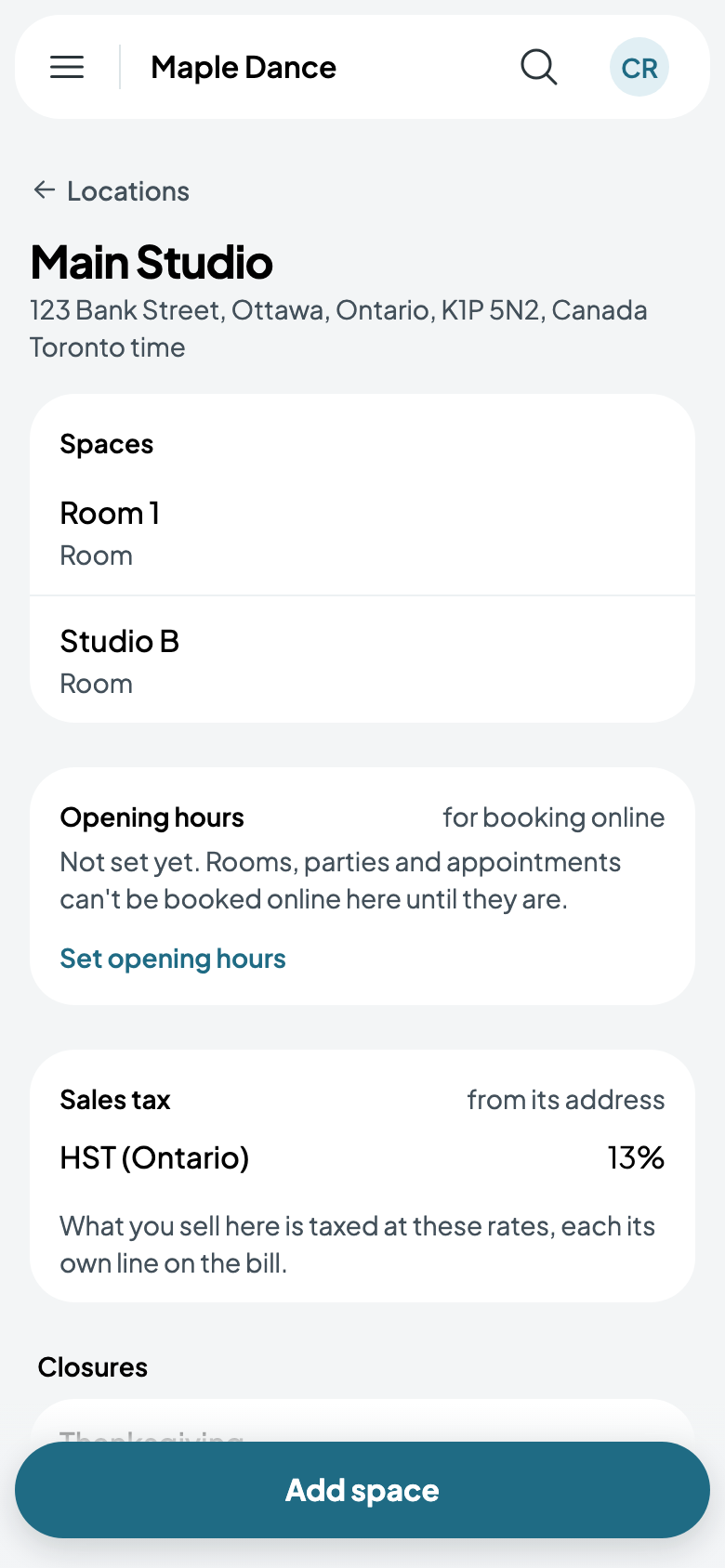
- Open the location (Settings, Locations), and tap Close for a day or more. From the Calendar, New booking has Close a room too.
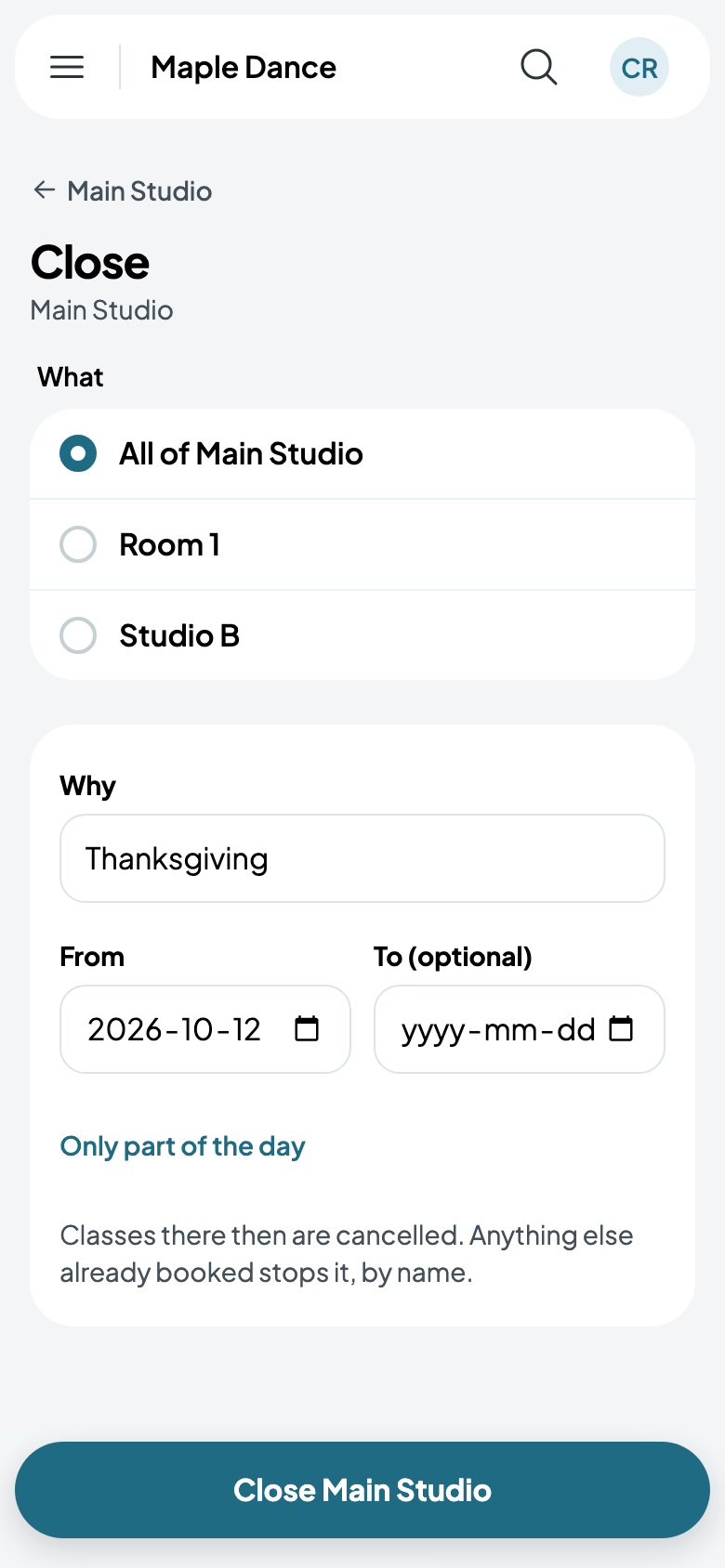
- Choose What: all of the location, or one room.
- Say Why, such as Thanksgiving, and the day it starts. To is for a closure of several days; Only part of the day closes a few hours.
- Tap the button: Close Main Studio.
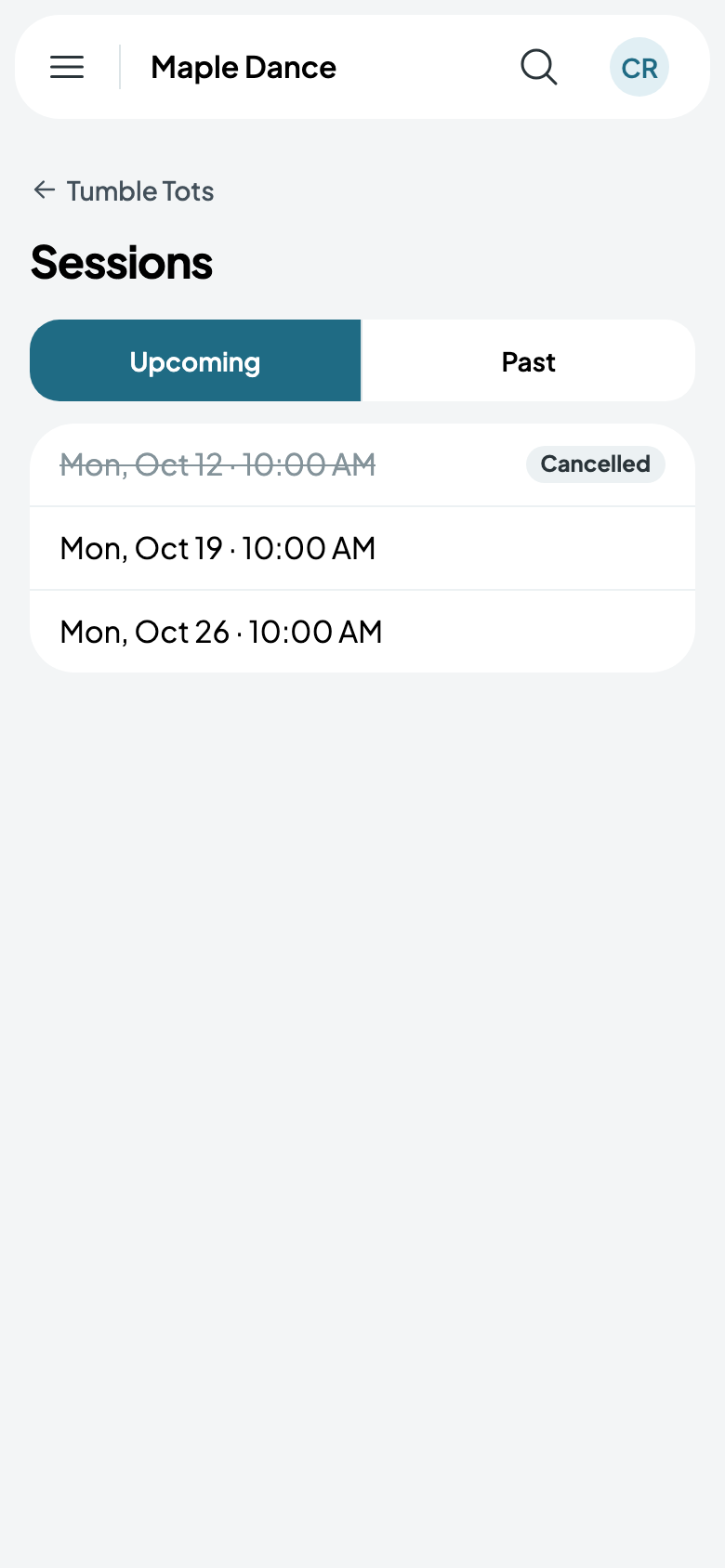
The classes there then are cancelled. Anything else already booked then, such as a rental or a party, stops it: you're told what, by name, to move or cancel first.
Reopening
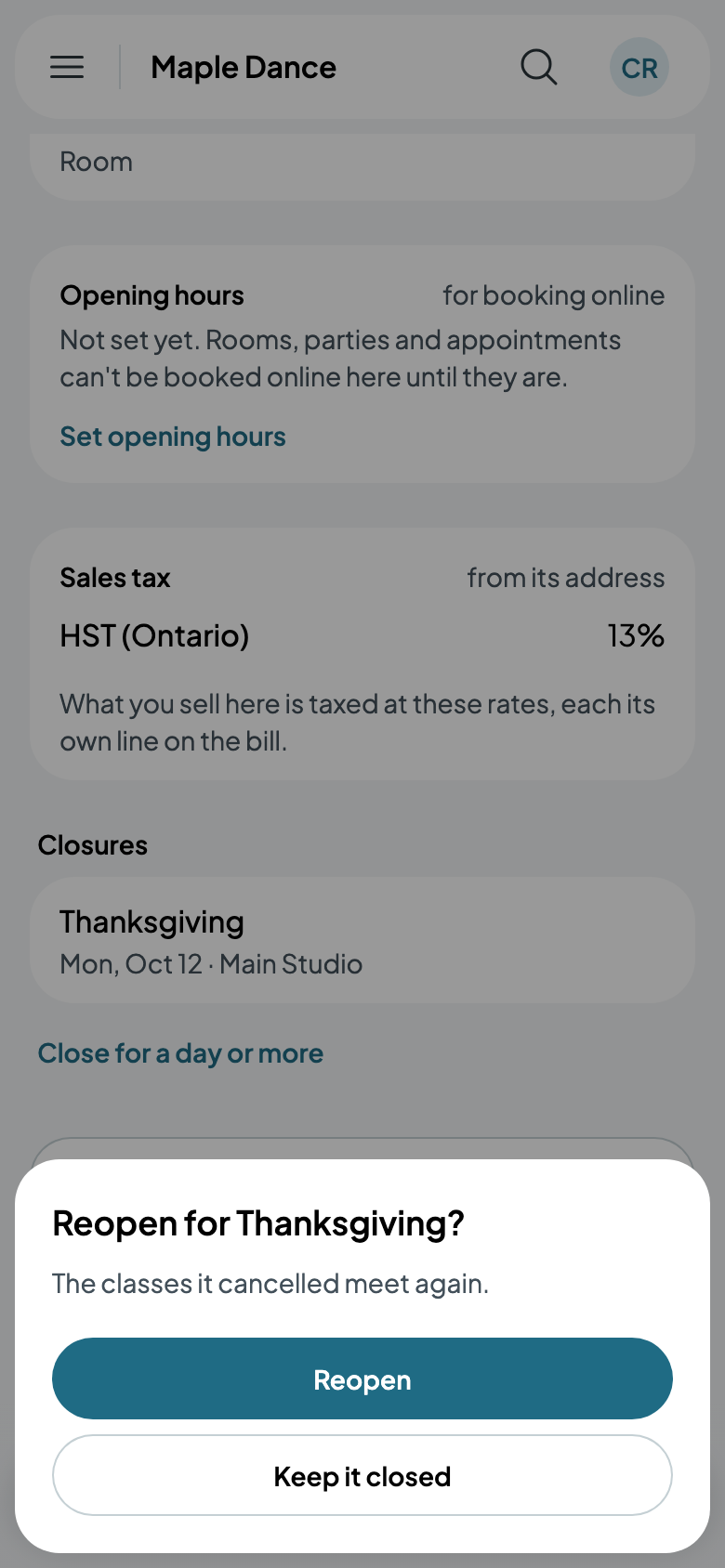
Changed your mind? Tap the closure on the location's page and Reopen: the classes it cancelled meet again.