Rooms inside rooms
Some rooms divide: a hall split by a curtain, a gym into two courts, a field into halves. Make each part a room of its own, part of the whole, and Caletan keeps them straight: the whole and its parts are never booked over each other.
Divide a room
- On the location's page, tap Add space.
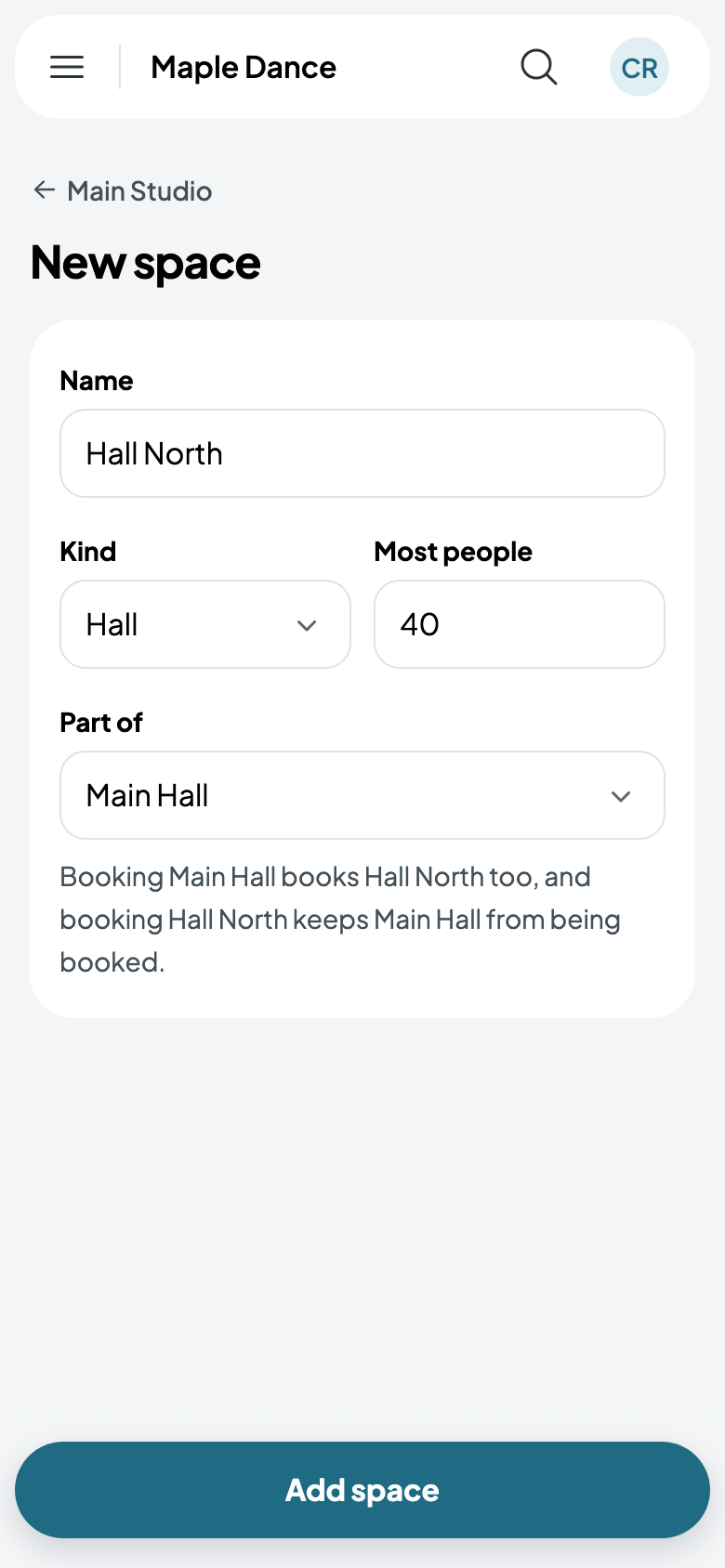
- Name the part, say Hall North, with its kind and the most people it holds.
- Under Part of, choose the whole: Main Hall. It says what that means as you choose.
- Tap Add space, and do the same for each other part.
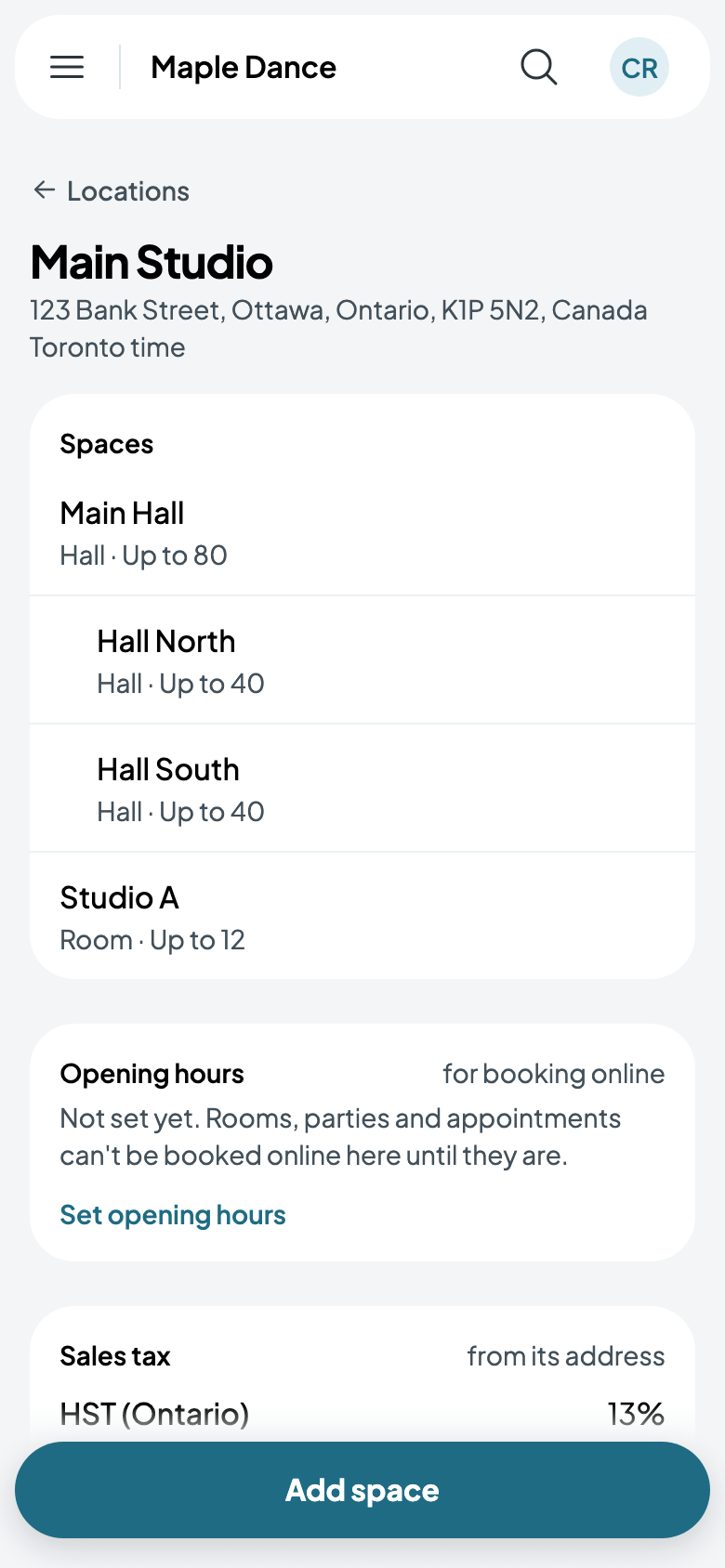
The location's page lists each part under the room it's part of. A part can be divided again, as a field's half into quarters.
How they're booked
- Booking the whole books every part. A recital in Main Hall holds Hall North and Hall South too, so neither can be rented then.
- Booking a part keeps the whole from being booked. While Hall North has a class, Main Hall can't be booked, but Hall South still can.
- Two parts can be booked at once, each on its own.
Everything that holds a room books this way: classes, rentals, parties, appointments and shows, online and at the desk.
Changing what a room is part of
Open the room and change Part of. Put under a room, it takes on what's already booked there from now on; taken out, it keeps its own bookings and drops the whole's. If the two are already booked at the same time, you're told what clashes and nothing changes.
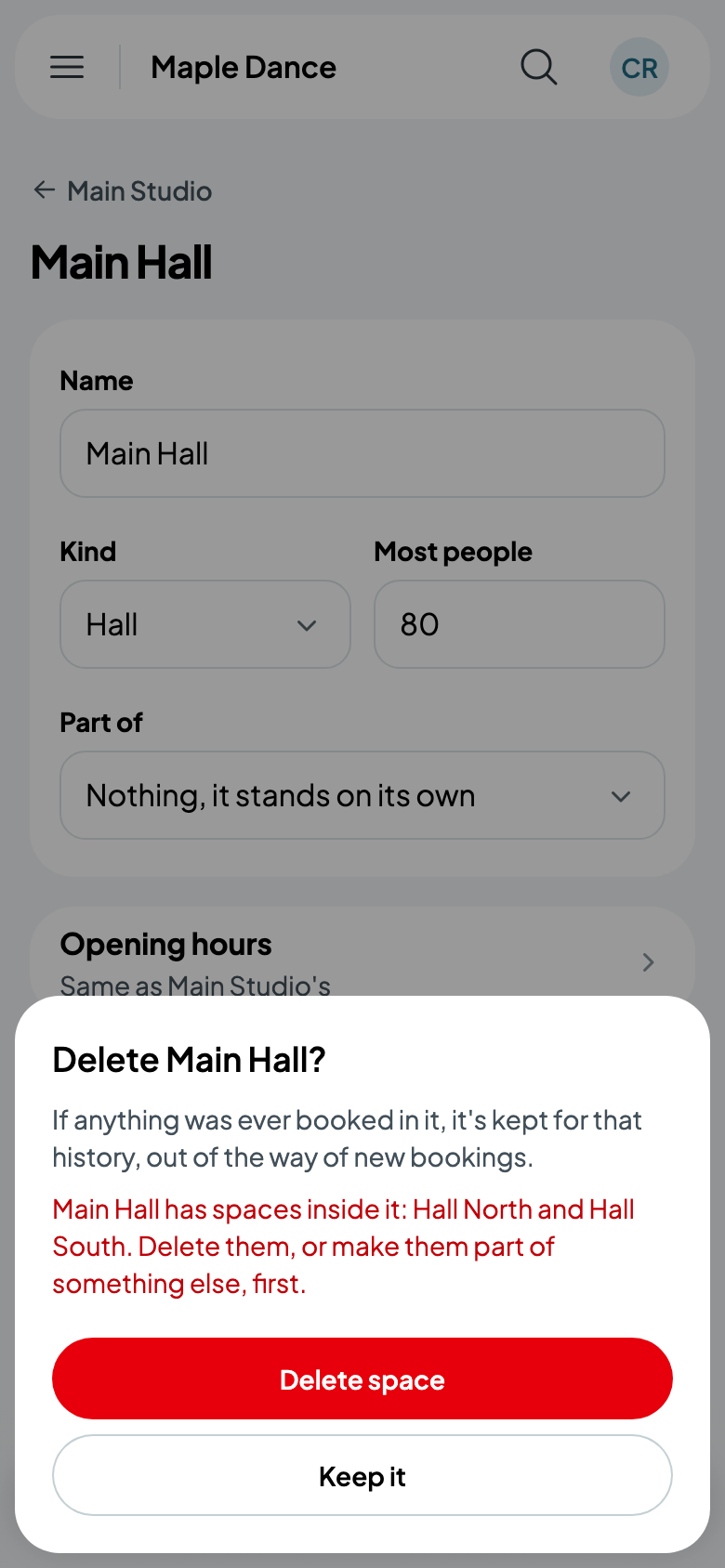
A room with parts can't be deleted while they're inside it: delete the parts, or make them part of something else, first.