Your colour and logo
Two looks are yours to choose: your website's, with your logo, colours, font and photos; and the colour your team and families see Caletan in.
Your website's look
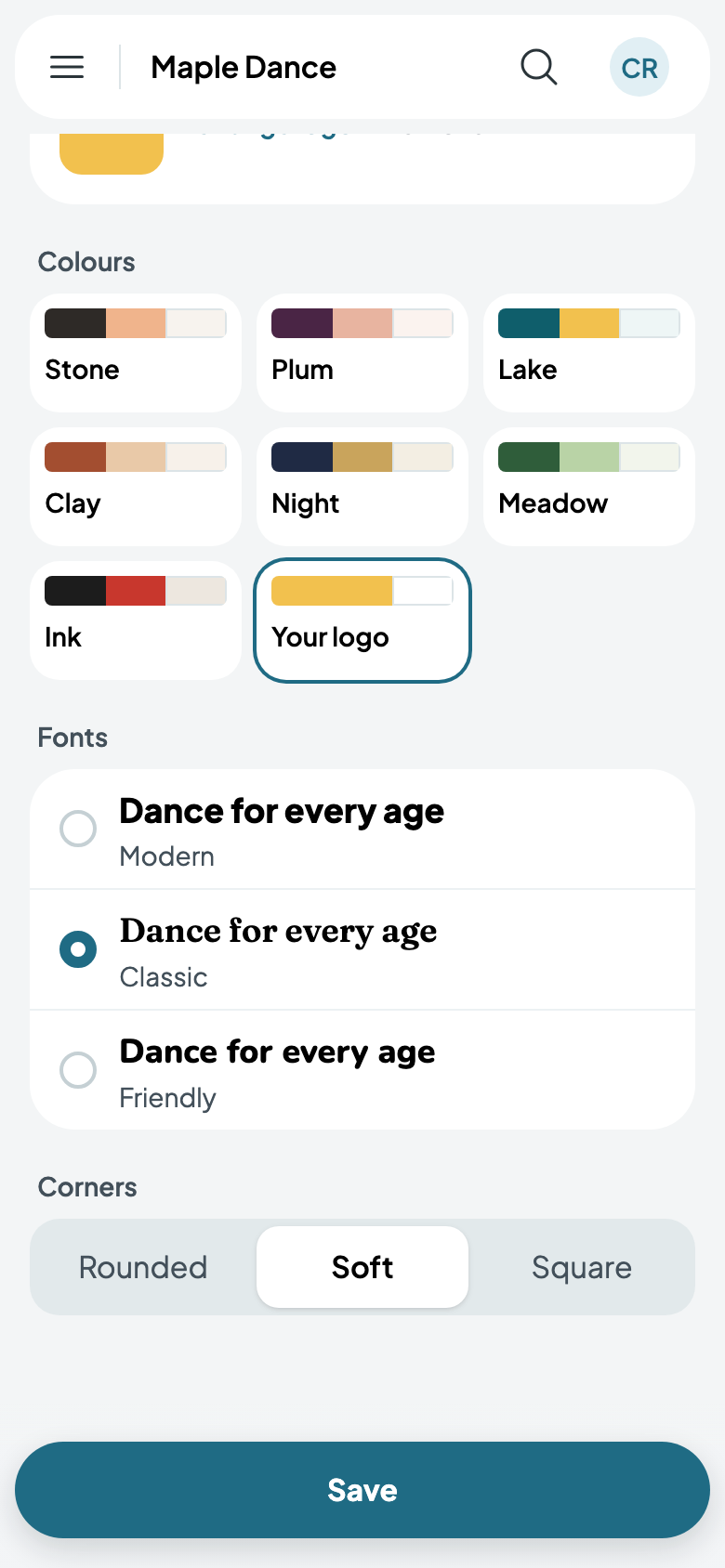
On Website, tap Look. Add your logo, then pick colours: one of the sets, or Your logo, its own colours. Pick a font, Modern, Classic or Friendly, and how round the corners are.
Your photos
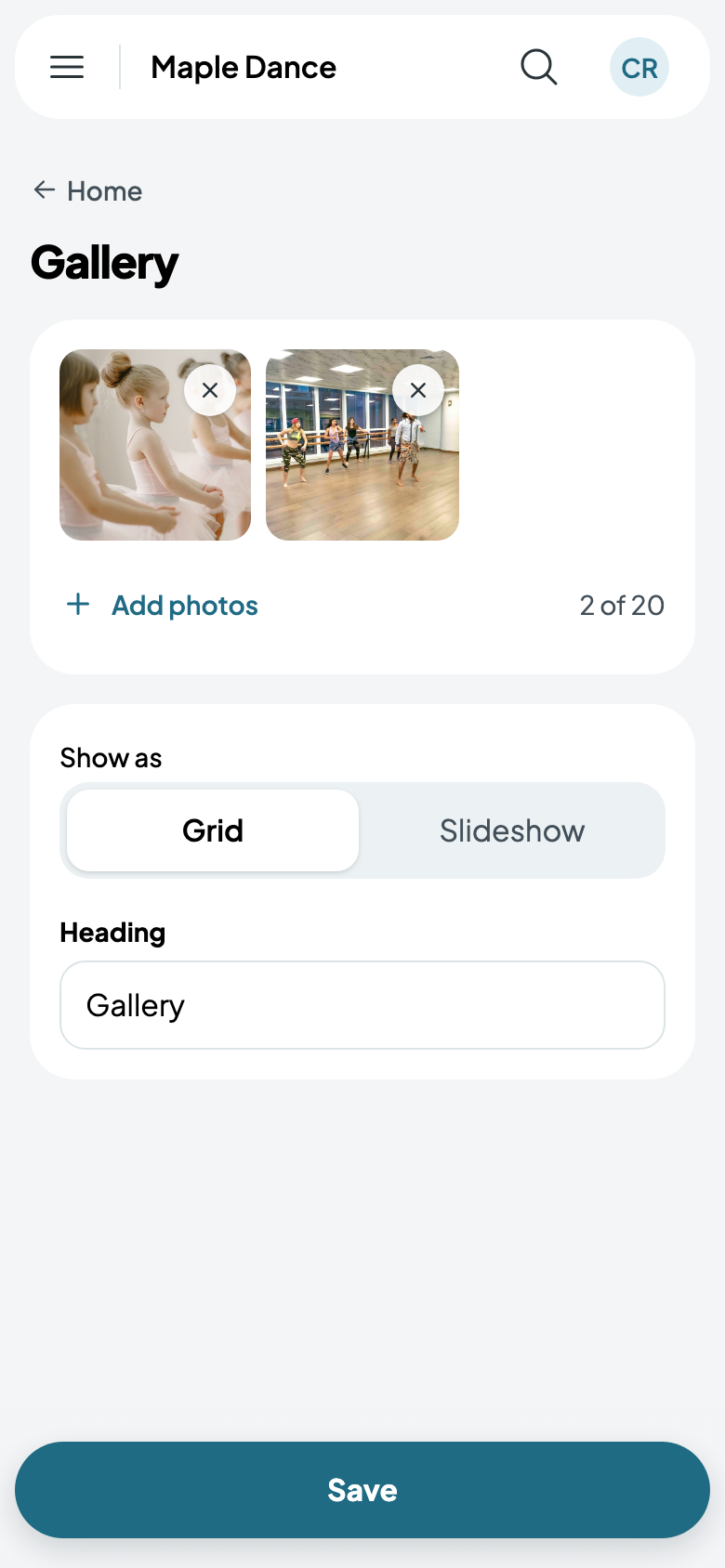
A section's picture comes from your phone or computer: tap Add a picture on the hero, or Add photos on a gallery, up to 20, shown as a grid or a slideshow.
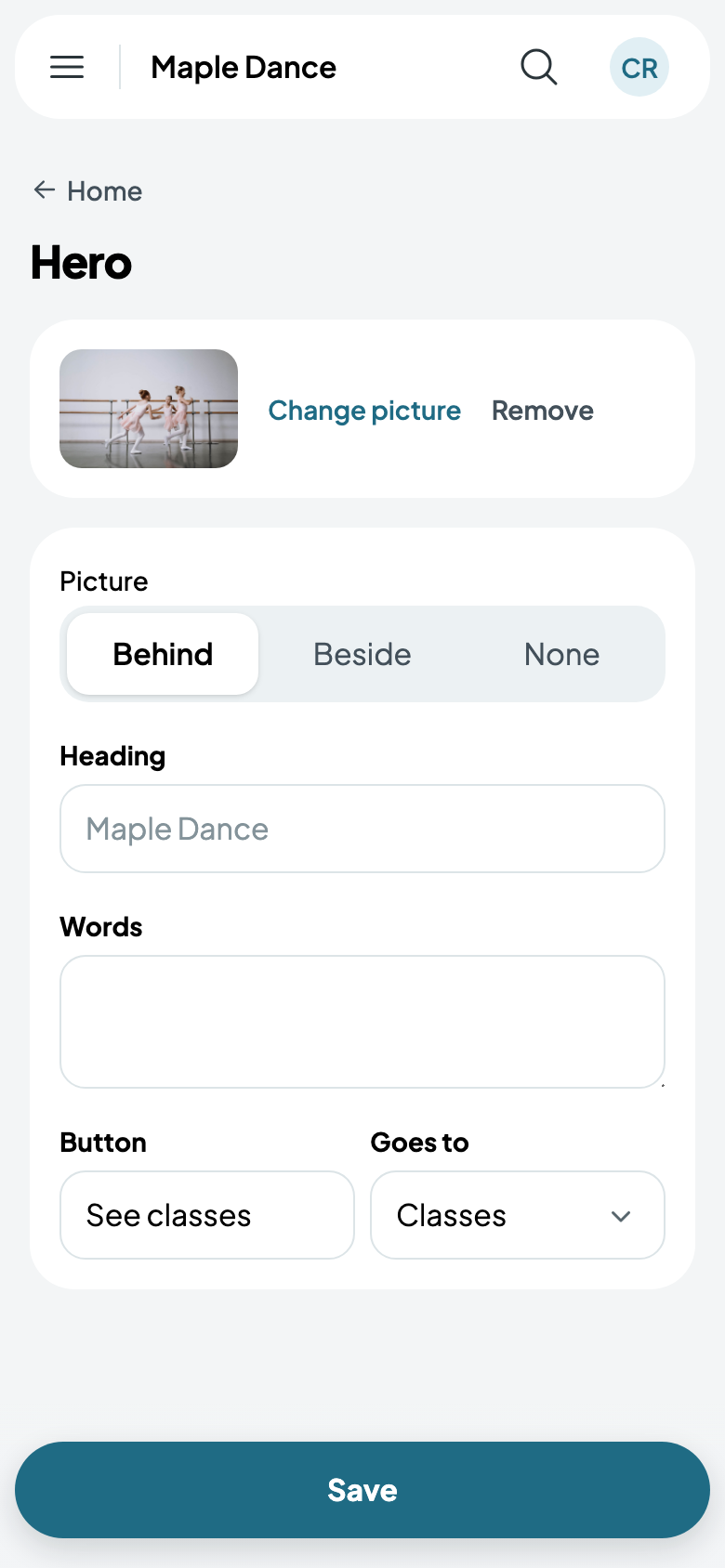
Published, your site has your logo, its colours and your photos.

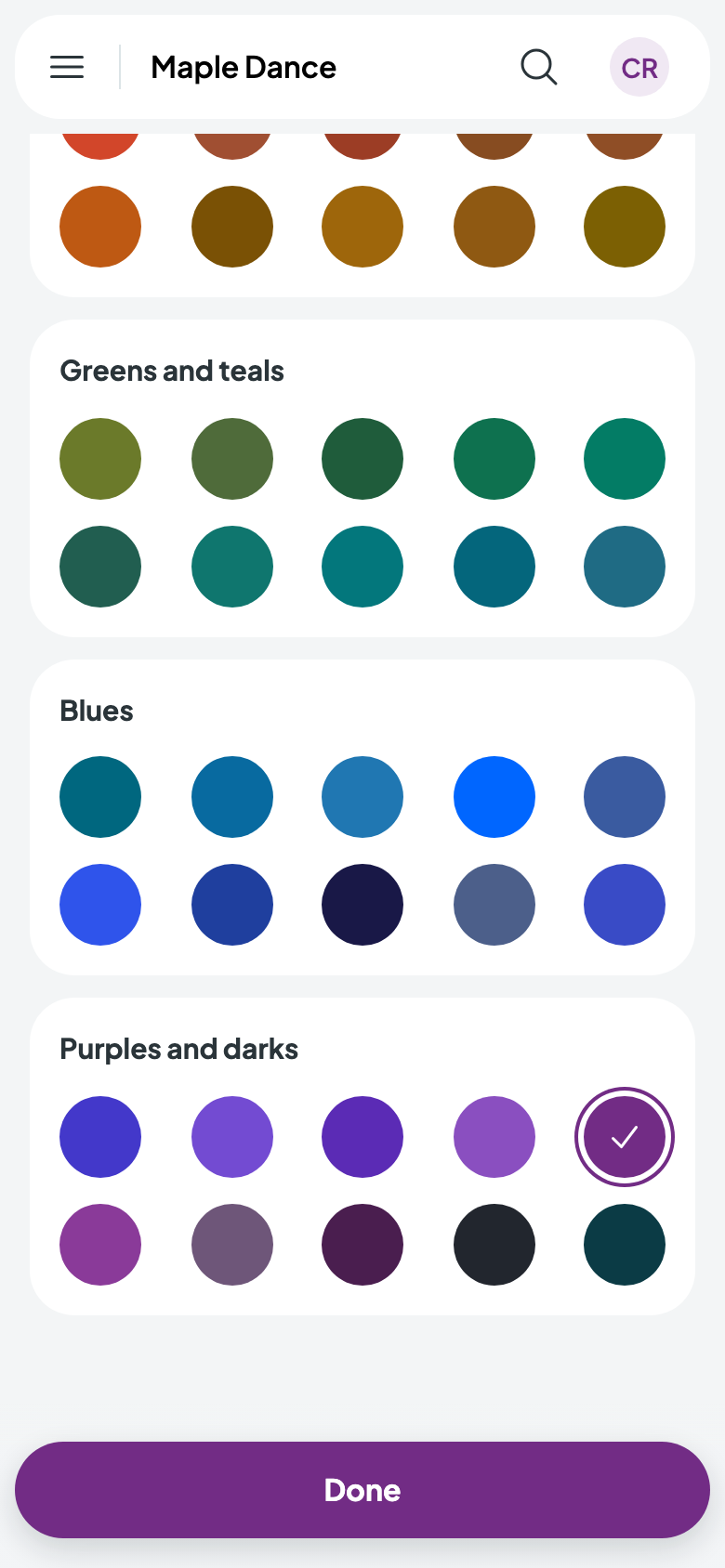
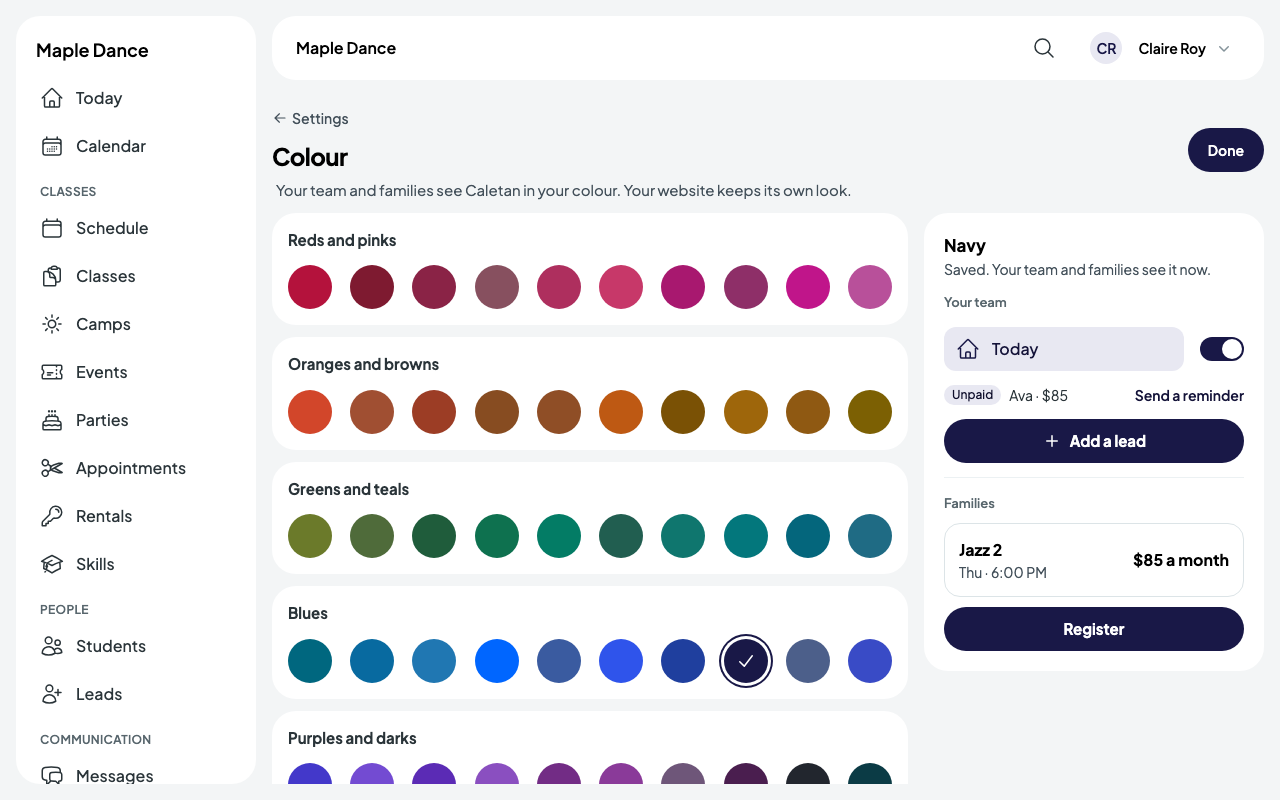
Caletan in your colour
Go to Settings, then Colour, and pick one of fifty. It's saved the moment you tap it, and your team and families see Caletan in it: buttons, links and the menu. Your website keeps its own look.