Pages and sections
Your website is made of pages, and each page of sections, one under another: a big heading with a photo, your classes, your teachers, questions families ask. Sections that come from your business, such as your classes, keep themselves up to date.
Pages
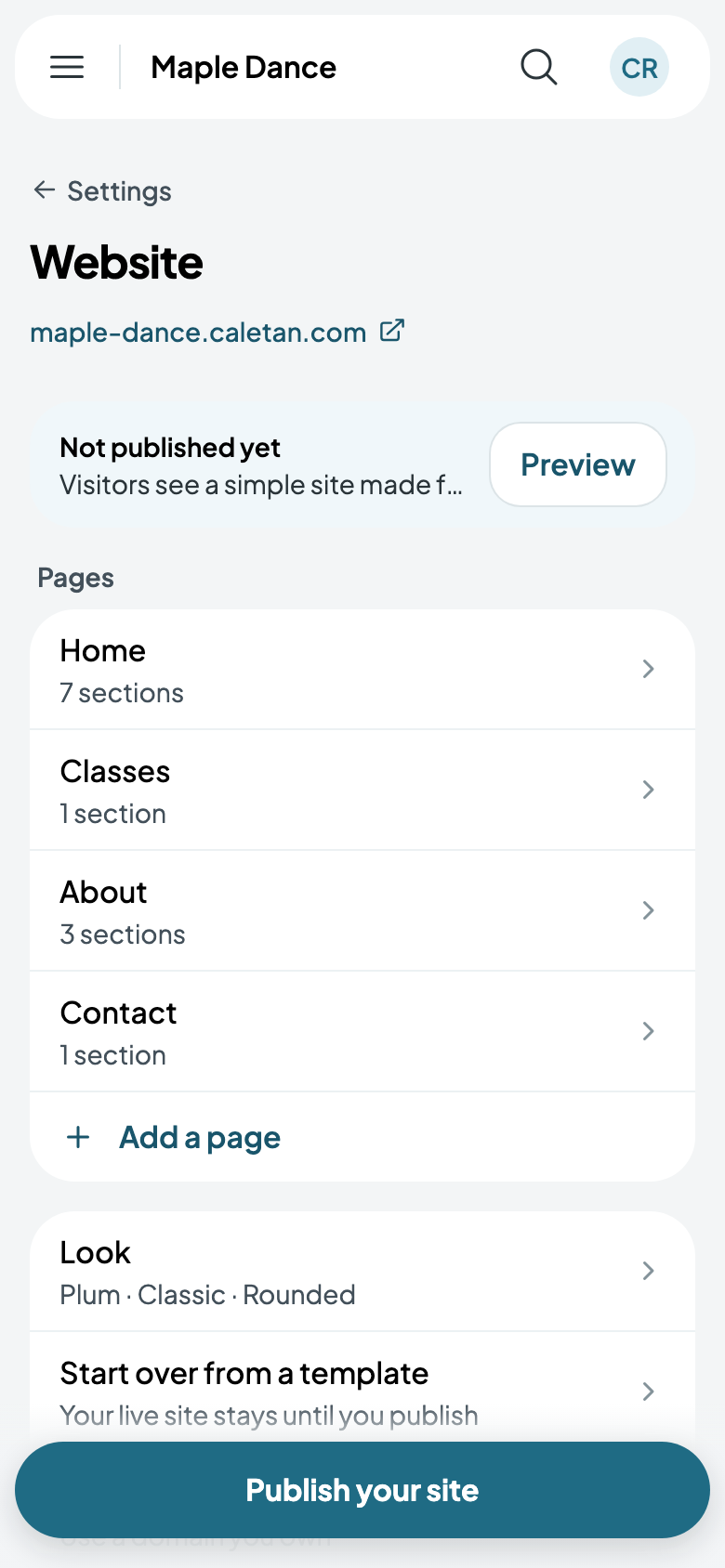
Go to Settings, then Website. Its pages are listed in their menu order, with your look and Start over from a template under them. What you change shows to visitors once you Publish; Preview shows it first.
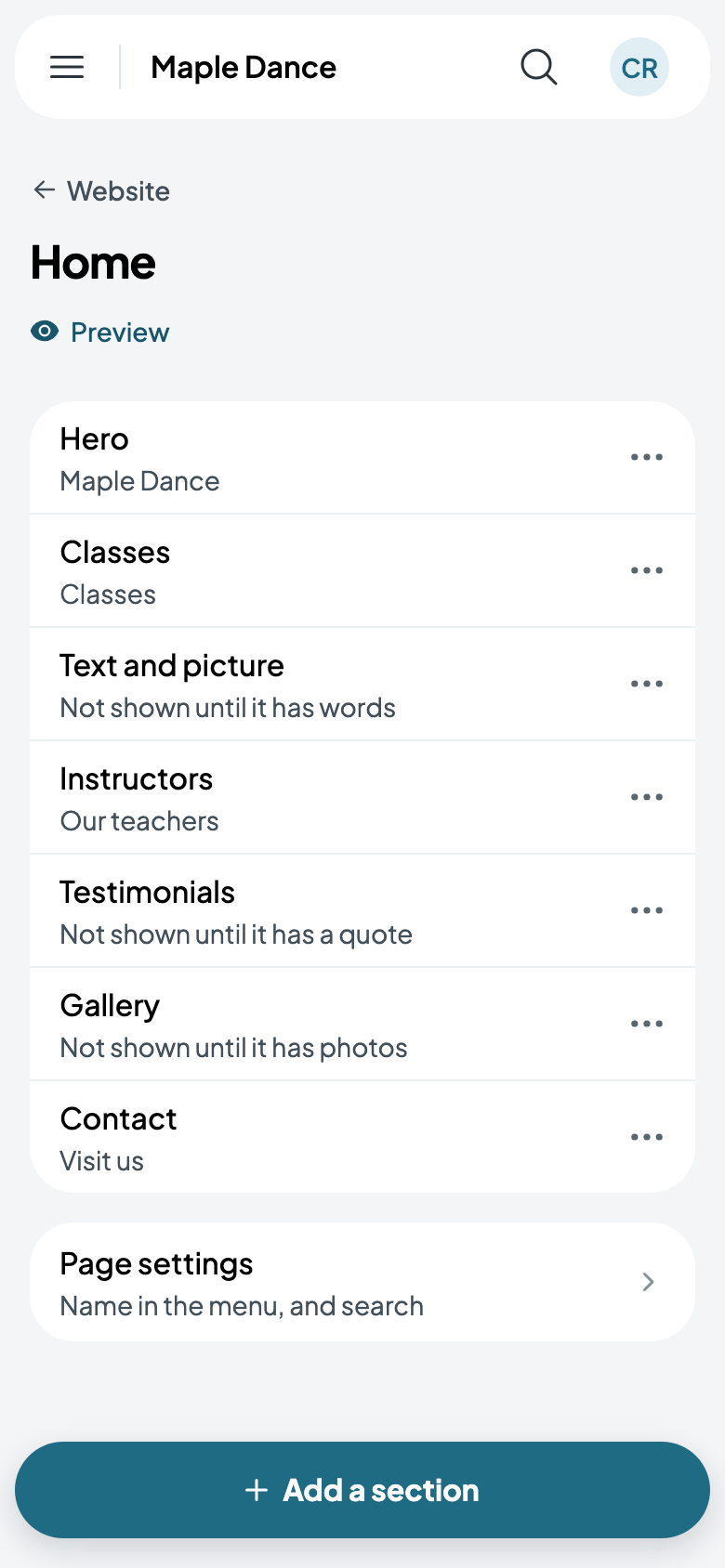
Tap a page for its sections. Each section's … moves it up or down, or takes it out. A section with nothing in it yet, such as a gallery with no photos, isn't shown until it has.
Sections
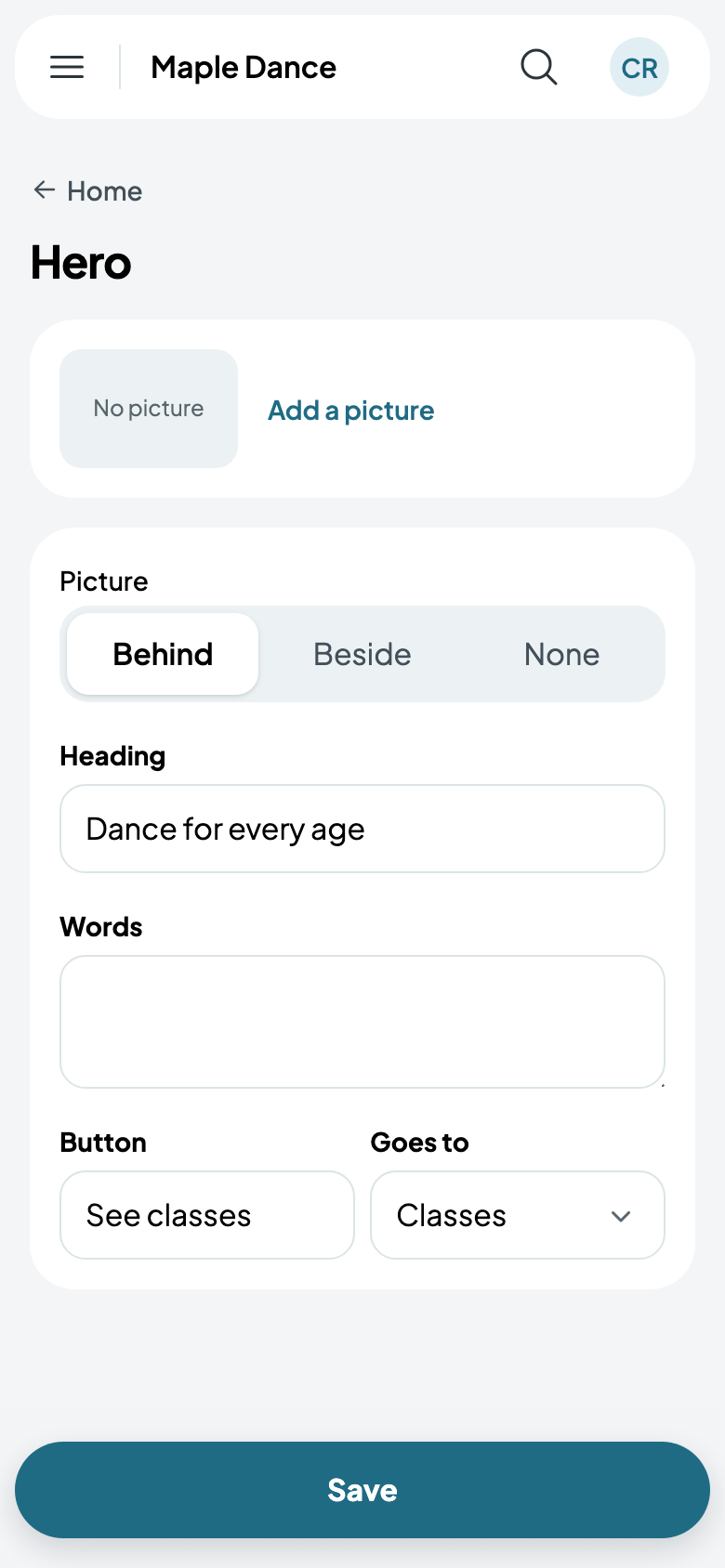
Tap a section to change it. The big heading at the top, the hero, has its picture, heading, words and a button to where people go next.
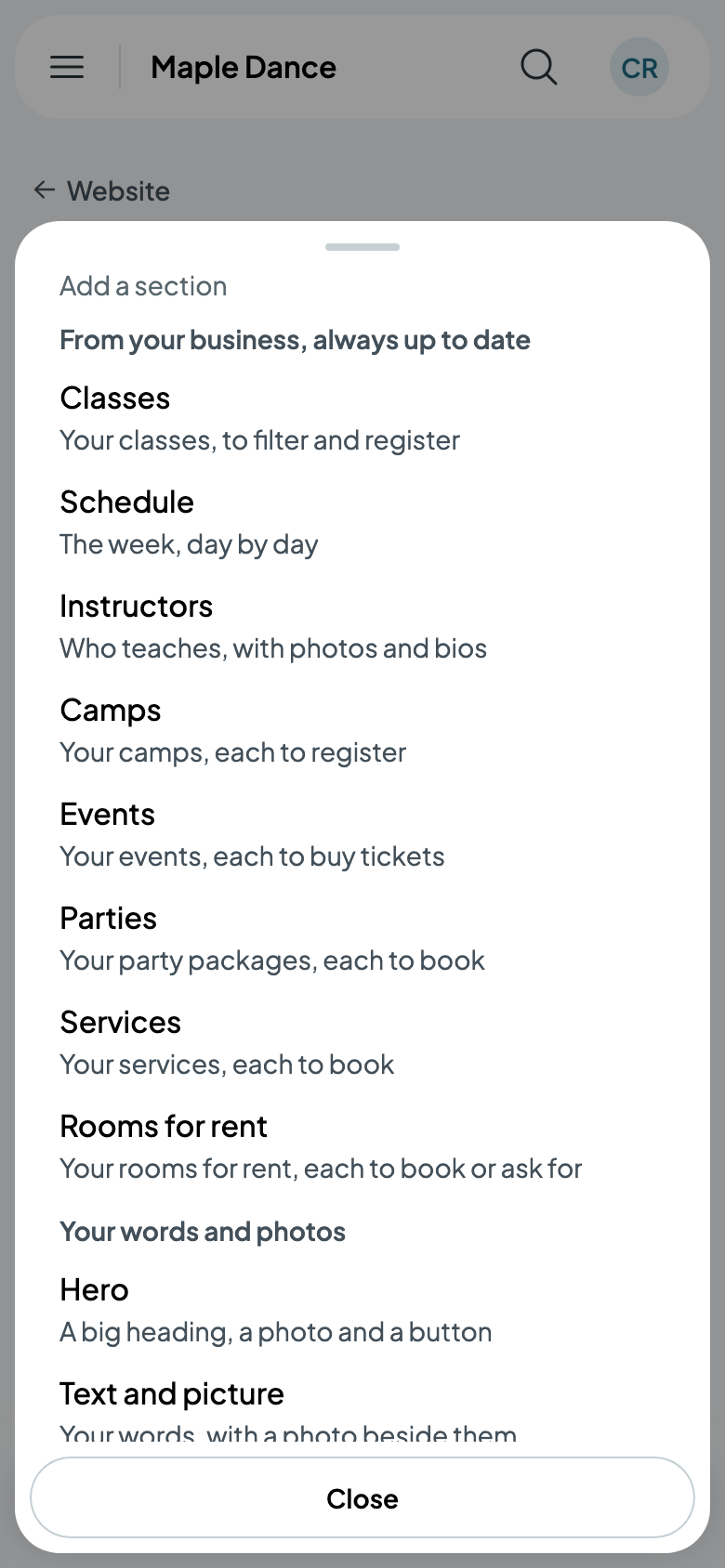
Add a section offers two kinds:
- From your business, always up to date: your classes, to filter and register; the week's schedule; your instructors; your camps, events, party packages, services and rooms for rent, each to book.
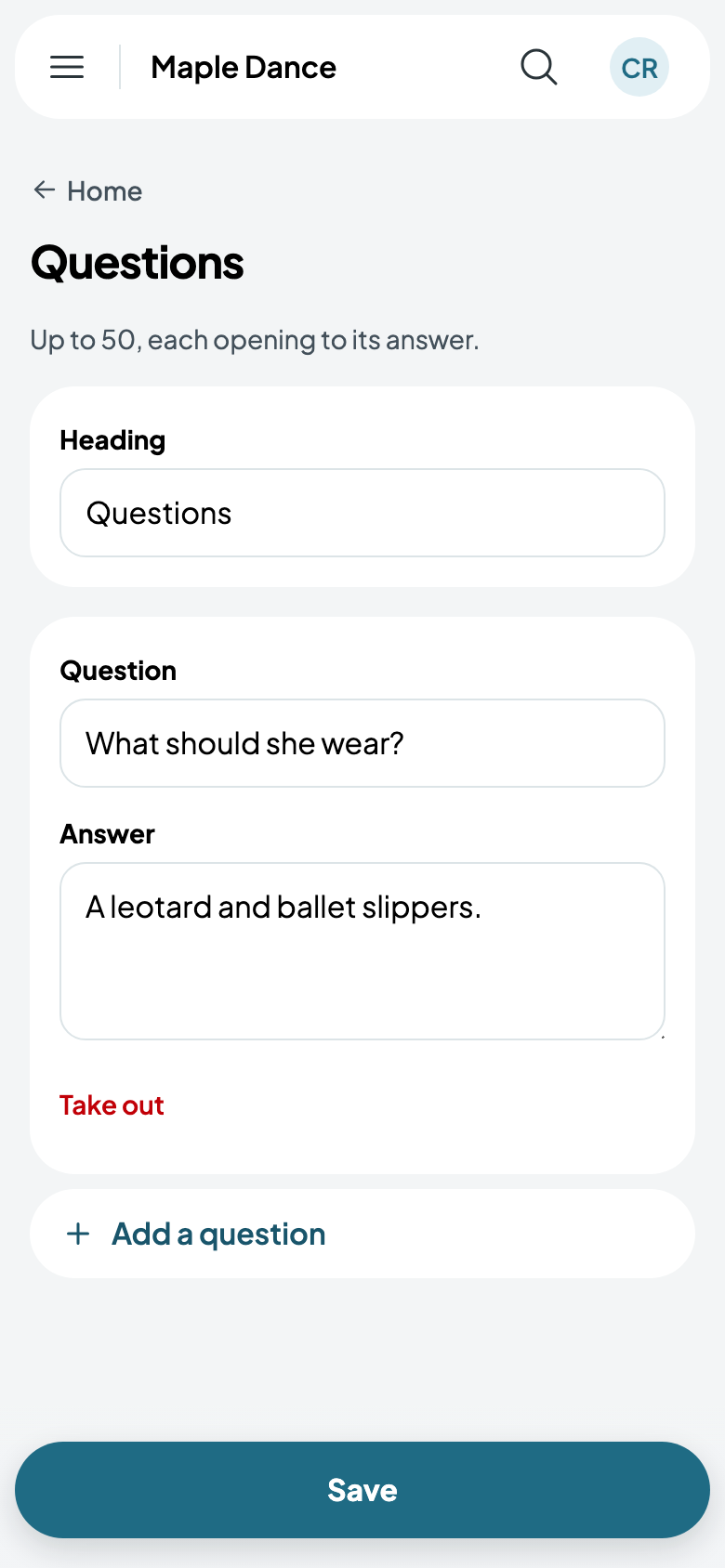
- Your words and photos: a hero, text and a picture, questions and answers, a gallery, testimonials, contact details and more.
More pages
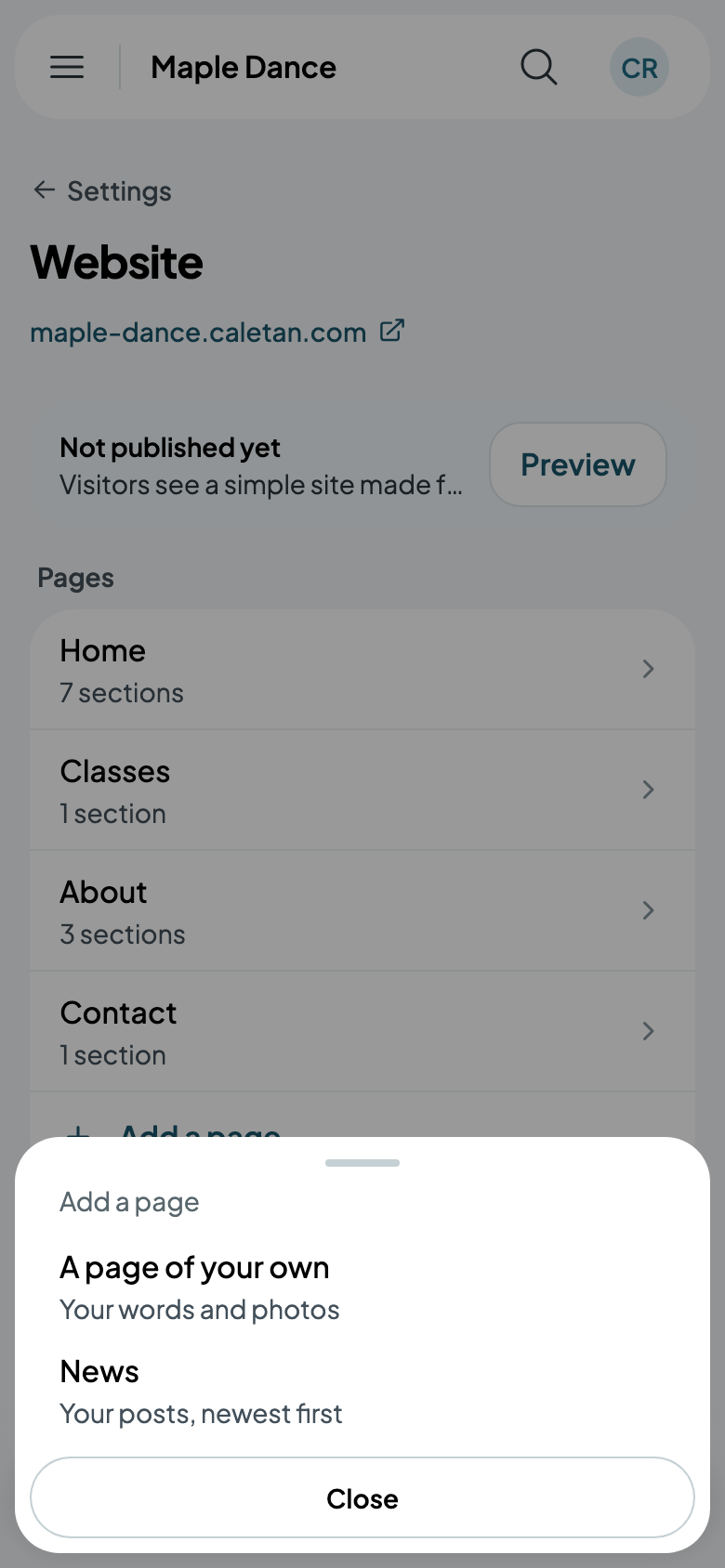
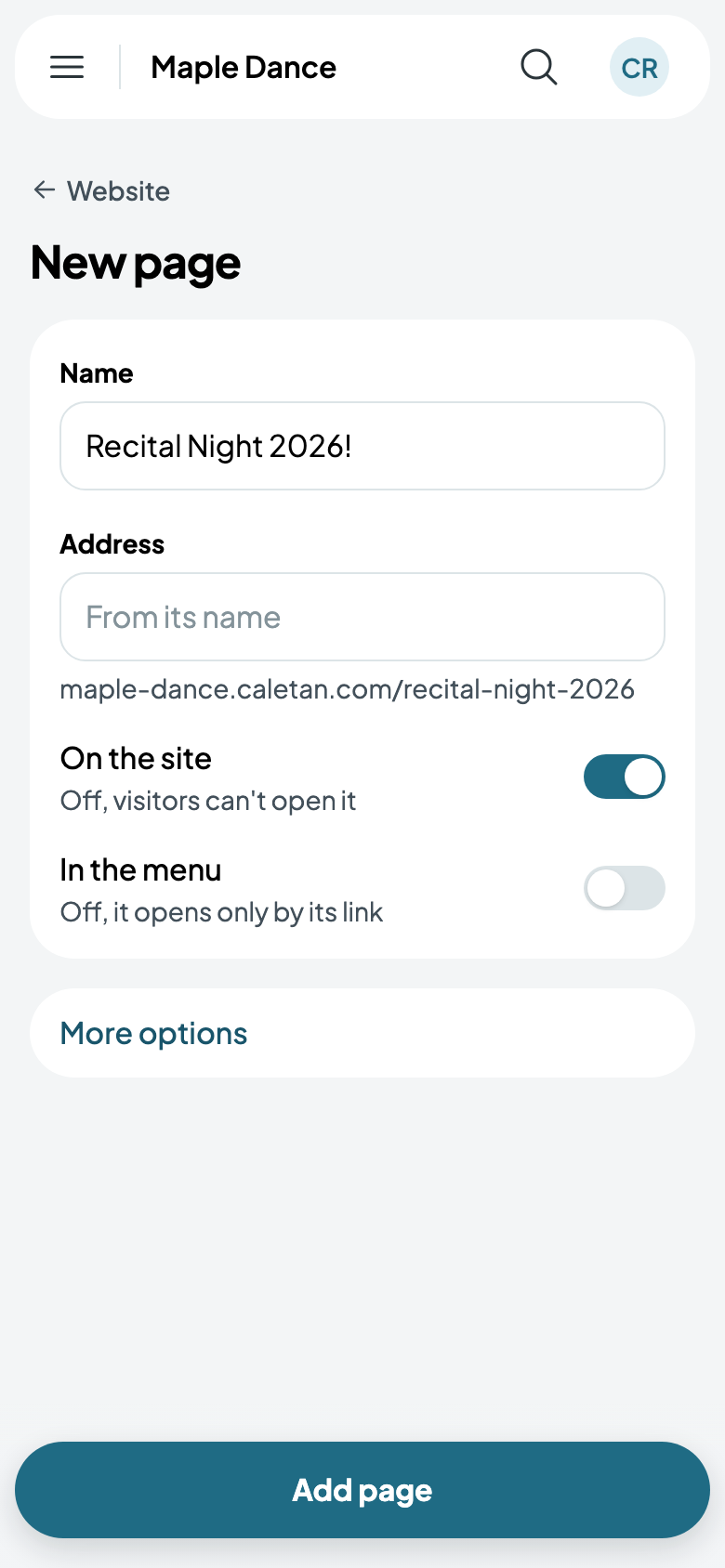
Add a page adds a page of your own, or, once you have them, a page of your camps, events, parties, services or rooms, or your news. A page can be left out of the menu, opening only by its link, or kept off the site until it's ready.
Earlier versions
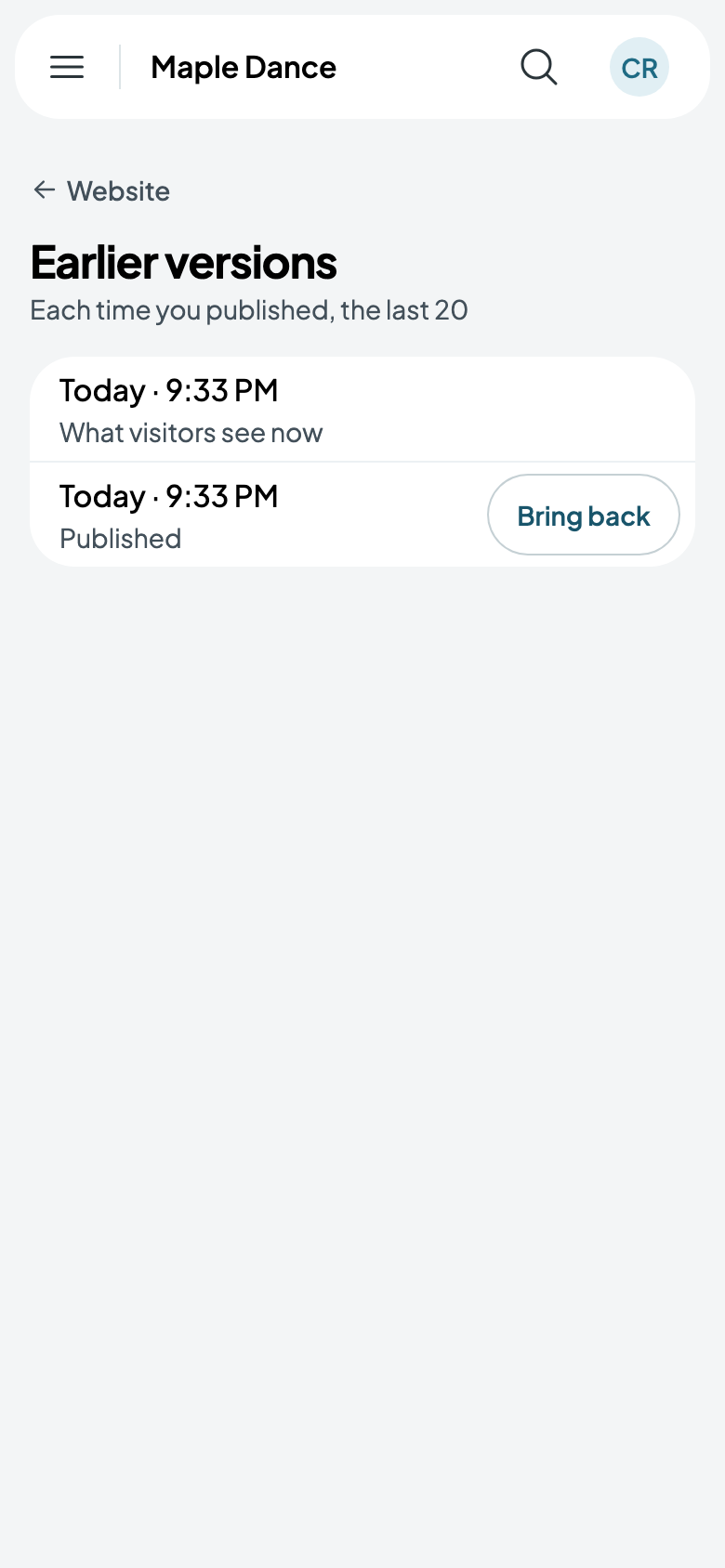
Each time you publish, the version before is kept, the last 20 of them. Earlier versions, on Website once you've published, has Bring back on each: it's yours to change and publish again.