Your own domain
Your website starts at your business's name on caletan.com, such as maple-dance.caletan.com. If you own a domain, such as www.mapledance.com, your website can answer there instead.
Set it up
- Go to Settings, then Website, and tap Your own domain.
- Type your domain, such as www.mapledance.com or classes.mapledance.com, and tap Use this domain.
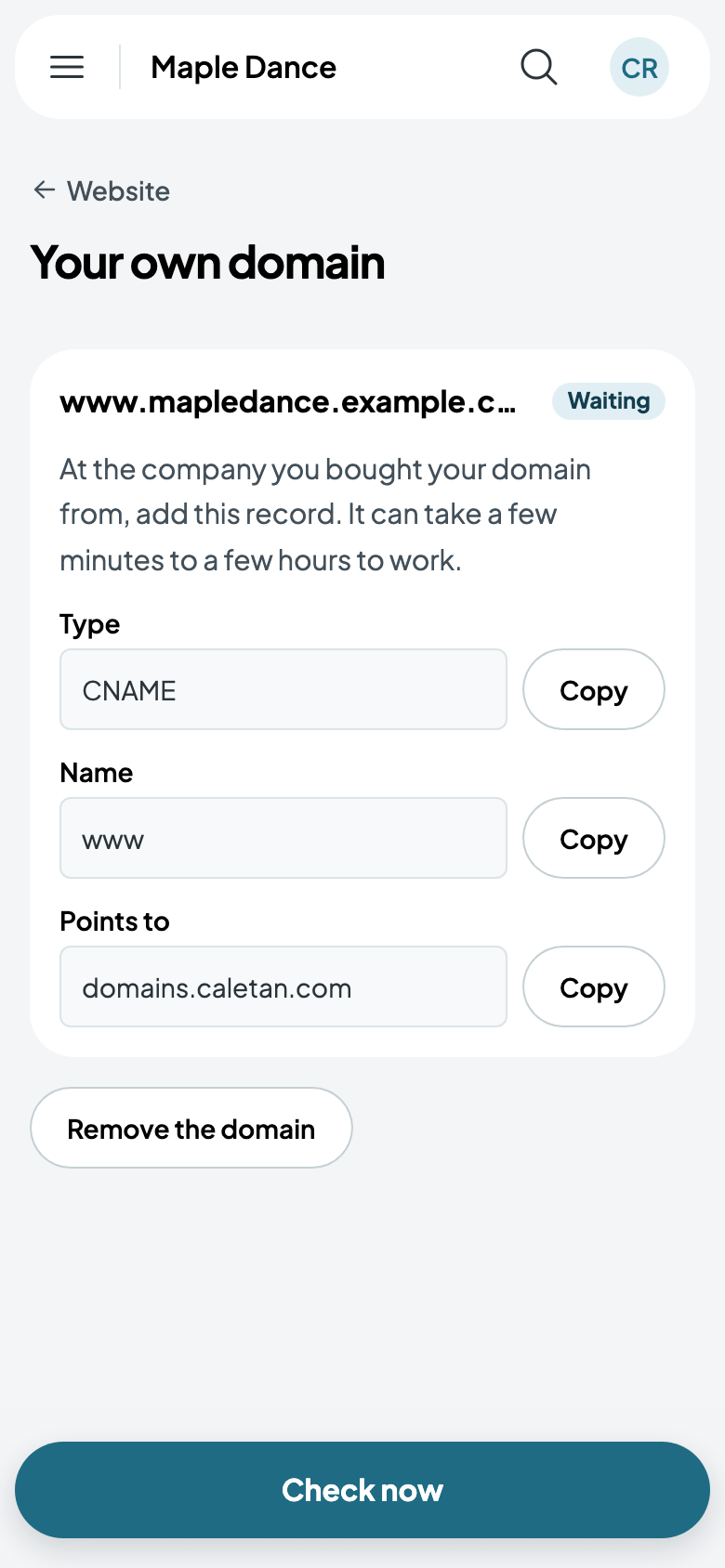
- Caletan shows the one record to add: at the company you bought your domain from, add a CNAME record, its Name as shown (www, or your subdomain), pointing to domains.caletan.com. Each has Copy beside it.
- Come back and tap Check now. It can take a few minutes to a few hours after you add the record.
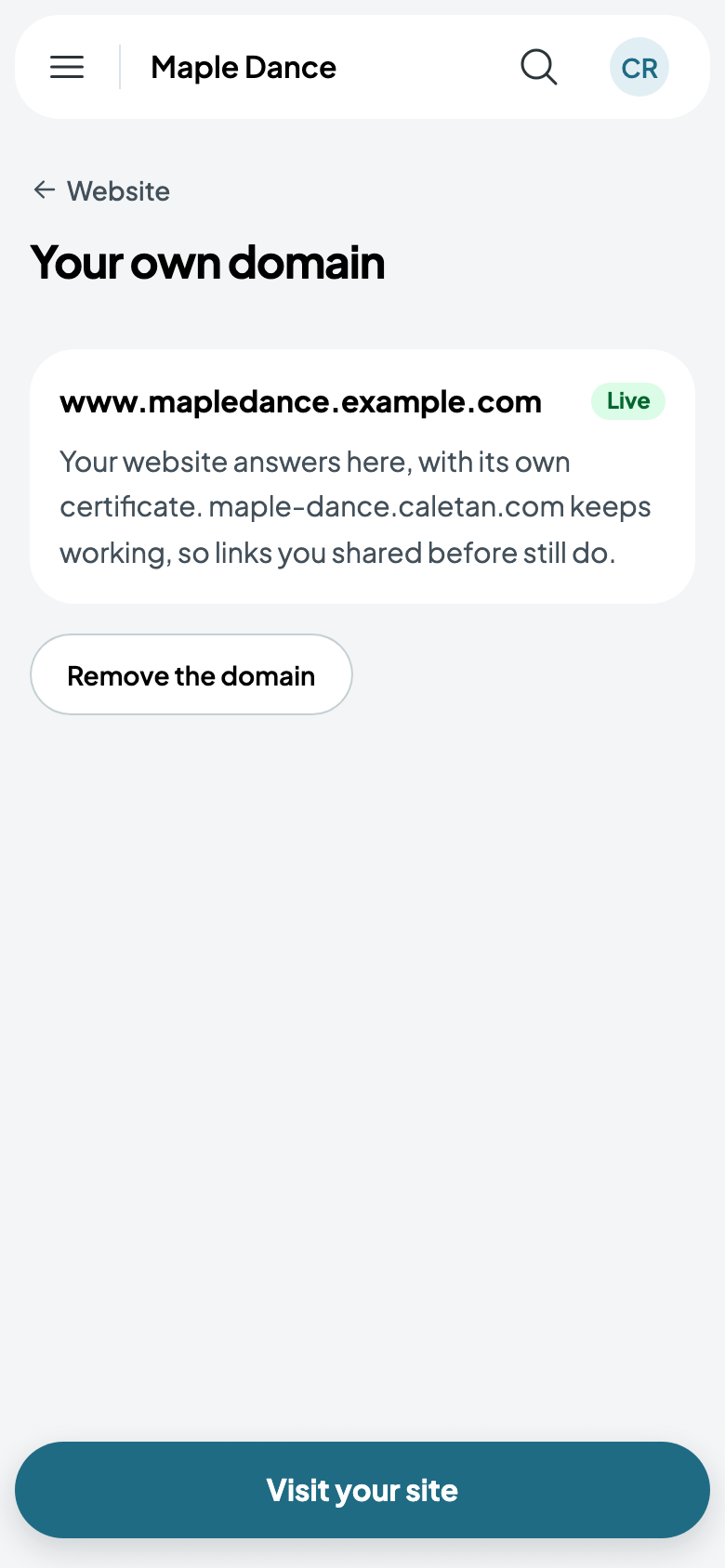
Once it's Live, your website, your classes and your checkout all answer on your domain, with their own certificate for HTTPS: there's nothing to buy or install. Your caletan.com address keeps working too, so links you shared before still do.
Good to know
- You need to own the domain already. Caletan doesn't sell them; buy one from a registrar first.
- A domain with a website on it already would show yours instead once its record points here. To keep that site, use a subdomain, such as classes.mapledance.com, for your Caletan website.
- One domain, one business: a domain another business uses can't be yours too.
- Remove the domain and your website answers only at your caletan.com address again.