Gymnastics gym software: what to look for and what it costs
Levels and skills, coach ratios, open gym and parties around classes: what a gym needs from its software, how to test it, and when it needs none of it.
Nov 24, 2026 · 5 min read
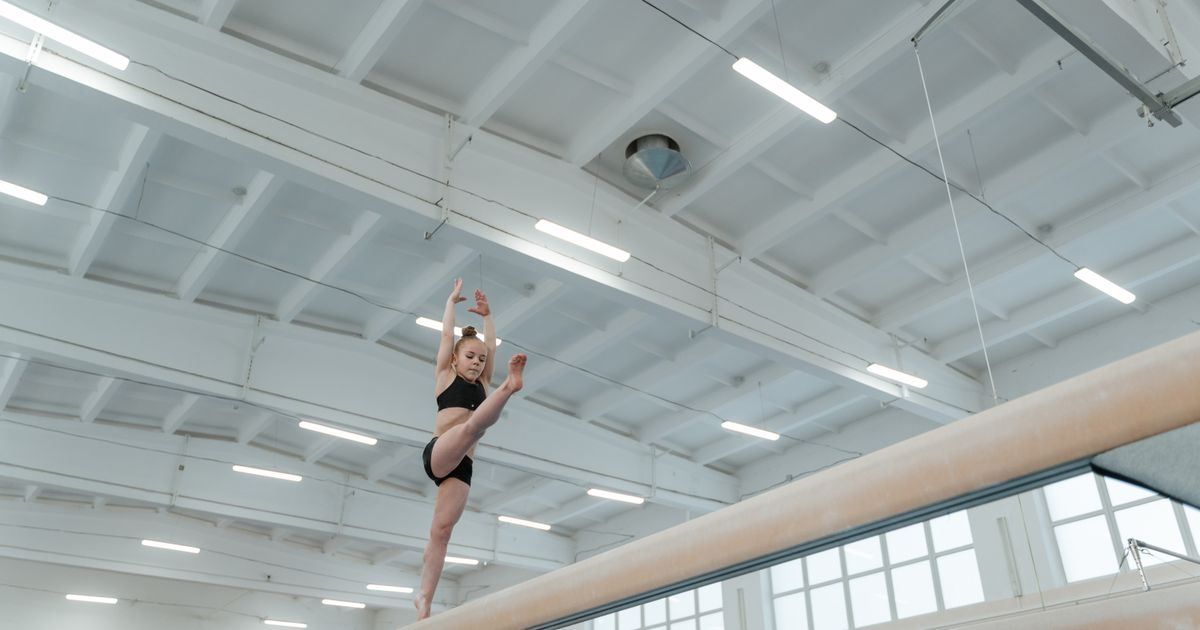
A gymnastics club looks like a class business from the outside: weekly classes, terms, families paying tuition. Inside, it's busier than that. Six groups share one gym at once, rotating between bars, beam, vault and floor. Preschool, recreational and competitive team are three different businesses under one roof. And on Saturday afternoon the same floor turns into a birthday party, then open gym.
Software built for a studio with one class per room struggles with all of it. Here's what a gym needs from its gymnastics software, how to test for it, and when you don't need any at all.
What a gym needs that generic class software doesn't
Levels with skills inside them. A gymnast isn't just "in Level 2". They're partway through a defined set of skills: a cartwheel on the line, a pullover, a handstand forward roll. Coaches need it to group children and to decide who moves up. Parents want to see it, and it's the strongest reason a family stays: a parent watching their child work towards a named skill has a reason to keep paying, and one judging on whether the class looked fun doesn't.
Class sizes set by ratio, not by the room. The gym holds 80 people. That's not the number that matters. Your insurer and your governing body set how many gymnasts a coach can safely take, and it changes with age and level: a preschool group needs a smaller ratio than a recreational class of ten-year-olds. A class's cap should come from its coaches and that ratio, and the software should refuse the next registration when it's reached.
Several groups in one space at once. In the 5 PM hour you might have a preschool class on the floor, two recreational groups rotating through bars and beam, and team on the tumble track. If your system thinks of the gym as one room, it either lets you book one group in it or lets you overbook it. Look for a way to divide the gym into areas, so a party on the floor doesn't clash with a class on the bars, and a rental of the whole gym blocks every area.
Recreational and team as different things. Rec is a term at a time, an hour a week, families who might try swimming next year. Team is ten hours a week, a season paid in instalments, meet fees, and parents who need far more information. Treat them as one list and you'll either flood the rec families or starve the team ones.
Everything else that happens in the gym. Open gym sold as drop-ins. Birthday parties on Saturday and Sunday. Camps on PA days and over the summer. Rentals to a cheer team or a school. Each of these needs the same floor and the same coaches your classes use, so they need to live on the same calendar, or someone gets double-booked on a Saturday. (For how the hours share out, see a sample week.)
Meets. Not classes and not terms: events with entries, eligibility, deadlines and fees, and sometimes spectators to sell tickets to.
How to test gymnastics gym software
Don't start with the feature list. Start with your busiest hour.
- Recreate your Tuesday at 5 PM in a trial: every group, every coach, every area of the gym. If you can't, stop there.
- Try to overbook it. Add a twelfth child to a class capped at eleven. Book a party on the floor during a class. Put a coach in two groups at once. The right answer each time is a no, or at least a clear warning.
- Tick off a skill on a phone, the way a coach would, standing beside the beam. Then see what the parent sees.
- Send a message to team families only, and check the rec families didn't get it.
- Register a family with a rec child and a team child in one checkout, and see if the bill makes sense.
What it costs, and what to check
Pricing in this category comes in a few shapes: per student, per location, a percentage of payments, or a flat monthly price. Two checks matter more for gyms than for most:
Per-location pricing if you use more than one venue. Plenty of clubs run preschool or rec in a rented school gym and team in their own building. That can count as two locations, and double the bill.
What counts as a student. Rec gymnasts come and go faster than team. If you pay per student, ask whether a child who stopped in March still counts in June.
And ask whether parties, camps and open gym are included or sold as extras. In a gym, they're not extras.
When you don't need any of this
Under about 80 gymnasts, one venue, recreational only, and a schedule that fits in your head: a spreadsheet, a payment link and a paper register will do.
The line is usually crossed when you add a team. Two products in one building, with different prices, different commitments and different parents, is where the admin stops fitting in a spreadsheet. Parties are often the second push, because a double-booked birthday on a Saturday is the kind of mistake you only make once.
The honest summary
Gymnastics is one of the kinds of business where software built for the job earns its keep, and the reason is narrower than any feature list: levels with skills, and a gym shared by several groups at once. Test those two with your own busiest hour before you look at anything else.
In Caletan, coaches tick off skills on their phone and families follow the progress, open gym sells as drop-ins, and parties, camps and rentals sit on the same calendar as your classes, so a party can't take the floor a class holds. The gym can be divided into areas, each booked on its own, and the whole gym blocks them all. More on Caletan's gymnastics gym software.