Swim school software: what to look for and what it costs
Levels and skills at the pool's edge, lanes, make-ups and private lessons: what swim needs that general class software often doesn't, and when you need none of it.
Nov 16, 2026 · 5 min read
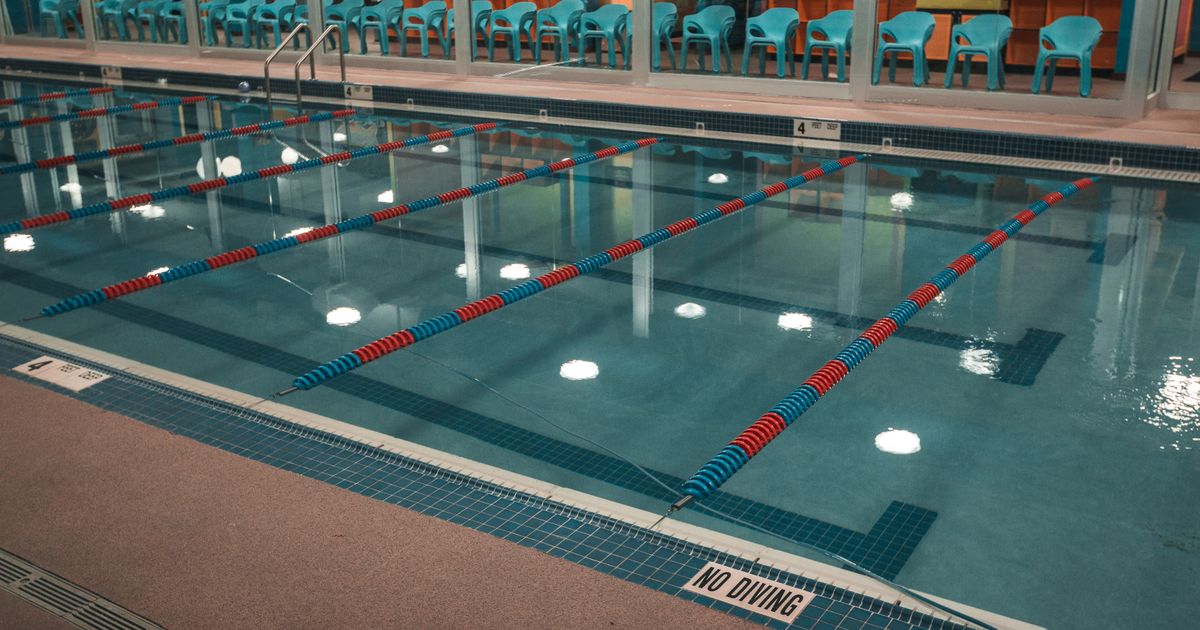
A swim school looks like any class business from the outside: weekly lessons, a roster, a term fee. Run one for a season and you find out how different it is. Six classes share one pool hour. A Level 2 parent wants to know why their child is still in Level 2. Forty families need to hear in ten minutes that the pool is closed tonight.
If you're choosing swim school software, or wondering whether you need any, here's what matters in swim, and how to tell whether a product handles it.
What swim needs that a plain class list doesn't
Most class software handles a weekly class with a list of names. Swim adds four things.
Levels with skills. A swimmer moves through a progression, and the system needs to know which level they're in, which skills they've done, and what's left before they move up. In a lot of software a class is just a box of names. In swim, it's a step on a ladder.
Different sizes at different levels. A parent-and-tot class might take eight pairs, a preschool class three children per instructor, an improvers group eight. Each class needs its own number of spots, and the software has to stop at it.
Water, not rooms. You're scheduling lanes and parts of the pool. Several classes run at once in one pool, a private lesson takes one lane, and a club might rent two lanes on Thursday nights. Software that thinks one class fills one room will fight you every week.
Make-ups, lots of them. Swim misses more than most activities: ear infections, colds, a family trip in February. Make-ups aren't an edge case; they're a weekly job.
If a product doesn't handle those four, you'll do them in a spreadsheet alongside it, which is what you were trying to leave.
What to look for in swim school software
Progress parents can see. This is the biggest thing you can do to keep swimmers. A parent who can see their child has done three of the five skills for Level 3 has a reason to keep paying. A parent who can't is judging by whether their child seemed happy getting out of the car. (How to write the notes themselves is in progress notes.)
Skills ticked off at the pool's edge. If the instructor has to remember and write it up later, it won't happen. It needs to work on a phone, with wet hands, in the minute between groups.
A clear way to move a swimmer up. When a child finishes a level, someone needs to see it, find a spot in the next level at a time that suits the family, and tell them. Doing that across 400 swimmers from memory is a job in itself.
Waitlists that work. A full class should take names in order, and when a spot opens, offer it to the next family with a time limit, so a spot doesn't sit empty for two weeks waiting on a reply.
Make-ups with limits. A number per term, an expiry date, and only into a class with a free spot. Without the last one, your Tuesday 5 PM ends up with nine children and one instructor. (More on setting the policy in make-up classes.)
One message to a whole class, fast. Pools close at short notice: an accident in the shallow end, a broken heater, lightning over an outdoor pool. If your software can't reach every family in a class within minutes, you'll be doing it from your own phone in the parking lot.
Private lessons in the same calendar. A private in Lane 4 at 6 PM needs to know Lane 4 is free and the instructor isn't teaching a group then. Two calendars mean a double booking eventually.
Certifications you can track. Lifeguard and instructor qualifications expire. Whether your software tracks them or not, keep a list with expiry dates and look at it monthly. An expired one isn't an admin problem.
What it costs
Swim software usually charges in one of three ways: a flat monthly price, a price per student, or a share of the payments you take. Some combine them.
Watch per-student pricing especially. Swim schools turn over swimmers faster than most class businesses, because children learn to swim and stop. A product that counts every student who's ever been on the books, rather than who's in the water this term, sends a bill that has nothing to do with your pool. Ask exactly what counts as a student, and what happens when one stops coming.
Ask about texting, too. Swim schools use it more than most because of closures, and it's often priced separately. And ask for the total at your size: if you have 350 swimmers and take $40,000 a term by card, what do you pay in a month, all in?
When you don't need any of this
With fewer than about 60 swimmers, one pool, one or two instructors and a level structure you keep in your head, a spreadsheet and a way to take payment will do. The money is better spent on pool time.
You've outgrown that when one of three things happens:
- You can't say which children are ready to move up without a meeting.
- Make-ups have become someone's job.
- You've turned a family away from a level you didn't know had a spot, or put one into a level you didn't know was full.
The question that decides it
The deciding question isn't the length of the feature list. It's whether the software can run several classes of different sizes in one pool at the same hour, each holding its own lanes, with a private lesson beside them and a rented lane after. Ask to see exactly that, with your Tuesday at 5 PM. Everything else follows from it.
Caletan does it with lanes as rooms inside the pool: a class, a private lesson or a rental each holds its lanes, and nothing can book a lane that's taken (rooms inside rooms). Skills are ticked off on the instructor's phone and families follow the progress, a missed lesson becomes a make-up booked into a session with a free spot, and a full class keeps its waitlist in order. The rest is on the page for swim school software.