At the desk and checkout
At the desk you book clients in person or on the phone, change their appointments, and check them out with a tip.
Booking
- In Appointments, tap New appointment.
- Find the Client, add someone New with their phone or email, or choose Walk-in, with a name or none.
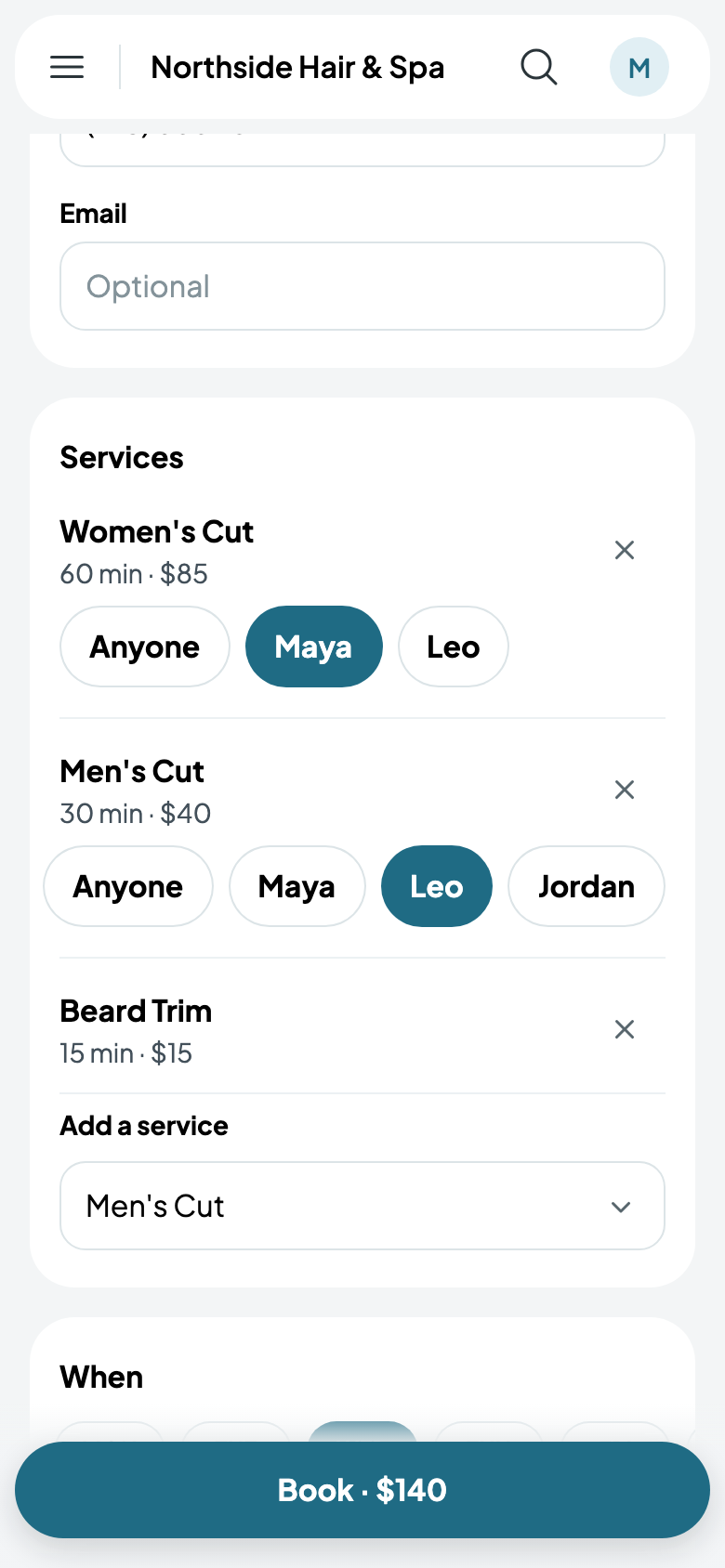
- Choose a service, then who does it, or Anyone. Add a service books another straight after, so a visit runs back to back, and an add-on shows under the service it goes with.
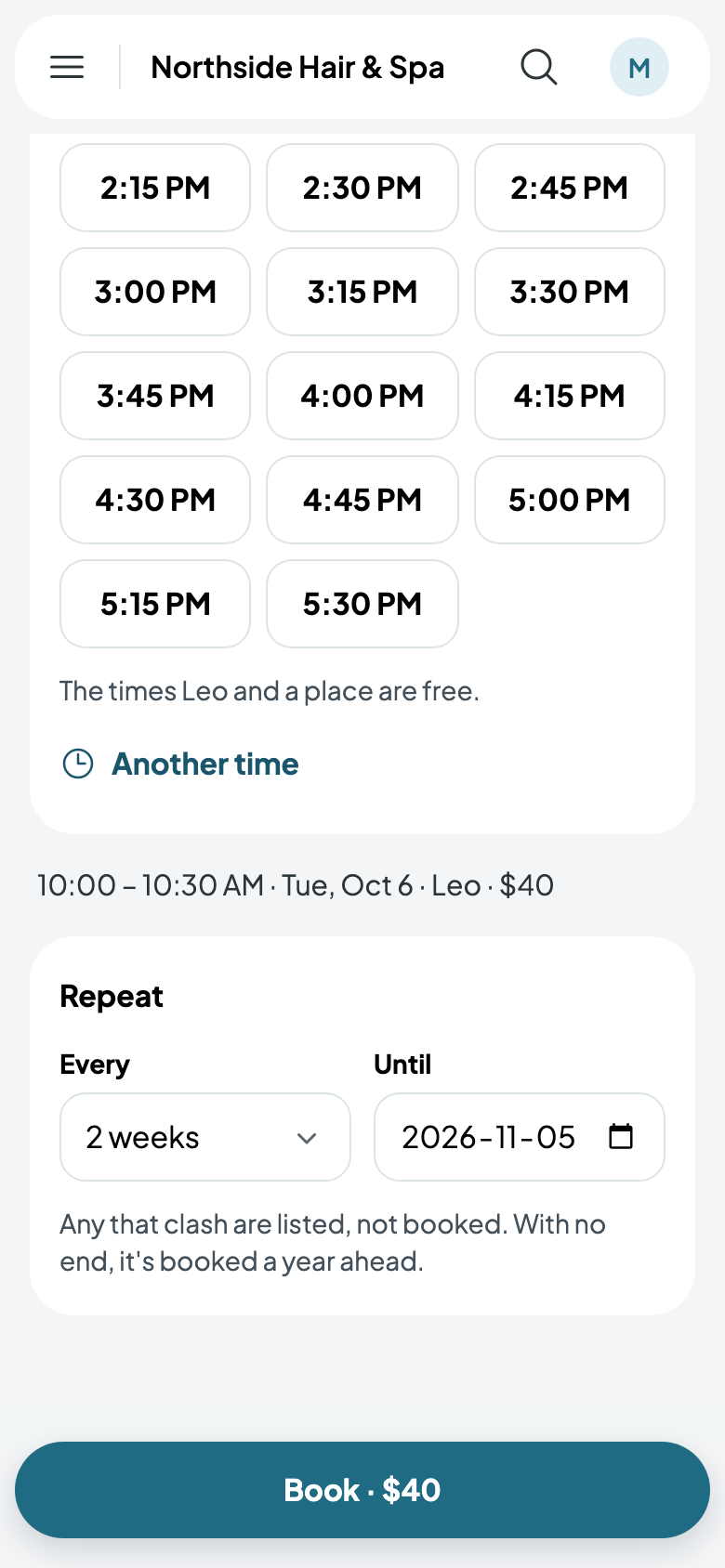
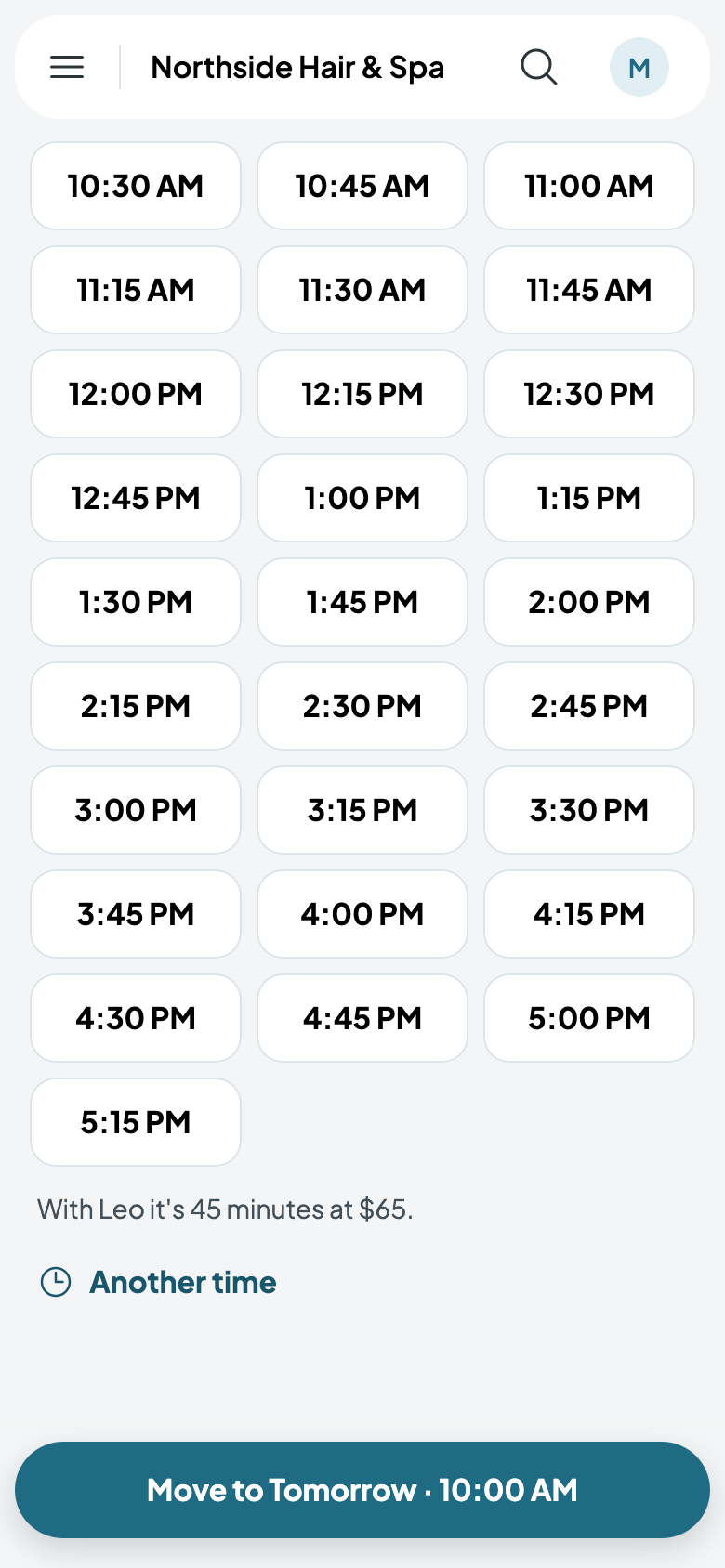
- Choose the day and a start. Another time books a start that isn't offered; if someone or something is already booked then, you're told first, and you choose.
- Tap the button: Book · $140.
A walk-in starts Now. Repeat it books the same every so many weeks, until a date: any that clash are listed, not booked.
Changes
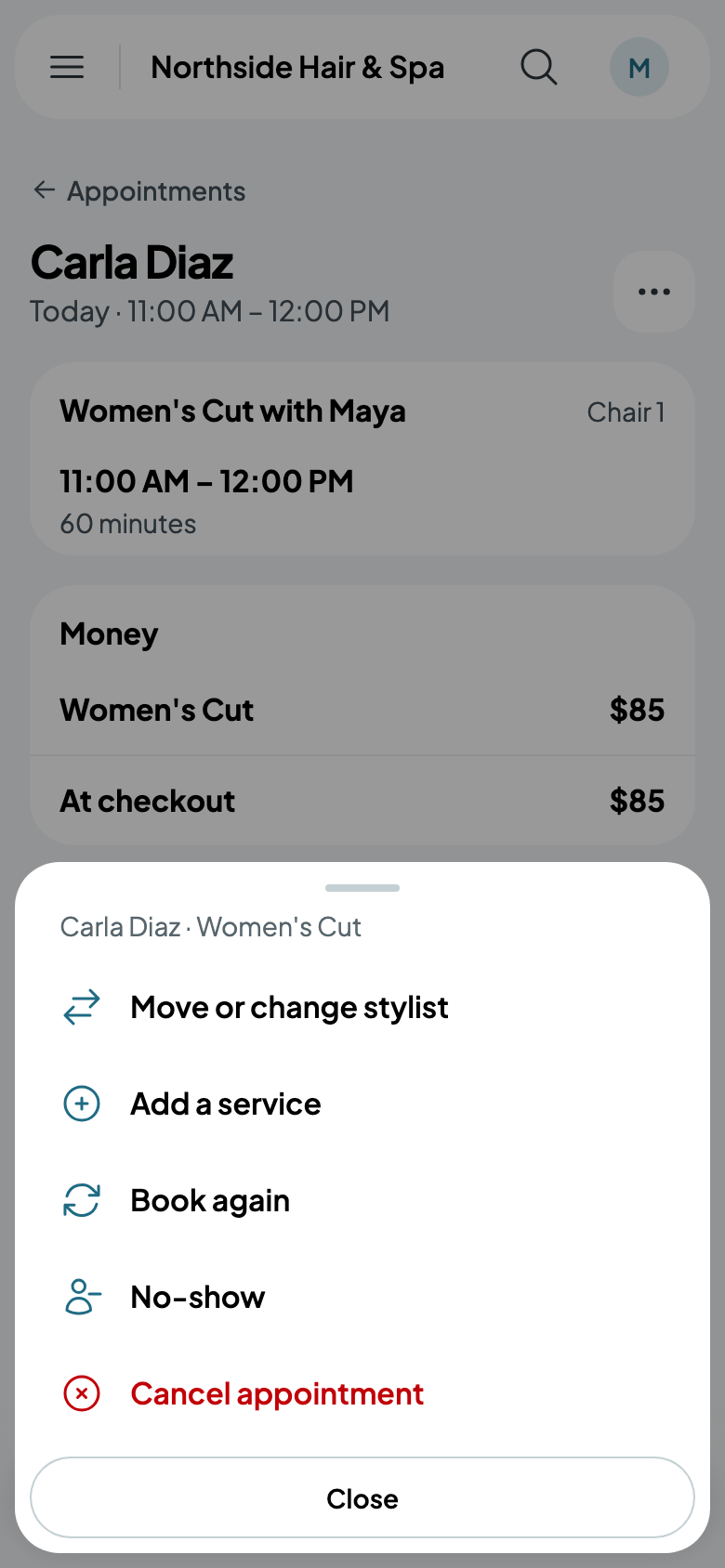
Open an appointment and tap More: Move or change stylist, Add a service, Book again, No-show once it's started, and Cancel appointment.
Moving to someone else says what it'll be with them, at their own length and price.
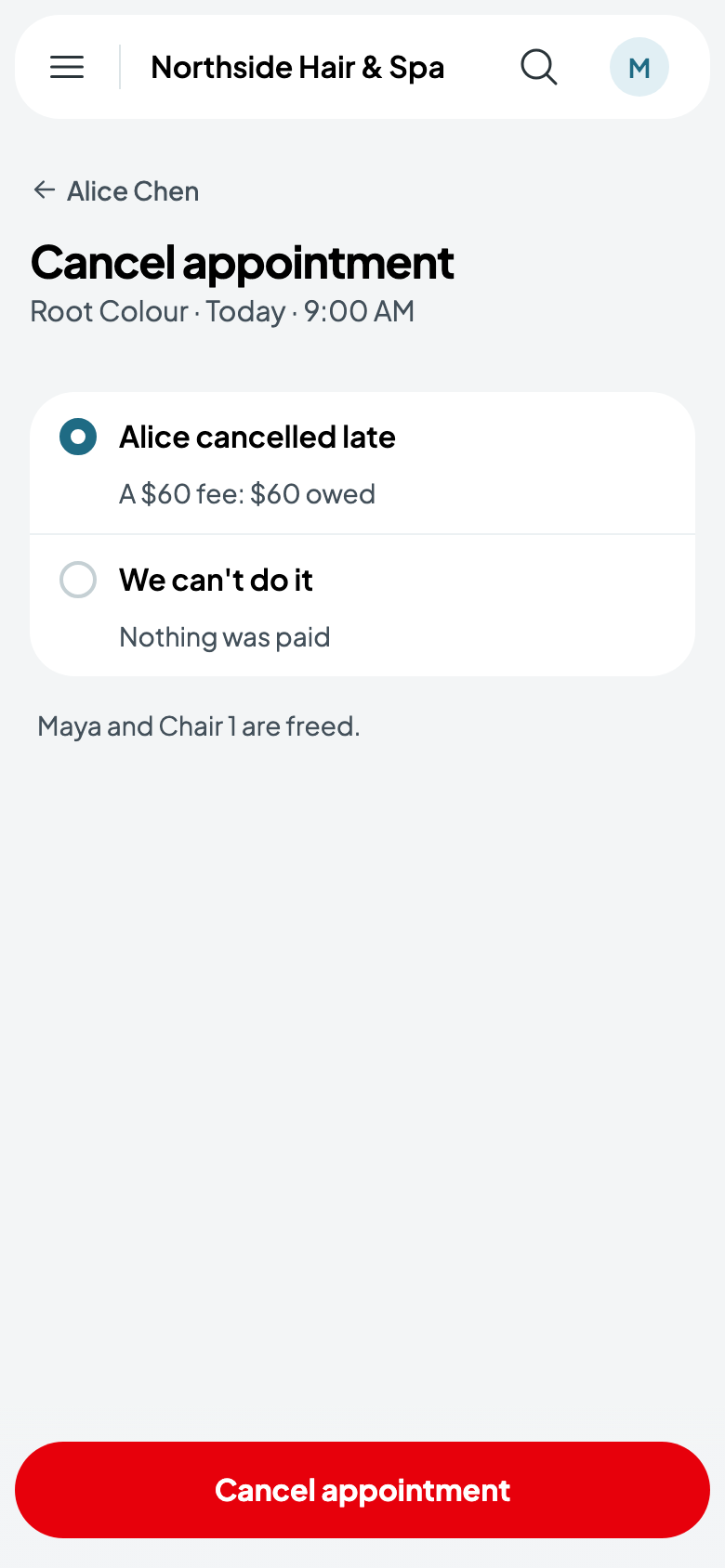
Cancelling asks why, and says what each means:
- Asked, in time: before your cutoff; their deposit goes back to their card.
- Cancelled late: your late fee, from their deposit first, then their card on file, or it's owed.
- We can't do it: everything paid goes back.
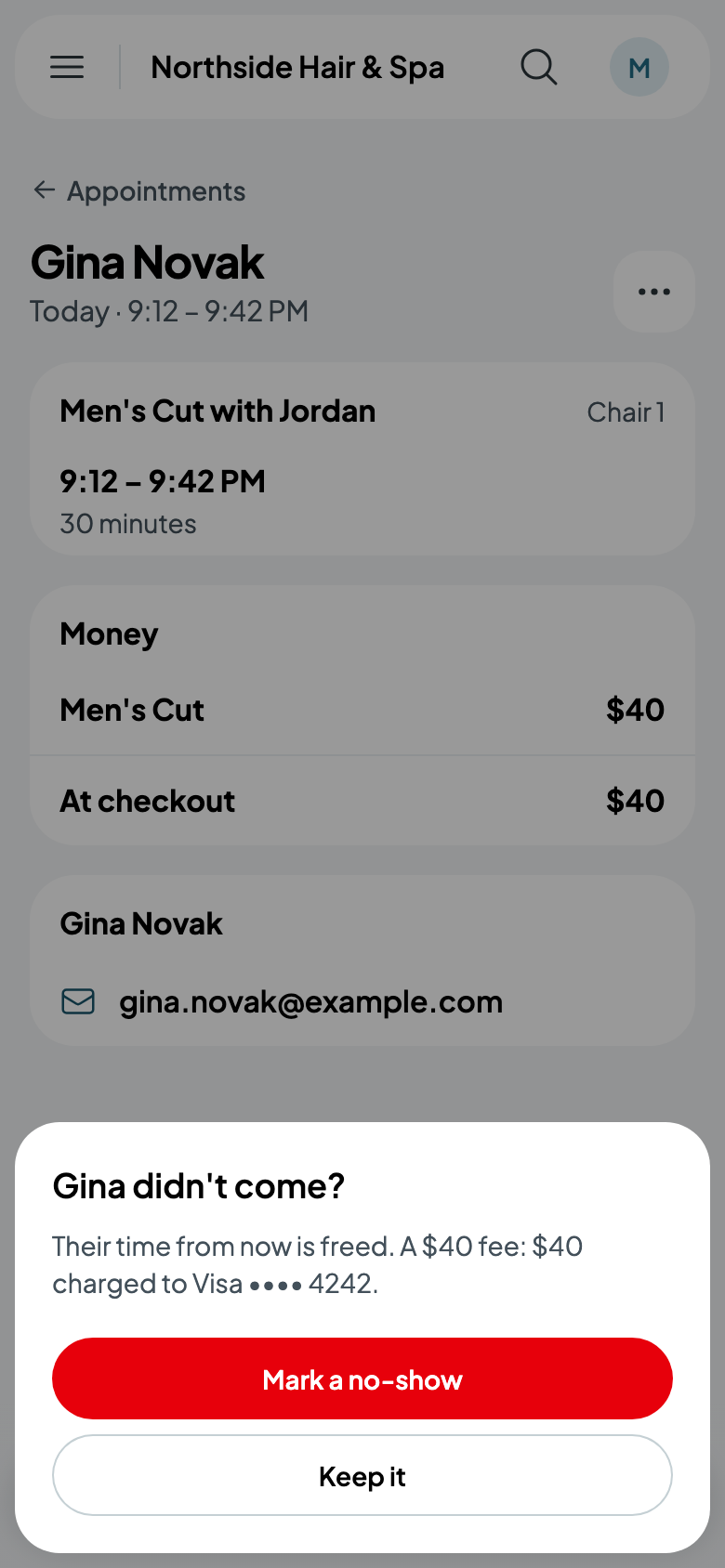
If a client doesn't come, No-show frees their time from now and takes your no-show fee the same way.
Checking out
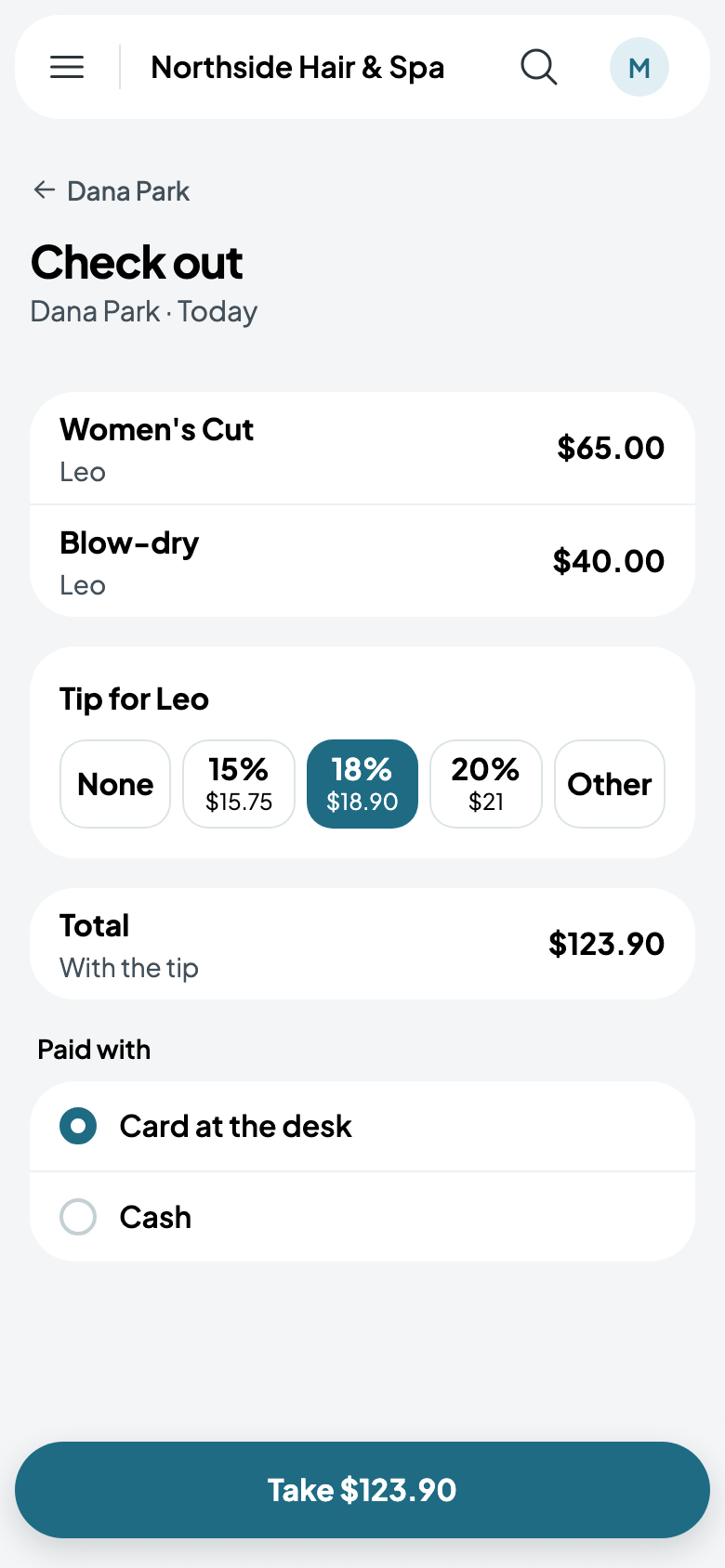
On the appointment, tap Check out. You see each service with who did it, a tip for them (none, 15%, 18%, 20% or another amount), the total, and any deposit already paid. Choose how it's paid, Card at the desk, Cash, or the client's card on file, and tap Take. With a card reader at your counter, it's one of the ways too, and the reader asks for the card (see Card readers at your counter).