Card readers at your counter
Someone paying in person taps, inserts or swipes their card on a card reader at your counter, and it's paid like any card through Stripe, into the same payouts. Caletan sends the amount to the reader, so there's nothing to type on it, and the bill shows it paid the moment it's approved.
The readers
Caletan works with Stripe's own smart readers, the Stripe Reader S700 and the BBPOS WisePOS E. Each connects to your Wi-Fi and takes taps, chips and swipes, and in Canada Interac debit too. Readers that pair with a phone over Bluetooth need an app, so they don't work with Caletan yet.
Your reader comes from Stripe, ordered through Caletan: write to us with the address to send it to and which one you'd like, and it ships to you ready to add.
Adding a reader
Once card payments are on (see Getting paid with Stripe), Settings, Getting paid has Card readers.
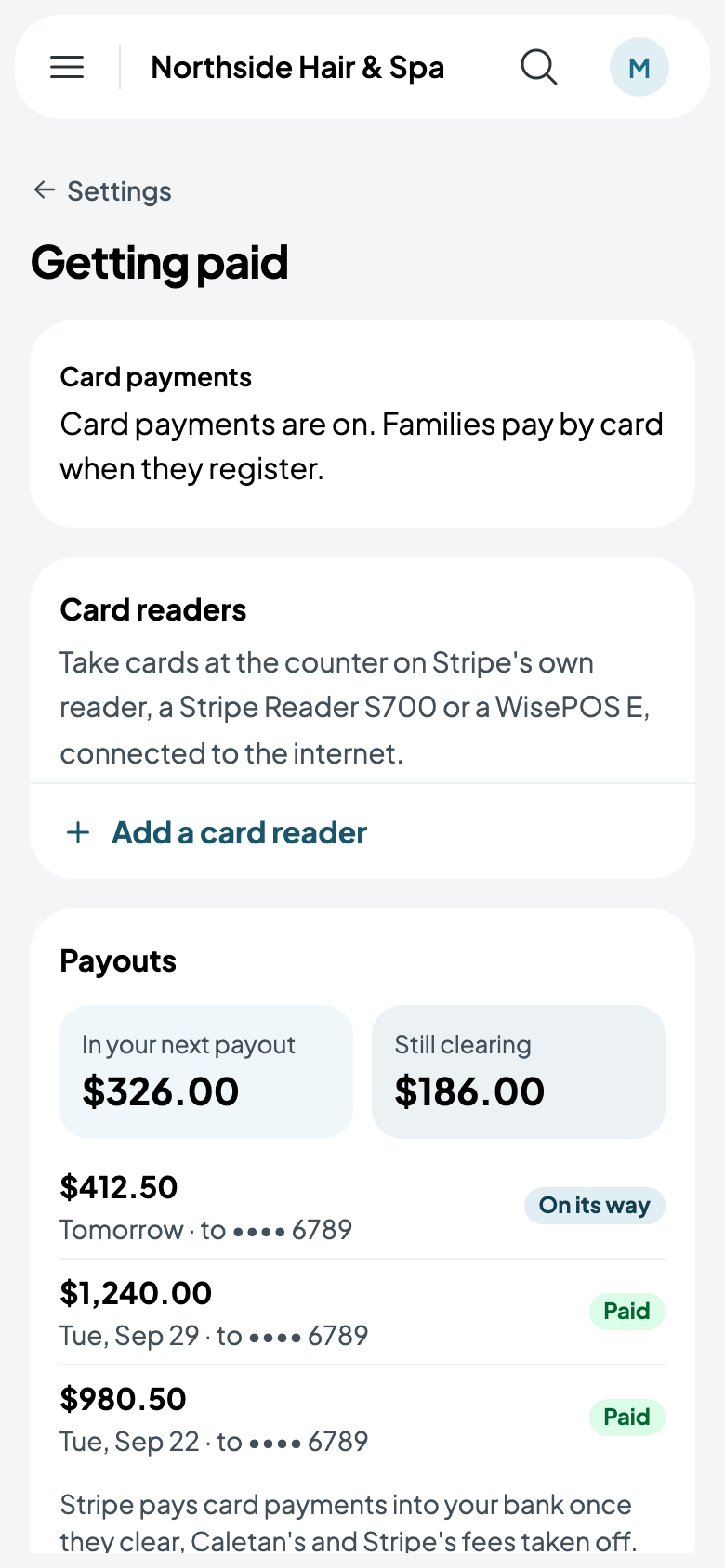
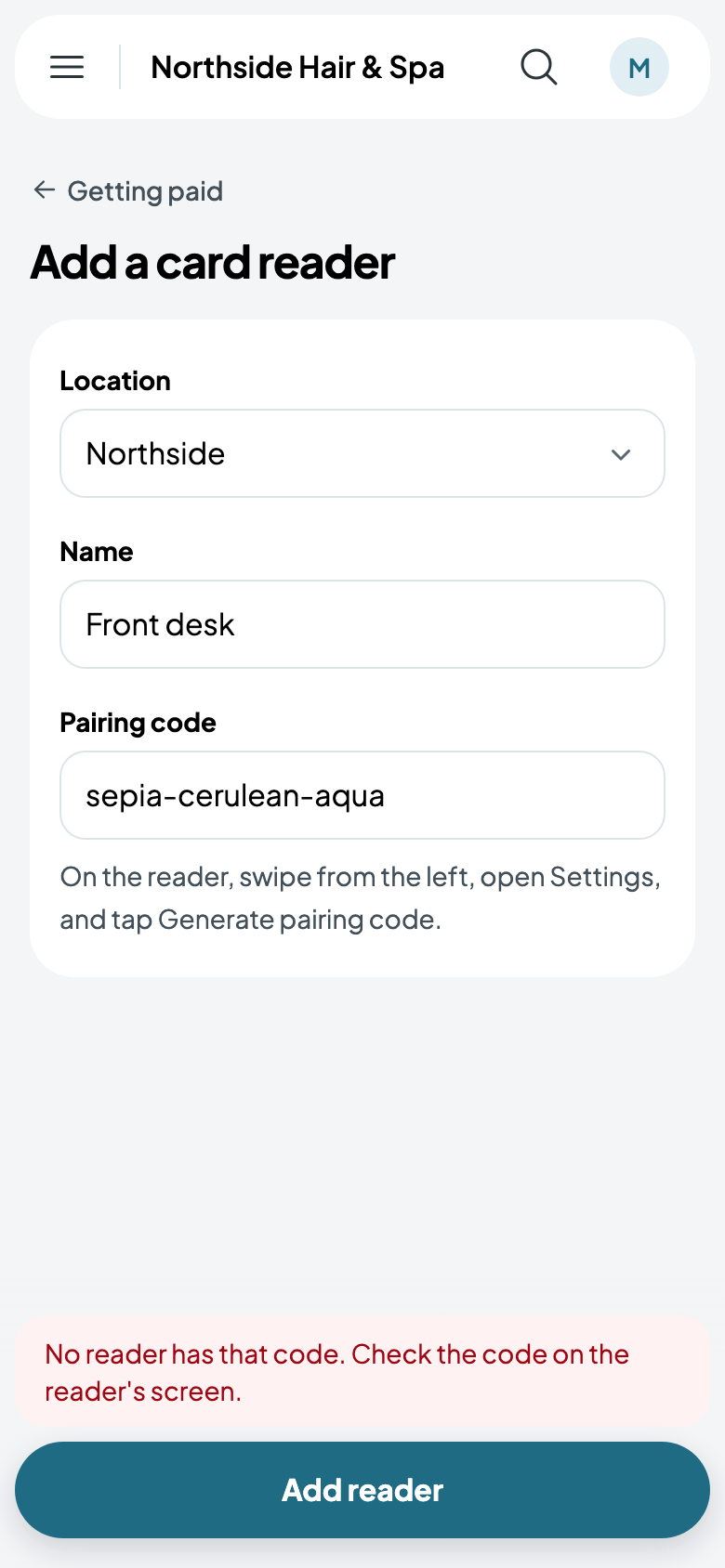
Turn the reader on and connect it to your Wi-Fi. Then, on the reader, swipe from the left, open Settings, and tap Generate pairing code: it shows three words, such as sepia-cerulean-aqua. Tap Add a card reader, choose its location, give it a name your team will know, such as Front desk, type the three words, and tap Add reader.
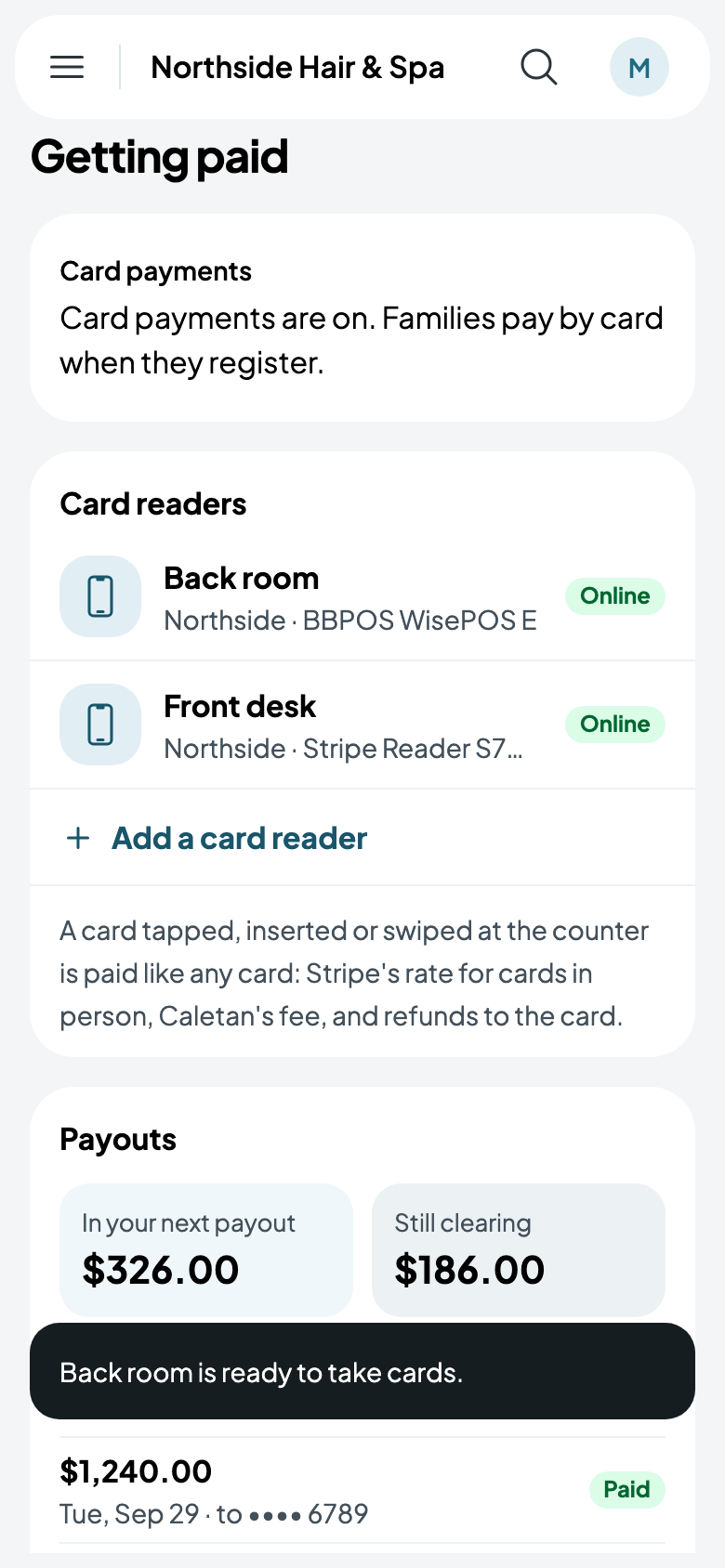
Your readers are listed with where they are and whether they're Online. Tap one to remove it, when it's replaced or gone; to use it again, add it with a new pairing code. Only the owner adds and removes readers, and everyone on your team can take payments on them.
Taking a payment
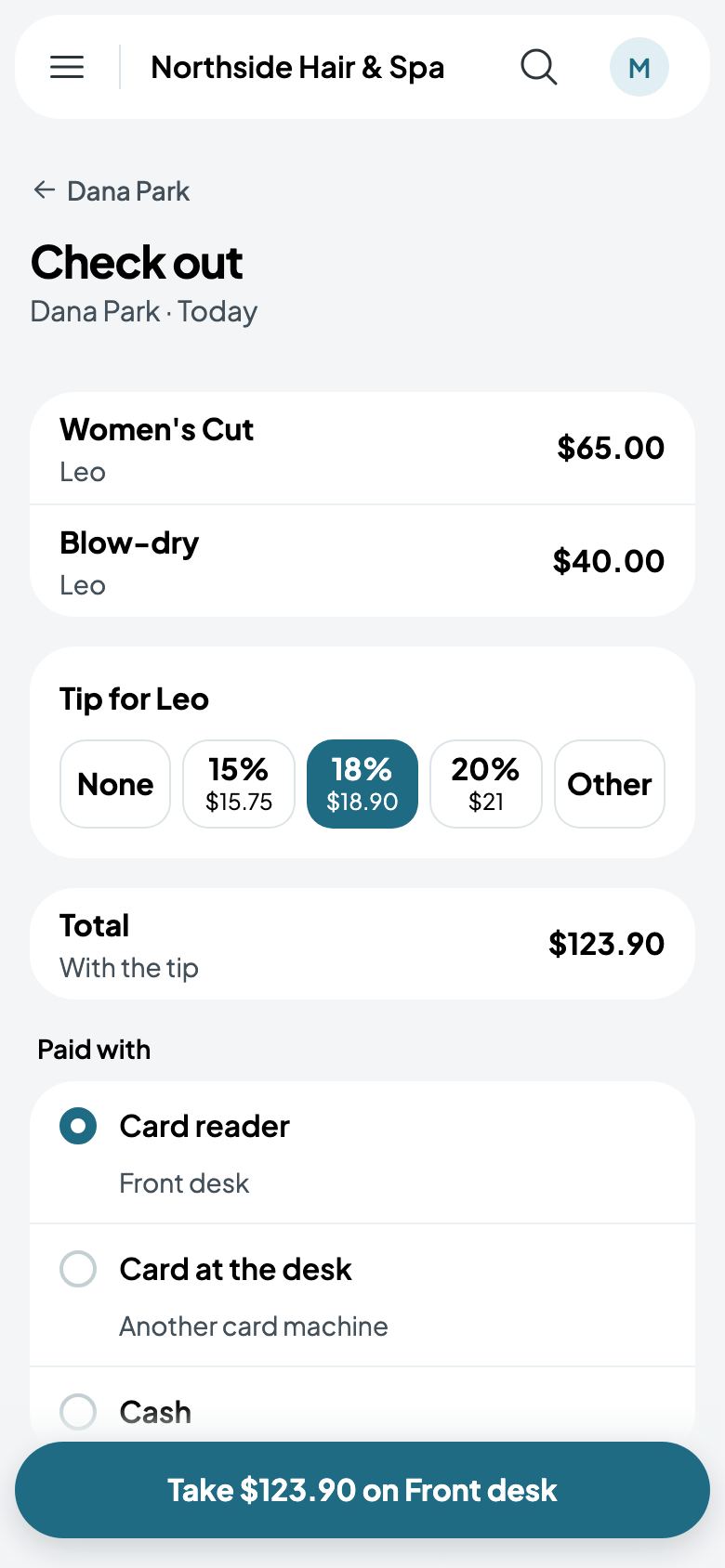
Wherever you take money in person, the reader is one of the ways to pay, and the one chosen, unless an appointment's client has a card on file.
- Checking out an appointment: Card reader, with its name under it, is offered beside the card on file, another card machine and cash. The button says how much and where: Take $123.90 on Front desk.
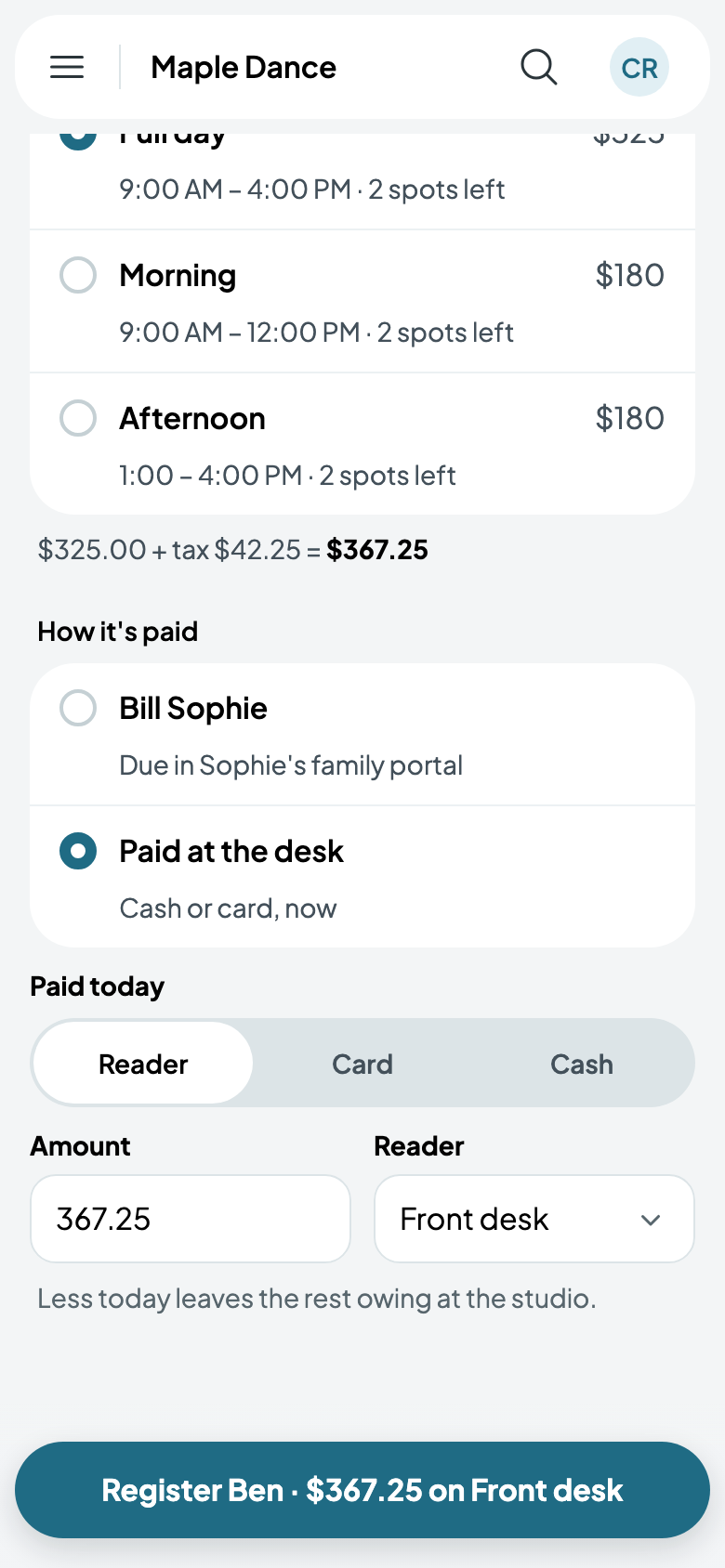
- At a desk: registering for a class or a camp, a walk-in, a rental or a party, Paid today offers Reader, Card or Cash, with the amount and which reader. At the door, so does Paid by.
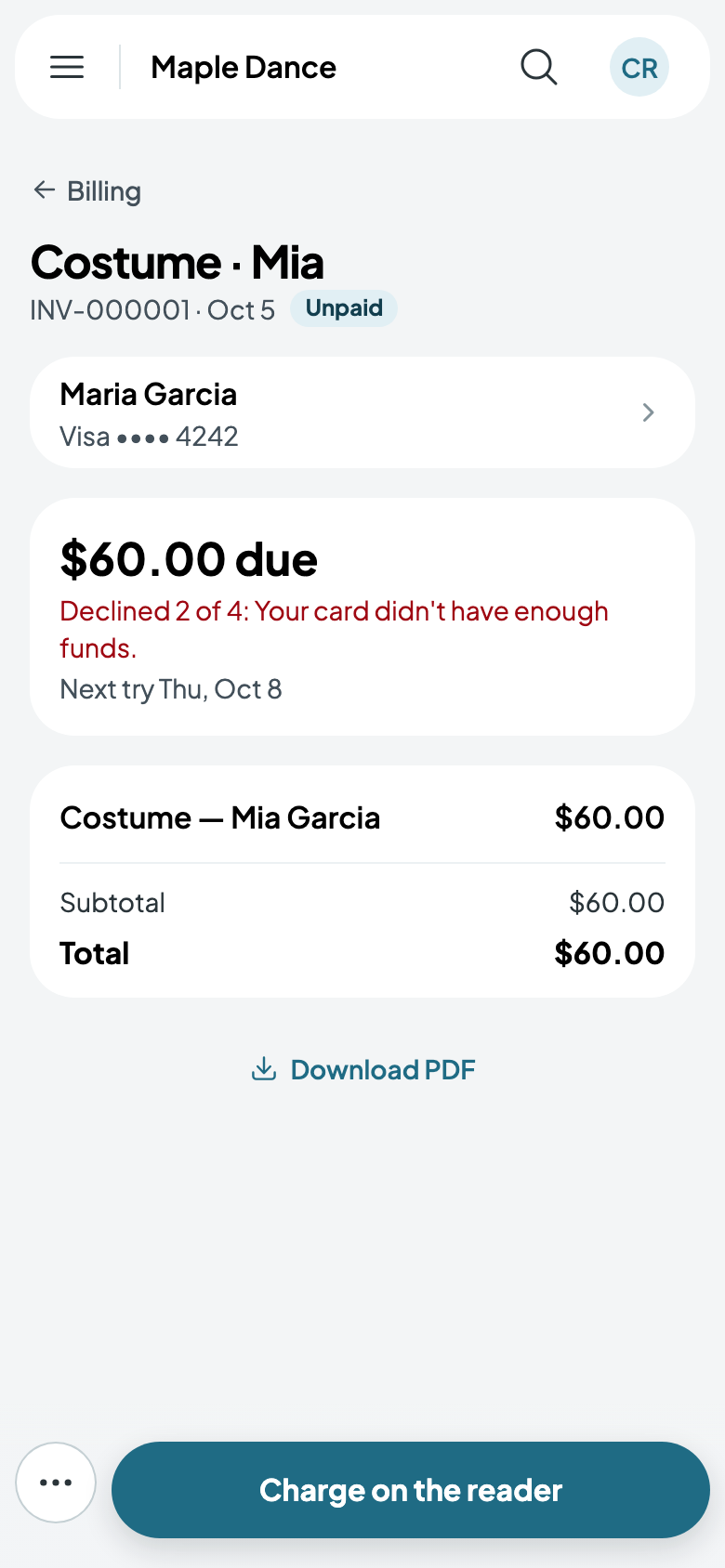
- On a bill: a bill still owed has Charge on the reader, which asks which reader when you have more than one.
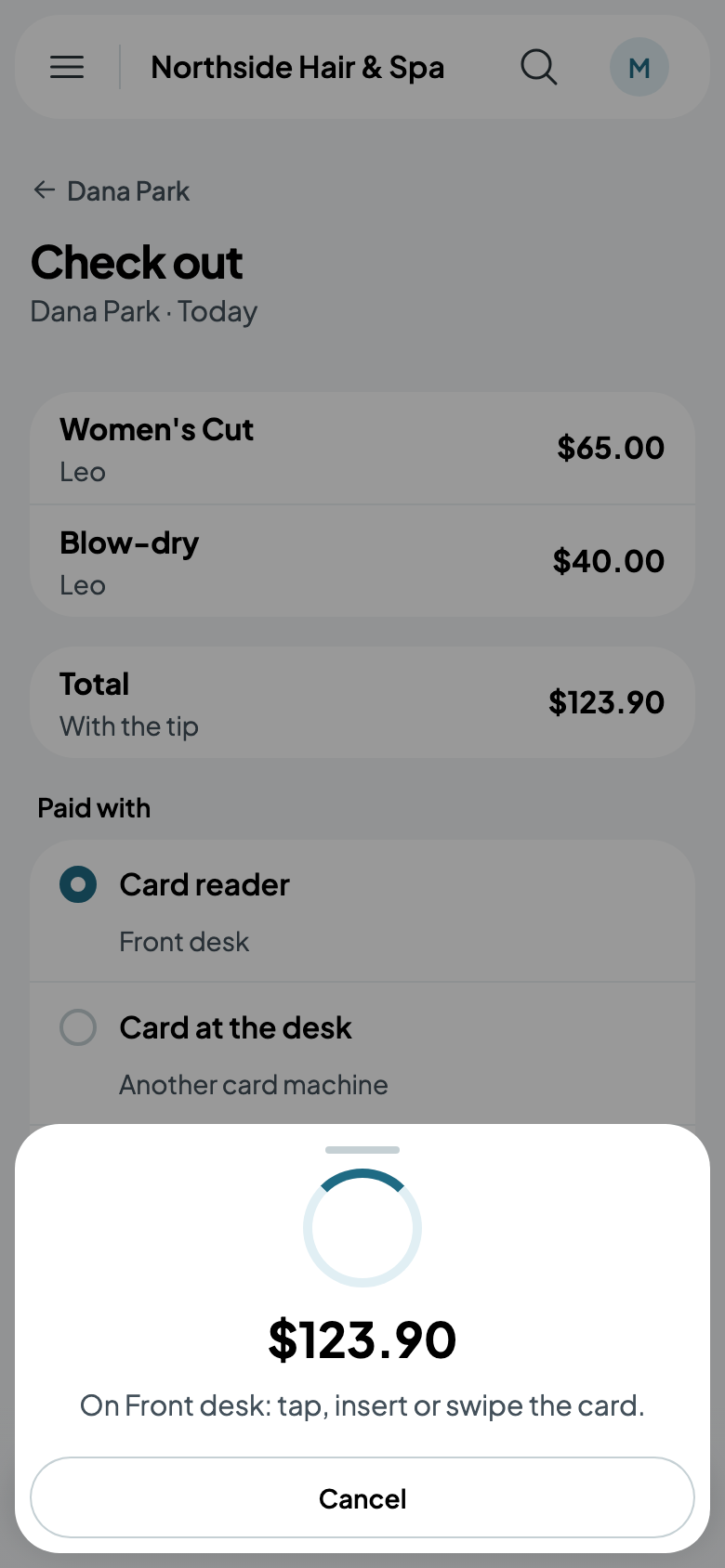
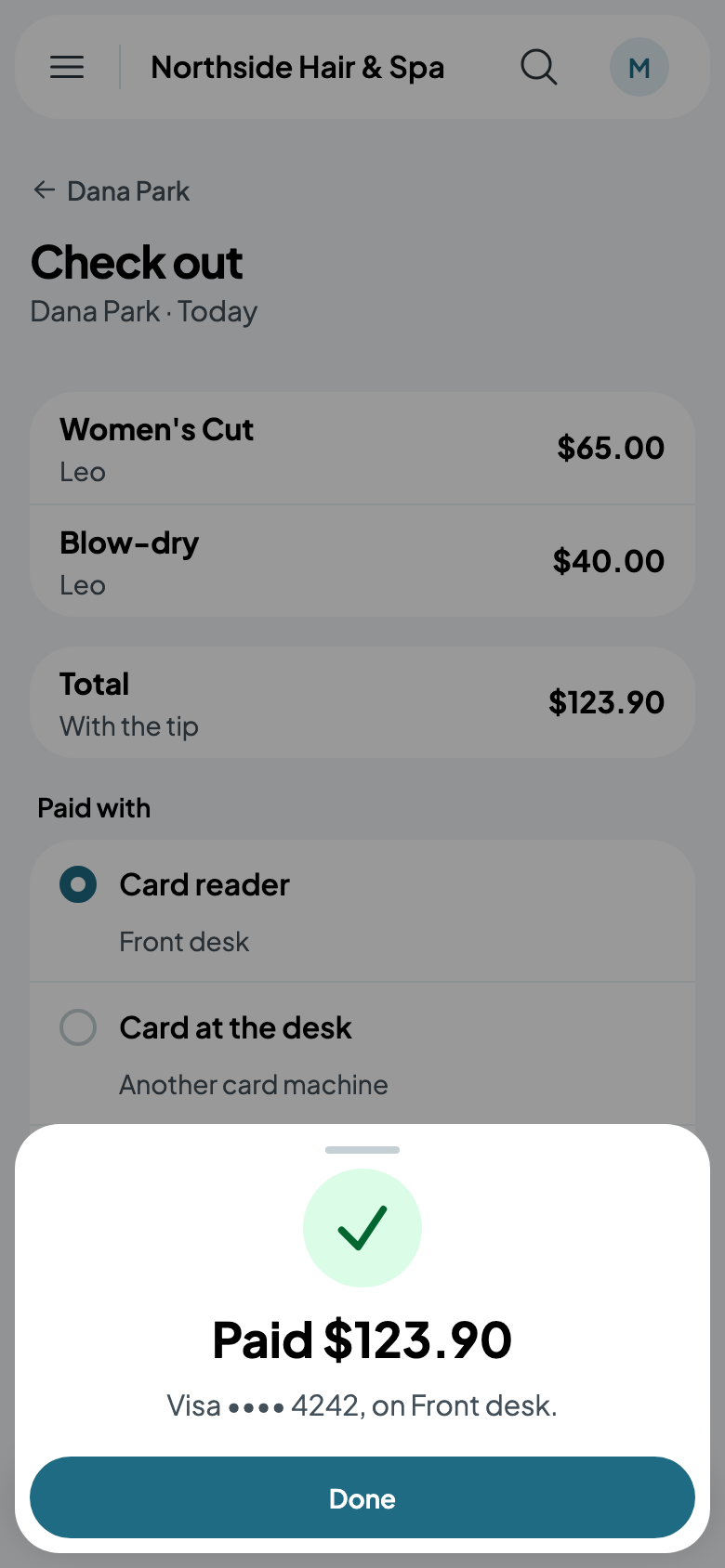
The reader then asks for the card, and Caletan waits with it. Once it's approved, Paid shows the card, and Done takes you on. Cancel stops the reader asking, and nothing is paid.
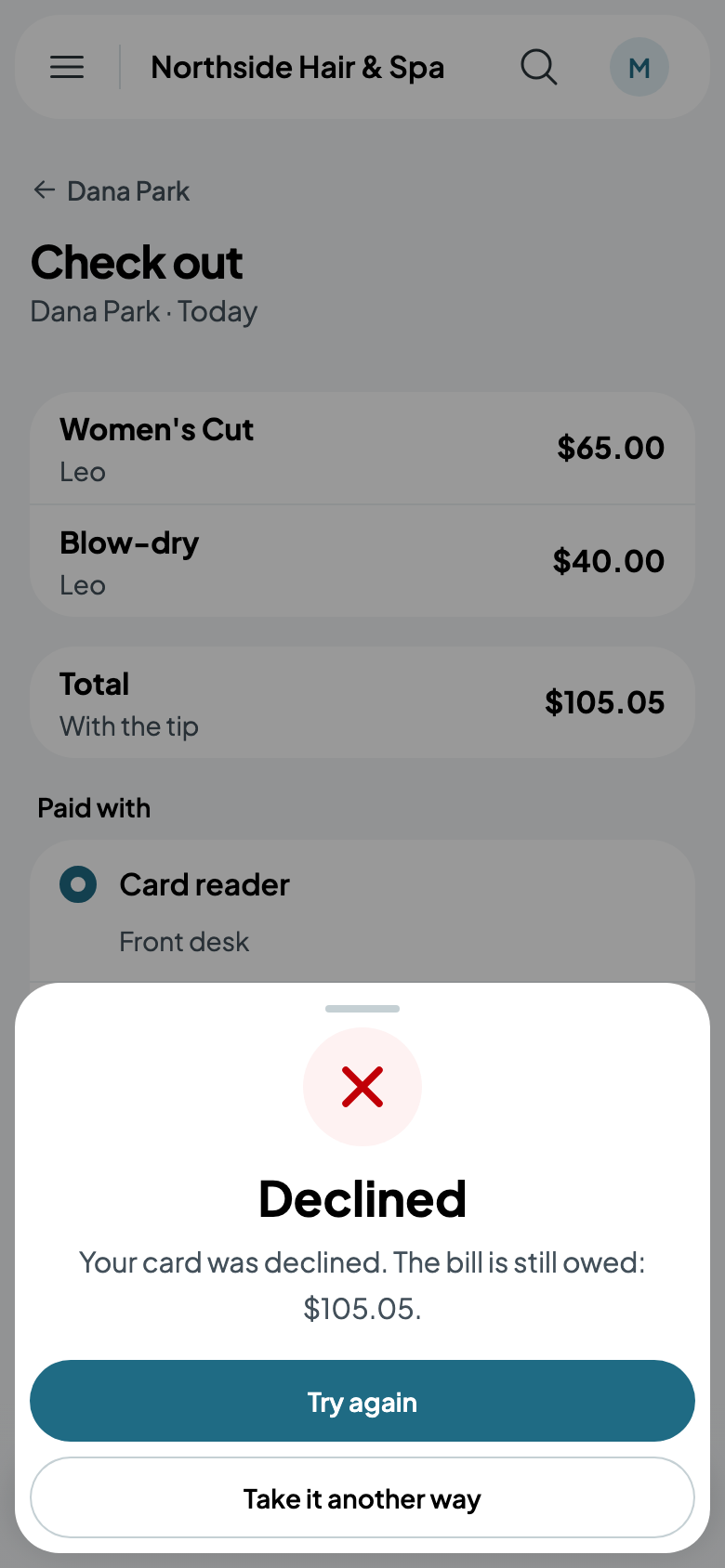
If the card is declined, you're told why, in the bank's words, and the bill is still owed: Try again sends it to the reader once more, perhaps with another card, and Take it another way lets you take cash or another card machine instead. Either way, what was booked or registered stays.
What it costs, and refunds
A payment on a reader costs Stripe's rate for cards in person, plus Caletan's fee, the same as any card payment (see Payouts). The card isn't saved: it's the card at the counter, not the one on file.
A refund goes back to the card, as for any card payment (see Refunds). An Interac debit card is refunded only with the card at a reader, so for one of those, give the money back another way.