Add a camp and its options
A camp is a run of days, such as a week in July, sold whole. Its options are the parts of the day families choose from, such as a full day, a morning or an afternoon, each with its own price.
Your camps
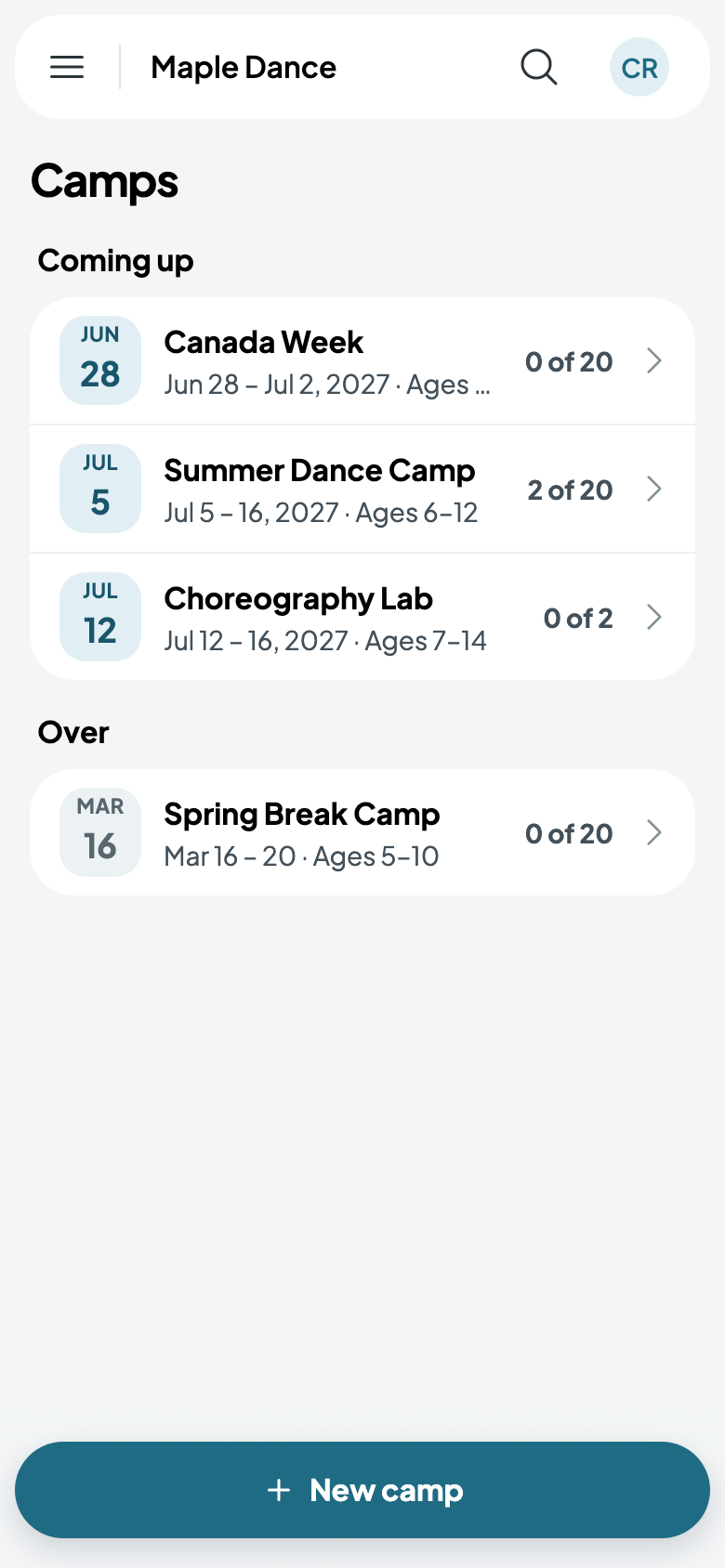
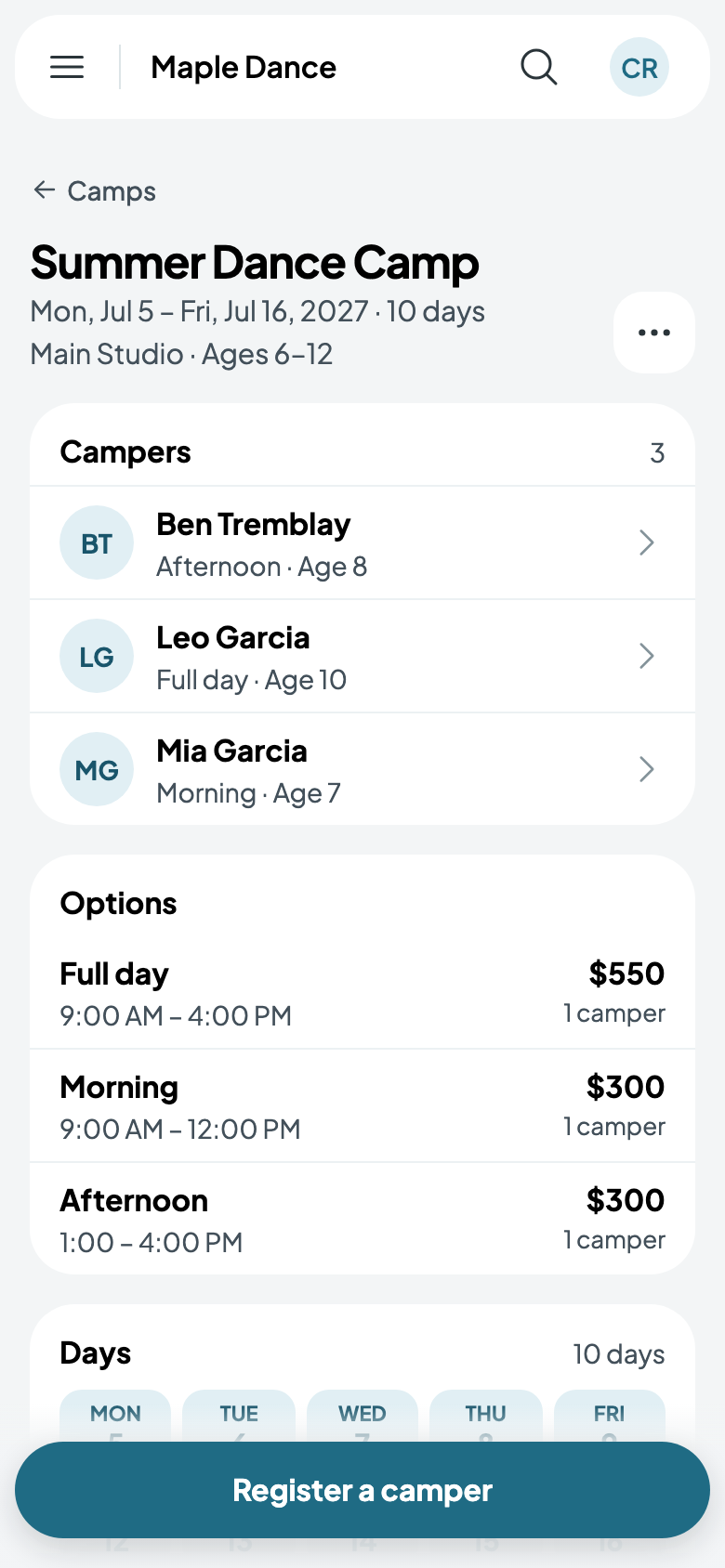
Camps, in the menu, lists the camps coming up, with how many of their spots are taken, then those that are over. Tap one for its campers, options, days and counselors.
On a bigger screen, a camp opens beside the list.
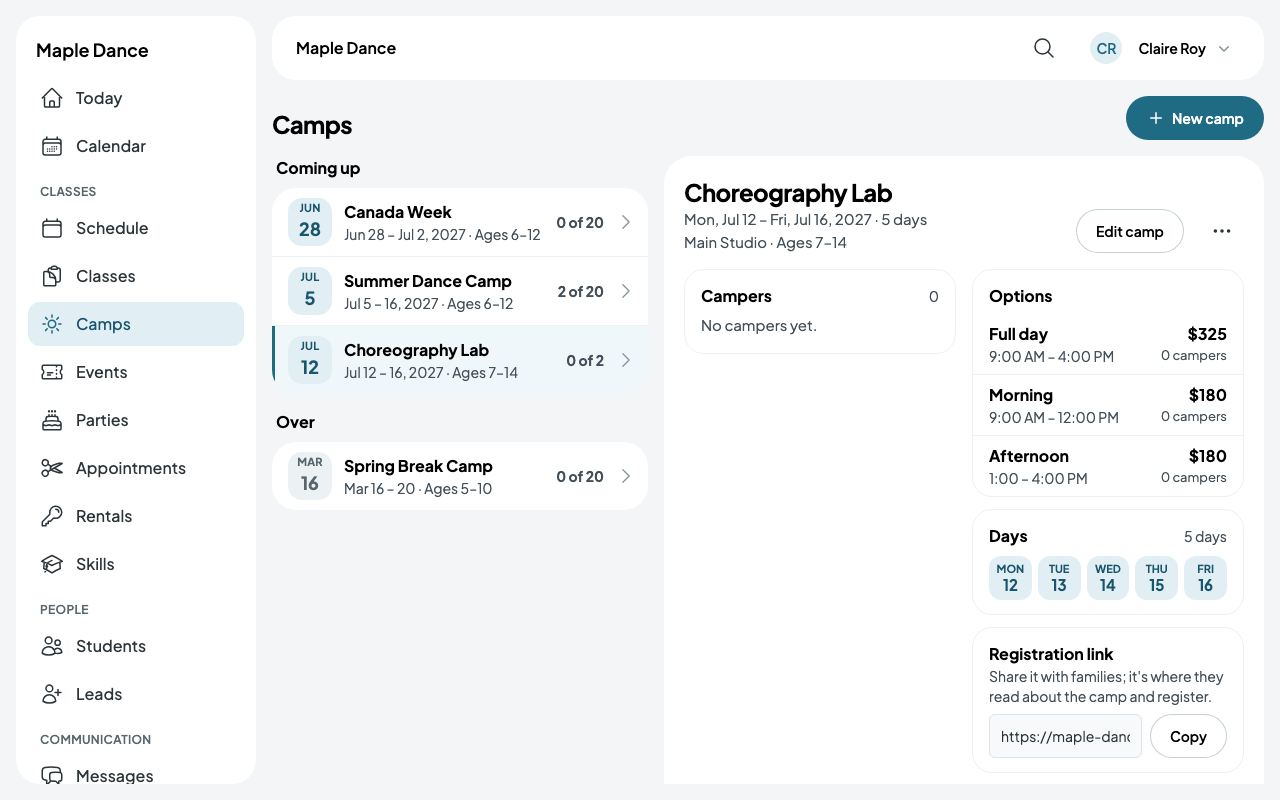
Add a camp
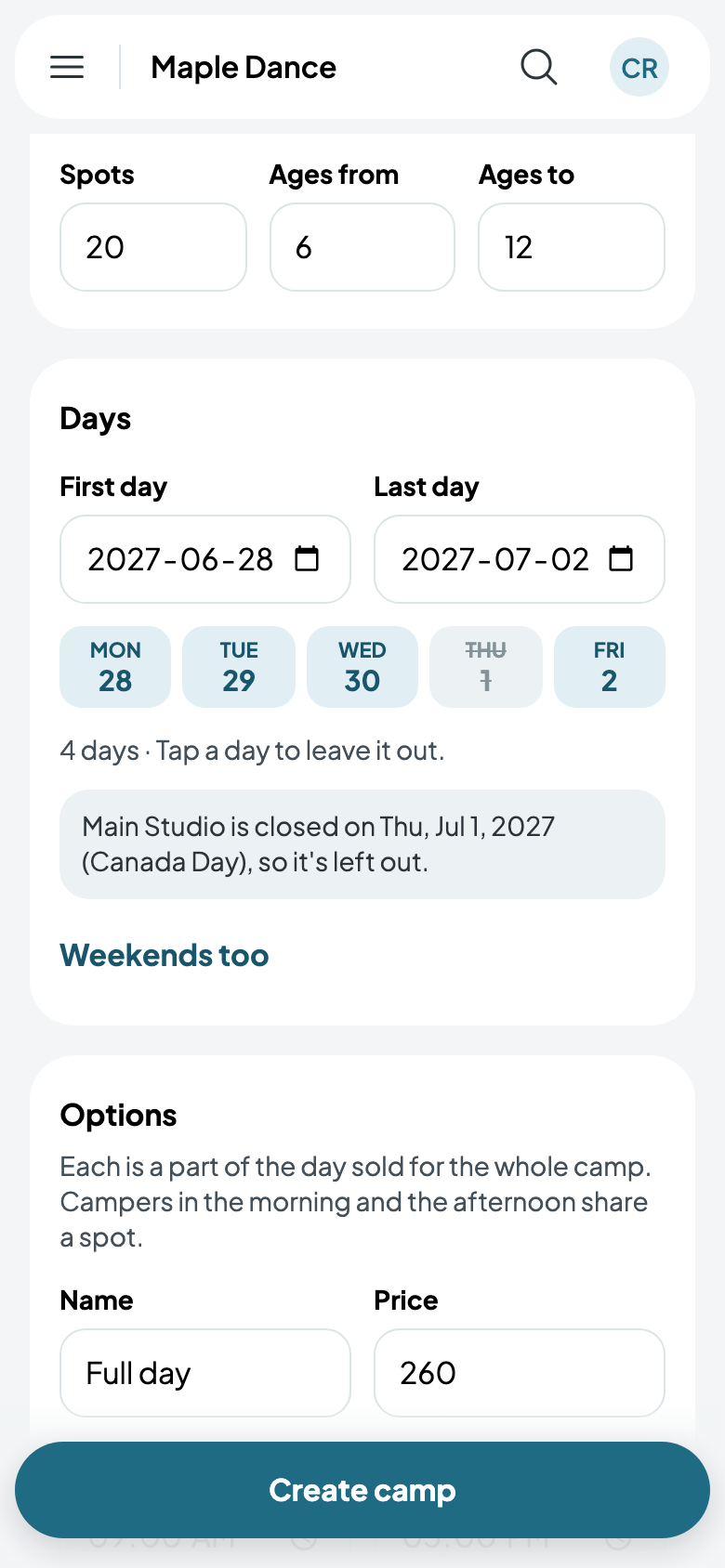
- Tap New camp and give it a name, its spots and its ages.
- Choose its First day: the last day is that week's Friday, which you can change. Each weekday between them is a camp day; tap one to leave it out, or Weekends too to add them. A day the location is closed is left out on its own.
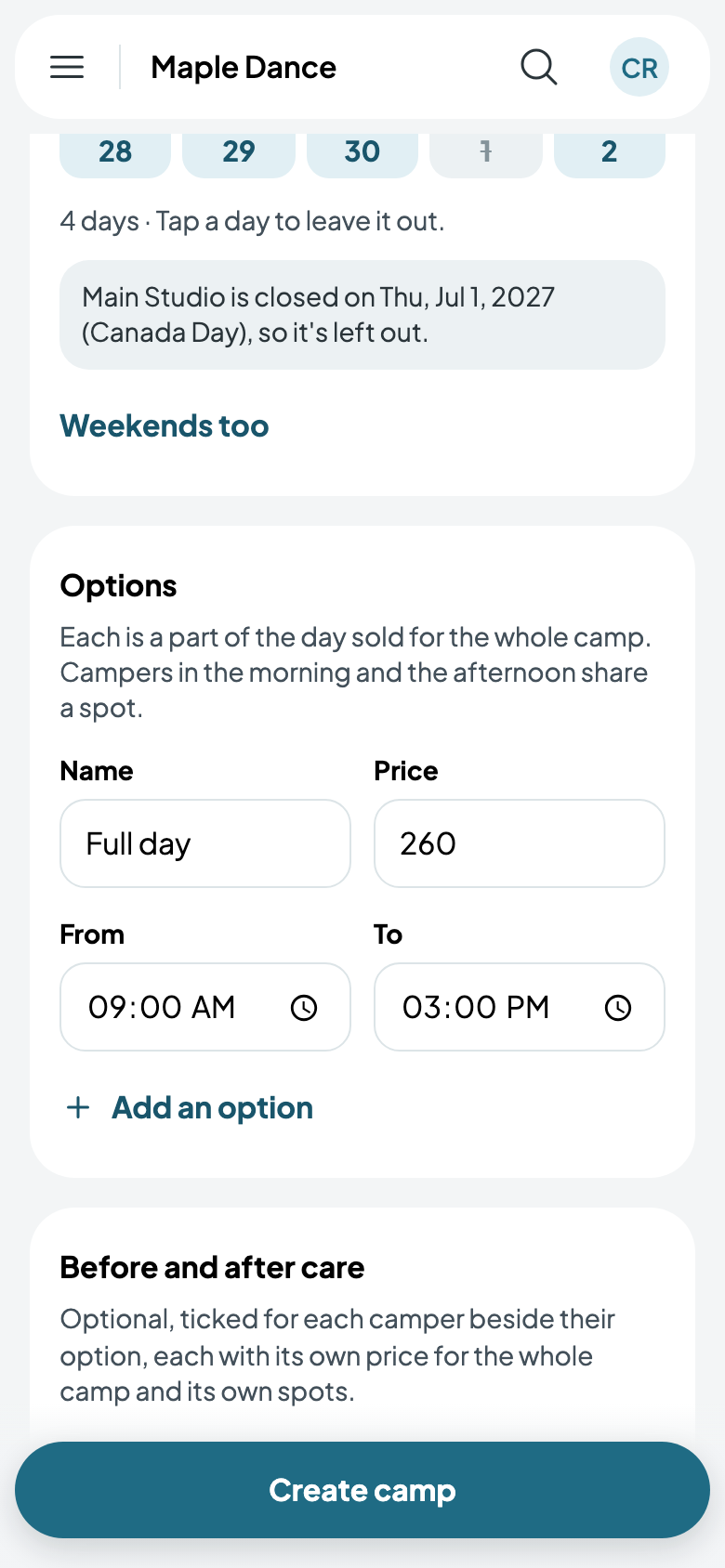
- Under Options, its first is a full day: give its price and its hours. Add an option for a morning or an afternoon. Campers in the morning and the afternoon share a spot.
- Tick its Counselors. Their calendars are kept for each camp day.
- Tap Create camp.
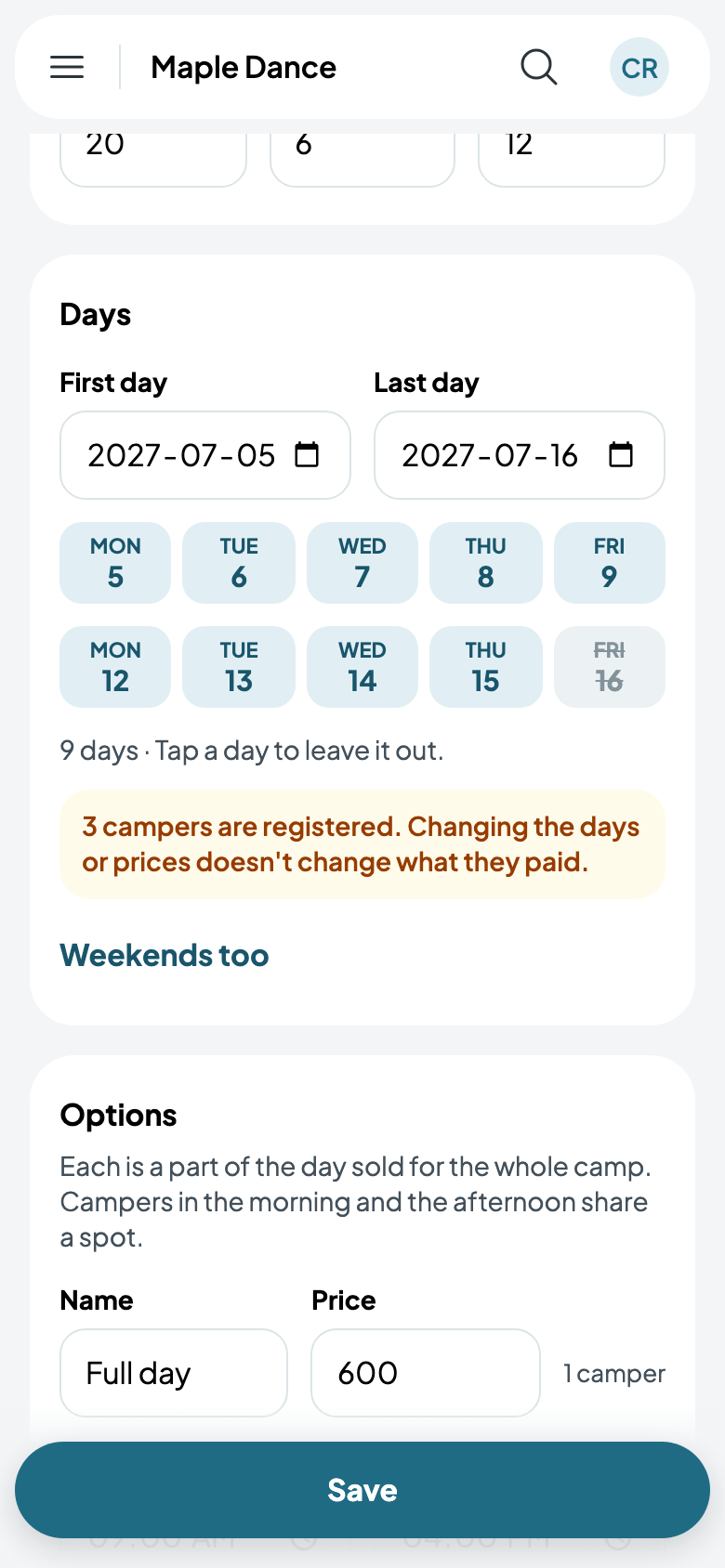
Edit camp changes anything later. Campers already registered keep what they paid, and an option with campers can't be taken out. A camp with campers can't be deleted.
Families register online
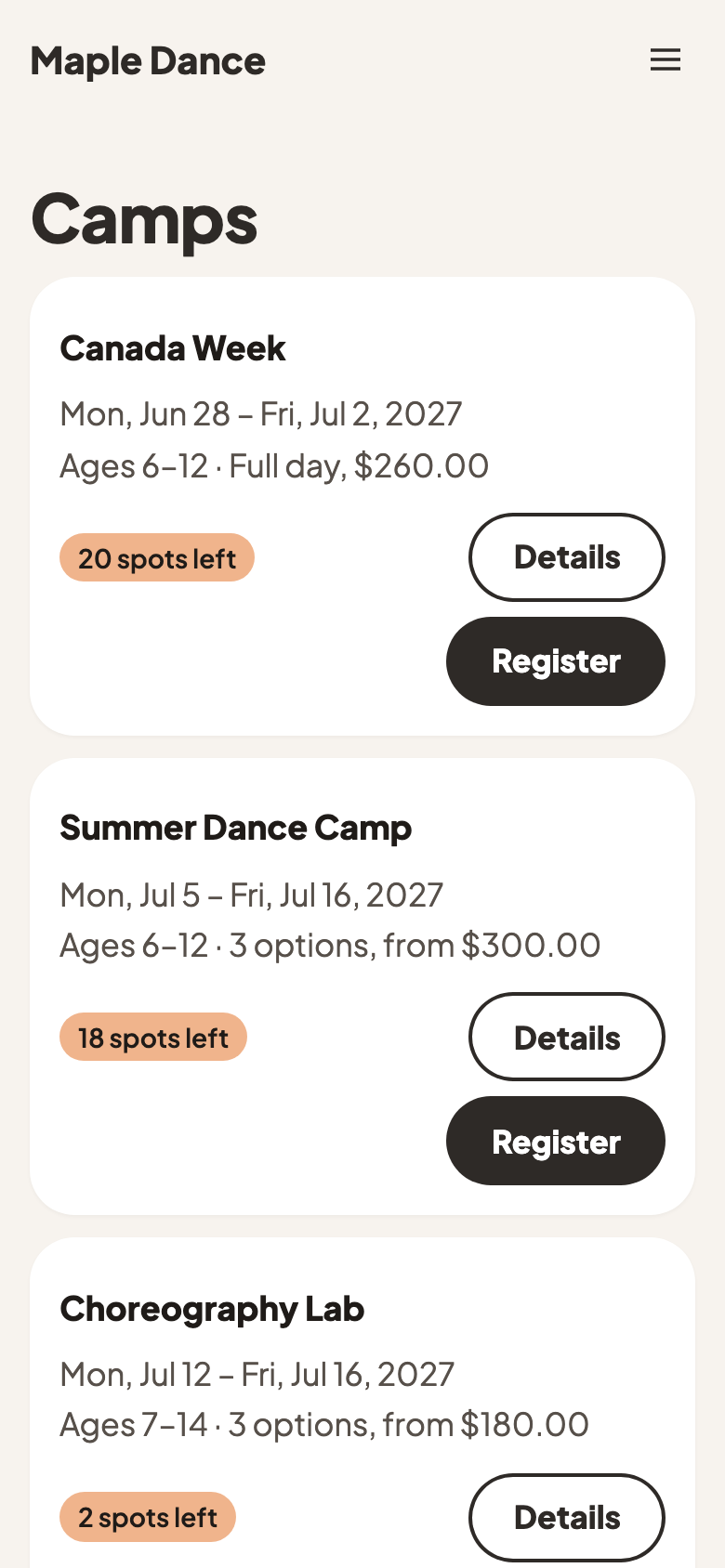
Add the Camps page to your website (Website, Add a page): every camp still to come, soonest first, with its days, options and spots left.
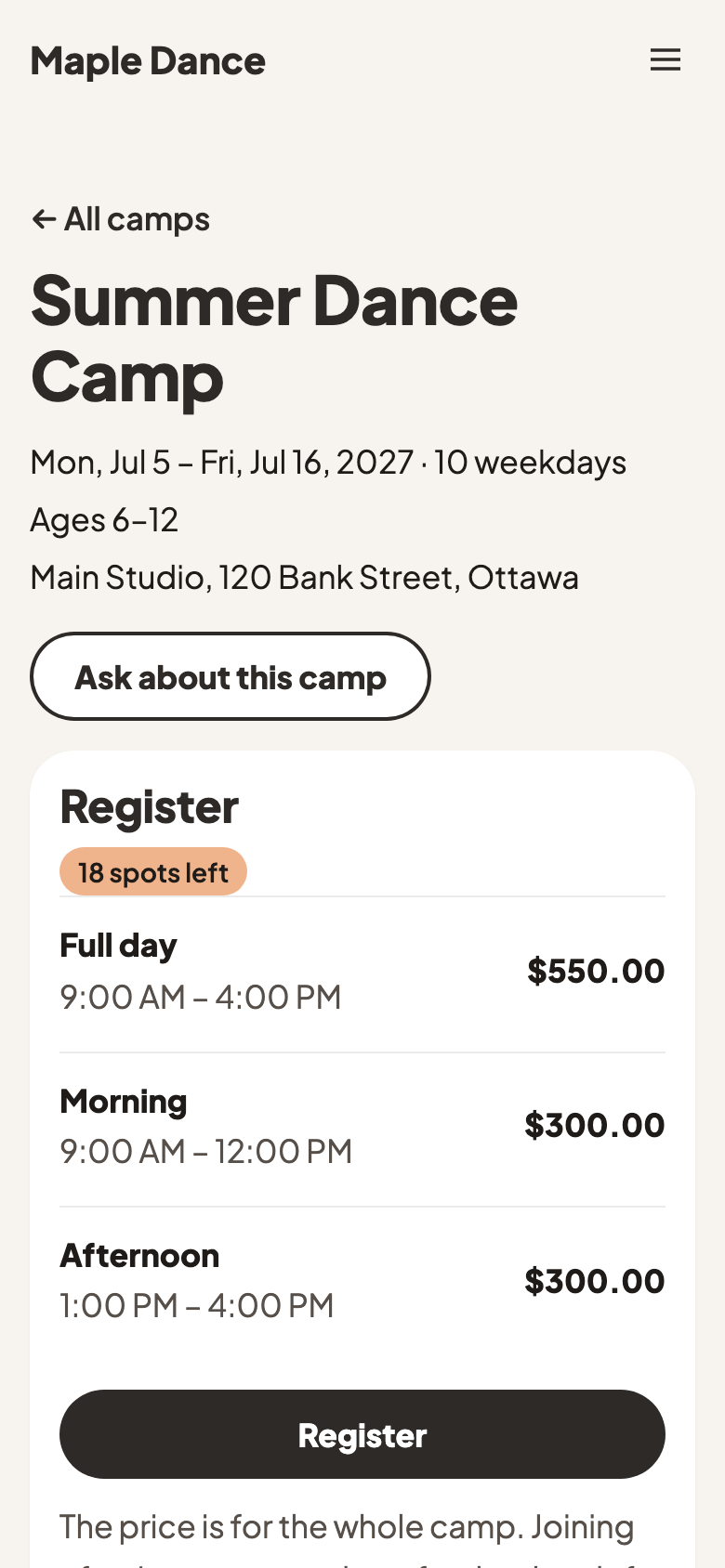
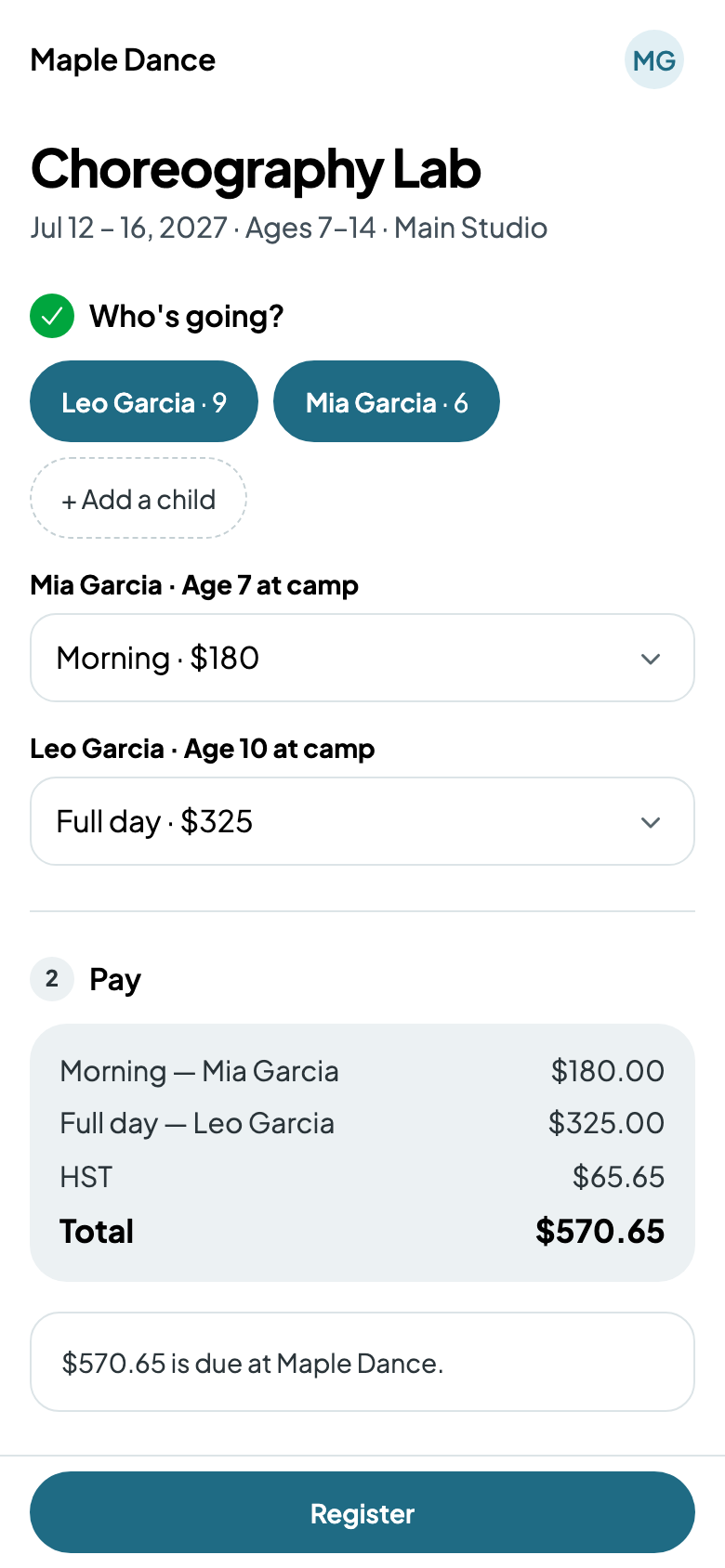
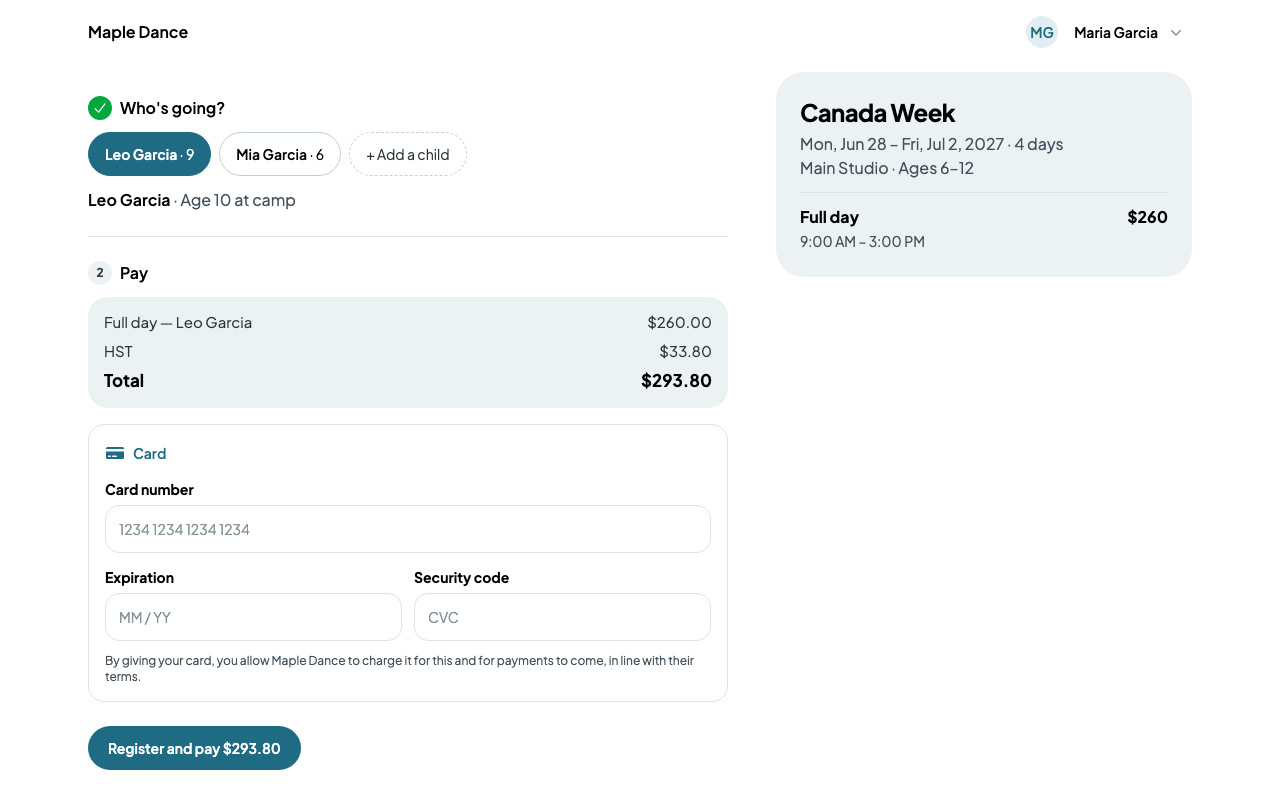
A parent taps Register, chooses who's going and each one's option, and pays by card while their spots are held. If you take payment at the studio, they're told what's due there instead.

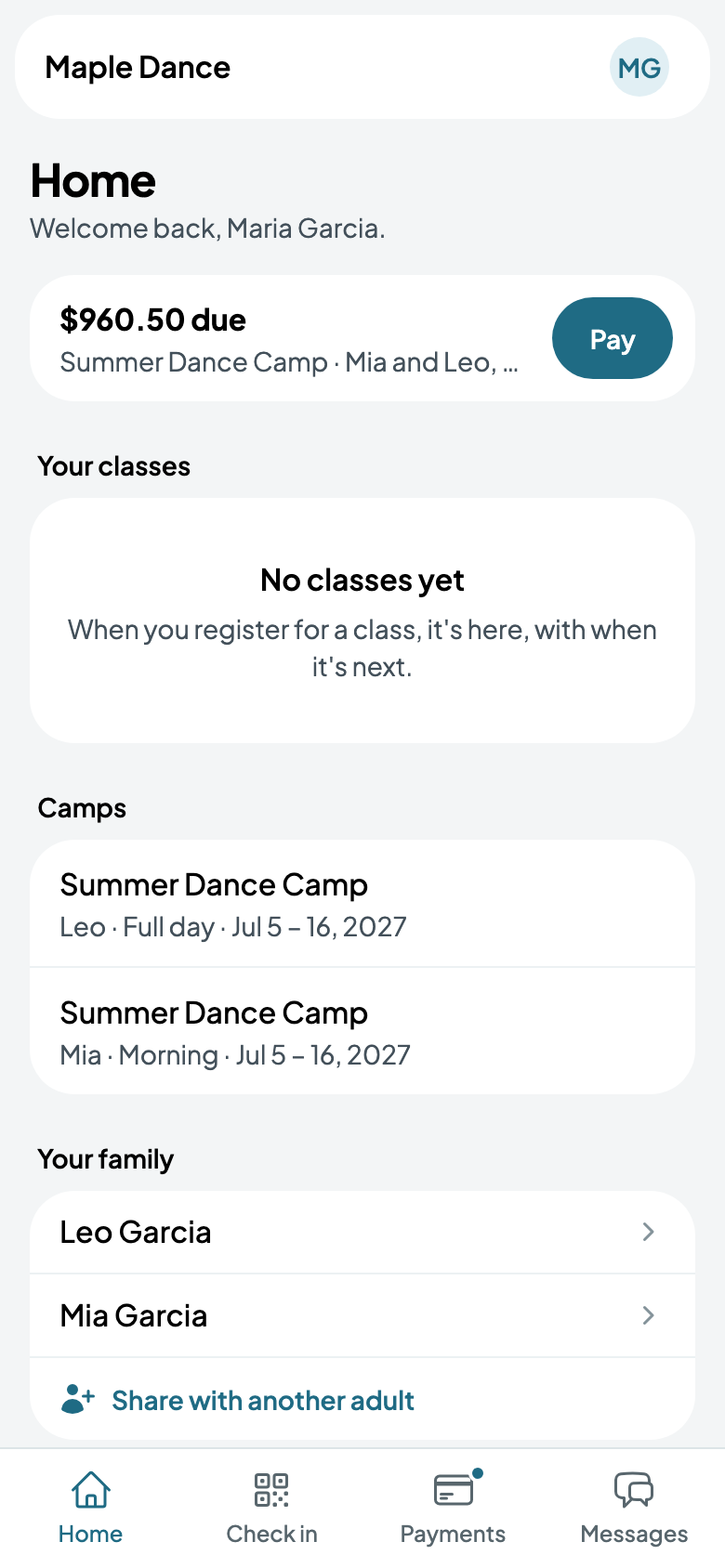
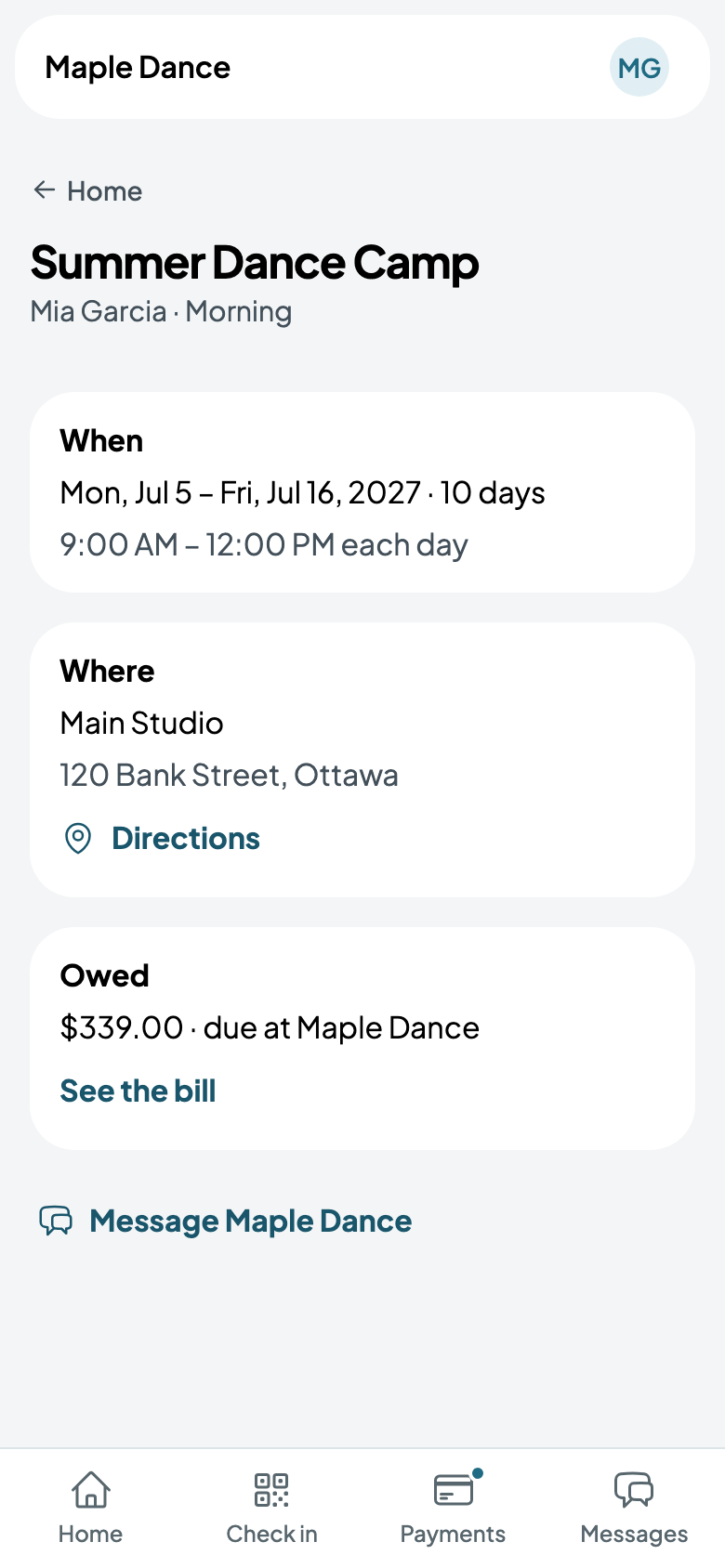
Their camps are on their Home, each with its days and hours, where it is, and what's owed.