The day's campers
Each camp day has its own list: who's coming, what to know about each, who's in, and who's gone home and with whom.
Open the day
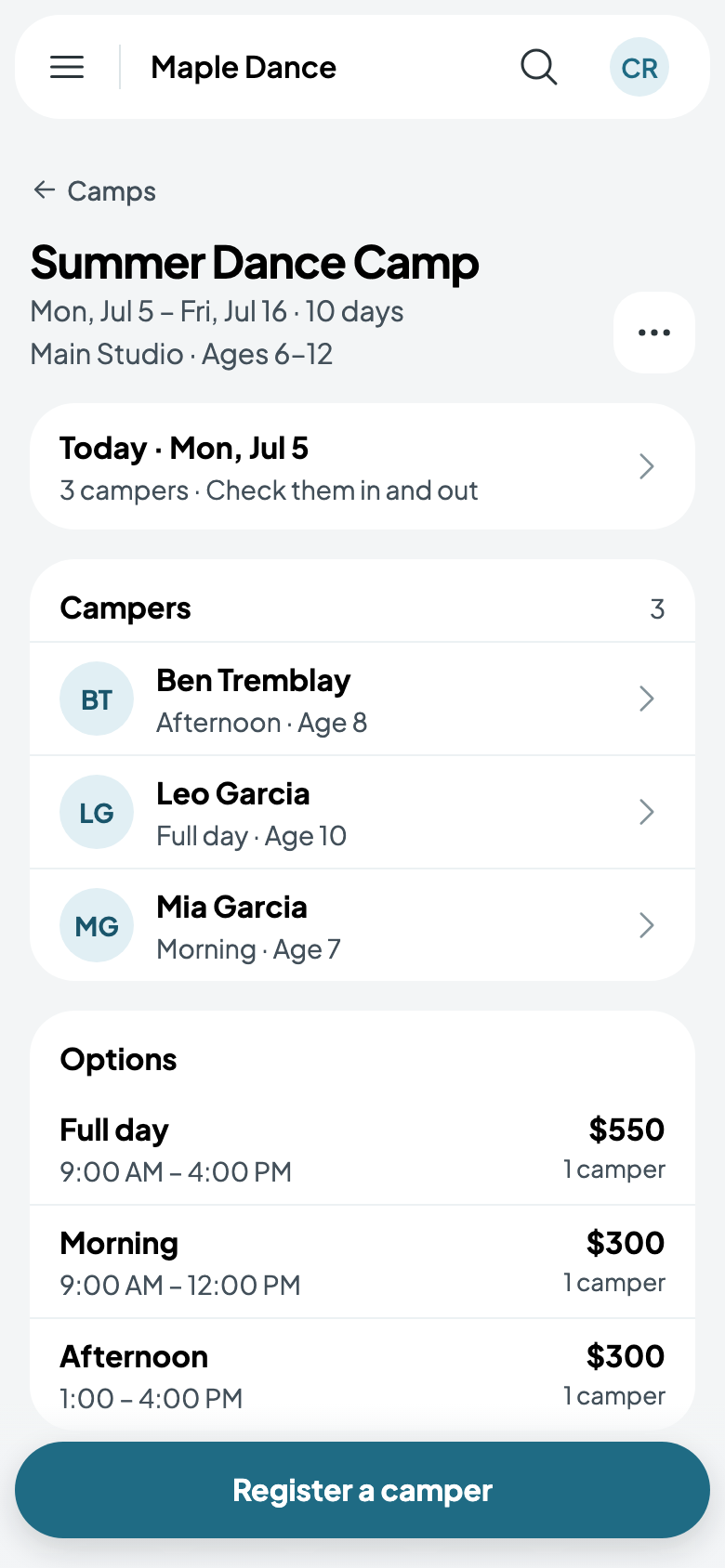
On a camp day, the camp's page starts with Today: tap it. Any other day opens from the camp's Days, and the strip at the top of a day moves between them.
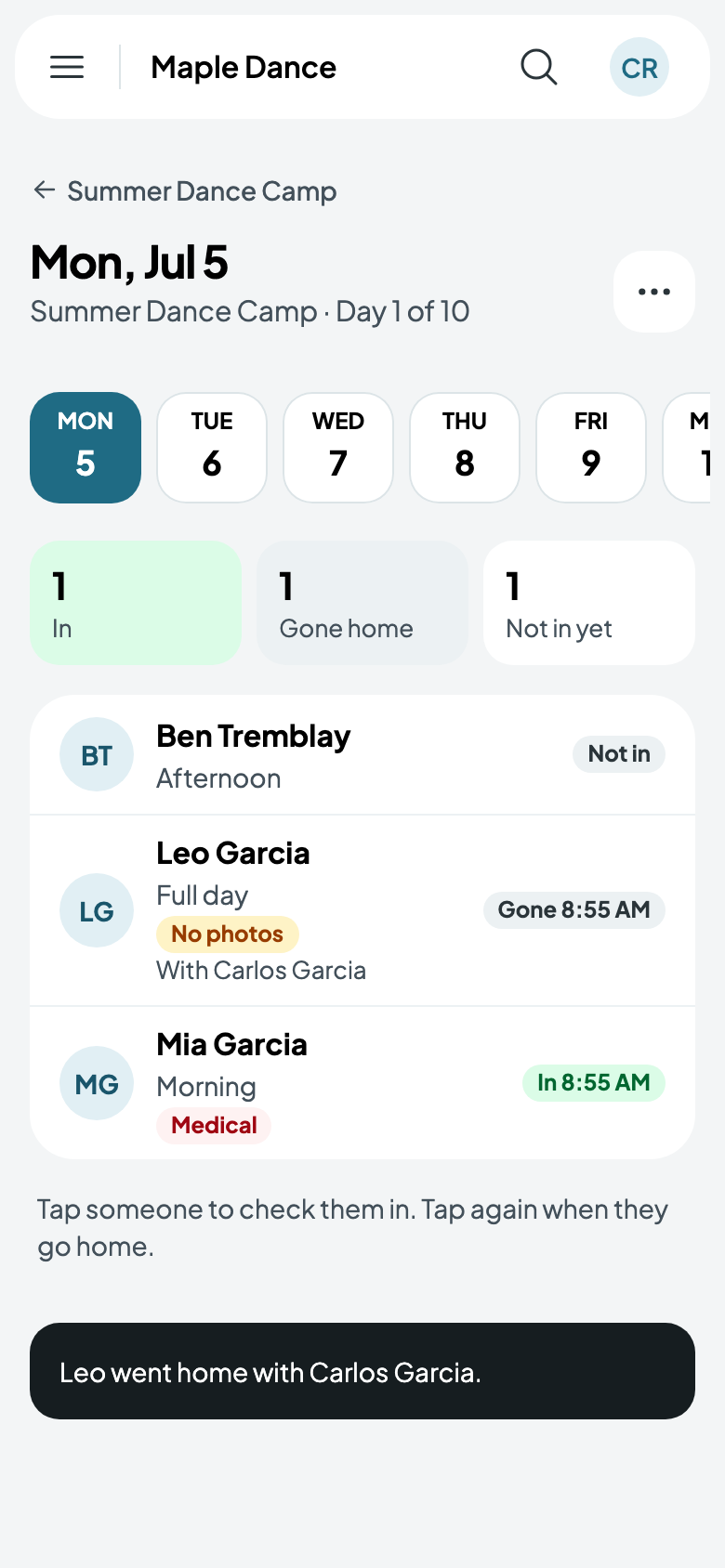
Each camper shows their option and care, and what to know at a glance: Medical when there are medical notes, and No photos when their family said no. Staff who aren't shown medical notes see that there are some, and to ask the office.
In and out
- Tap someone to check them in. They're in, at that time; Undo takes it back.
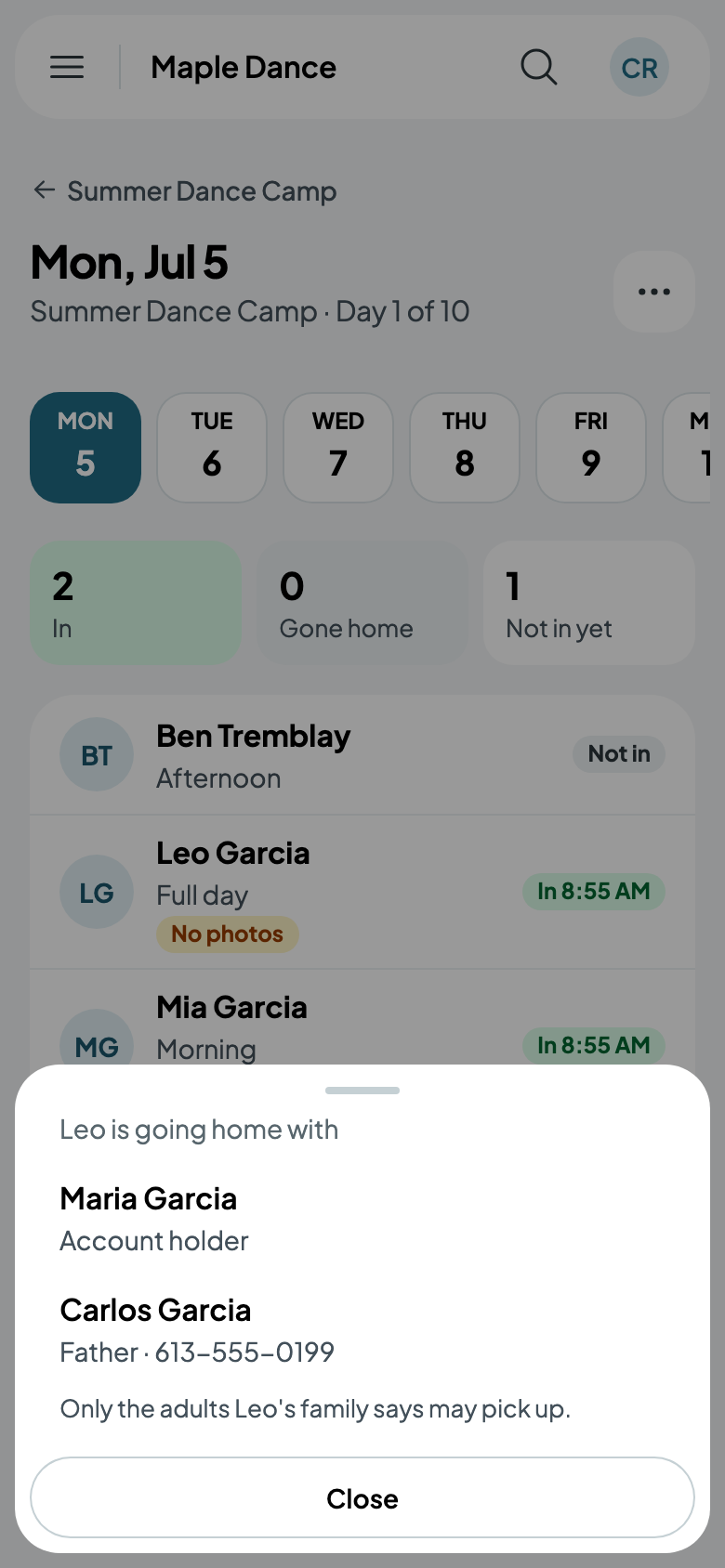
- Tap them again when they go home. You see their medical notes, then only the adults their family says may pick them up: the account holder, and the family's other adults who pick up. Tap who they're going with.
The day shows how many are in, gone home and not in yet, and who each camper went home with.
Who may pick a camper up is set on their family's page: each adult's Can pick up the children.
The day's list
From the day's More, Print the day's list opens a page to print: each camper with their option and care, what to know, who may pick them up, and a space to write when they came and went.