Registering at the desk
When a parent calls or comes in, register their child yourself, and take payment there or bill their family.
Register a camper
- Open the camp and tap Register a camper.
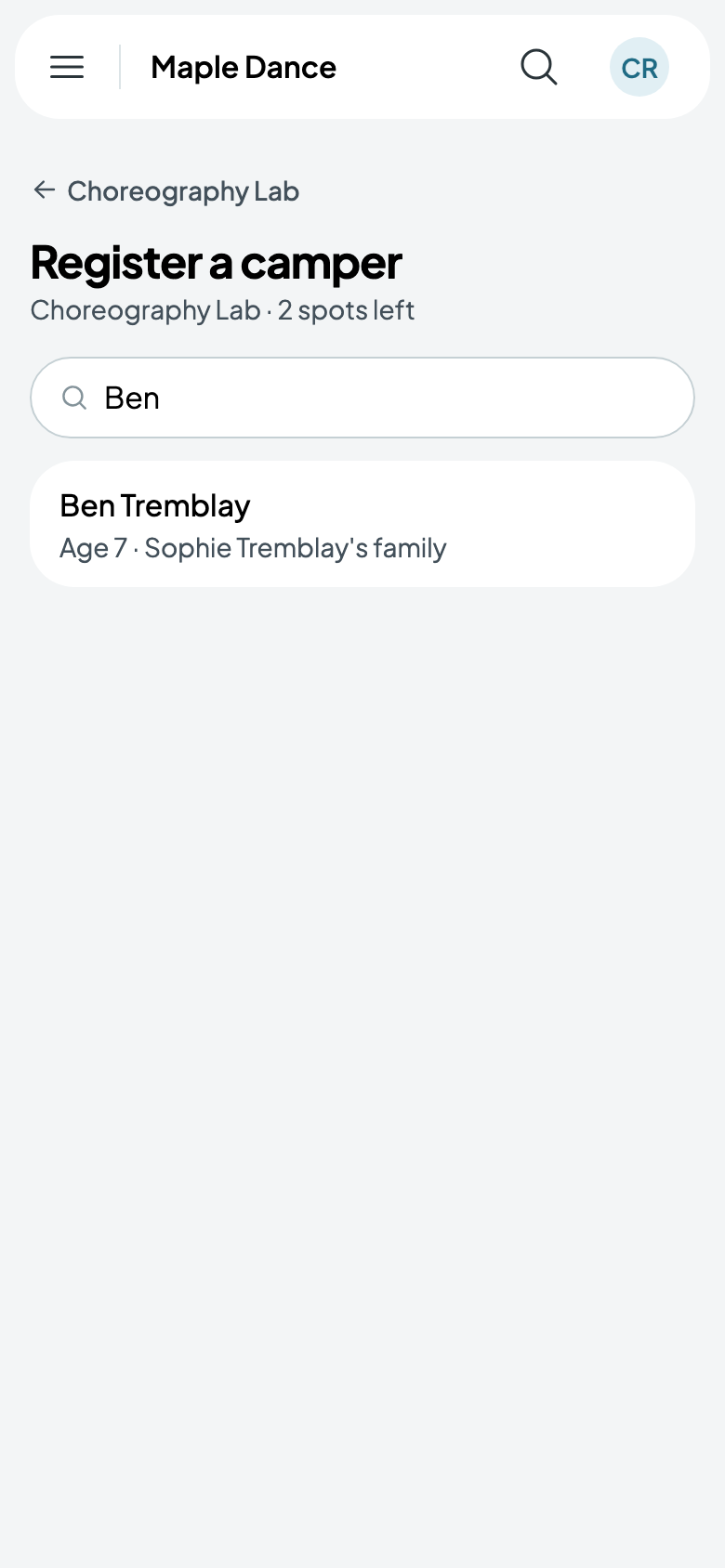
- Find the child by name.
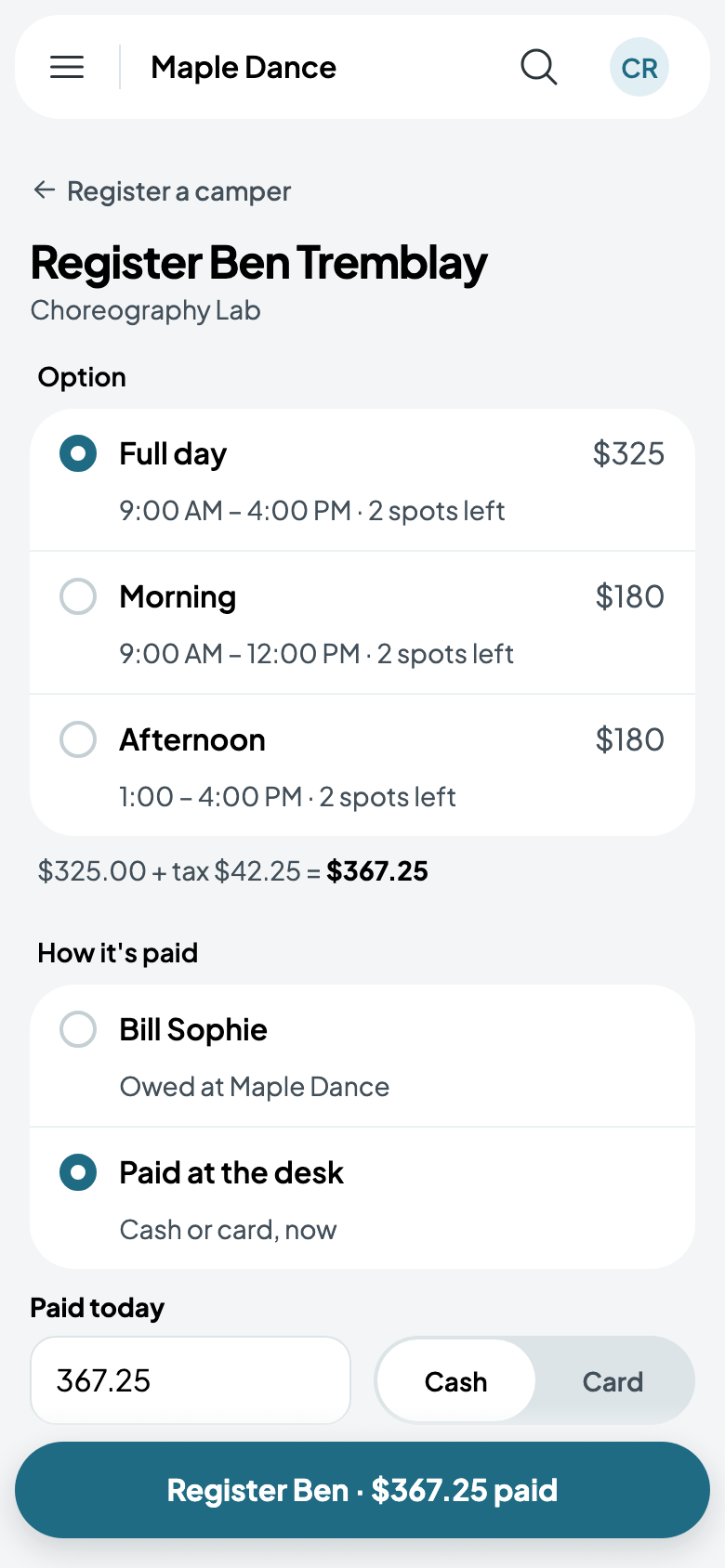
- Choose their option. Each says its hours and how many spots are left.
- Choose how it's paid: Bill their family, due in their family portal if you take cards, or owed at your studio; or Paid at the desk, in cash or by card, now, or on your card reader (see Card readers at your counter).
- Tap the button: Register Ben · $367.25 paid.
Taking a camper out
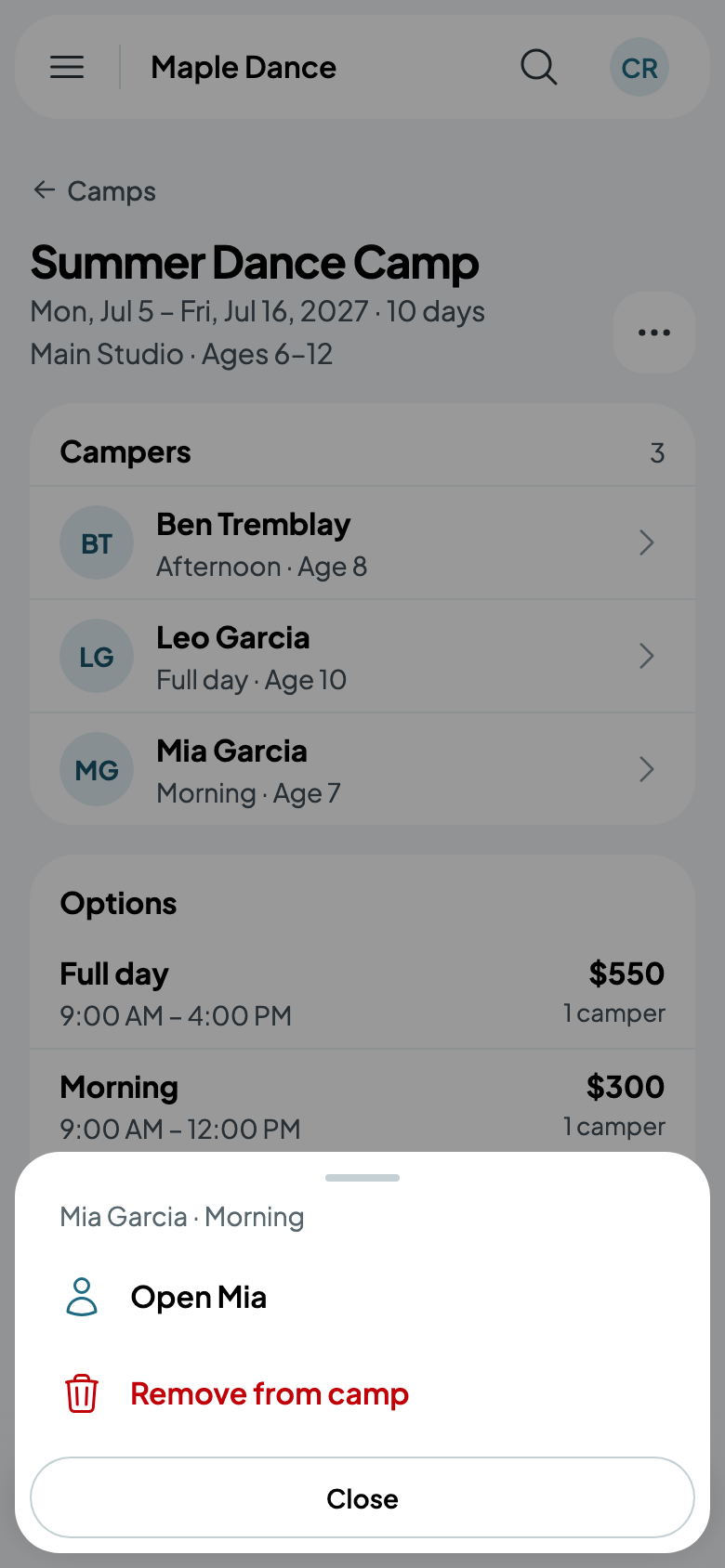
Tap a camper on the camp's page: Open their page, or Remove from camp.