Search
Find a student, a family, a class or a bill from any page, with the magnifying glass at the top.
Finding something
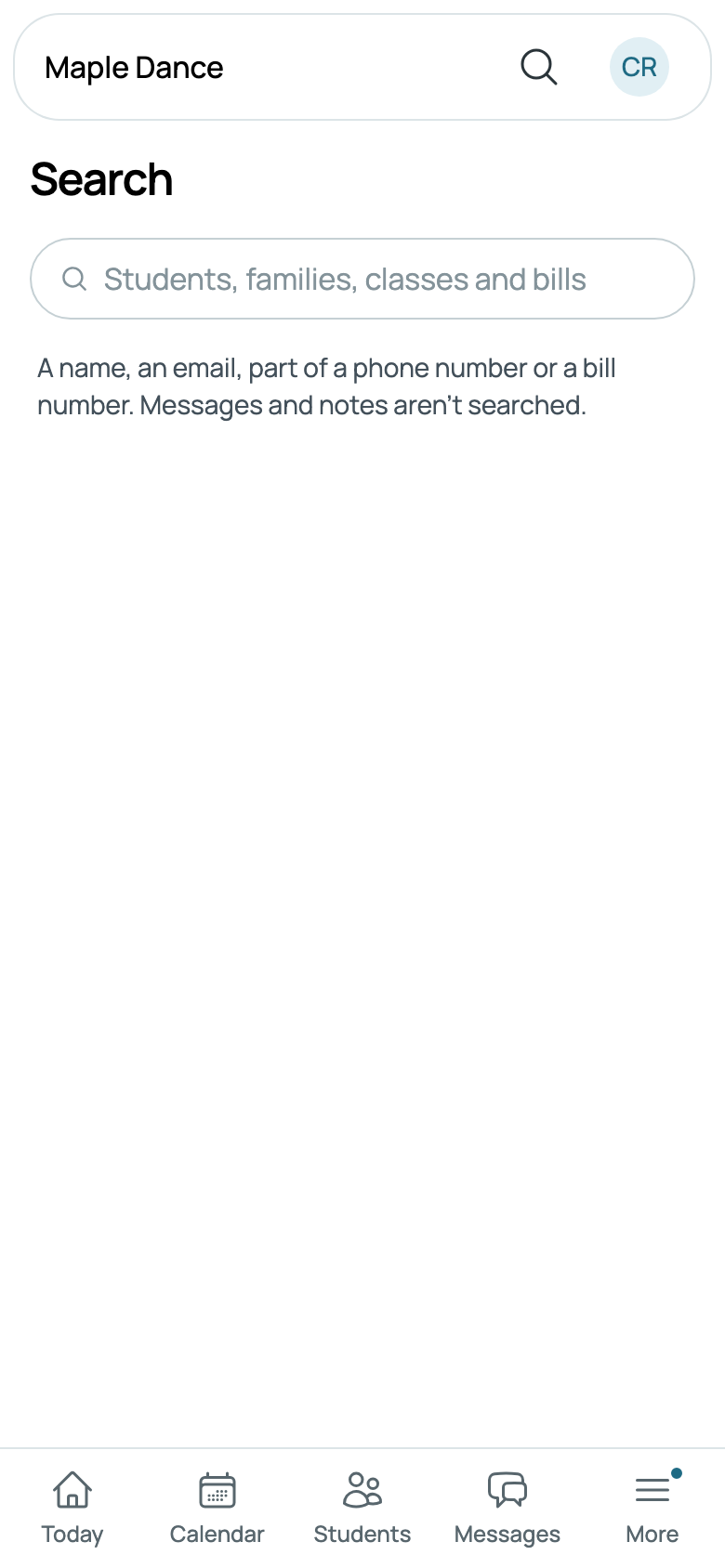
Tap the magnifying glass in the top bar and start typing. The box says what it looks for, such as Students, families, classes and bills. From two letters, what's found shows as you type: up to five of each kind, a name starting with what you typed first, then one with a word starting with it, then one with it anywhere inside.
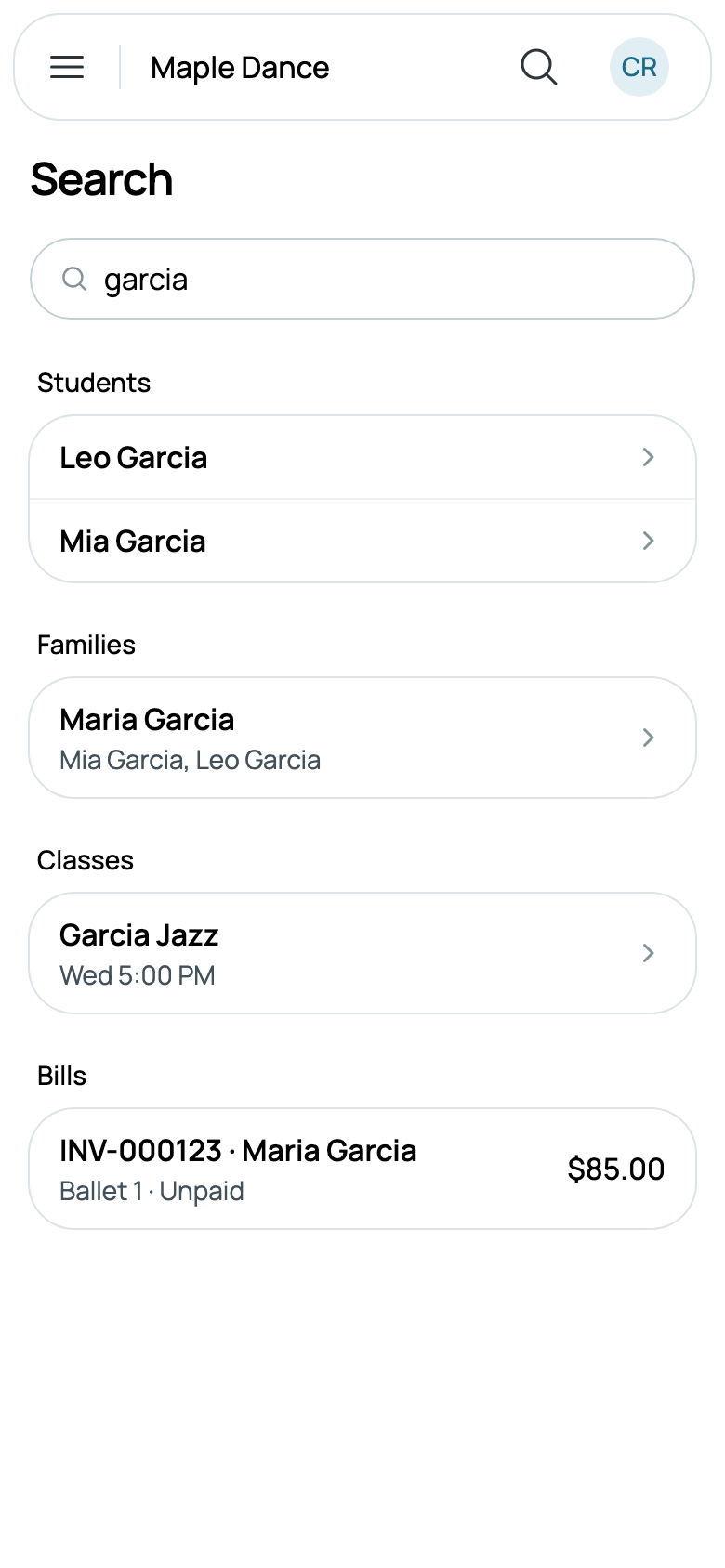
- Students, by name, each opening their page.
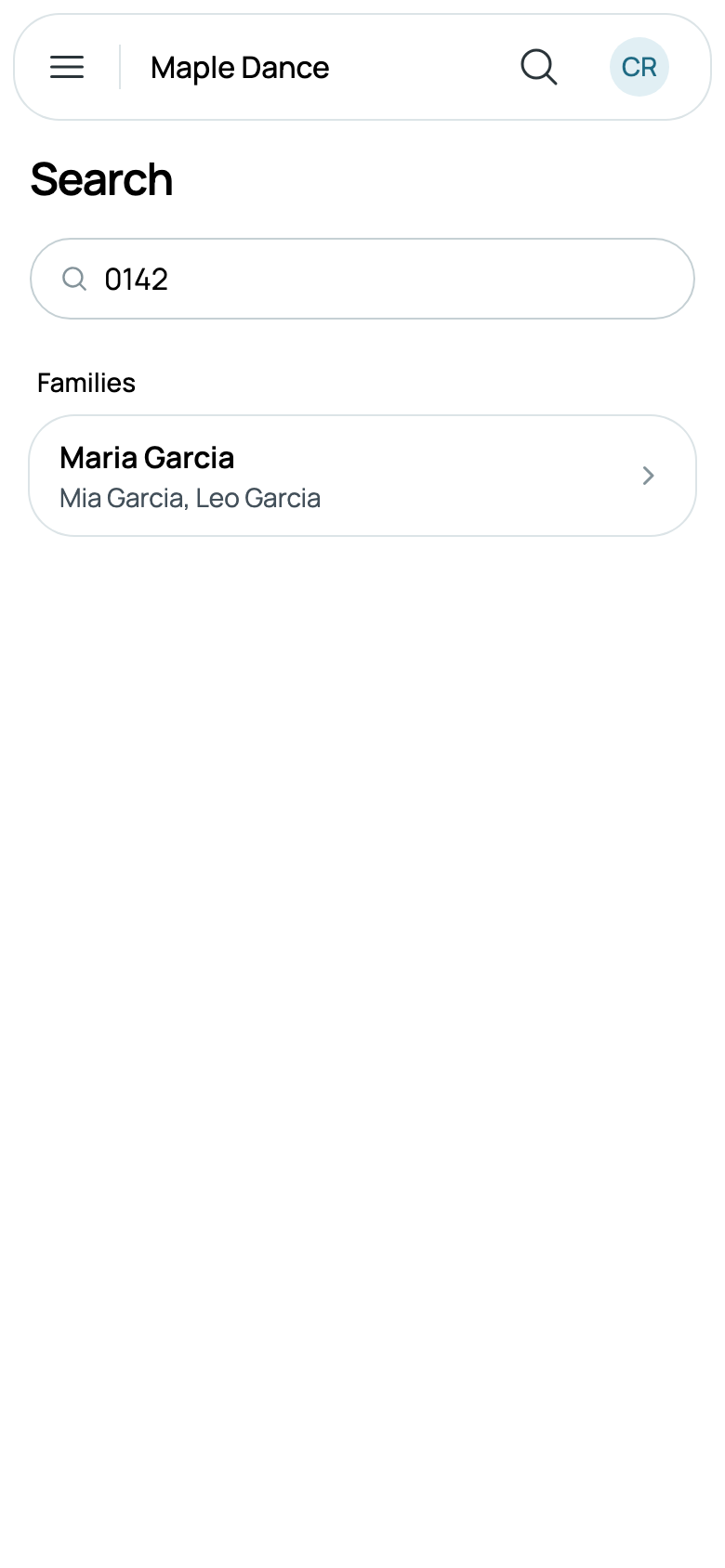
- Families, by name, by email, or by four or more digits of a phone number, however it was written. Each shows their children, and opens the first child's page, or the family's own when there's no child.
- Classes, by name, with when they meet, such as Wed 5:00 PM.
- Bills, by number, INV-000123 or just 123, or by the name of who they're billed to, with what each is for, where it stands and its total. A bill not yet issued is never found.
- Leads, by name, email or phone, for someone who has only asked about you so far, each opening their lead.
Typing 0142 finds Maria Garcia from her phone, (613) 555-0142.
What you searched for stays in the box: open what you found, go back, and it's all still there. With nothing to show, Search says Nothing found for what you typed.
What's never searched
Messages and notes are never searched, and only your own business is. Bills are found only by those whose role reaches billing, and leads by those whose role reaches leads, so a teacher's search finds students, families and classes.