Reports and spreadsheets
What came in, who's in your classes, and who's coming to them, each on a page of its own, and your lists as spreadsheets to keep or send to your bookkeeper.
Your reports
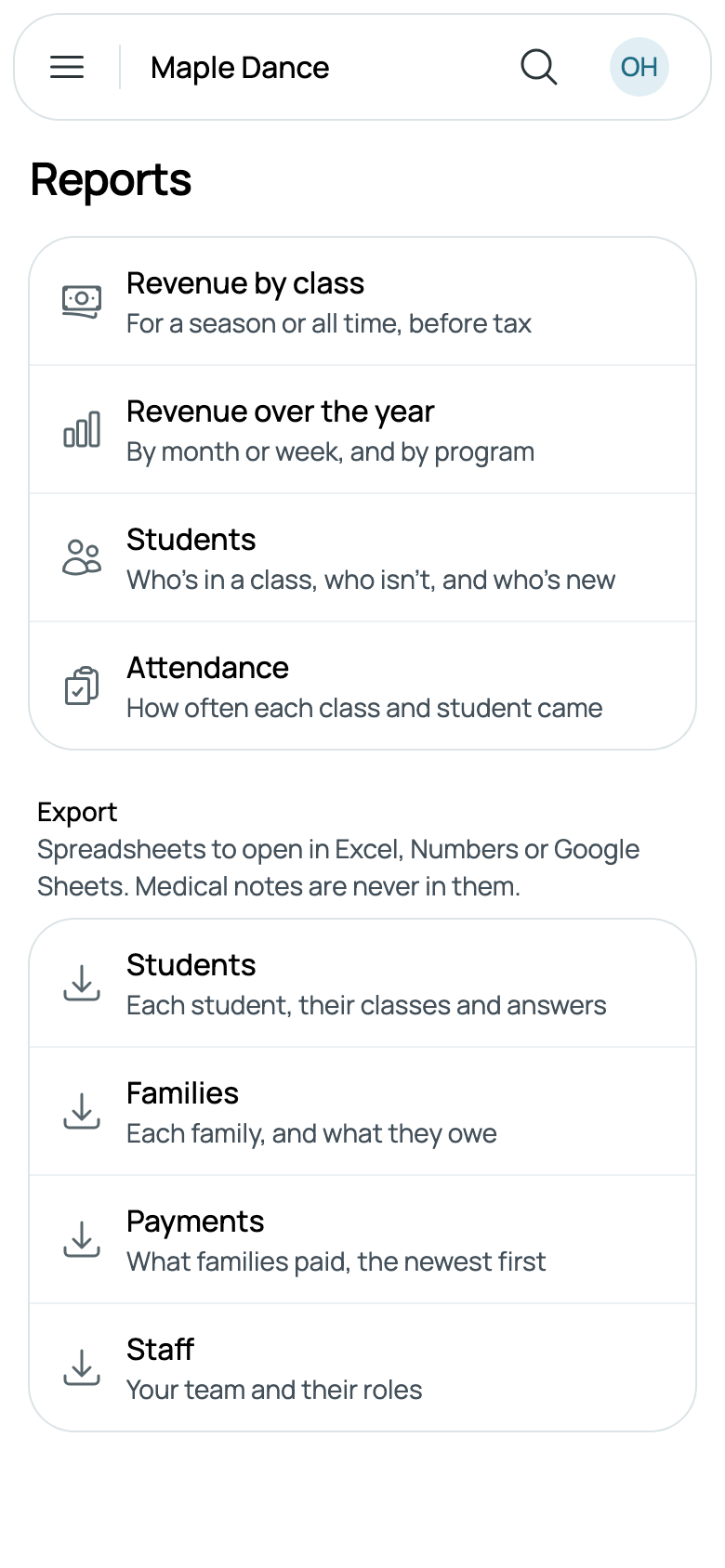
Reports, in the menu, lists them. Each is there when it fits what you offer: a business with only appointments has no class reports.
- Revenue by class: for a season or all time, before tax.
- Revenue over the year: by month or week, and by program.
- Students: who's in a class, who isn't, and who's new.
- Attendance: how often each class and student came.
- Payouts: what reaches your bank, and when, for the owner once you take cards (see Payouts).
- Leads: where they came from, who joined, and how fast you replied.
Your team sees them when their role can see Reports and exports: Caletan's Financial assistant, Office manager and Admin roles all can (see What each role can do).
What came in
Every amount is before tax. A bill counts as invoiced the day it's issued, and as received as it's paid, with any refund taken off when it's given. A bill cancelled before anything was paid counts as neither.
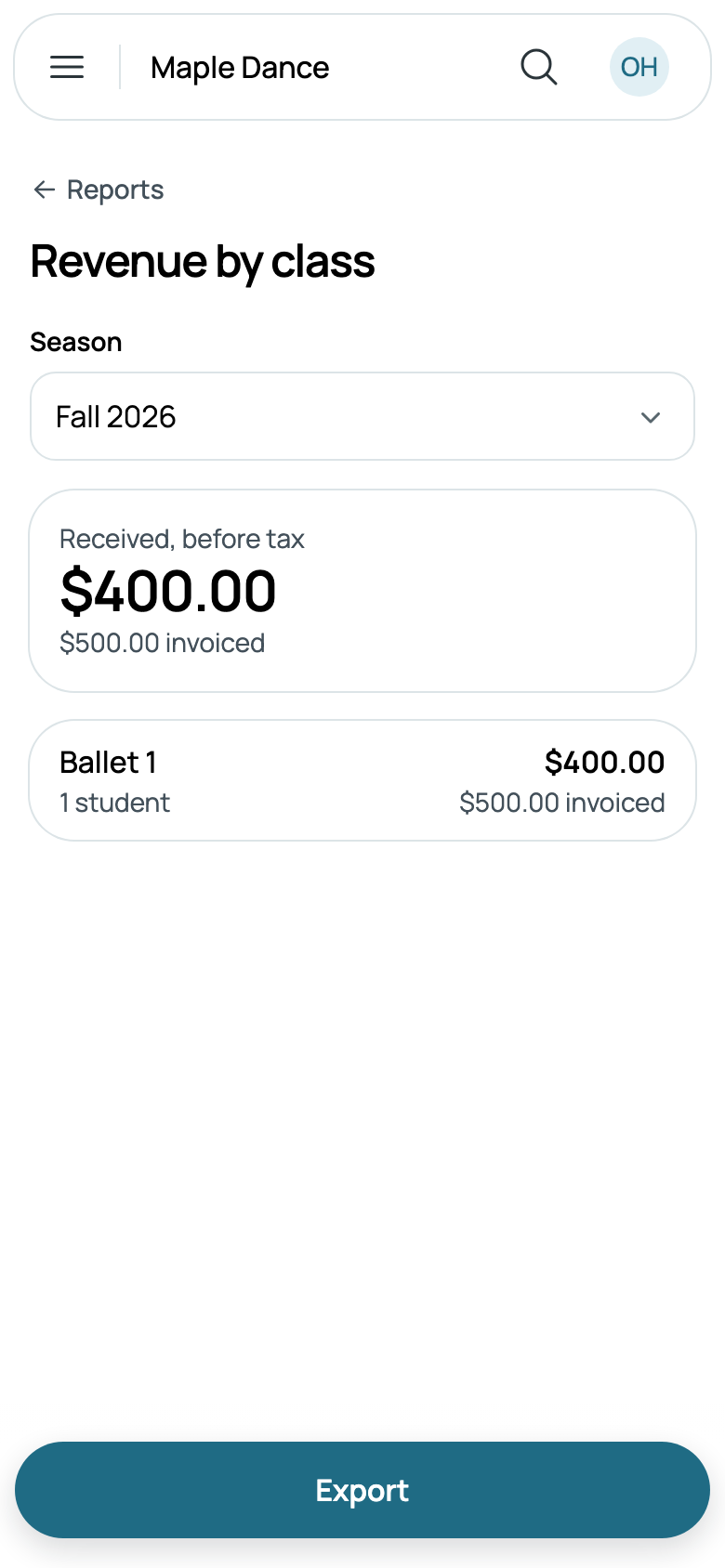
Revenue by class opens on the season you're in; the Season box has your other seasons and All time. At the top is what was Received, before tax, with what was invoiced under it; then each class, the most received first, with its program, how many students it has today, and both amounts. A fee or a charge for a class counts as its own. In All time, what isn't for any class, such as a rental or a charge to a family, is Not tied to a class. Export downloads exactly what the page shows, as a spreadsheet.
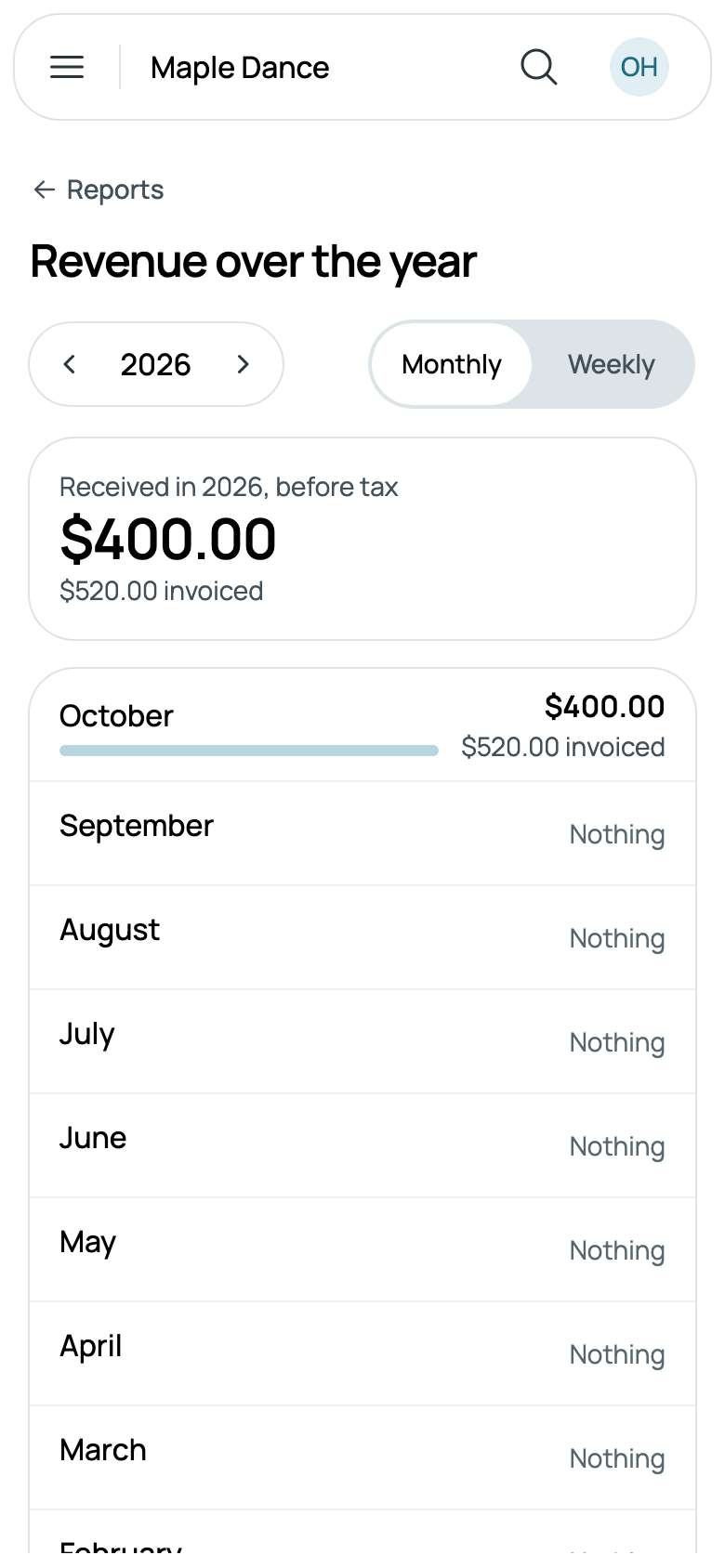
Revenue over the year starts on this year, with arrows either side of it for the year before or after. Monthly or Weekly lists each month or week so far, the newest first, with a bar for what came in; then By program, the year split by your programs, and Other for the rest.
Your students
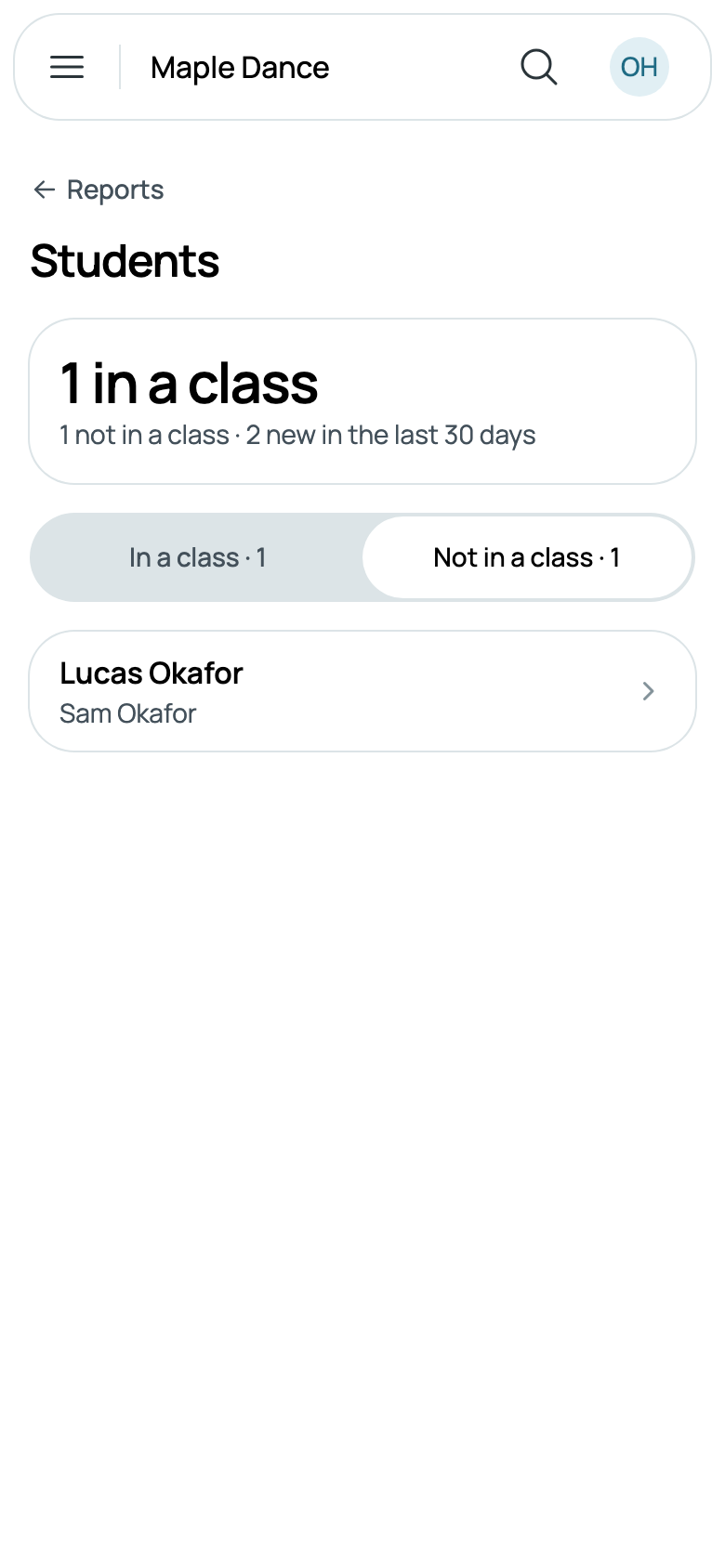
Students says how many are in a class, paused ones included, how many aren't, and how many are new in the last 30 days. In a class lists each with their family and their classes; Not in a class lists those who aren't, a good list to invite back. Tap anyone for their page.
Attendance
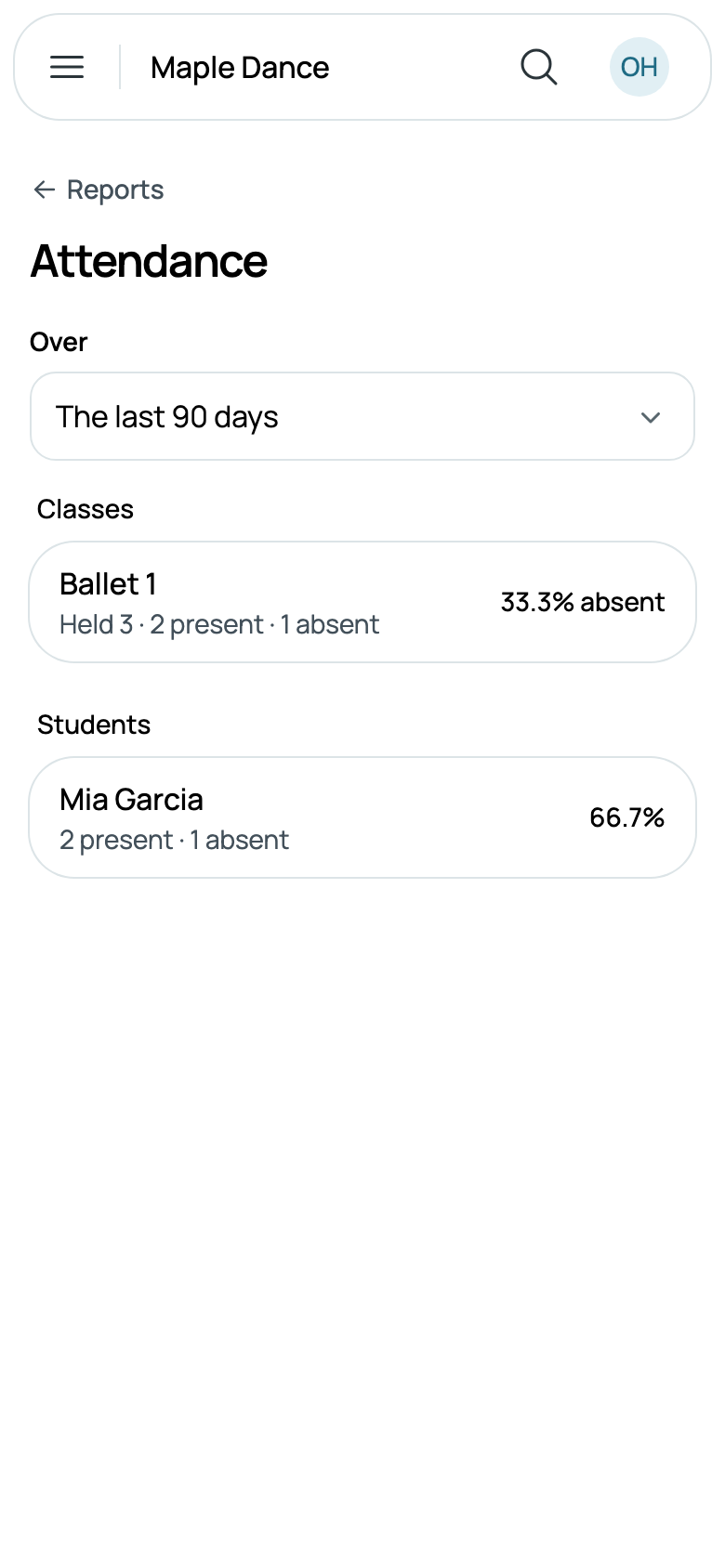
Attendance covers The last 30 days, The last 90 days or a season, up to today. Each class says how many times it was held, cancelled sessions left out, how many were marked present and absent, and the share absent; one whose registers nobody marked says Not marked. Under the classes, each student who was marked, the best attended first.
Spreadsheets
Under the reports, Export has your lists as spreadsheets, to open in Excel, Numbers or Google Sheets. Each has every row, not a page of them:
- Students: each student's name, date of birth, family, email and phone, their classes, whether photos are allowed, their emergency contacts, when they were added, and a column for each question on your registration form.
- Families: each family's email and phone, their students, what they owe, any credit with you, when they joined, and their answers.
- Payments: what families paid, the newest first, tax included, with the bill, how they paid and anything refunded.
- Staff: your team, with their roles.
Medical notes are never in them. Tap one and it downloads, named for what it holds and the day, such as students-2026-10-05.csv, and Caletan says it came. Downloading takes a role that can export them, as Caletan's Financial assistant, Office manager and Admin can.
A class's costume sizes are a spreadsheet too: on the class's Students, tap Download costume sizes. Everything at once, for the owner, is in Settings, Your data (see Your data, and closing your business).