Your locations and rooms
A location is an address where you work, and its rooms are what gets booked: a studio, a hall, a court, a lane, a chair. Caletan never books a room twice at once, whatever books it: a class, a camp, a party, a rental or an appointment.
Add a location
- Go to Settings, then Locations, and tap New location.
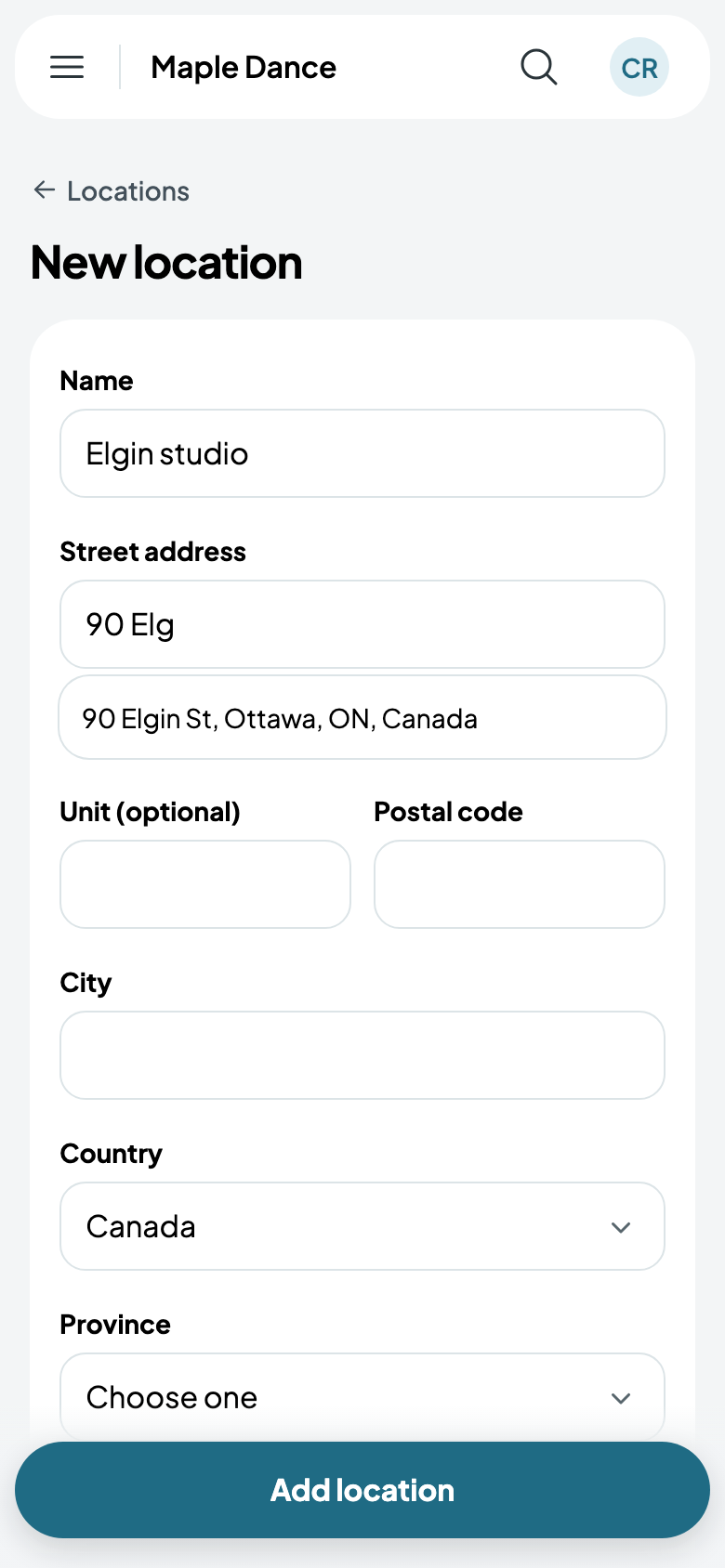
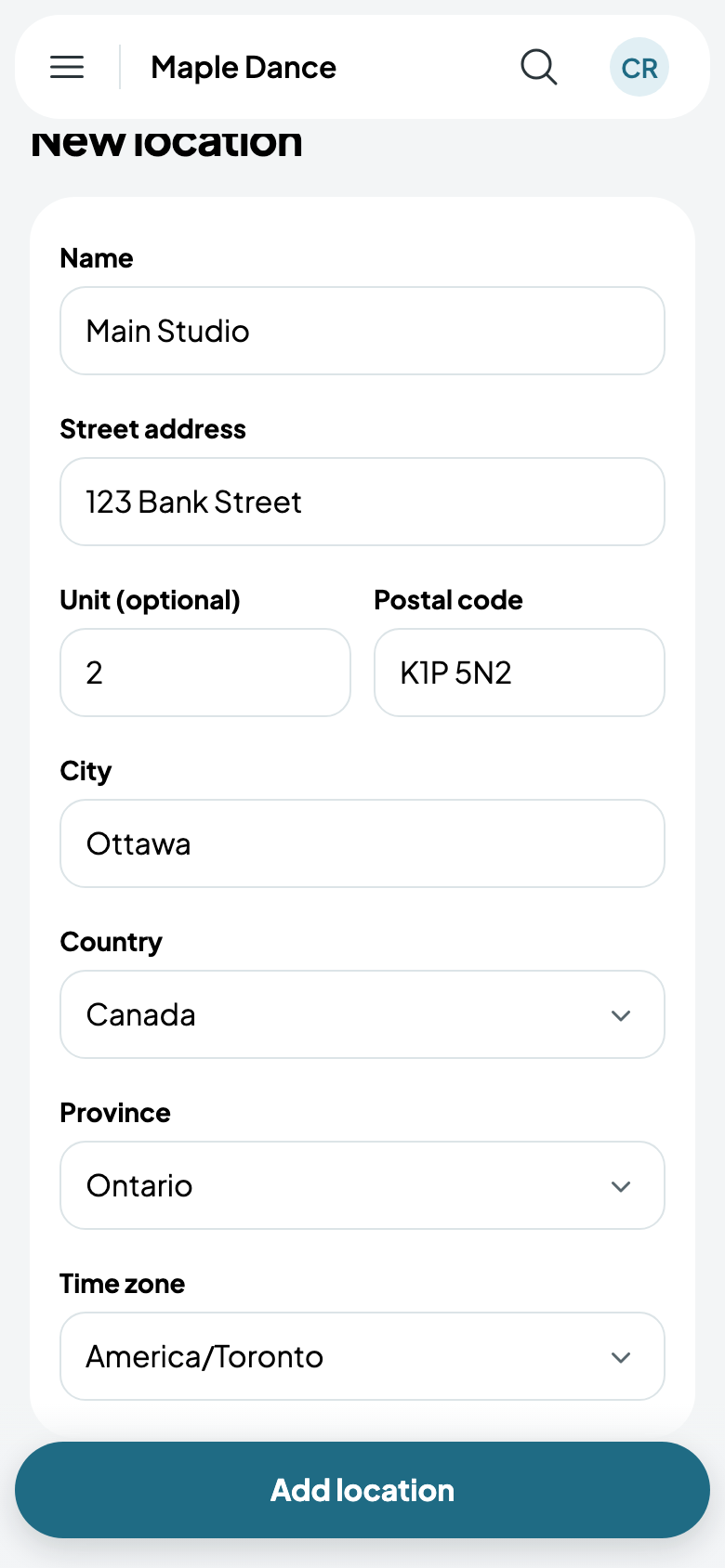
- Name it, and start typing its street address: choose it from the suggestions, and the rest is filled in.
- Its time zone is your business's own; More options changes it, for a location elsewhere.
- Tap Add location.
Its rooms
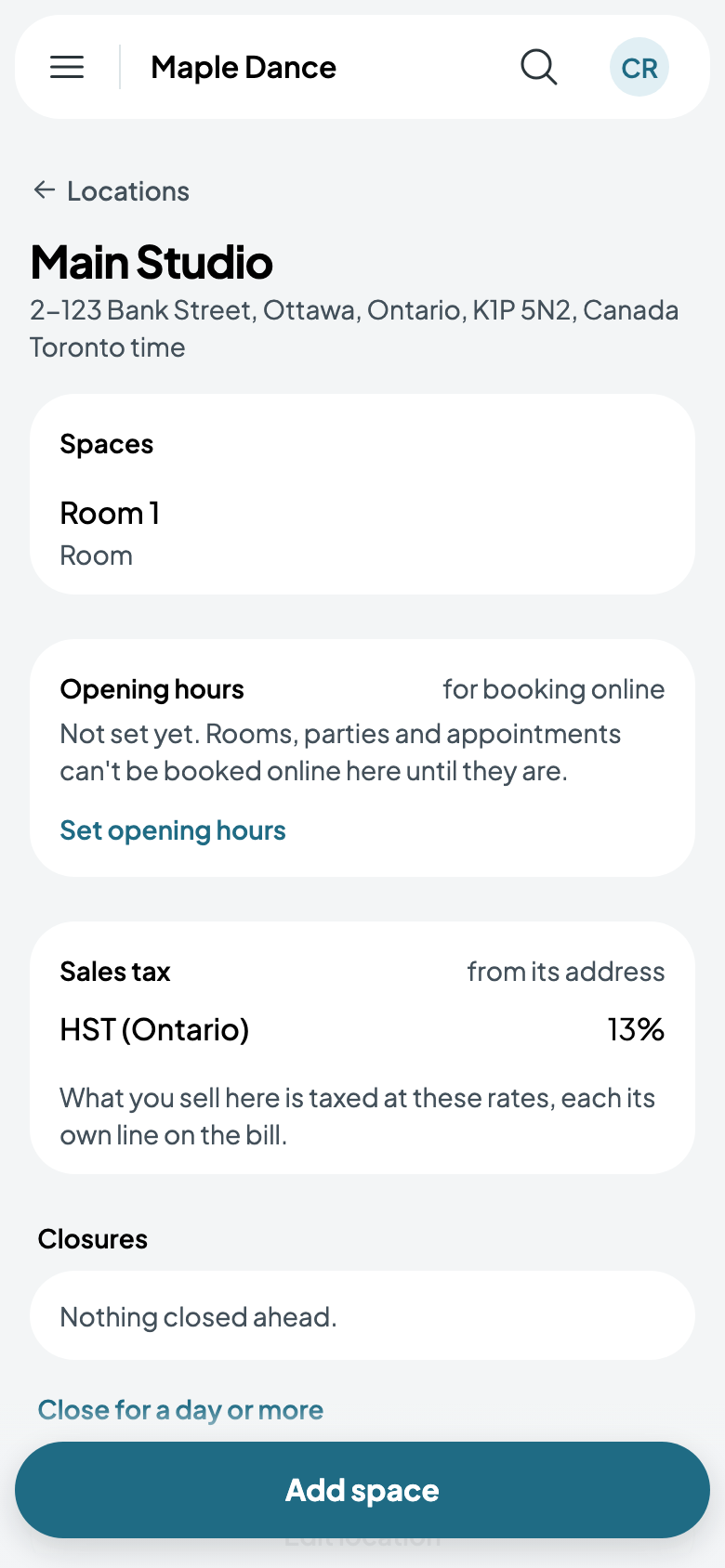
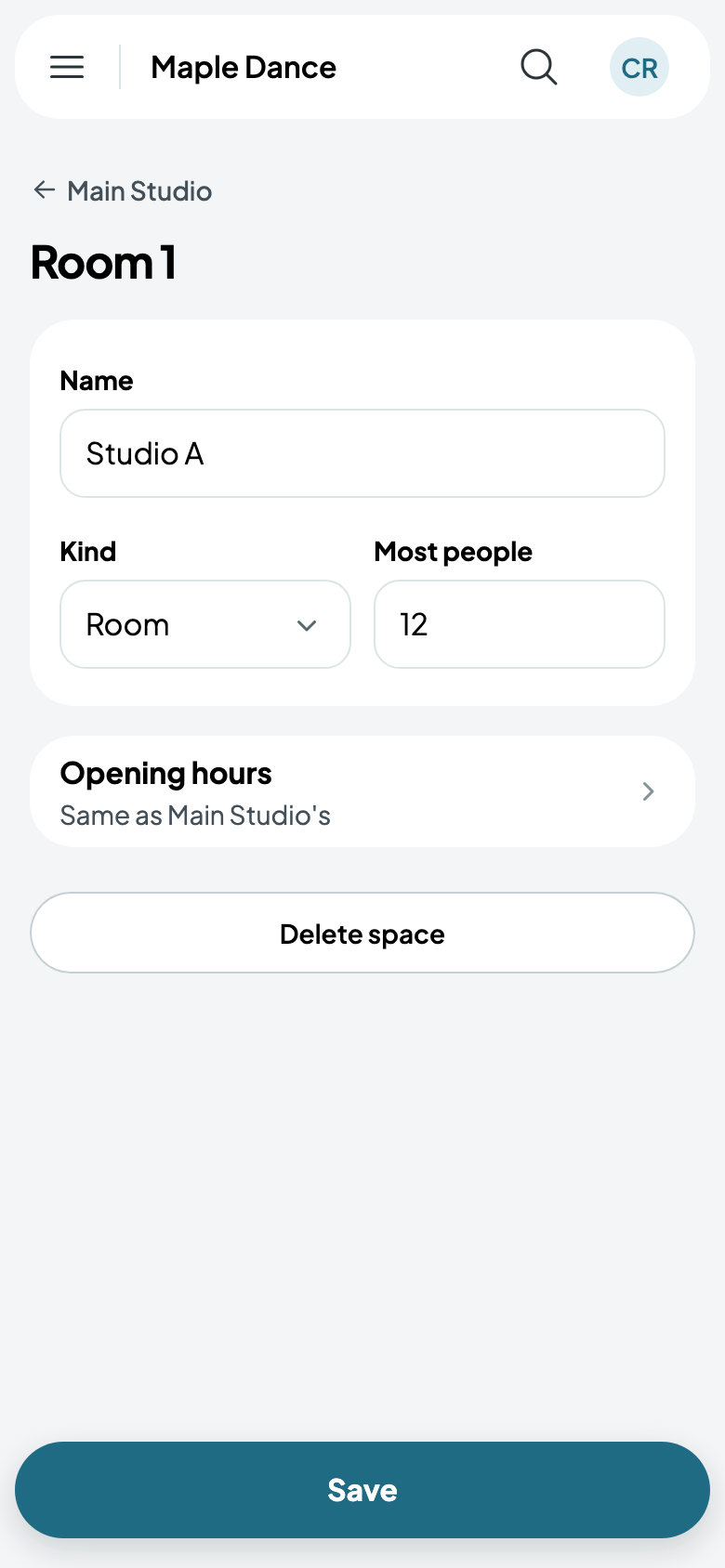
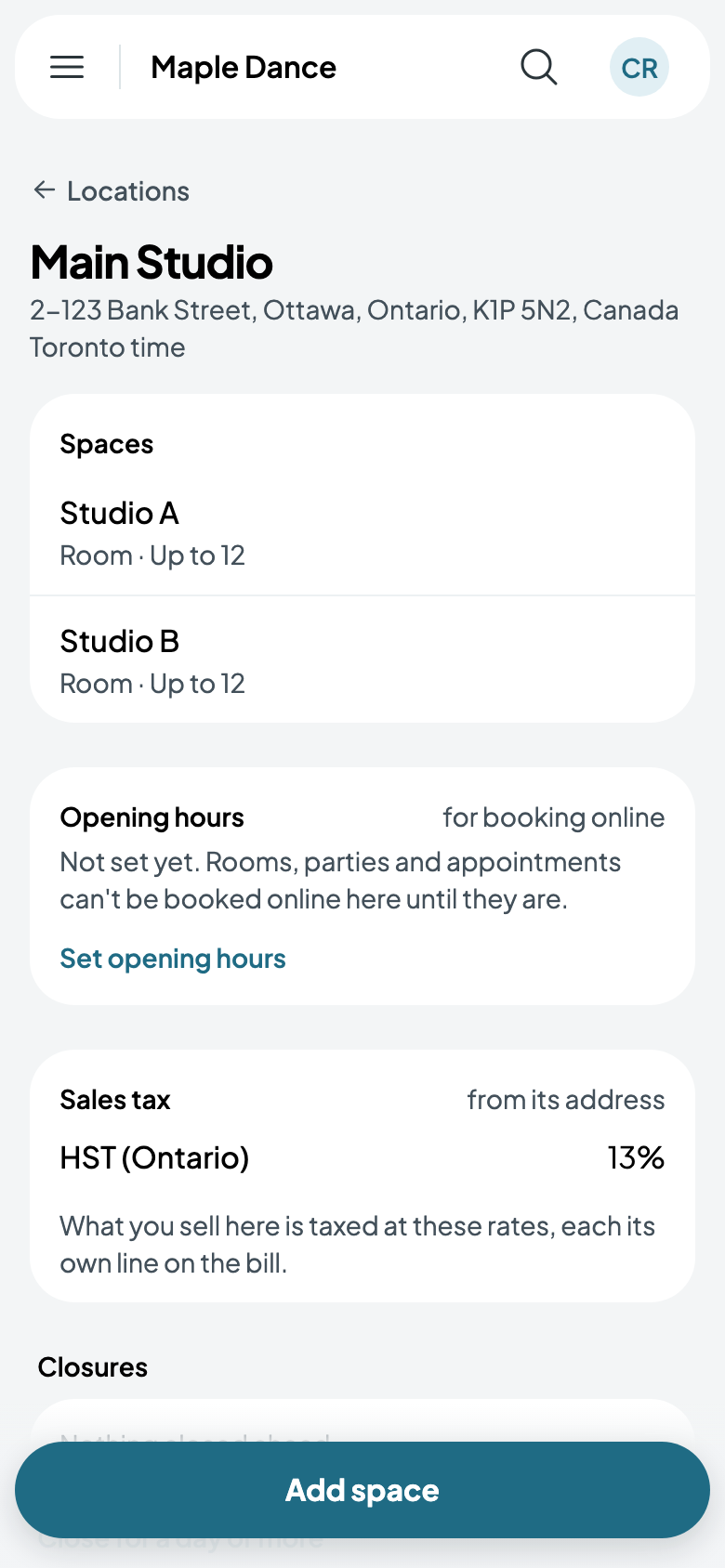
A new location comes with one room, Room 1. Tap it to give it its name, what kind it is (a room, a hall, a court, a field, a lane, a chair, or another kind), and the most people it holds. Add space for each of the others.
Its opening hours
A location's opening hours are when people can book it online: a room to rent, a party, an appointment. Until it has some, nothing there can be booked online, and its page says so. Your team can book any time, and classes are never held to them.
- On the location's page, tap Set opening hours (or Change hours).
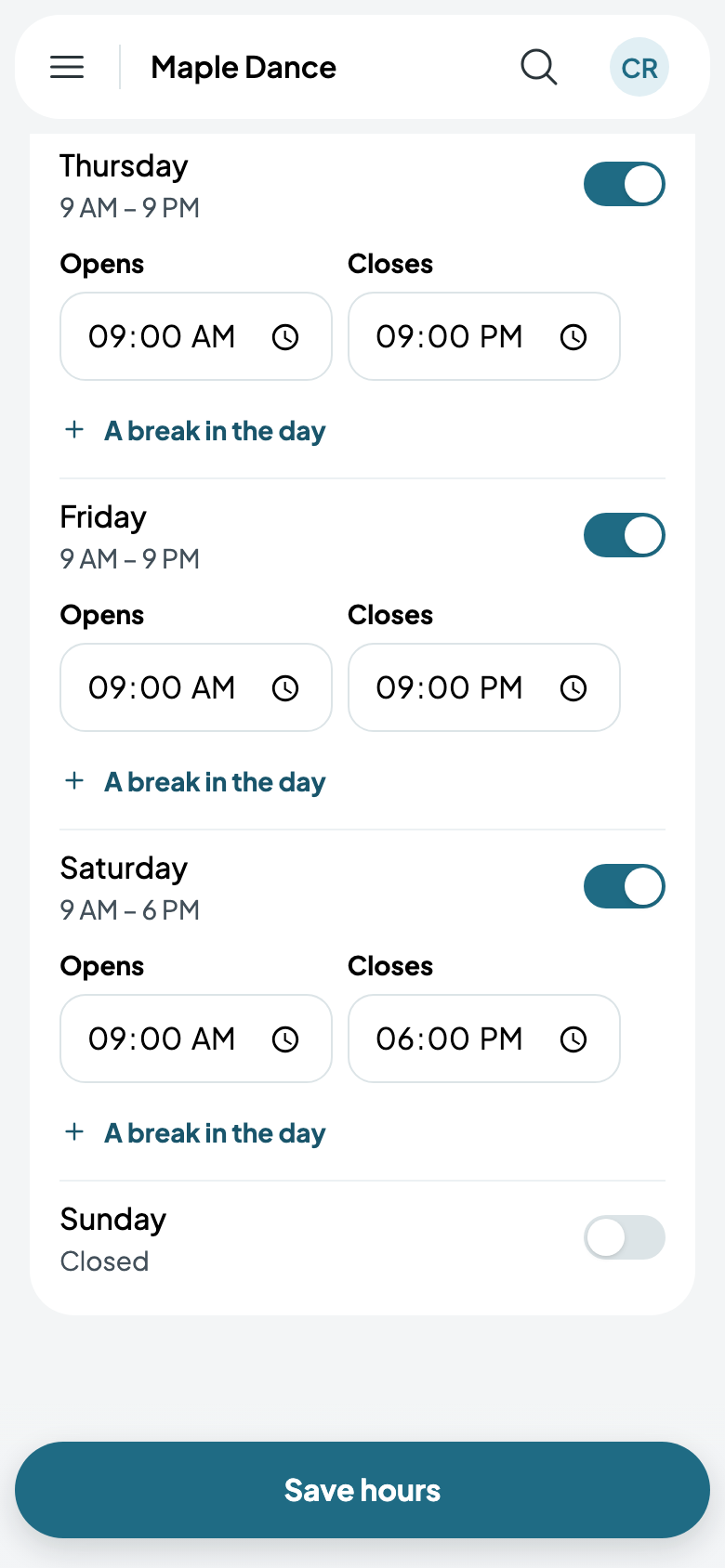
- Switch on each day you're open, and give it when it opens and closes. A break in the day closes it for lunch.
- Tap Save hours. Its page now shows the week, the days with the same hours together.
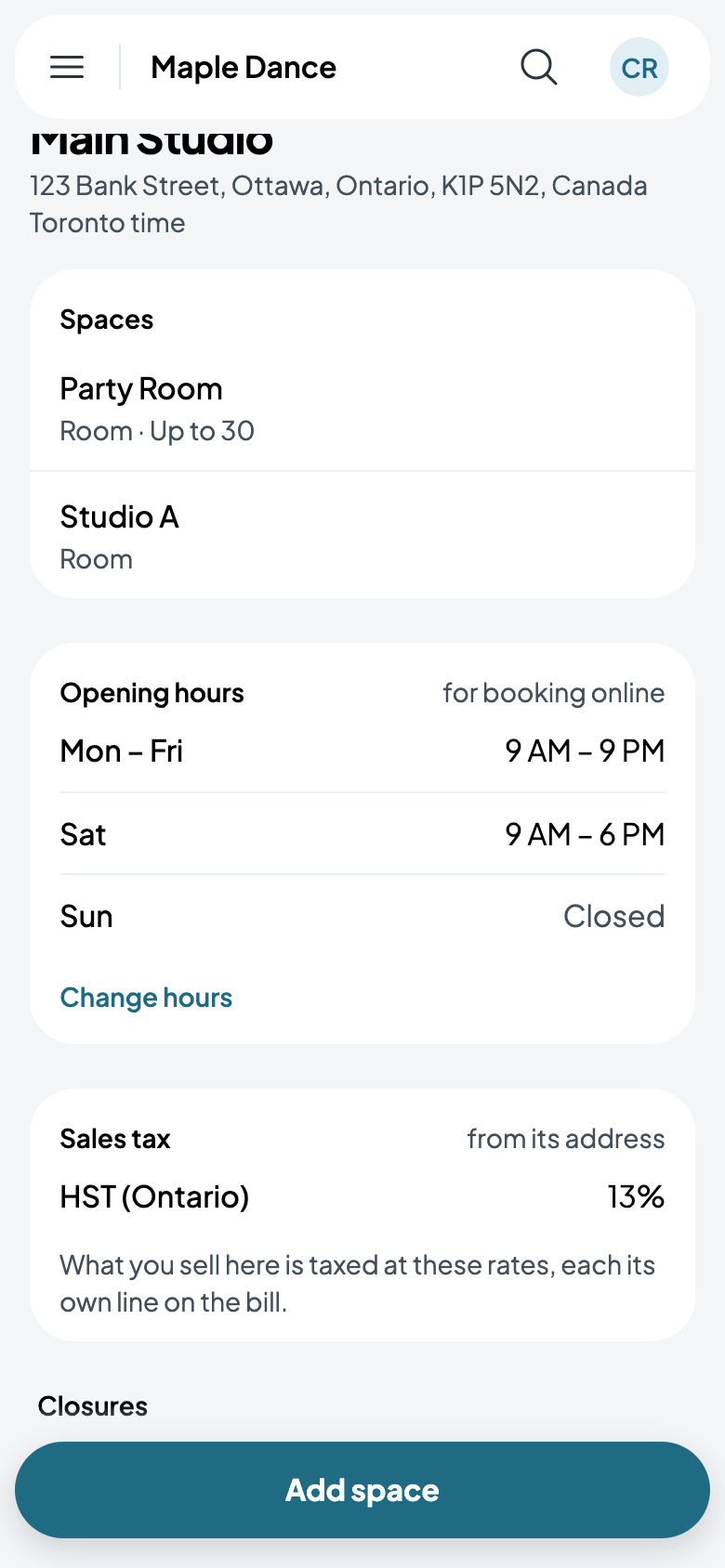
A cleaning or setup time may run past closing, but what's booked never does: a 90-minute party in a room that closes at 6 PM starts by 4:30.
A room's own hours
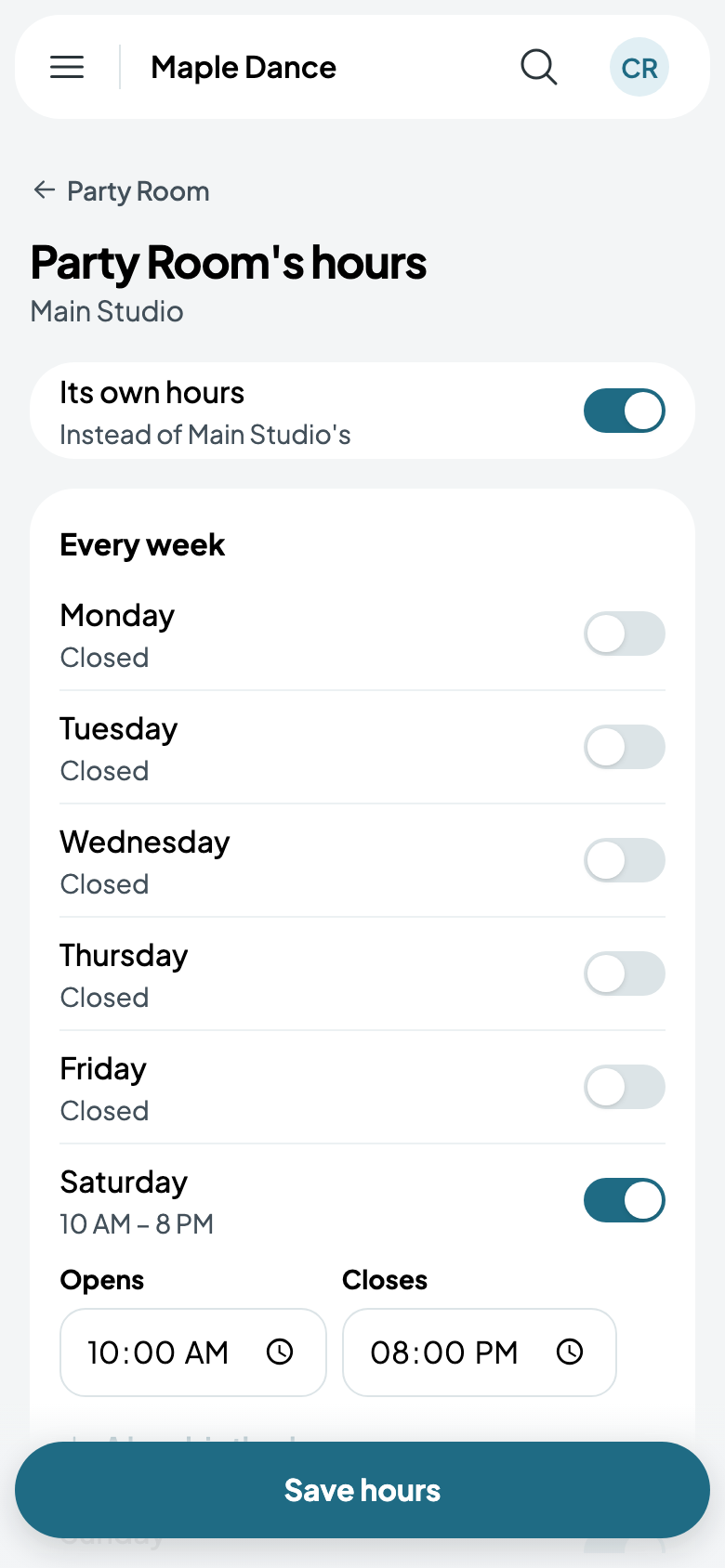
A room can keep its own hours instead, such as a party room open later on weekends. Tap the room, then Opening hours, and switch on Its own hours: they start as the location's, so change only what differs. Switched off again, it keeps to the location's.
A location's page also lists its closures ahead; Close for a day or more closes it, and what was on then (see Closures and holidays). A location with classes still to come can't be deleted.