Getting paid with Stripe
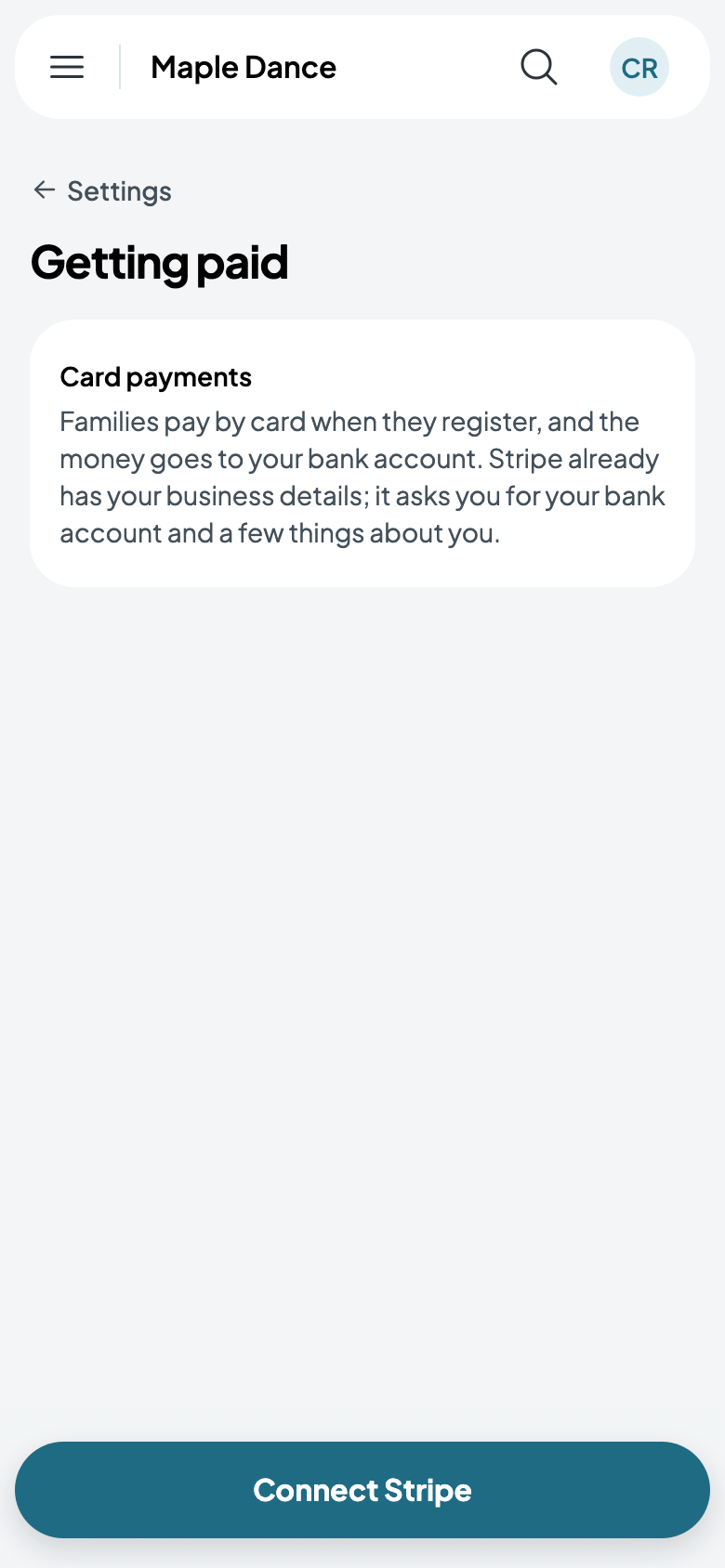
People pay by card through Stripe, and the money goes to your bank account. Stripe keeps the cards; Caletan never sees their numbers.
Connect Stripe
- Go to Settings, then Getting paid, and tap Connect Stripe.
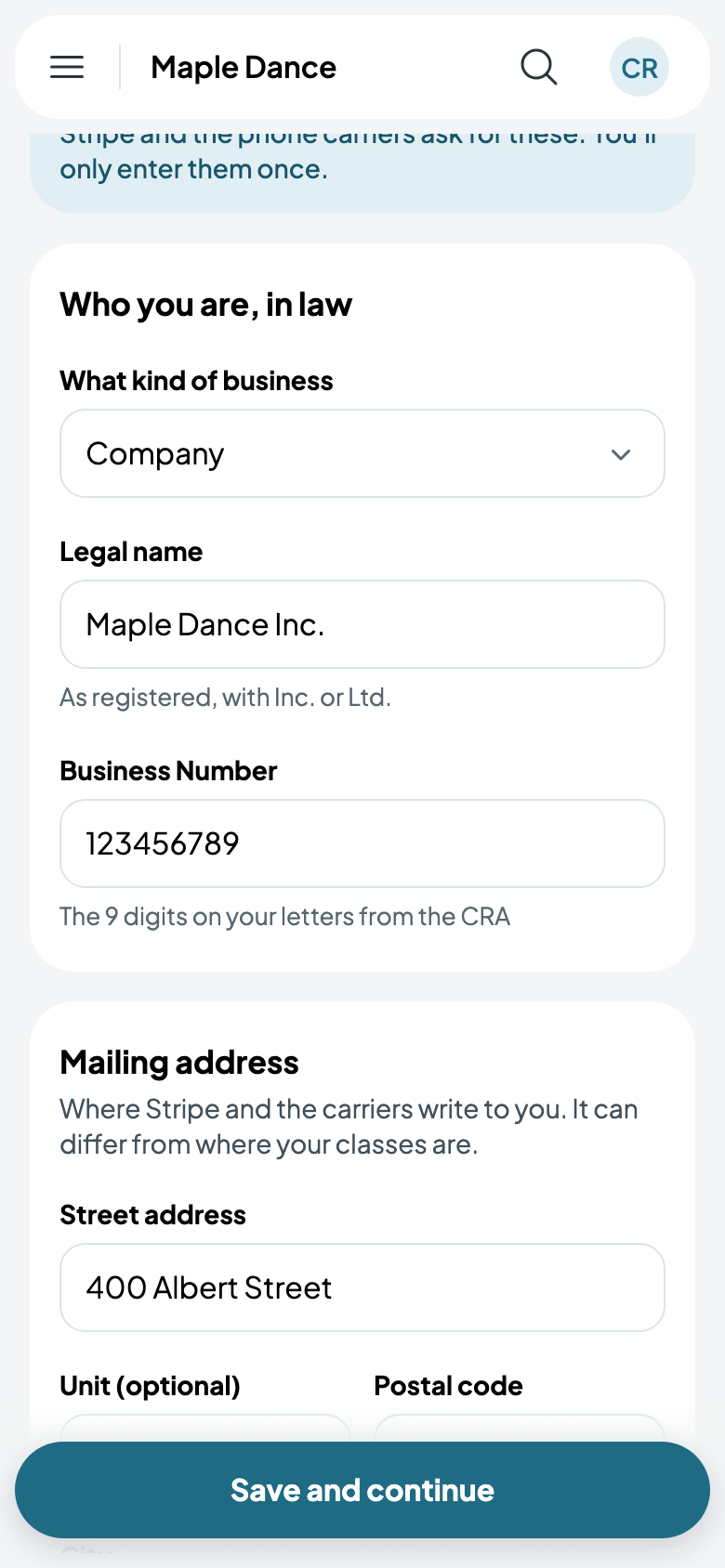
- The first time, give who you are in law: what kind of business, its legal name and its business number, and the mailing address where Stripe can write to you. You only enter them once.
- Tap Save and continue, and Stripe asks for the rest in its own pages: your bank account, and a few things about you.
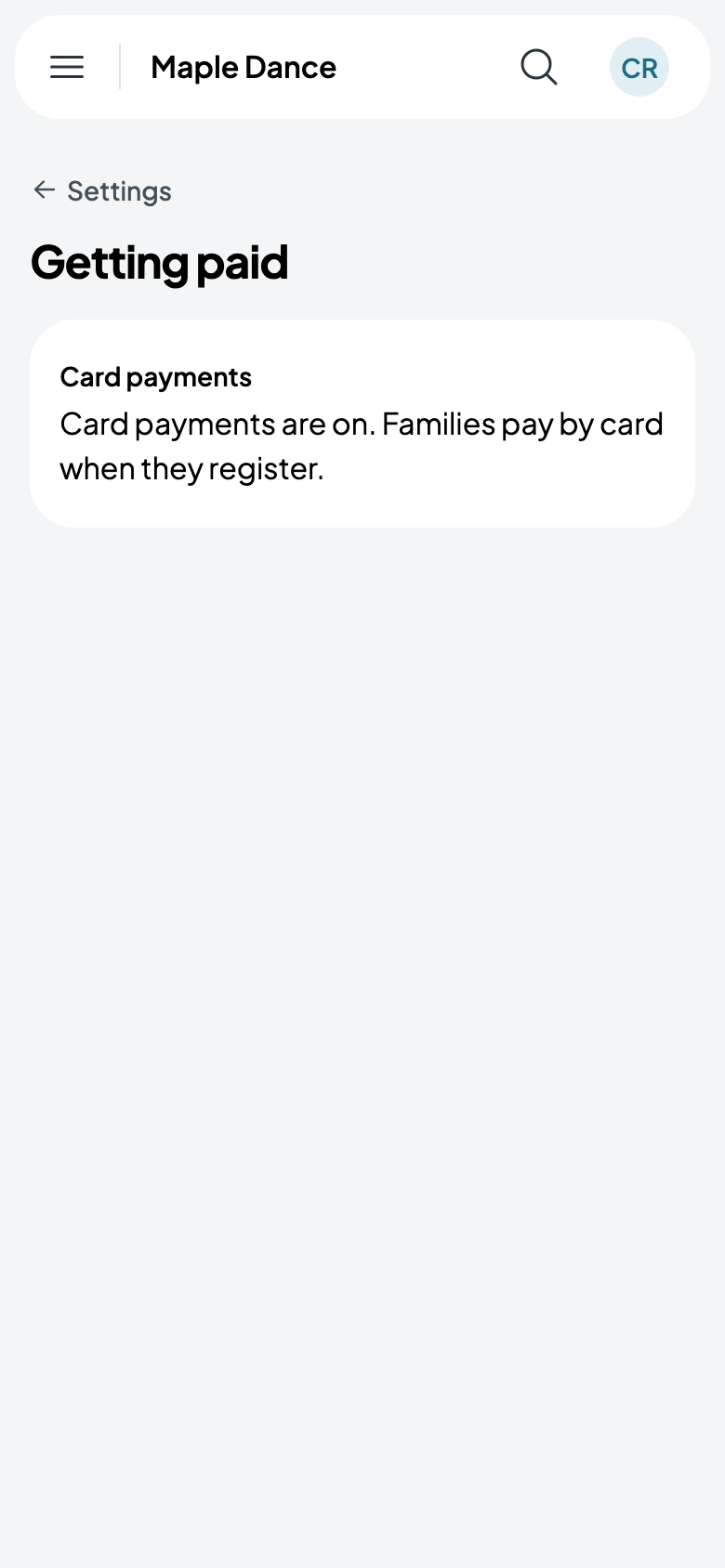
Once Stripe has what it needs, card payments are on: people pay by card when they book or register, and Stripe pays it into your bank account.
Your business details can be changed later from Settings, Business details. When you're paid, and what comes off, is in Payouts.
Collecting payments yourself
Rather not take cards through Caletan? On the Studio plan, families pay you directly, by cash, cheque, e-transfer or your own card machine, and you mark their bills paid. Caletan takes no share; Studio is a flat monthly price. See Your plan with Caletan.