Your website and its address
Your business has its own website on Caletan from the start, at its own address: your business's name, then caletan.com. It lists what people book, from your classes to your rooms, and they book it there.
Make it yours
- Go to Settings, then Website.
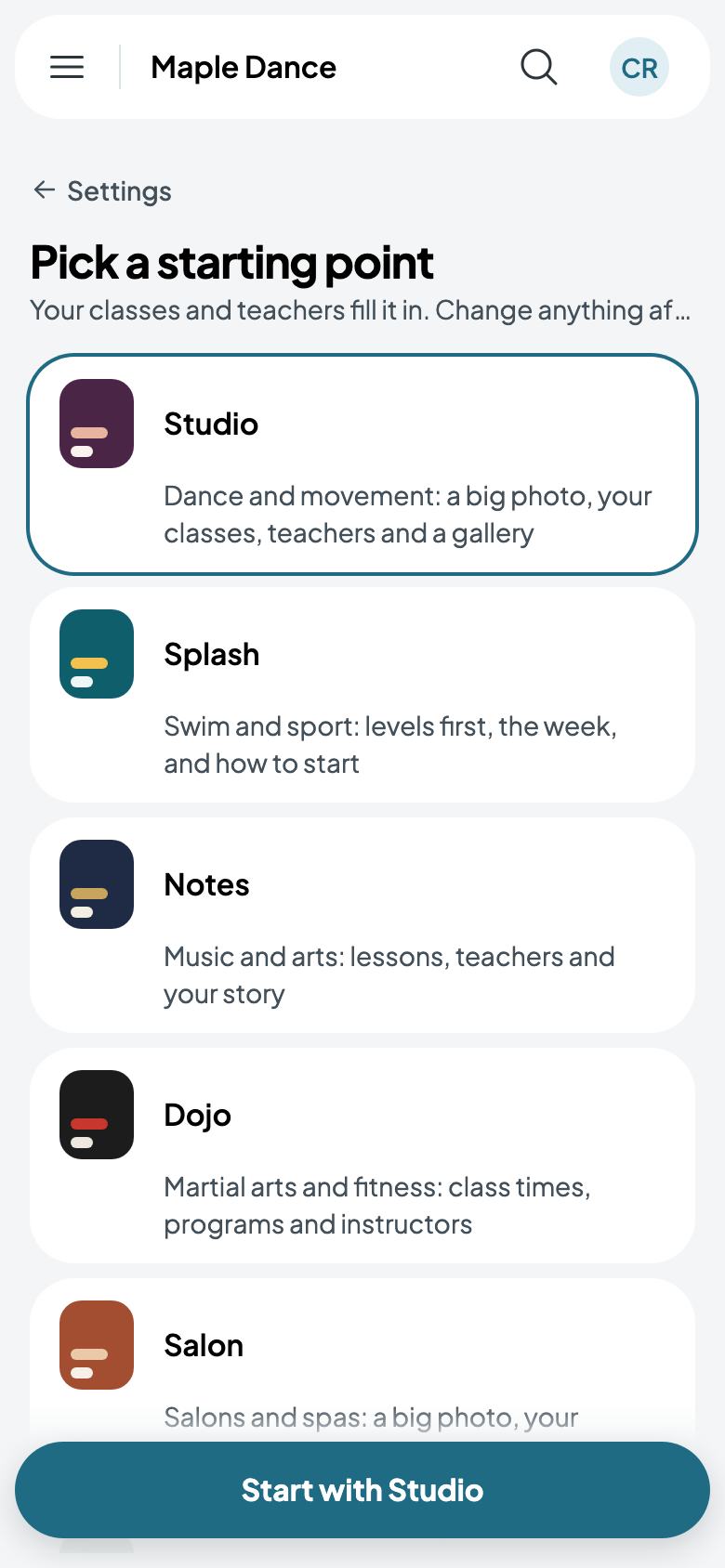
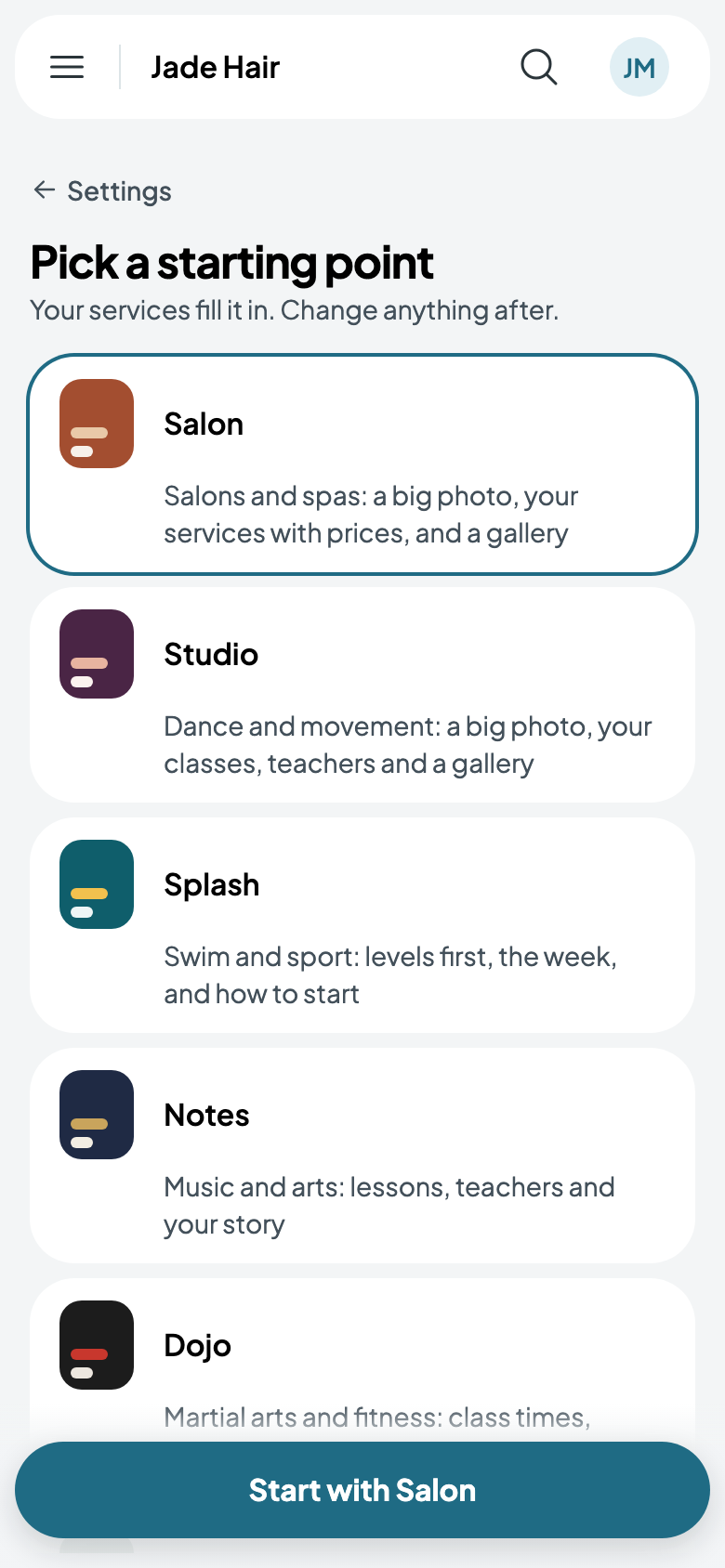
- Pick a starting point. The one made for what you run comes first: Studio for a dance studio, Splash for a swim school, Salon for a salon or spa, Venue for rooms to rent, Play for parties, Stage for shows. What you offer fills it in; change anything after.
- Change any page, add your own, and give it your look.
- Tap Publish your site. Until then, visitors see that starting point, made from what you offer.
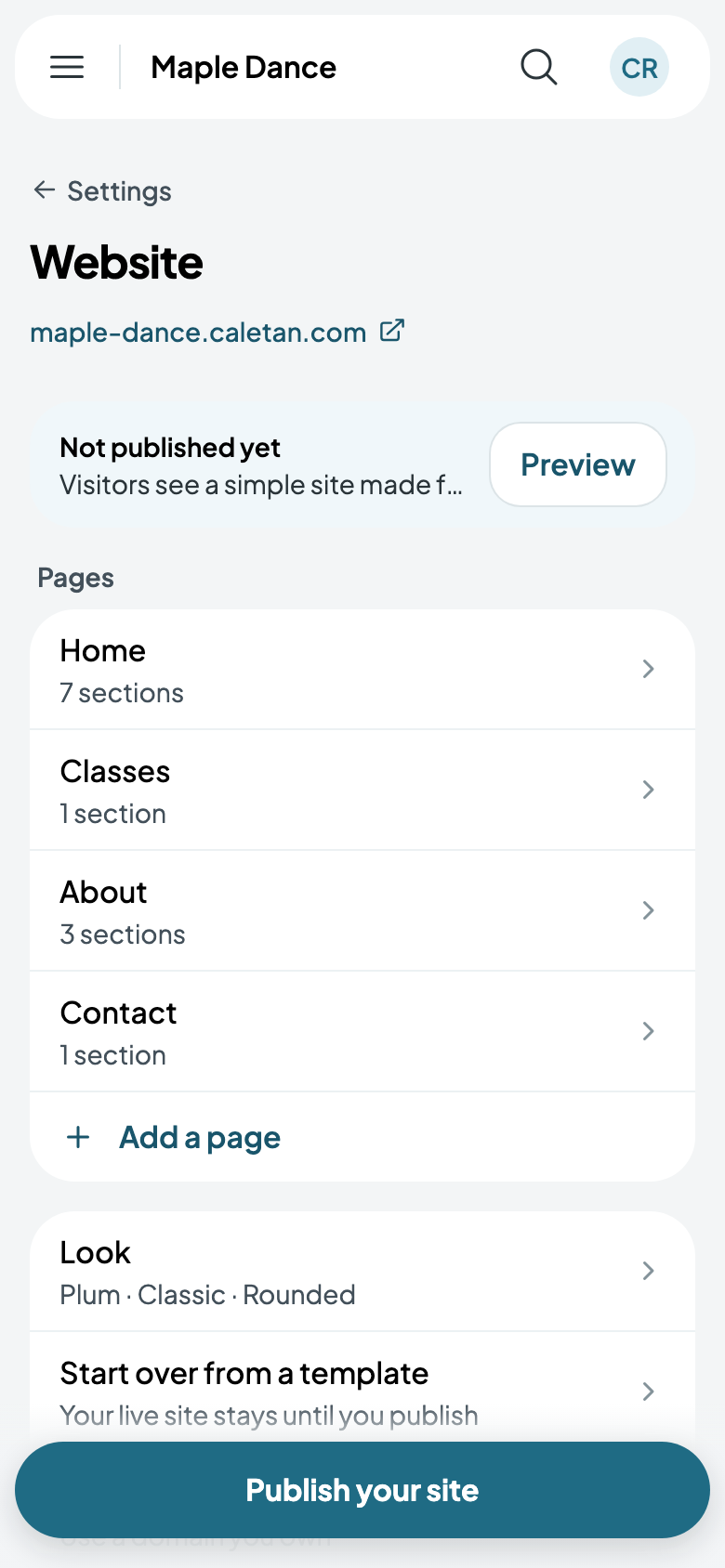
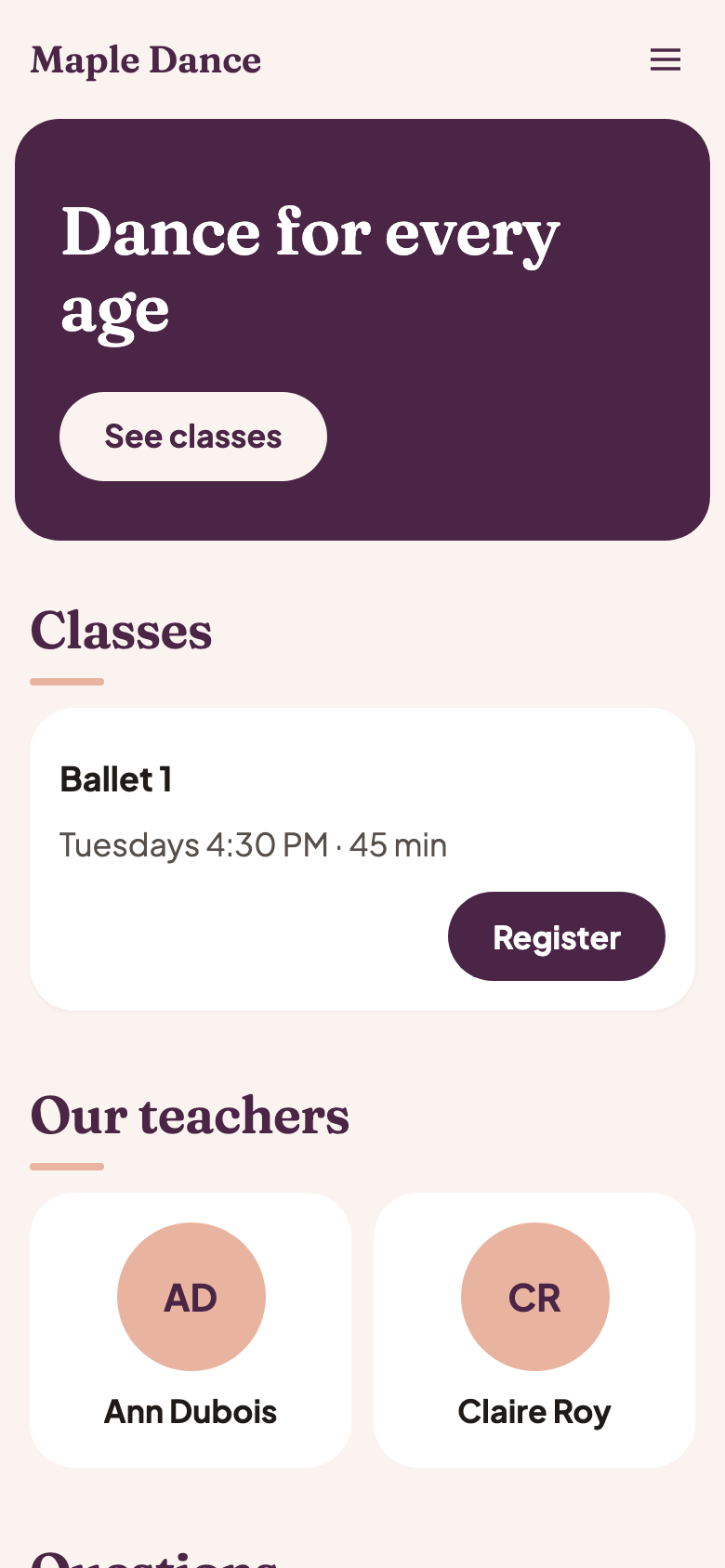
Its address is under Website: tap it to see the site as visitors do. Preview shows what you haven't published yet.
More in Your website: pages and sections, your colour and logo, and being found on Google.