Set up your business in ten minutes
Caletan is free to start, with no card. Start your business, say where you work, connect Stripe so you're paid, and publish your website; then add what people book.
Start your business
On caletan.com, tap Start free. Give your name, your business's name, what you run, your email and a password of 8 characters or more, then tap Get started, or Continue with Google instead.
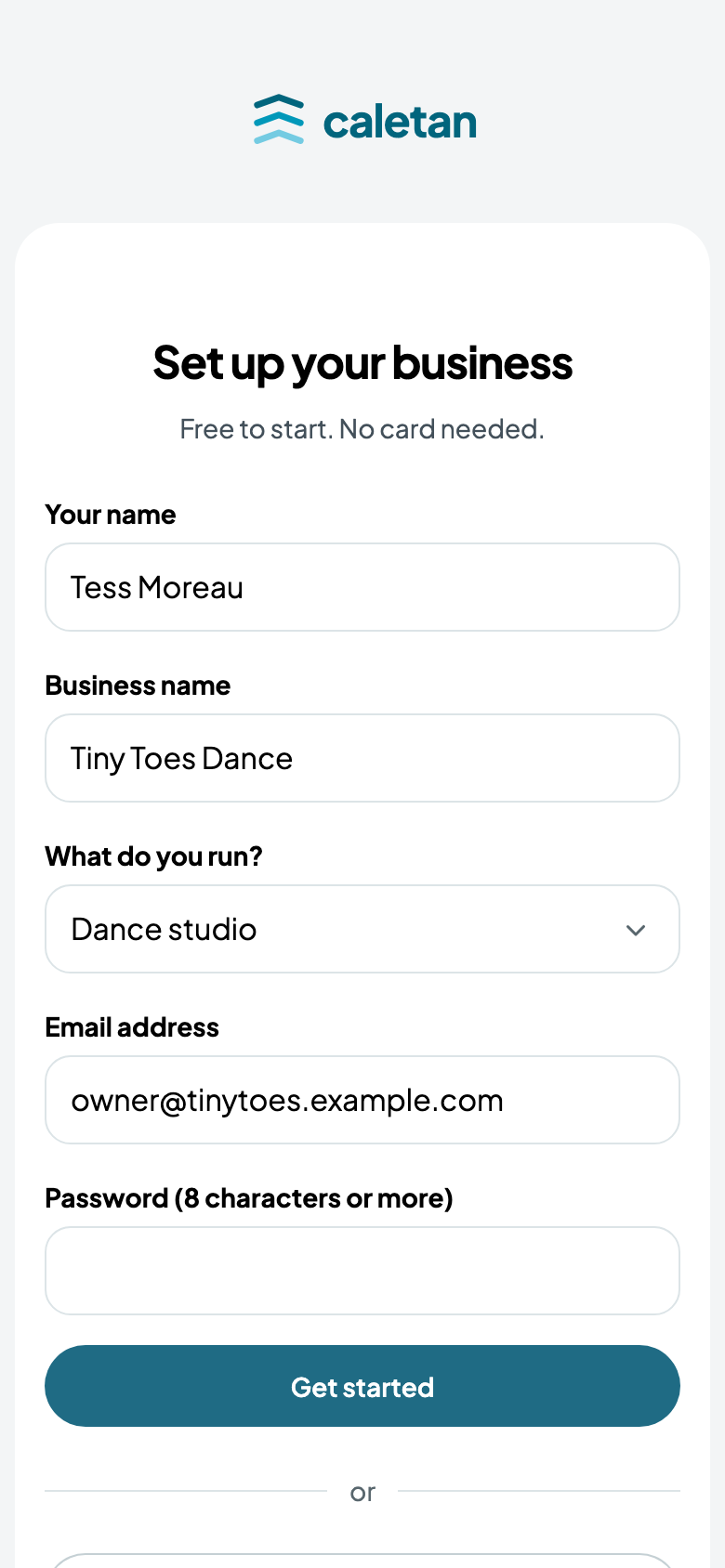
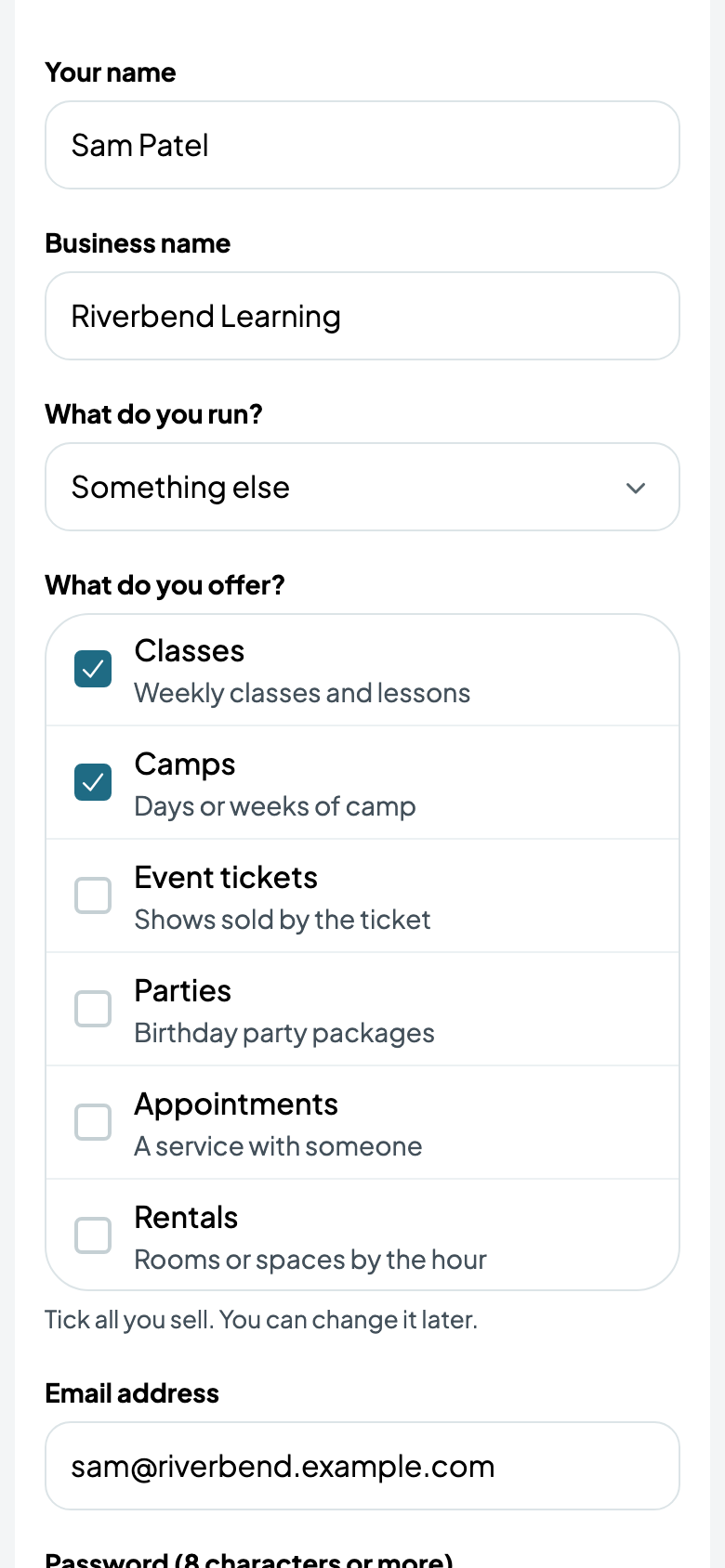
What you run decides what Caletan shows you: a dance studio sees its classes, a hair salon its appointments, a community centre its rooms for rent. Started from the page for your kind of business on caletan.com, it's already chosen. Not listed? Choose Something else, and tick what you sell. You can add the rest any time (below).
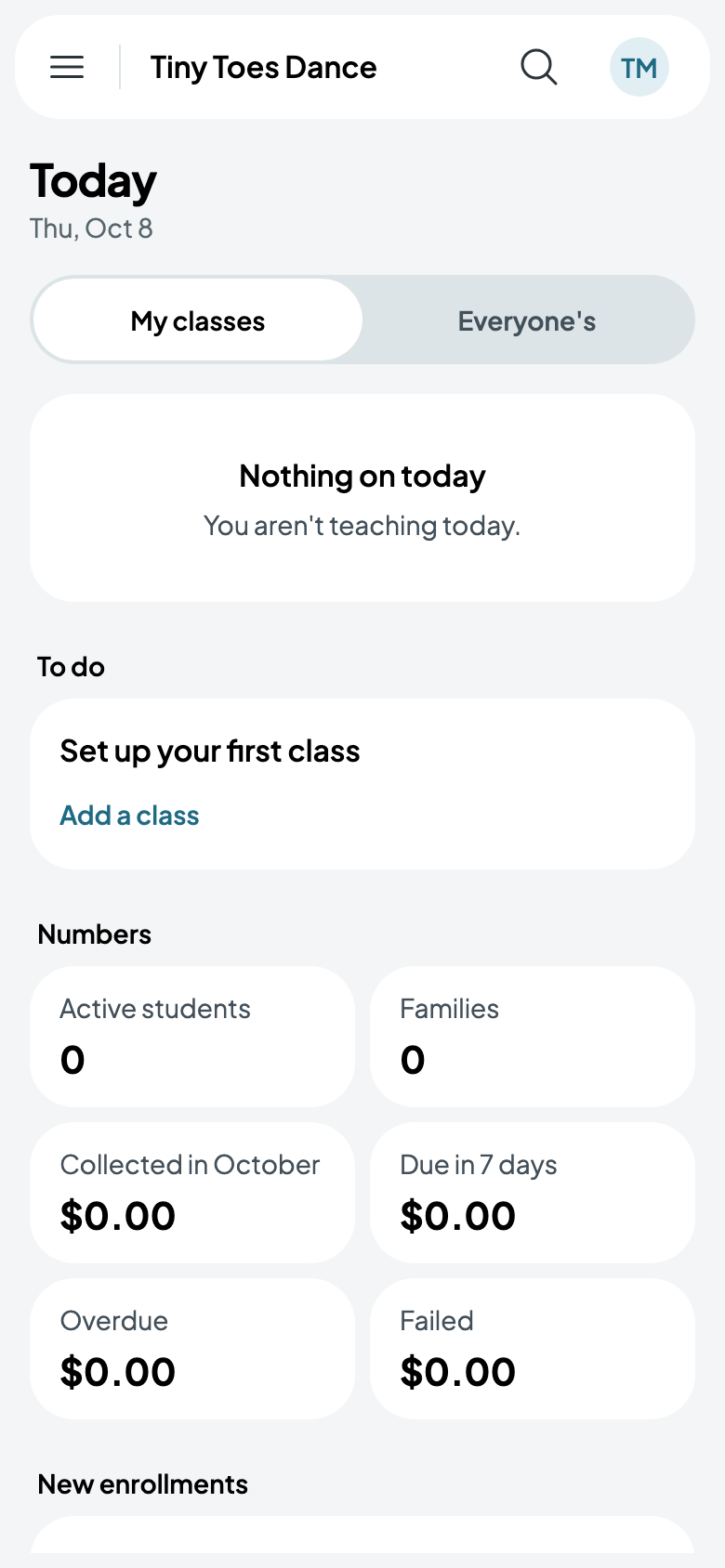
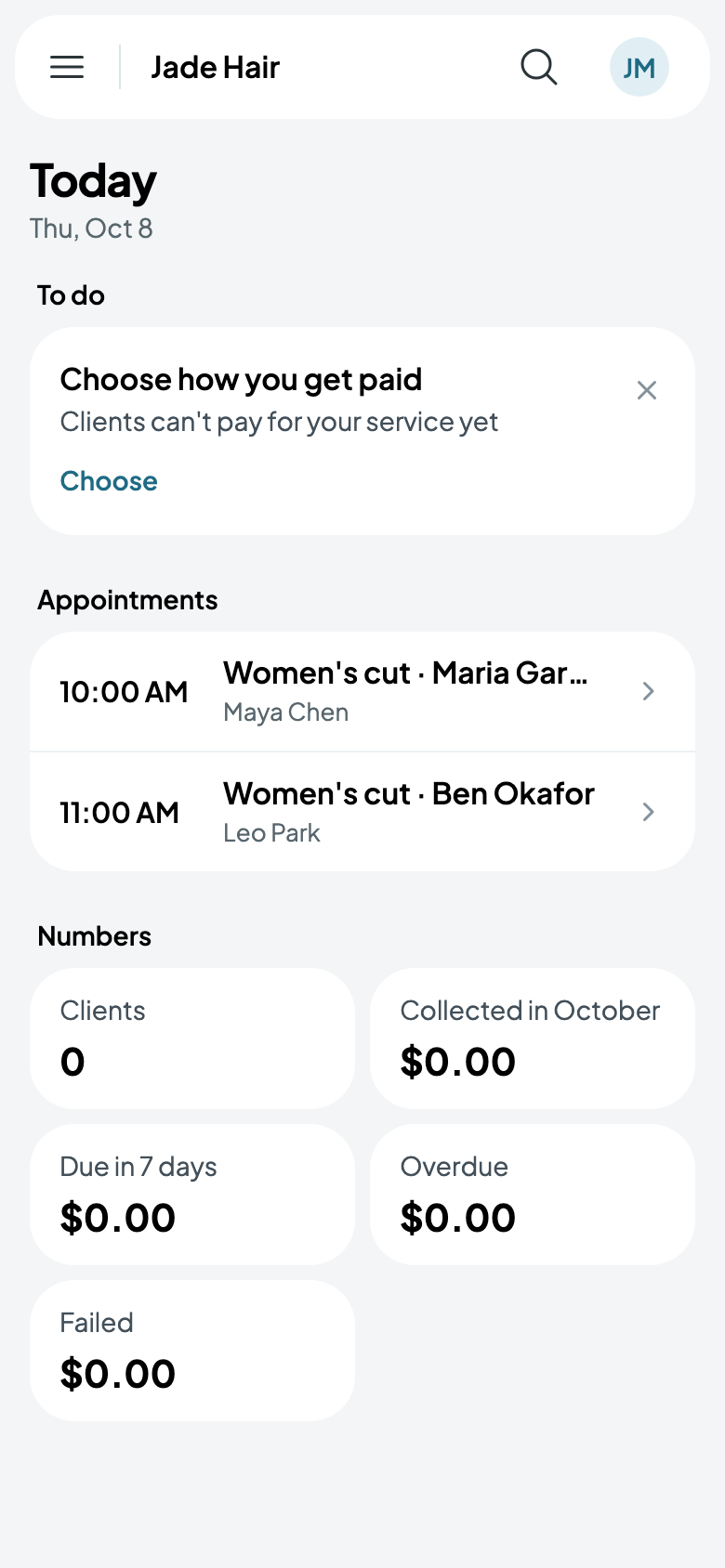
You land on Today: what's on, what to do next, and how the business is doing. It's where you start each day: the classes, then the appointments, parties, rentals and shows, each a tap from its page.
Finding your way
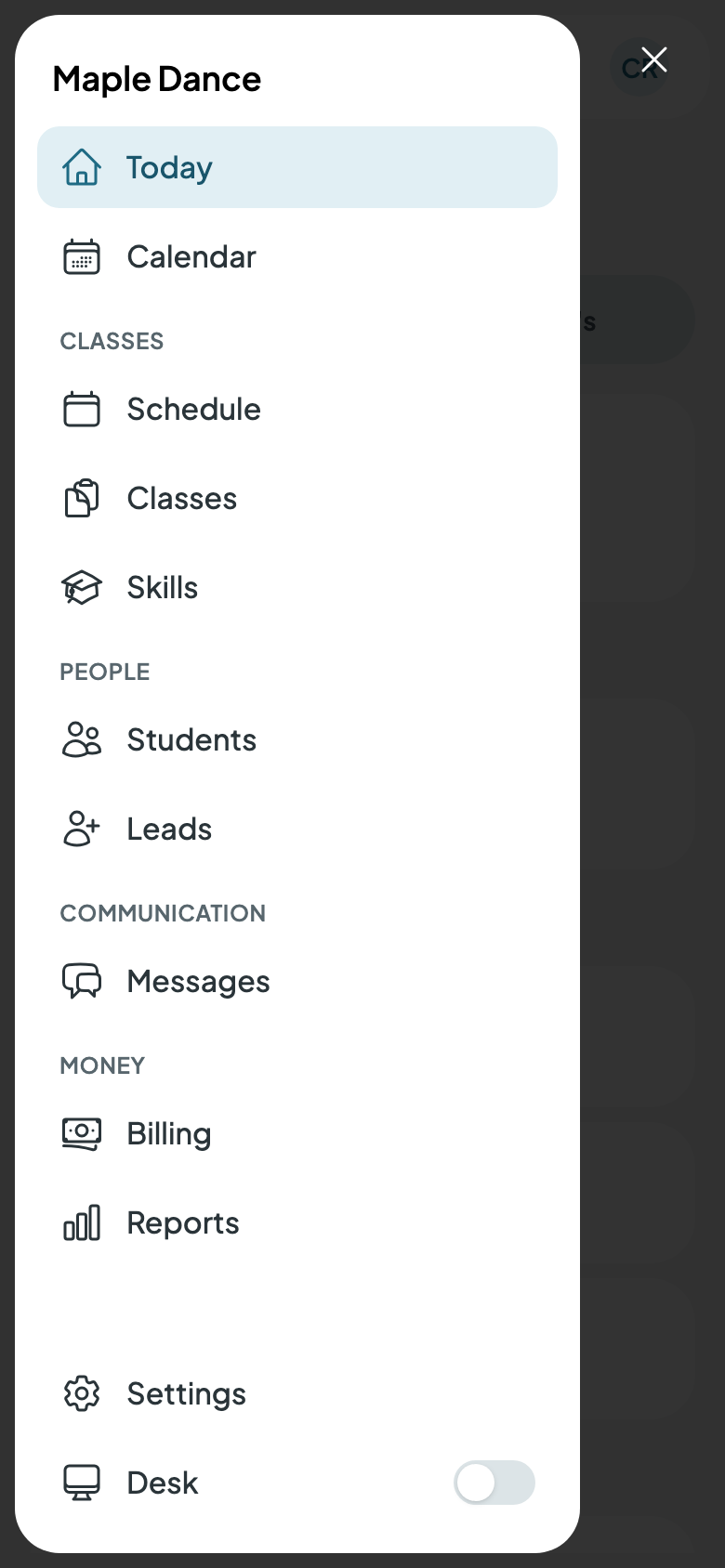
The menu is grouped by what the work is about: what you offer, your people, your messages, and money. On a phone, it's behind ☰ at the top left. It has only what you offer: a dance studio's classes, a salon's appointments.
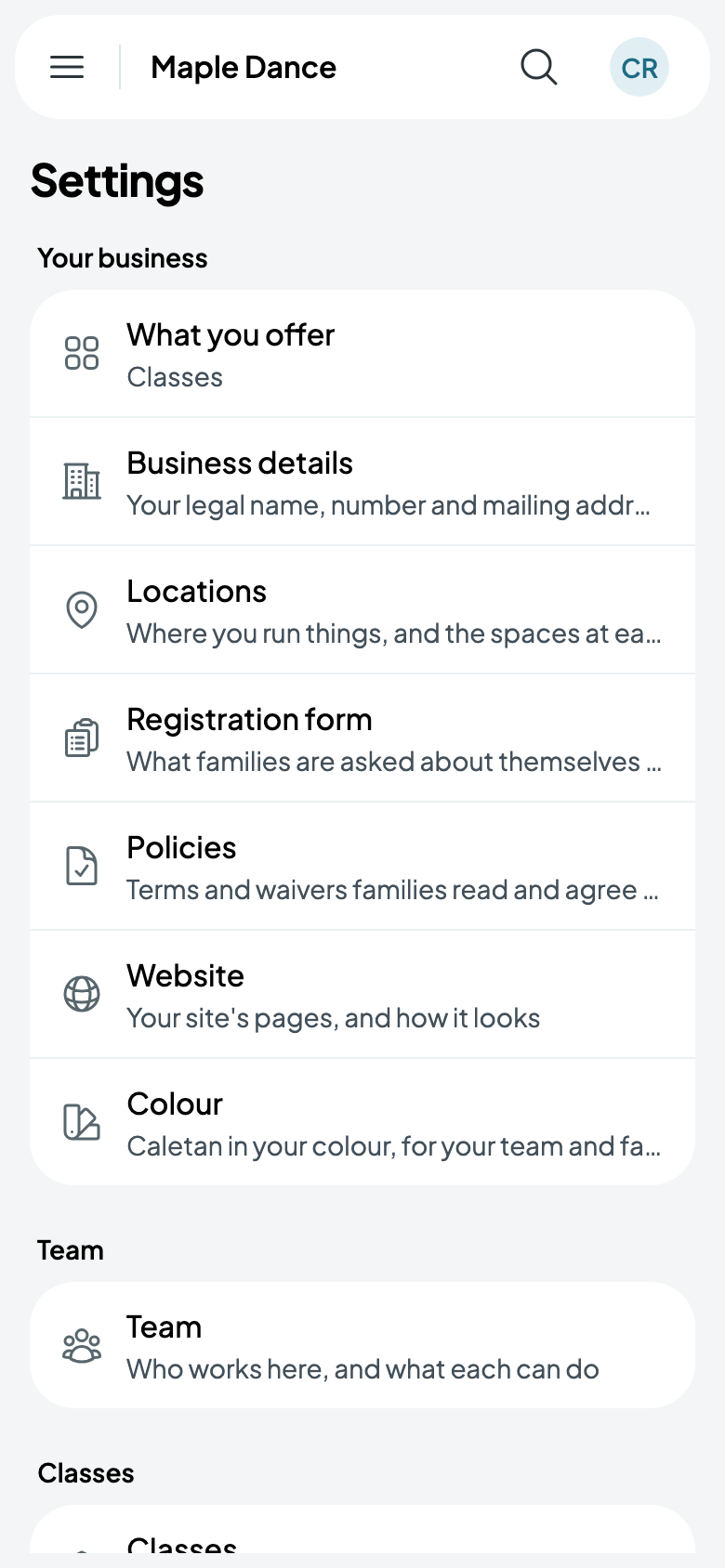
Settings is in the menu too, grouped by how you think of the business: your business, your team, your classes when you have them, money, and communication.
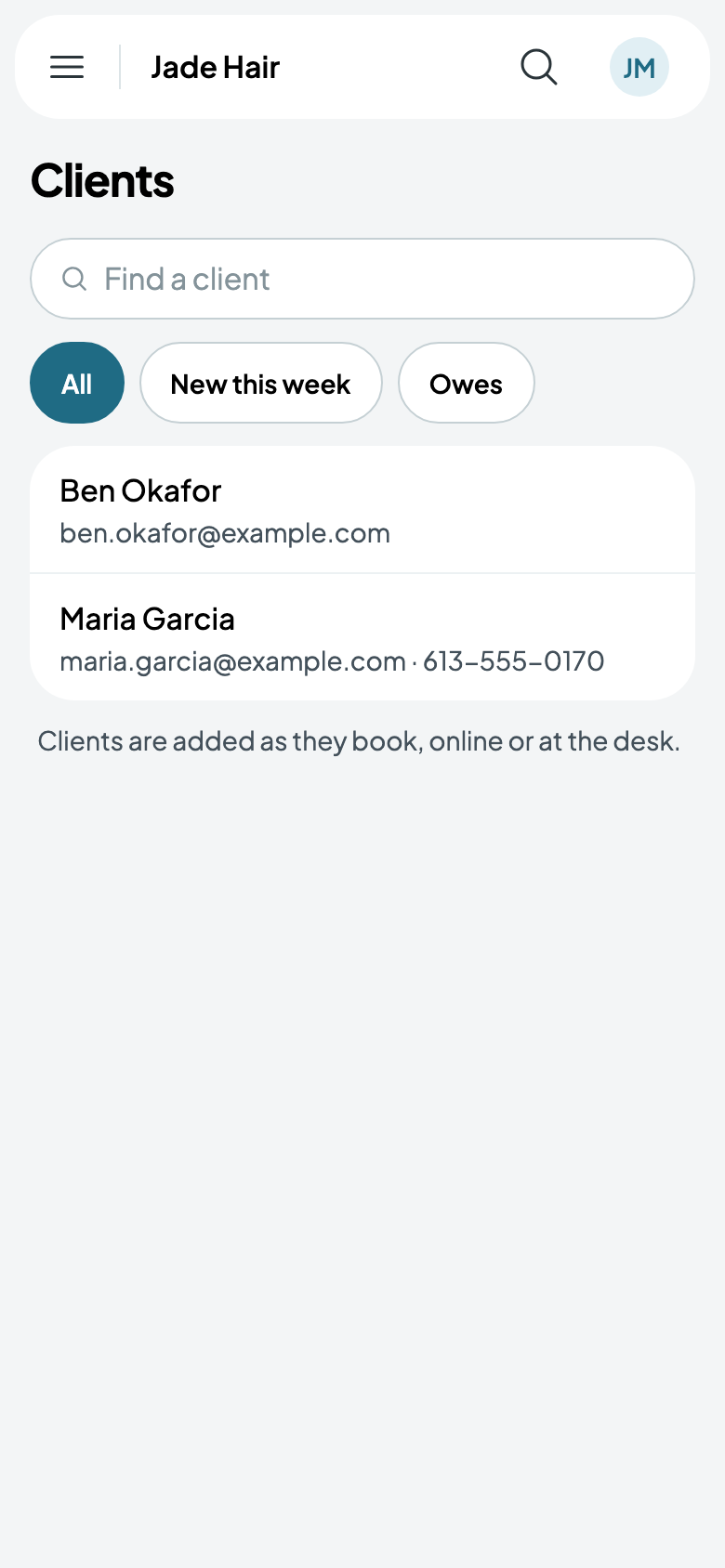
Your people are named as you'd name them: students and families at a studio, clients at a salon or a centre that rents rooms. Where you don't enrol students, Clients lists everyone who booked or signed up, as they book, online or at the desk.
What you offer
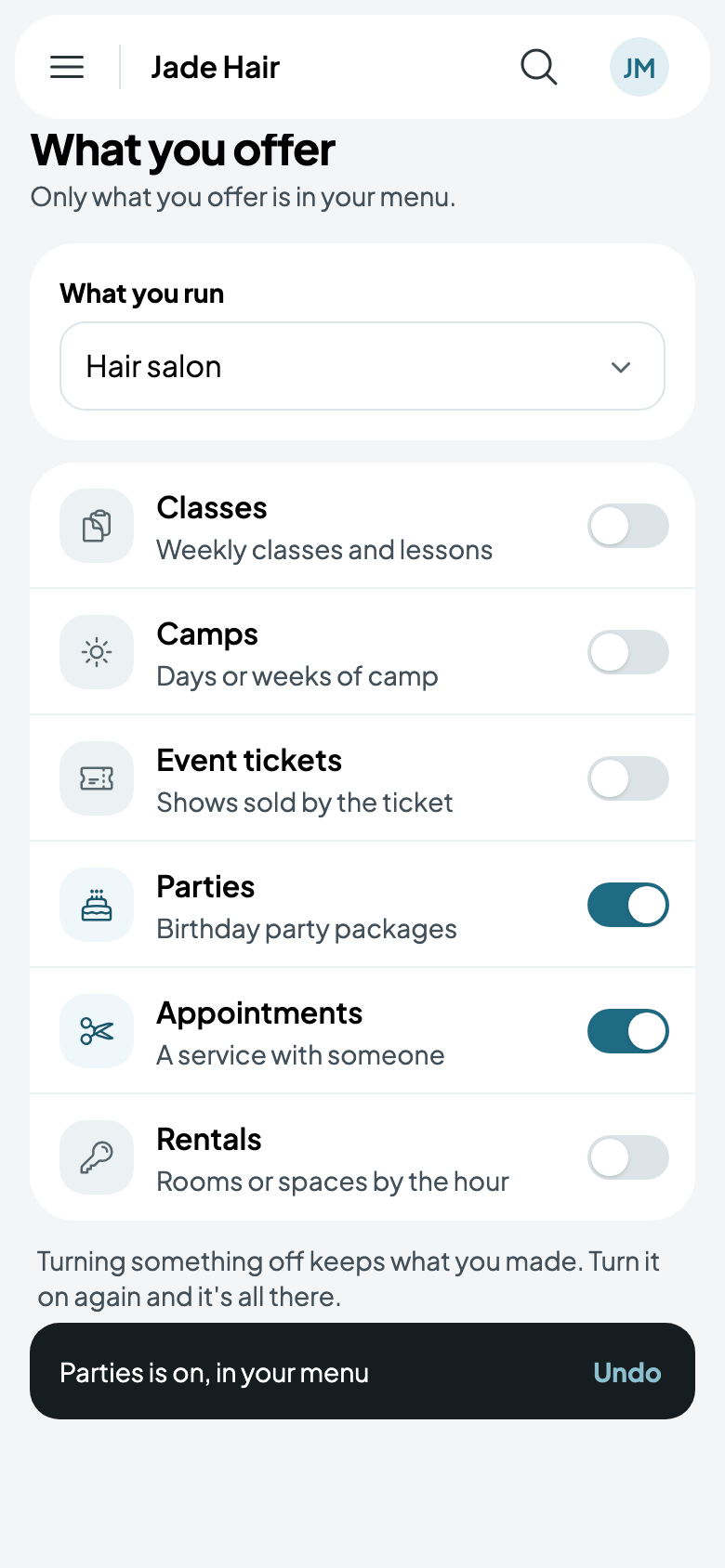
Selling something more, such as birthday parties or rooms by the hour? Open Settings › What you offer and turn it on: it's in your menu at once. Turning something off takes it out of your menu and keeps everything you made, for when you turn it on again. What you run can be changed there too.
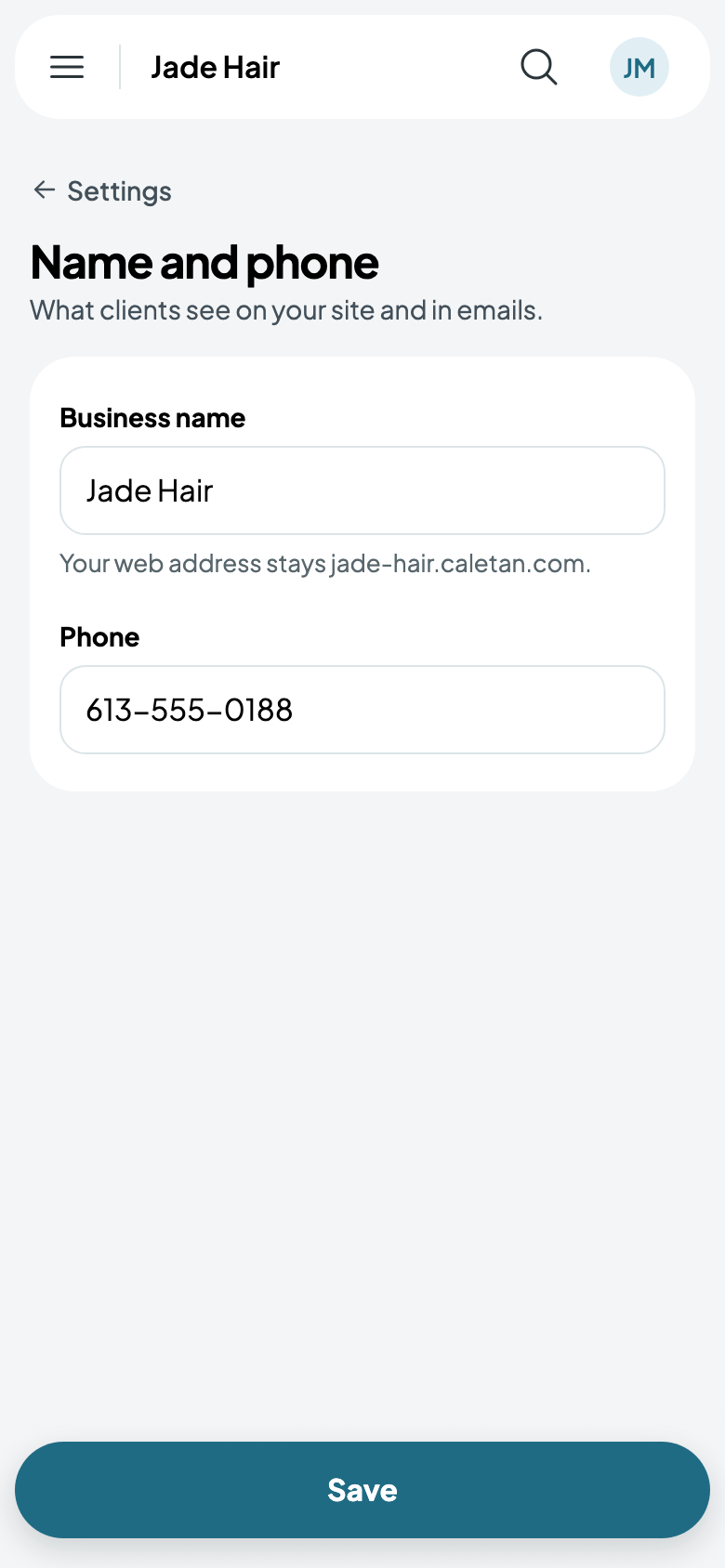
Your name and phone
What people see of your business, on your site and in your emails, is under Settings › Name and phone. Renaming it never changes your web address.
Until you're set up, Today has a card for the next thing to do, for what you offer: your first class, service, room, party package, camp or event, how you get paid, where you are, your phone, your hours, your team, your policies and your website. Each leads where it's done.
Then, in order
- Your locations and rooms: where you work, so each room is booked once at a time.
- Getting paid with Stripe: so people pay by card when they book.
- Your website and its address: where people find you and book.
- What people book: classes, camps, appointments, rooms, parties or events.
- Your staff, each with what they can do.