Your data, and closing your business
Everything your business keeps on Caletan is yours, to take with you at any time.
Download everything
- Go to Settings, then Your data. Only the owner sees it.
- Tap Download everything.
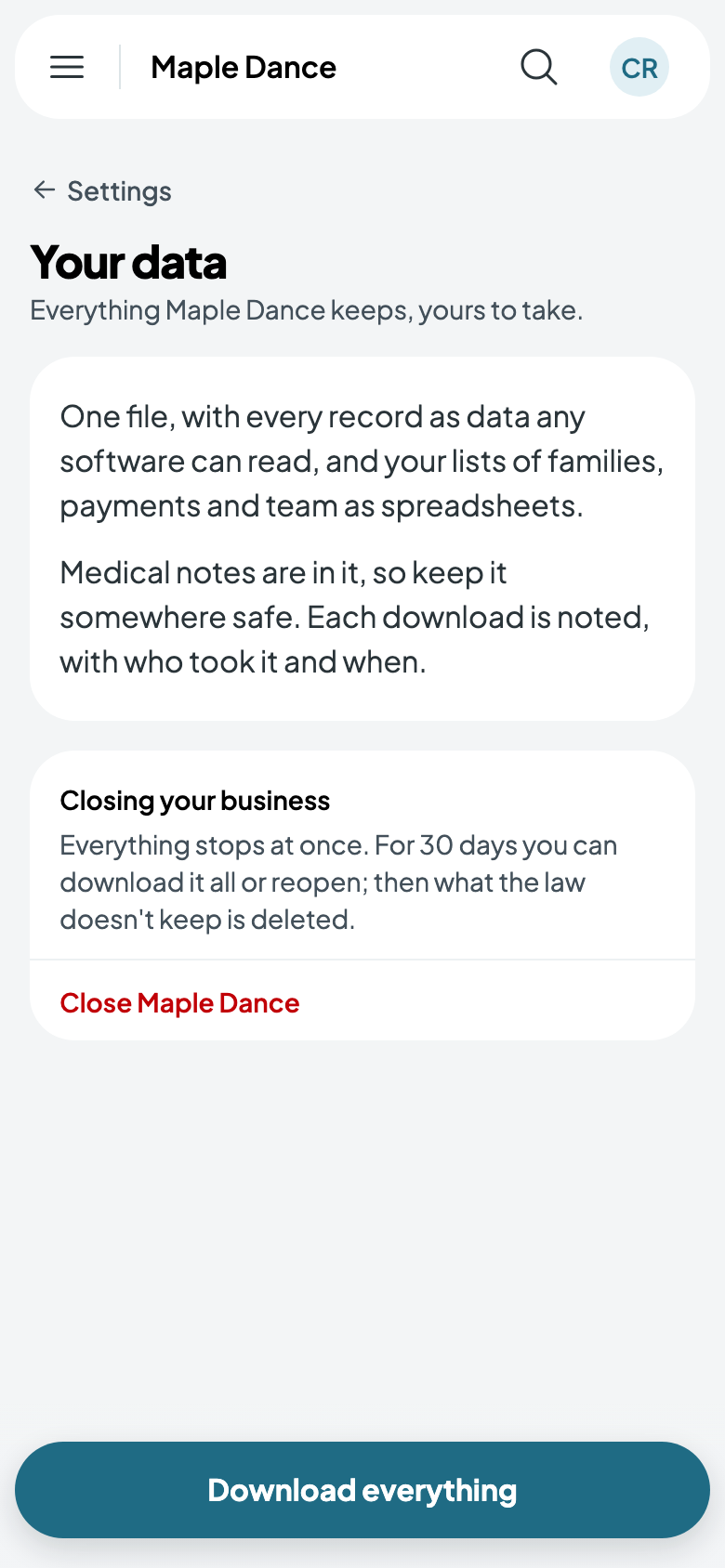
You get one file, named for your business and the day. Inside it:
- data: every record, a file for each kind (your classes, bookings, families, bills, messages and the rest), as data any software can read.
- spreadsheets: your lists of families, payments and team, to open in a spreadsheet app.
Medical notes are in it, so keep it somewhere safe. Each download is noted, with who took it and when.
A family's own information
A family can take a copy of everything you keep about them, at any time: on your site, they open their menu and tap Download your information. It has their details, their children's, their bookings, bills and payments, and their messages, and nobody else's. Your own notes about them aren't in it.
When a family asks you for it instead, open their page under Students and tap Download their information. Your notes about them are in this one, so read it before you send it on.
Closing your business
- Go to Settings, then Your data, and tap Close with your business's name, at the bottom.
- Read what happens, type your business's name, and tap Close.
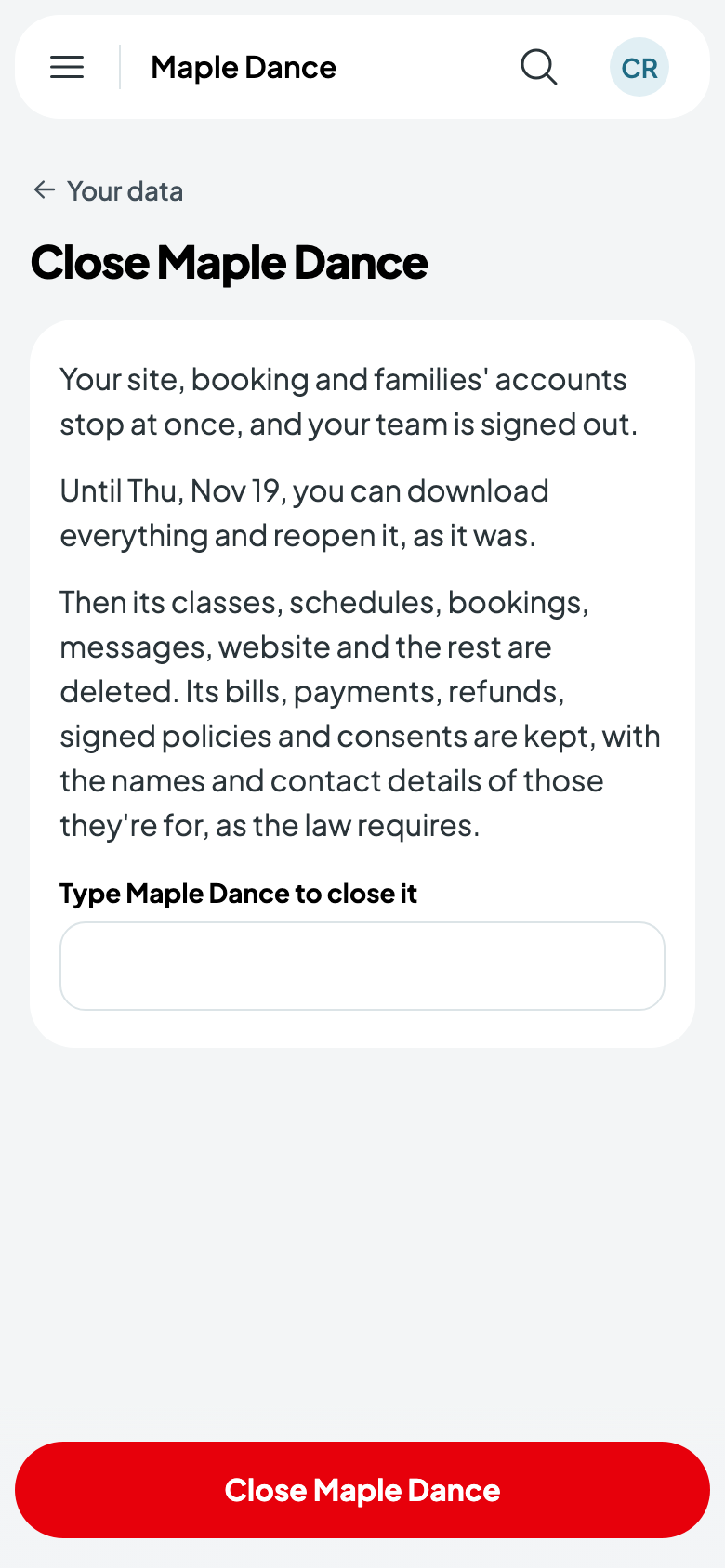
Everything stops at once: your site and booking, your families' accounts, and your team, who are signed out. You get an email saying so.
For 30 days you can still sign in, download everything, or tap Reopen to carry on as you left it.
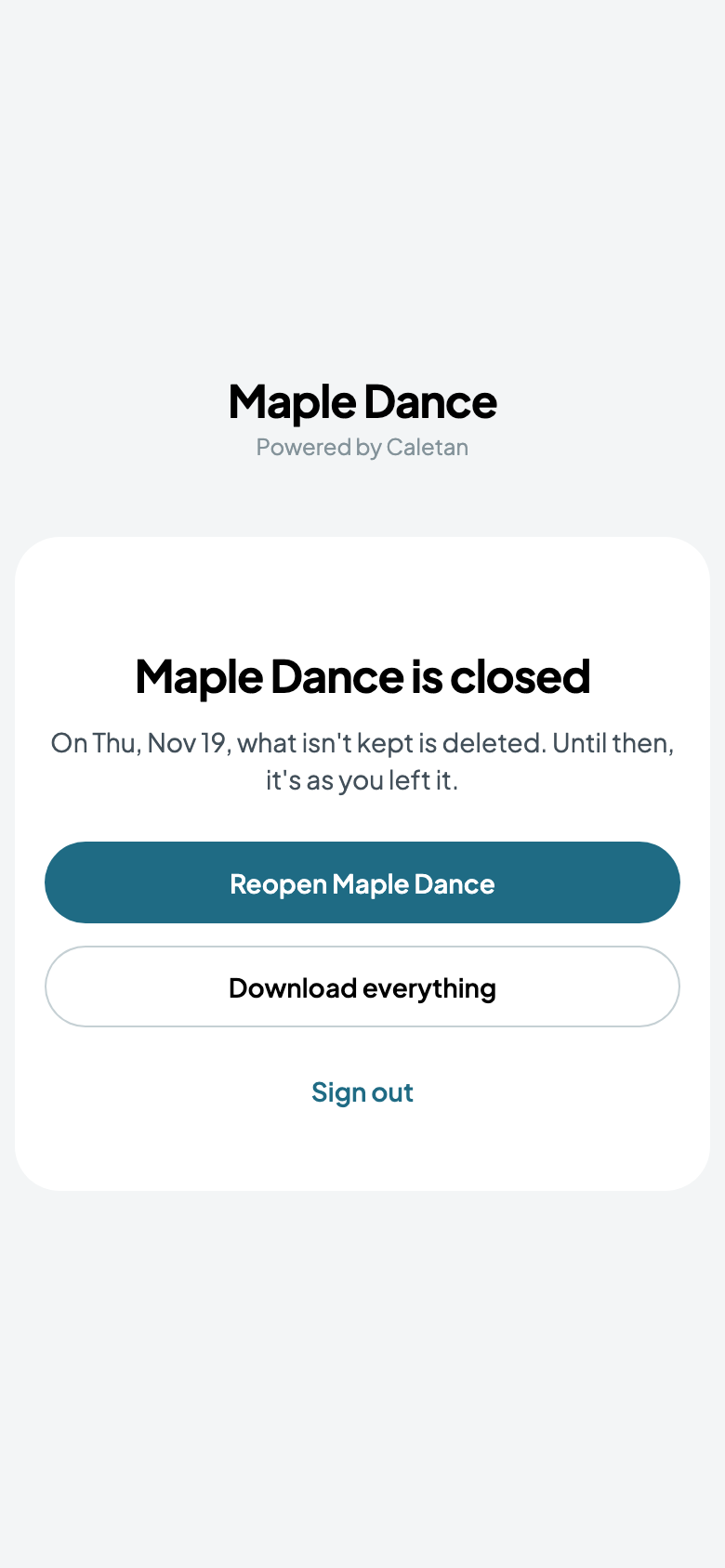
After 30 days, your classes, schedules, bookings, messages, website and the rest are deleted for good. The law keeps some things longer, so Caletan keeps them: your bills, payments and refunds, signed policies and consents, with the names and contact details of those they're for.