Products you sell
Tights, a water bottle, a costume, a gift card: anything you sell beside your classes and bookings is a product. Set each one up once, then sell it at the desk, add it to a walk-in, or let families add it to a registration at checkout. Every sale is a bill of its own, or a line on the bill it was bought with, and it counts as sold once it's paid.
Add a product
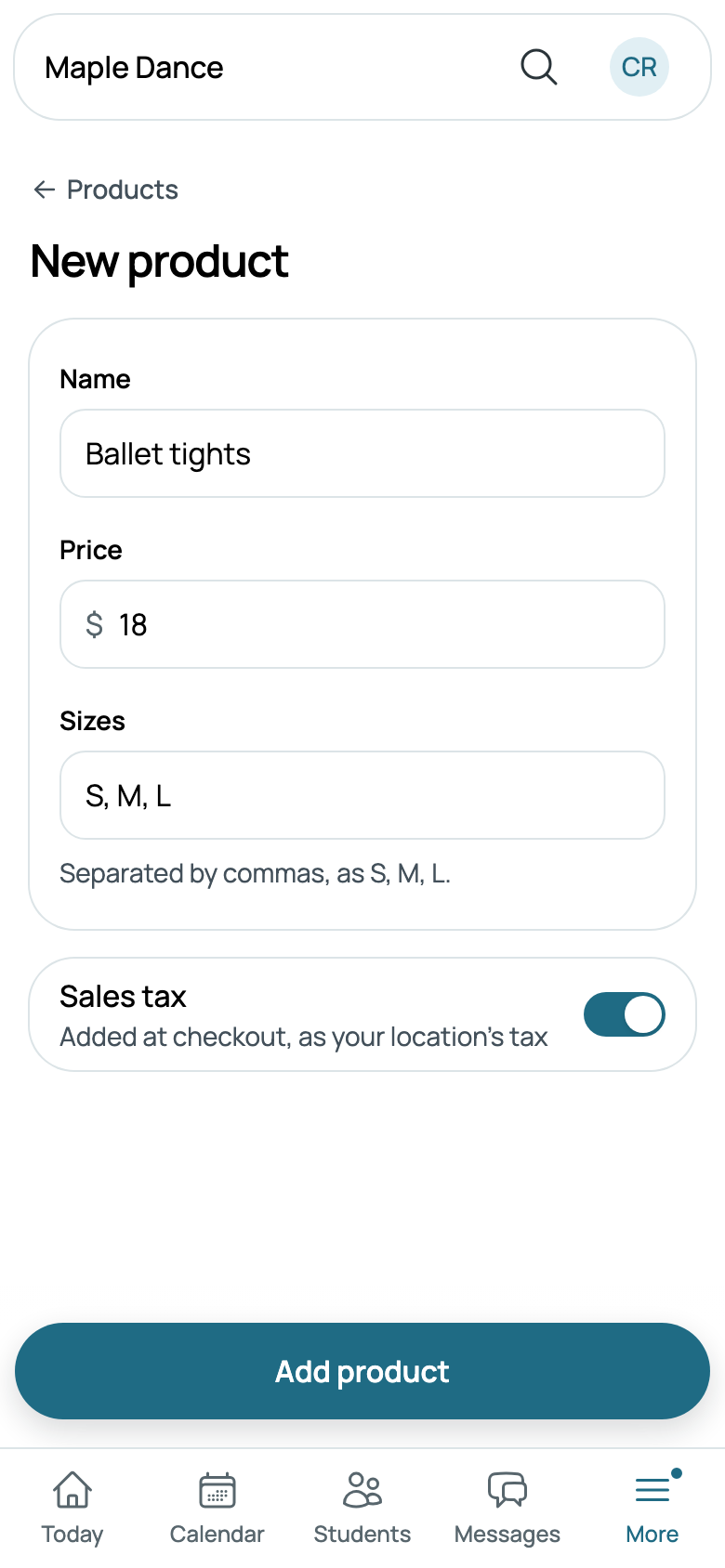
Go to Settings, then Products, under Money, and tap New product. Give it its Name, its Price, and, if it comes in sizes, its Sizes, separated by commas, as S, M, L. Leave Sizes empty for one size.
Sales tax is on to start: the tax of the location where it's sold is added, as it is for a class. Turn it off for something sold without tax, such as a gift card.
Once it's added, open it again to give it a Picture, which families see at checkout. Its row says its price, its sizes and when no tax is added.
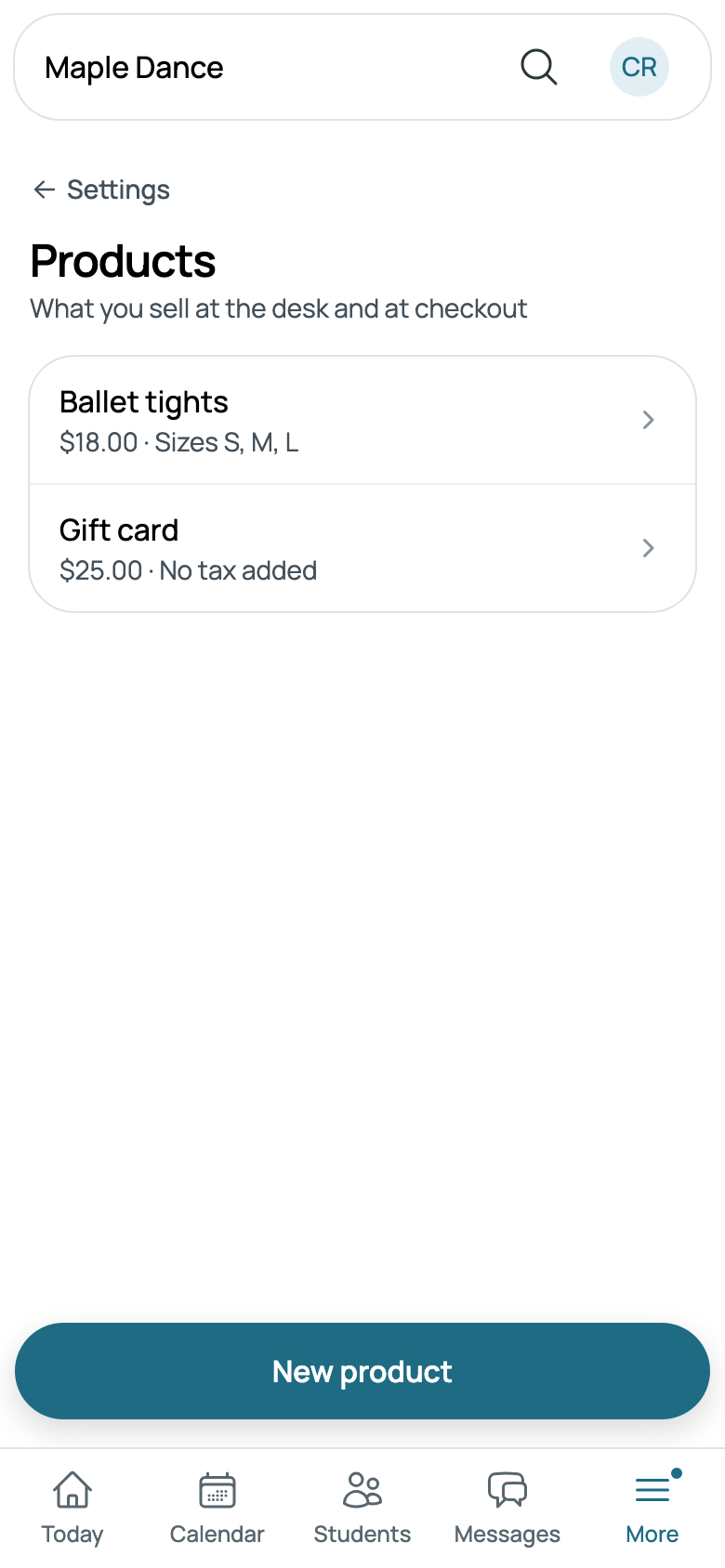
To stop selling one, open it and turn off On sale: bills it's on keep it. A product that's never been sold can be deleted at the foot of its form; one on bills stays, and its form says so, with Take it off sale.
Sell at the desk
On Front desk, tap Sell, beside Walk-in. A family's or a student's Billing has Sell a product, and New charge in Billing shows your products to sell instead. Choose who's buying, then how many of each product, and its size where it has sizes. The total says the tax, and Paid by is how they pay: cash, your card reader, or a card taken some other way.
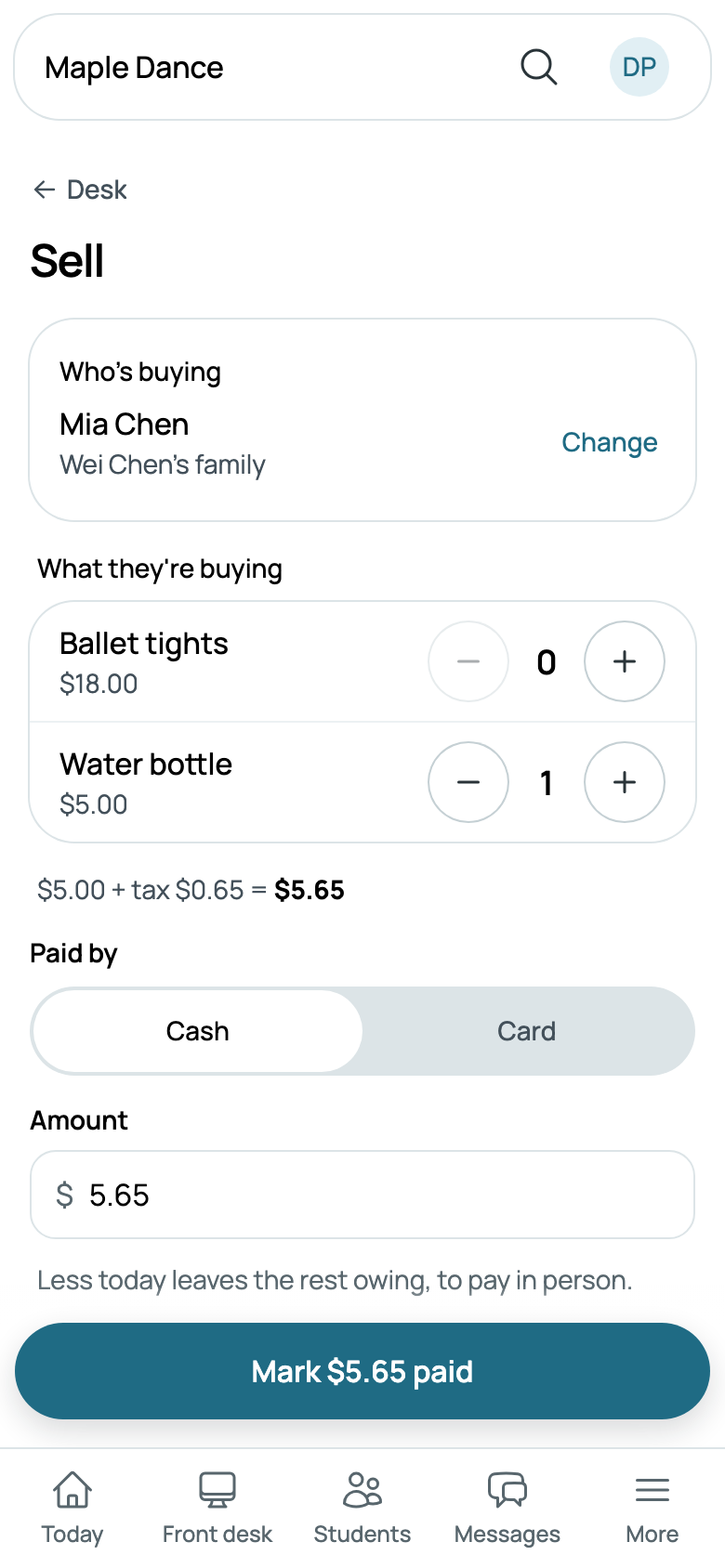
Tap Mark $5.65 paid, or Take $5.65 on your card reader. Less than all of it leaves the rest owed on their bill, to pay in person. Nothing paid now makes the button Sell · $5.65 owed.
With a walk-in
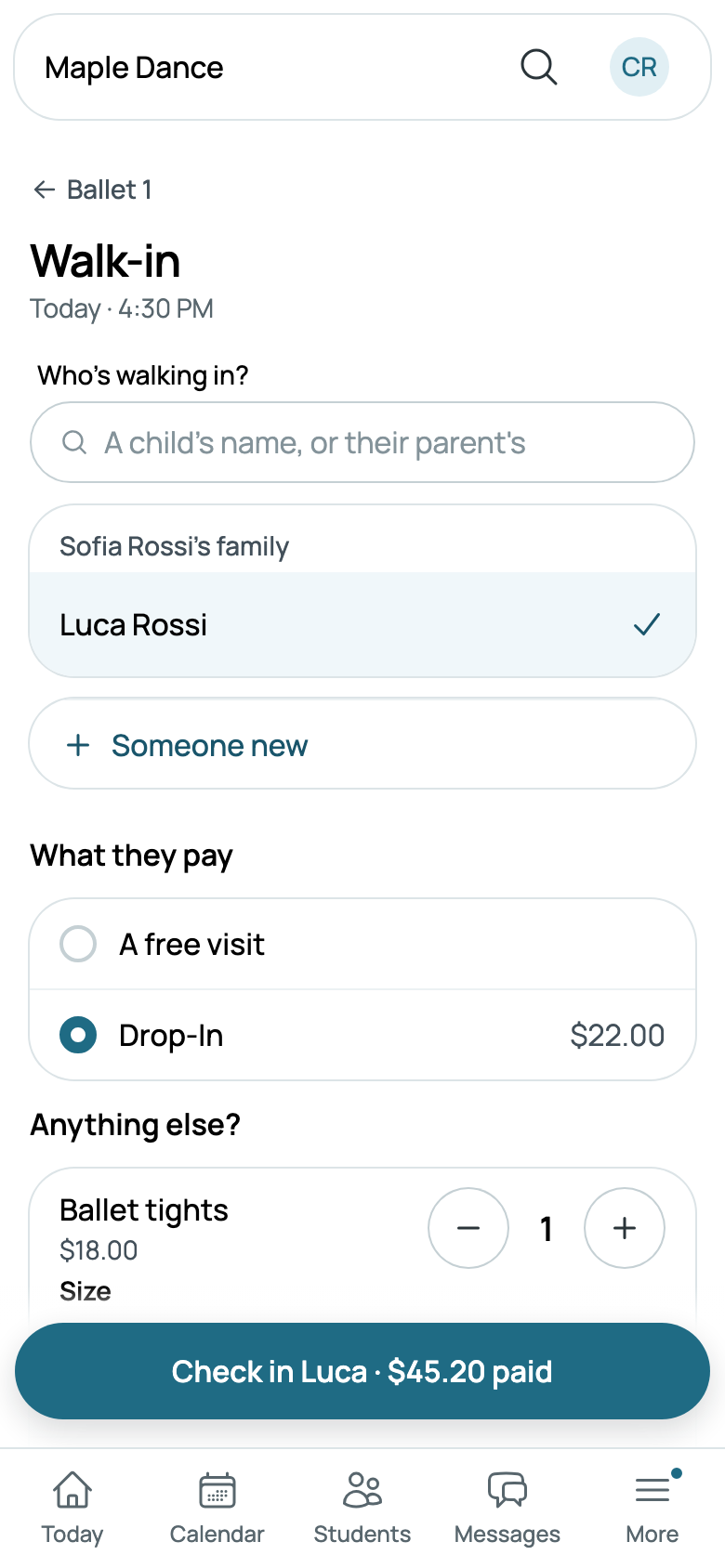
When someone walks in, Anything else? under what they pay lists your products. What they choose goes on the same bill as their drop-in, and the total and the button add it up. With a free visit, what they buy is a bill of its own, paid the same way.
At checkout
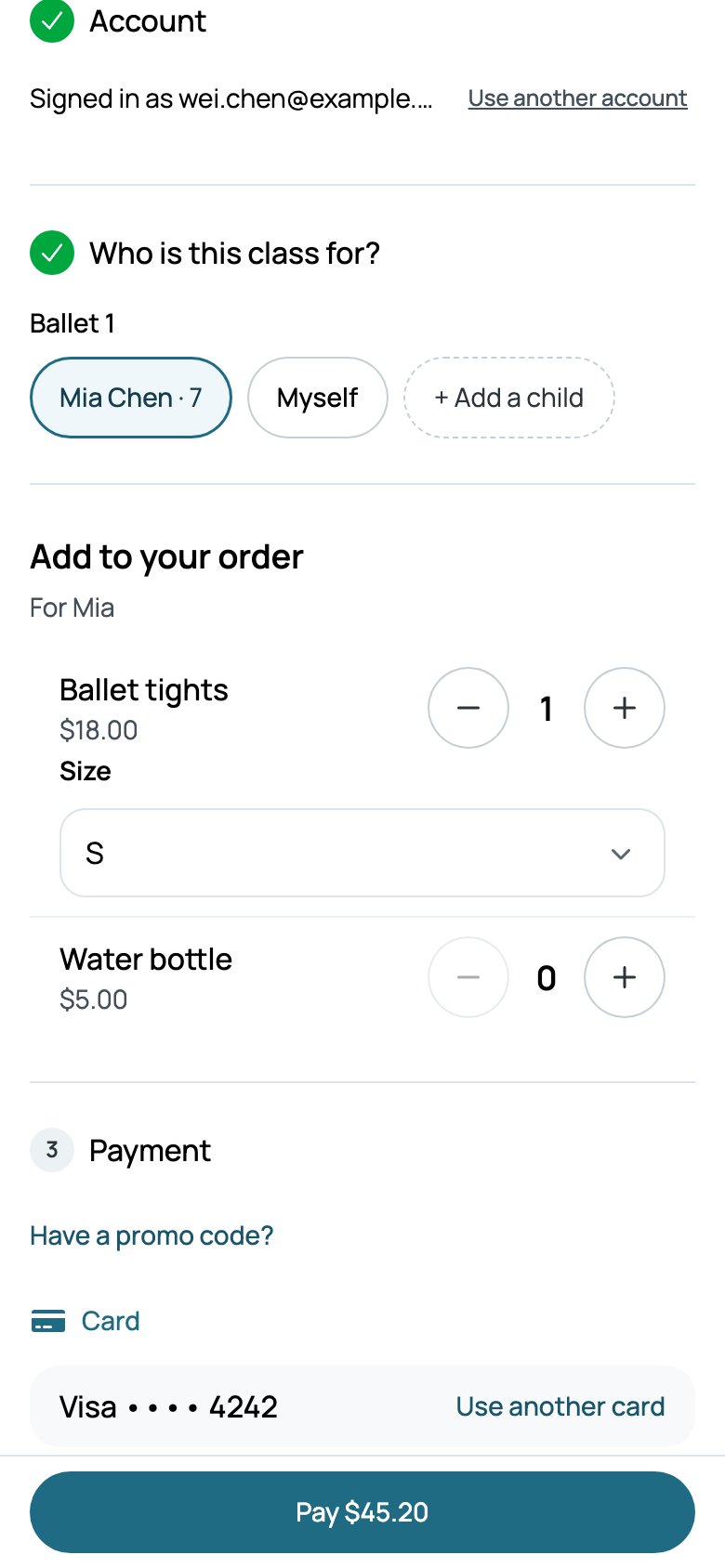
When a family registers on your site, Add to your order shows what's on sale, with each one's picture. What they add is for the child they're registering, a line of its own on the bill, never discounted, and taxed where the class meets.
What's sold is counted on each product's page, and its money is in Reports, under Store.